iPad Pro/Air ケース
 ギャラクシータブケース
 磁気式iPadキーボード
 Xiaomi Pad ケース
 タブレットアクセサリー
 iPhone 18シリーズ
 iPhone 17シリーズ
 iPhone 16シリーズ
 iPhone 15シリーズ
 iPhone 14シリーズ
 iPhone 13シリーズ
 ギャラクシー Z フォールド & フリップ シリーズ
 ギャラクシー S26 シリーズ
 ギャラクシー S25 シリーズ
 ギャラクシー S24 シリーズ
 ギャラクシー S23 シリーズ
 Google Pixel 11シリーズ
 Google Pixel 10 シリーズ
 Google Pixel 9 シリーズ
 シャオミシリーズ
 OnePlusシリーズ
 オッポシリーズ
 Vivoシリーズ
 ファーウェイ ホ Honor シリーズ
 ナッシングシリーズ
 iPhoneシリーズ
 サムスン ギャラクシー シリーズ
 Google シリーズ
 Xiaomiシリーズ
 OPPOシリーズ
 折りたたみ式キーボード
 スピーカー
スピーカー
 ラップトップ
 健康
健康
 マグネットウォレットスタンド
 RayDock 充電ドック
 充電器とケーブル
 電話スタンド&マウント
 車の充電
車の充電
 ホットセール 🔥

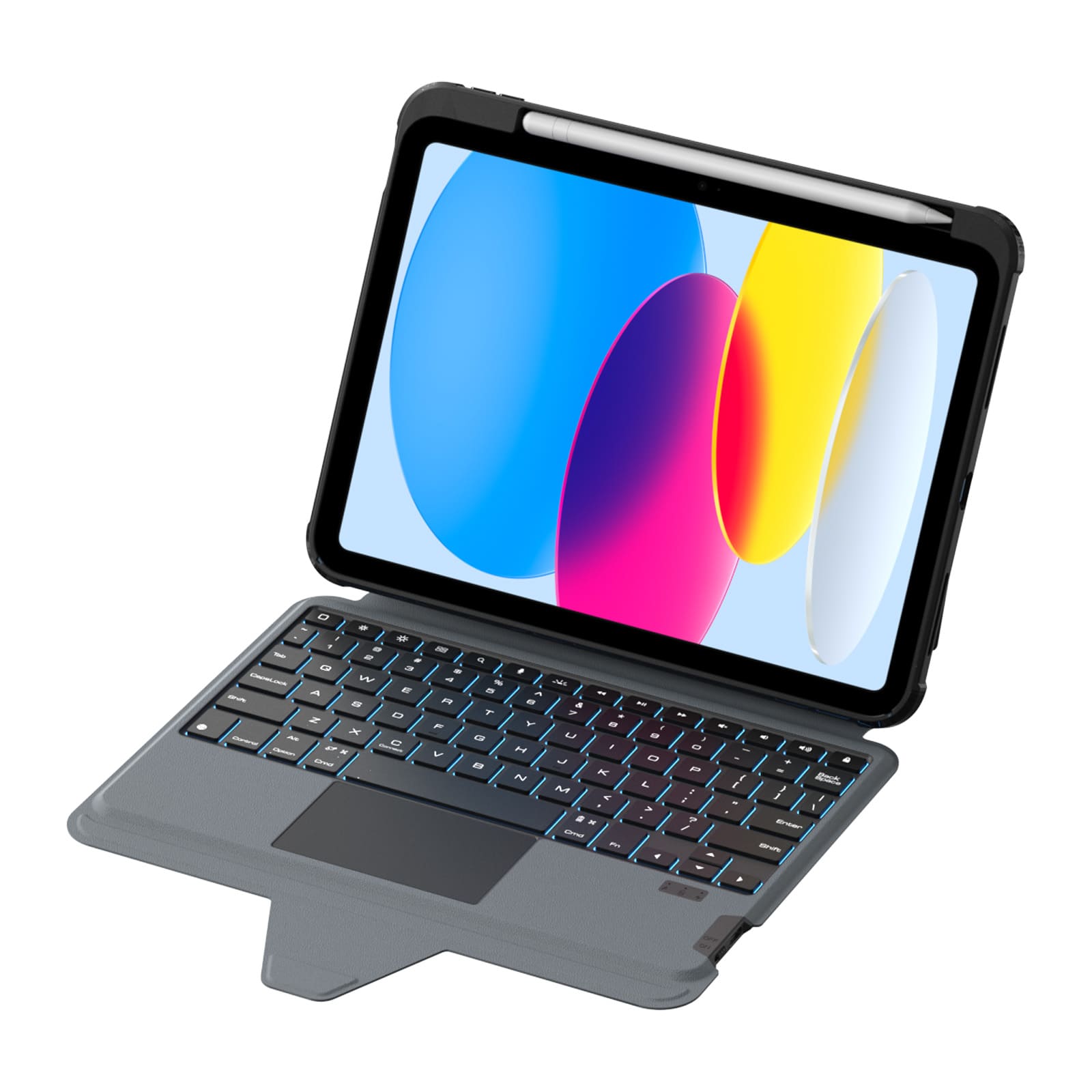
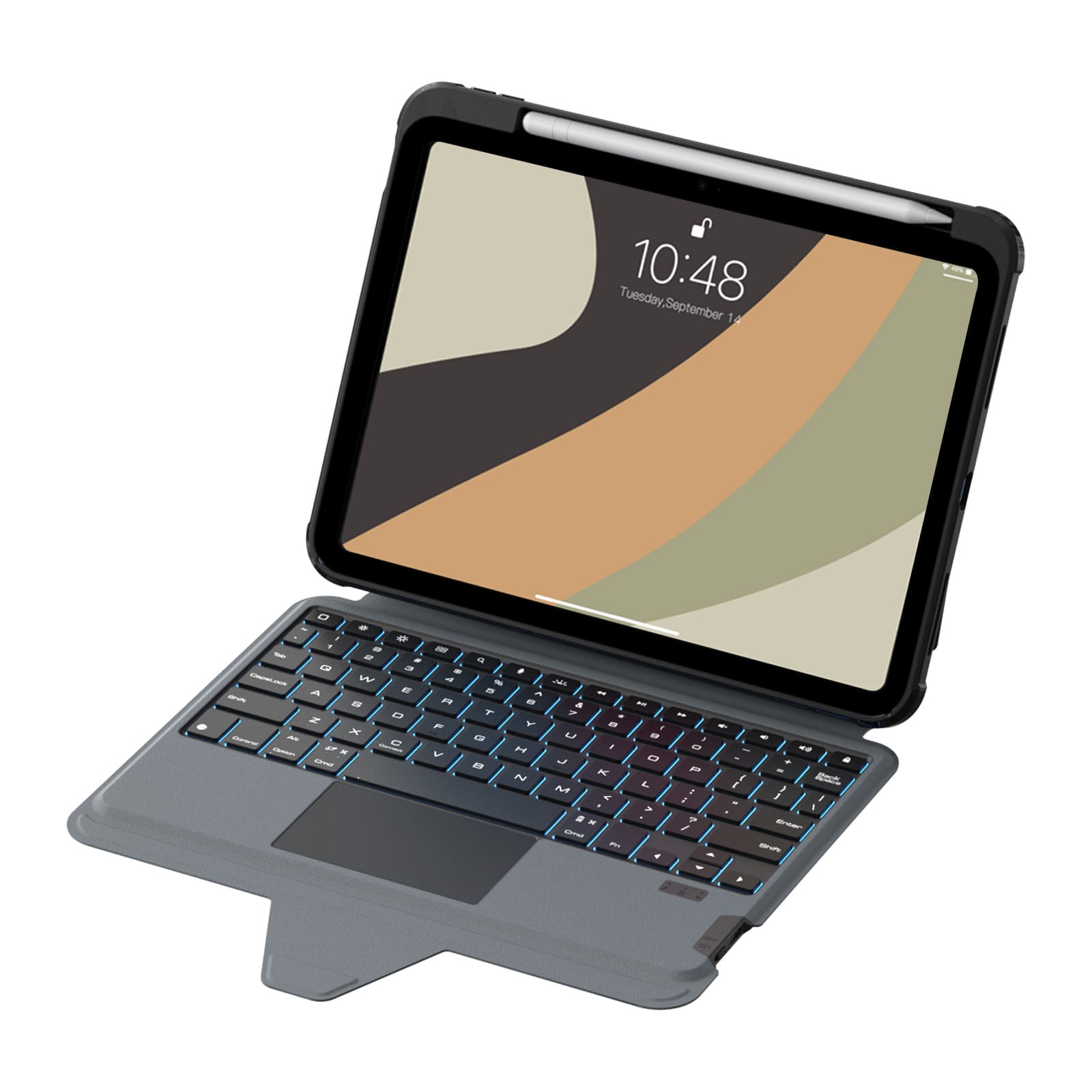
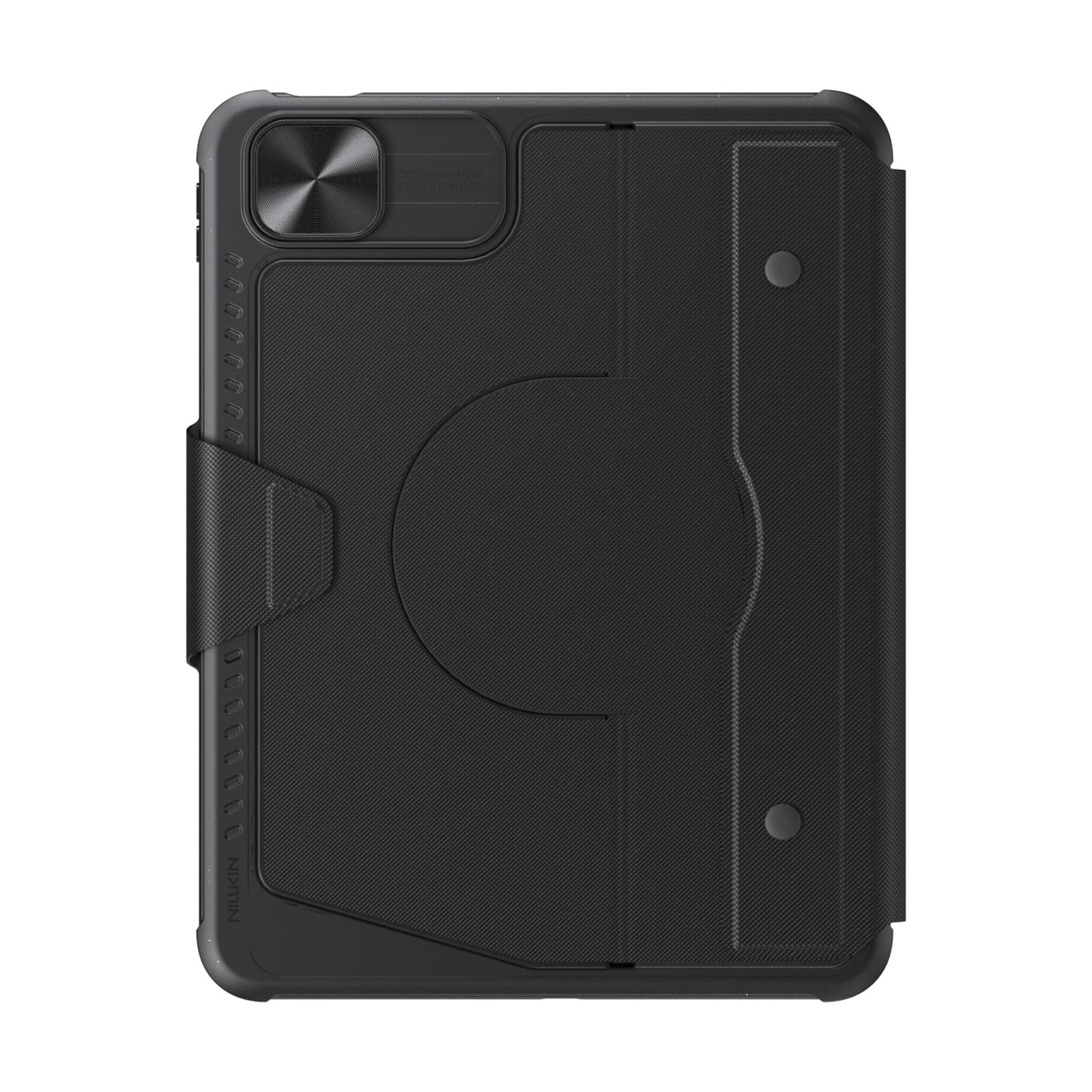
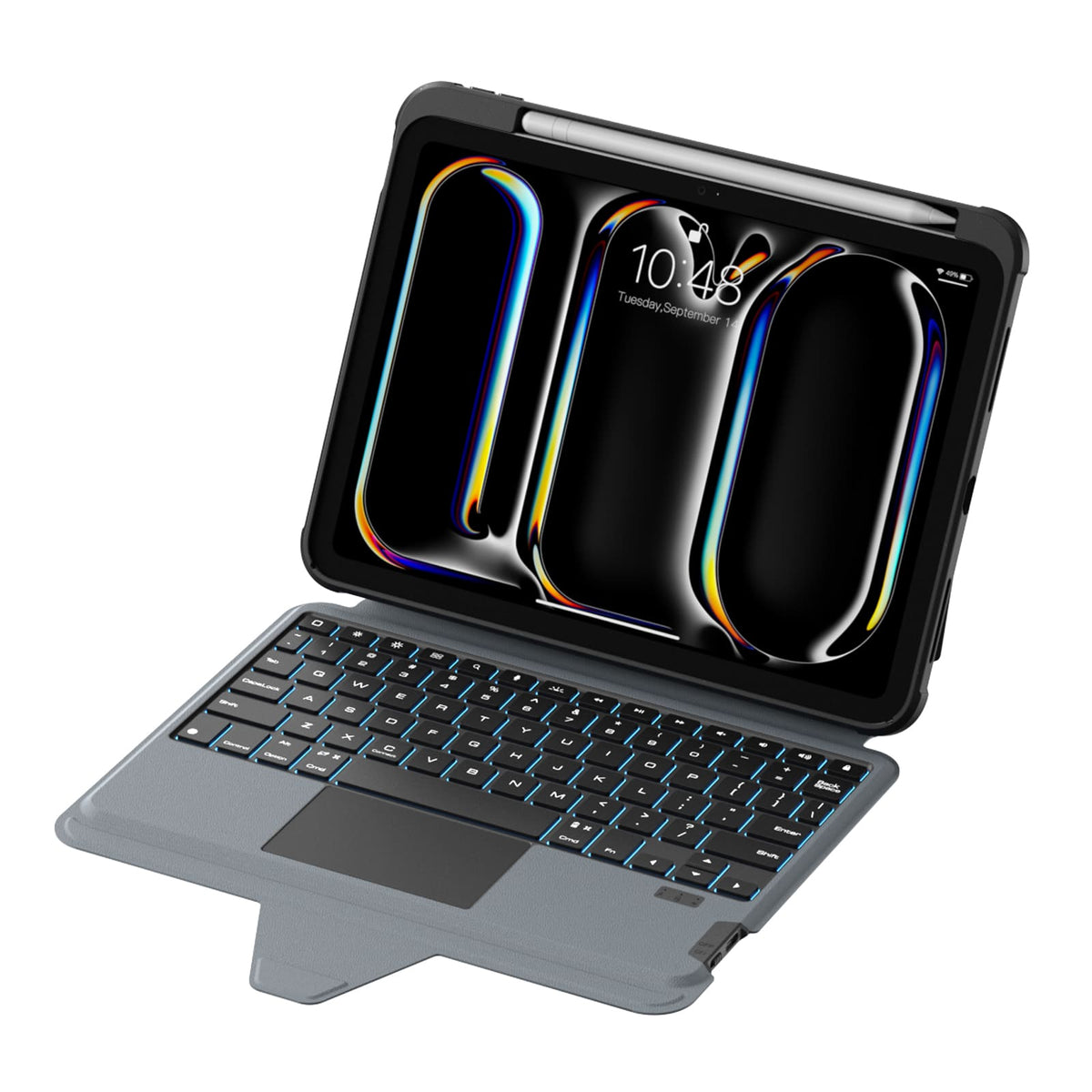
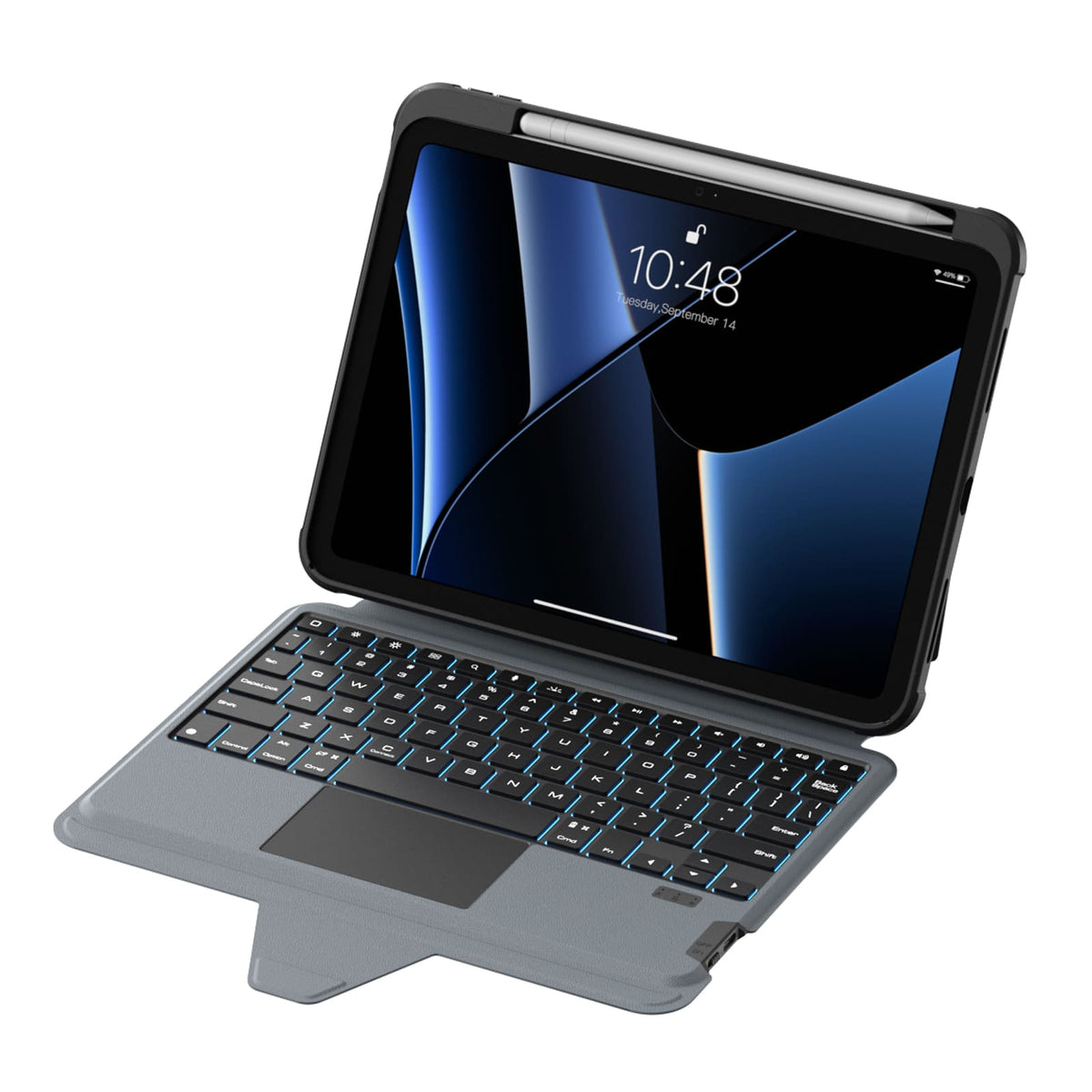
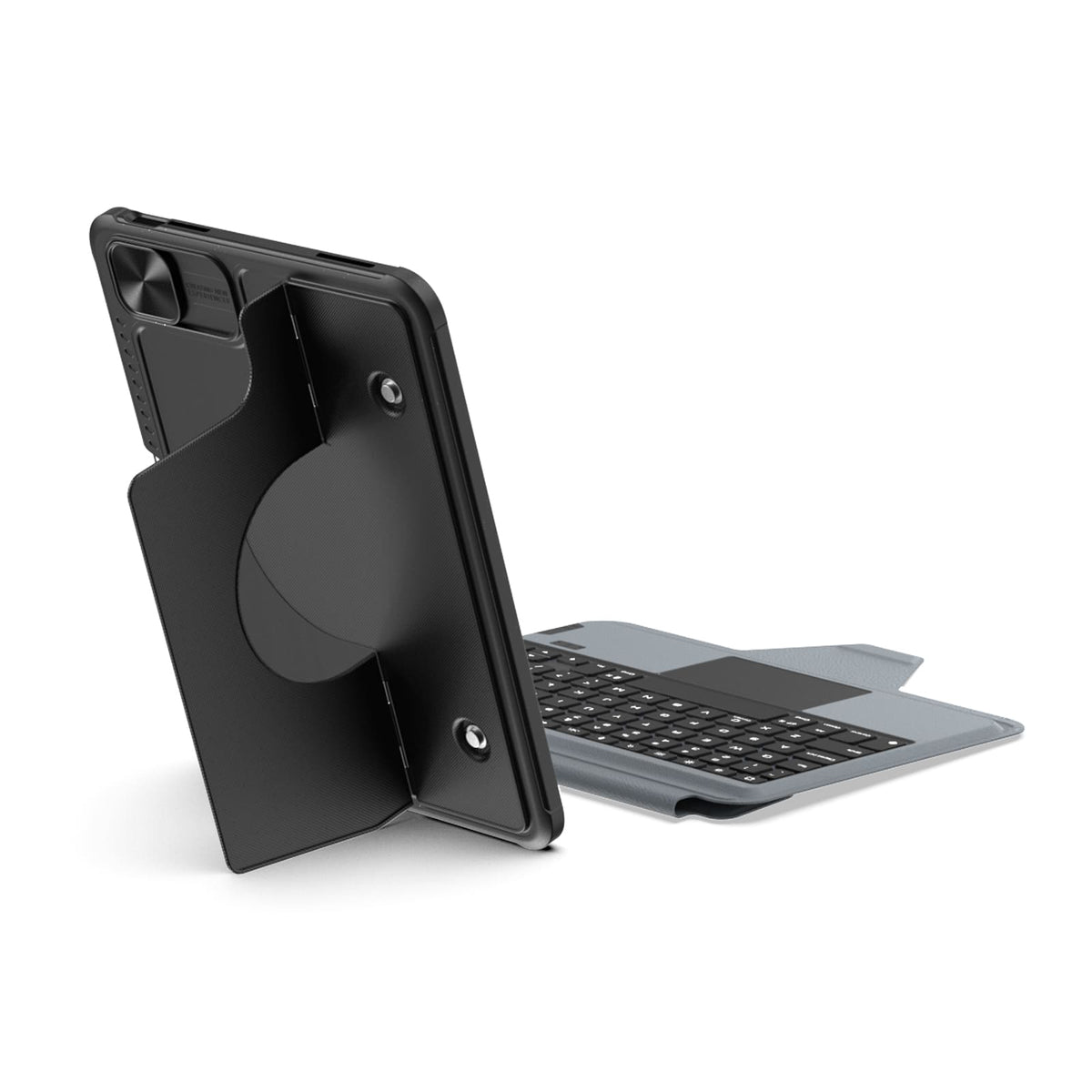
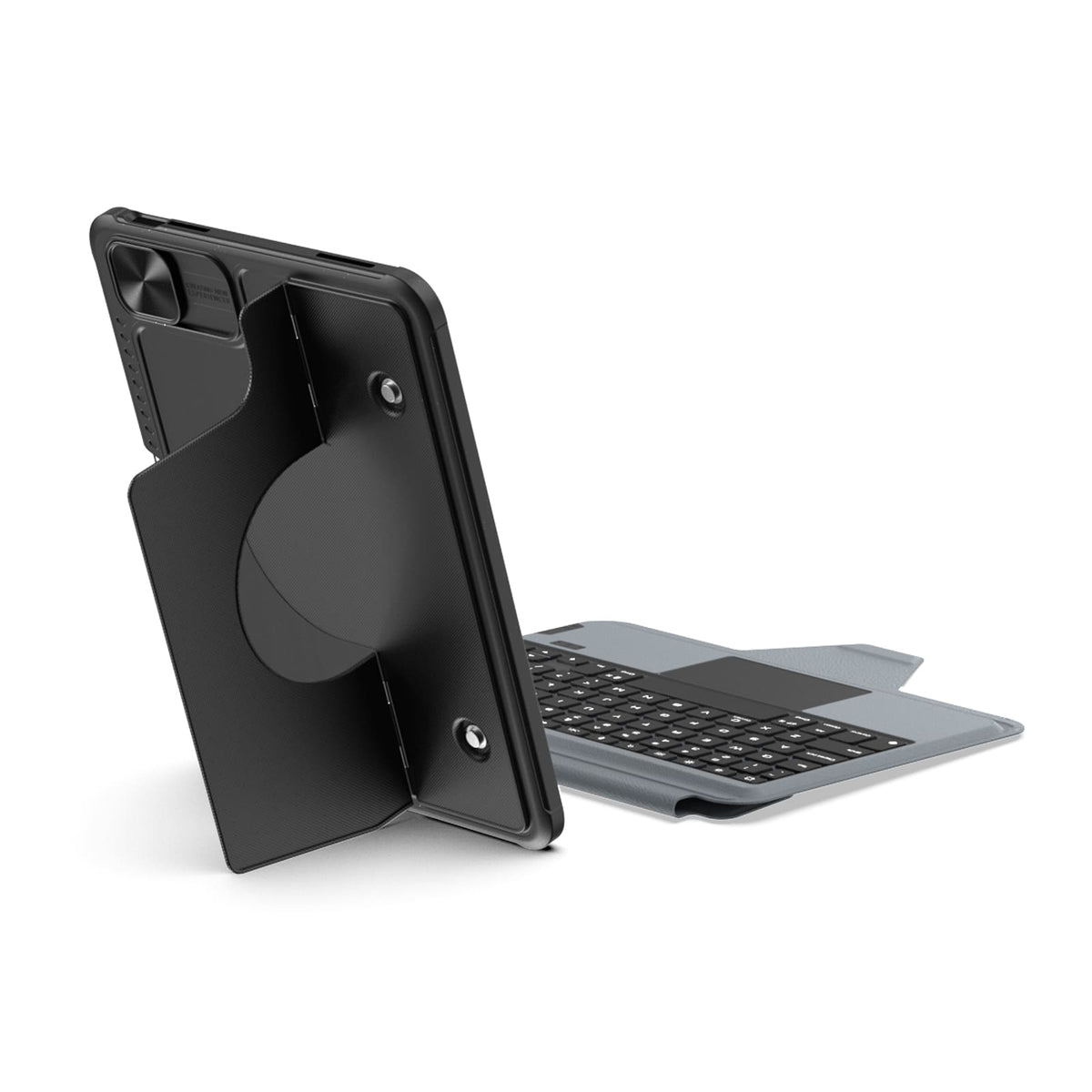
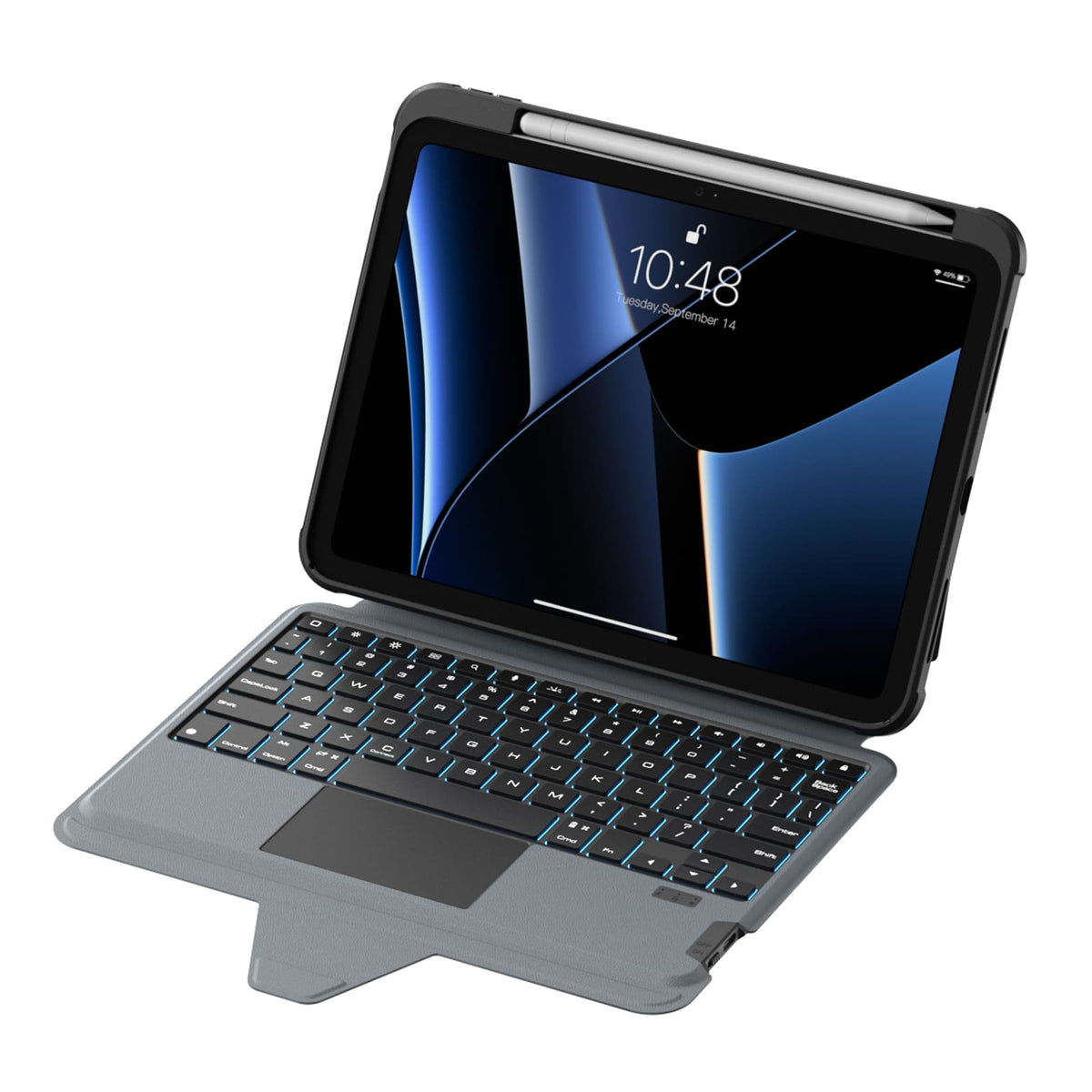
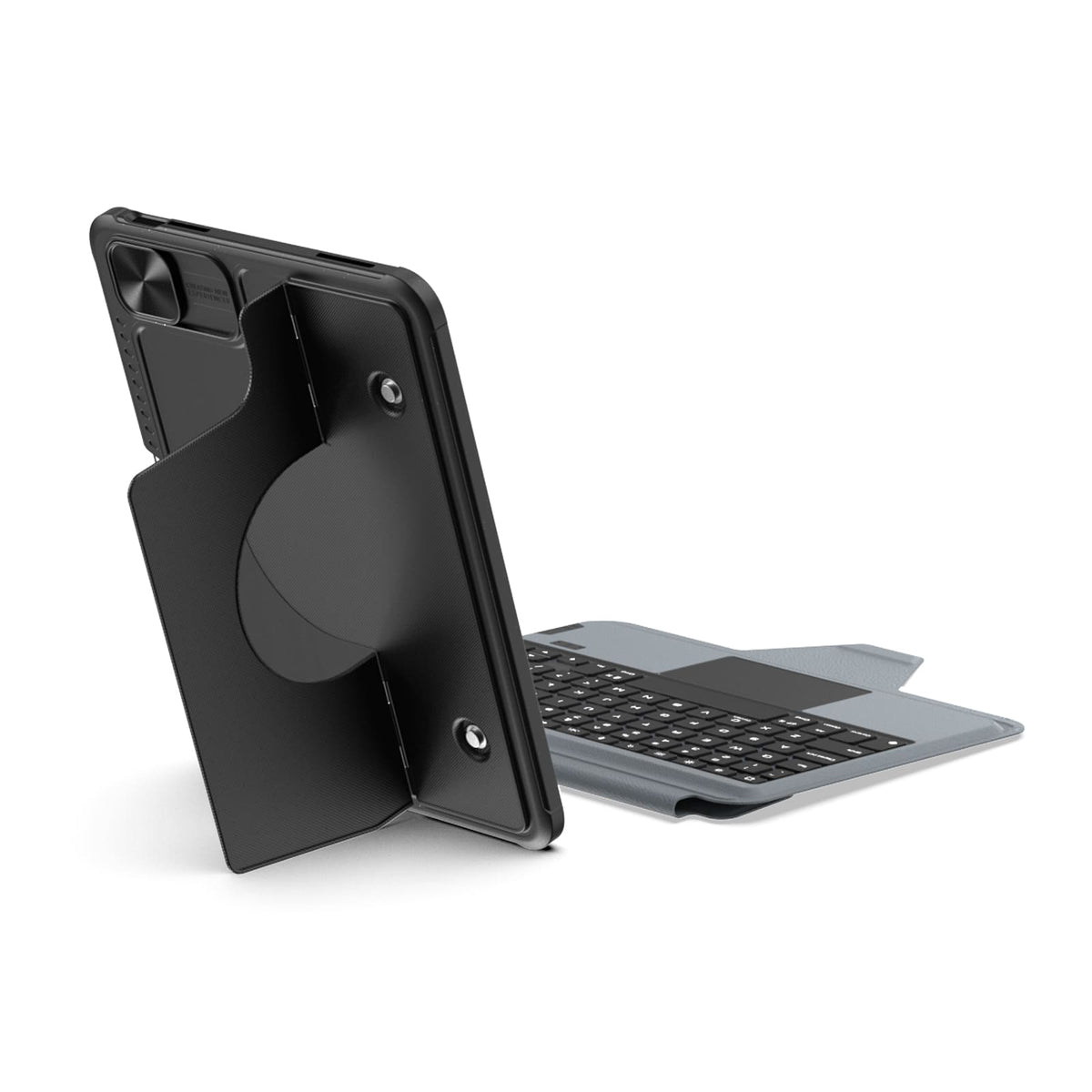
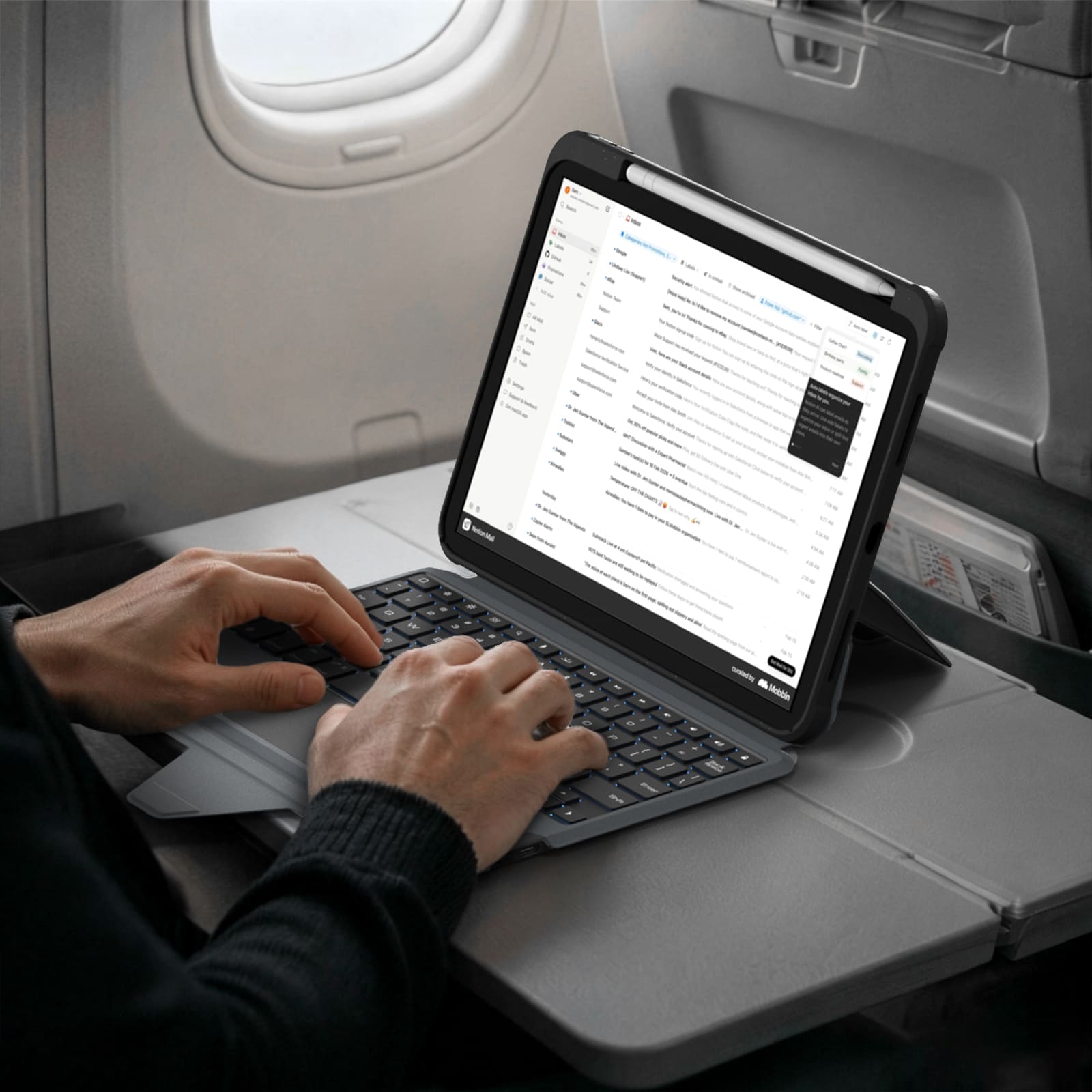
フルサイズのレイアウト、反応の良いキー、そして高精度なトラックパッドが、日々の作業をより自然で快適なものにします。
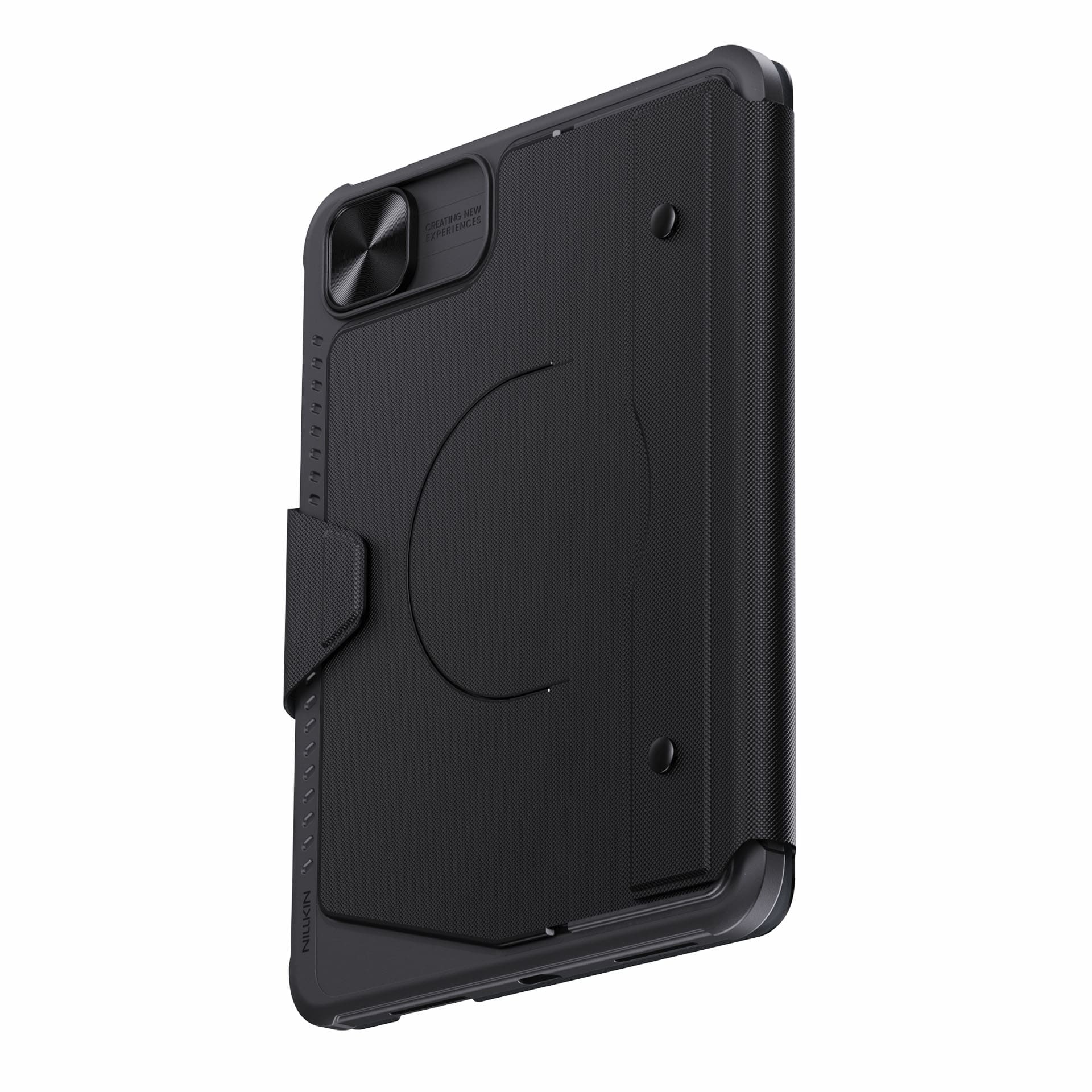
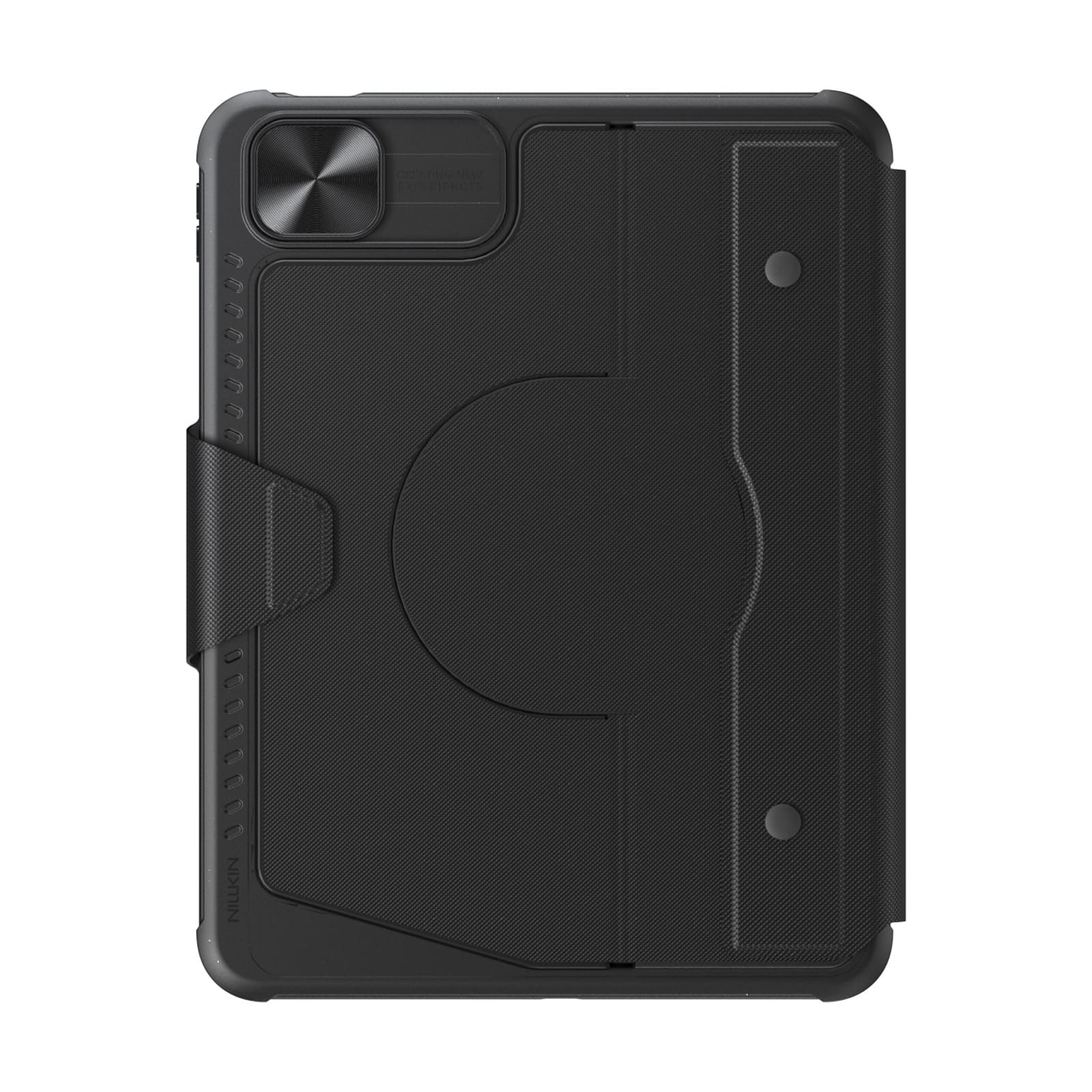
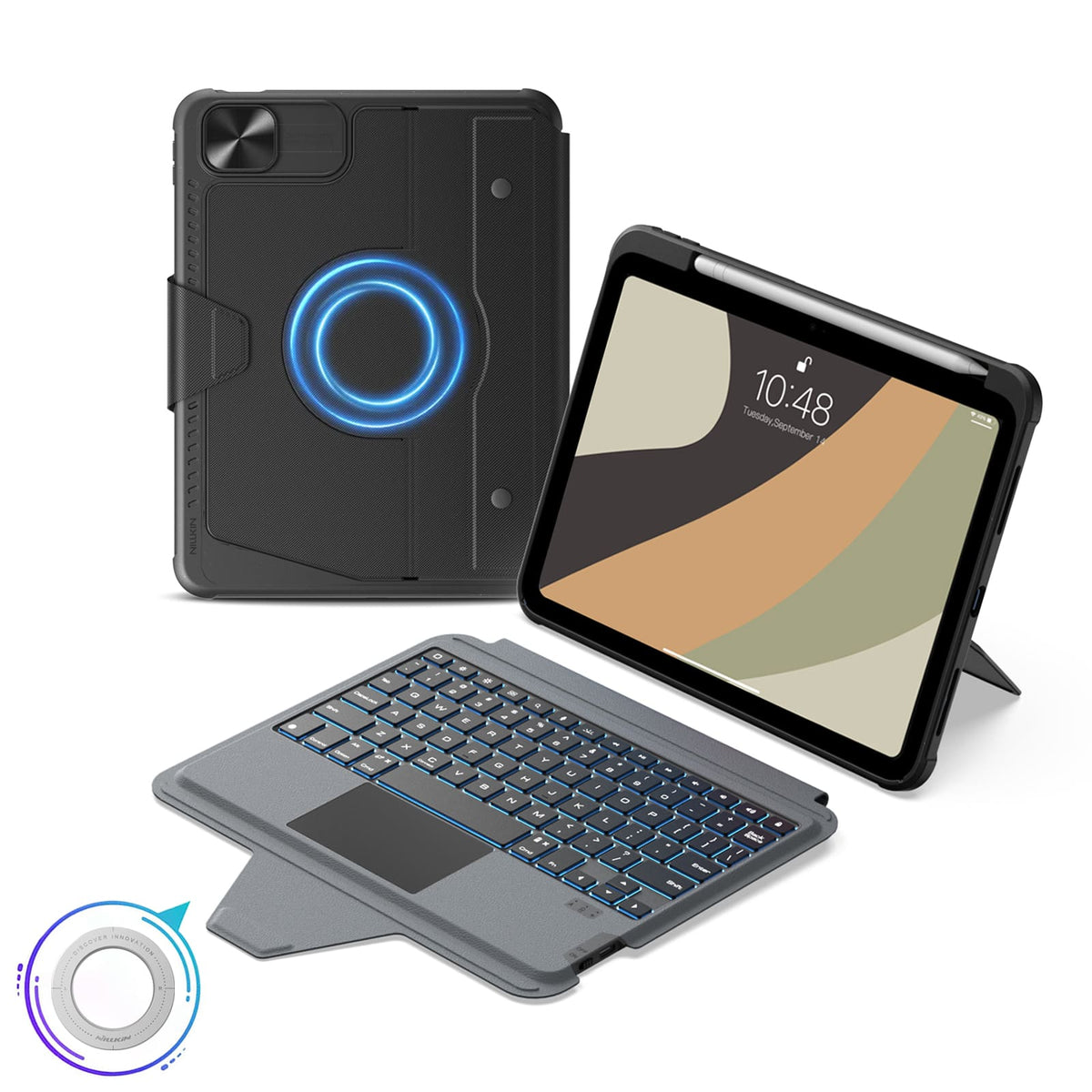
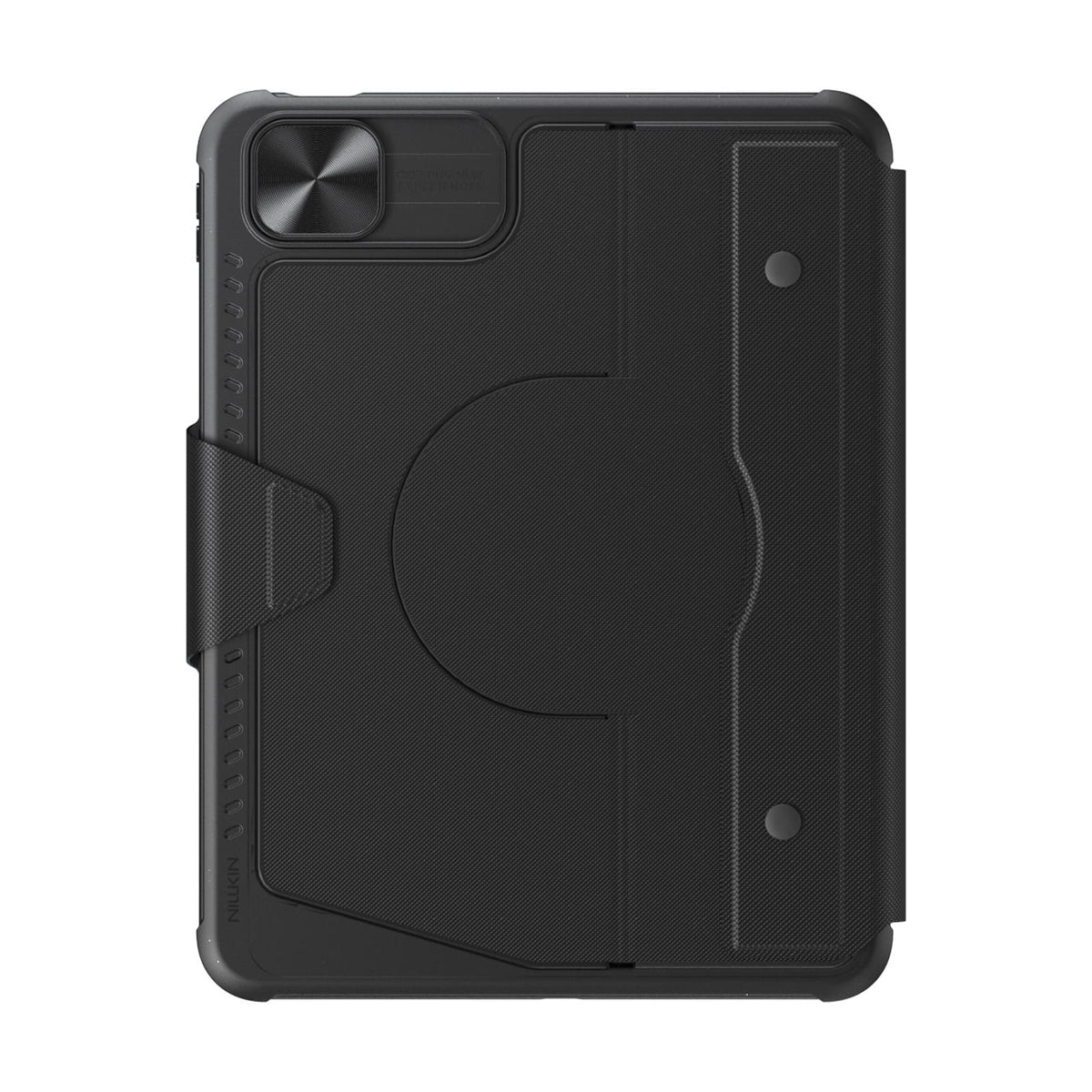
More Than a Keyboard Case
More Than a Keyboard Case




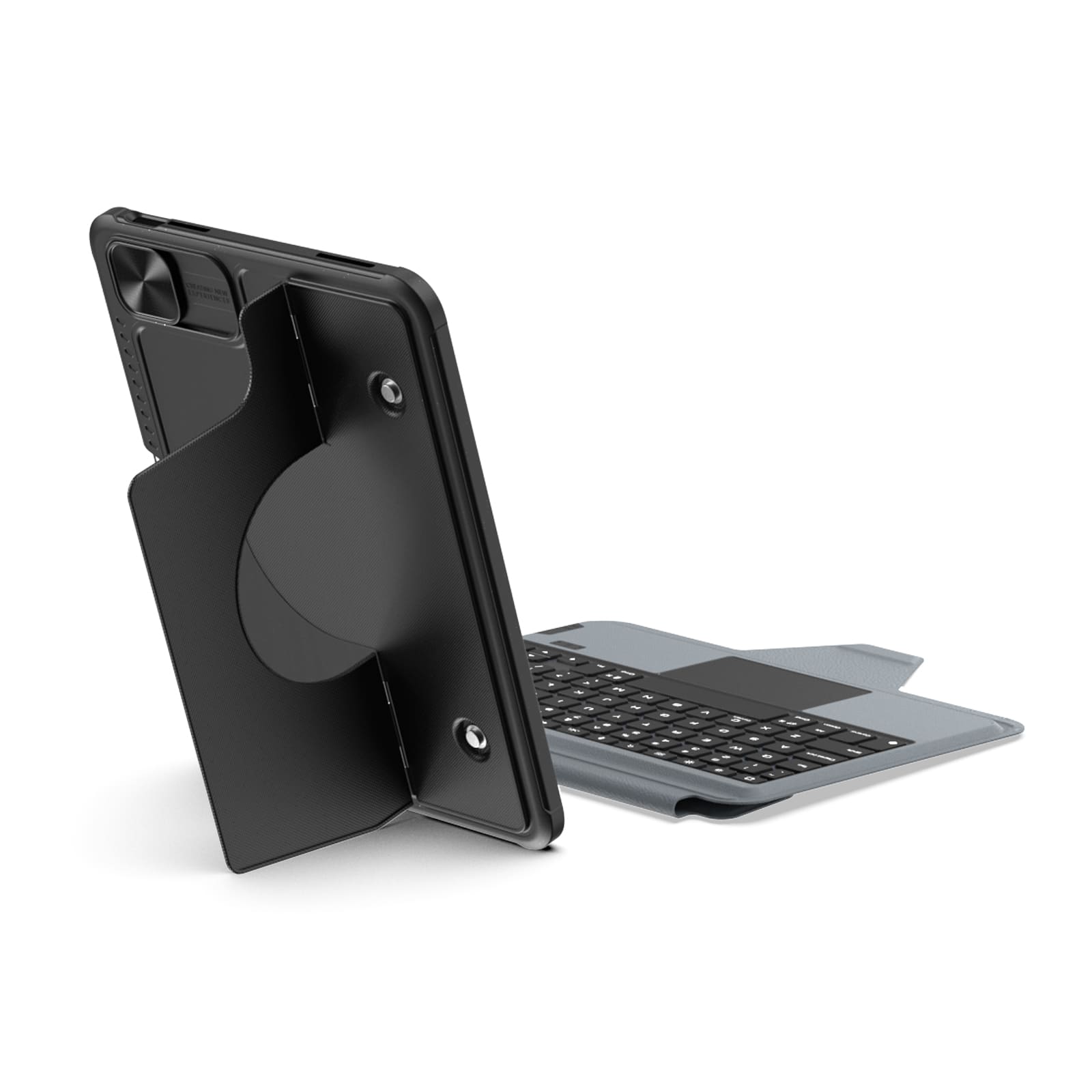
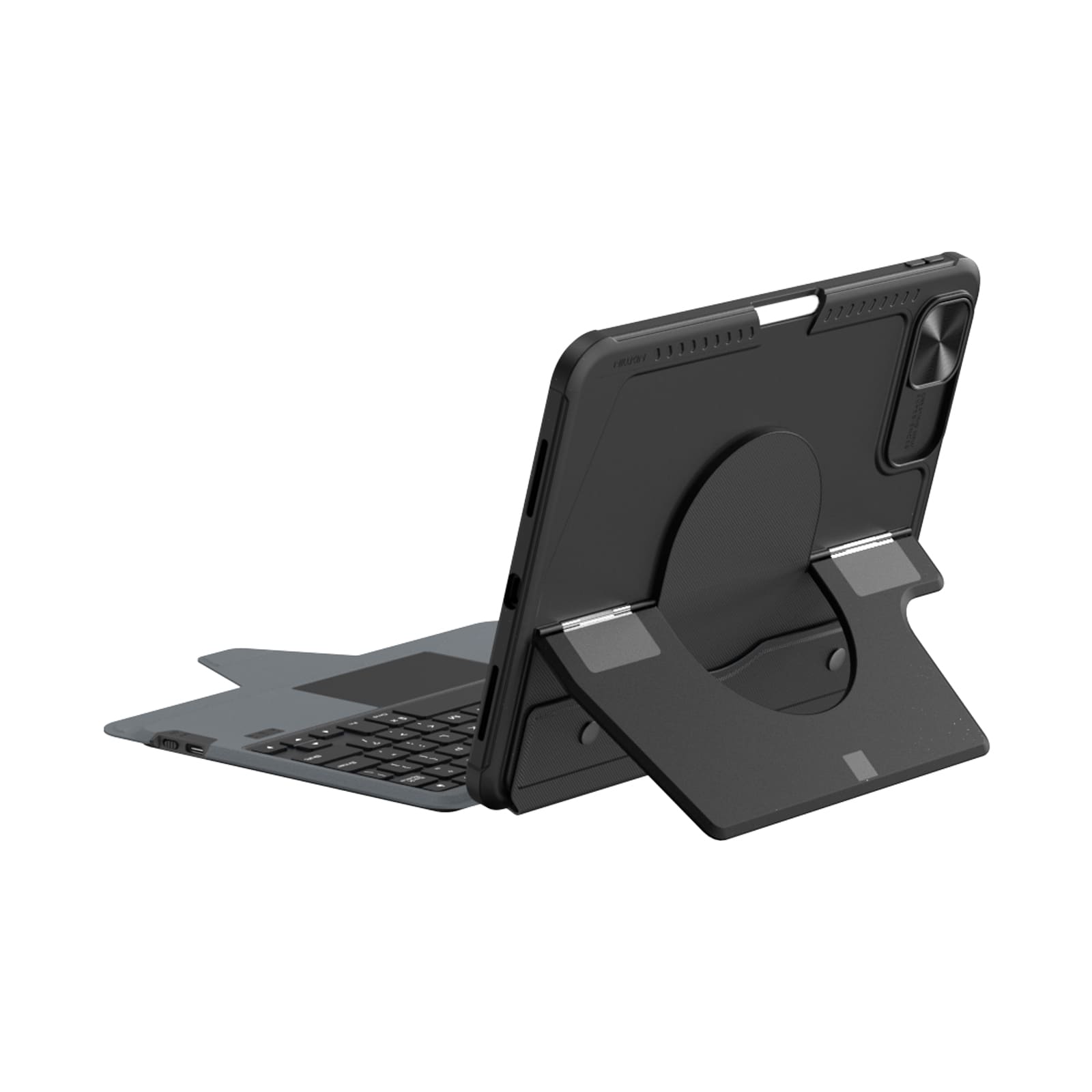
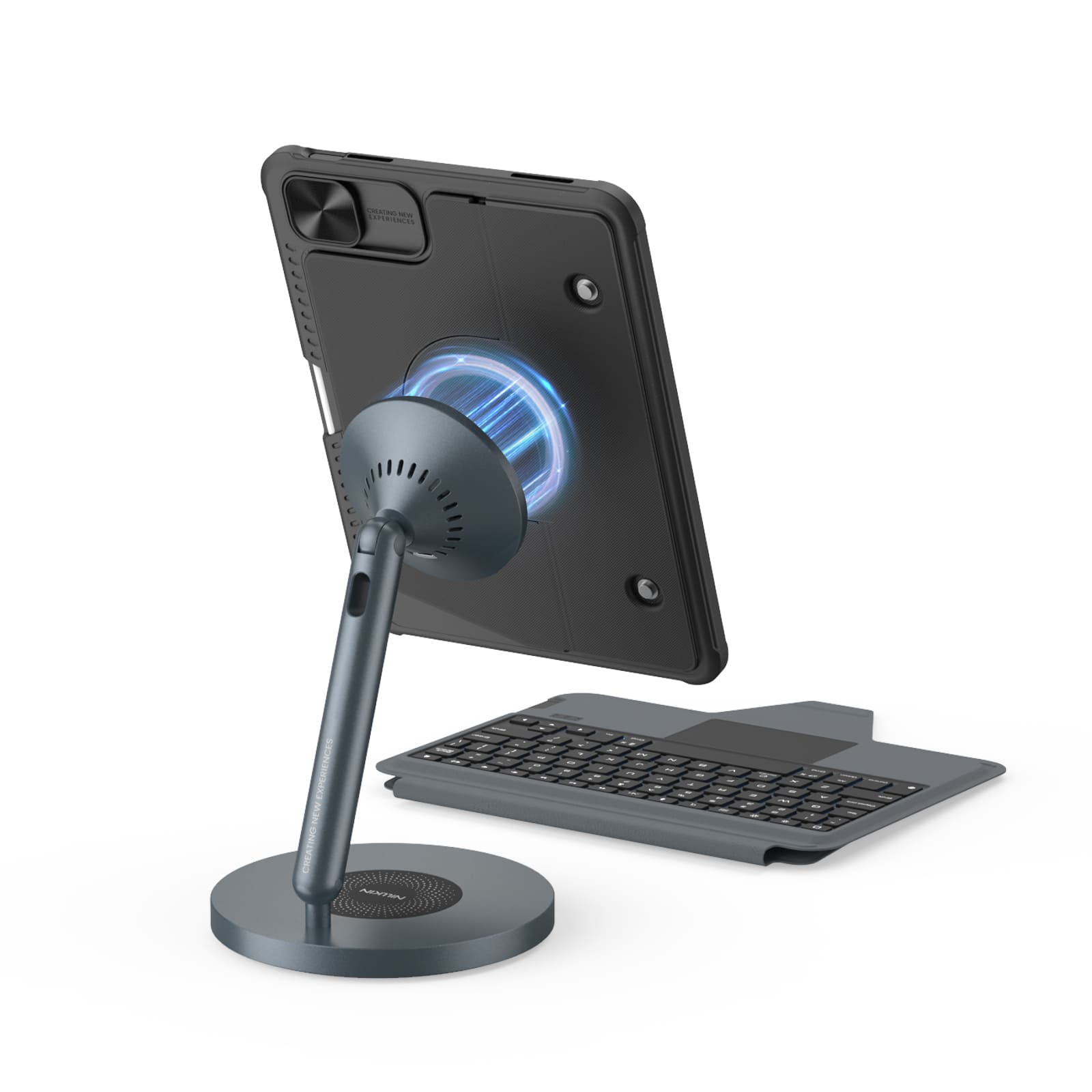
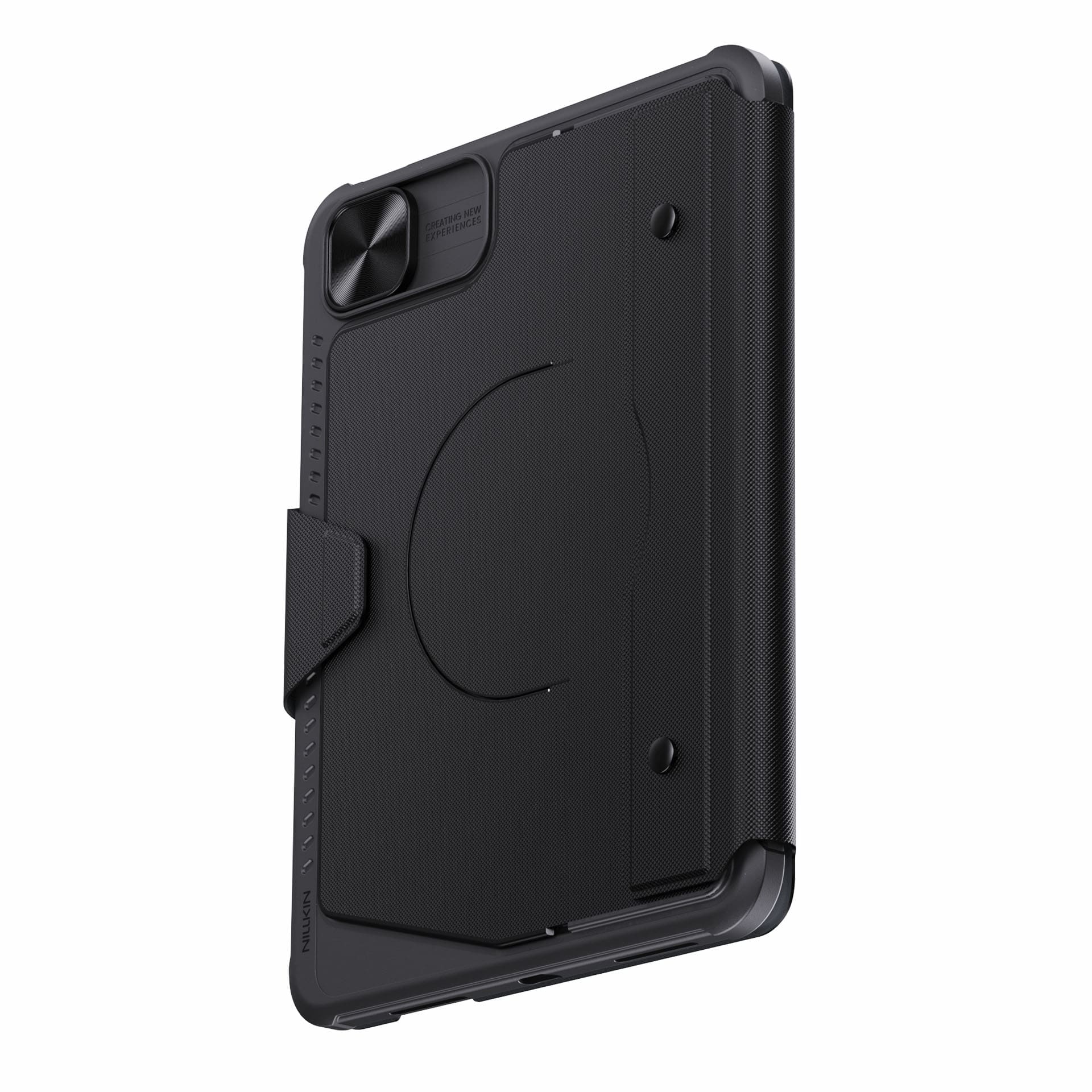






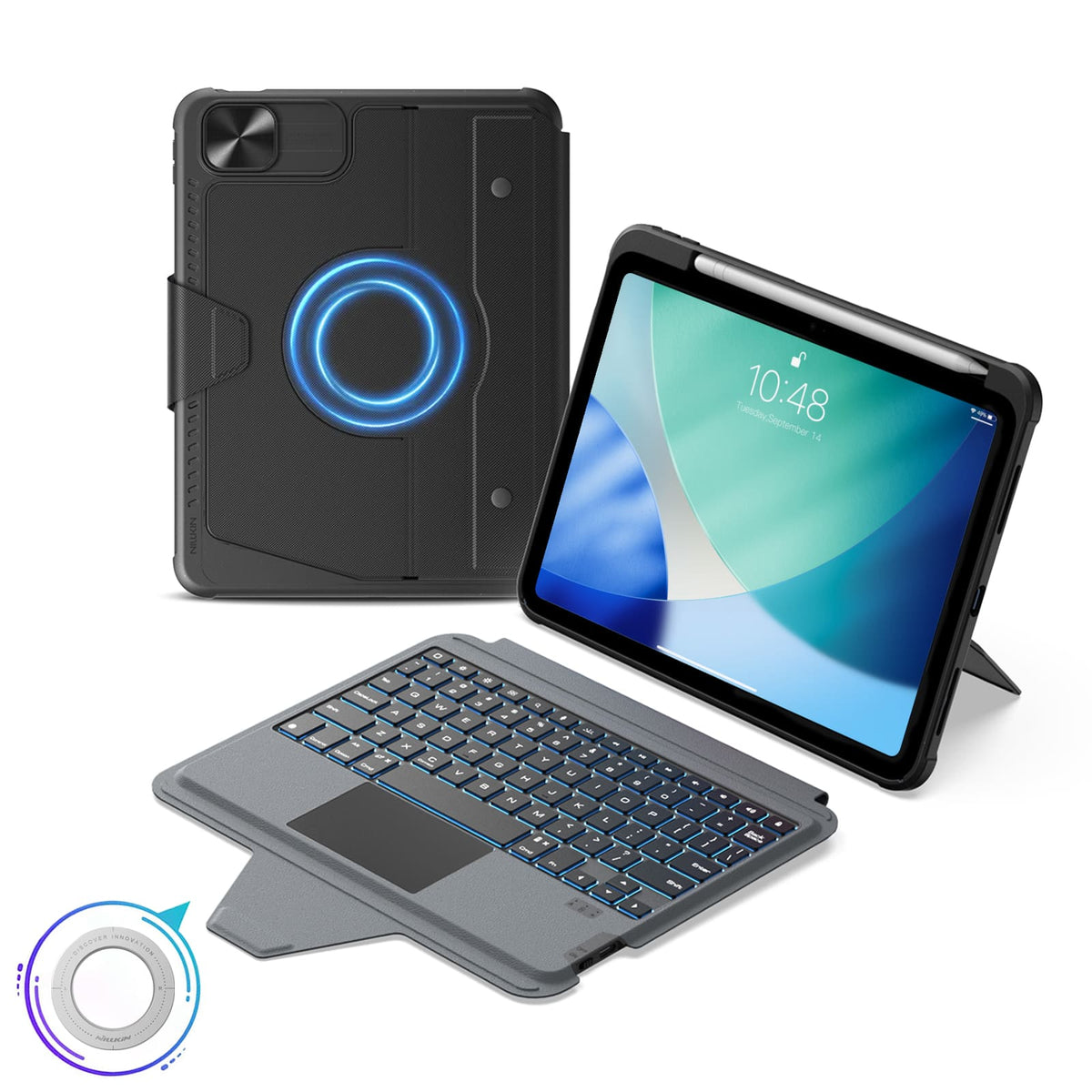


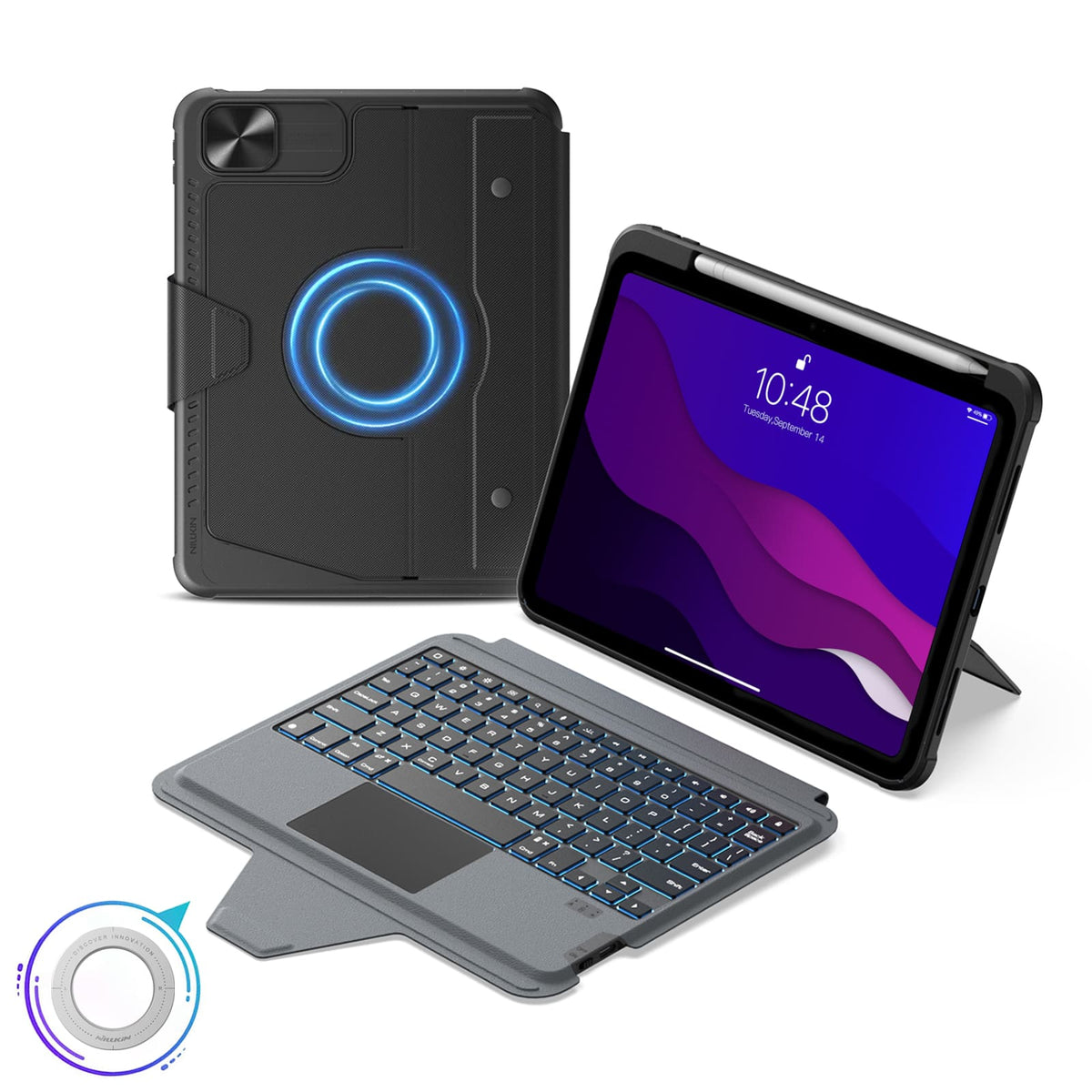


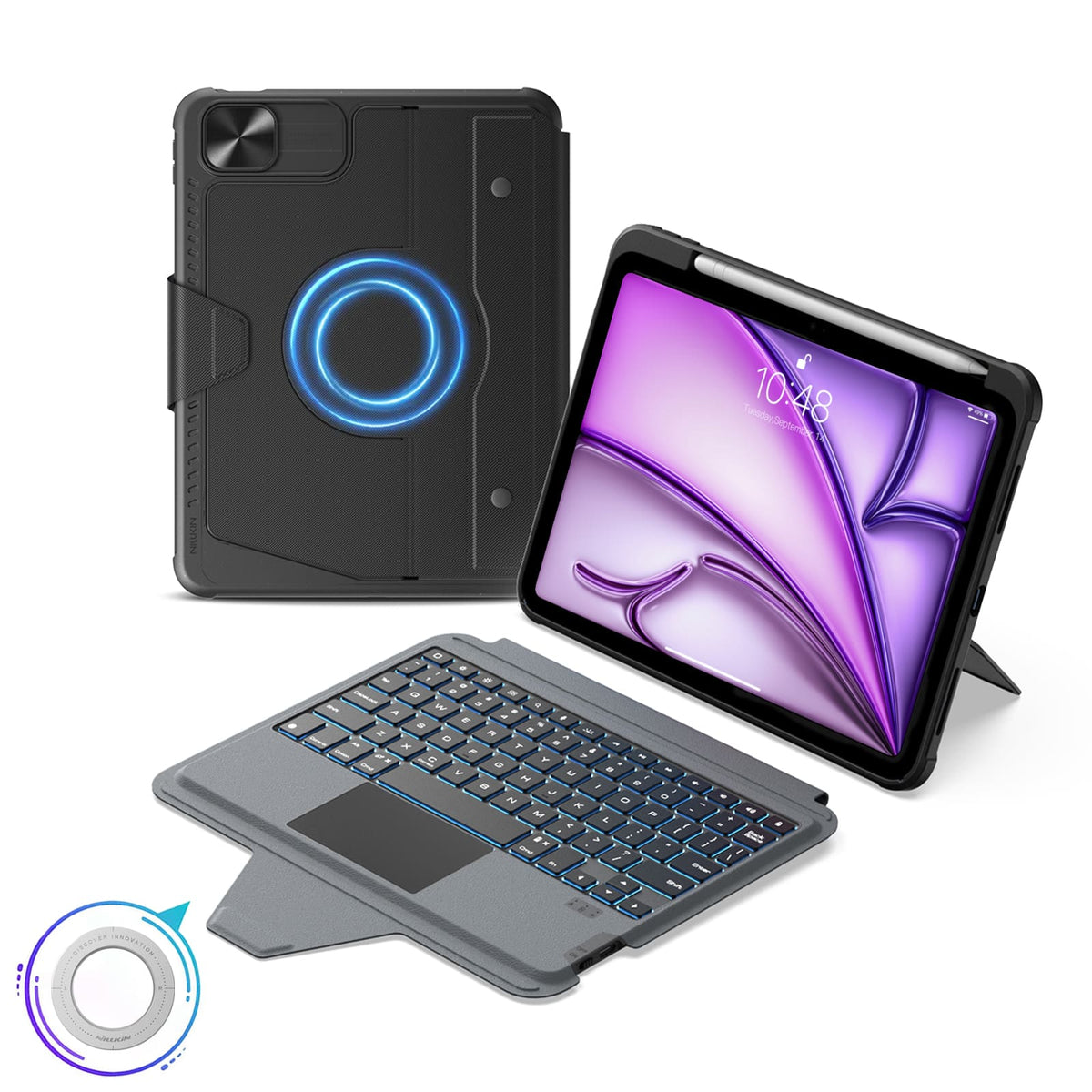


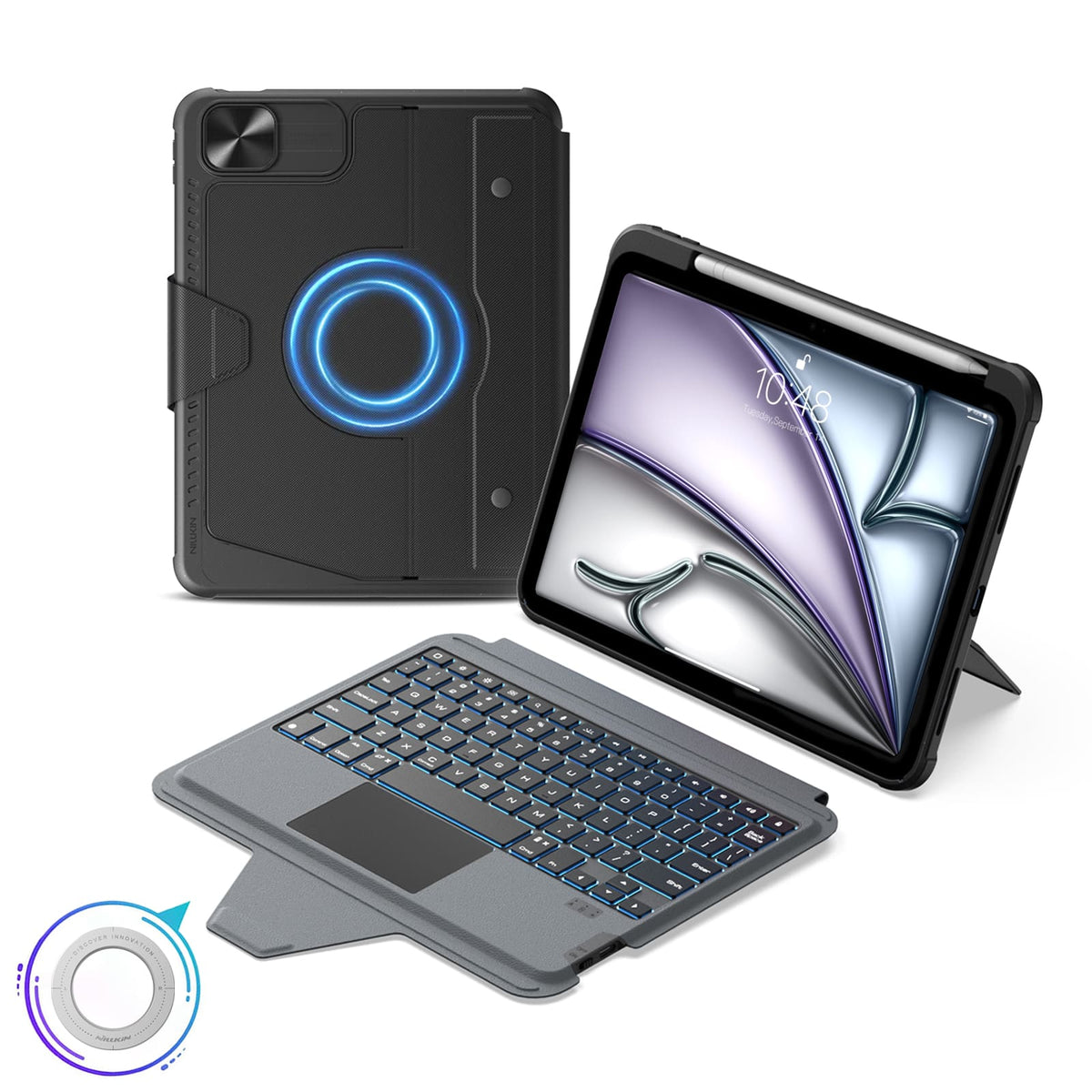


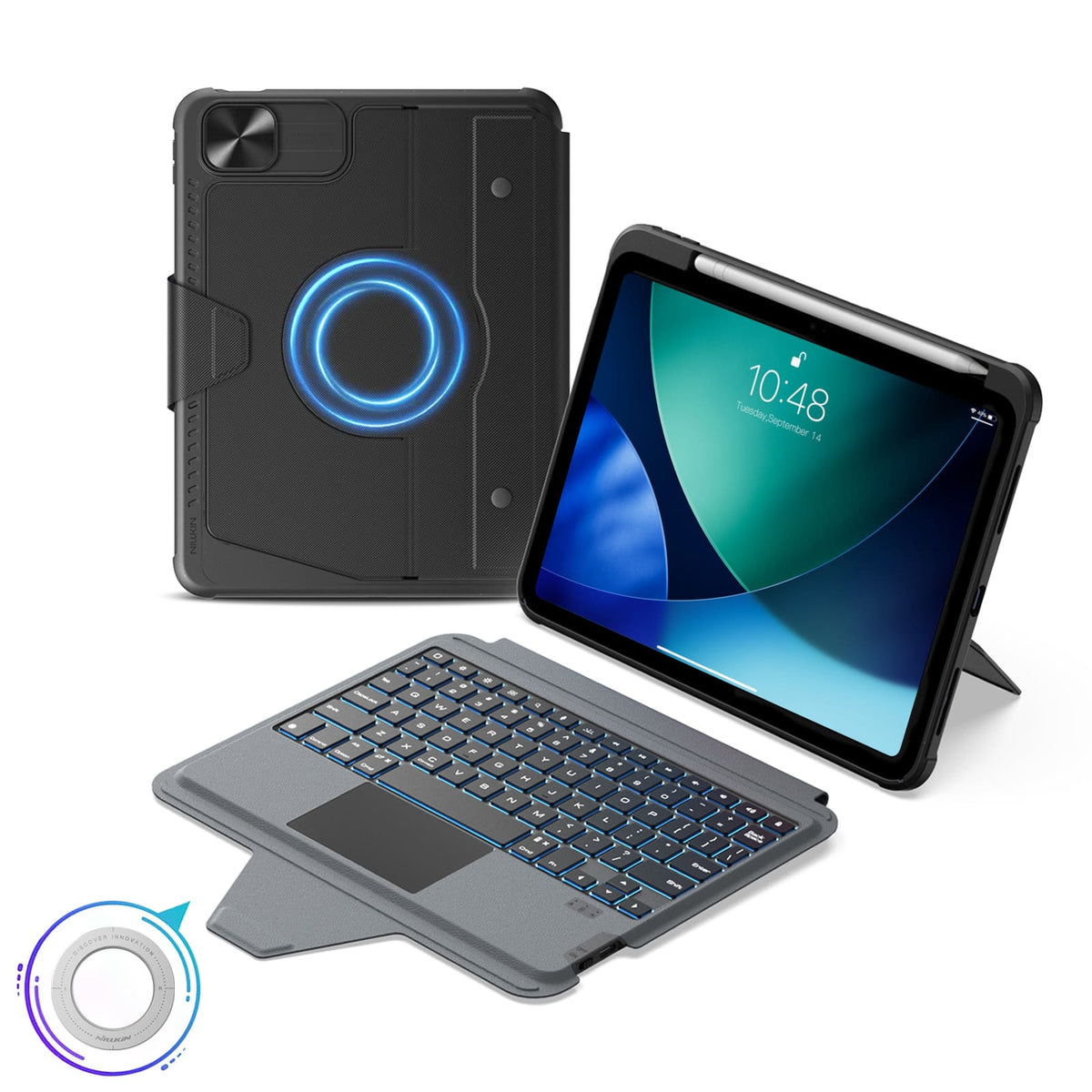


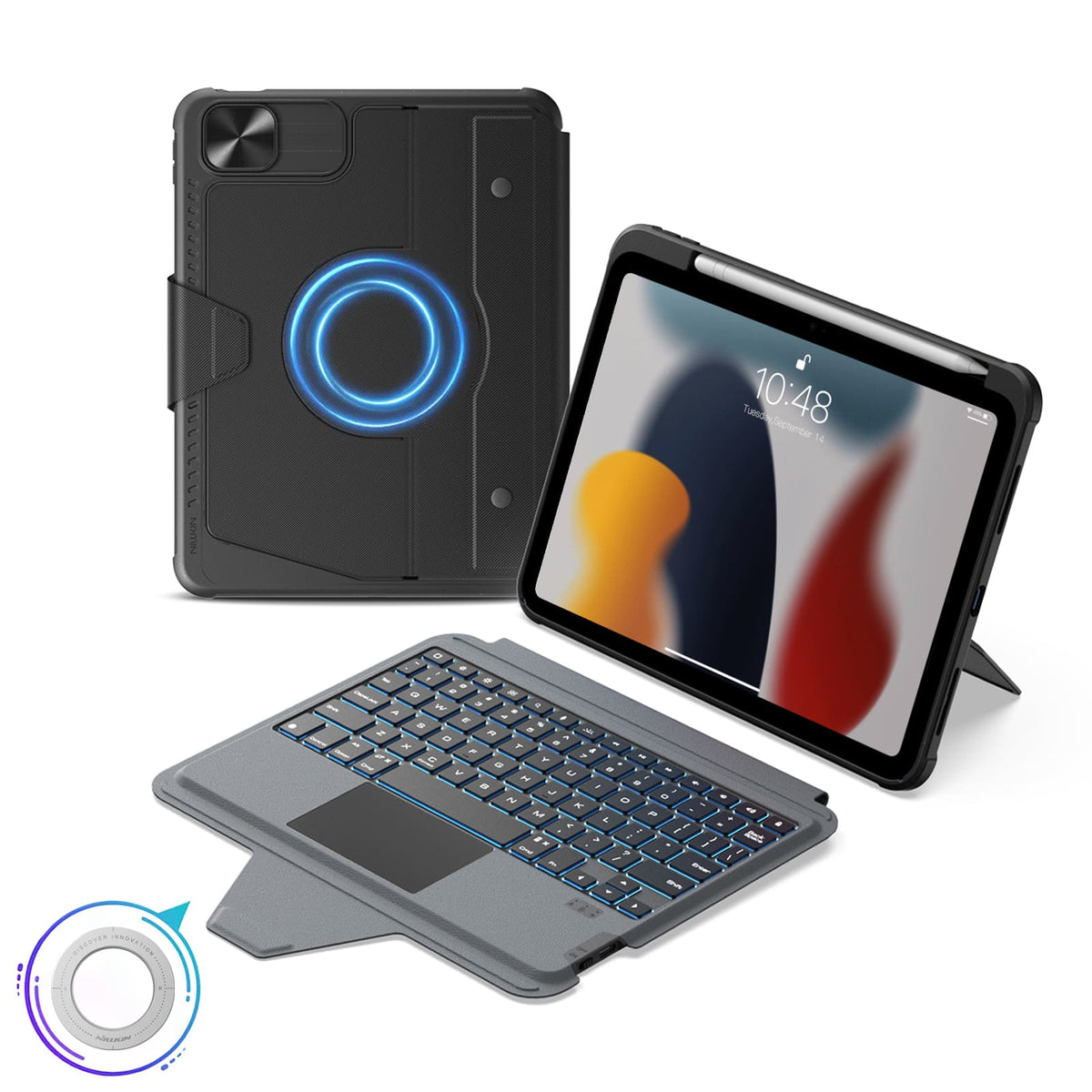


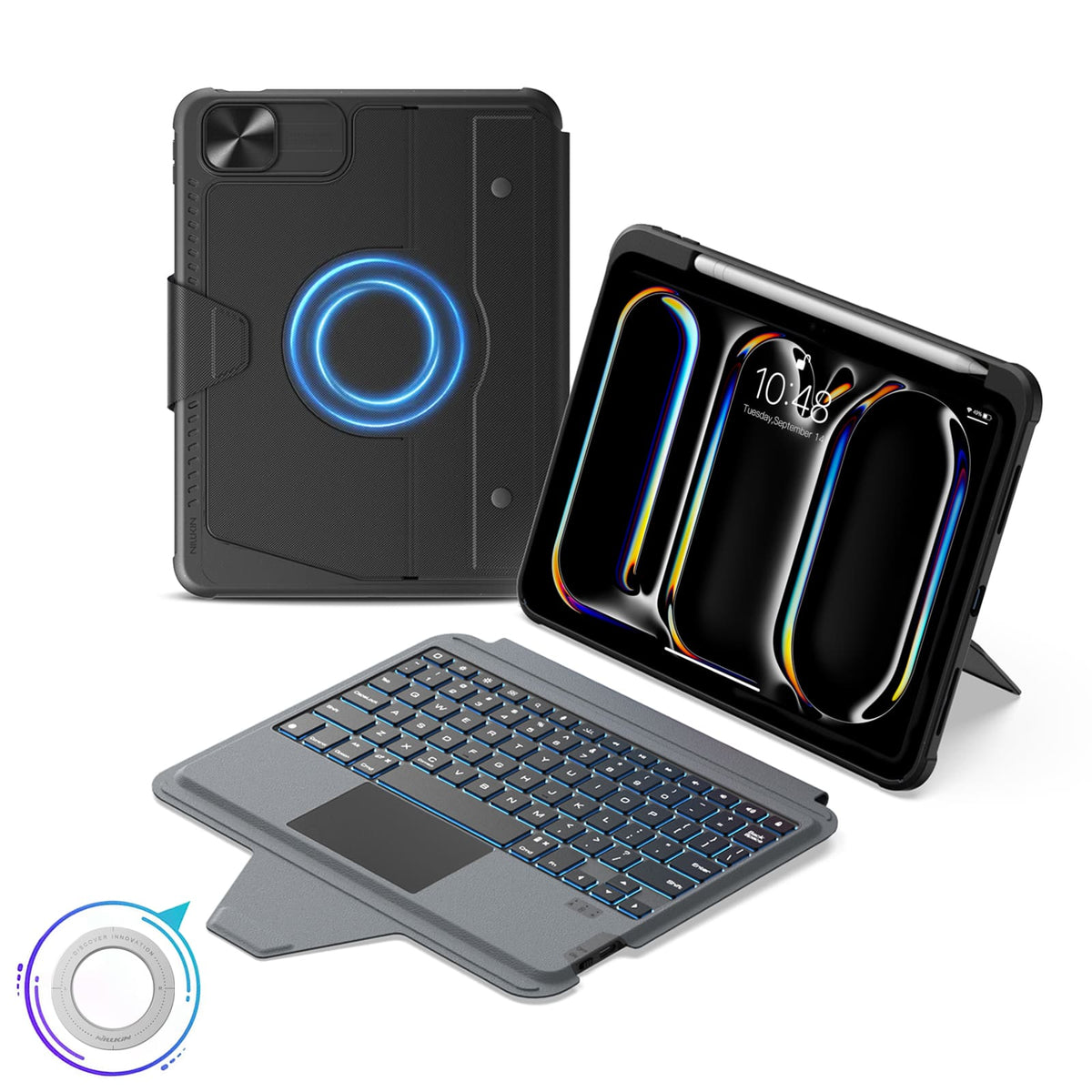
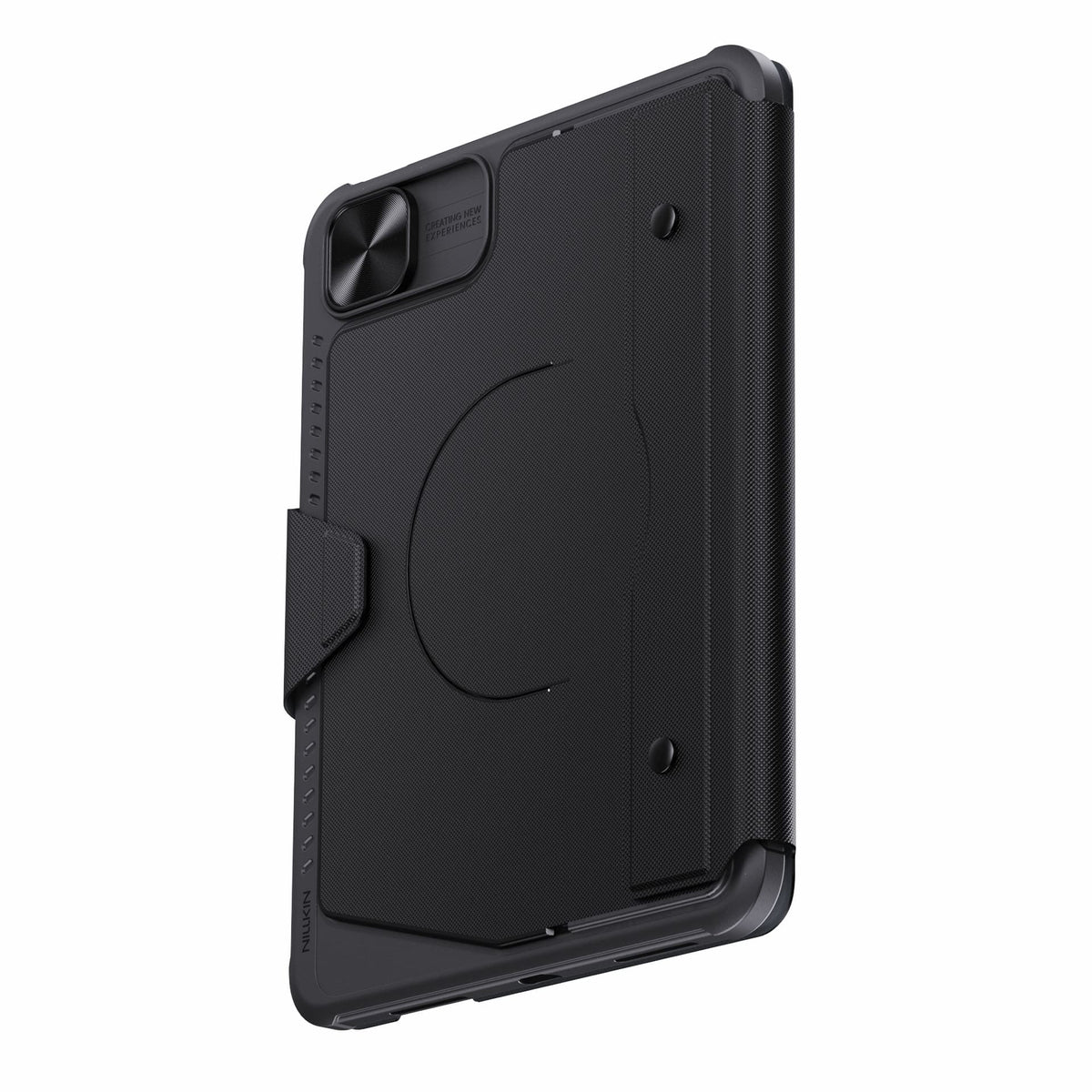
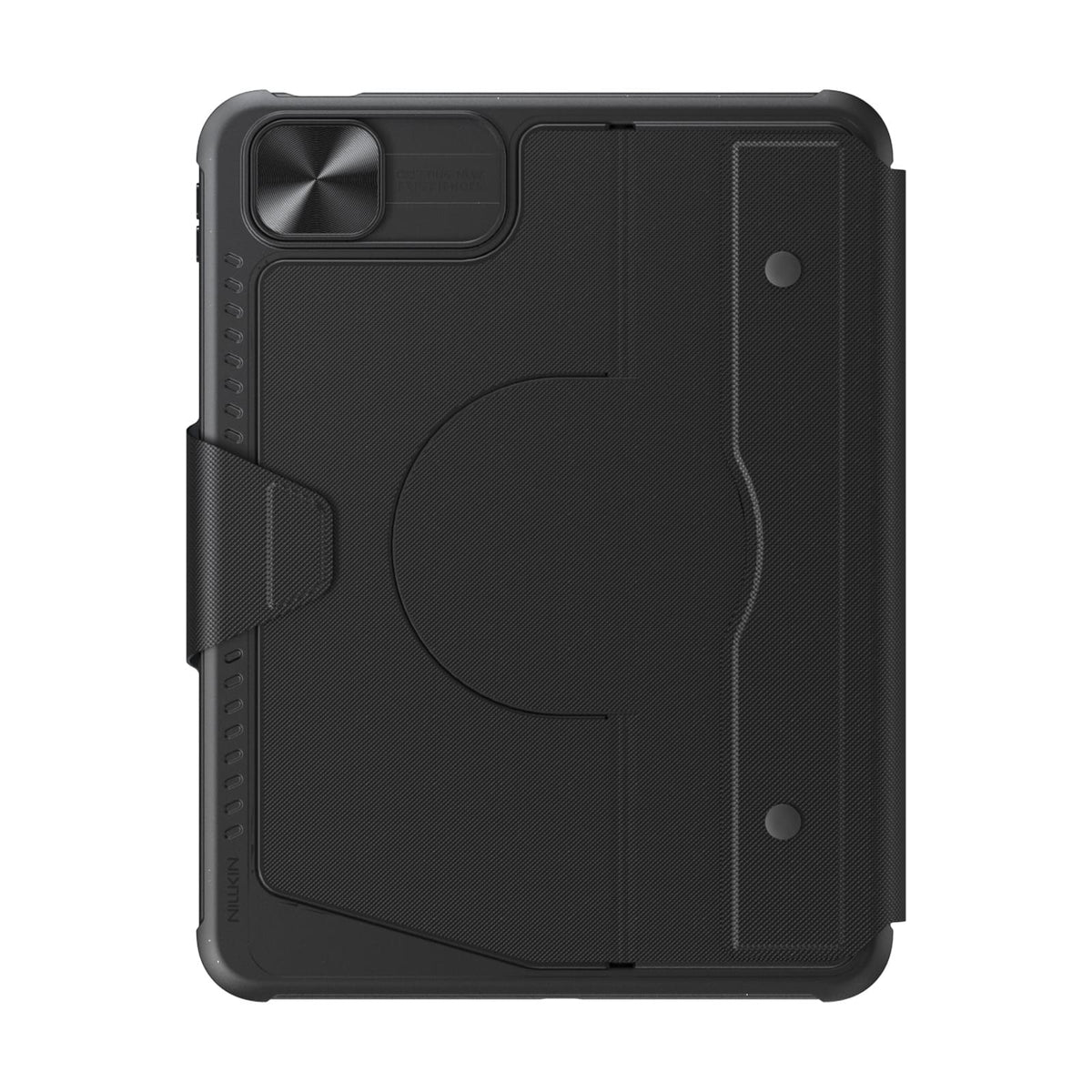

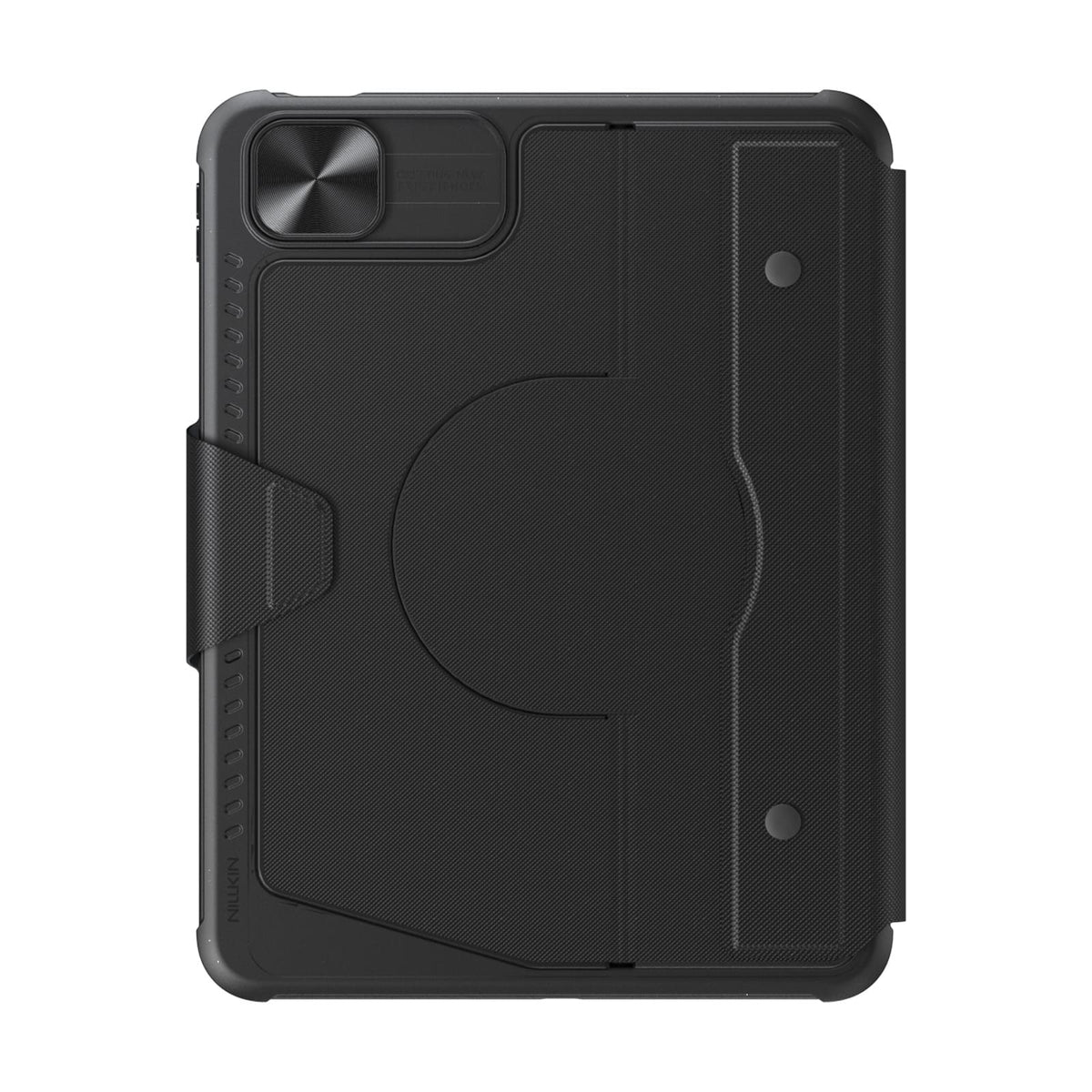
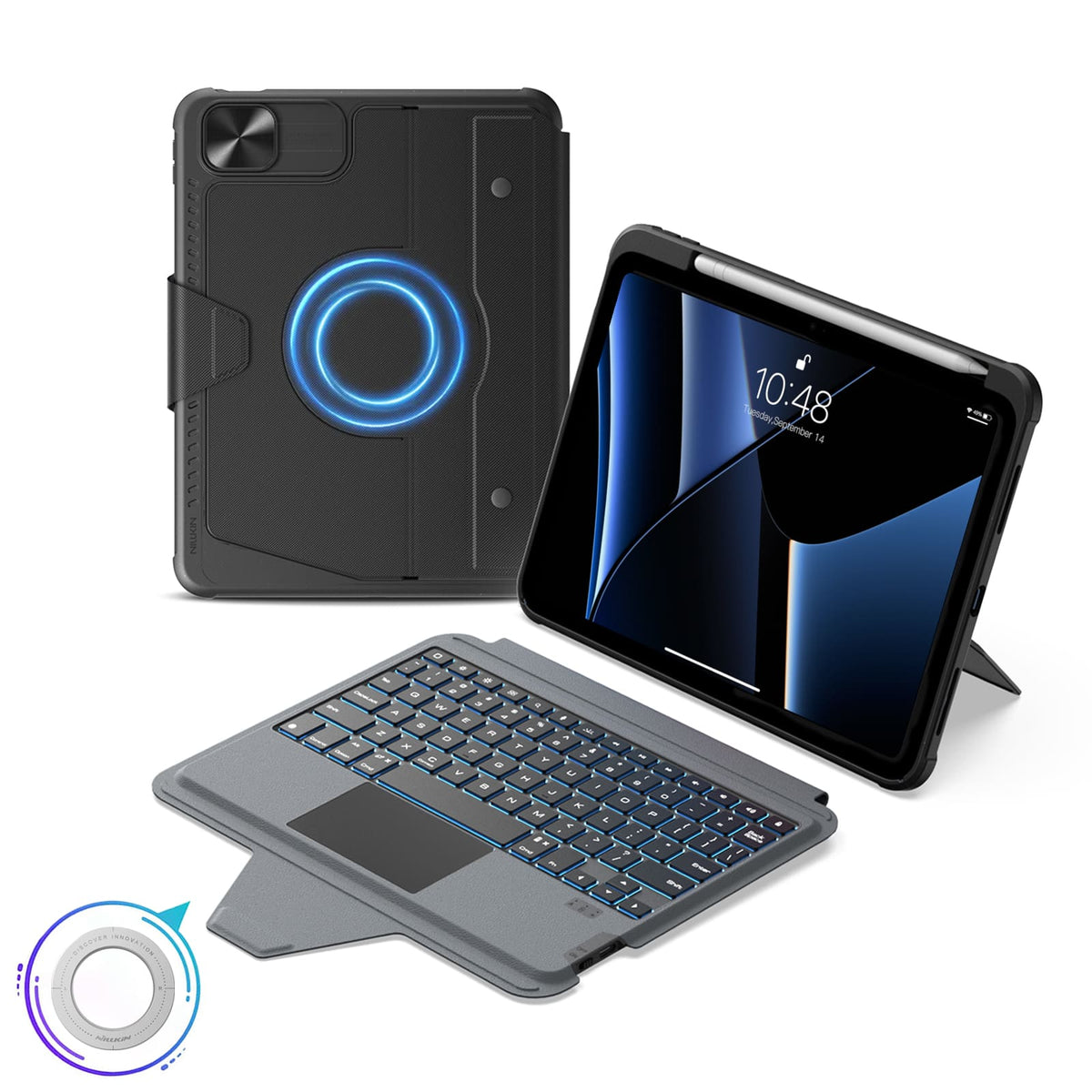
 1 sustainability feature
 Carbonfree認証
 Carbonfree Certified

5つの柔軟なモード、マグネット対応、Bluetooth 5.0。
キーボードレイアウト:US英語

5つの柔軟なモード、マグネット対応、Bluetooth 5.0。
キーボードレイアウト:US英語

5つの柔軟なモード、マグネット対応、Bluetooth 5.0。
キーボードレイアウト:US英語

5つの柔軟なモード、マグネット対応、Bluetooth 5.0搭載。
キーボードレイアウト:US英語配列

5つの柔軟なモード、マグネット対応、Bluetooth 5.0搭載。
キーボードレイアウト:US英語配列

5つの柔軟なモード、マグネット対応、Bluetooth 5.0搭載。
キーボードレイアウト:US英語配列

5つの柔軟なモード、マグネット対応、Bluetooth 5.0搭載。
キーボードレイアウト:US英語配列

5つの柔軟なモード、マグネット対応、Bluetooth 5.0。
キーボードレイアウト:US英語

5つの柔軟なモード、マグネット対応、Bluetooth 5.0。
キーボードレイアウト:US英語

5つの柔軟なモード、マグネット対応、Bluetooth 5.0搭載。
キーボードレイアウト:US英語配列

5つの柔軟なモード、マグネット対応、Bluetooth 5.0搭載。
キーボードレイアウト:US英語配列

5つの柔軟なモード、マグネット対応、Bluetooth 5.0搭載。
キーボードレイアウト:US英語配列

5つの柔軟なモード、マグネット対応、Bluetooth 5.0搭載。
キーボードレイアウト:US英語配列

5つの柔軟なモード、マグネット対応、Bluetooth 5.0。
キーボードレイアウト:US英語

5つの柔軟なモード、マグネット対応、Bluetooth 5.0。
キーボードレイアウト:US英語
製品がお客様の期待に完全に応えられない場合があることを理解しております。その際は、誠に申し訳ございません。万が一そのような場合が発生した場合は、できるだけ早くsupport@nillkin.comまでご連絡いただき、購入後60日以内に製品とパッケージの包括的な画像をご提供ください。迅速にアフターサービスを手配いたします。
すべての商品は、お届けから60日以内であれば返品または交換が可能です(注意:特定の名前、イニシャル、ロゴが入ったカスタム刻印のご注文は、返品または返金の対象外となります。カスタム製品におけるお客様によるタイプミスやエラーについては、当社は責任を負いません。カスタムオーダーは、破損が発生した場合のみ対象となり、無償で再発送いたします)。NILLKINでは返品許可証を発行しており、返品送料および保険料はお客様のご負担となります。
商品はお届け時の元の状態(すべての製品ドキュメントを含む)で、3日以内に発送していただく必要があることにご注意ください。
迅速な商品交換をご希望の場合は、返金をリクエストして新しいご注文をいただくことをお勧めします。返品商品を受け取り後、返金処理には約1週間かかります。
パッケージまたは商品が破損して到着した場合は、お受け取りを拒否するか、直ちに当社(support@nillkin.com)にご連絡ください。NILLKINからの指示がない限り、すべての梱包材を保管してください。破損品または紛失品の請求は、直ちに、または発送受領後3日以内に行う必要があります。NILLKINは、返品時の輸送中における紛失または破損品に対して責任を負いません。

NILLKINでは、製品の品質と性能を保証いたします。当社の取り組みは、製品の耐久性を維持し、環境への影響を最小限に抑えることにまで及びます。
当店でお買い上げいただいた製品には、1年間の保証が付いています。
限定保証:
- 保証対象はnillkin.comからの購入に限ります。その他の販売元は対象外です。
- 保証期間中の材質・製造上の欠陥をカバーします。NILLKINは、元の購入者に対して欠陥製品を交換いたします。
注意:
- 保証は、nillkin.com以外の製品、無料/プロモーション品、NILLKIN以外の製品、および販売終了品は対象外です。
請求方法:
保証または破損に関する問題については、support@nillkin.comまでご連絡いただければ、無償で交換いたします。
保証期間の詳細については、こちらをご覧ください。

大量購入割引プログラムは、企業、団体、政府機関、個人のお客様に、NILLKIN製品(携帯ケース、タブレットケース、スクリーンプロテクター、ワイヤレス充電器、イヤホン、その他のアクセサリーを含む)をまとめて(合計10点以上)購入するための費用対効果の高いソリューションを提供します。さらに、NILLKIN製品は従業員やビジネスパートナーへのギフトとしても最適です。プログラムに参加して、今すぐお得に購入しましょう!
ご提案やご質問がございましたら、お気軽にEメールにてお問い合わせください。
Eメール: support@nillkin.com
当社の大量購入割引についてさらに詳しく知りたい場合は、詳細をご確認ください。
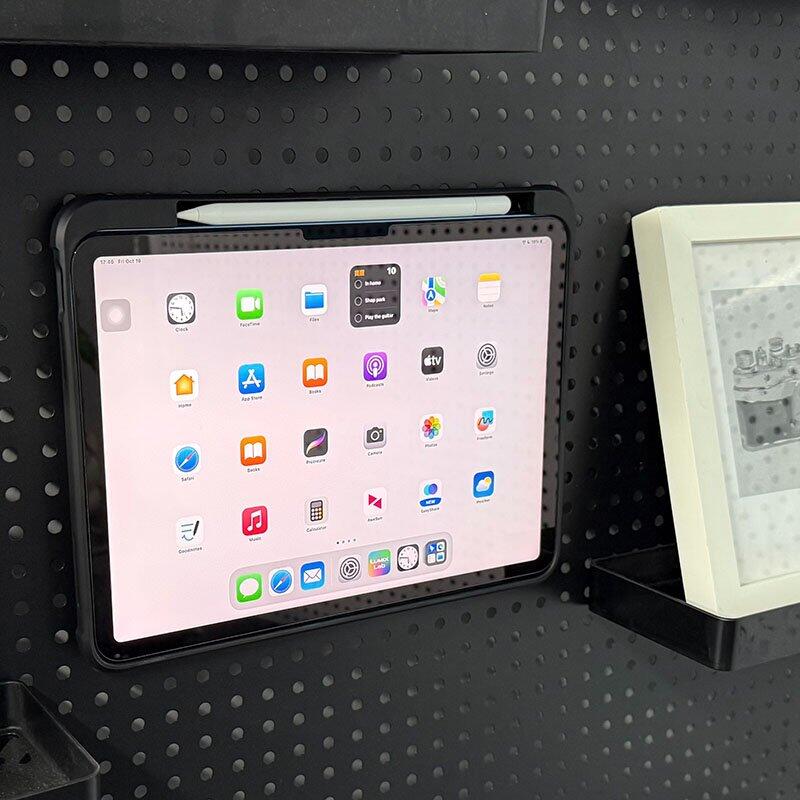
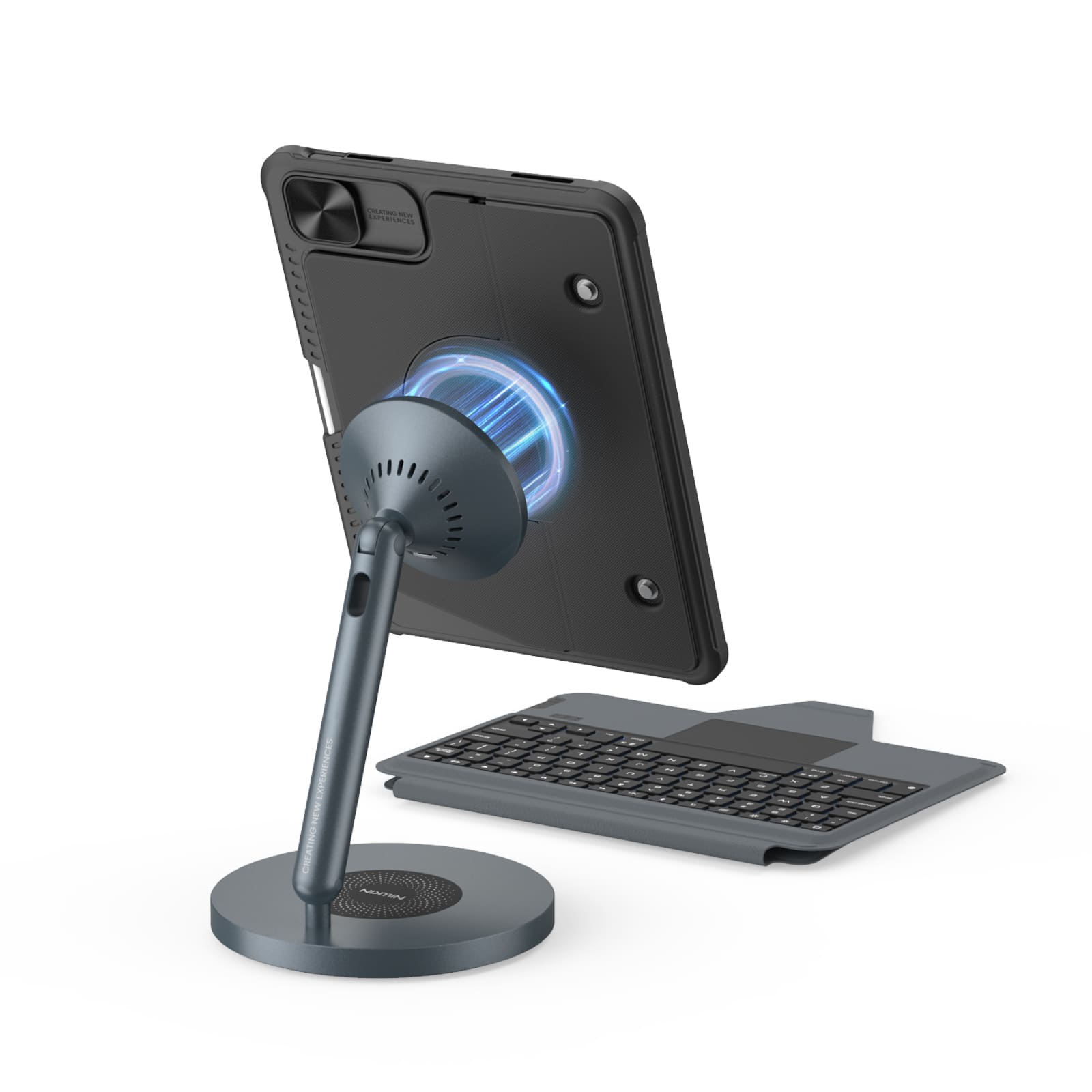
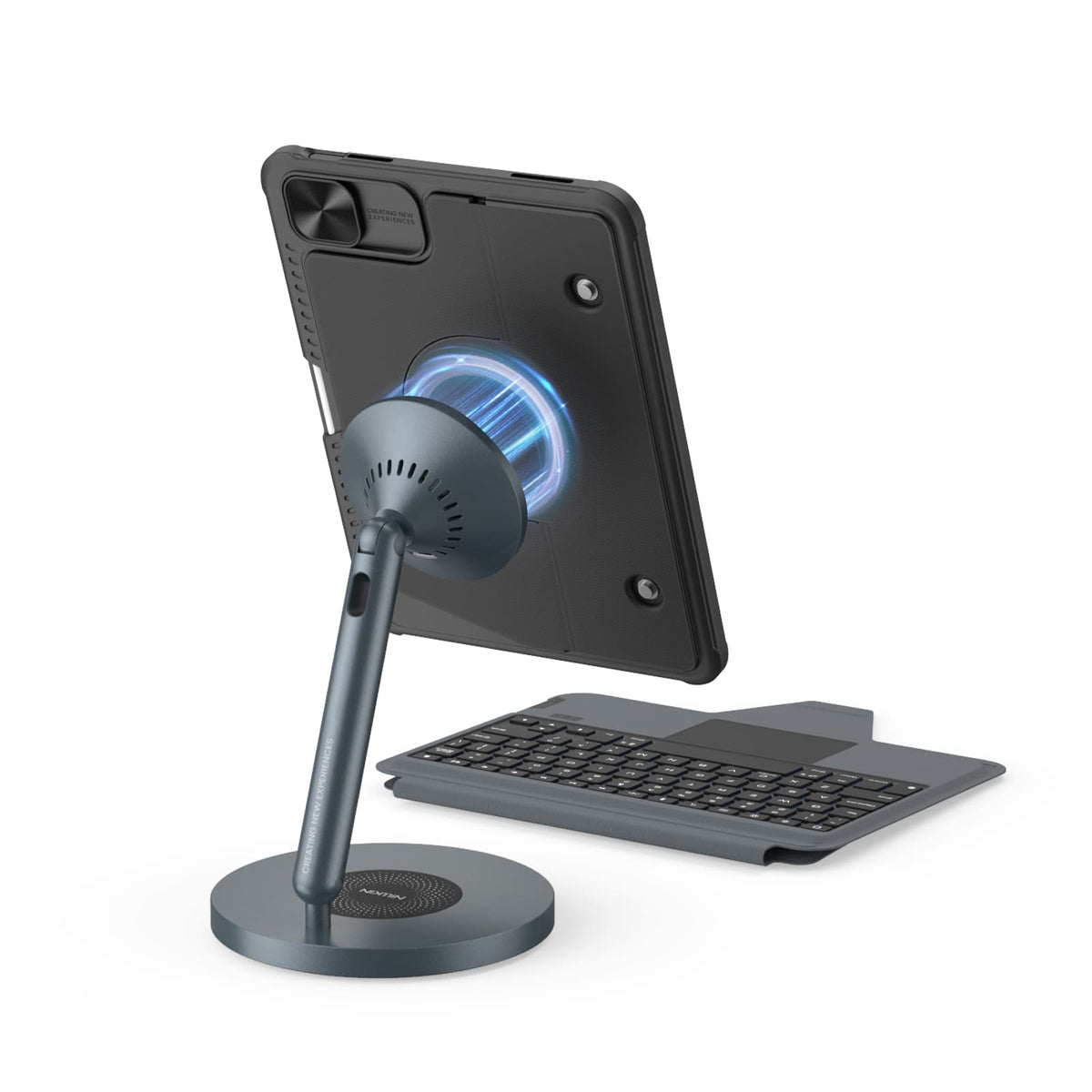
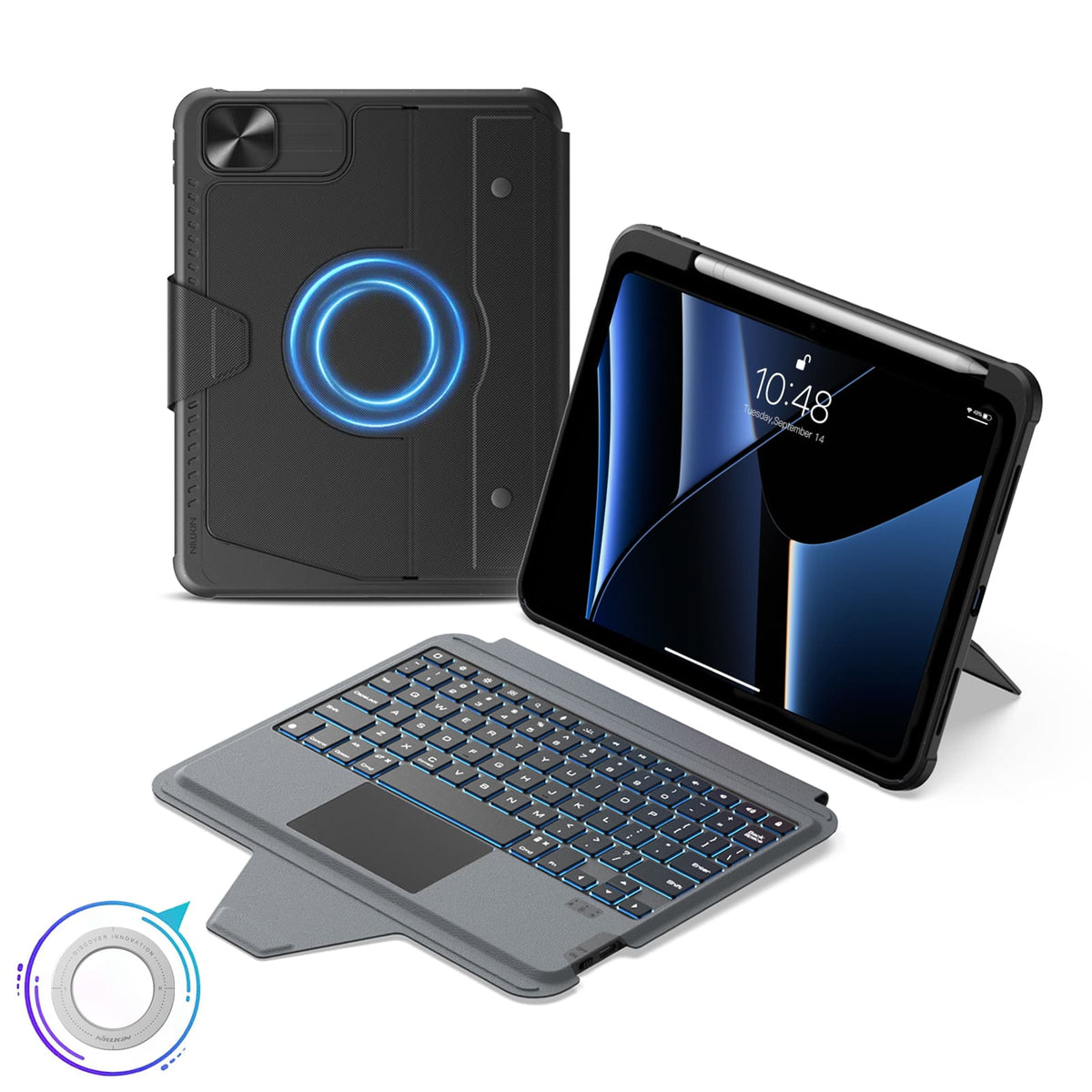
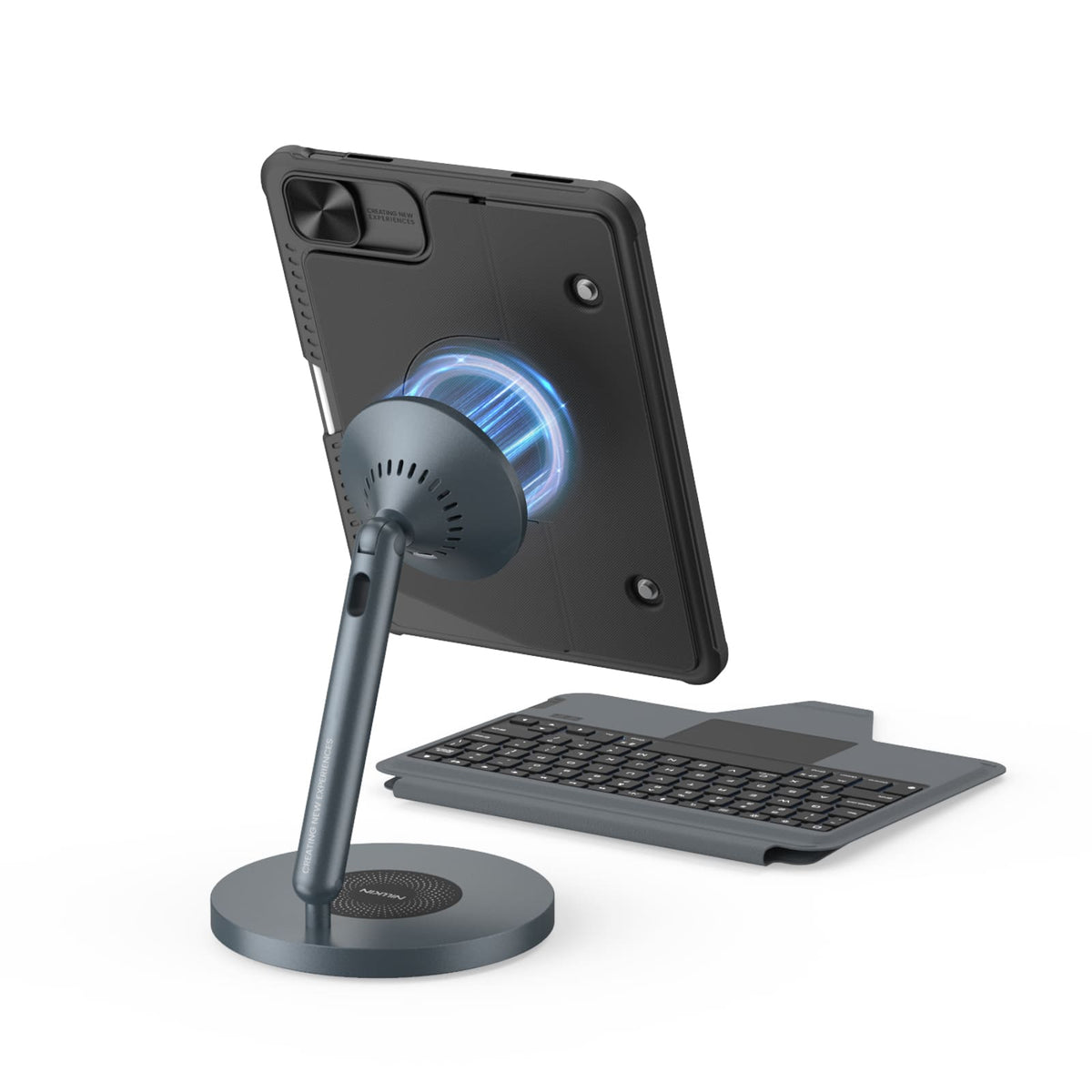
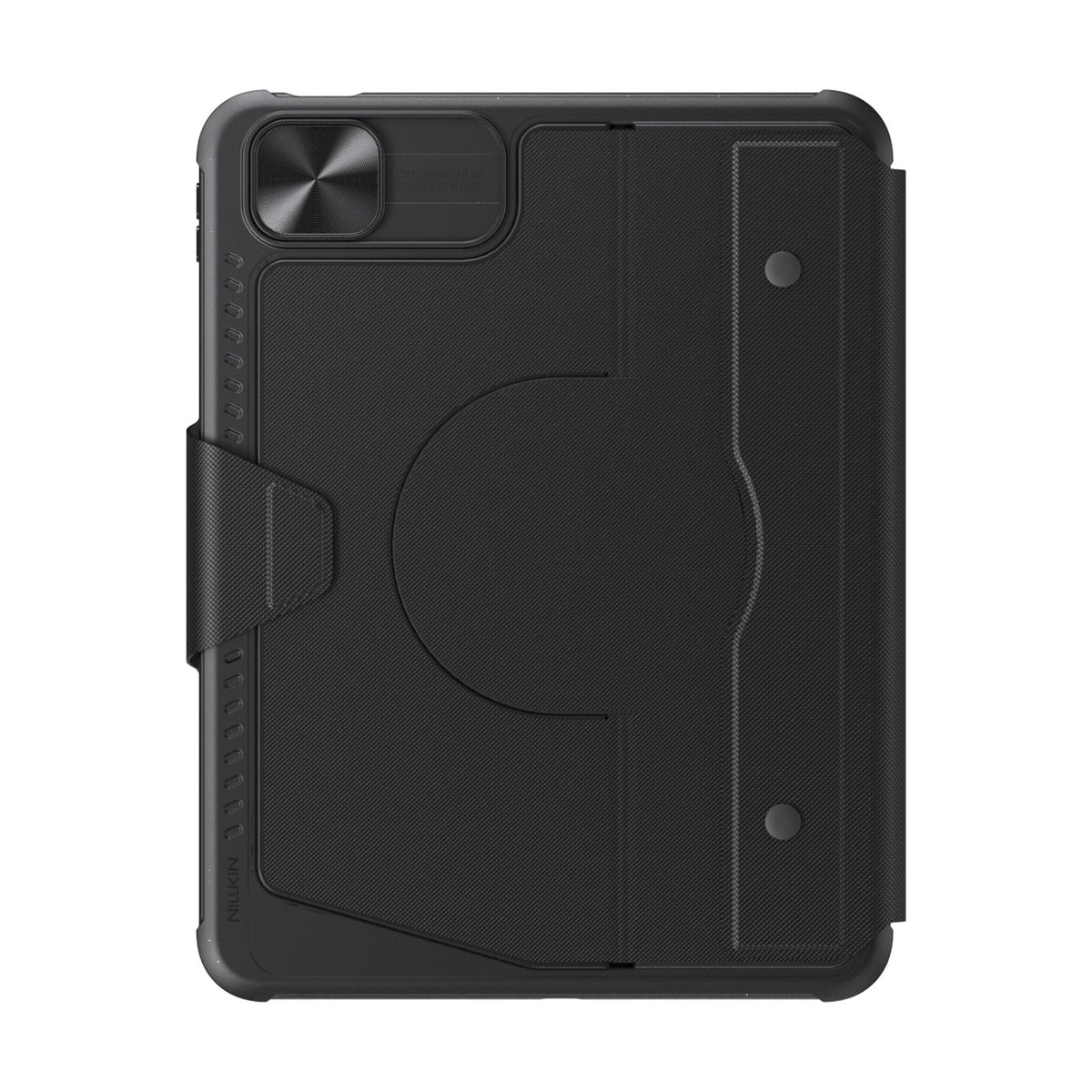
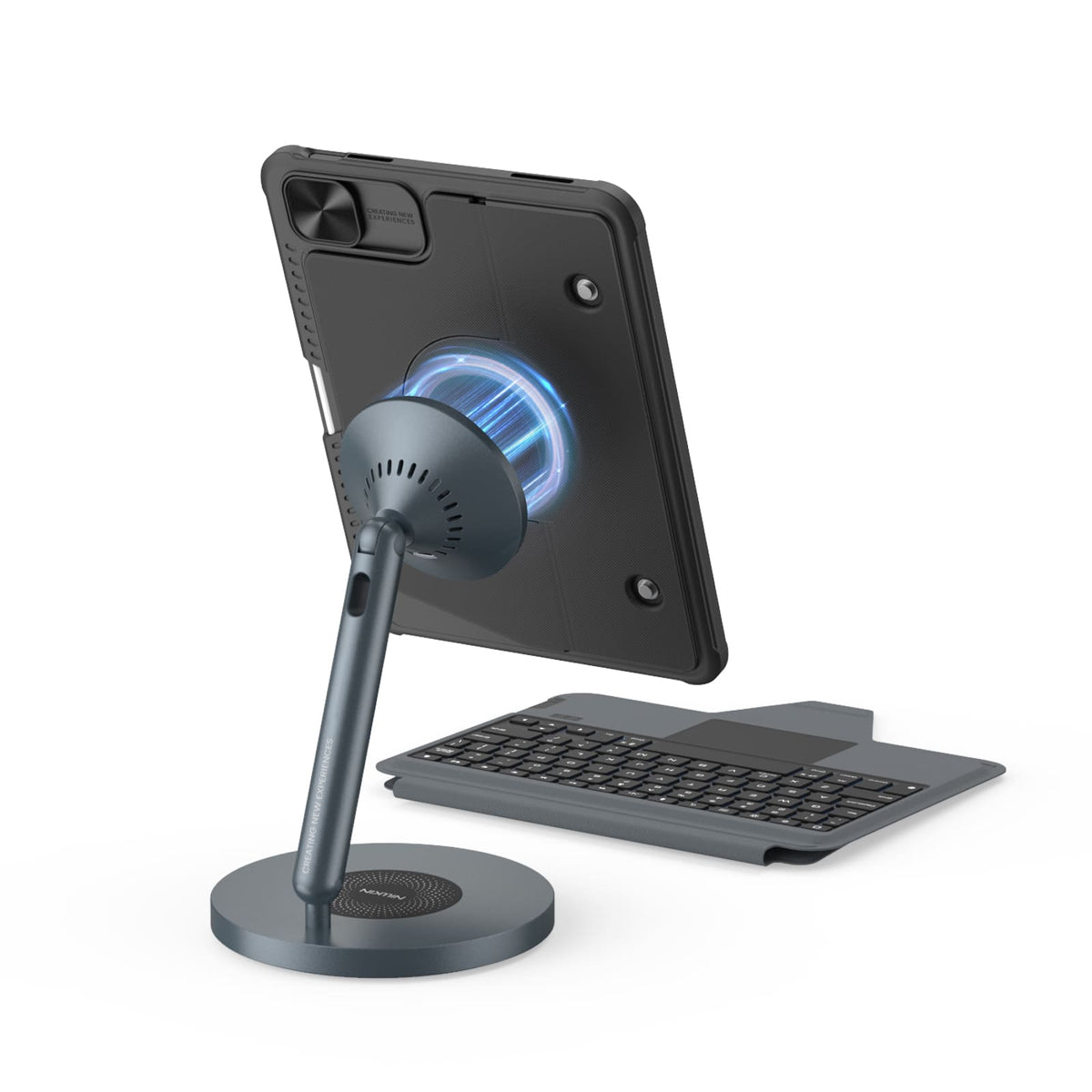
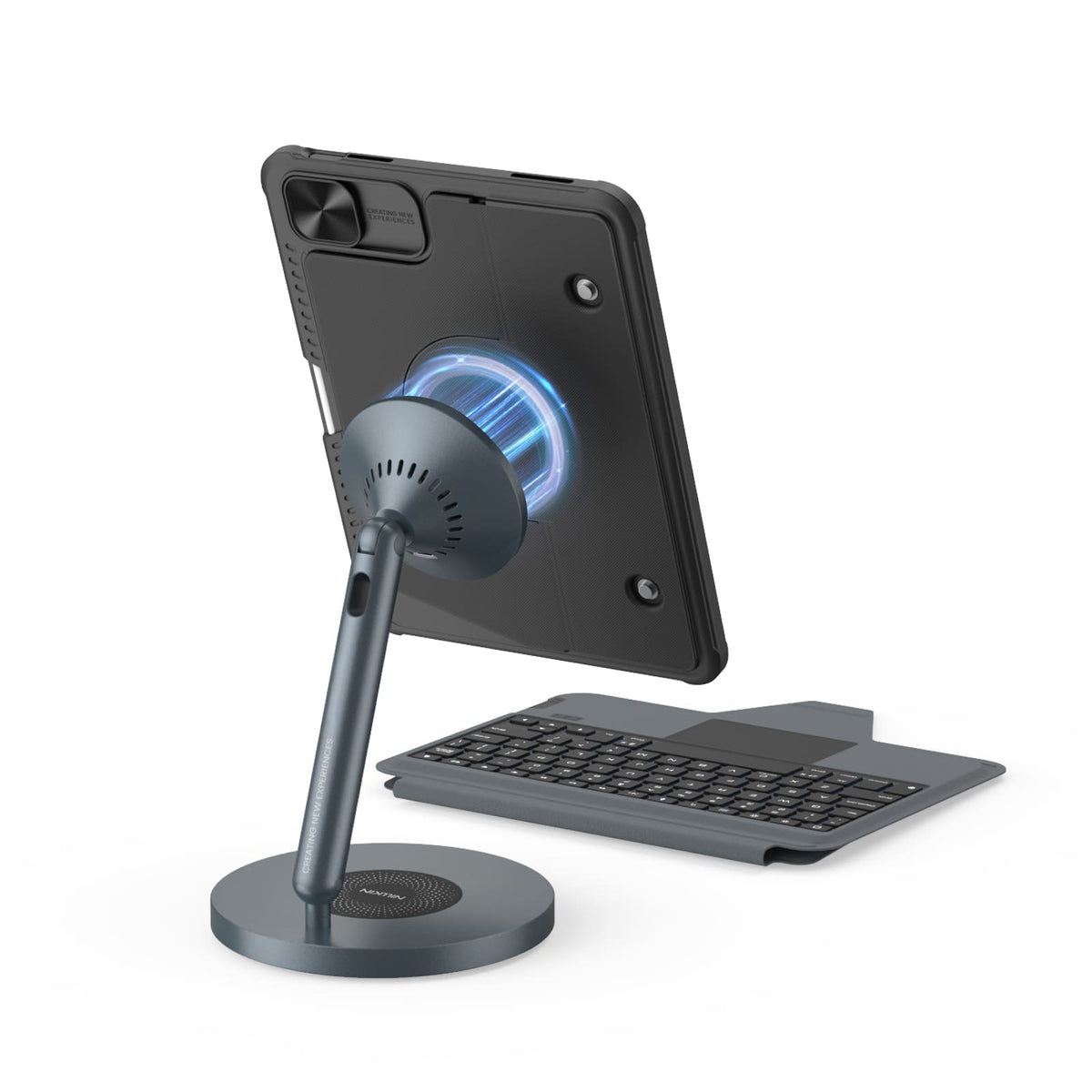
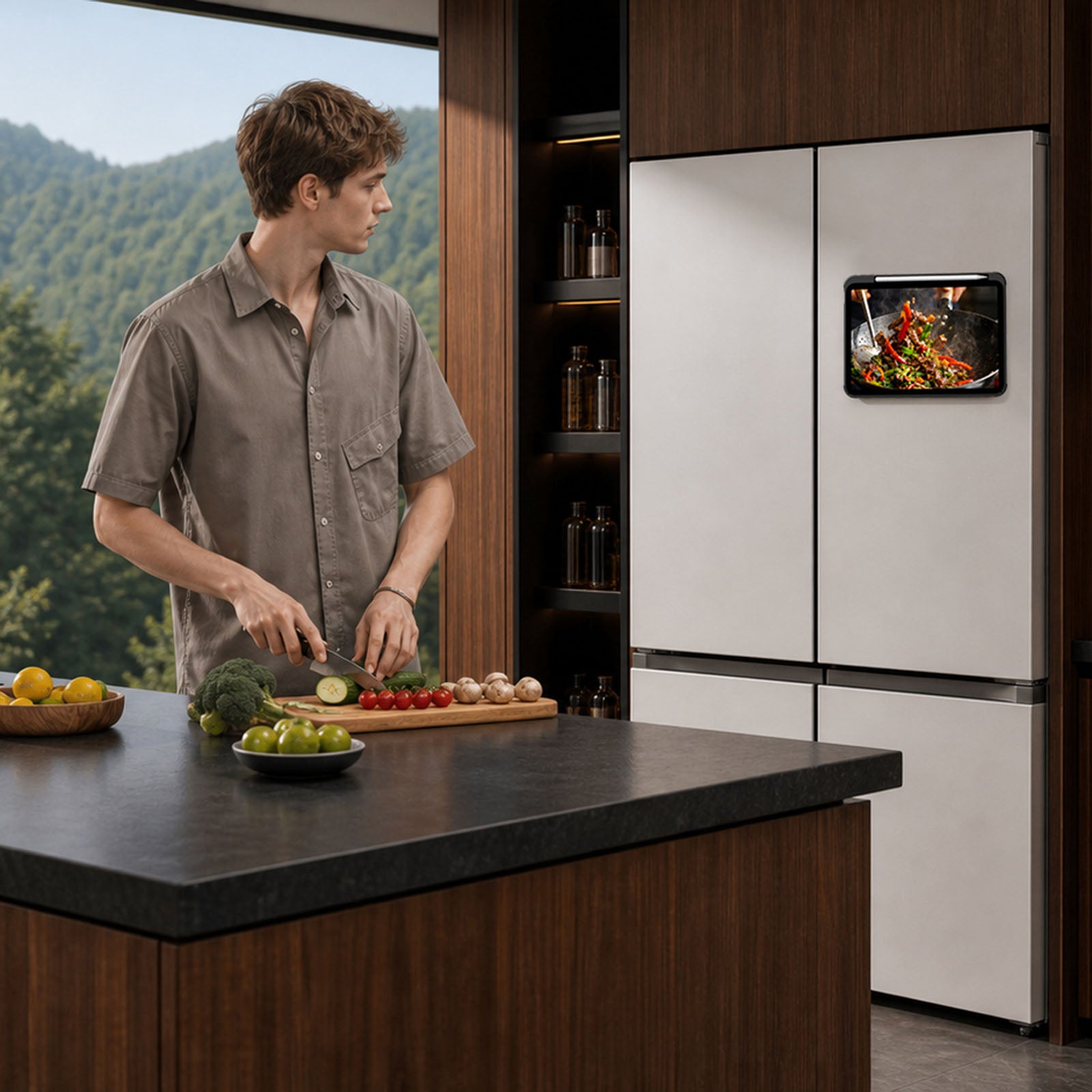
Built-in magnets unlock more ways to use your iPad with compatible metal surfaces and NILLKIN magnetic accessories.
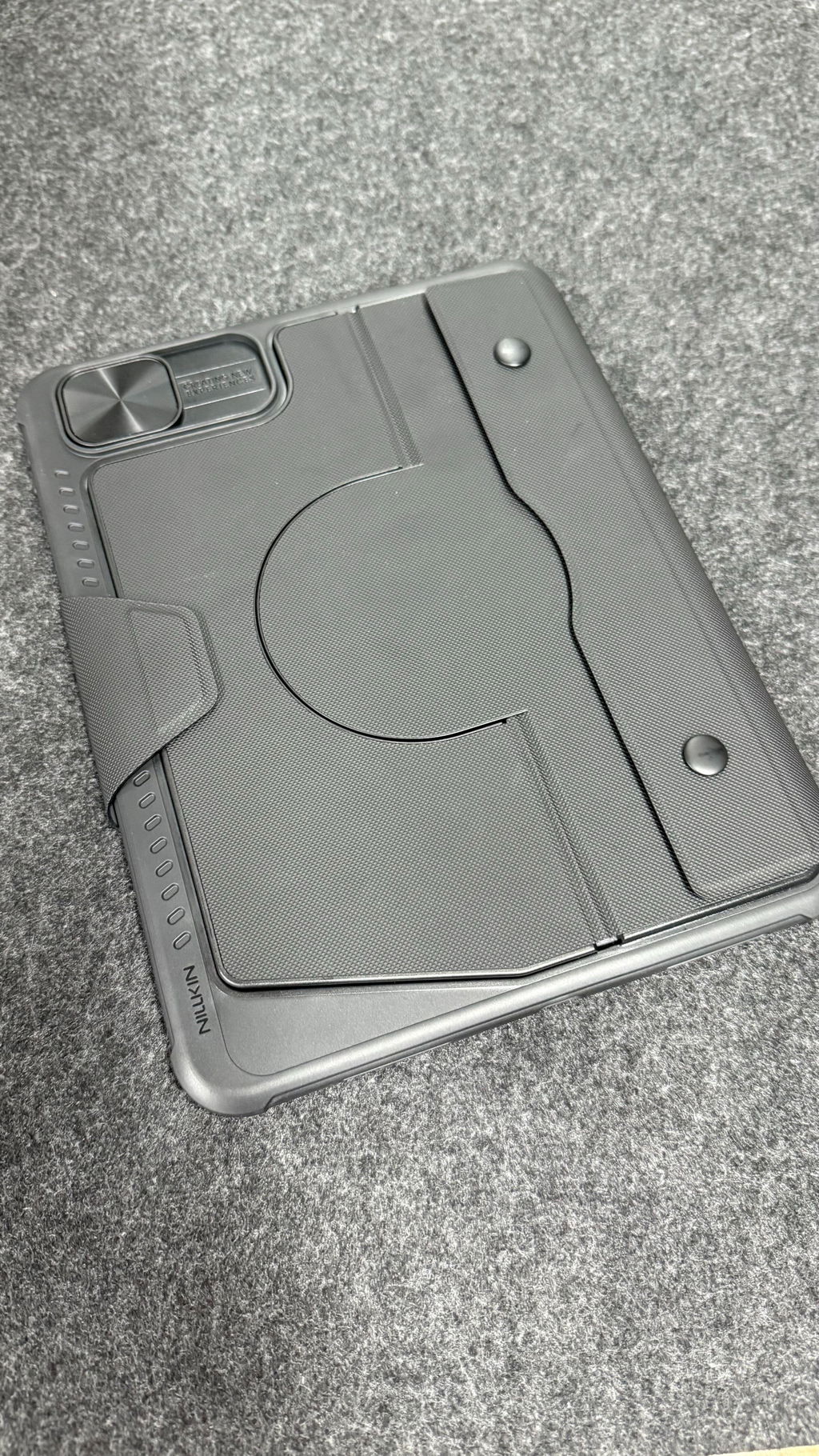
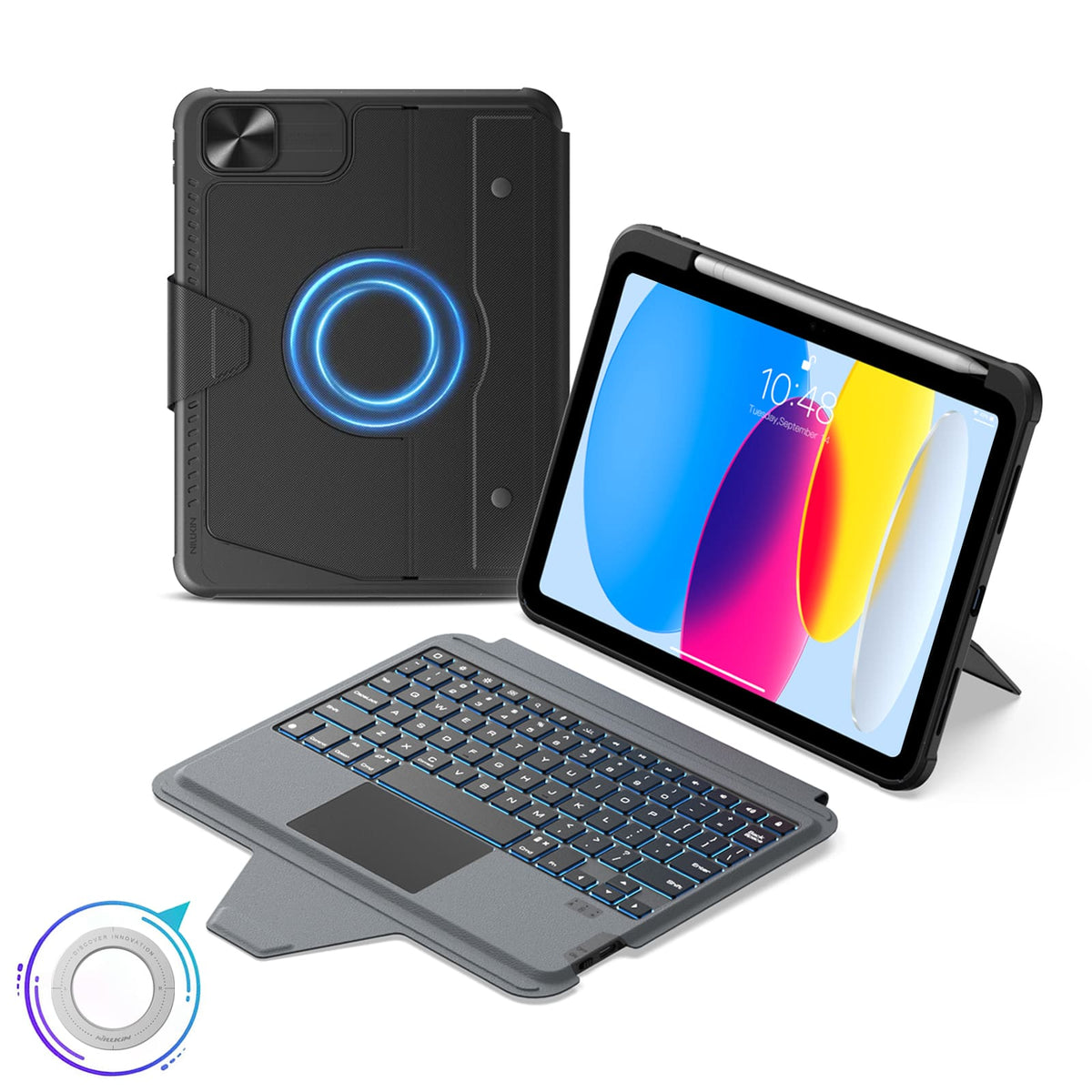
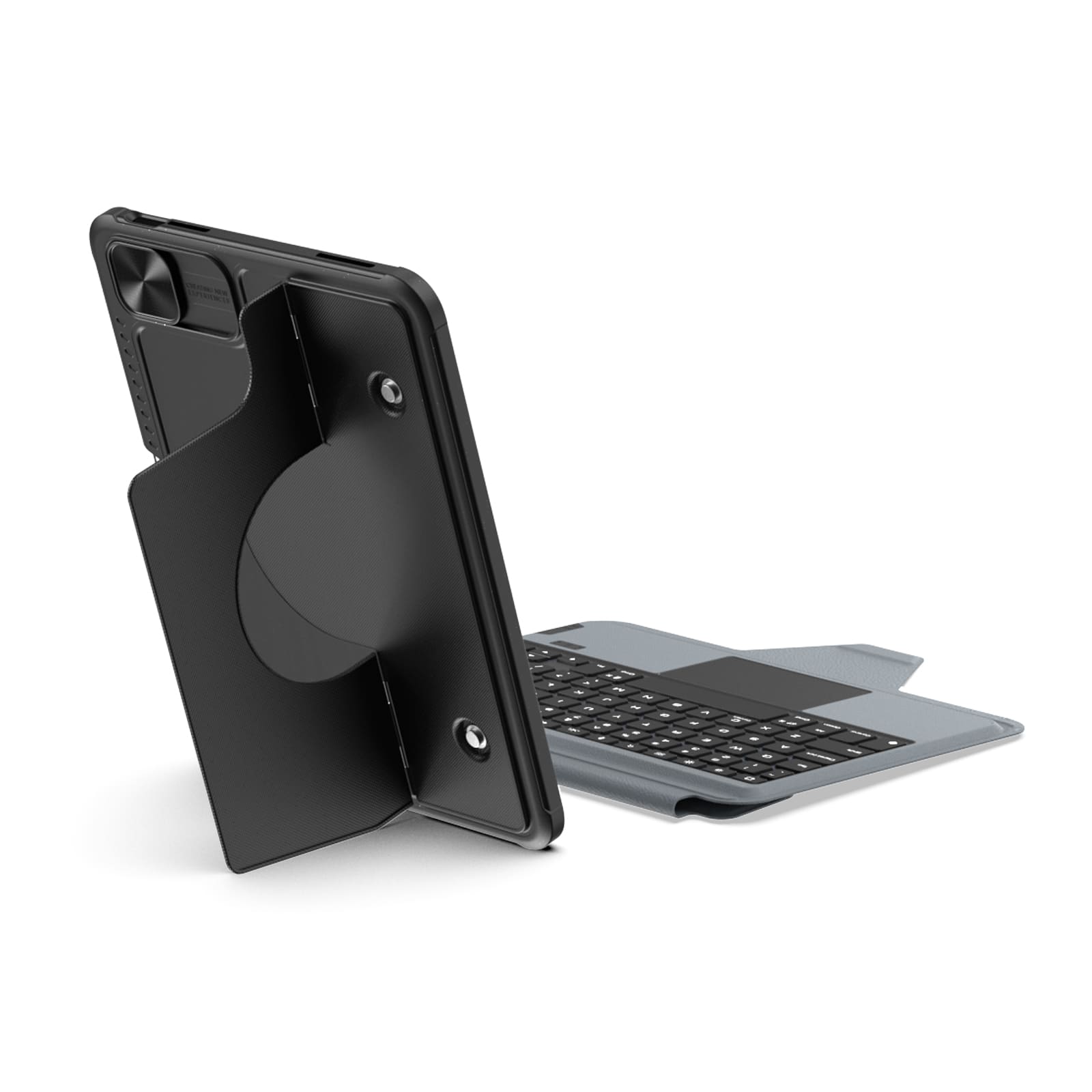
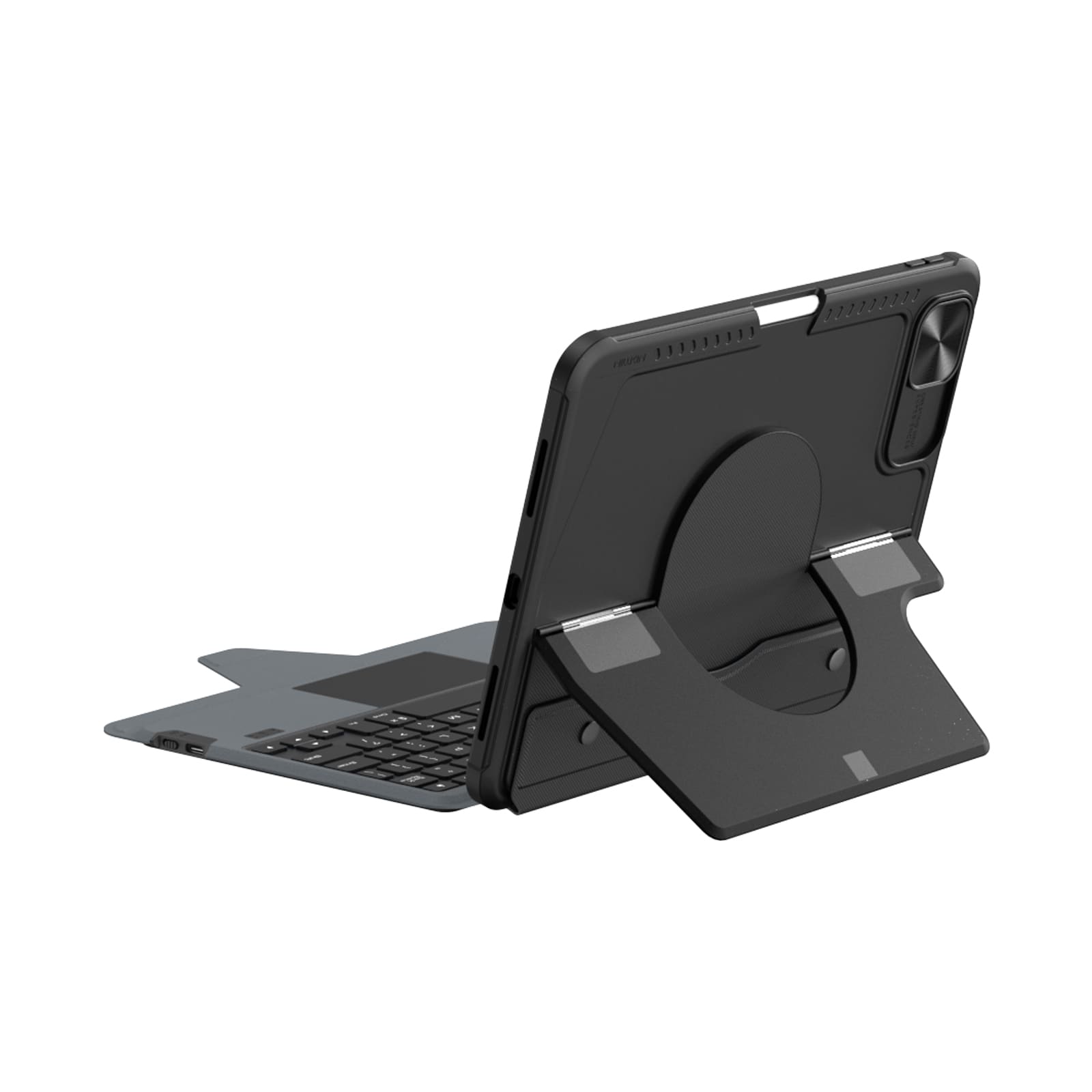
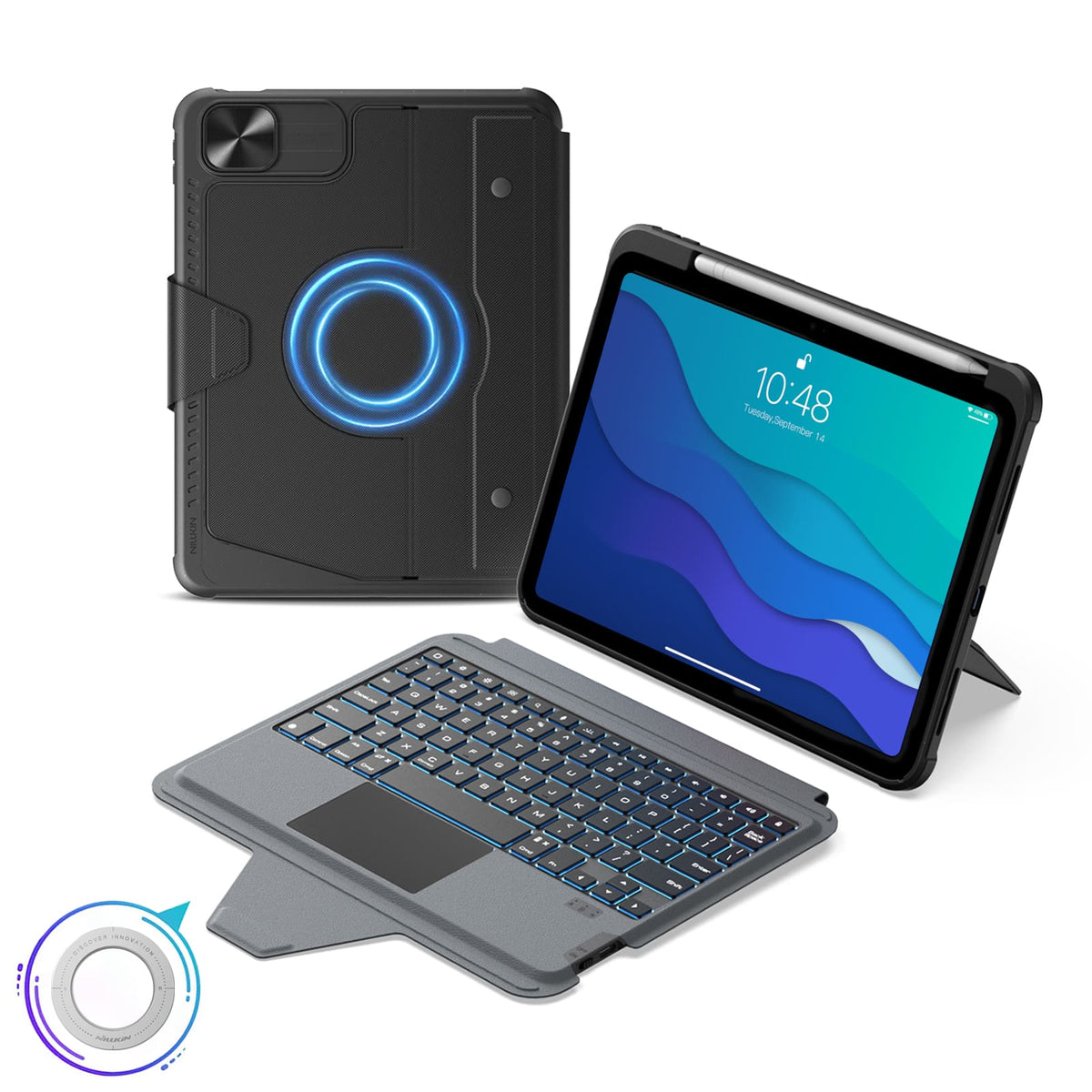
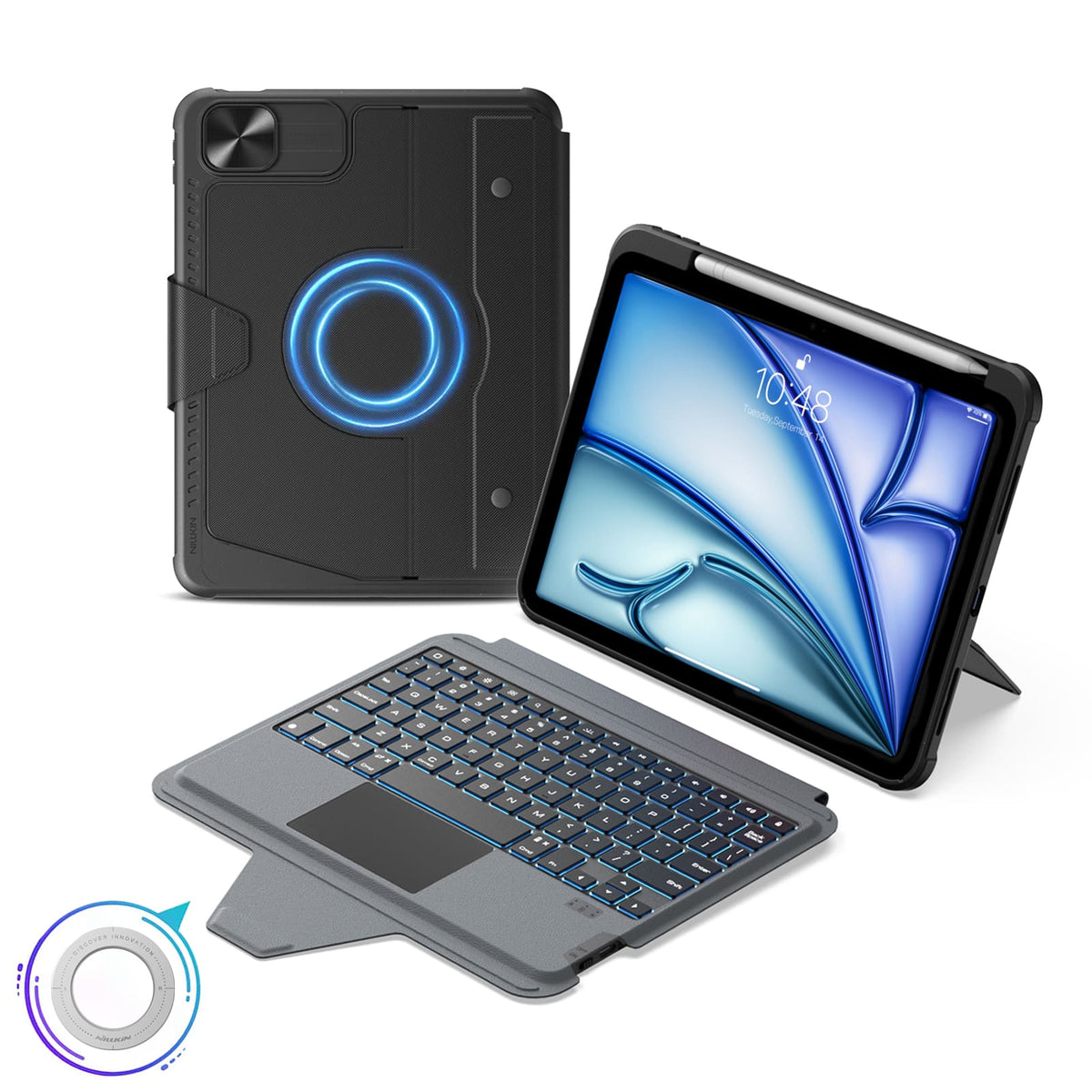
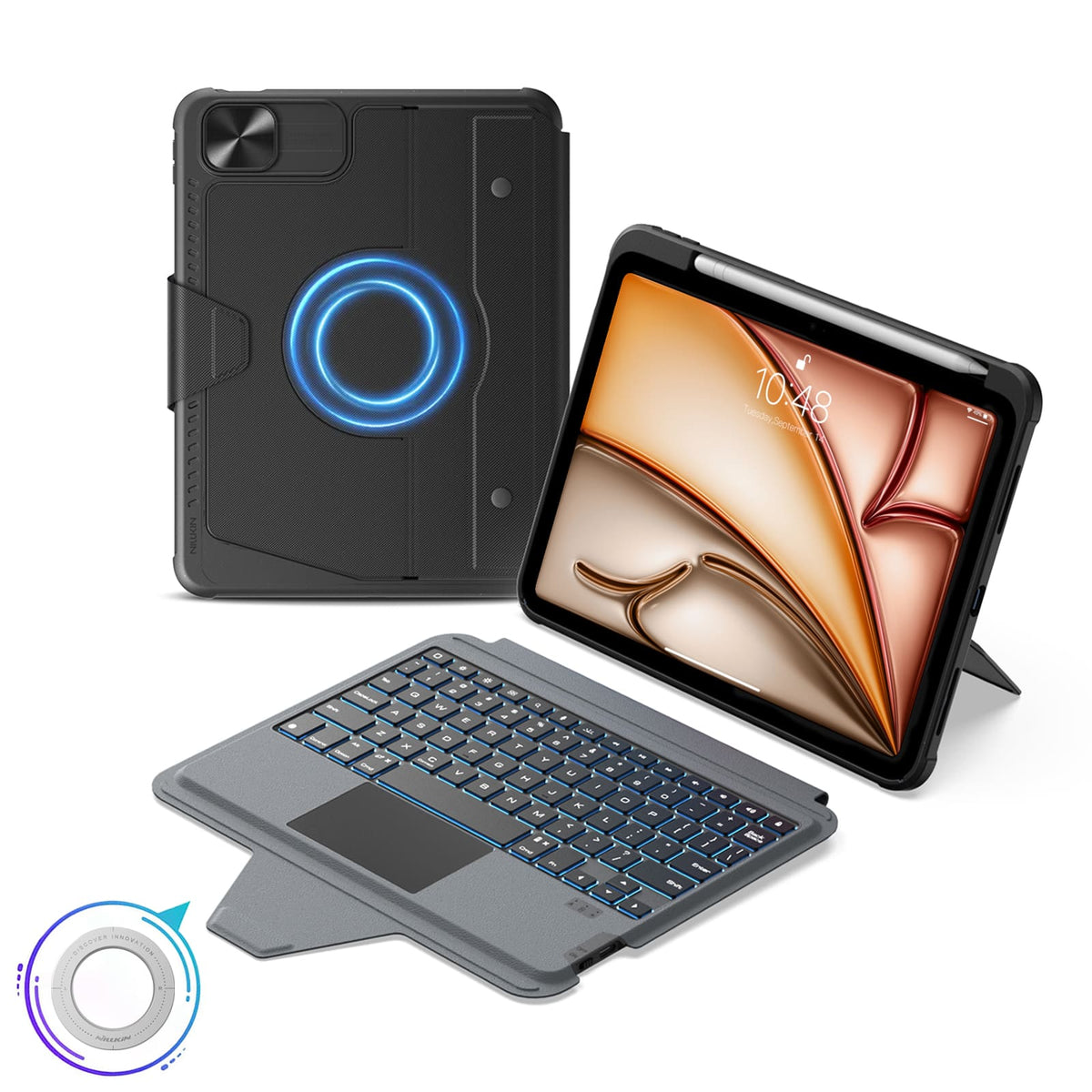
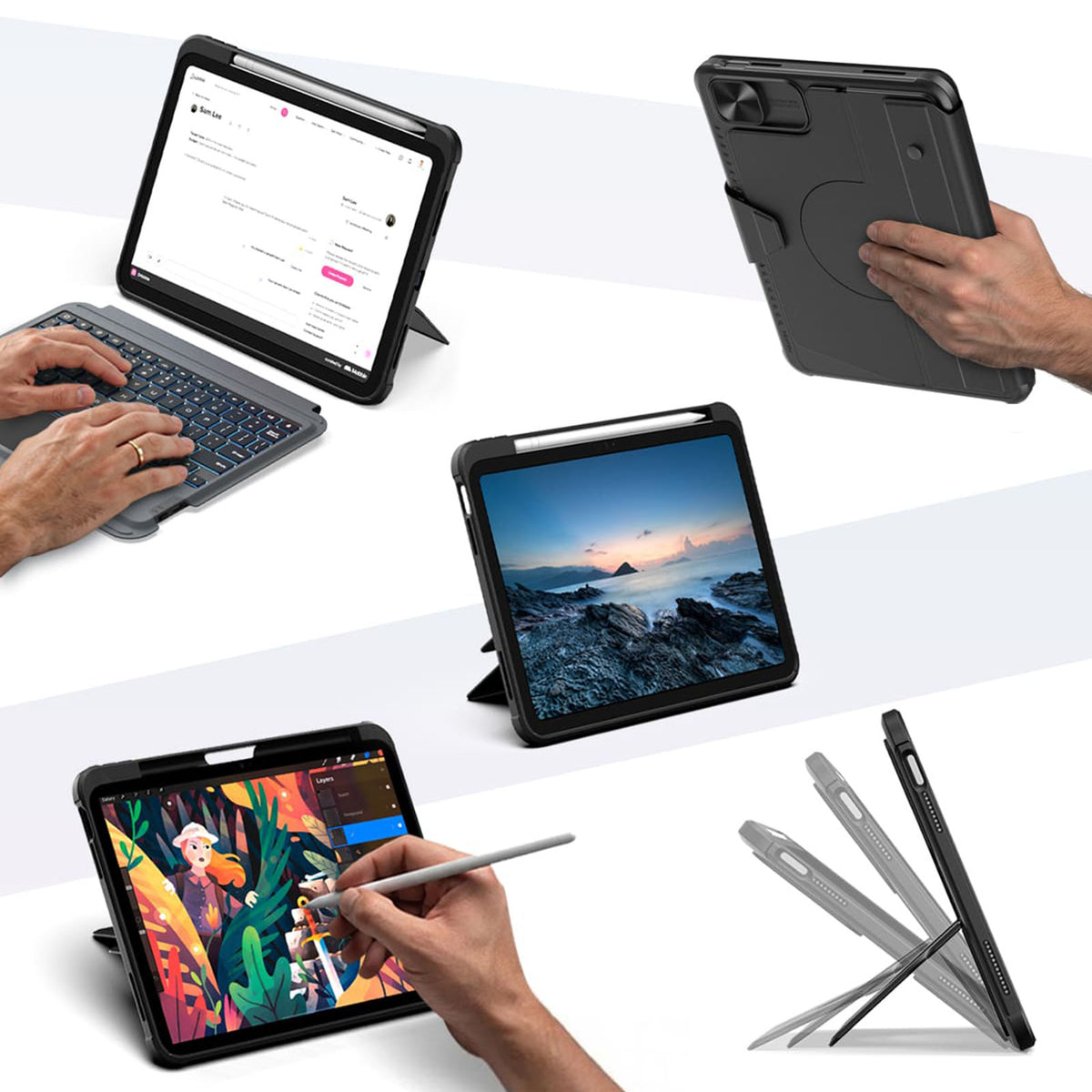
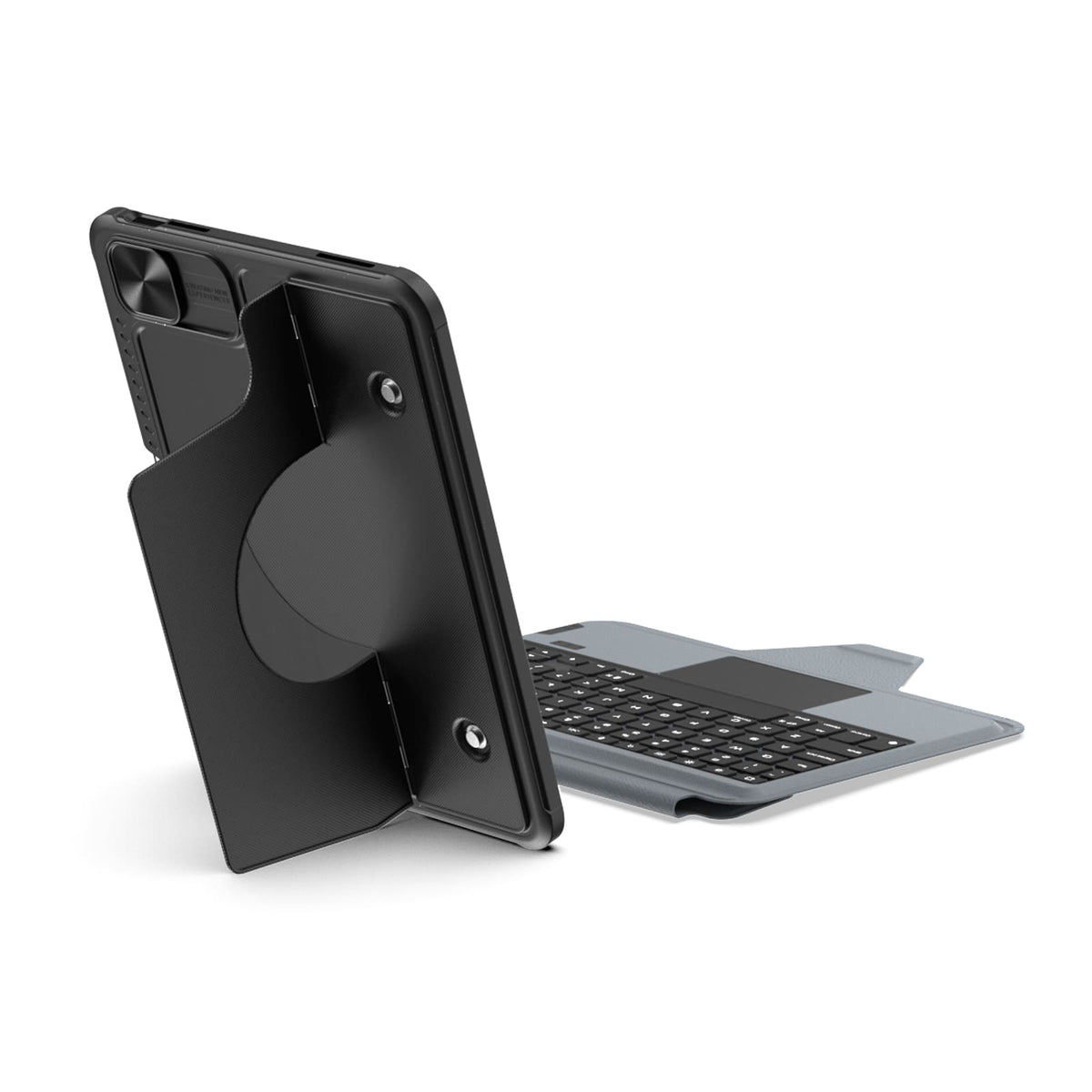
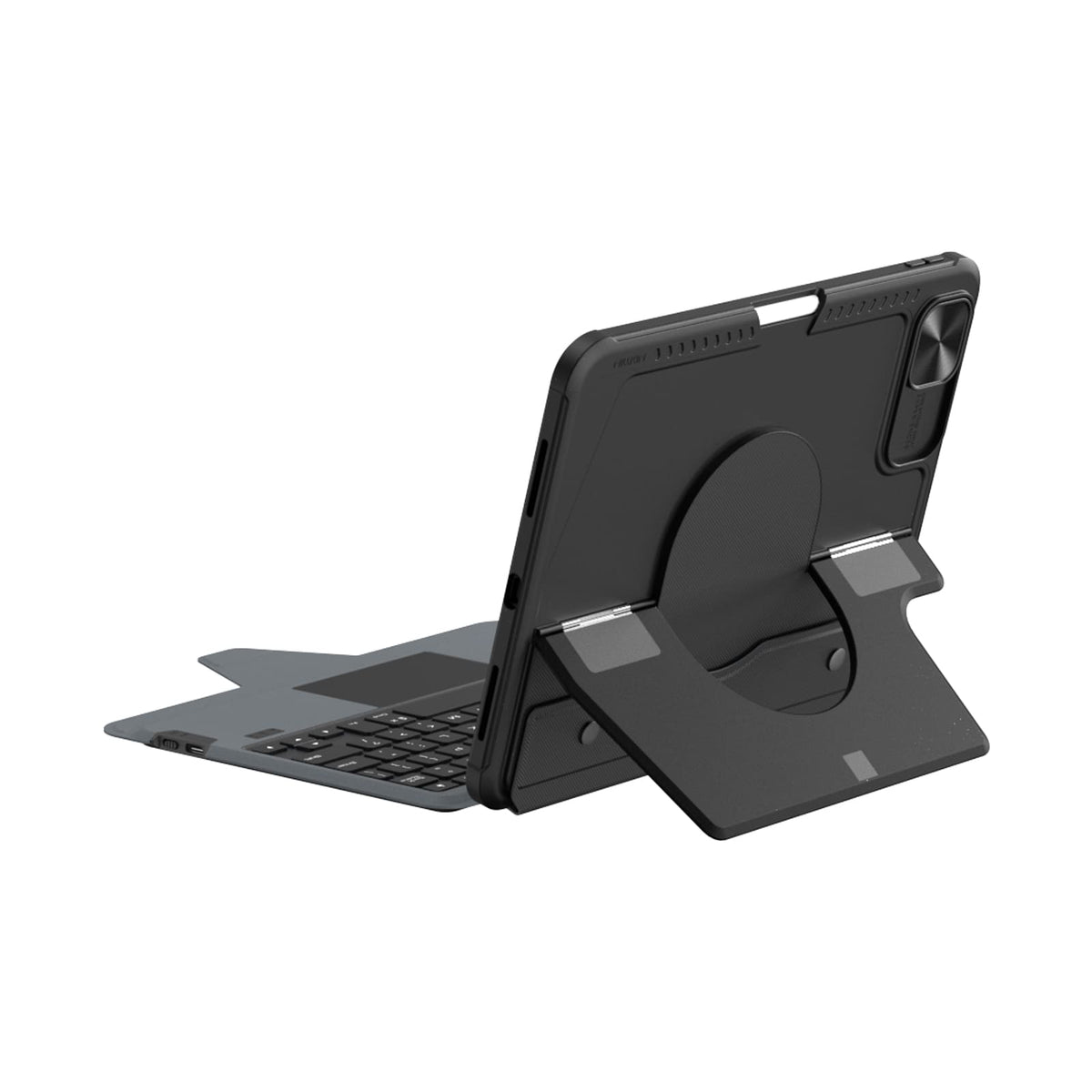
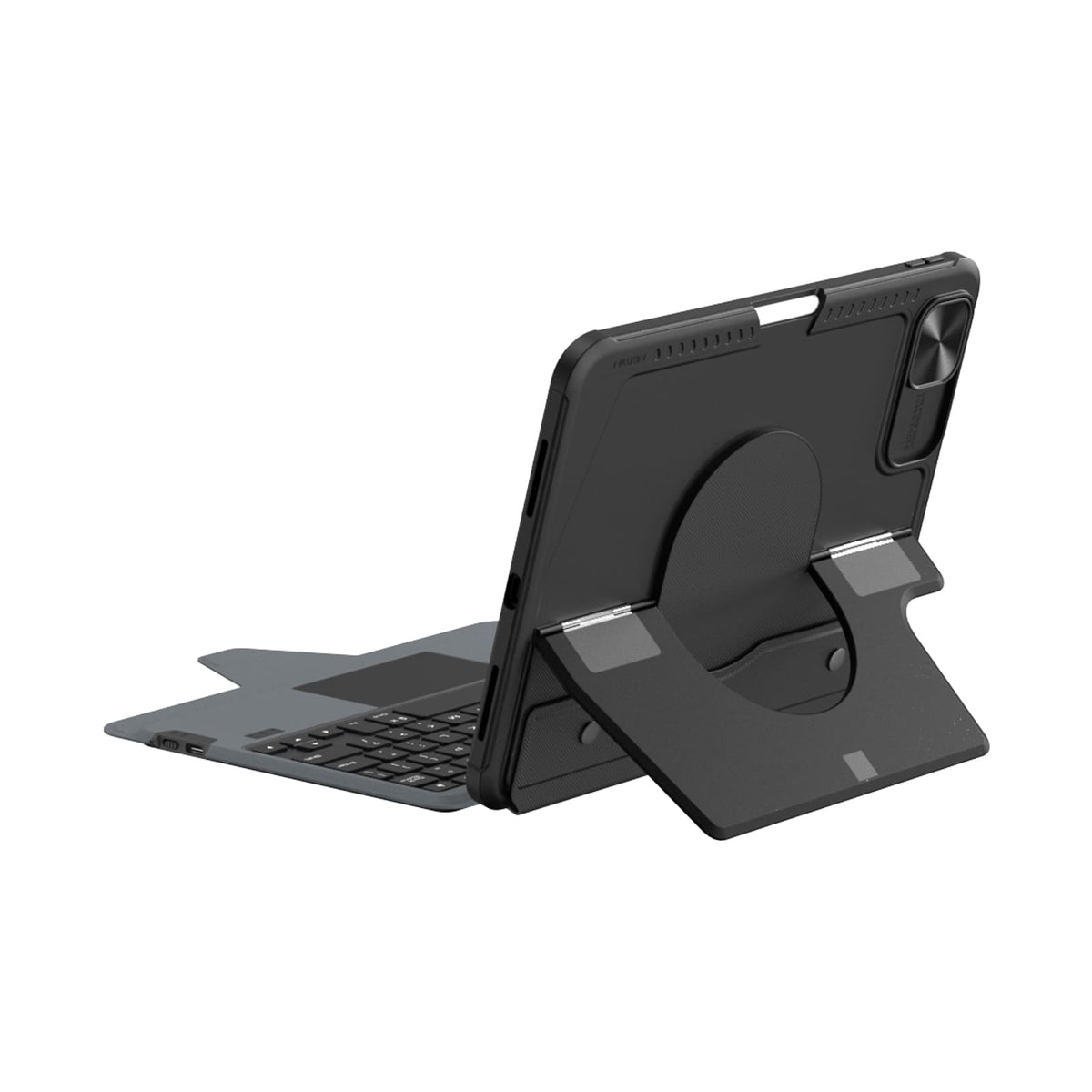
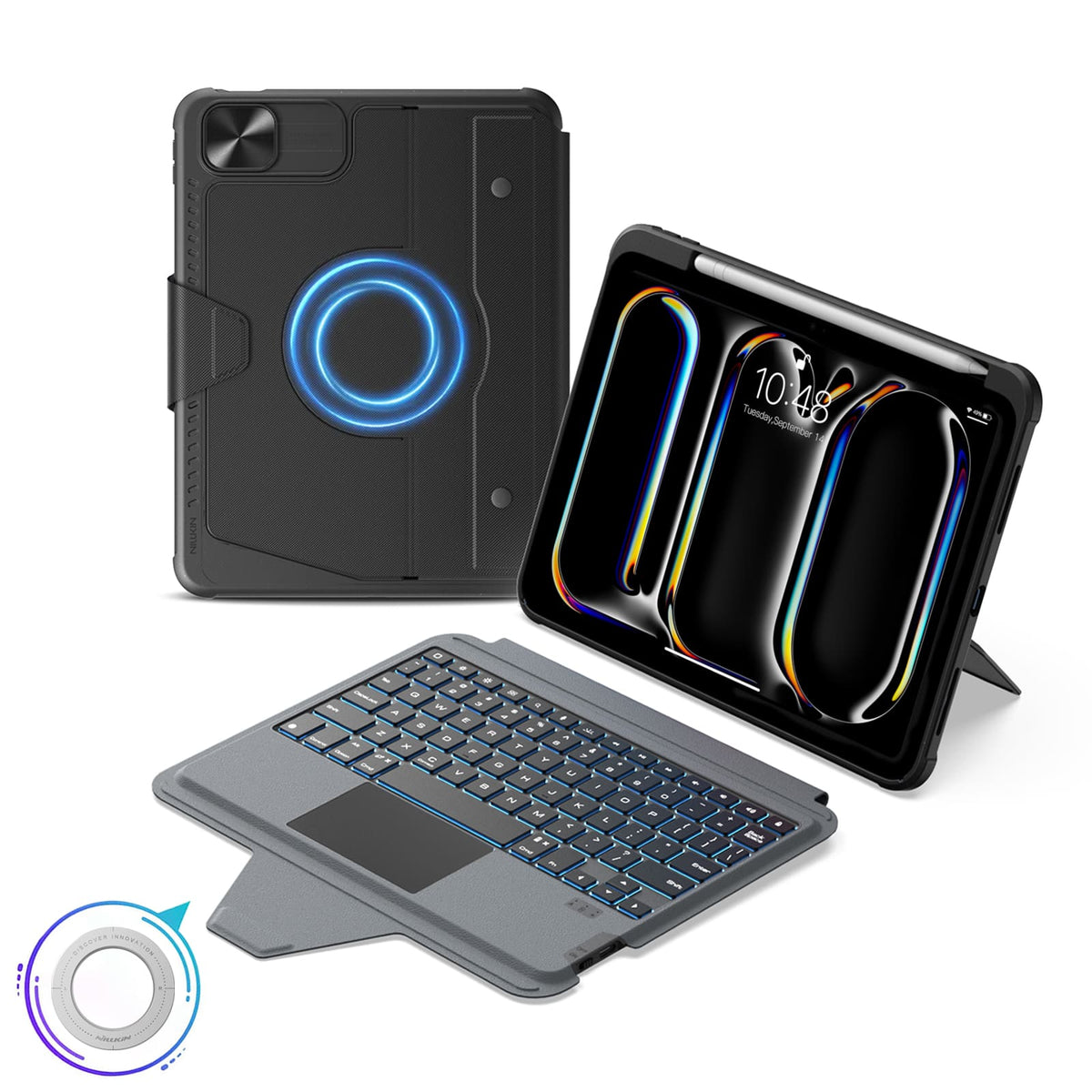
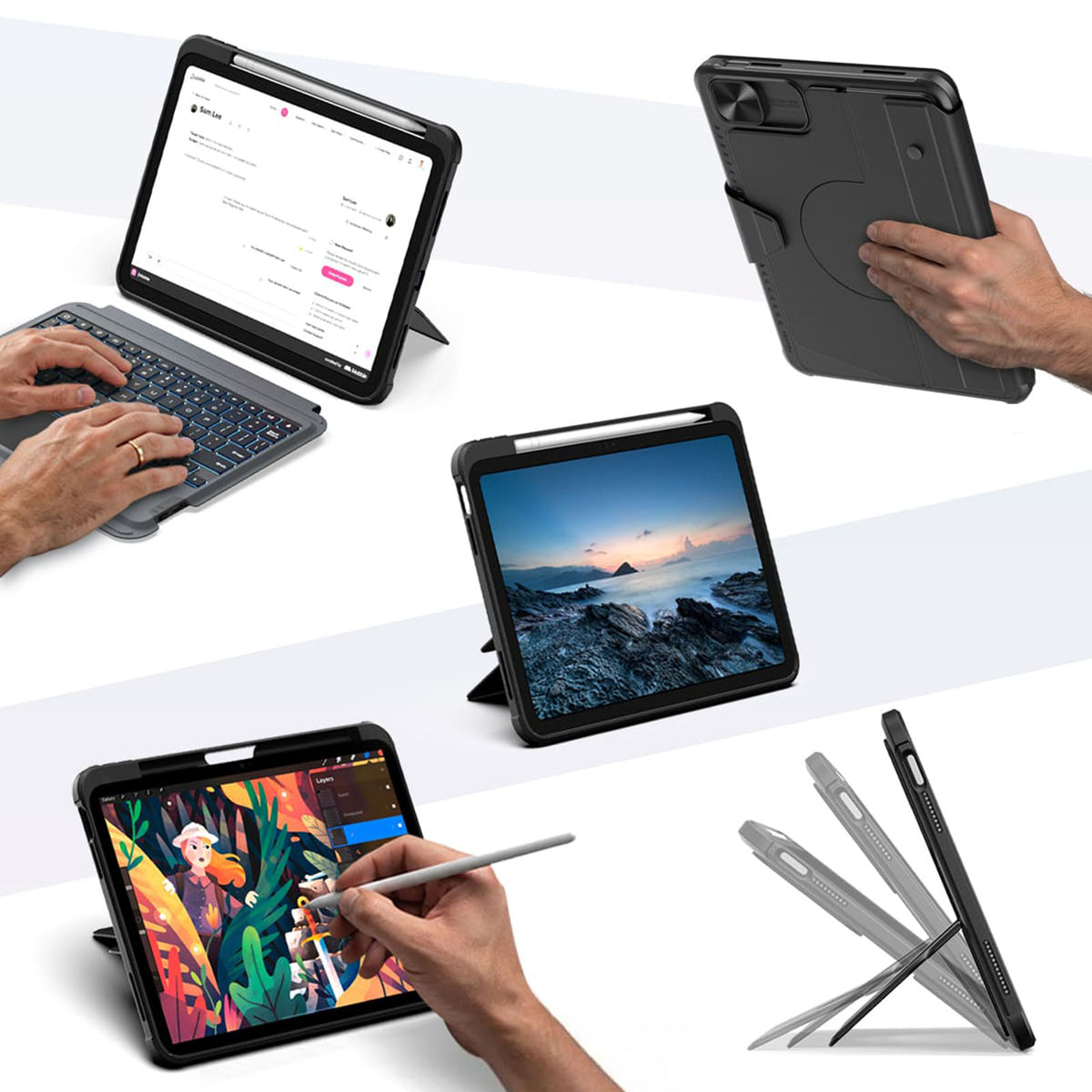
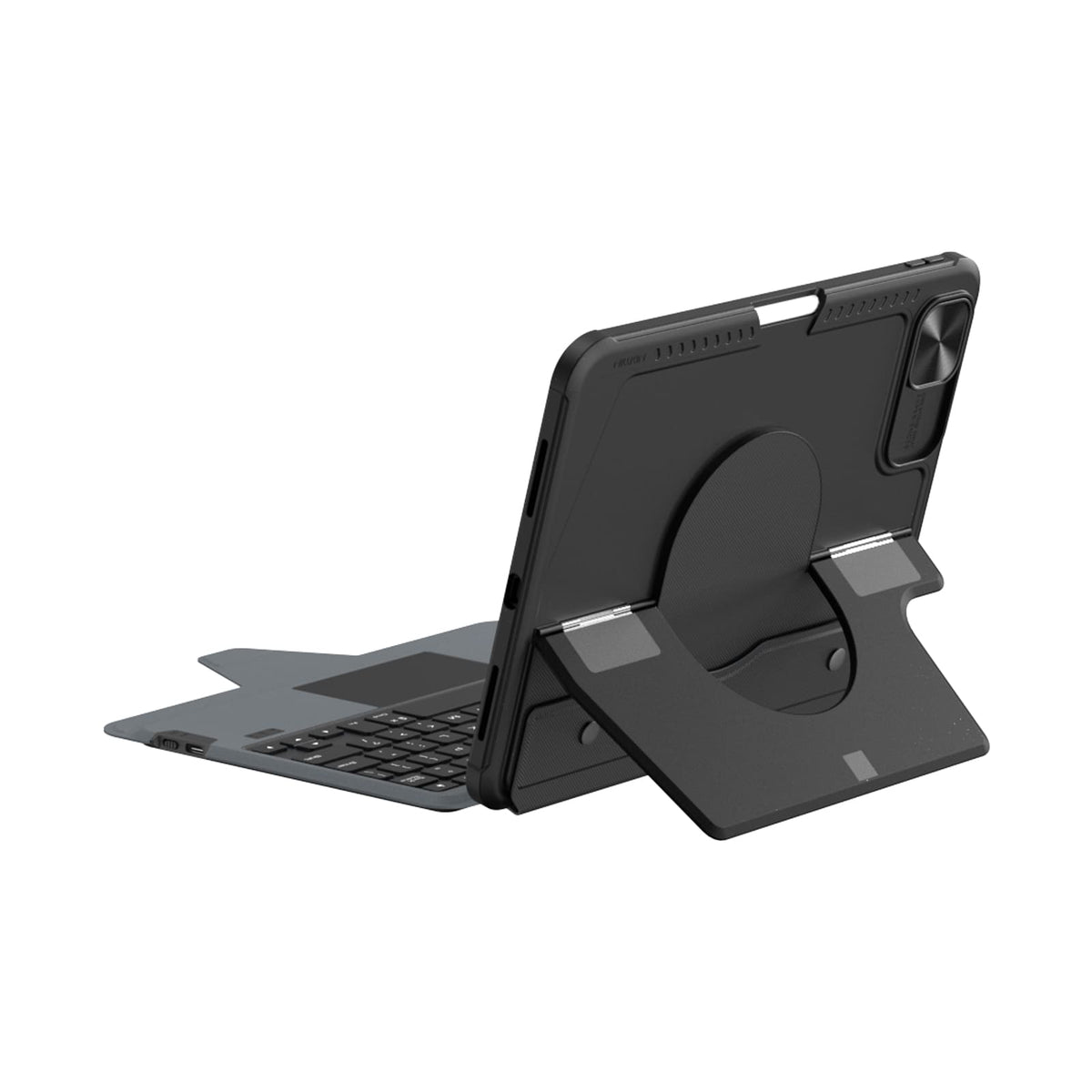
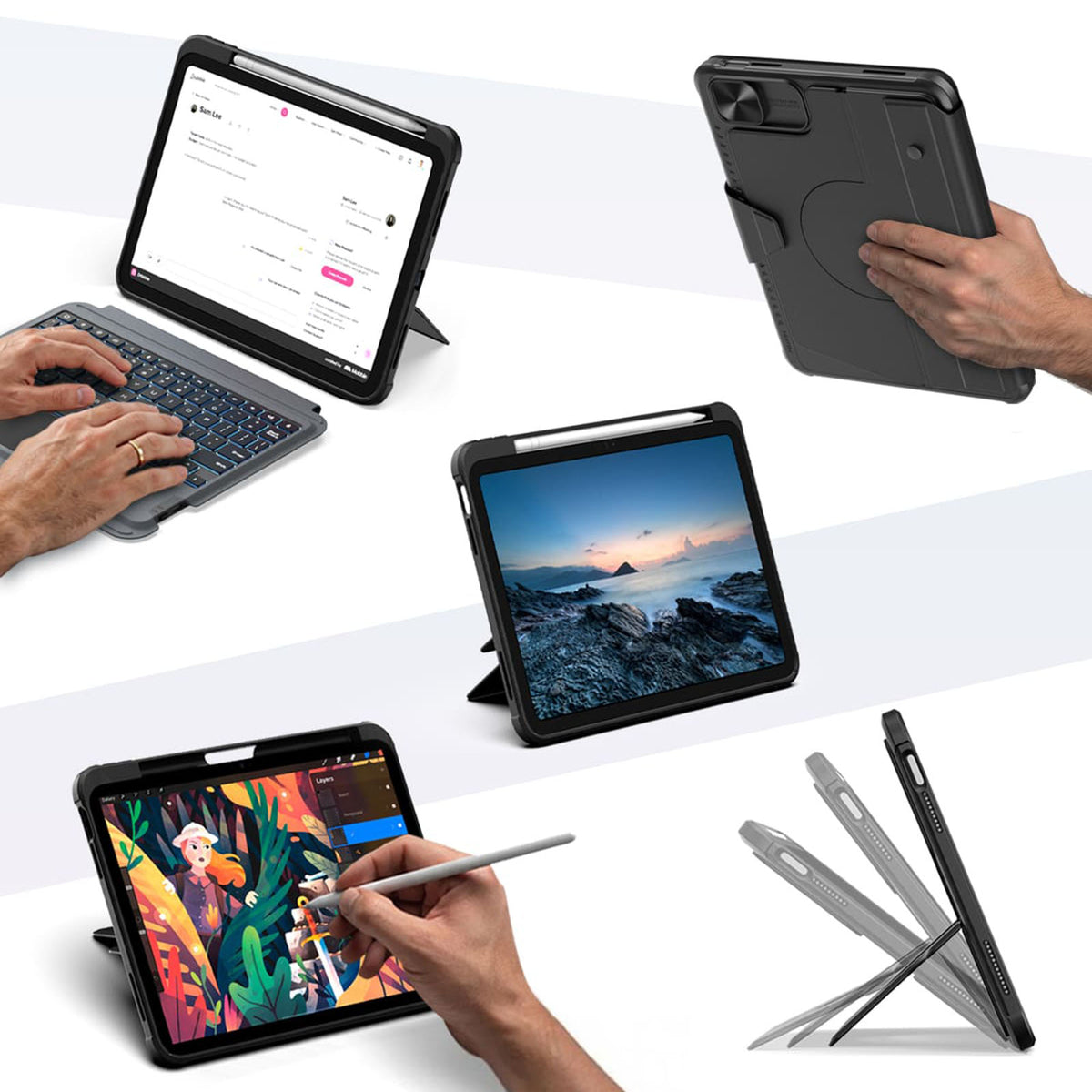
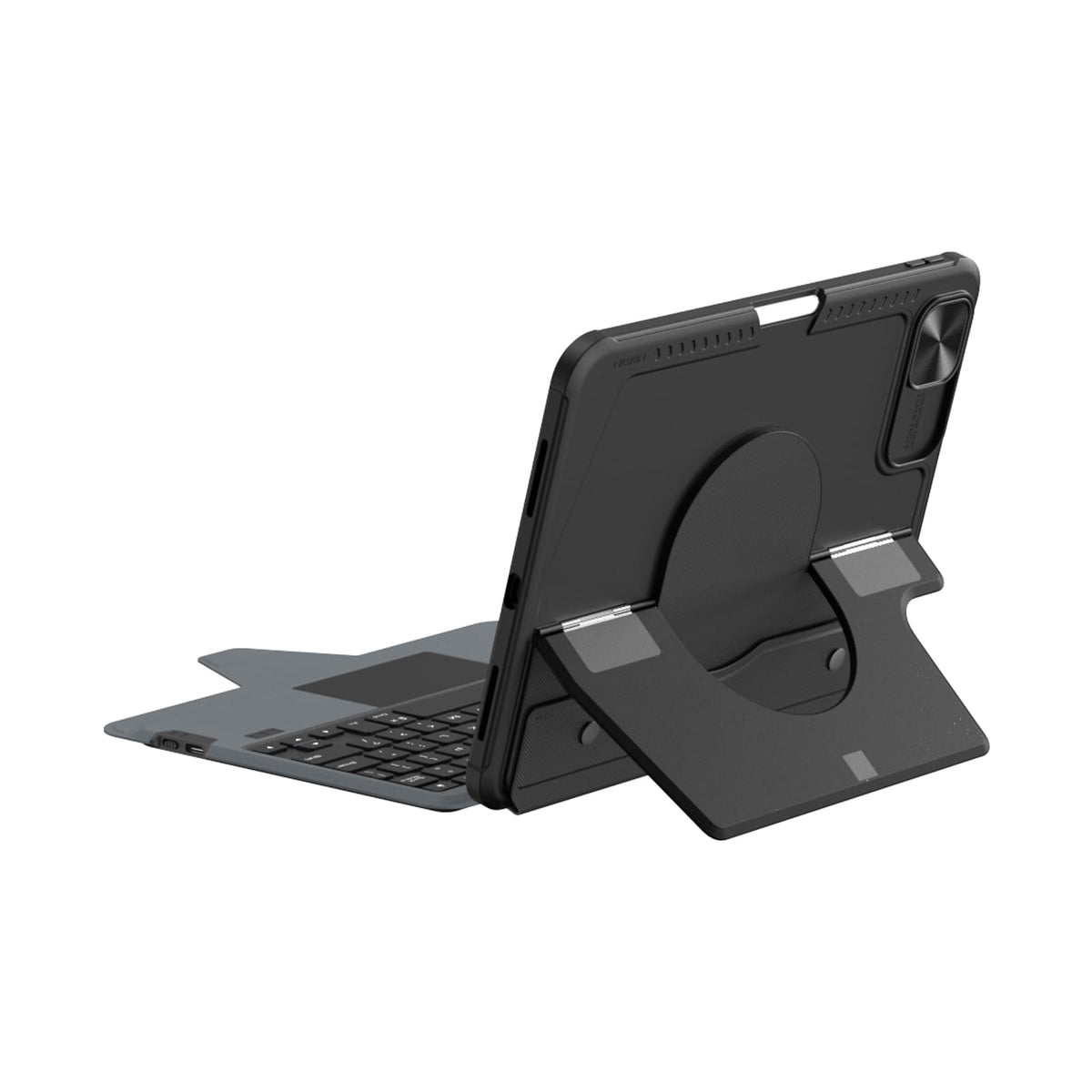
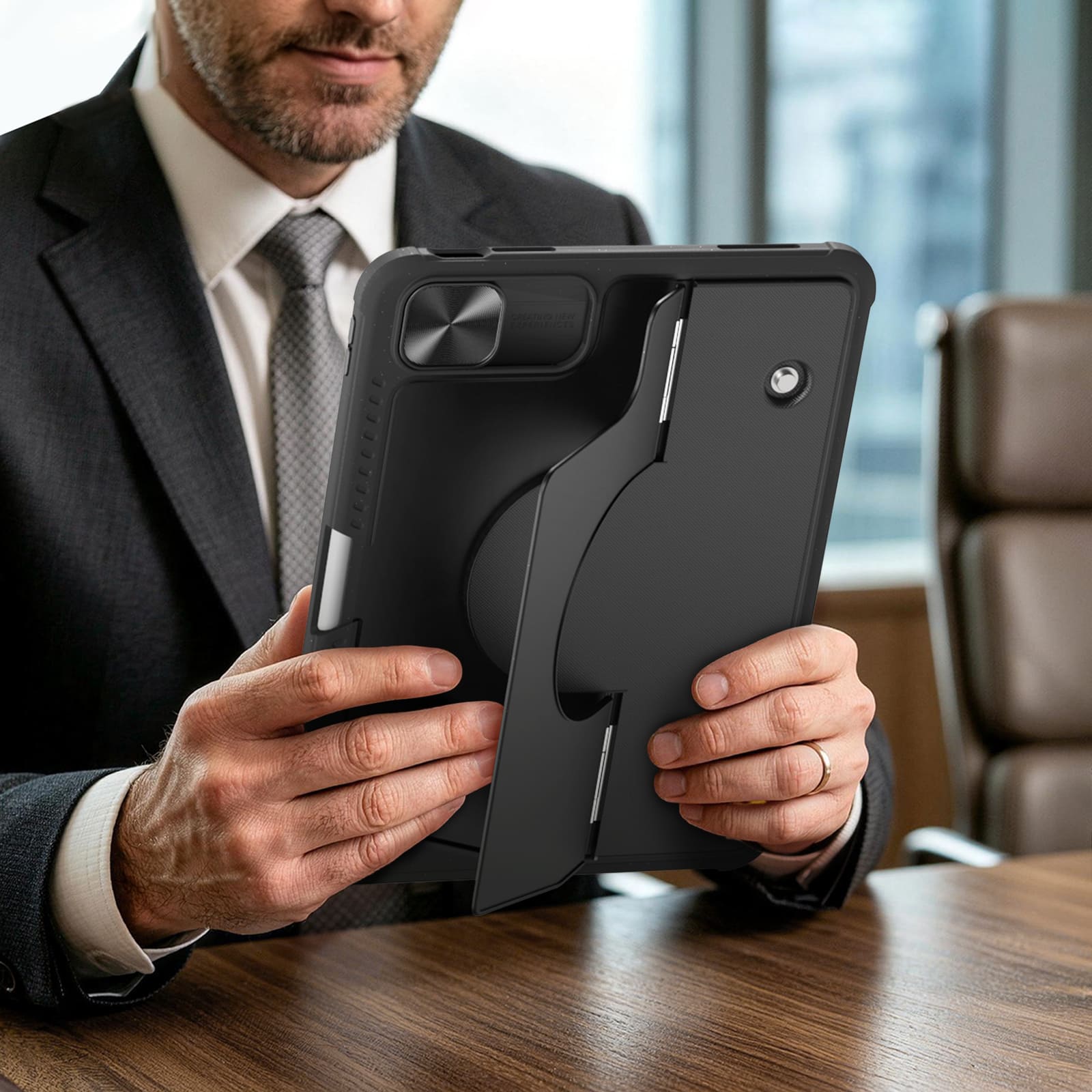
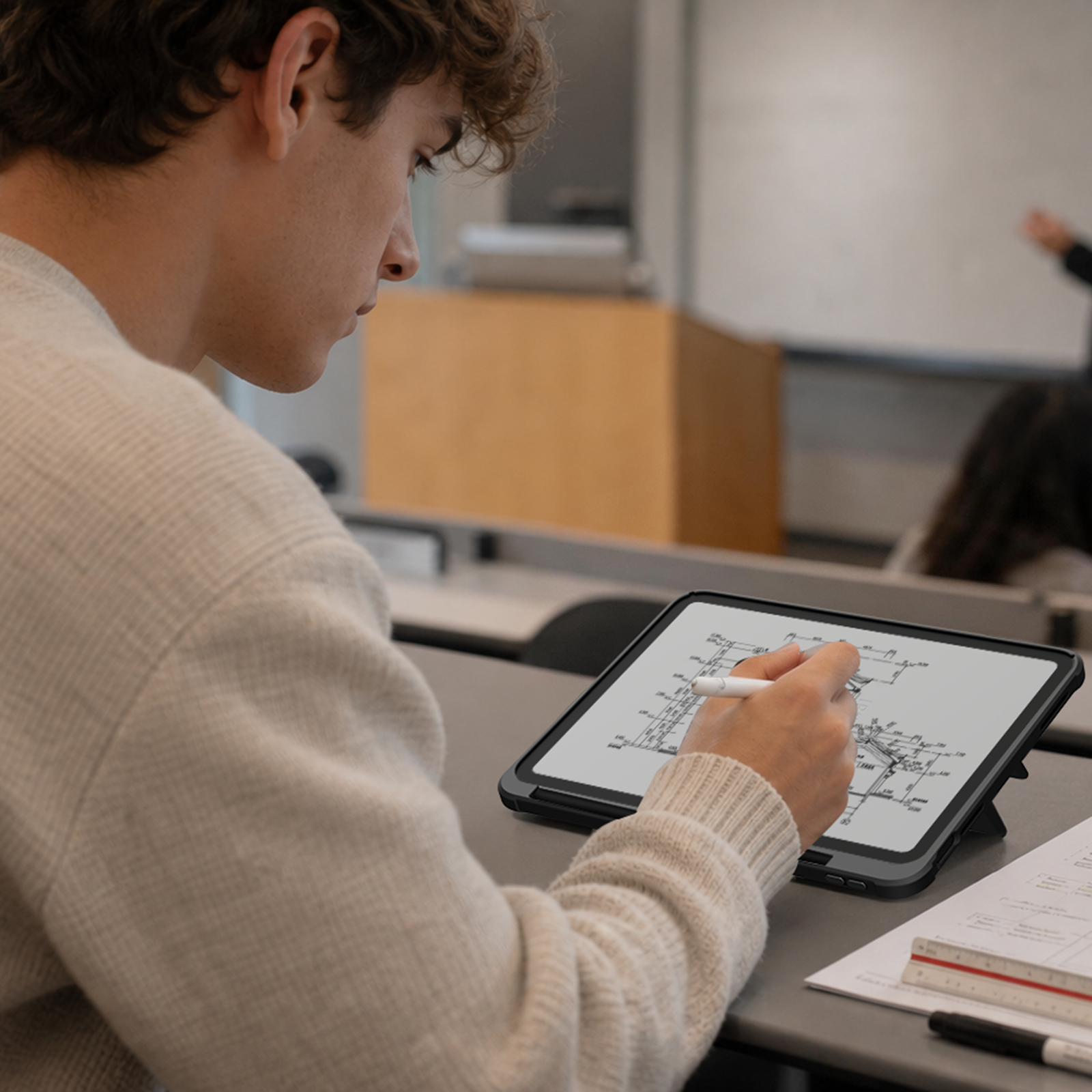
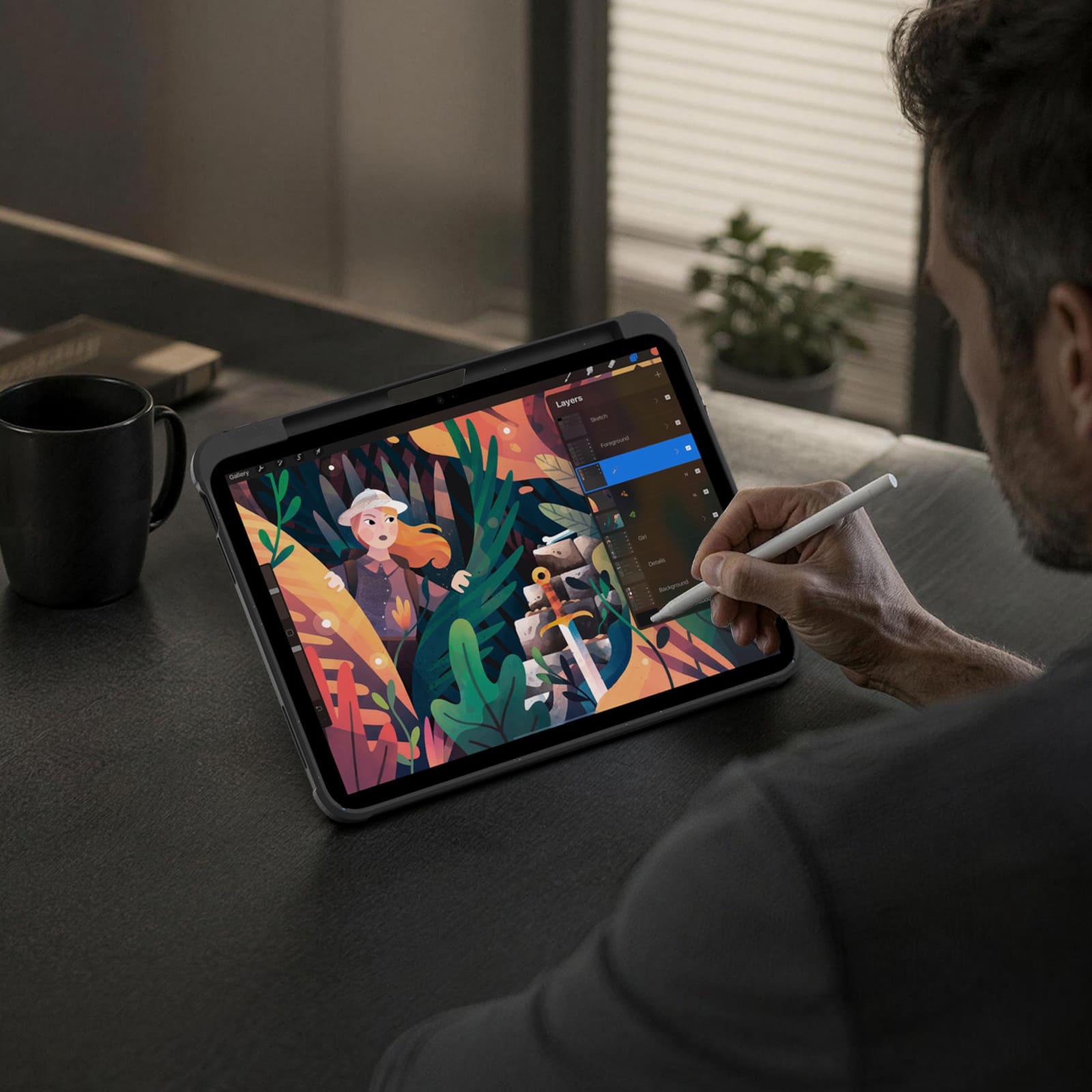
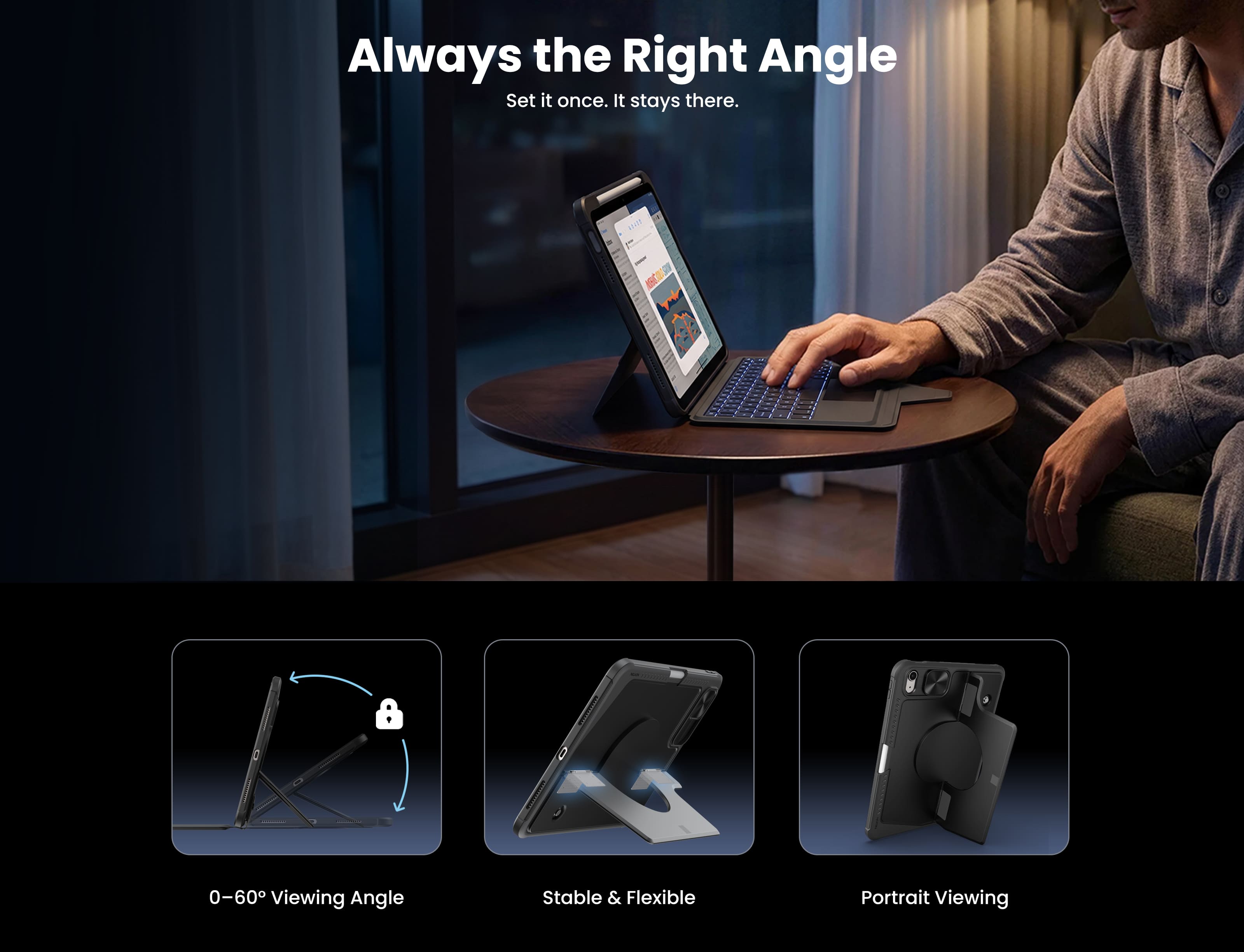
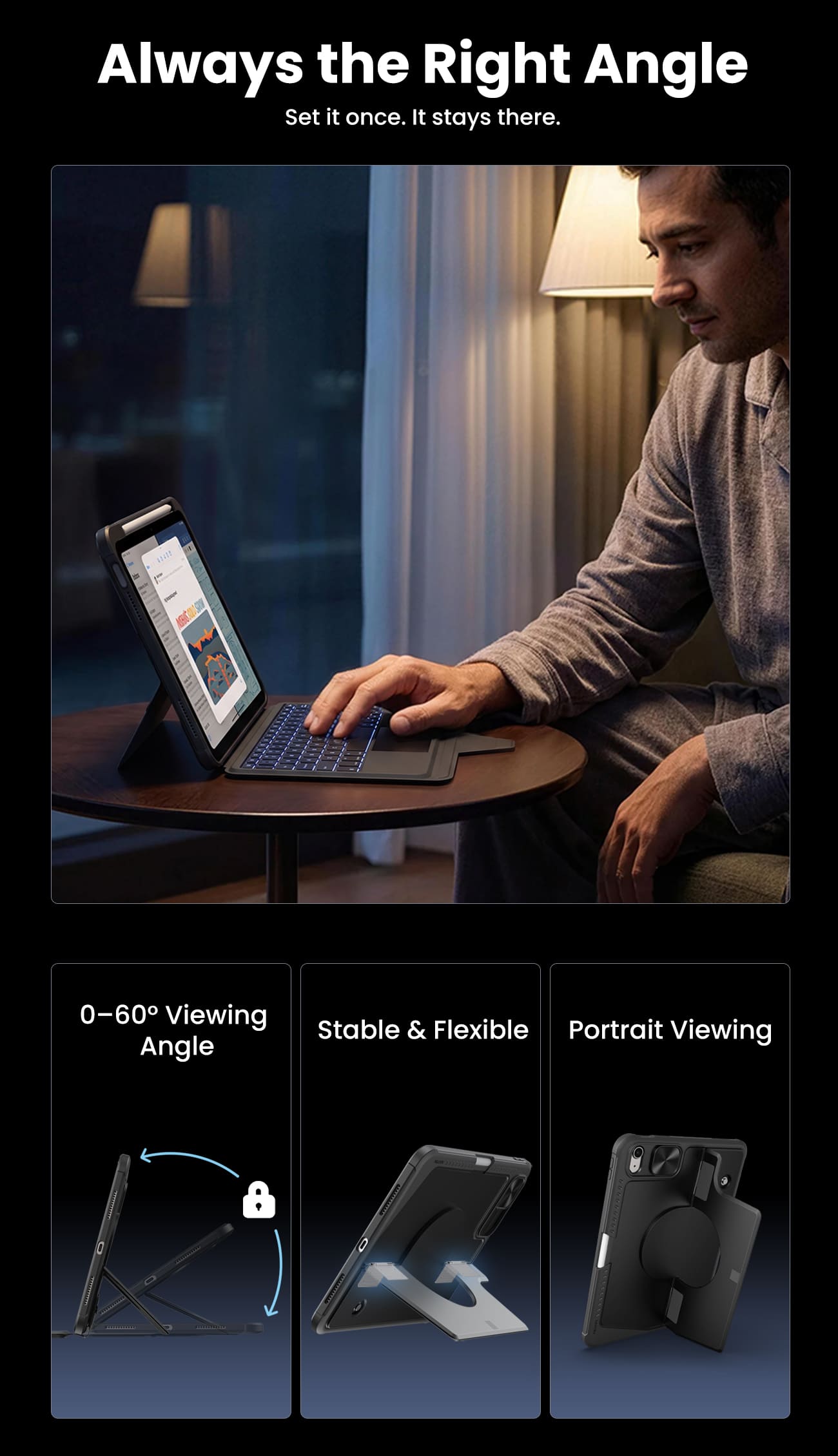
Switch between typing, viewing, browsing, drawing, and hands-free setups with one case.
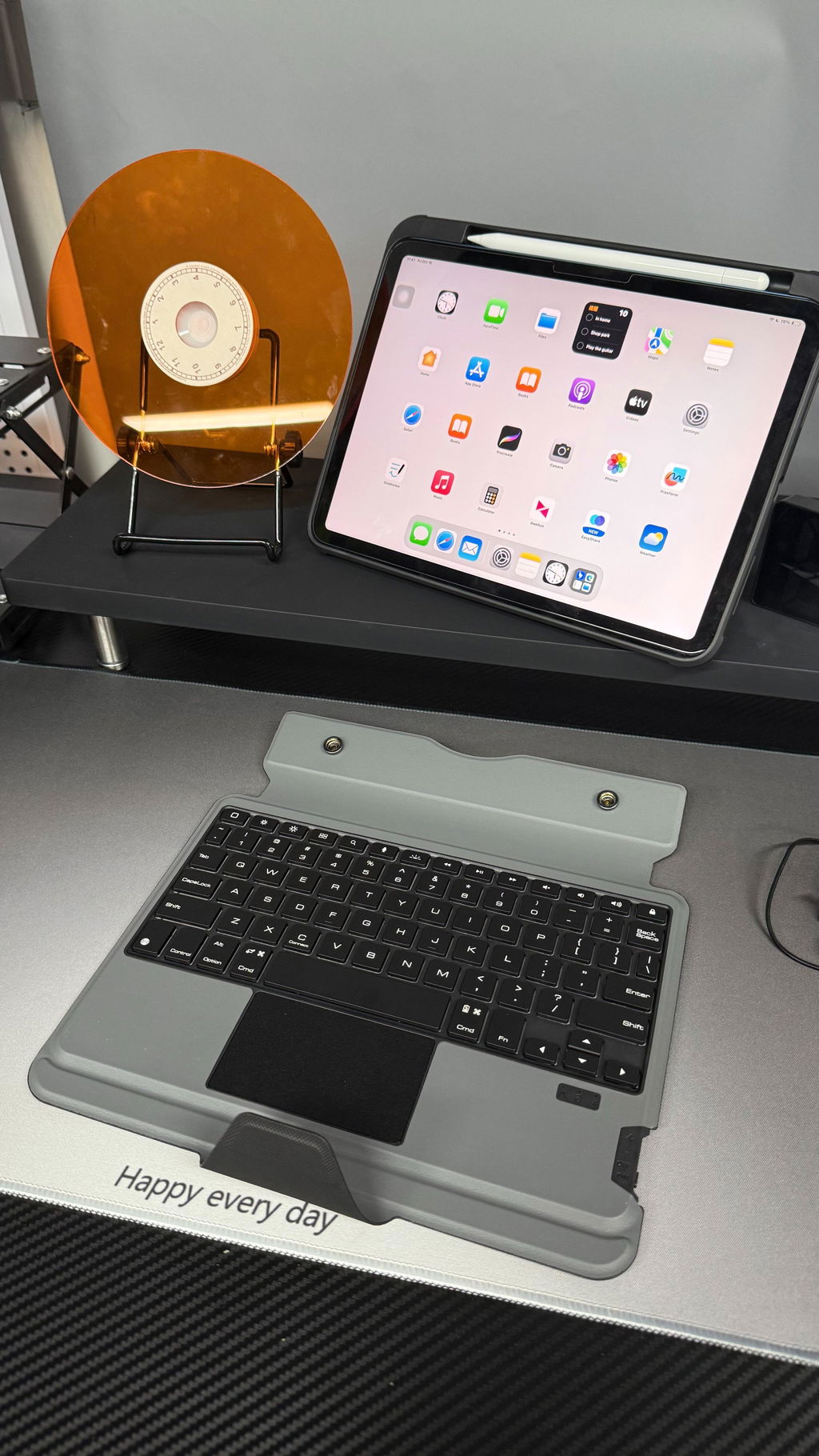
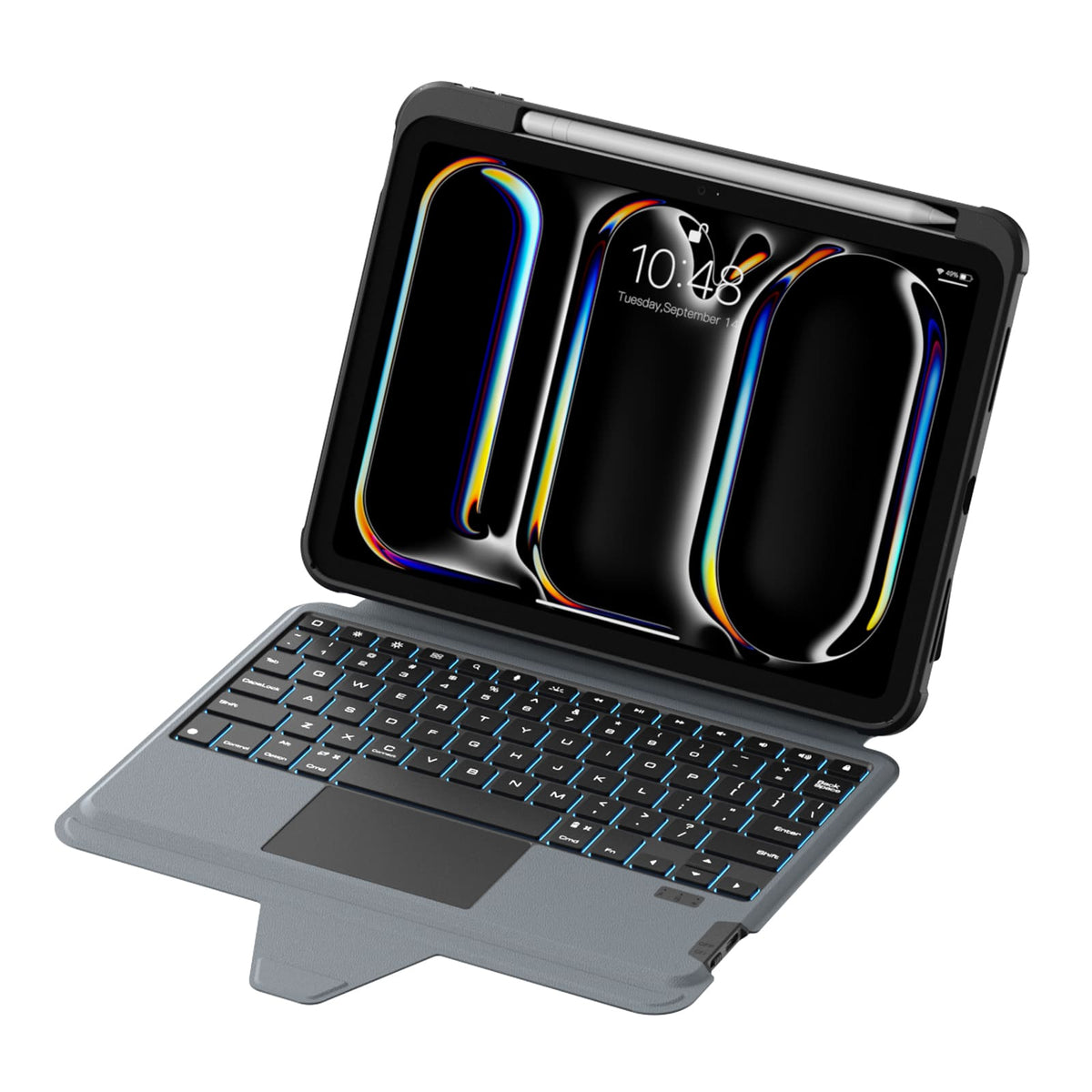
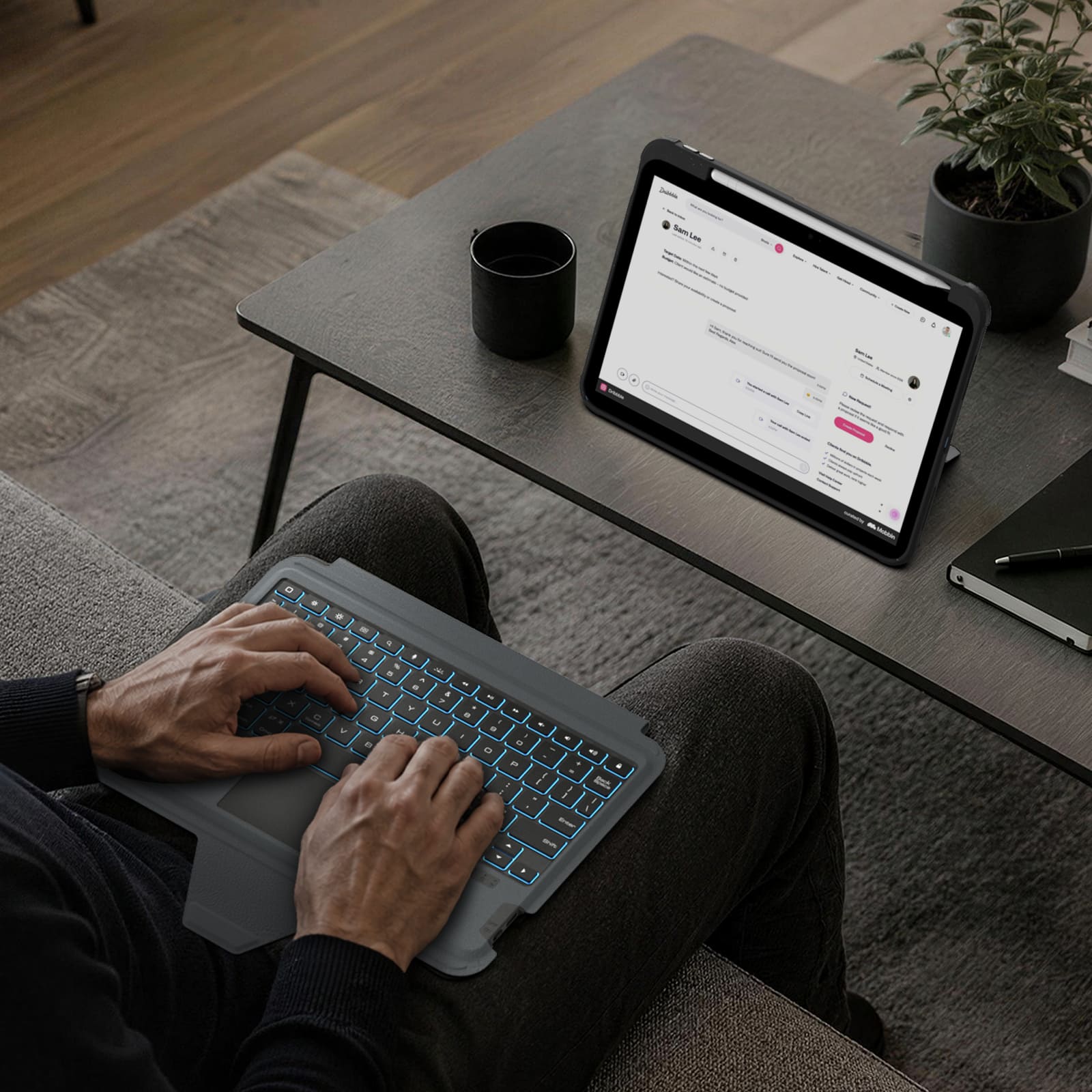
1.4mmのキーストロークを備えた静音シザー式キーボードと高精度トラックパッドにより、日々のタイピングで快適かつ反応の良い操作性を実現します。
Seven backlight colors, three brightness levels, and anti-mistouch technology keep your workflow uninterrupted.
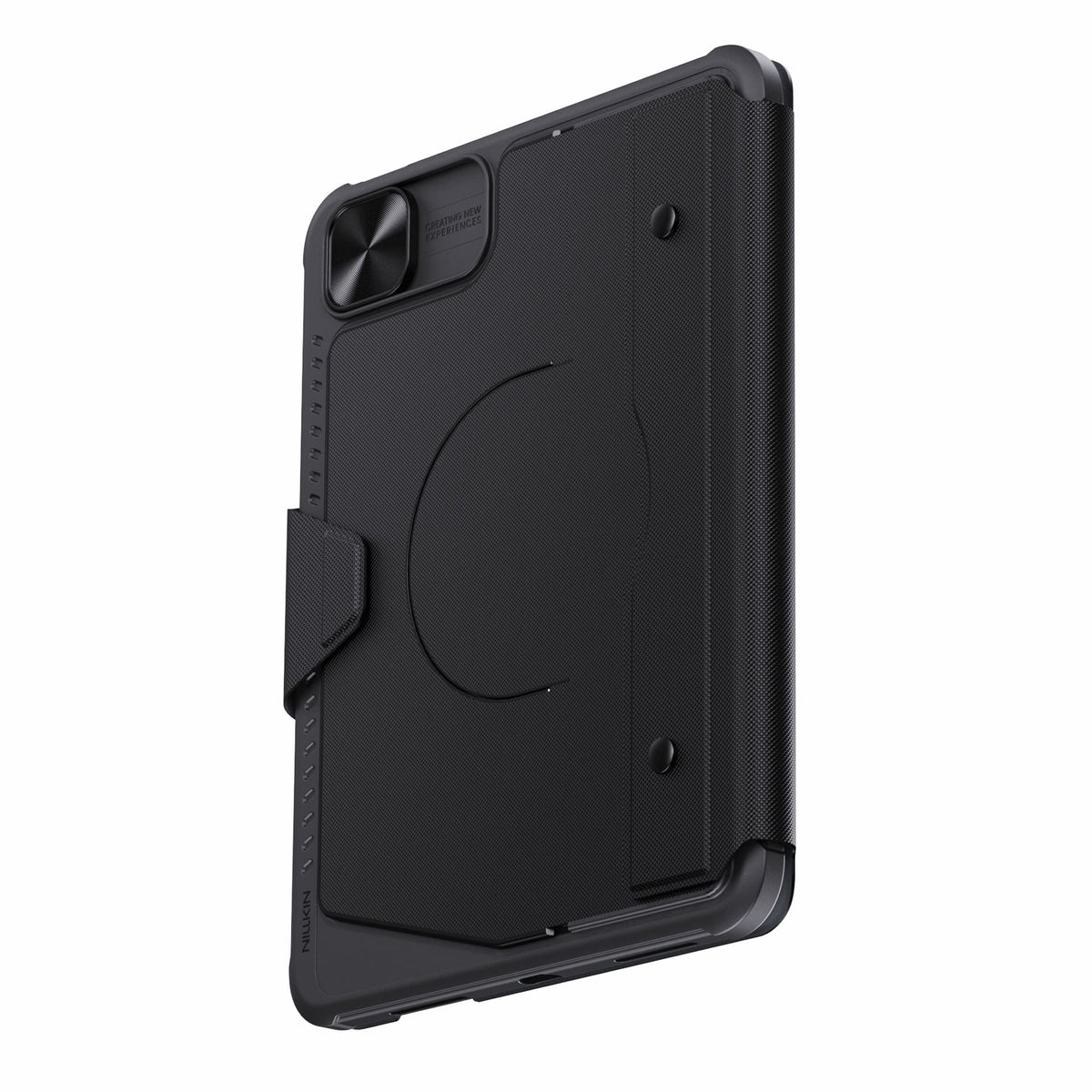
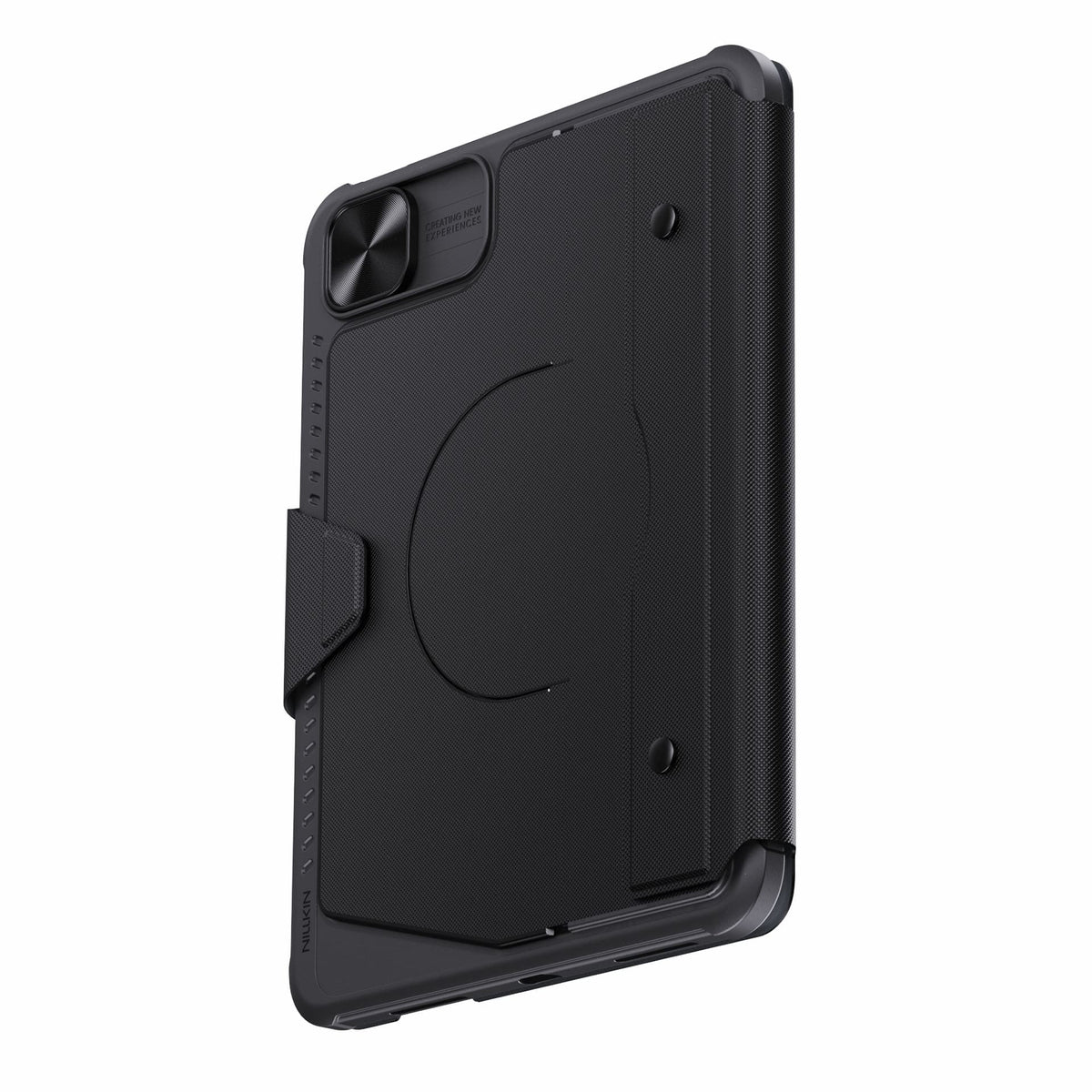
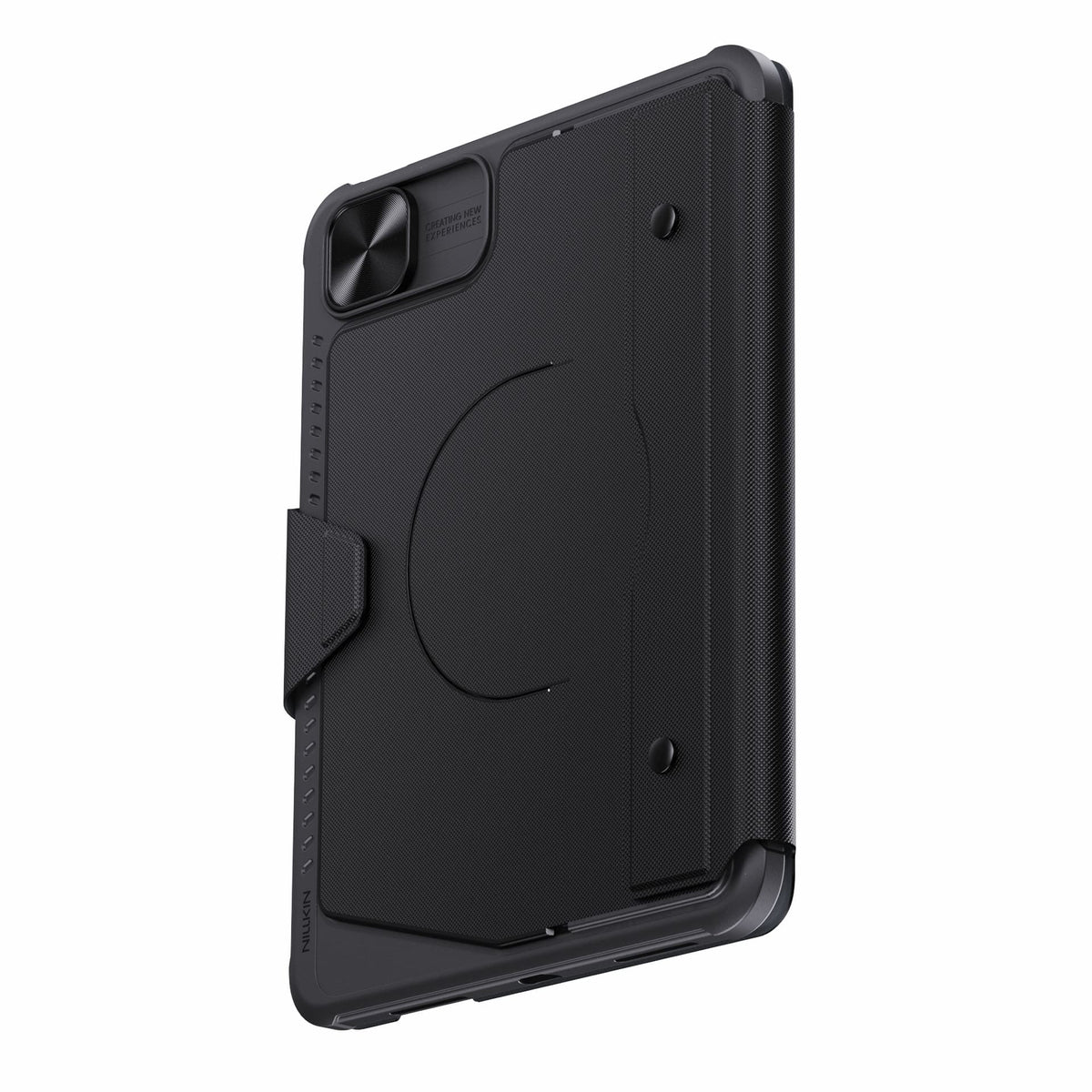
Detach the keyboard while keeping the protective case installed for everyday protection.
Bluetooth 5.0 keeps connections reliable, with up to 100 hours of battery life.
Connectivity Technology: Bluetooth 5.0
Keyboard Type: Detachable Wireless Keyboard
Operating System: iPadOS
Number of Keys: 78 Keys
Keyboard Backlighting: 7-Color Backlight with 3 Brightness Levels
Color Options: Black
Special Features: Detachable Keyboard, Built-in Trackpad, Magnetic Accessory Compatibility, Sliding Camera Cover, Backlit Keys, Hotkeys & Media Keys, OTA Firmware Updates
Recommended Uses: Work, Creative Tasks, Typing, Presentations, Entertainment, Everyday Use

iPadシリーズ用 2.5Dクリアガラスプロテクター

SnapBranch Pro 充電ステーション
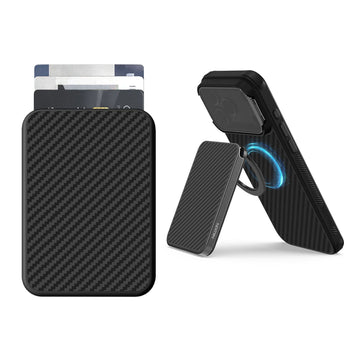
FiberMate Kevlar® マグネット式スマホウォレットスタンド
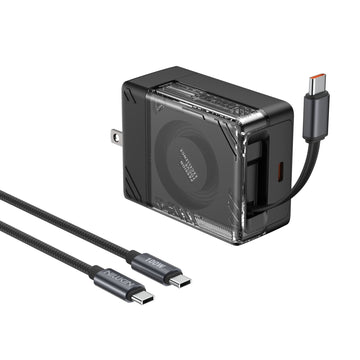
IceCore 65W GaN 充電器(0.7m/2.4ft USB-Cケーブル)& 1.8m/6ft 100W C-to-Cケーブル
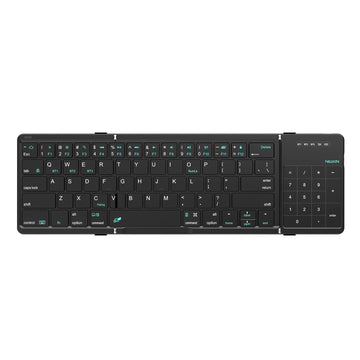
キューブポケット折りたたみ式Bluetoothキーボード(タッチパッド付き)

スタンド&マウスパッド付き多機能プロラップトップスリーブ
iPadの使い方が広がる、1つのケース。
タイピング、スケッチ、閲覧、プレゼンテーション、リラックス。Bumper Combo Proはあらゆる瞬間に対応し、iPadの可能性をさらに広げます。


Every improvement begins with real feedback.


Magnetic Ready
5 Flexible Use Modes
Bluetooth 5.0 Connection

Standard Keyboard Case
3 Everyday Use Modes
Bluetooth 3.0 Connection
ノートPCモード


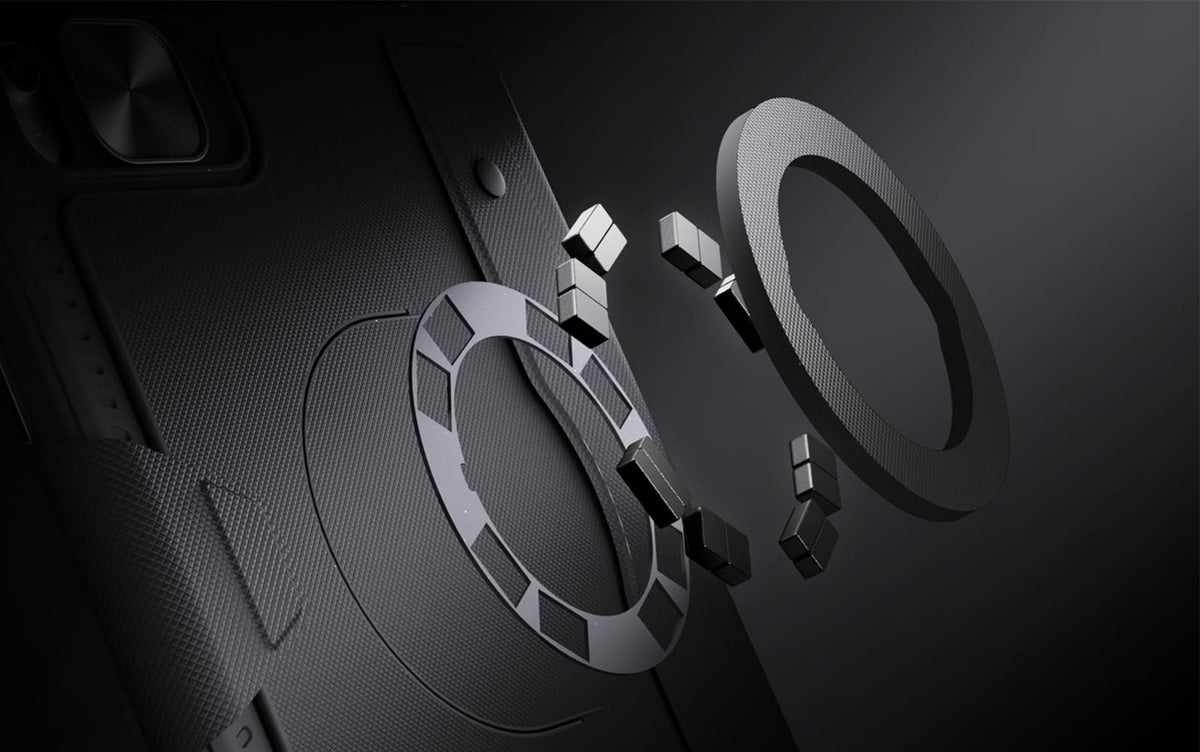
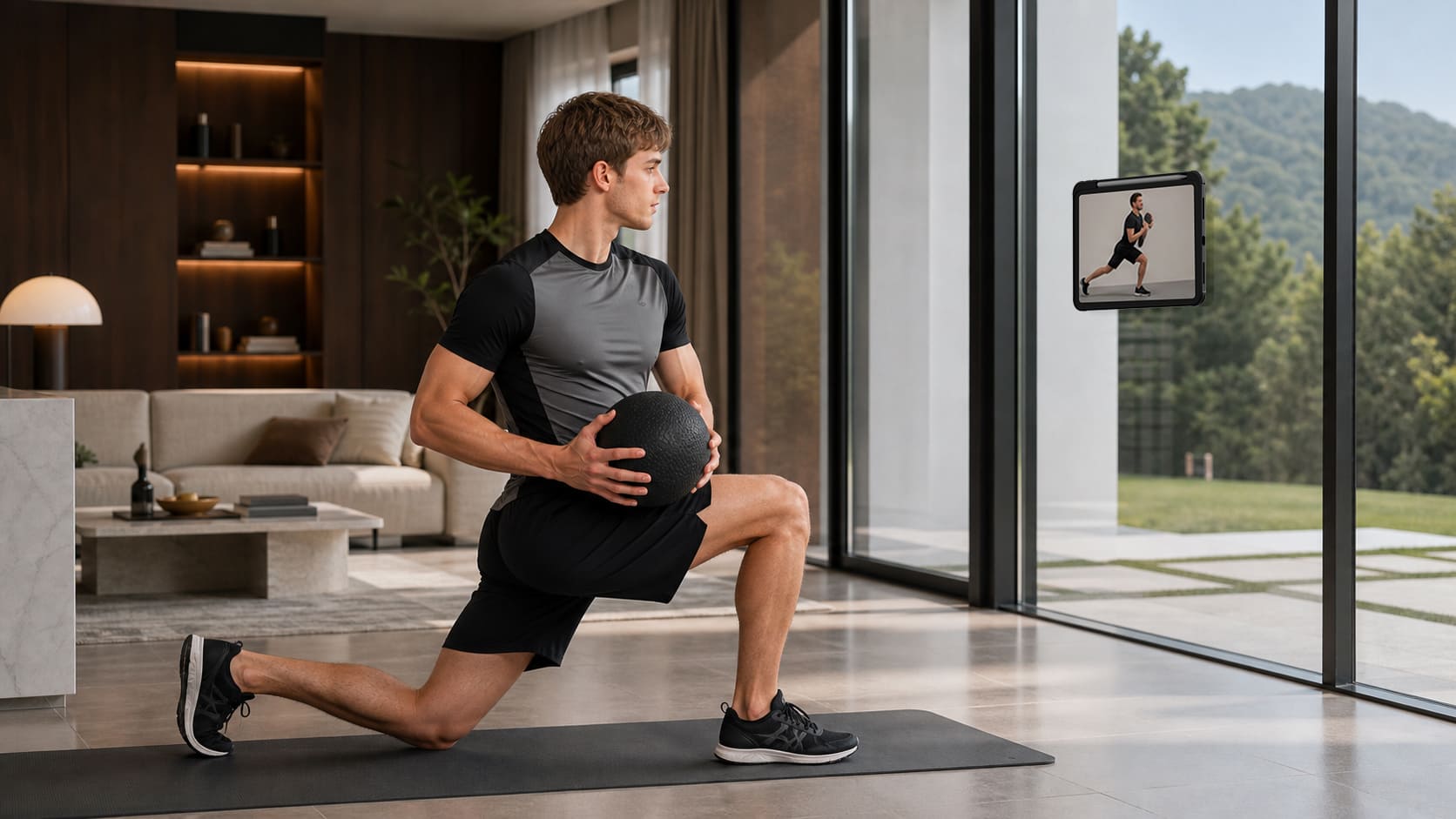
冷蔵庫から金属製の棚、ジムのラックまで。内蔵マグネットにより、iPadを設置できる場所がさらに広がります。

Raise your iPad for calls, notes, or editing, and leave the desk free for typing, sketching, or whatever comes next.
冷蔵庫から金属製の棚、ジムのラックまで。内蔵マグネットにより、iPadを設置できる場所がさらに広がります。
Raise your iPad for calls, notes, or editing, and leave the desk free for typing, sketching, or whatever comes next.
Magic Keyboard

フルサイズのレイアウト、反応の良いキー、そして高精度なトラックパッドが、日々の作業をより自然で快適なものにします。

7色のバックライトと3段階の明るさ調整により、どんな場所で作業していても、すべてのキーがはっきりと見やすく表示されます。
日常のあらゆるシーンに。
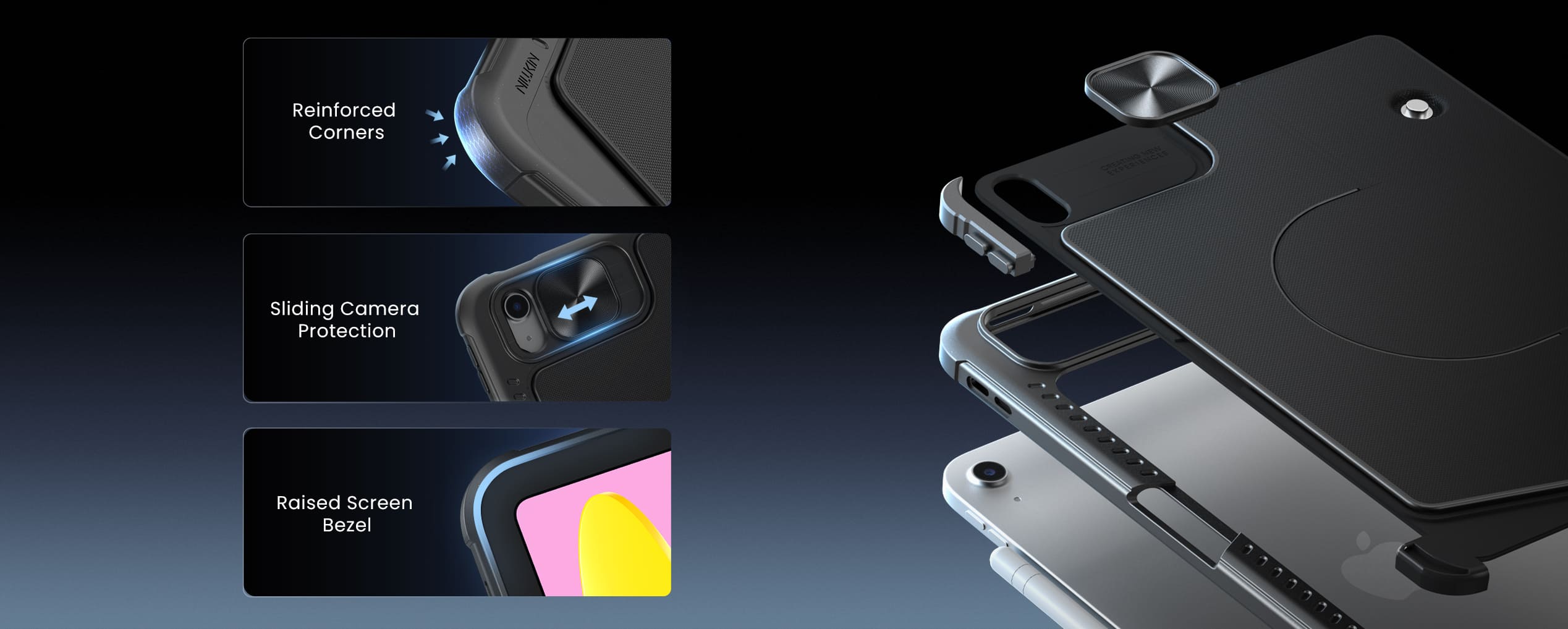
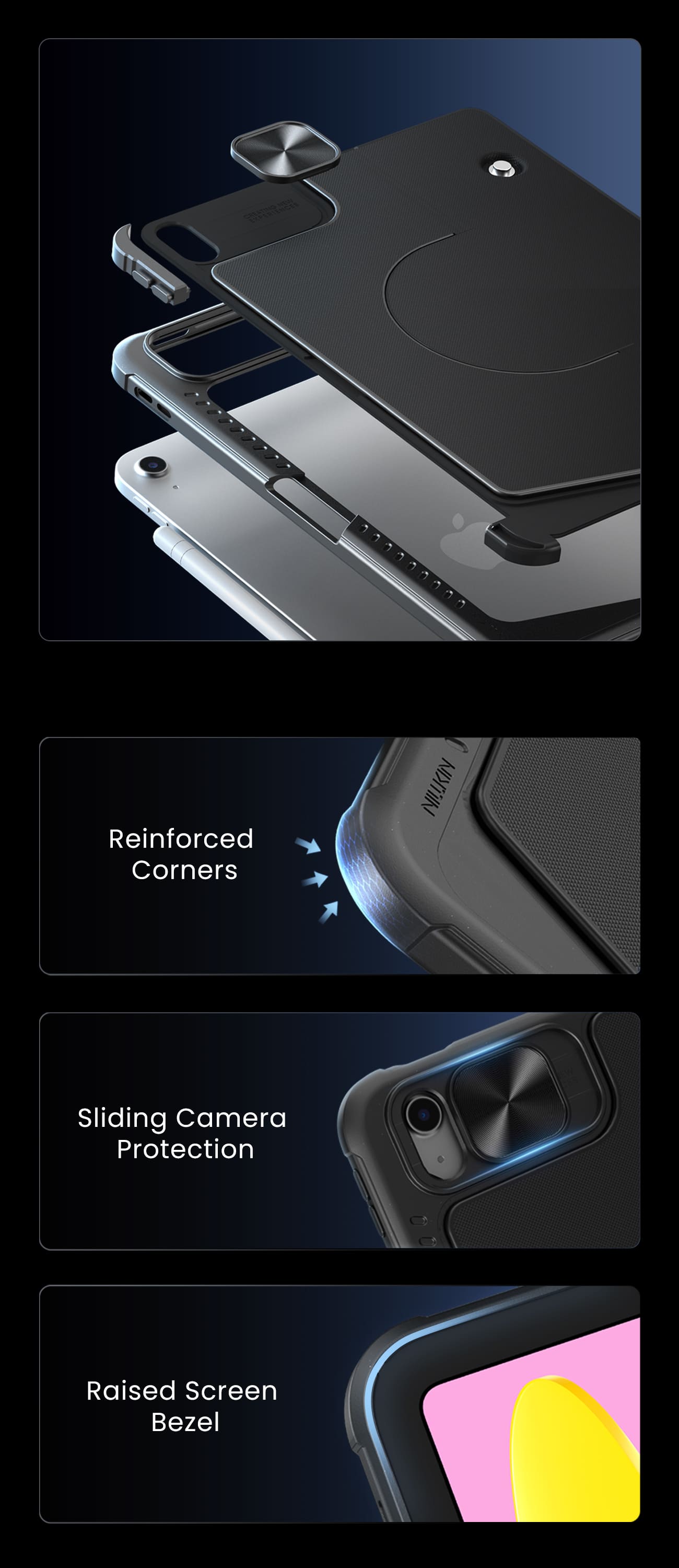
Protection that stays with you from desk to daily carry.
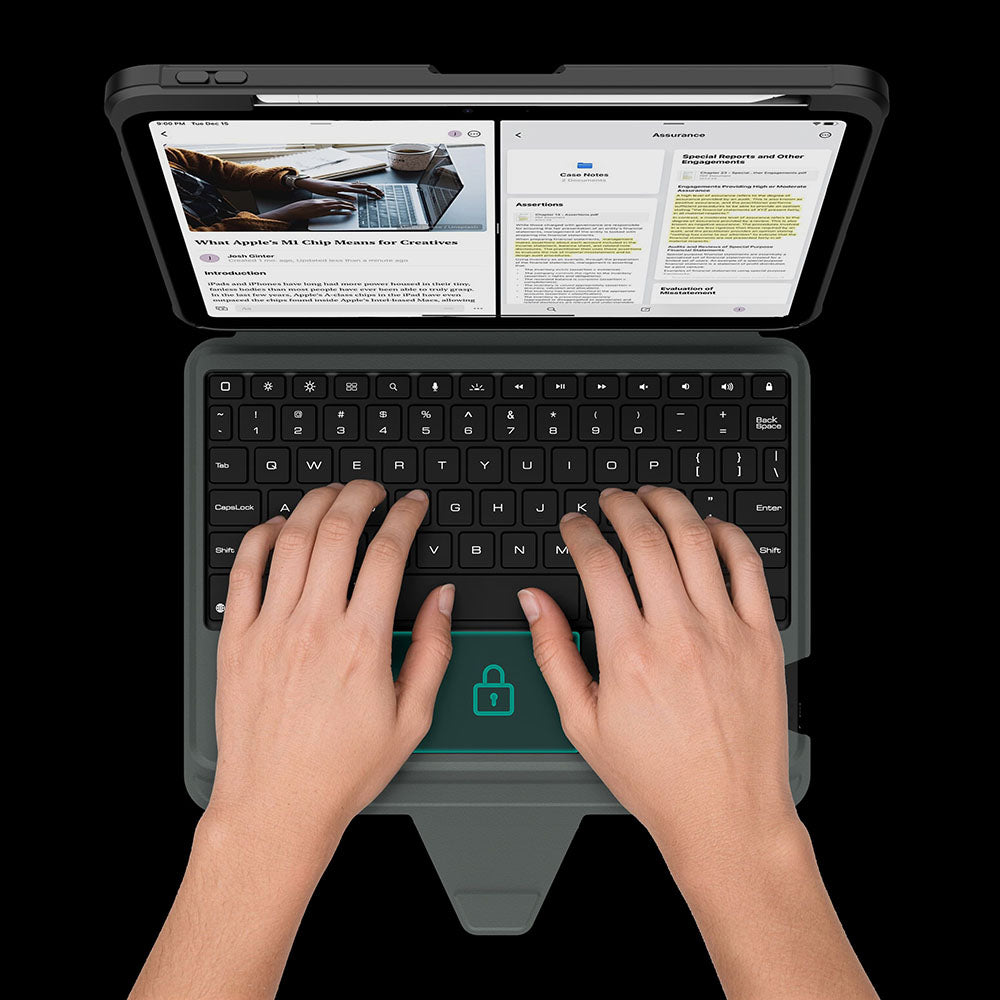
The touchpad automatically locks while you type, so every keystroke stays focused and interruption-free.
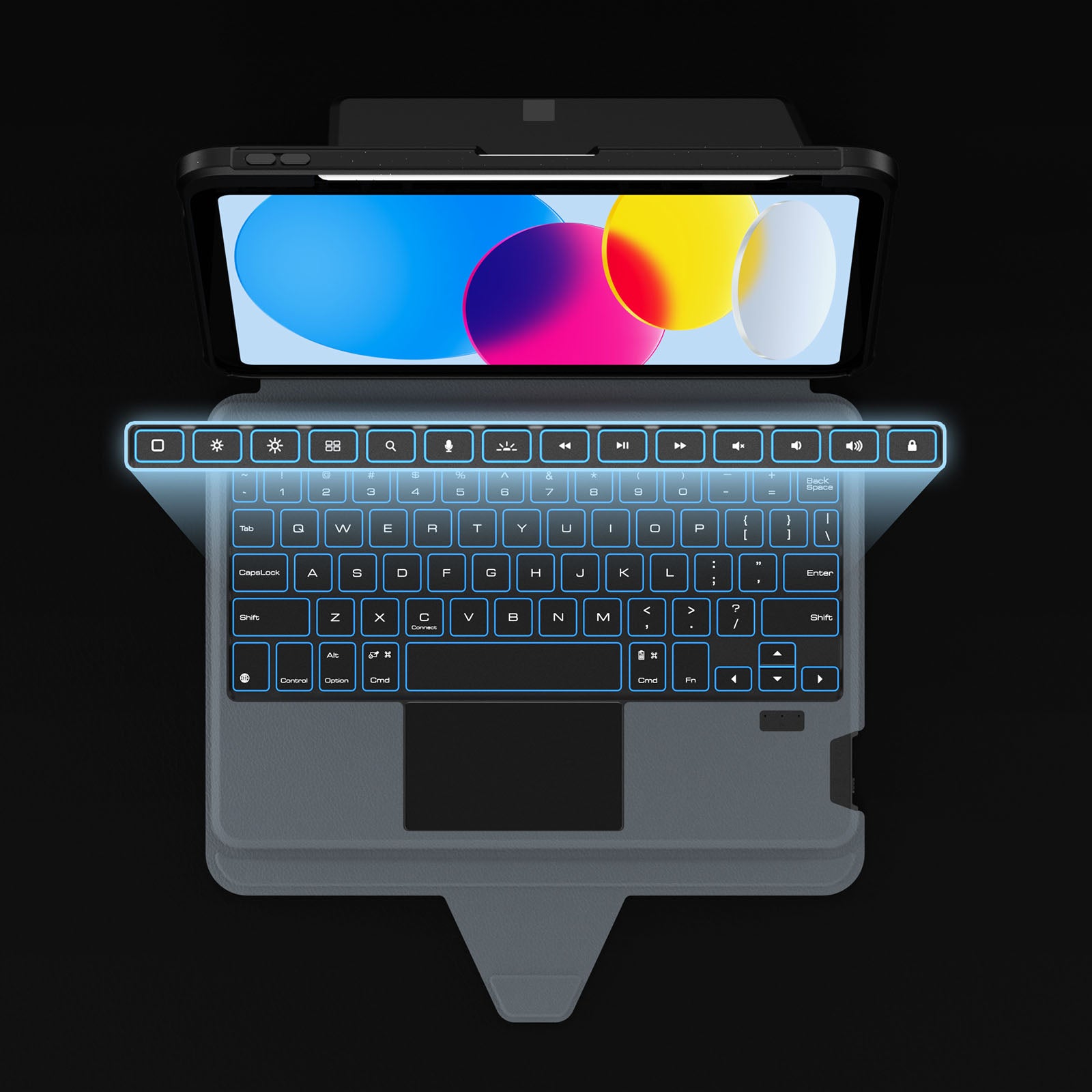
Dedicated shortcuts keep your most-used controls within easy reach, so every adjustment happens without breaking your flow.
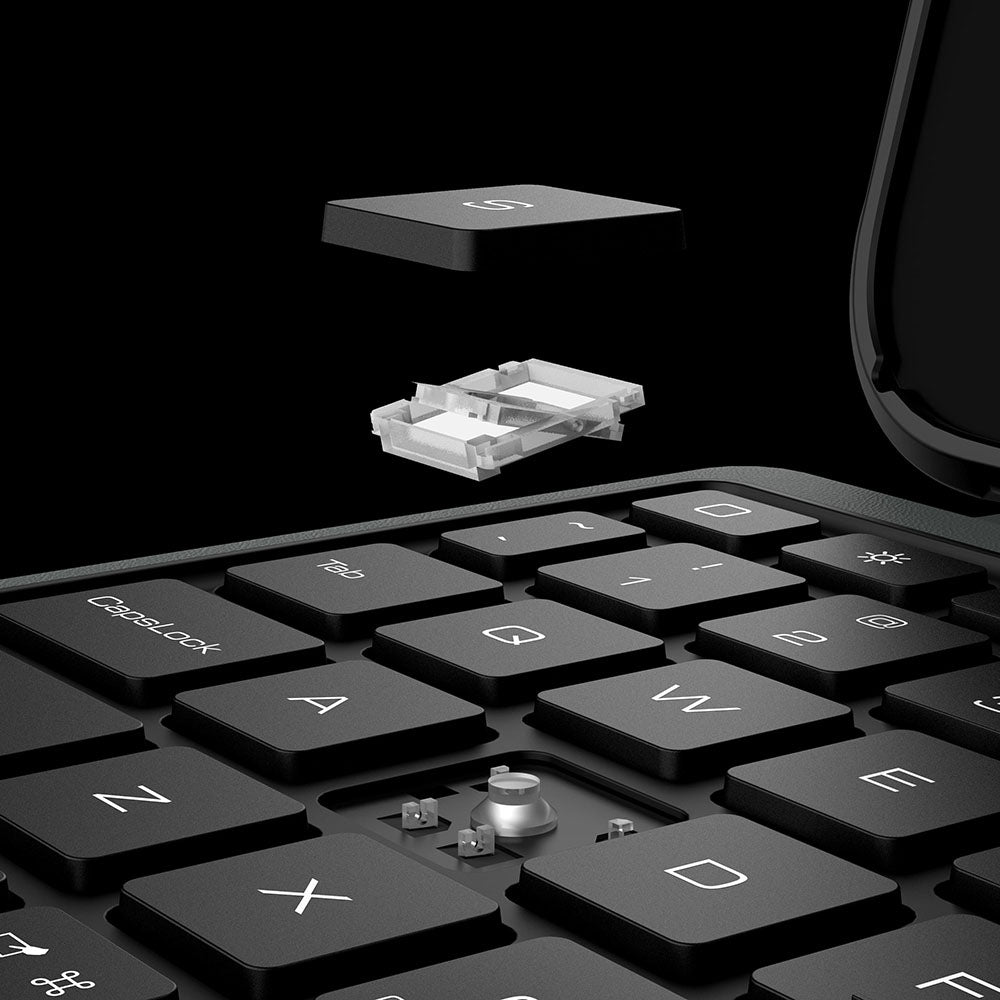
Responsive scissor-switch keys deliver quiet typing, crisp feedback, and lasting comfort through every keystroke.
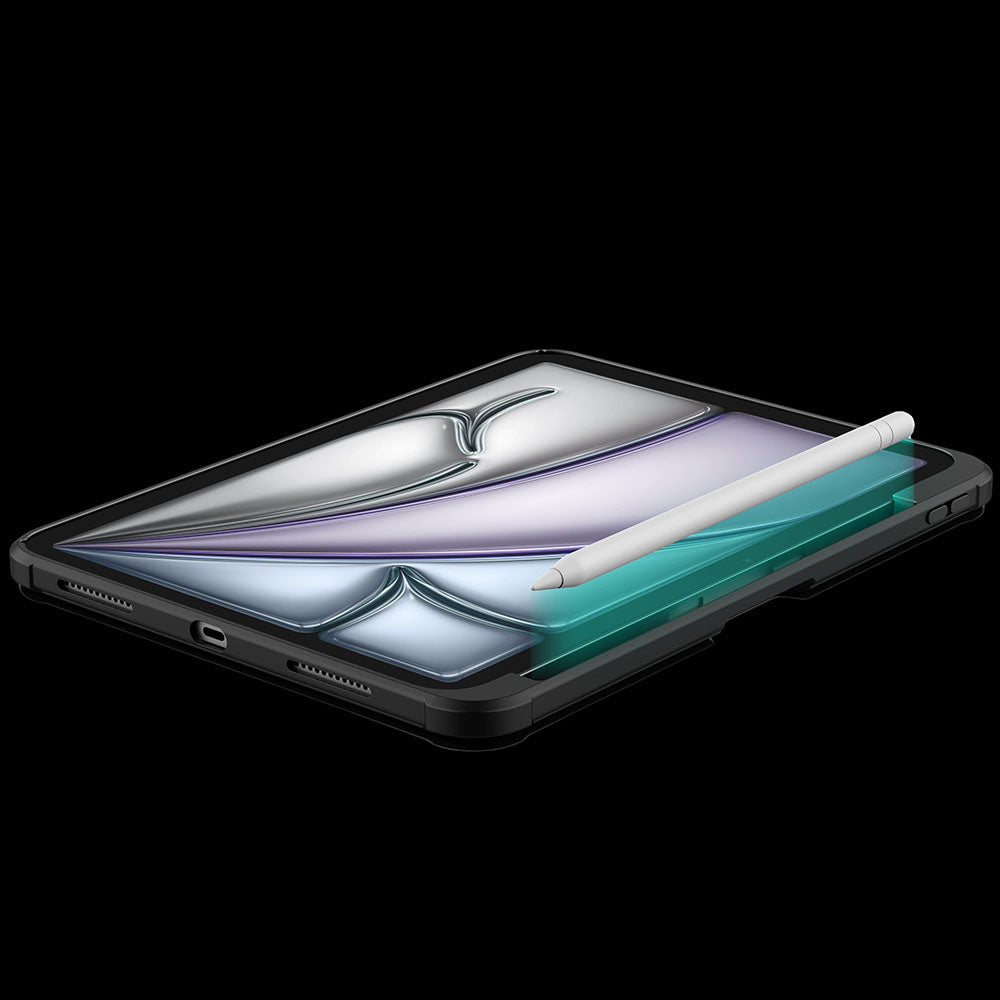
A dedicated holder keeps your Apple Pencil secure, protected, and always within easy reach.
The touchpad automatically locks while you type, so every keystroke stays focused and interruption-free.
Dedicated shortcuts keep your most-used controls within easy reach, so every adjustment happens without breaking your flow.
Responsive scissor-switch keys deliver quiet typing, crisp feedback, and lasting comfort through every keystroke.
A dedicated holder keeps your Apple Pencil secure, protected, and always within easy reach.


Turn the power switch to ON, then hold Fn + Connect until the blue indicator flashes. On your iPad, go to Settings > Bluetooth and select “BumperComboProKeyboard.”
The trackpad supports full iPadOS multi-touch gestures, including tapping, swiping, scrolling, zooming, dragging, and app switching. It also disables while typing to help prevent accidental touches.
Yes. It offers 7 backlight colors and 3 brightness levels. Use the brightness key to adjust brightness, and press Fn + Color to switch between colors.
The 500mAh battery provides up to around 100 hours of use with the backlight off and up to 180 days of standby time.
The kickstand supports stepless adjustment from 0° to 110° and can be used in both landscape and portrait orientations.
Yes, for Apple Pencil models that support magnetic attachment and wireless charging. You can keep the case on while charging.
Press Fn + Battery. The indicator will flash 1–4 times to show the approximate battery level. You can also check the battery level in your iPad’s Bluetooth settings.
The keyboard enters sleep mode after 10 minutes of inactivity. Press any key to wake it and reconnect automatically. If it still does not respond, check that the power is on and the battery has enough charge.
5.0つ星中4.7つ
1135件


ユニークで質の高い製品を提供することで、あなたの生活と仕事をより簡単にします。私たちは、高品質なアクセサリーがユーザーエクスペリエンスを向上させると信じており、私たちのチームは、変化し続ける市場のニーズに応えるために、常に製品の開発と改善に努めています。
生活のペースが加速し、生産性デバイスが進化し続ける中、マルチスクリーンコラボレーションにより、デバイス間でコンテンツを妨げなく転送できるようになり、さまざまな機能操作が可能になり、人々はより効率的に作業できるようになります。

巻取り式 vs. 通常のUSB-Cケーブル:どちらがあなたに最適?
巻き取り式と通常のUSB-Cケーブルは、それぞれ異なるシーンで強みを発揮します。この実用的な購入ガイドでは、携帯性、耐久性、充電性能を比較し、旅行やデスクワーク、データ転送を多用する作業など、用途に最適なケーブル選びをサポートします。

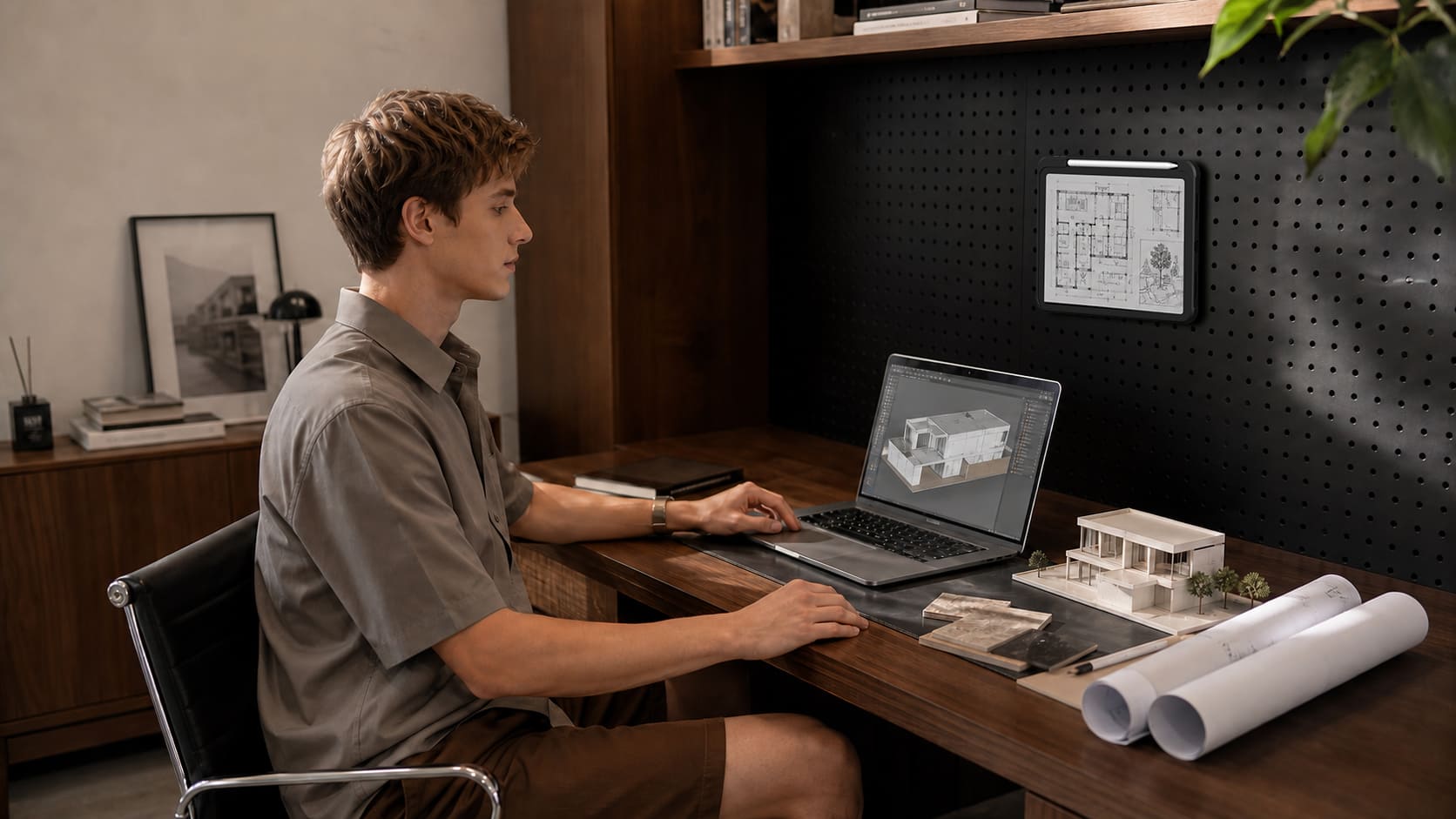
より少ない、厳選されたアクセサリーで、すっきりと生産性の高いホームオフィスを構築するための実践ガイド。実際のテレワークのワークフローに基づいた4つのデスクセットアップを、散らかりと集中力に関する神経科学の研究を交えて紹介します。
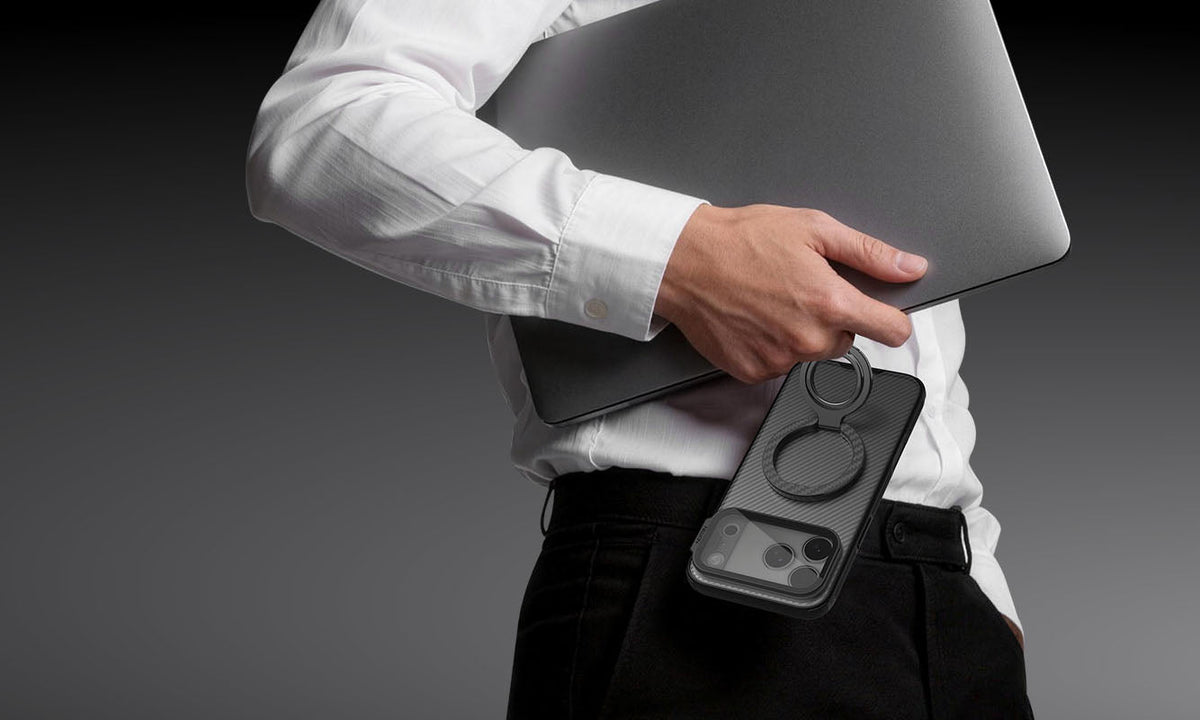
iPhone 18 Pro & iPhone 18 Pro Max:最初に買うべき必須アクセサリー
iPhone 18 Proを購入したらまず揃えておきたい、実用的なアクセサリーの優先ガイドです。保護ケースやGaN充電器から、MagSafeエコシステムのスターターアイテム、生産性を高めるツールまで、本当に買うべきものと、避けるべきものについての率直なアドバイスをご紹介します。