
 Étuis pour iPad Pro/Air
 Coques Galaxy Tab
 Clavier magnétique pour iPad
 Étuis pour Xiaomi Pad
 Accessoires pour tablettes
 Série iPhone 18
 Série iPhone 17
 Série iPhone 16
 Série iPhone 15
 Série iPhone 14
 Série iPhone 13
 Galaxy Z Fold & Flip Series
 Galaxy S26 Series
 Série Galaxy S25
 Série Galaxy S24
 Série Galaxy S23
 Série Google Pixel 11
 Google Pixel Série 10
 Série Google Pixel 9
 Série Xiaomi
 OnePlus Série
 Série Oppo
 Série Vivo
 Série Huawei Honor
 Série iPhone
 Samsung Galaxy Série
 Série Google
 Série Xiaomi
 Série OPPO
 Clavier pliable
 Haut-parleurs
 Ordinateur portable
 Santé
 Support de portefeuille magnétique
 Station de recharge RayDock
 Chargeurs et câbles
 Supports et supports pour téléphone
 Chargeur de voiture
 🔥 Offres spéciales

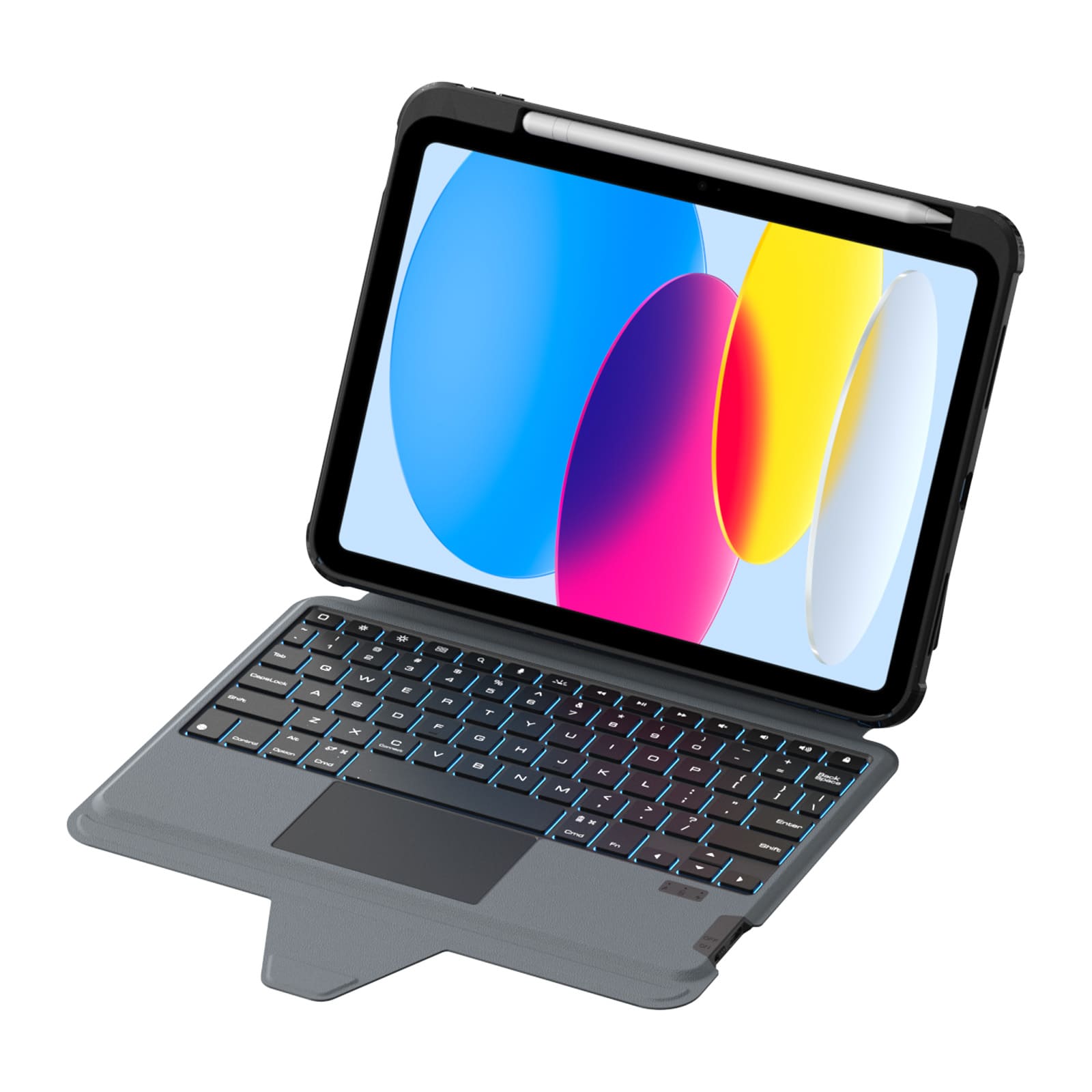
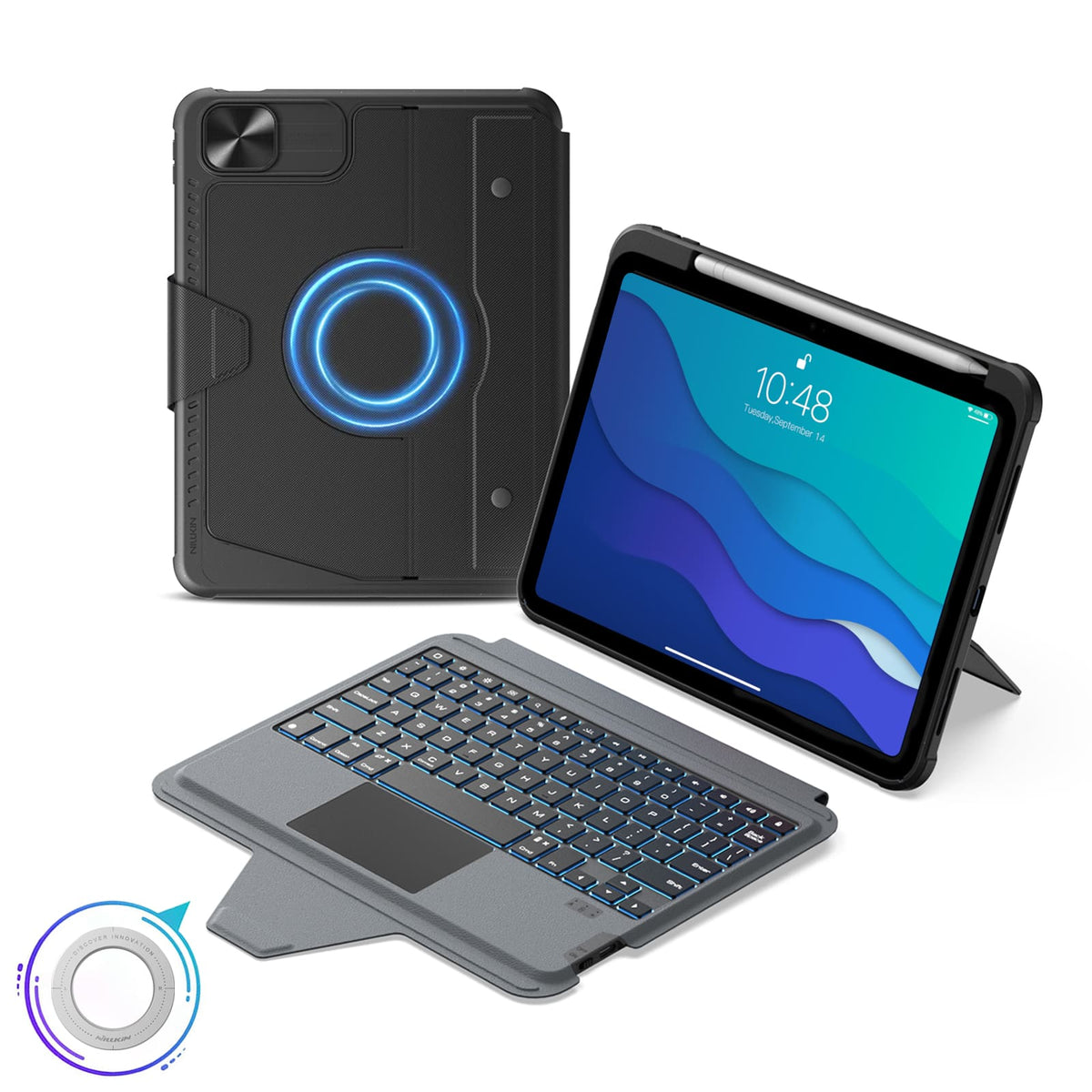
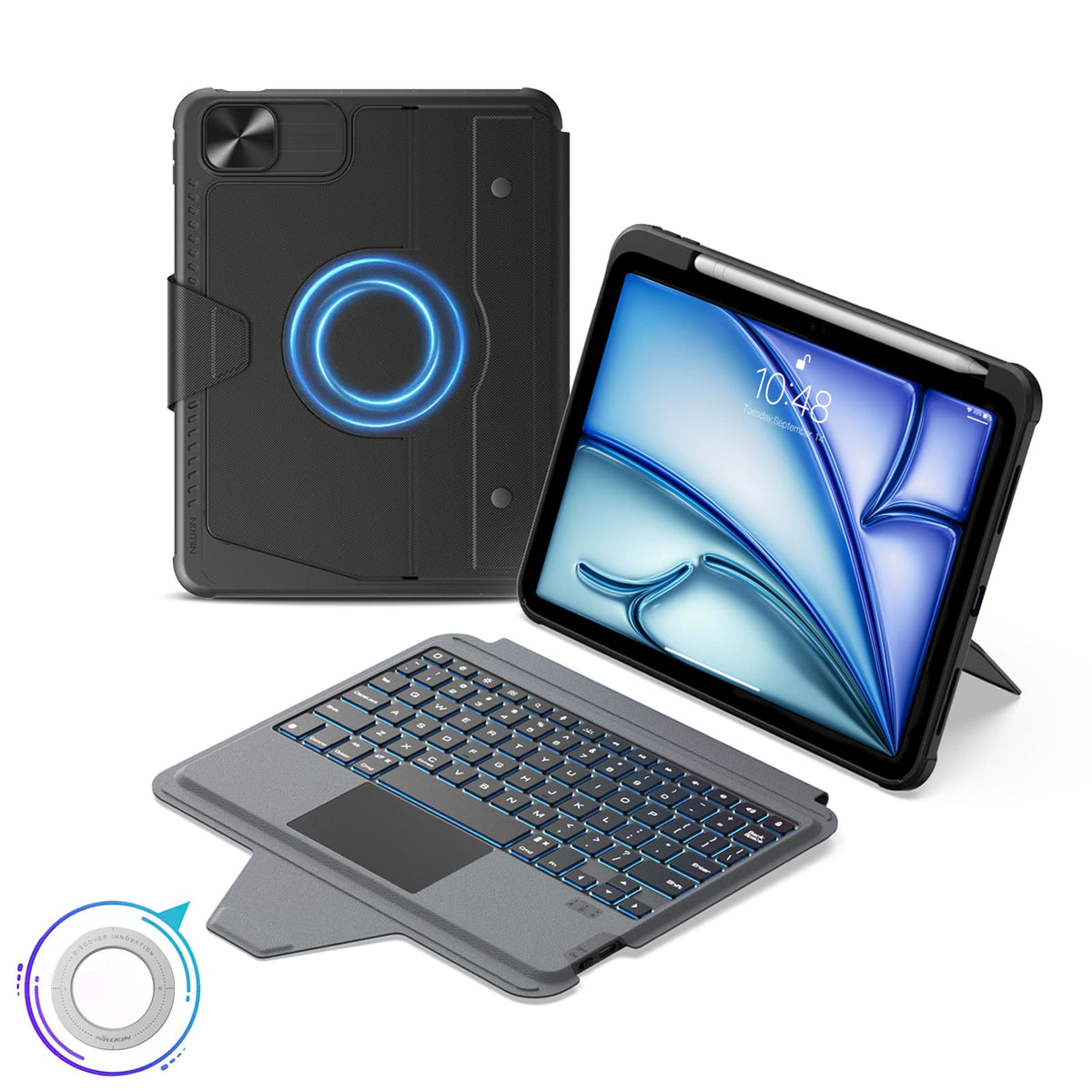
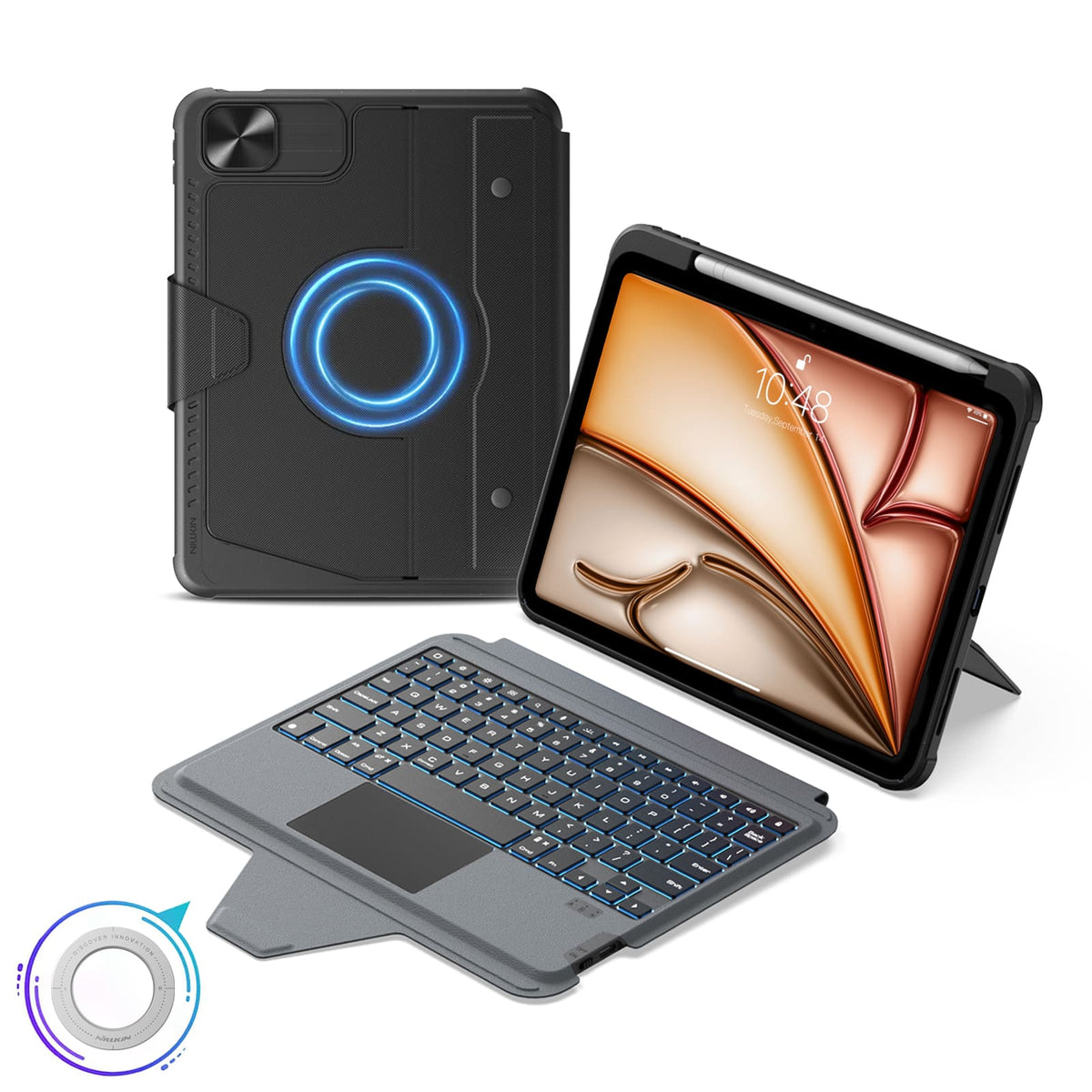
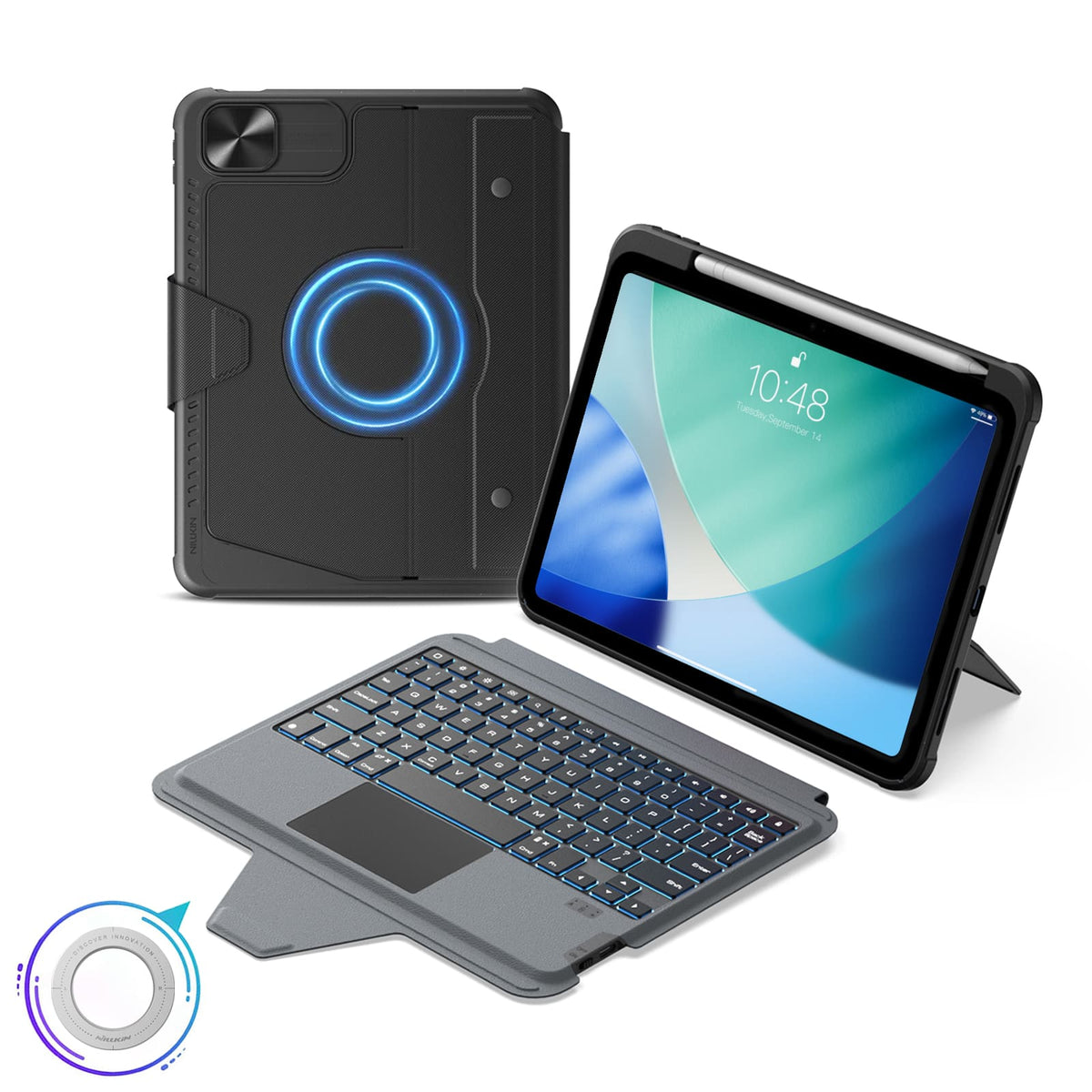
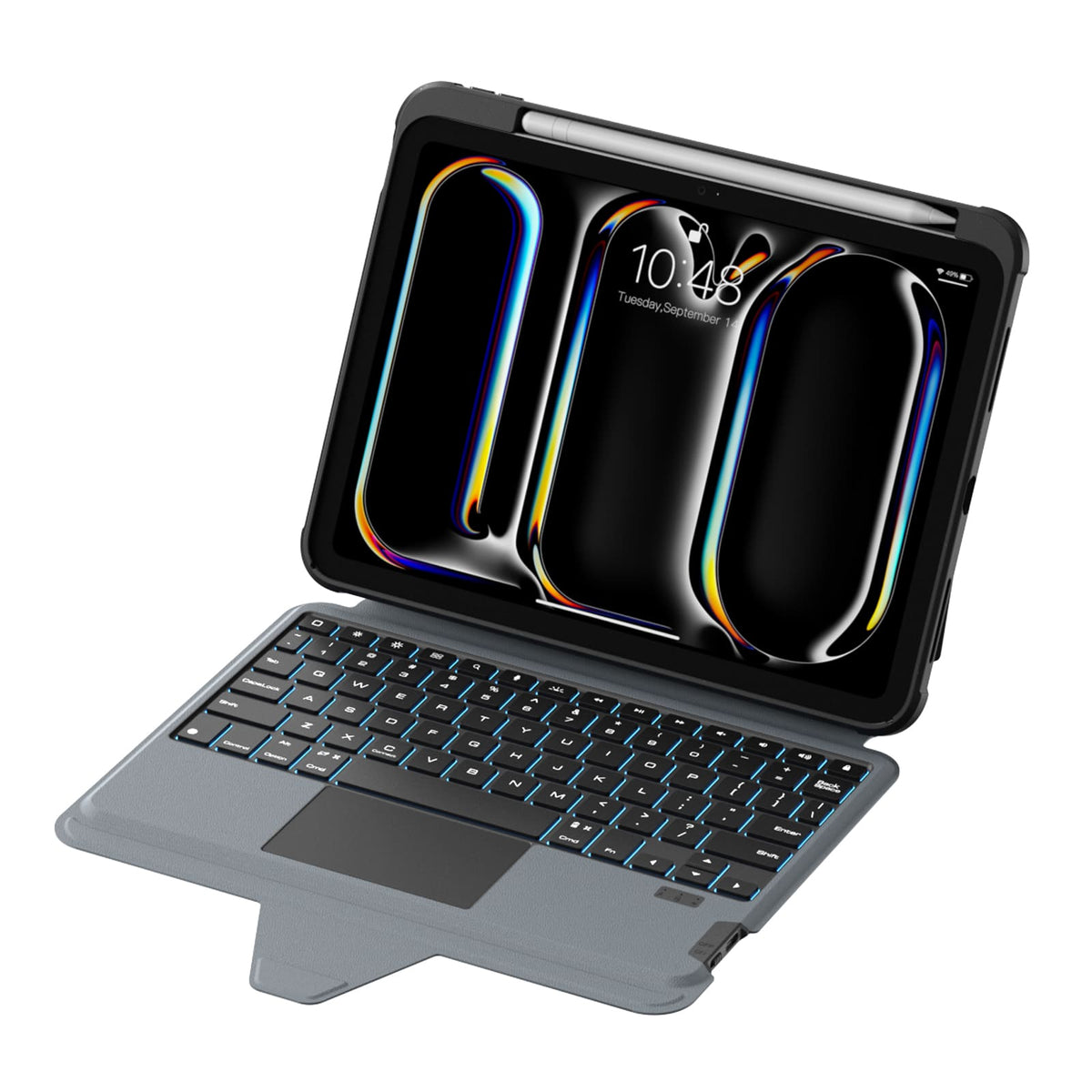
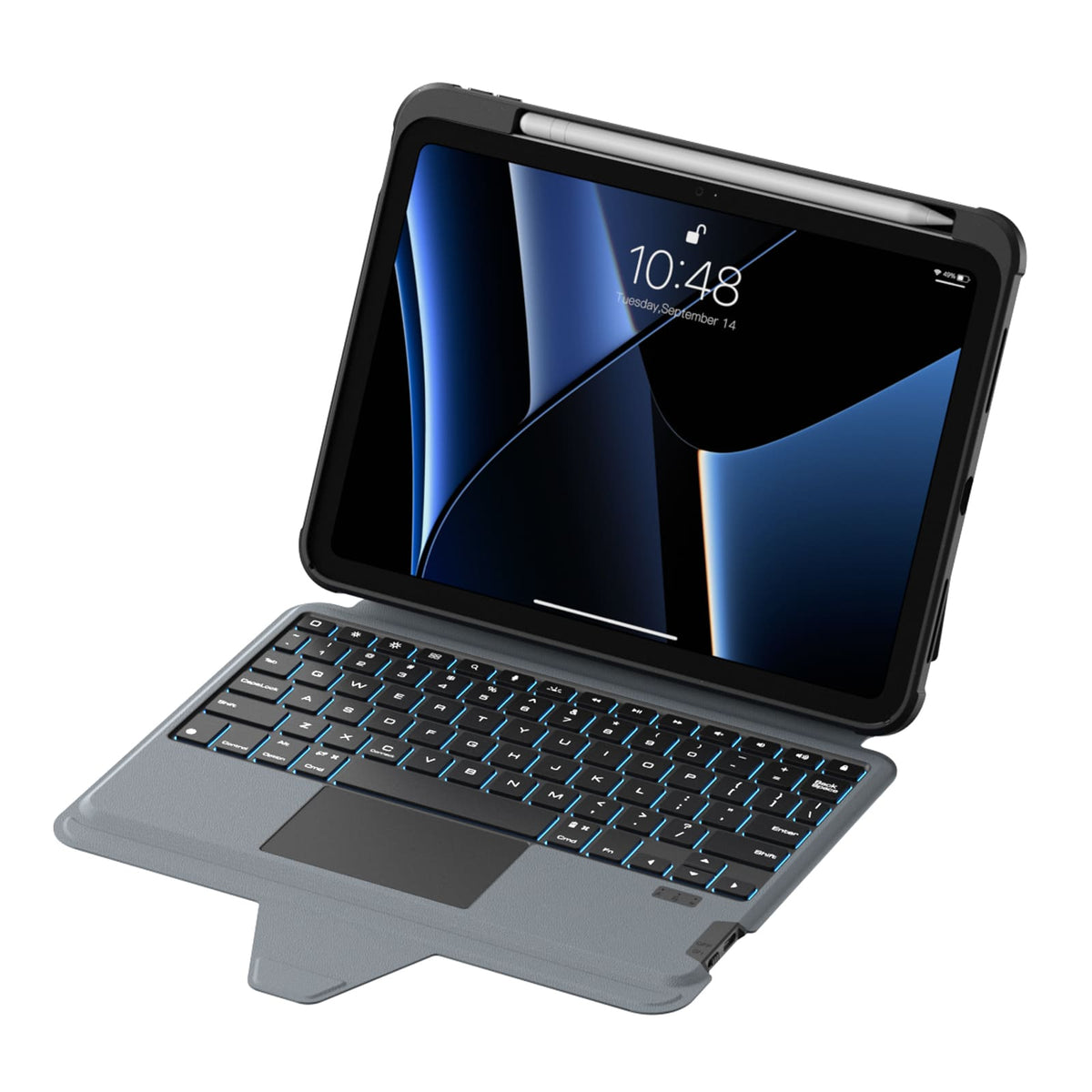
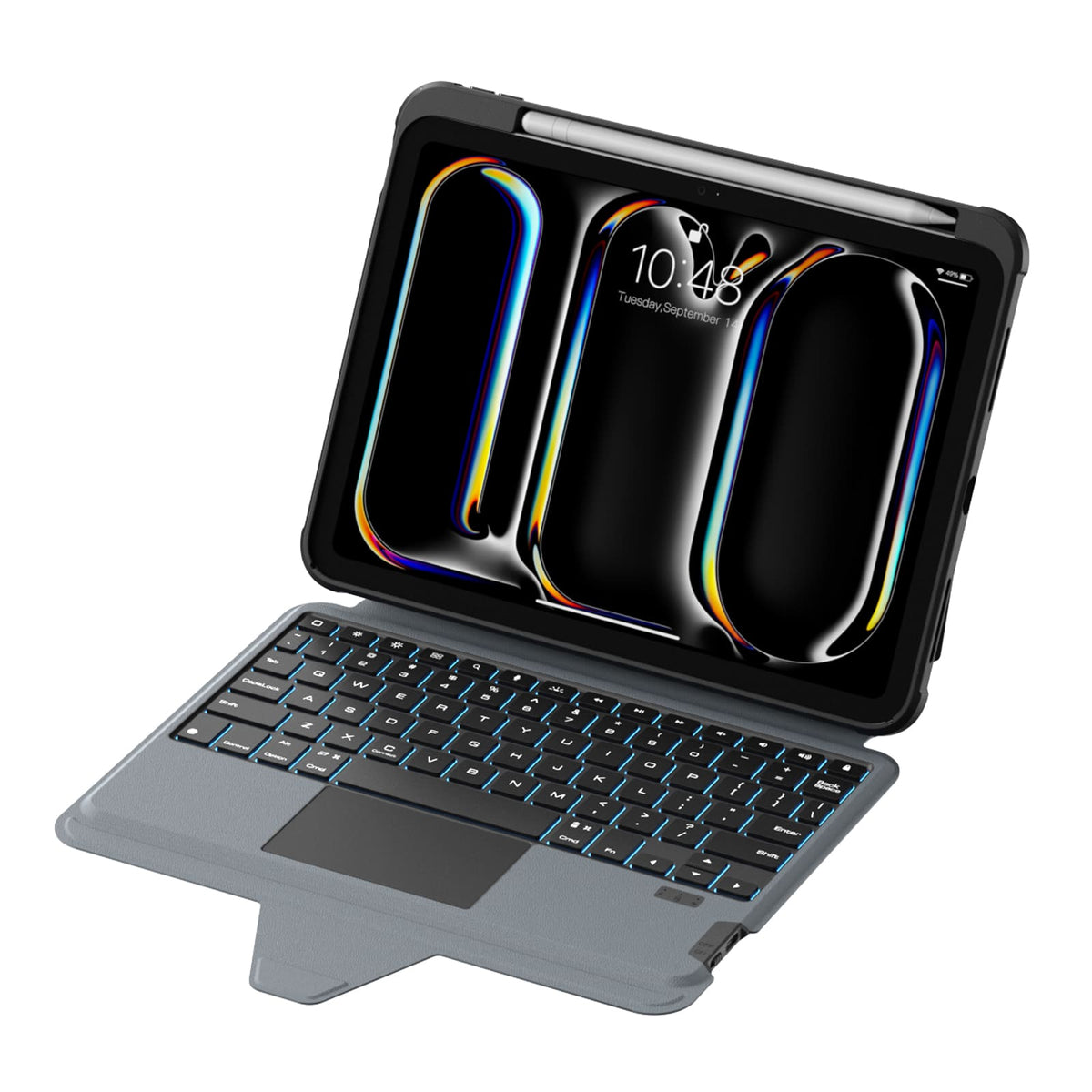
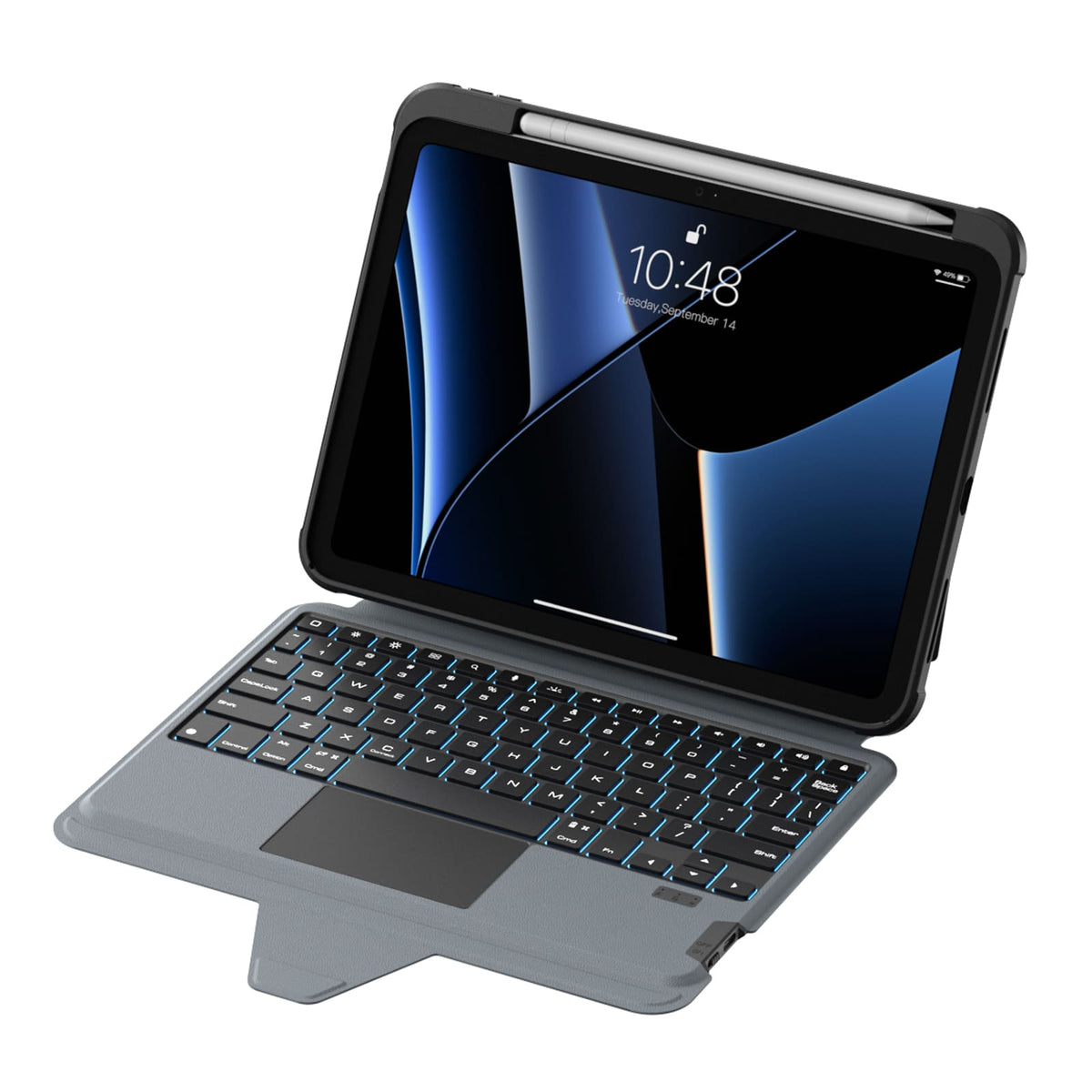
Une disposition pleine taille, des touches réactives et un pavé tactile de précision apportent une fluidité plus naturelle et sans effort à votre travail quotidien.
More Than a Keyboard Case
More Than a Keyboard Case


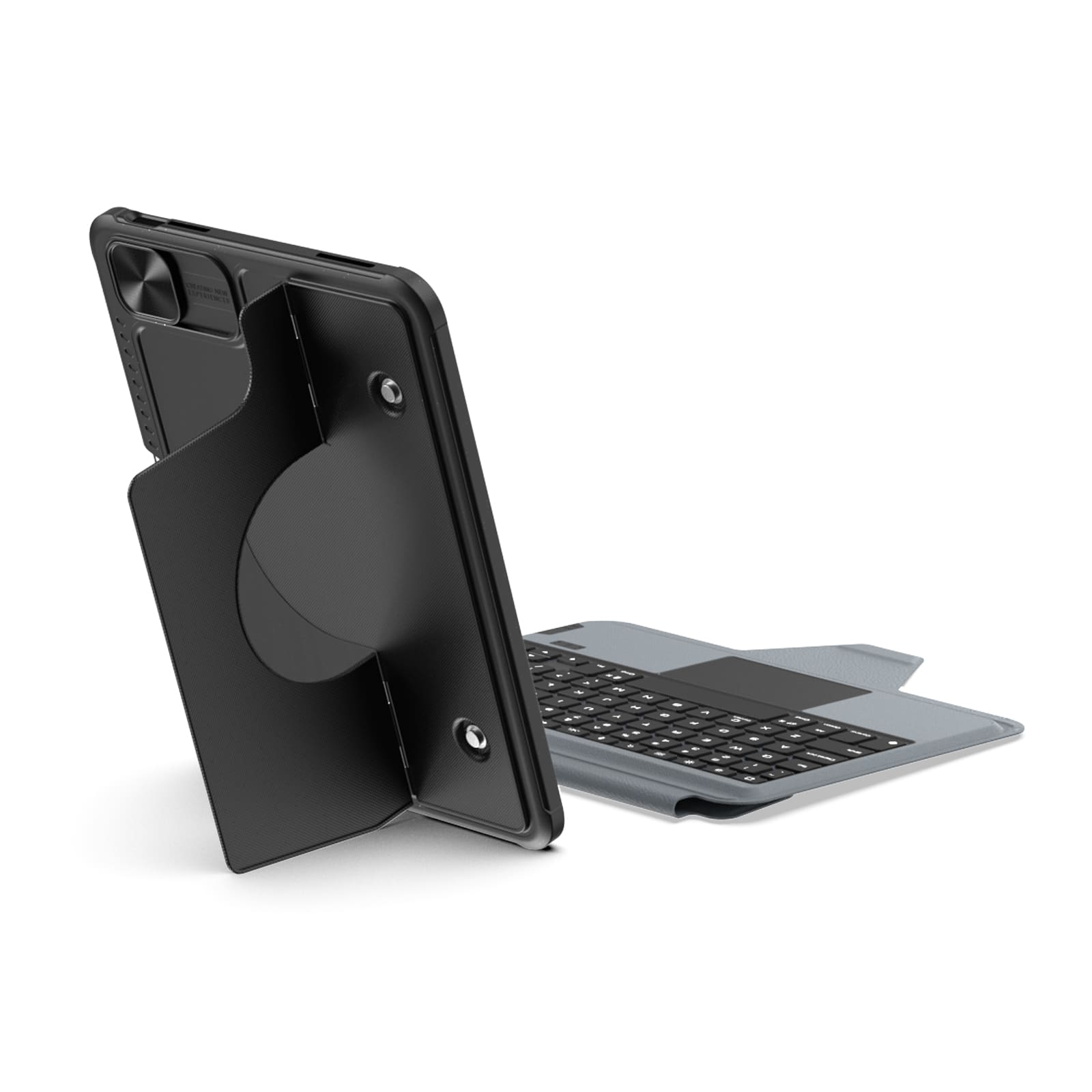
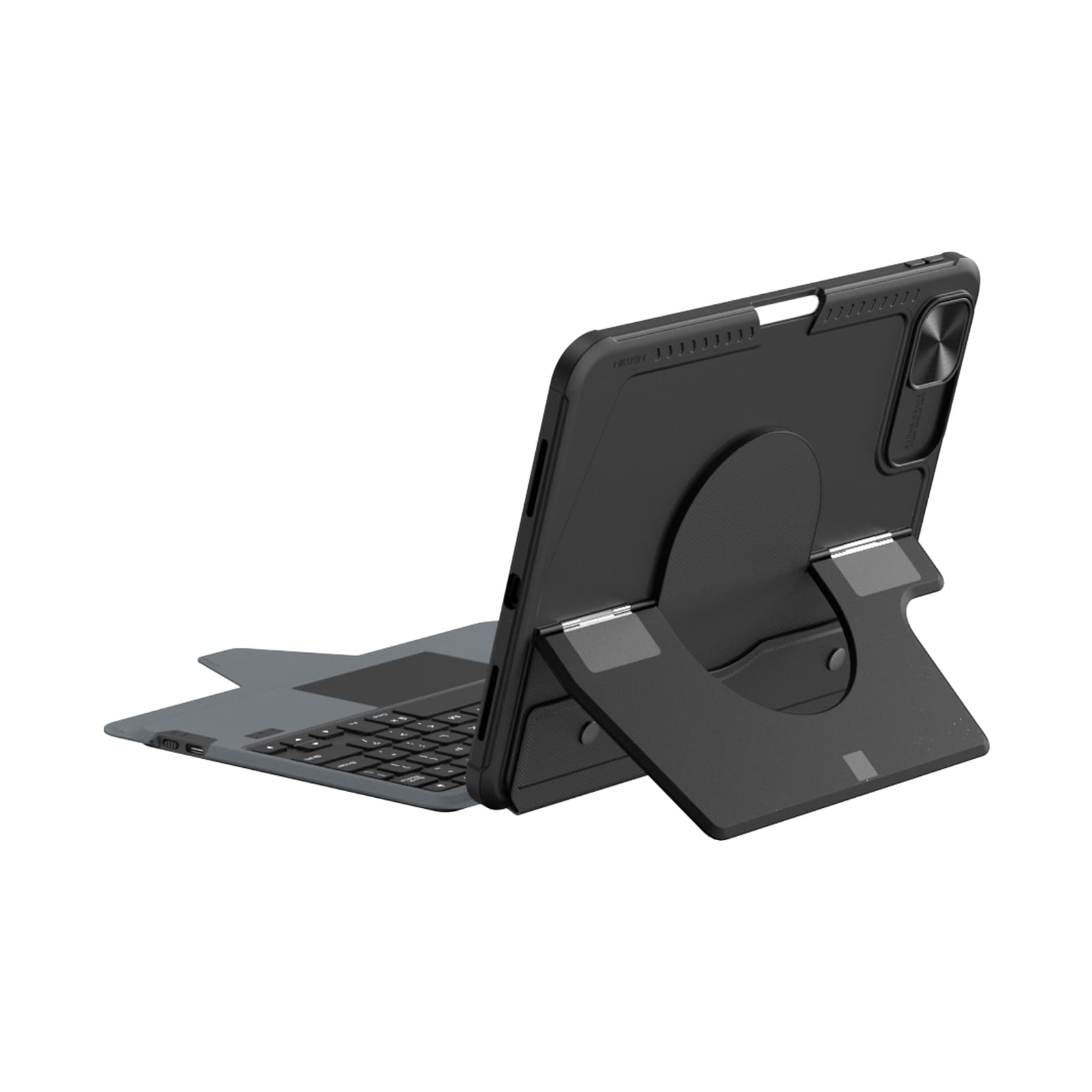
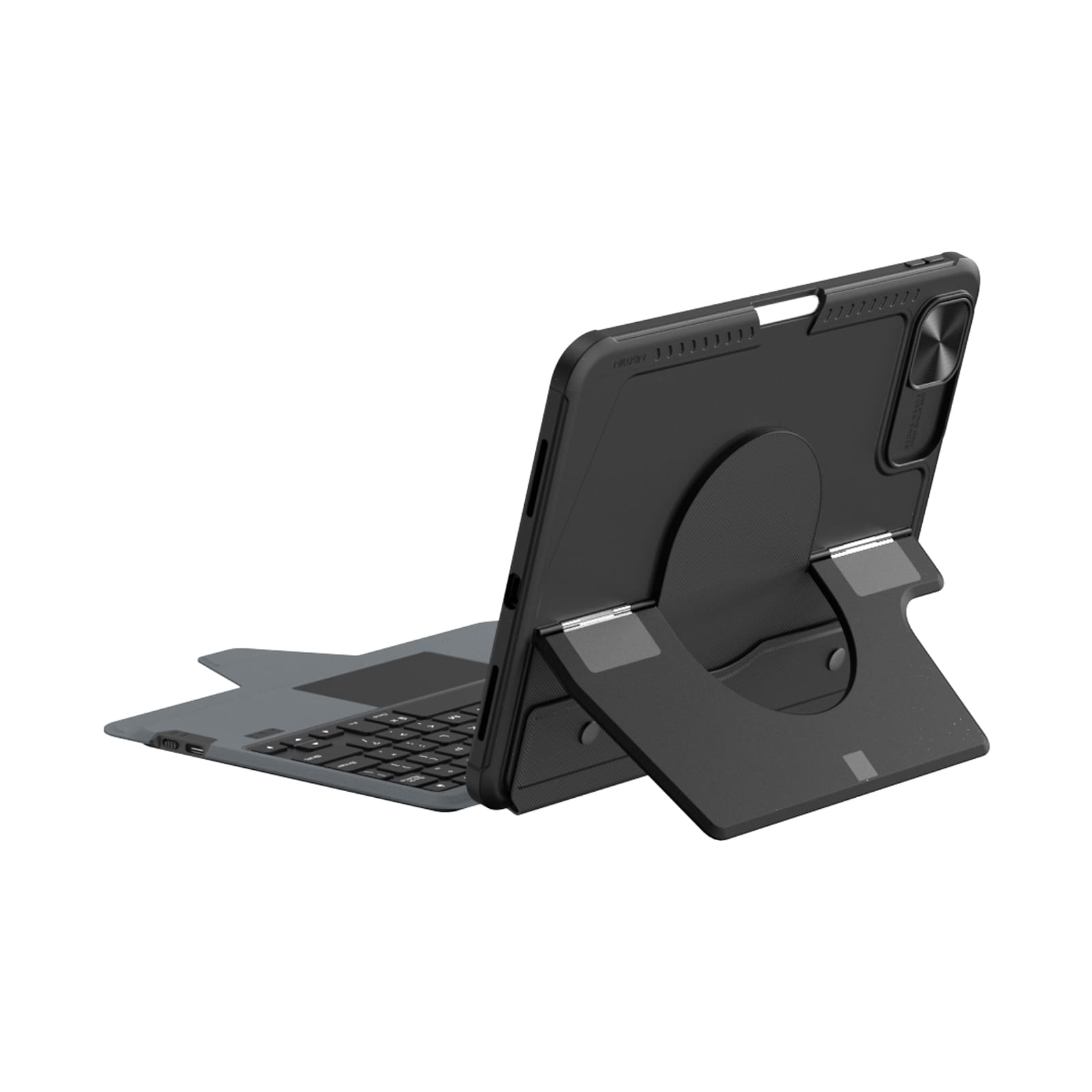
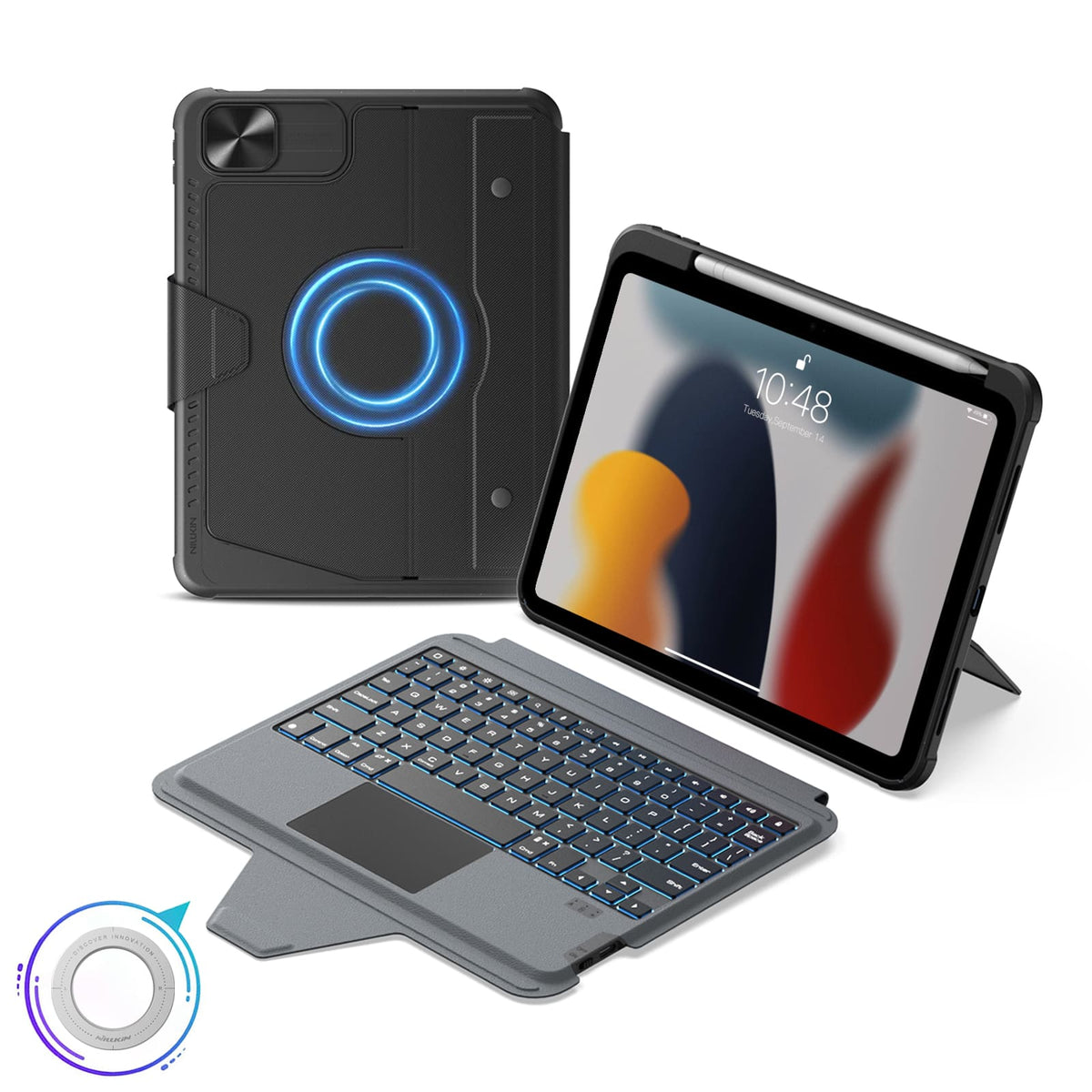
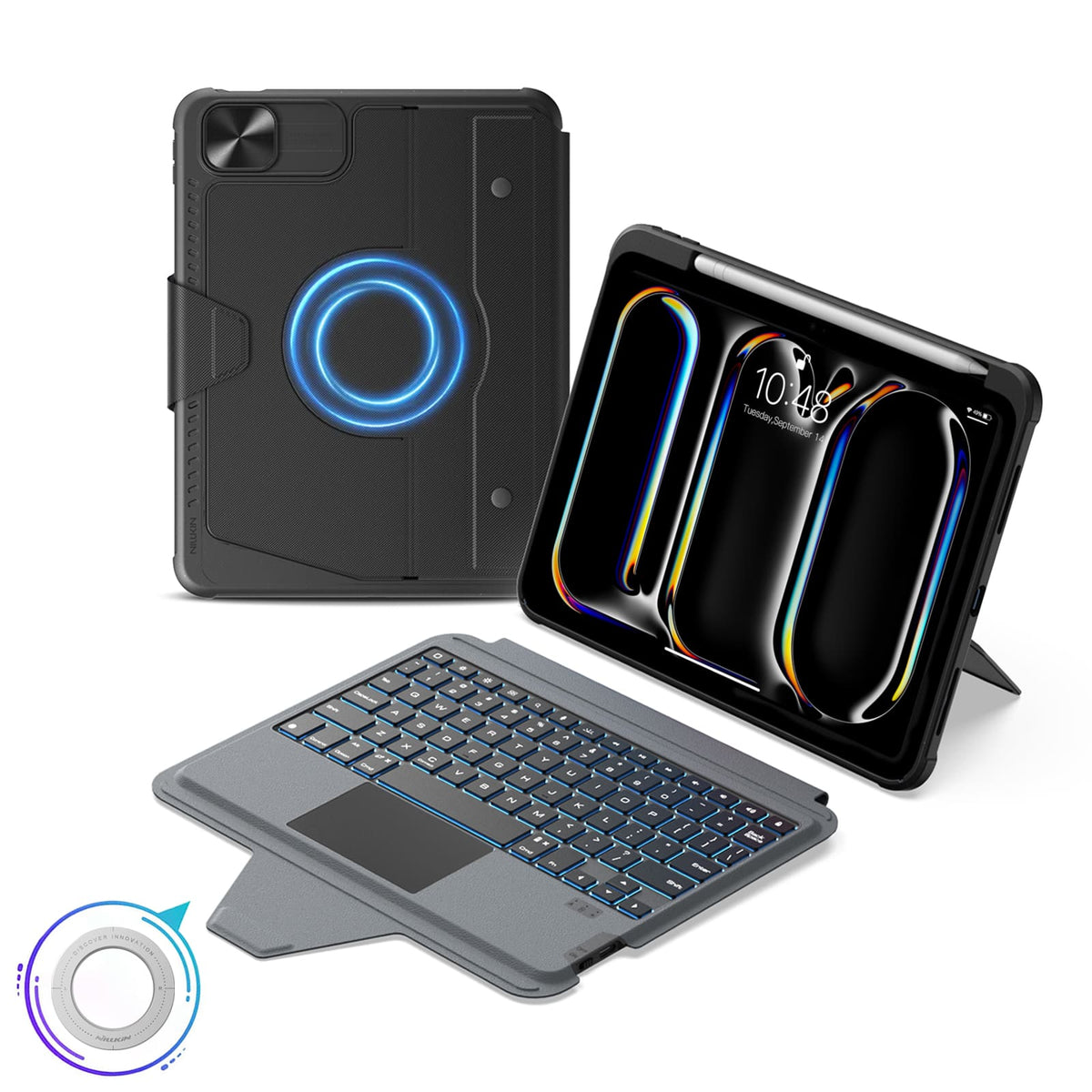
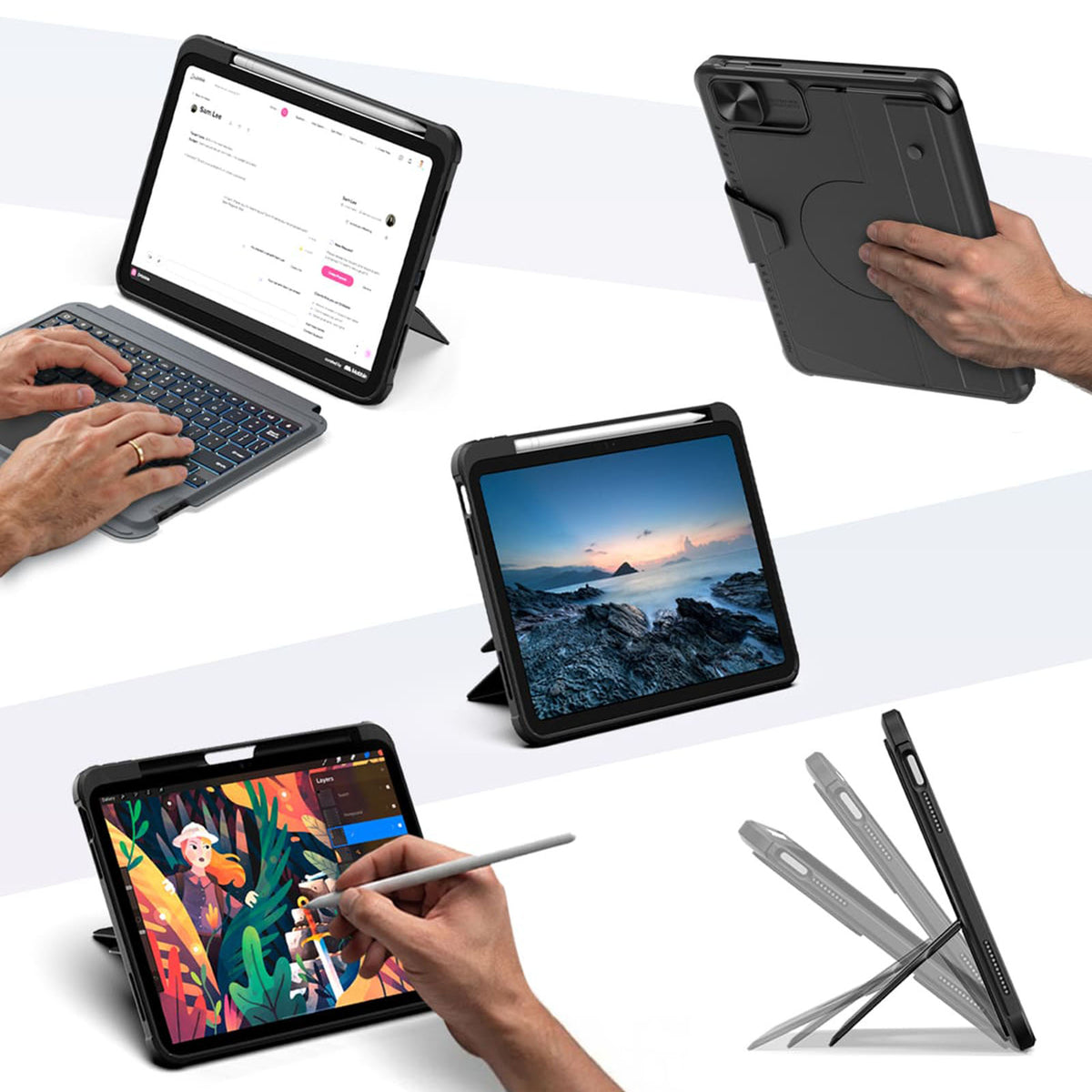
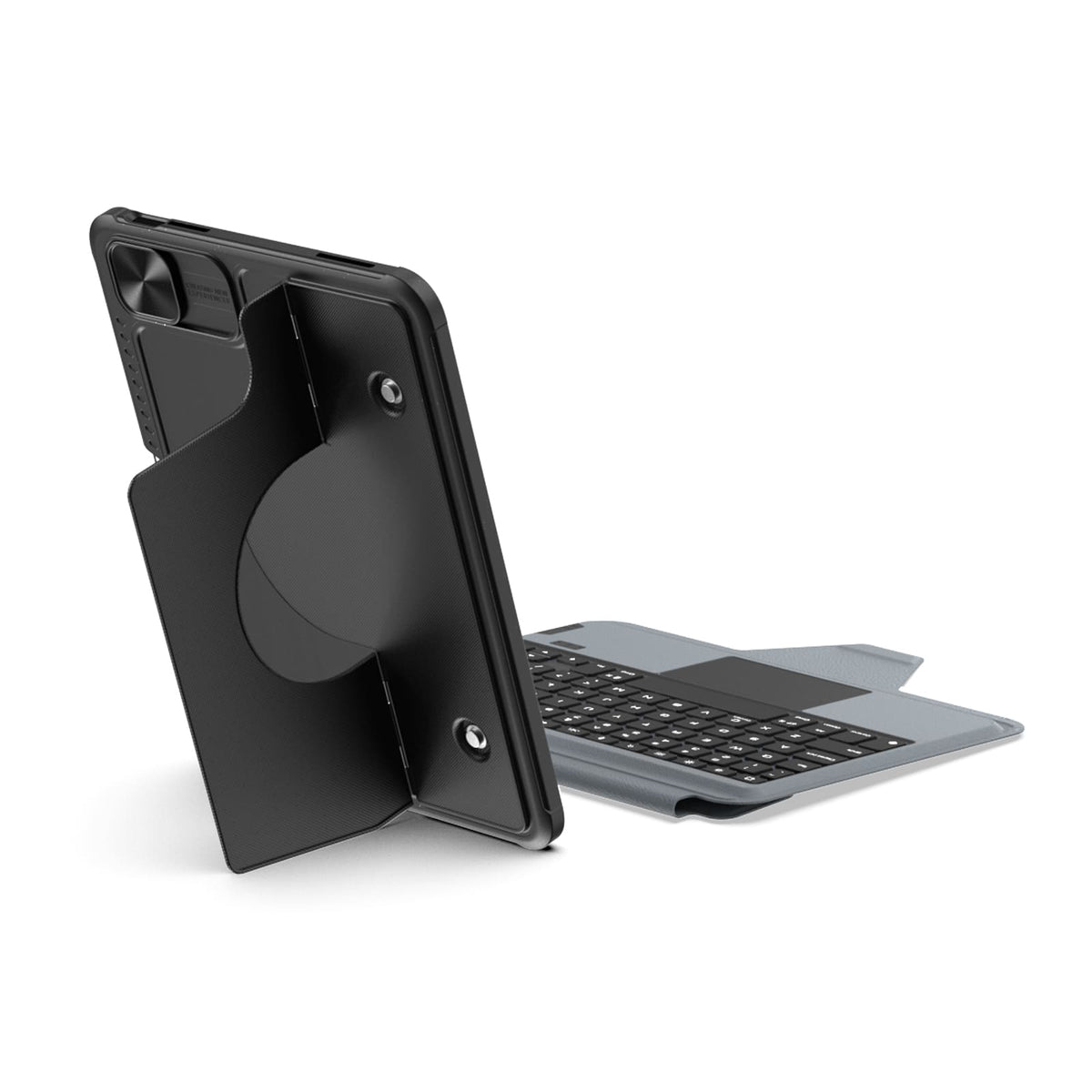
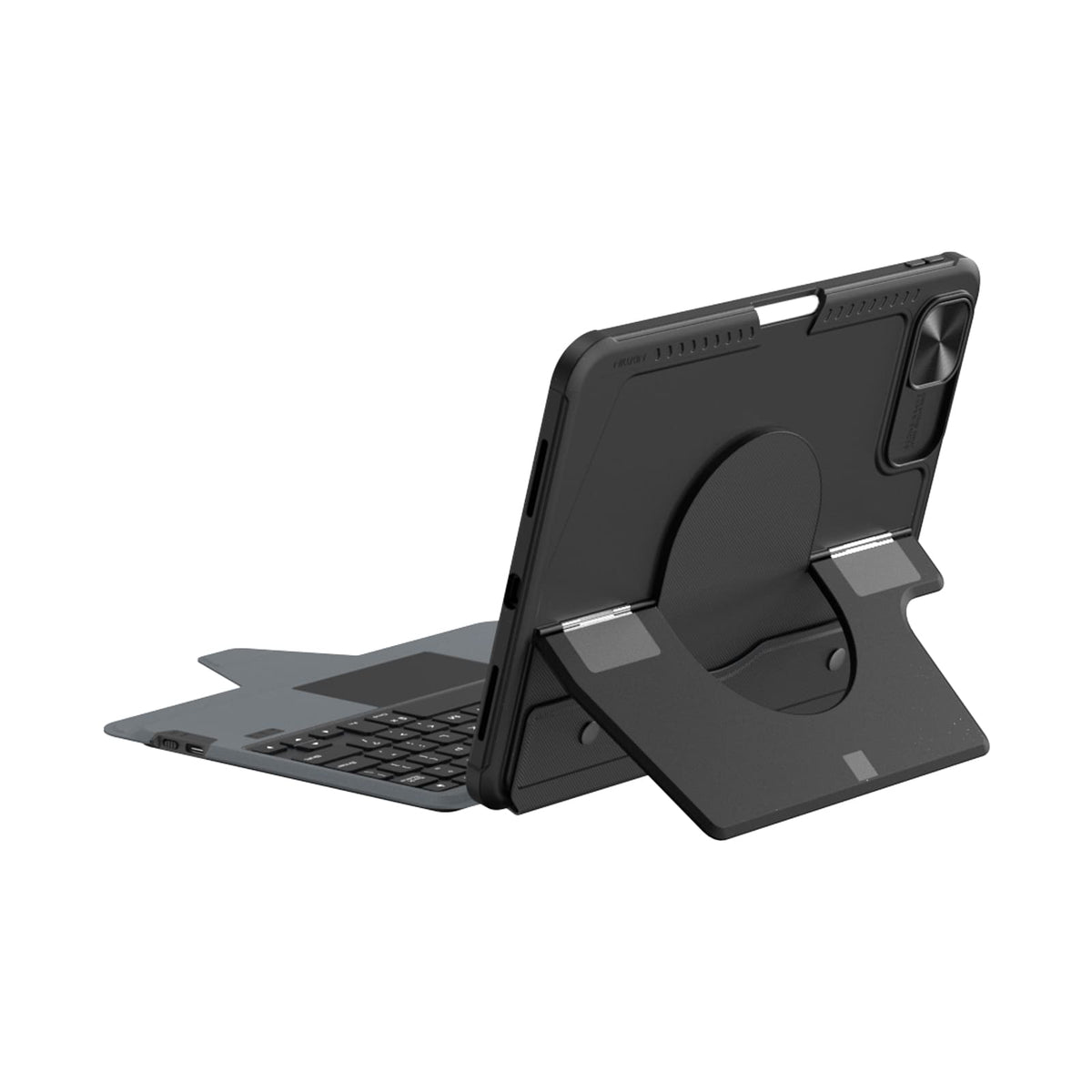
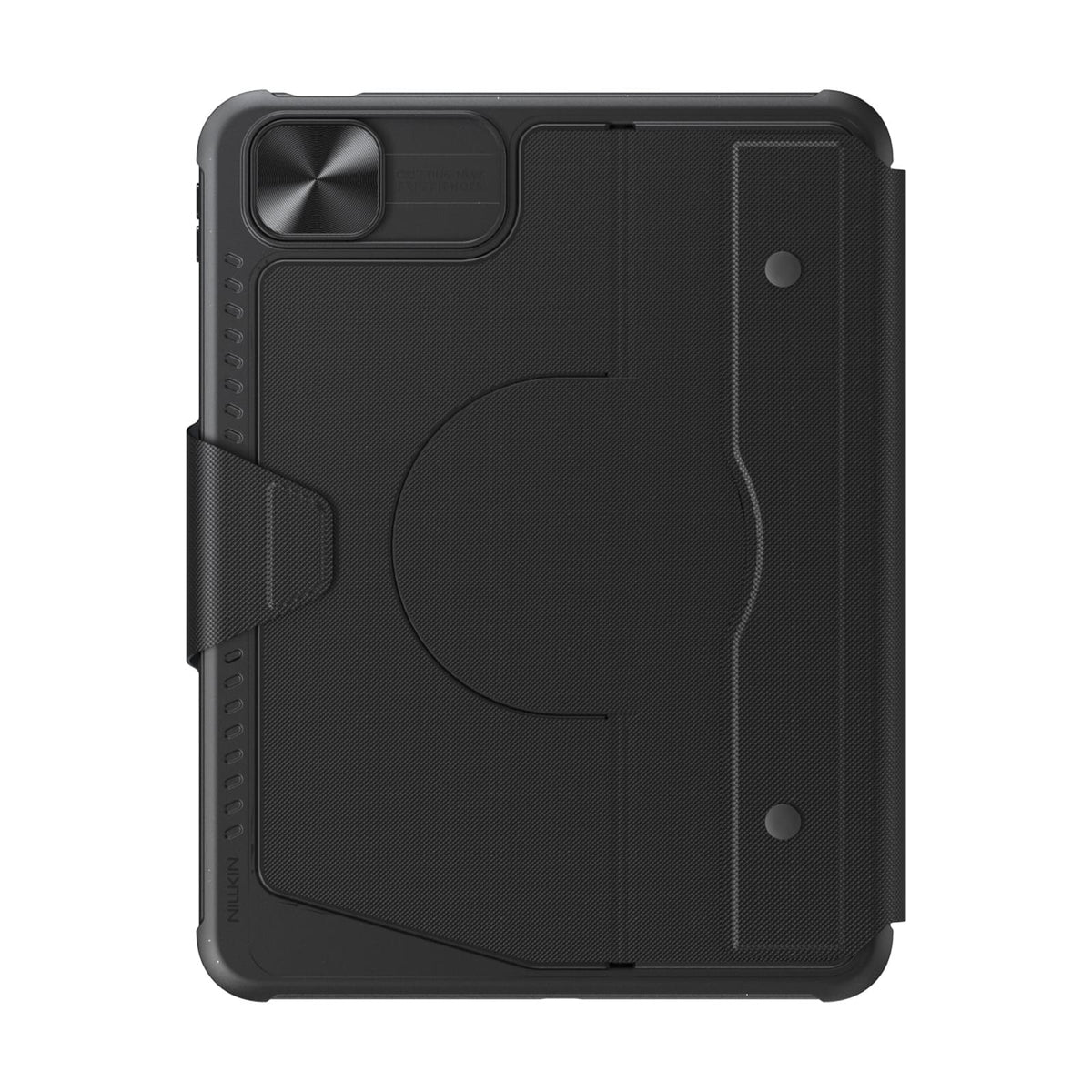
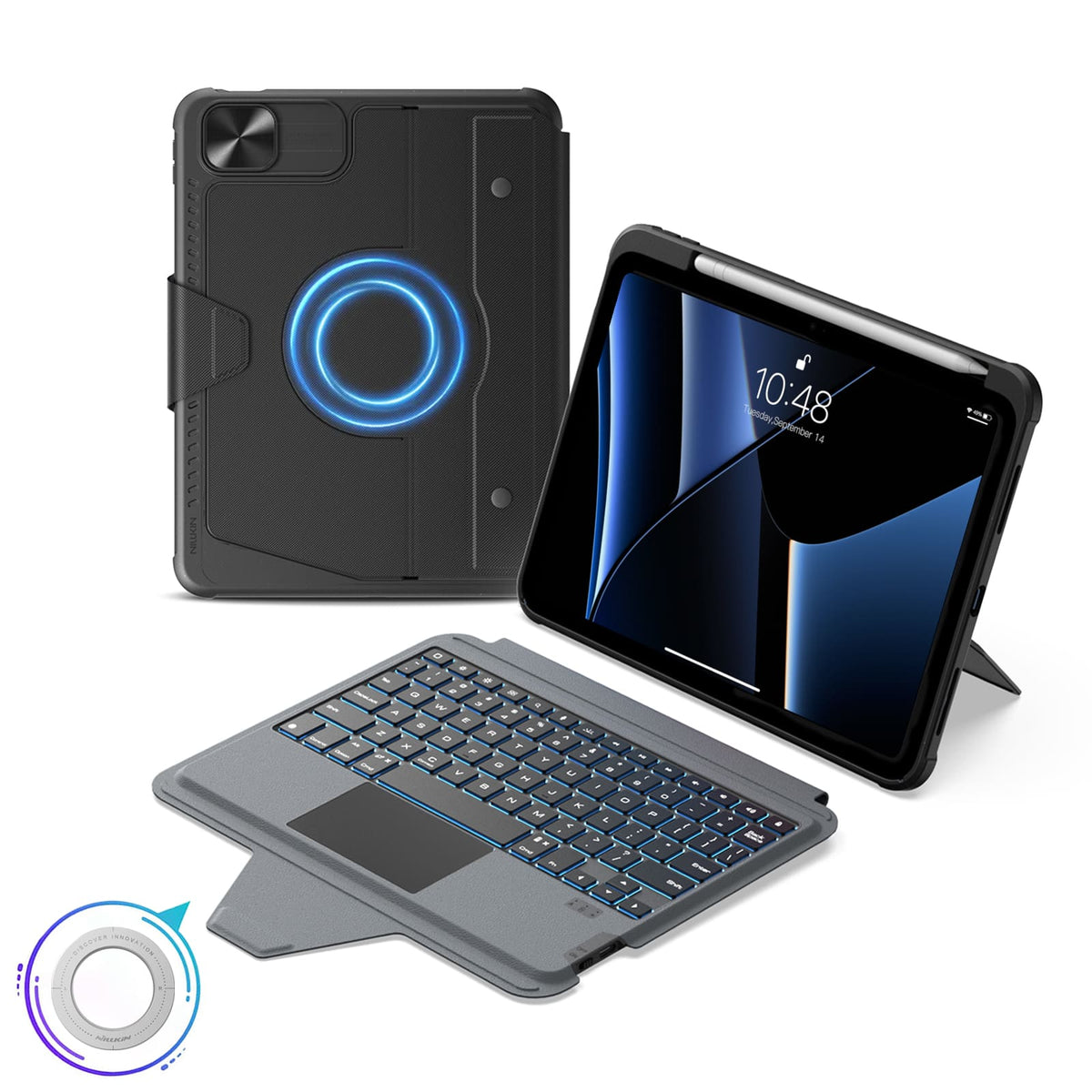
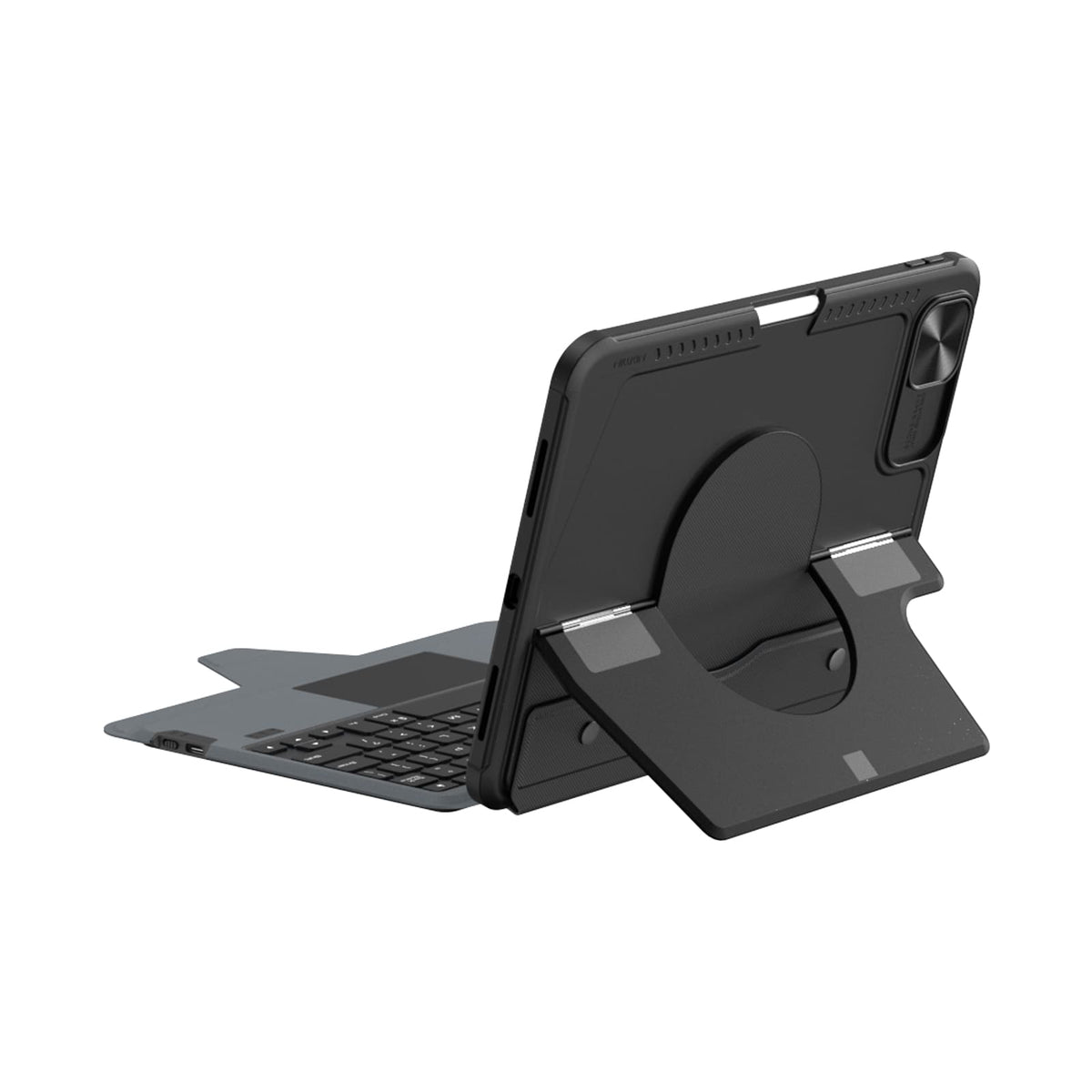
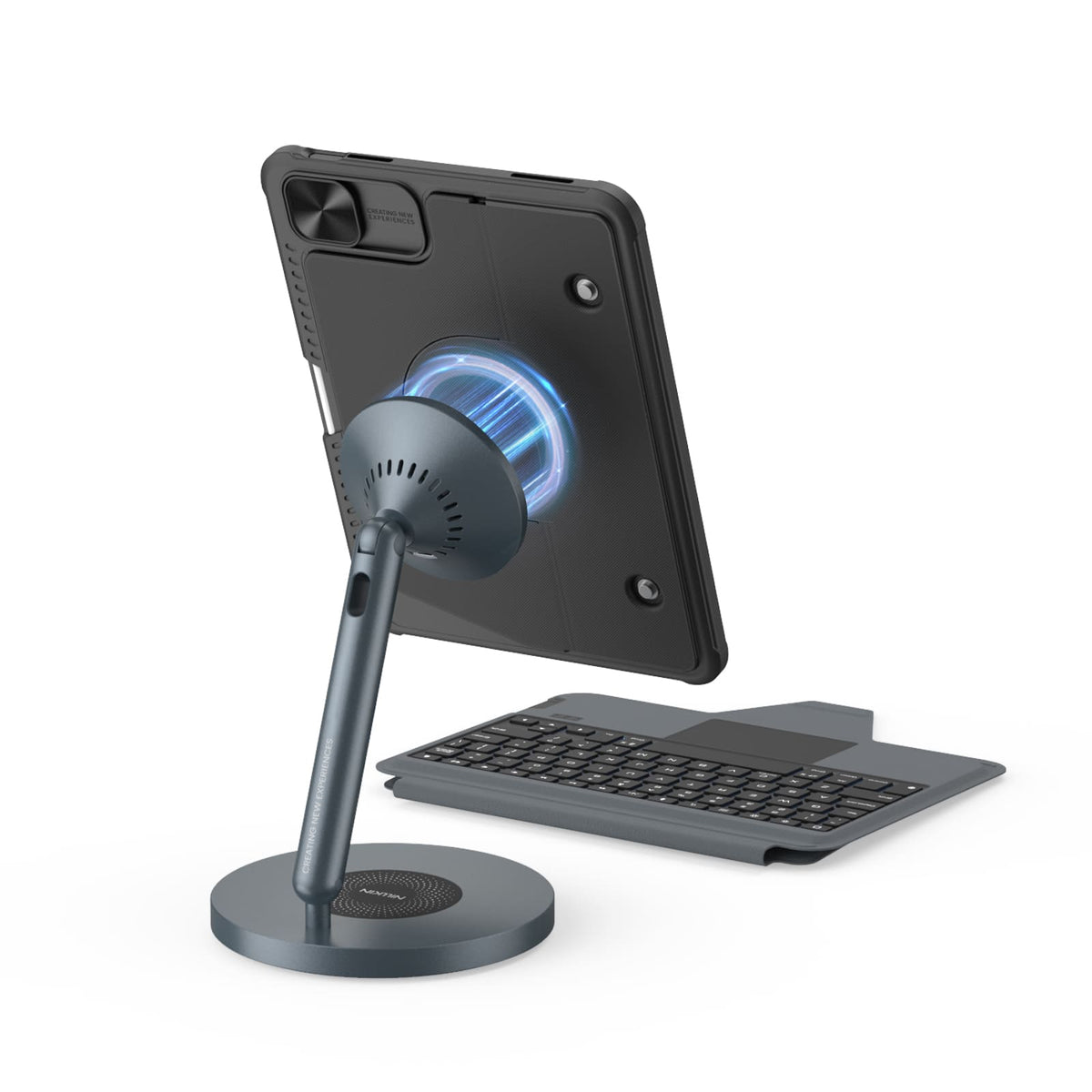
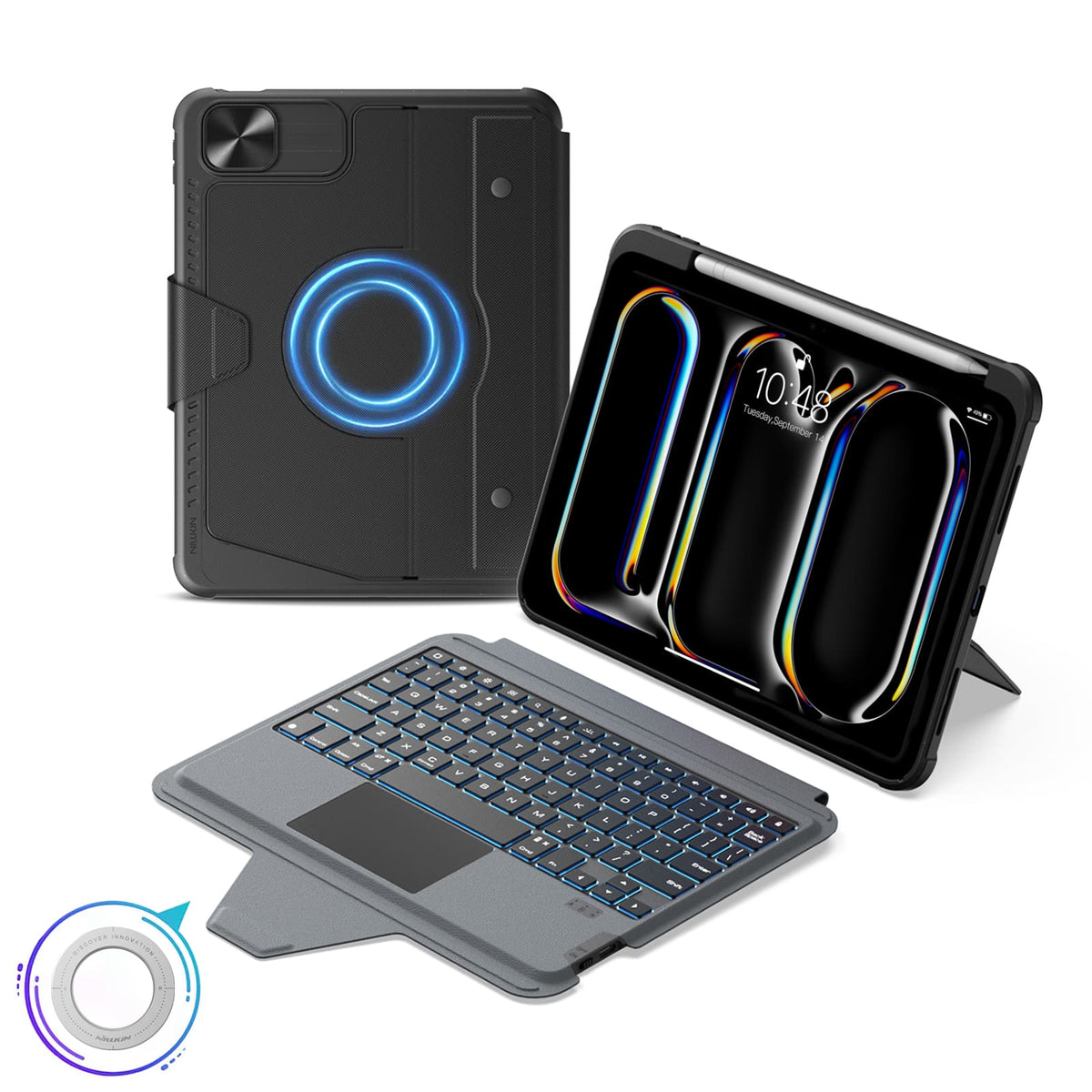
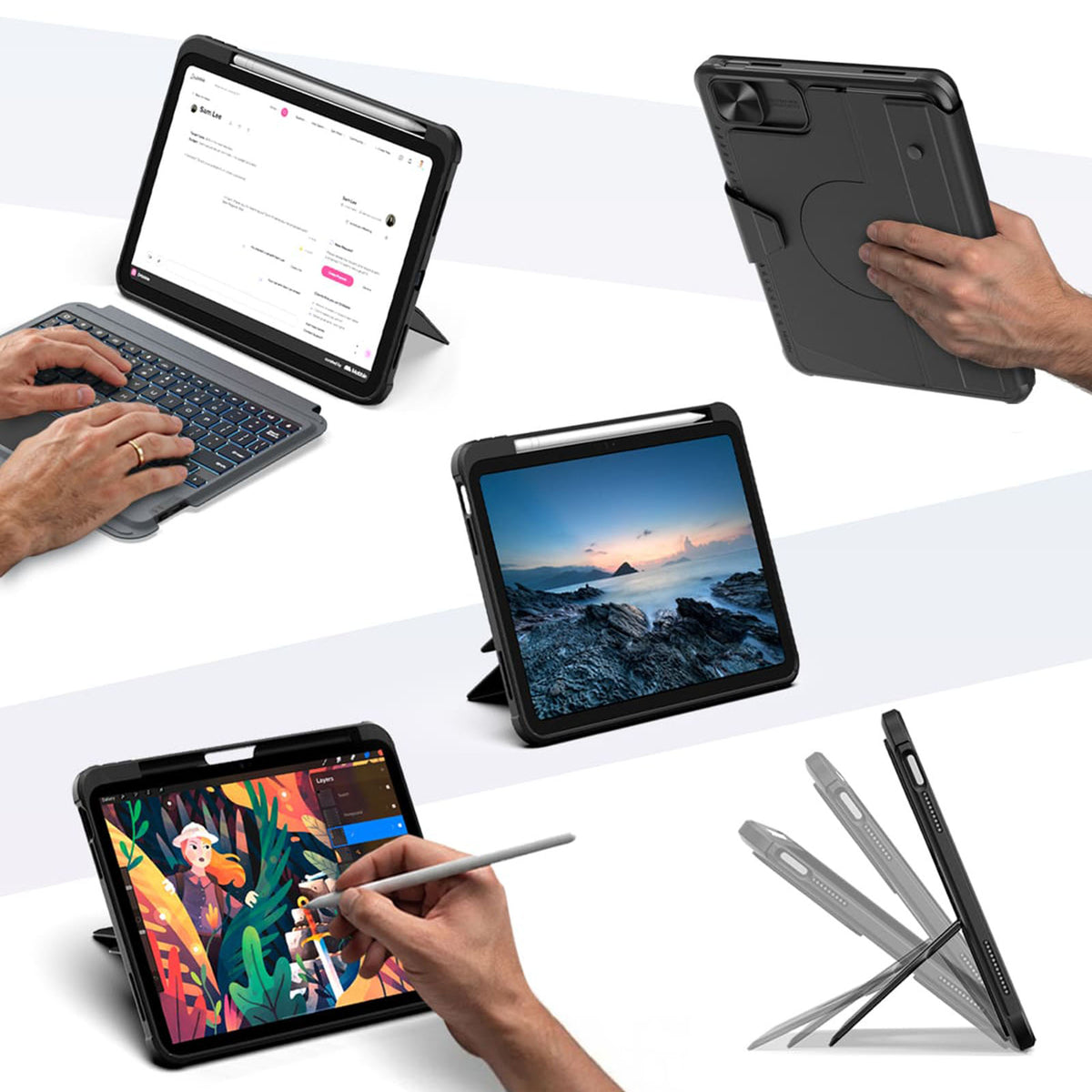
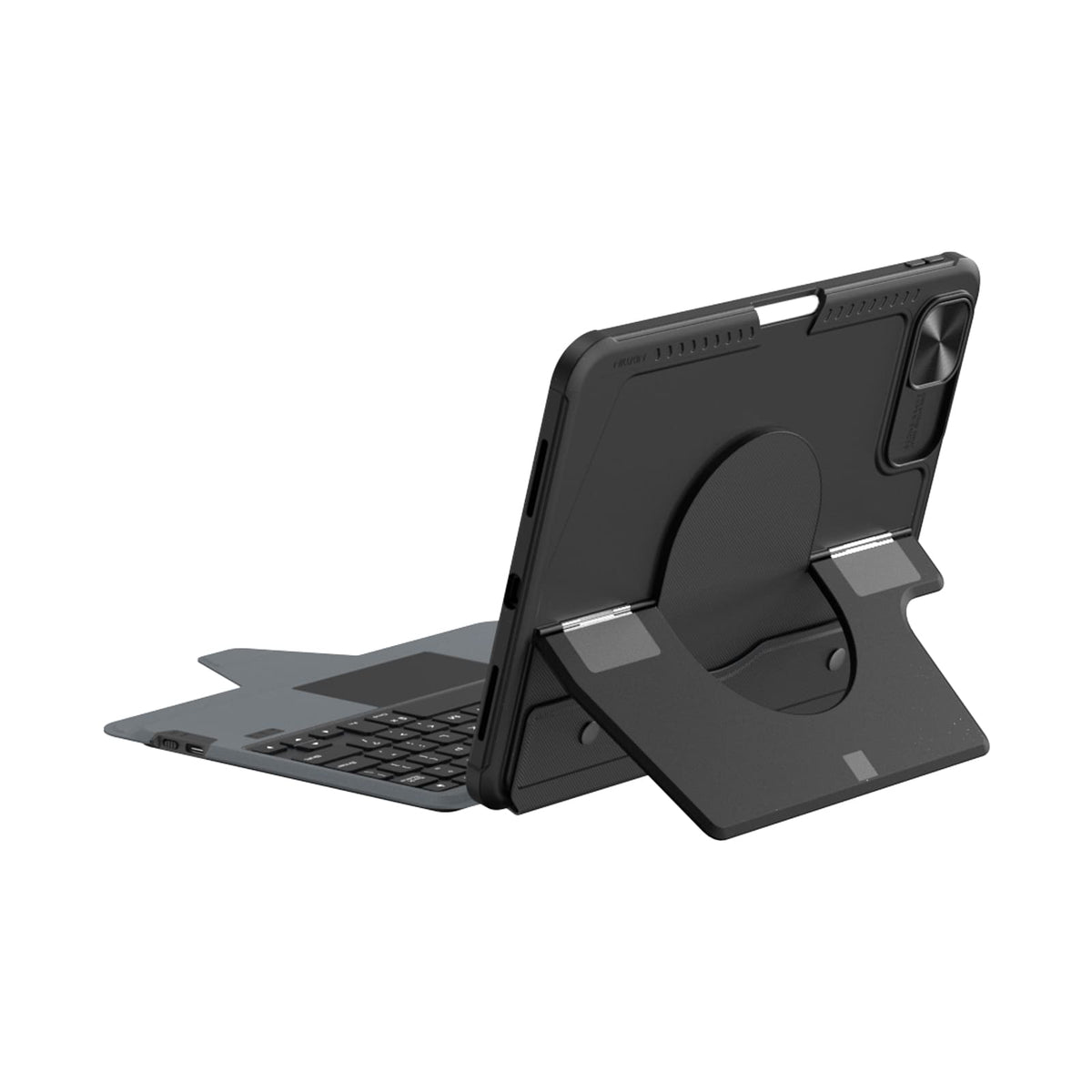
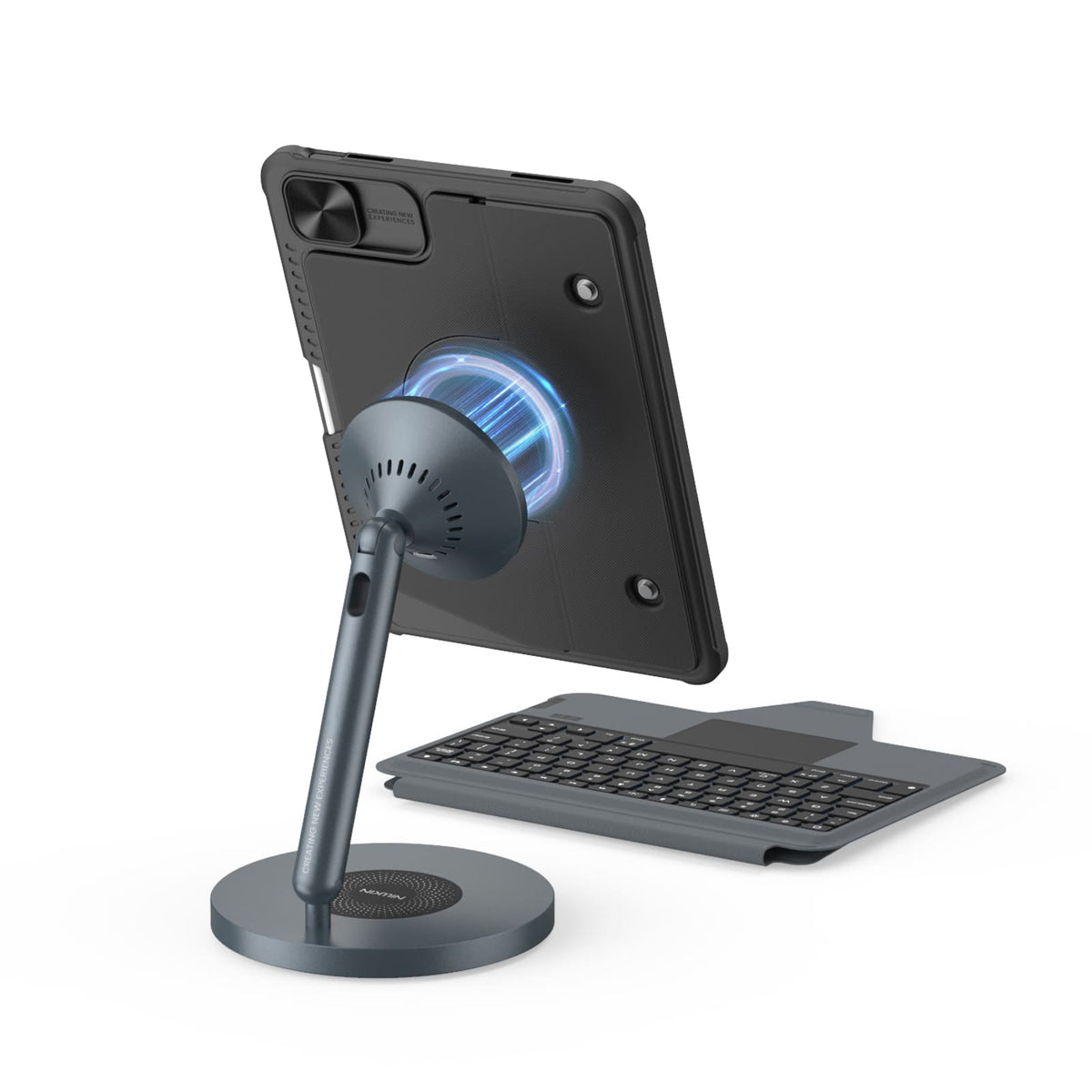
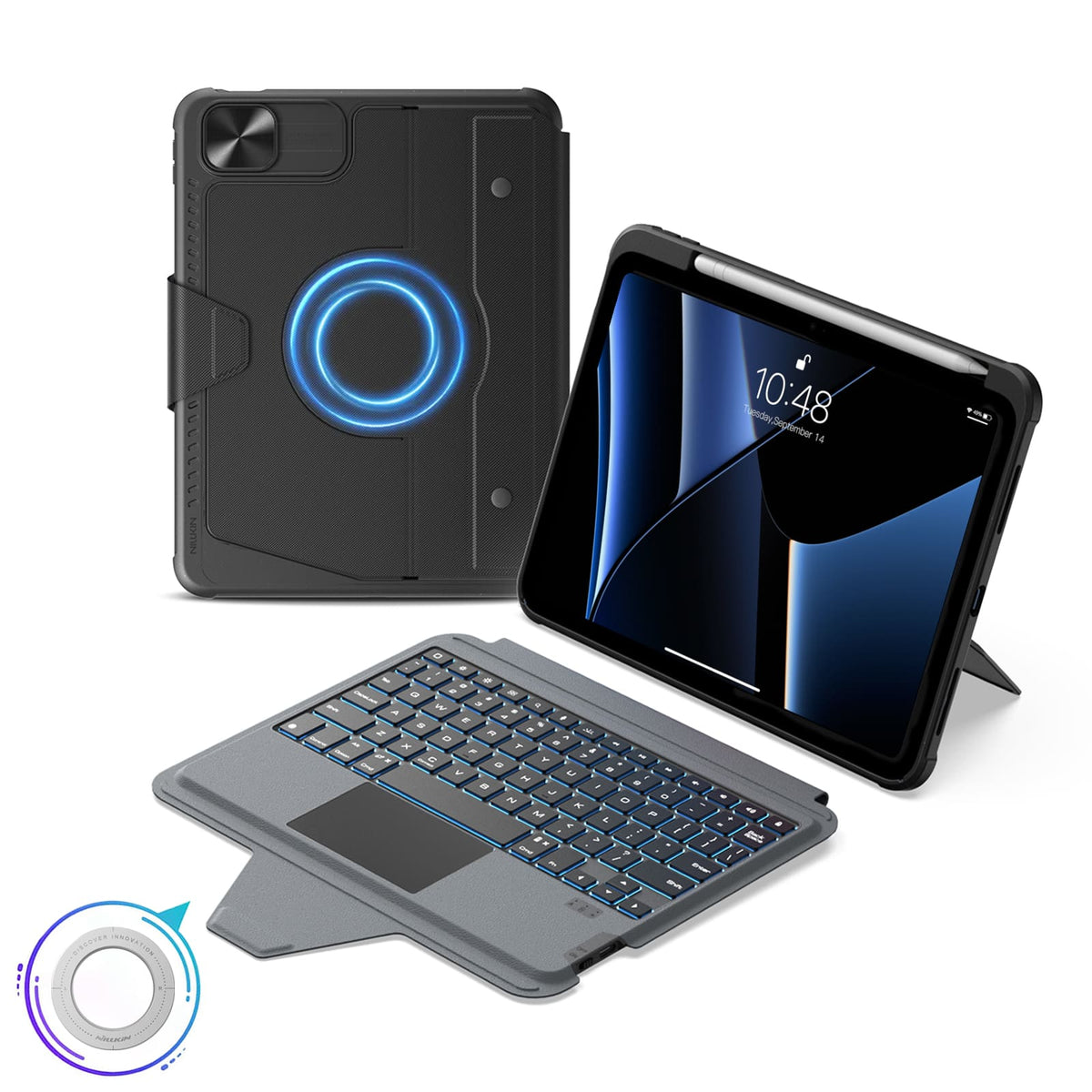
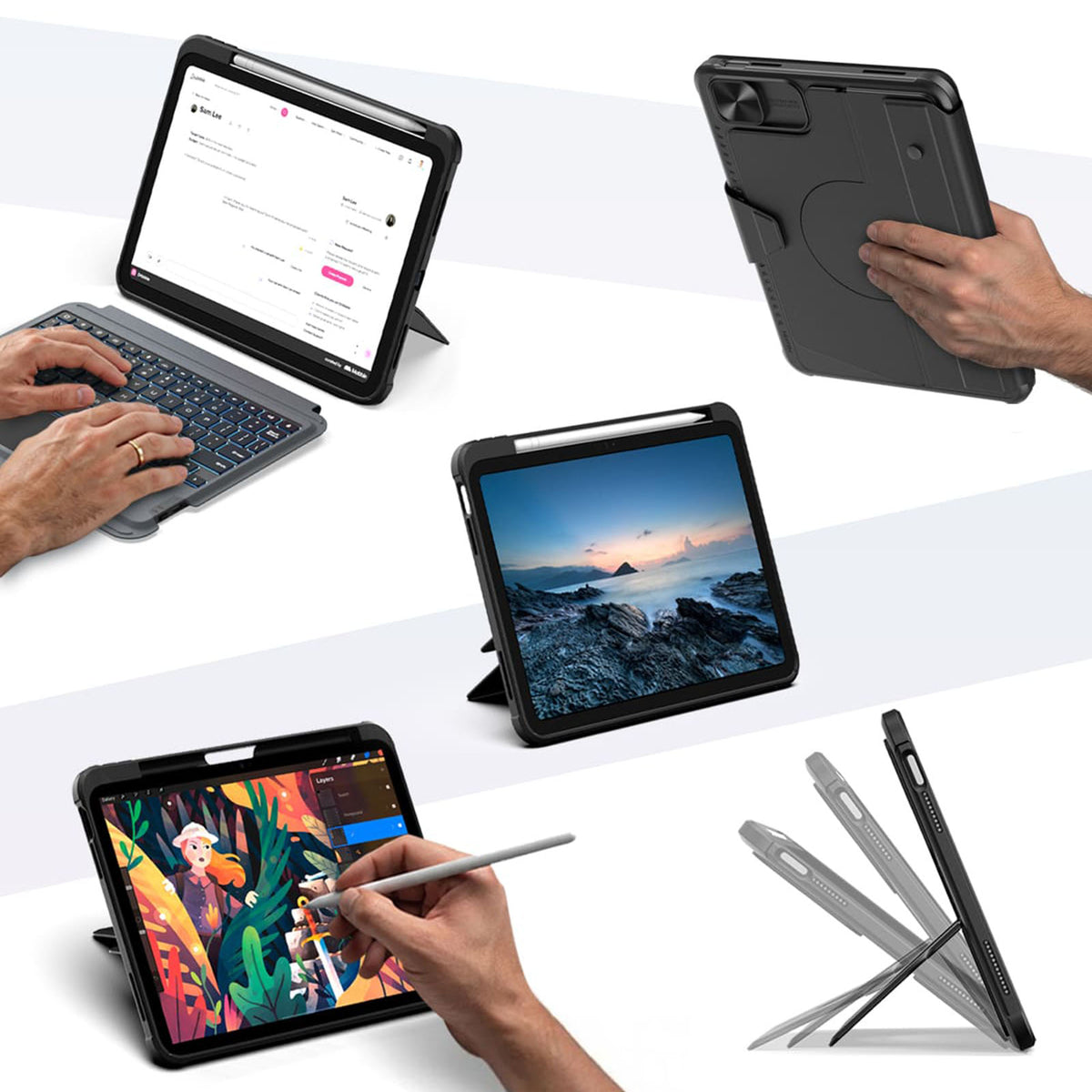
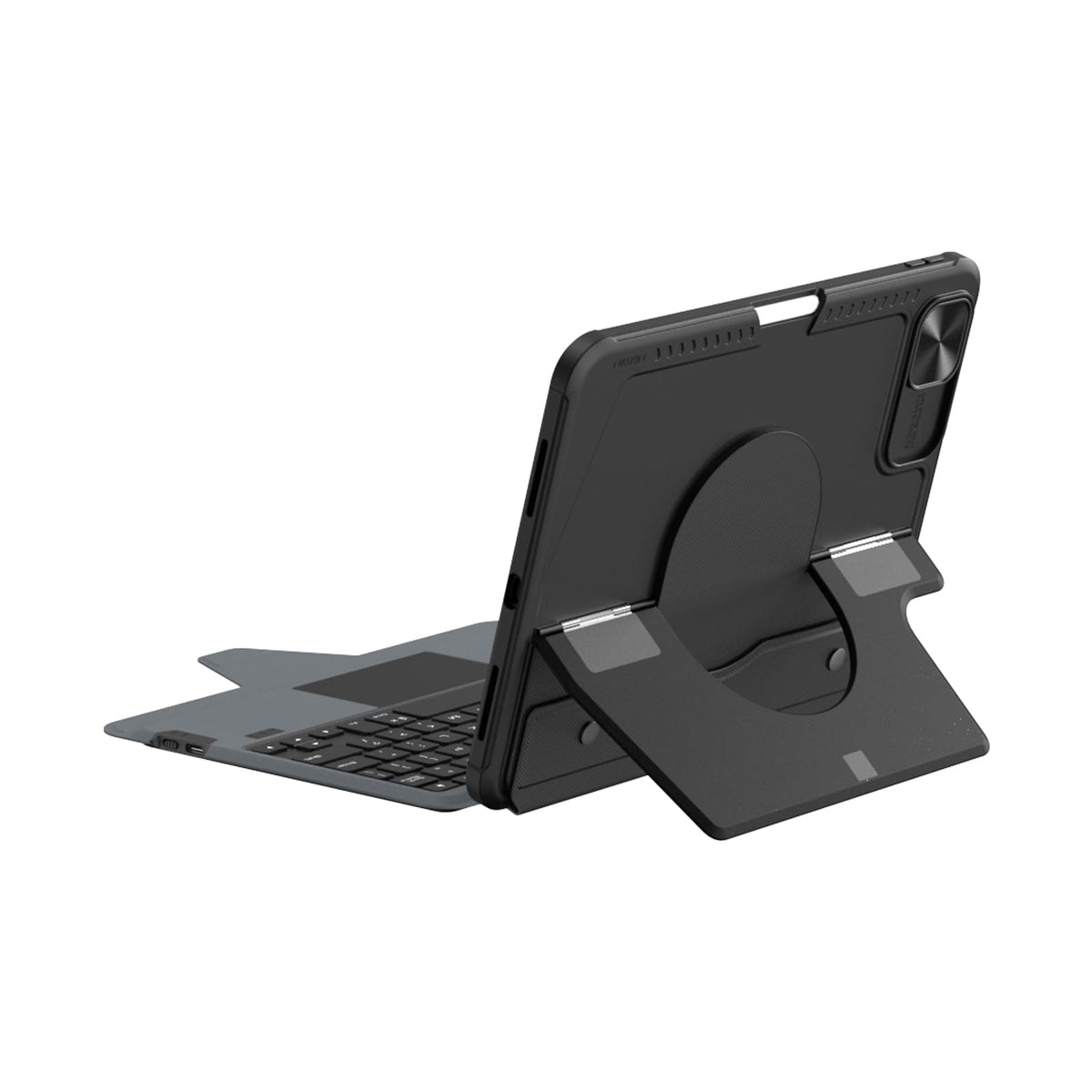
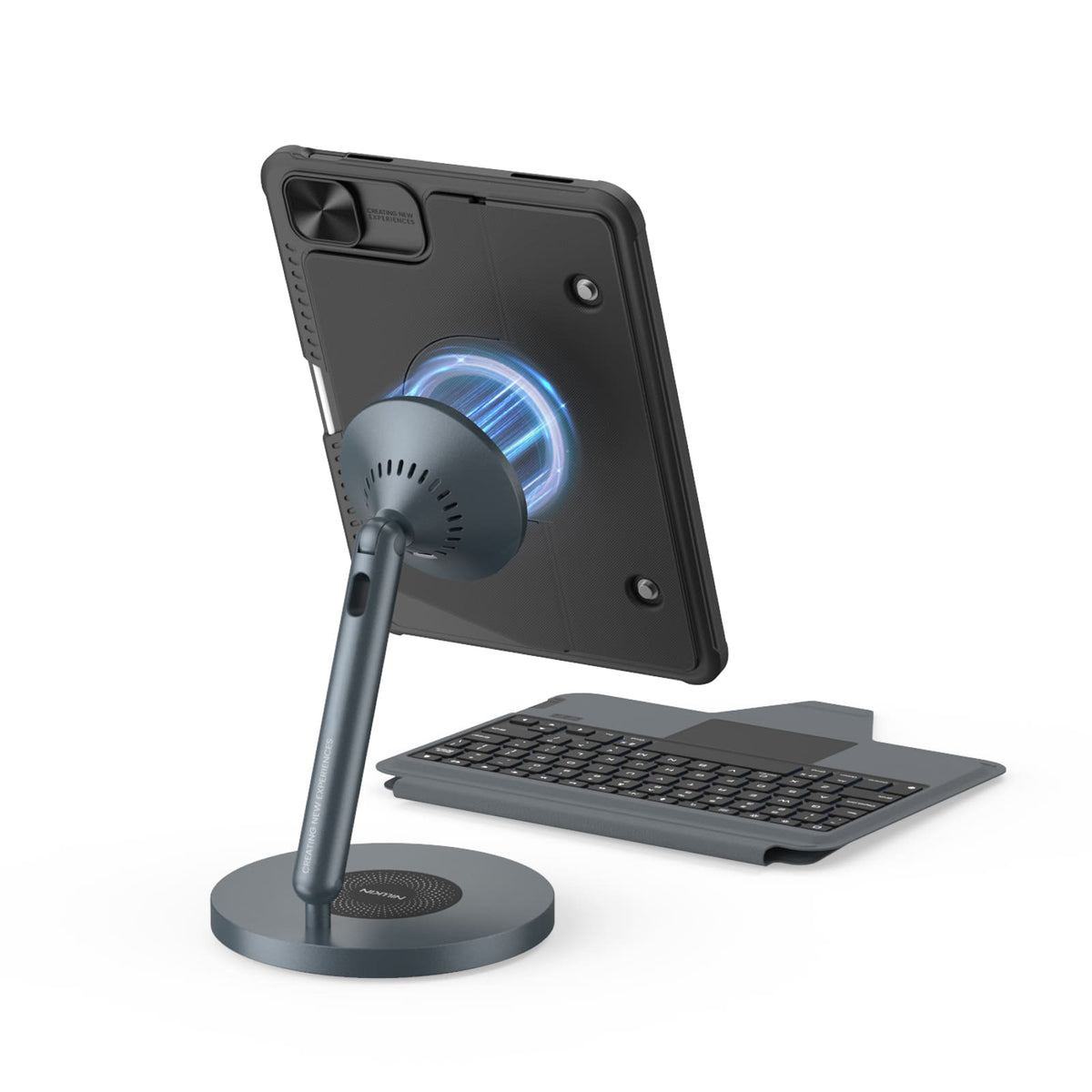
Une seule coque. Plus de façons d'utiliser votre iPad.
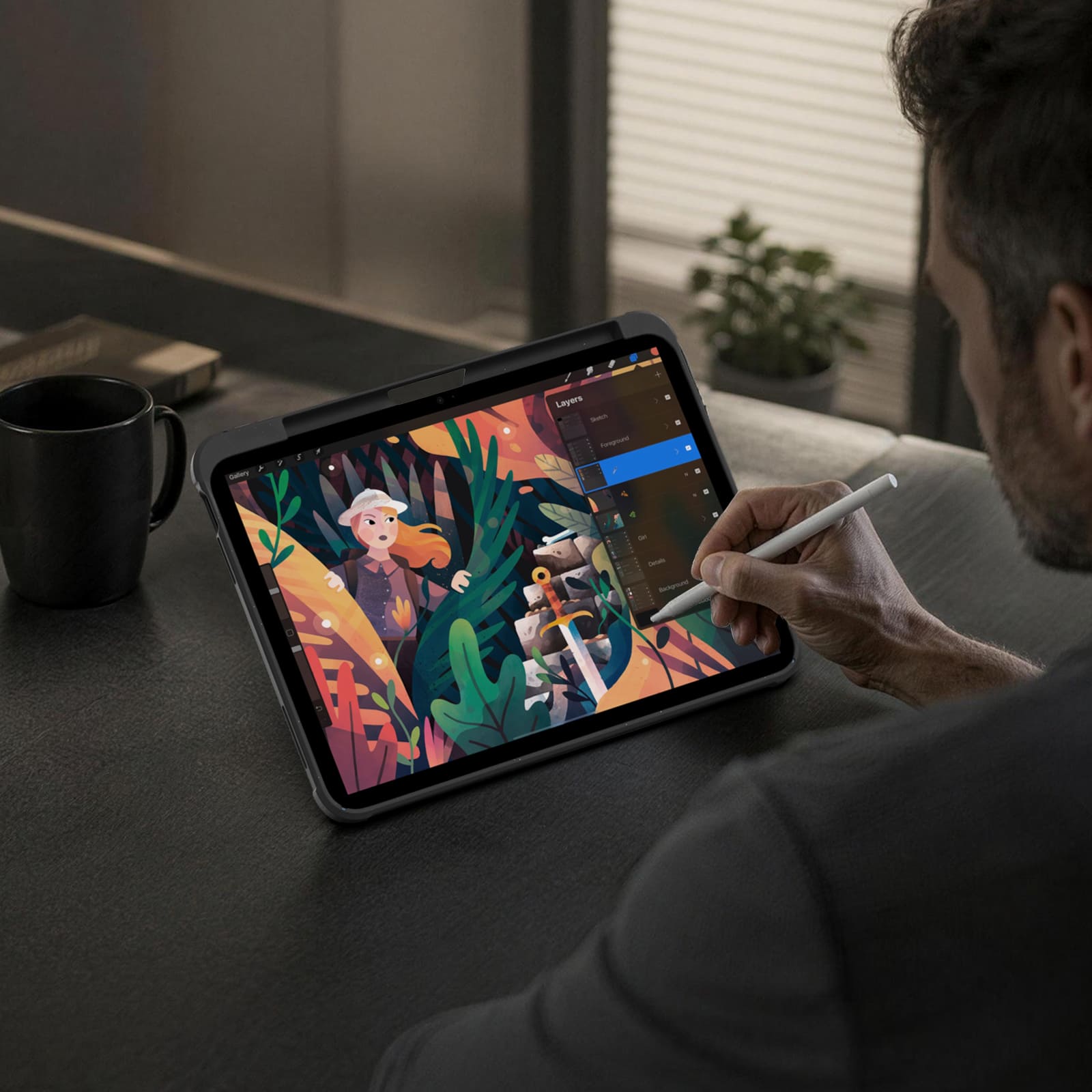
Tapez, dessinez, visionnez, présentez ou détendez-vous. Le Bumper Combo Pro s'adapte à chaque instant, offrant à votre iPad la flexibilité d'en faire plus.


Every improvement begins with real feedback.


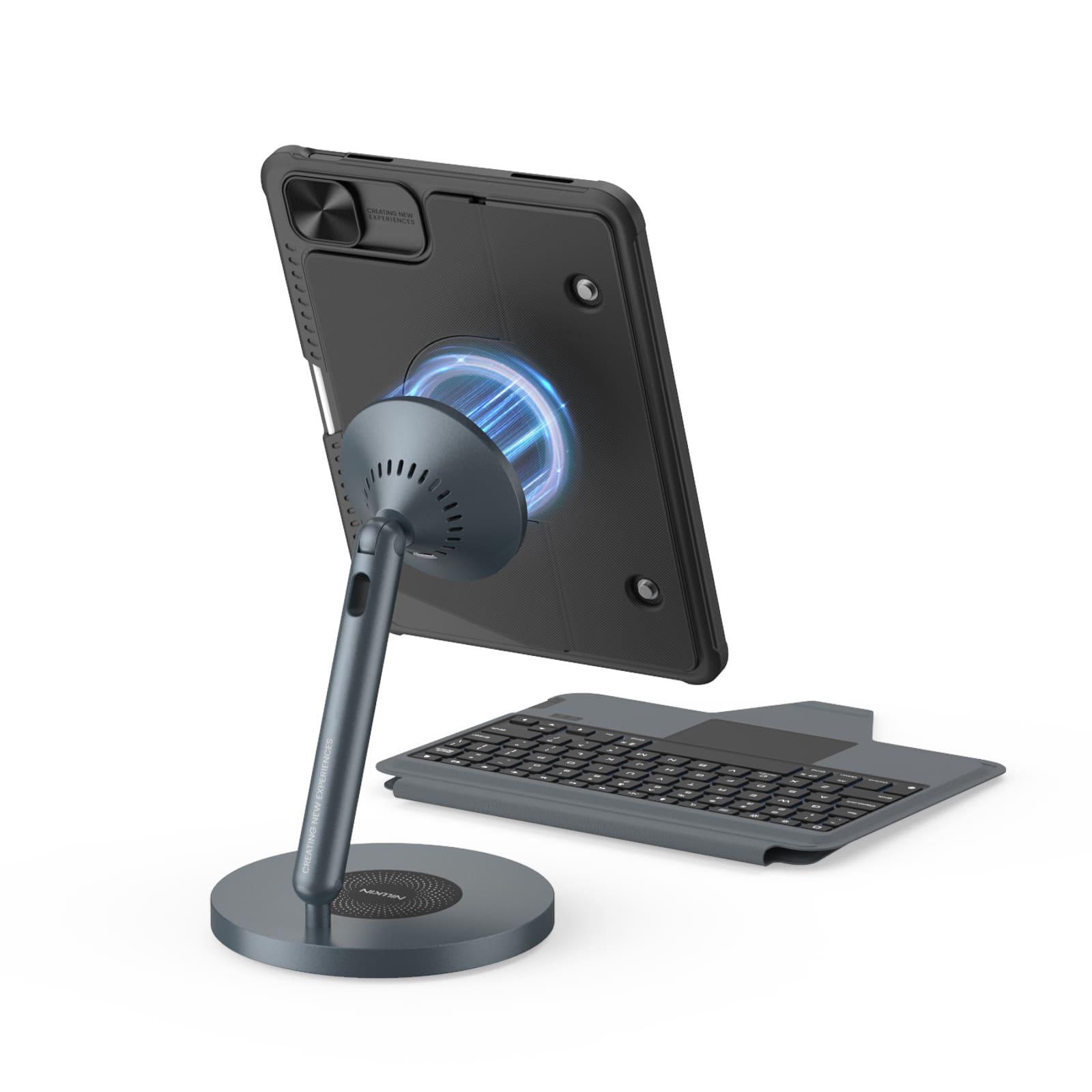
Magnetic Ready
5 Flexible Use Modes
Bluetooth 5.0 Connection

Standard Keyboard Case
3 Everyday Use Modes
Bluetooth 3.0 Connection
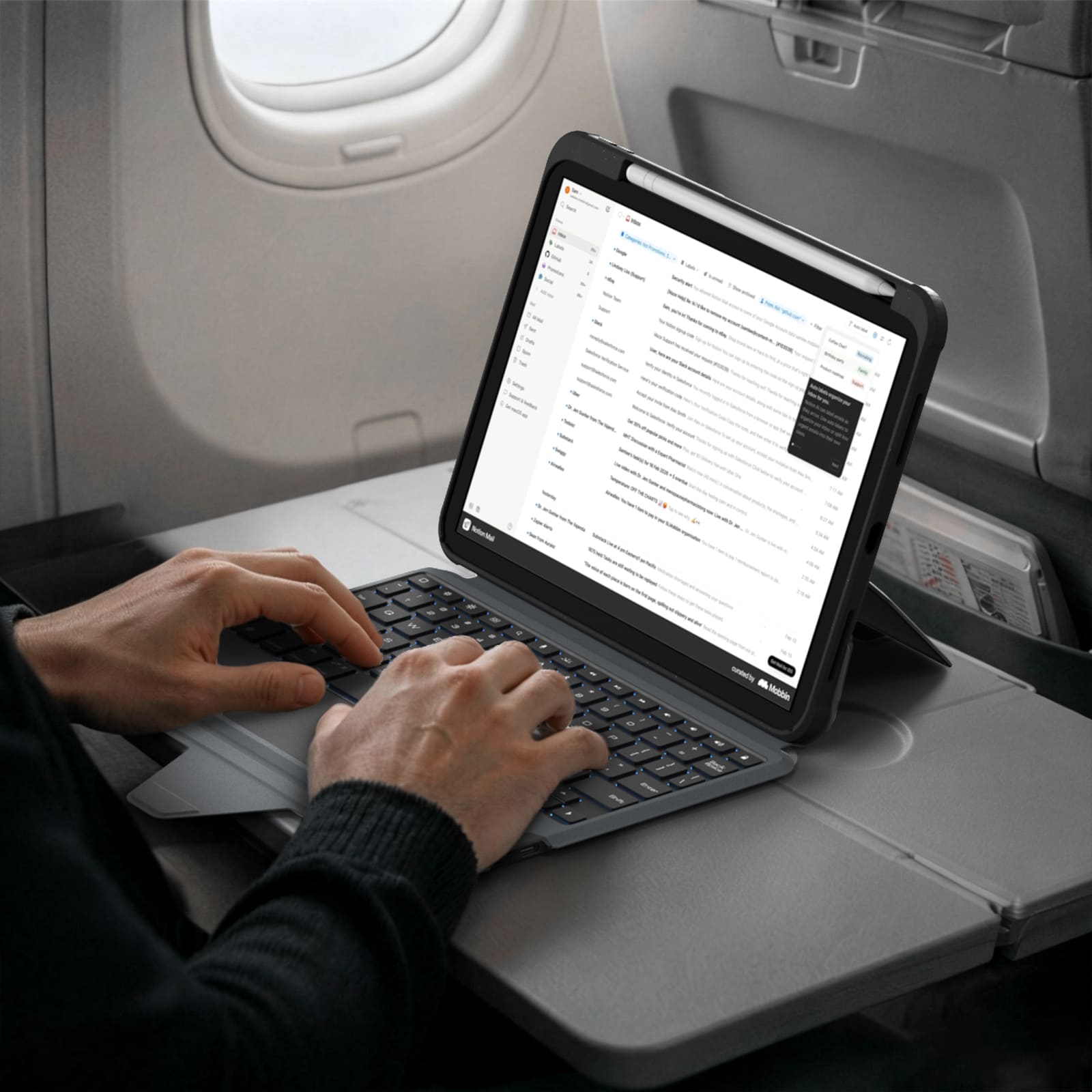
Mode ordinateur portable


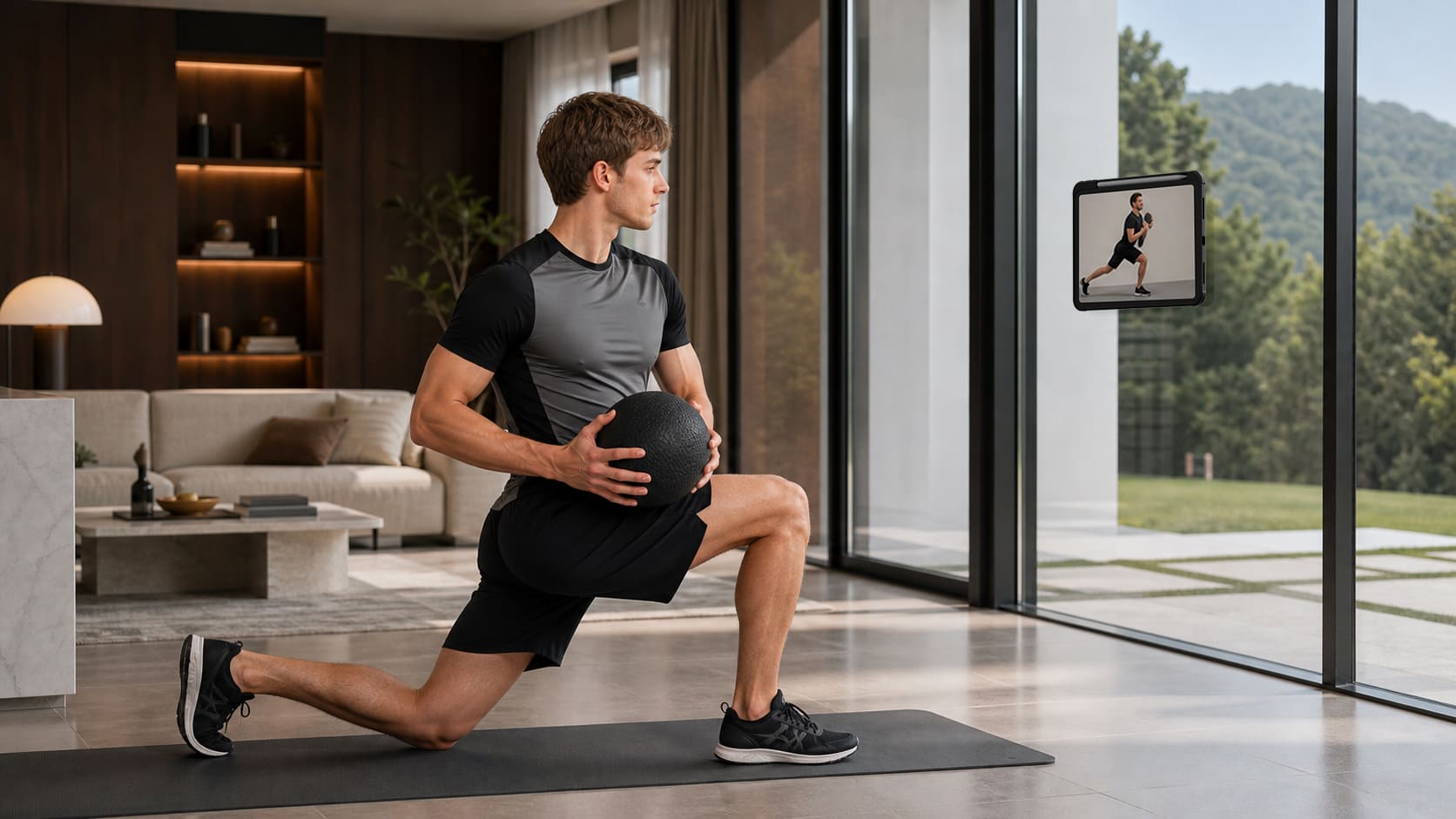
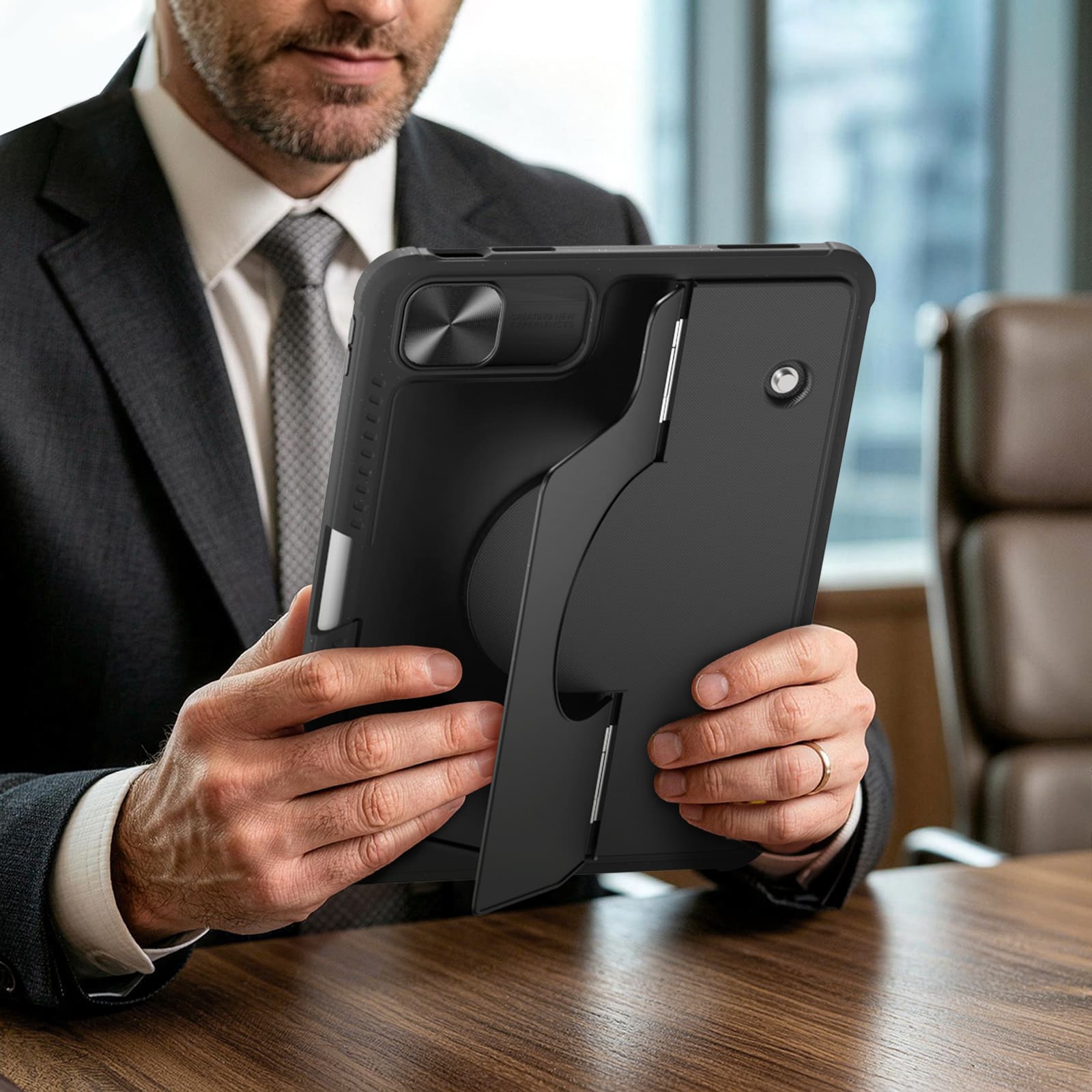
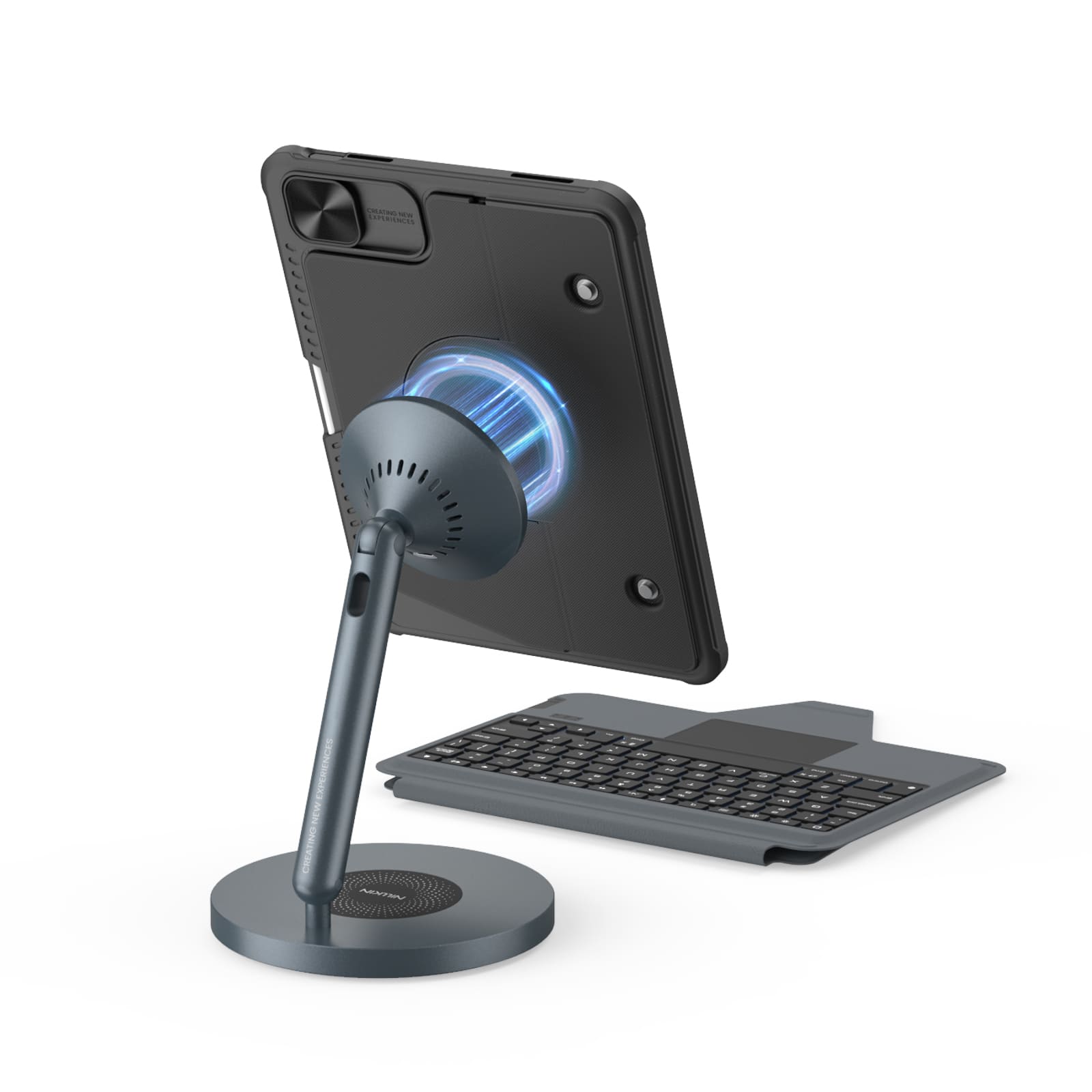
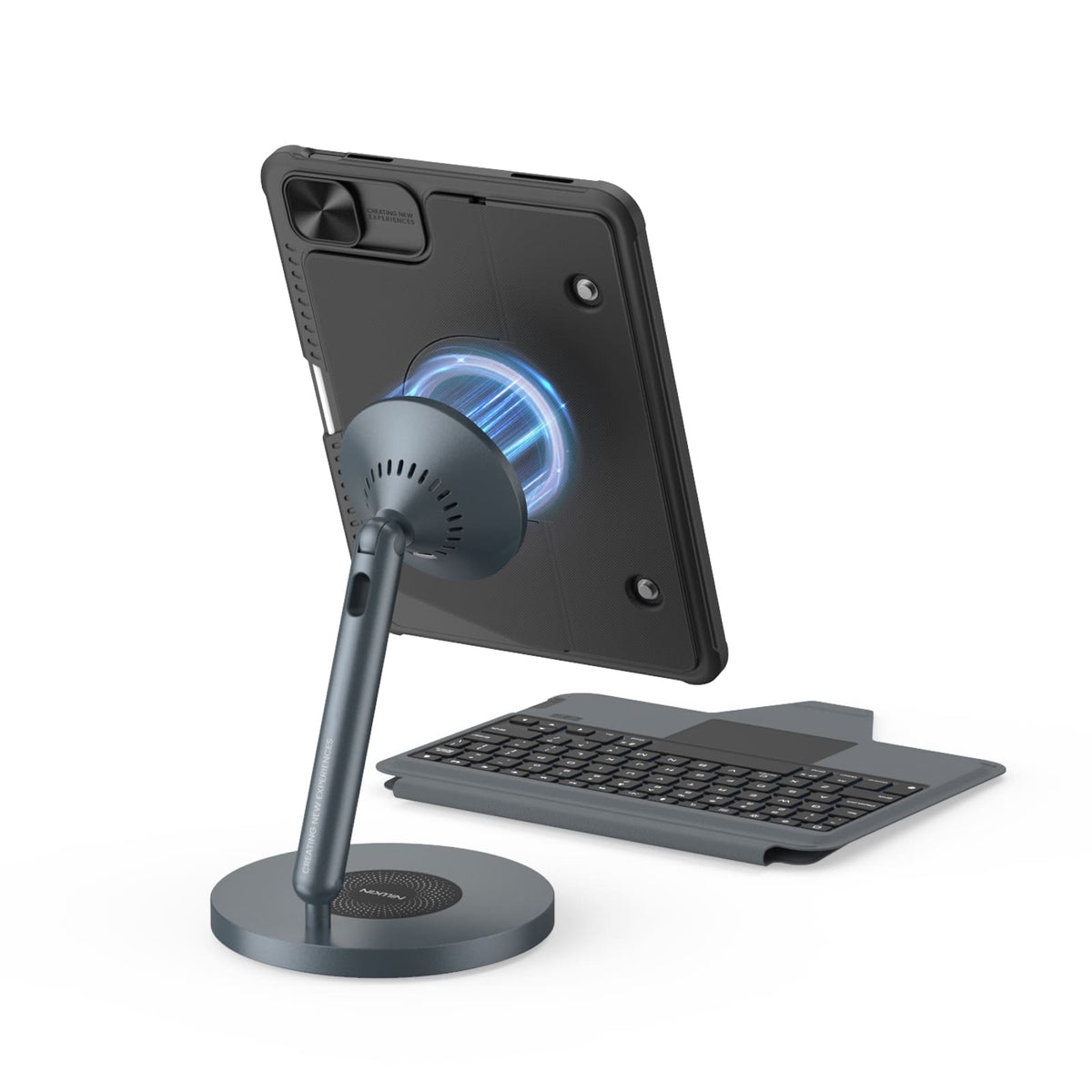
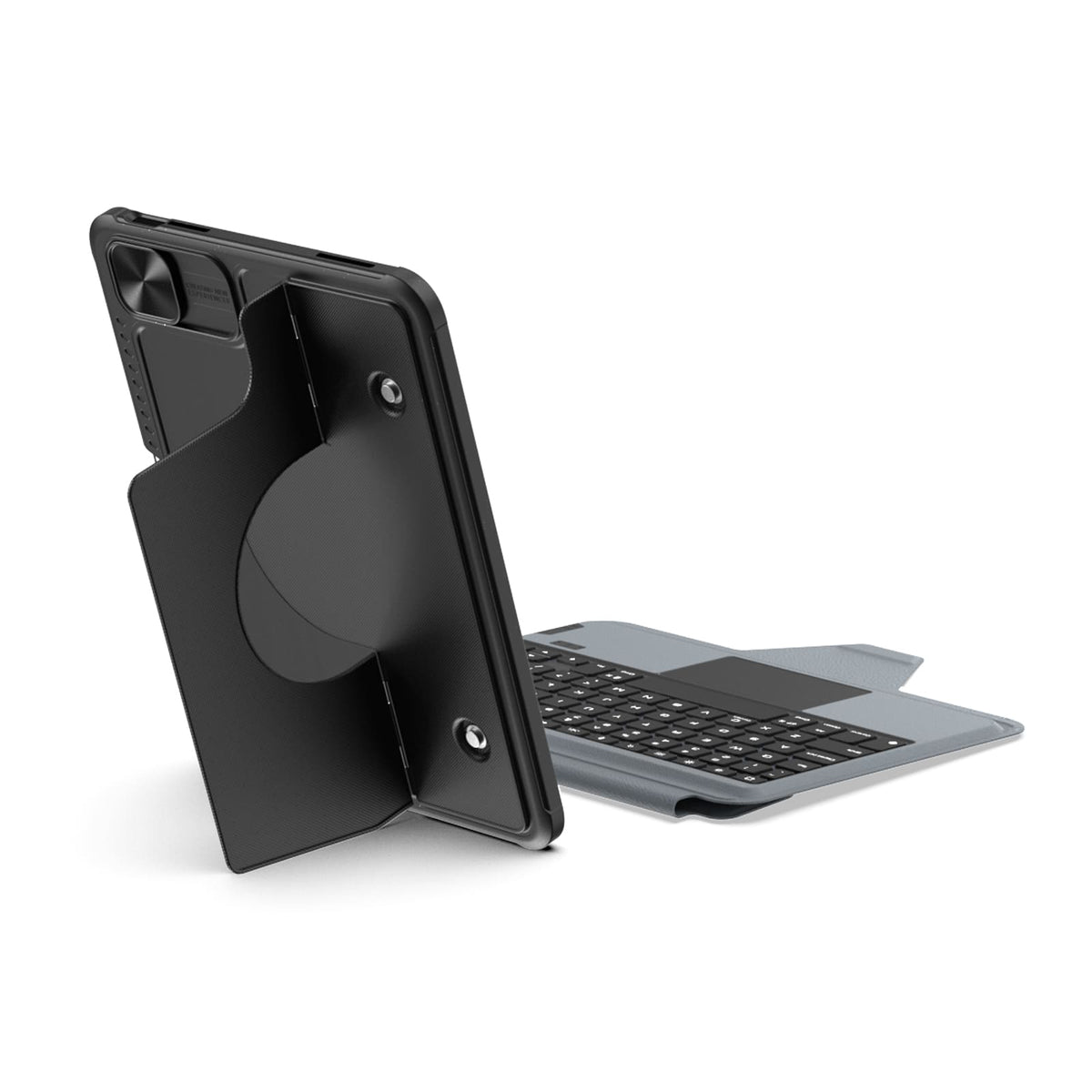
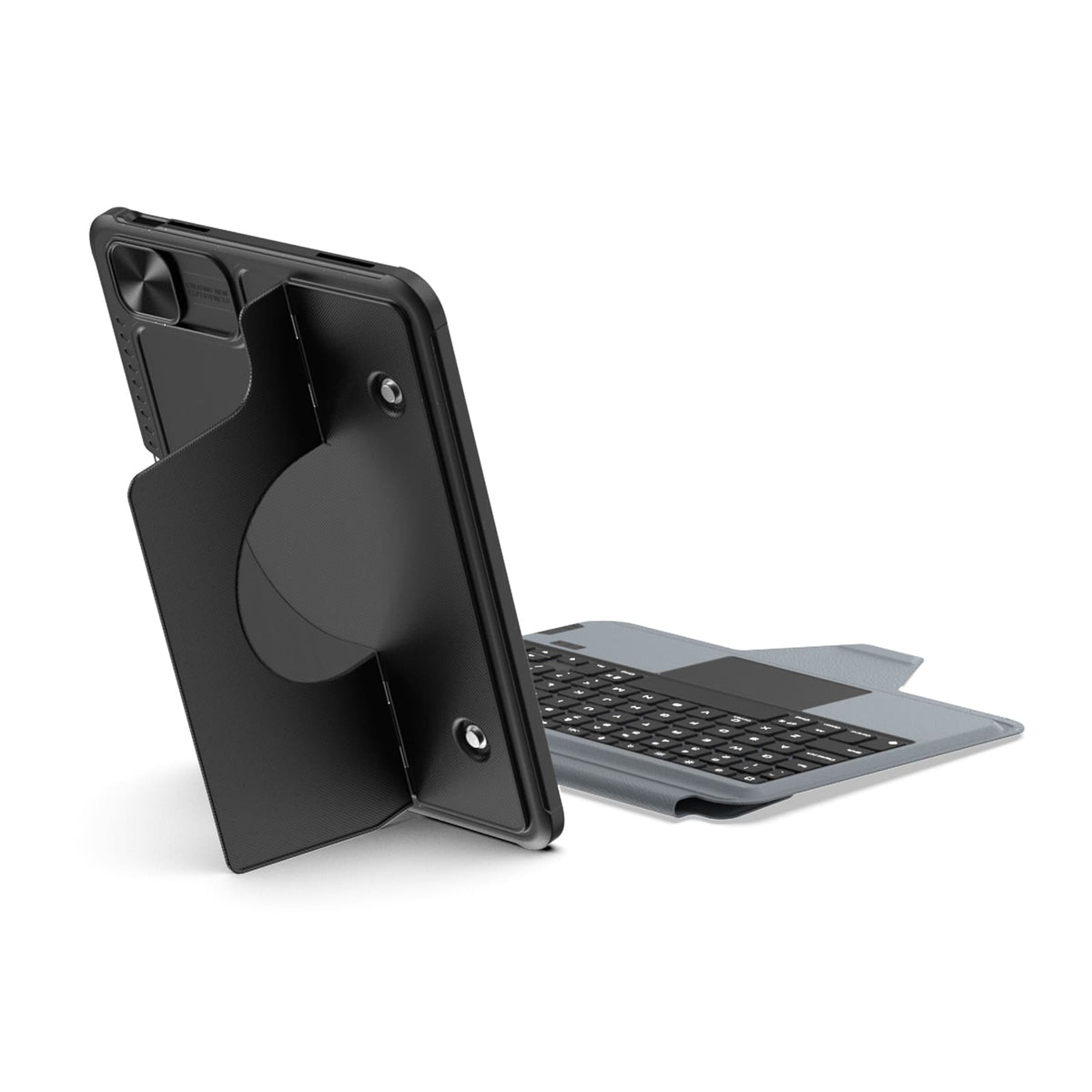
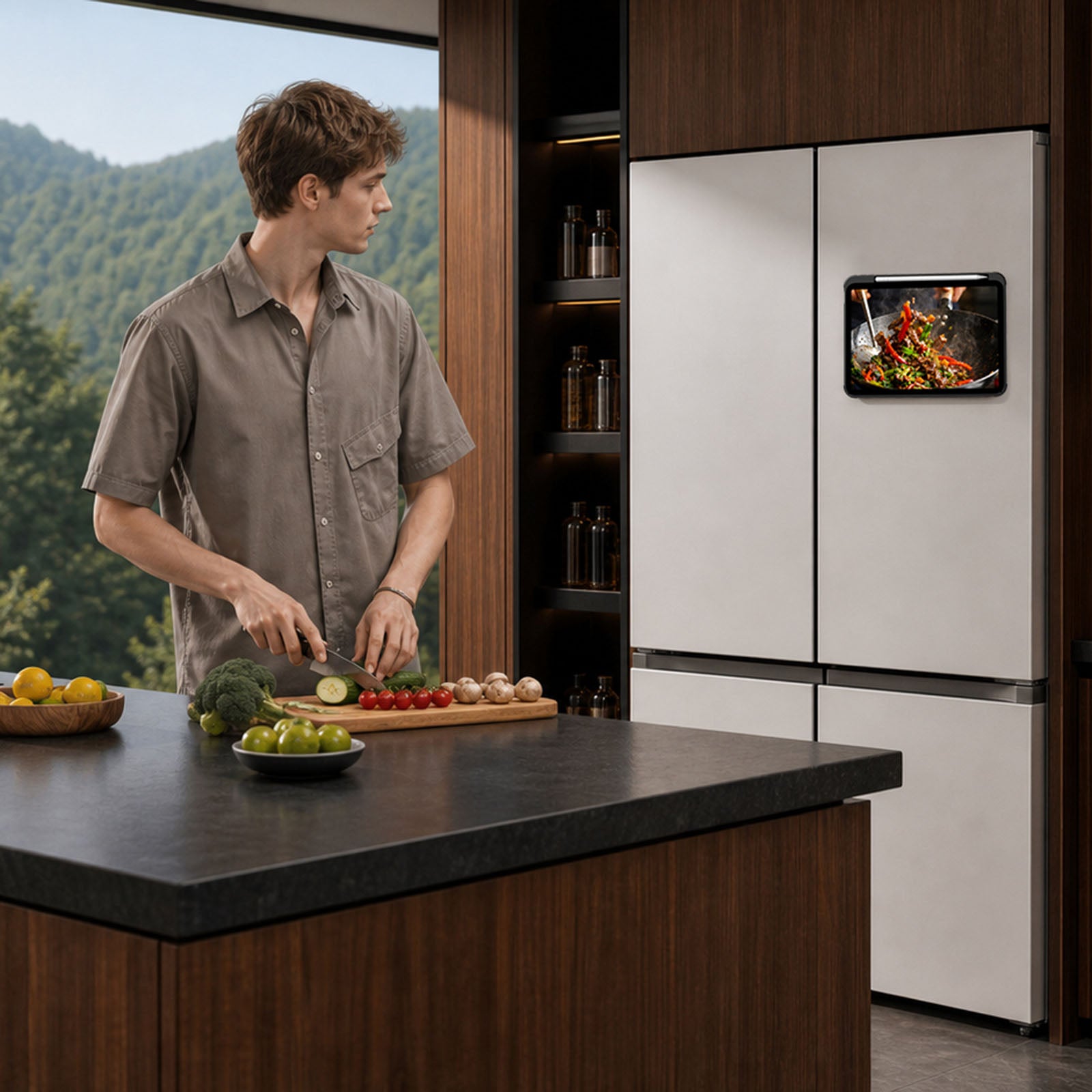
Du réfrigérateur à une étagère en métal ou à un rack de salle de sport, les aimants intégrés offrent à votre iPad encore plus d'endroits où se fixer.

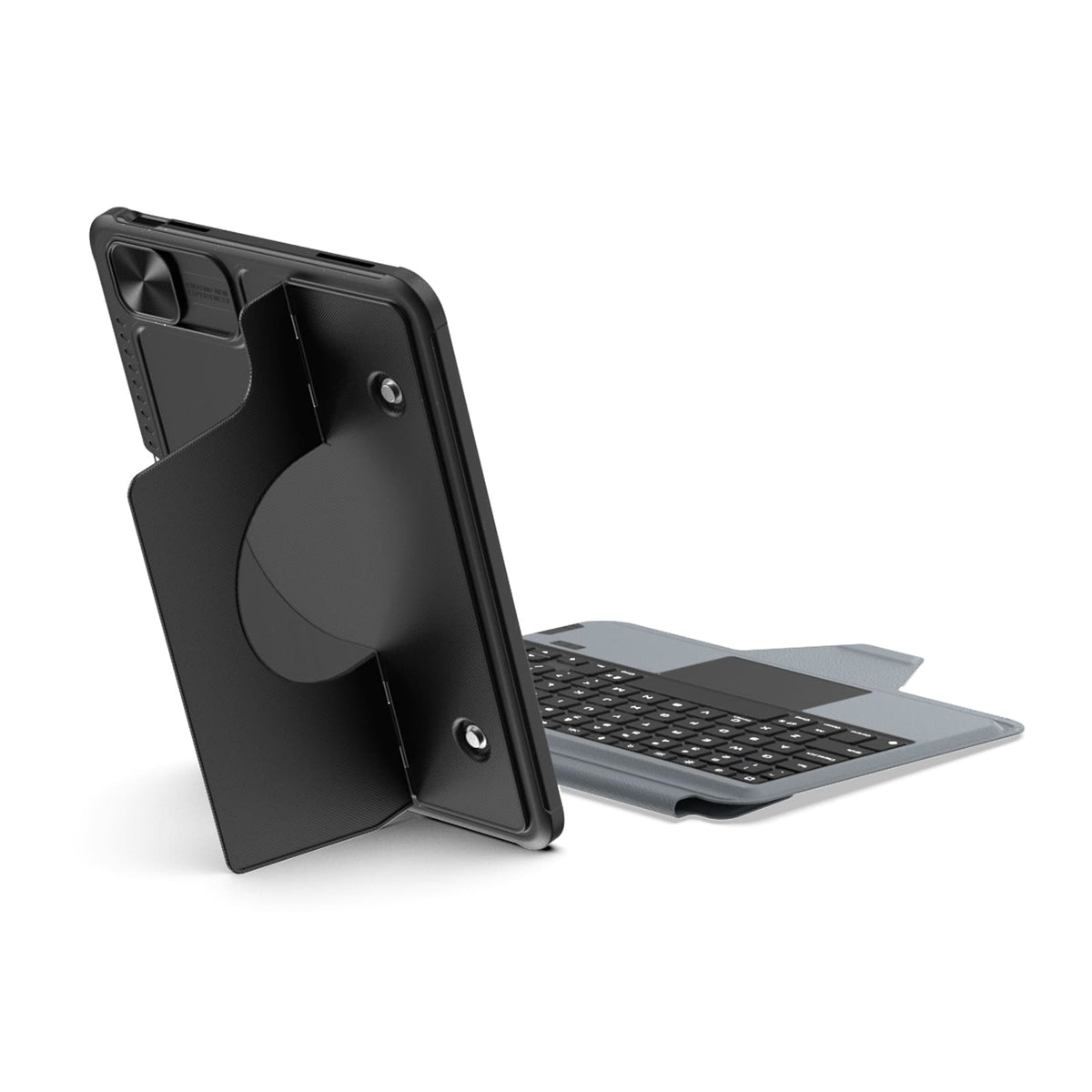
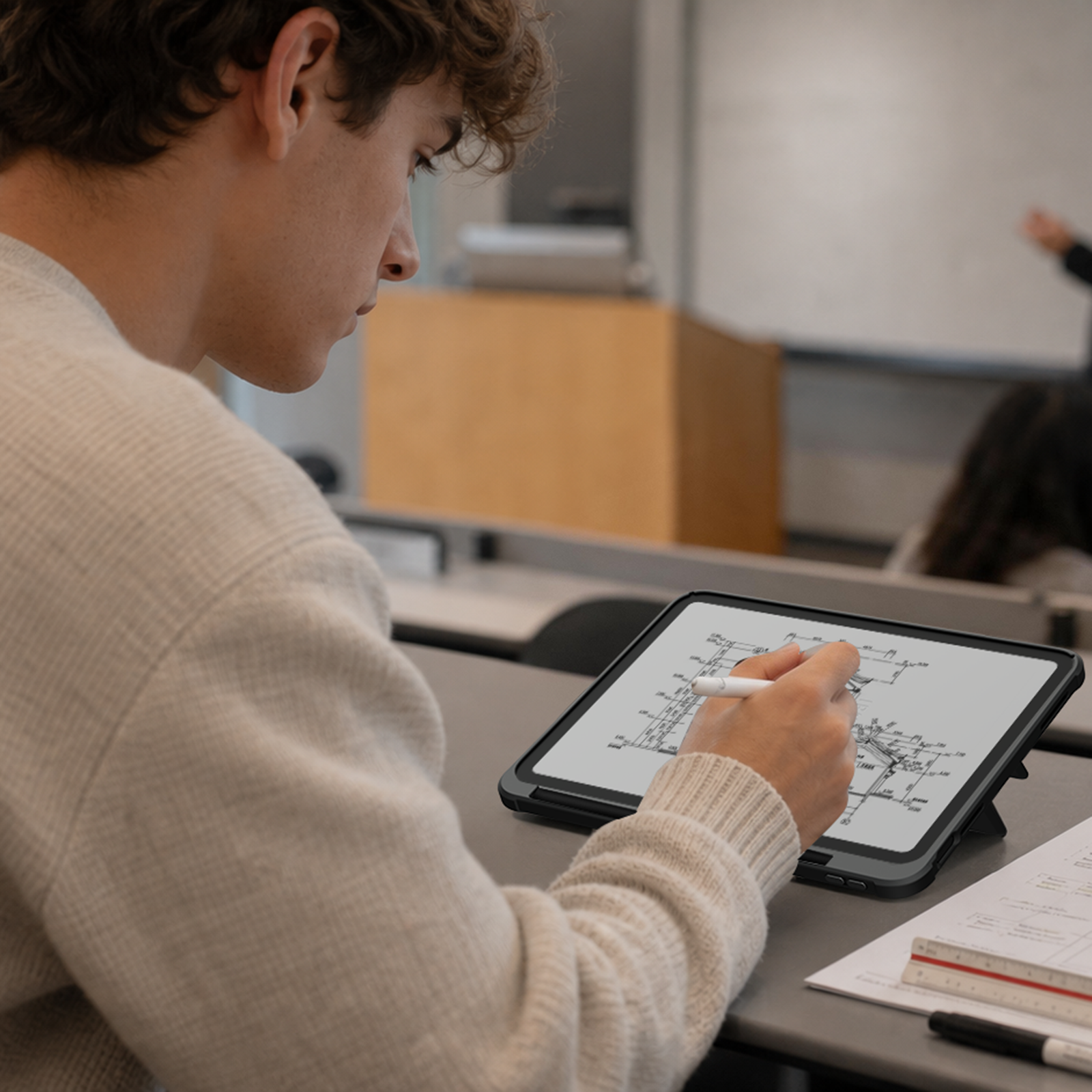
Surélevez votre iPad pour vos appels, vos notes ou vos retouches, et libérez votre bureau pour taper, dessiner ou tout ce qui vous attend ensuite.
Du réfrigérateur à une étagère en métal ou à un rack de salle de sport, les aimants intégrés offrent à votre iPad encore plus d'endroits où se fixer.
Surélevez votre iPad pour vos appels, vos notes ou vos retouches, et libérez votre bureau pour taper, dessiner ou tout ce qui vous attend ensuite.

Magic Keyboard

Une disposition pleine taille, des touches réactives et un pavé tactile de précision apportent une fluidité plus naturelle et sans effort à votre travail quotidien.

Sept couleurs de rétroéclairage avec trois niveaux de luminosité permettent de garder chaque touche claire et facile à voir, où que vous travailliez.
Prêt pour la vraie vie.
Protection that stays with you from desk to daily carry.
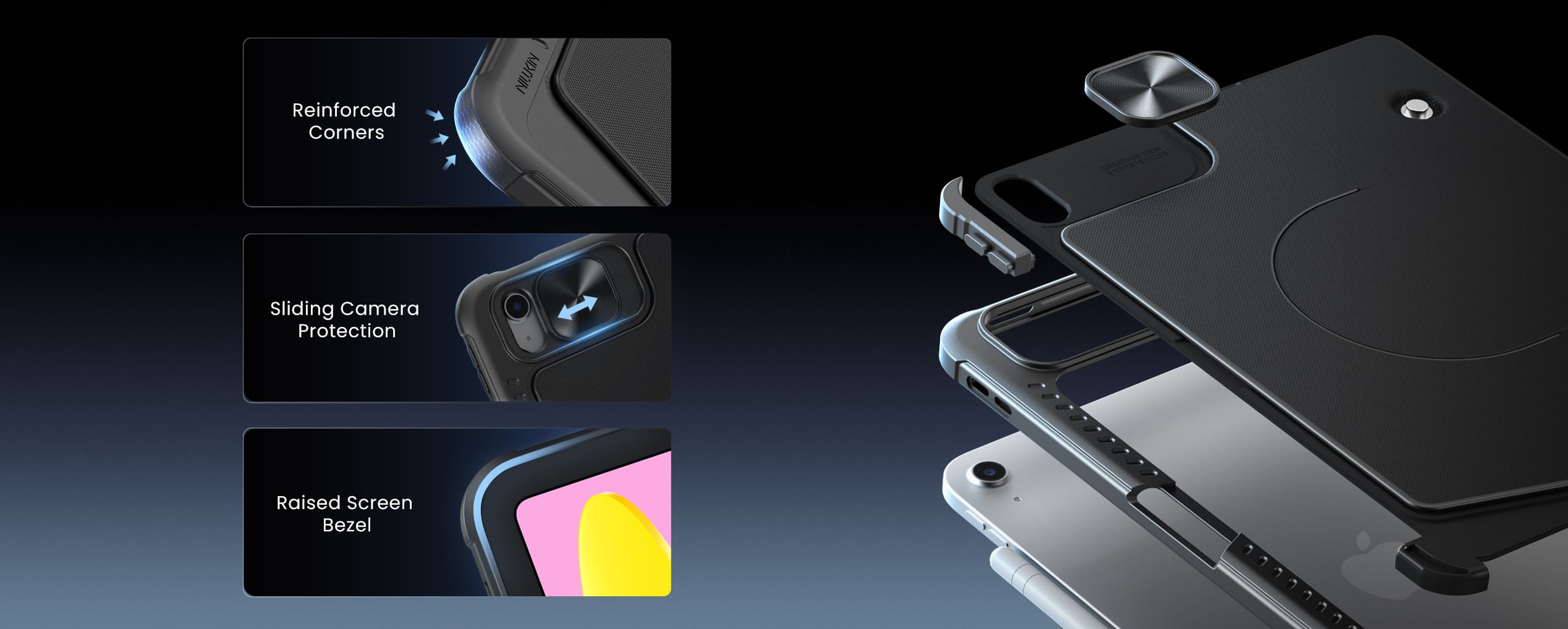
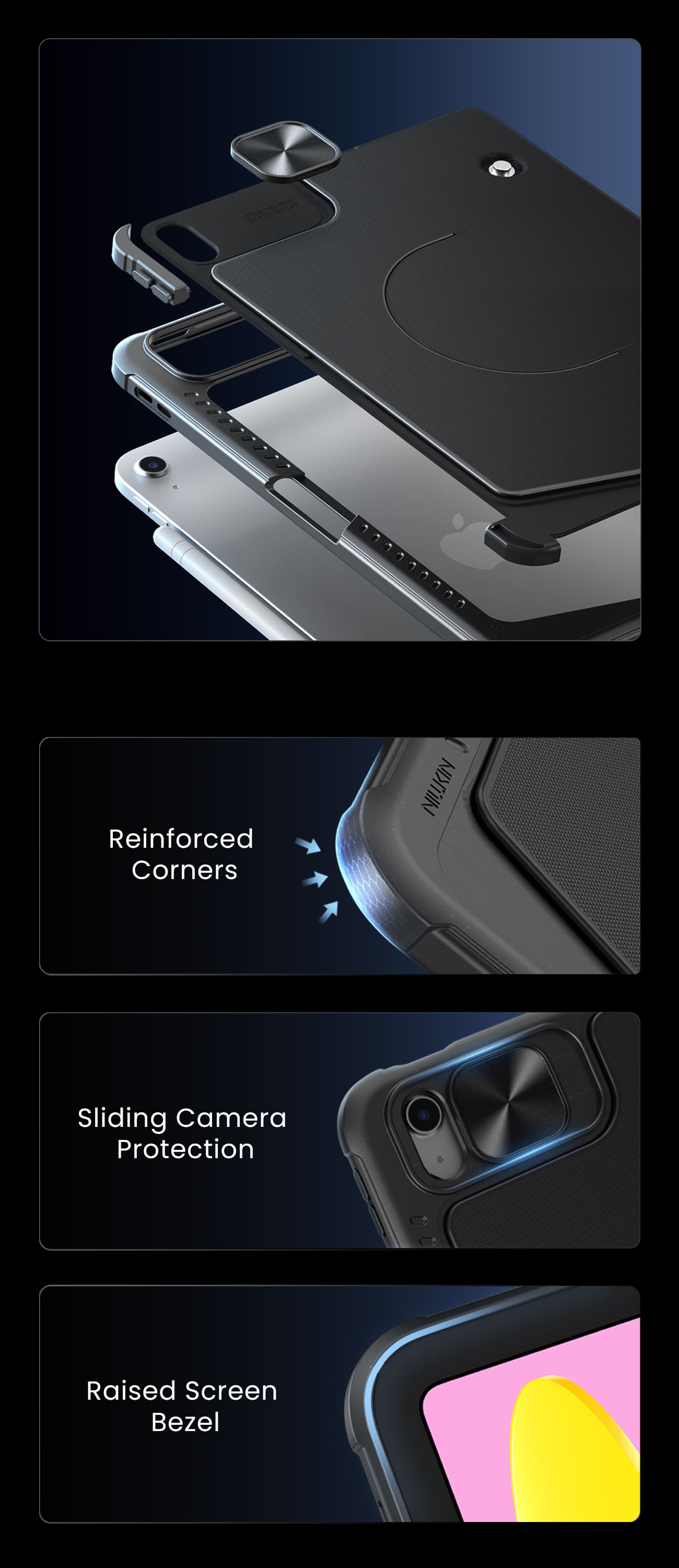
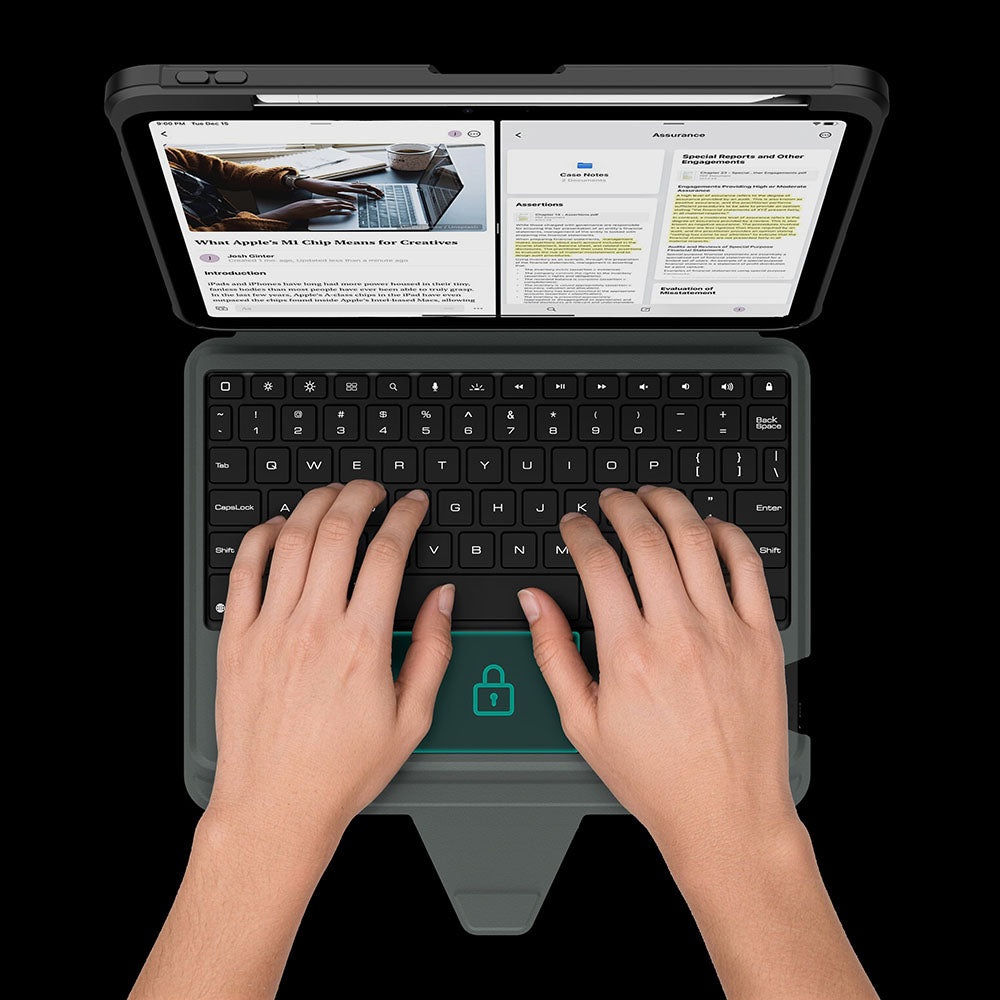
Le pavé tactile se verrouille automatiquement pendant que vous tapez, afin que chaque frappe reste précise et sans interruption.
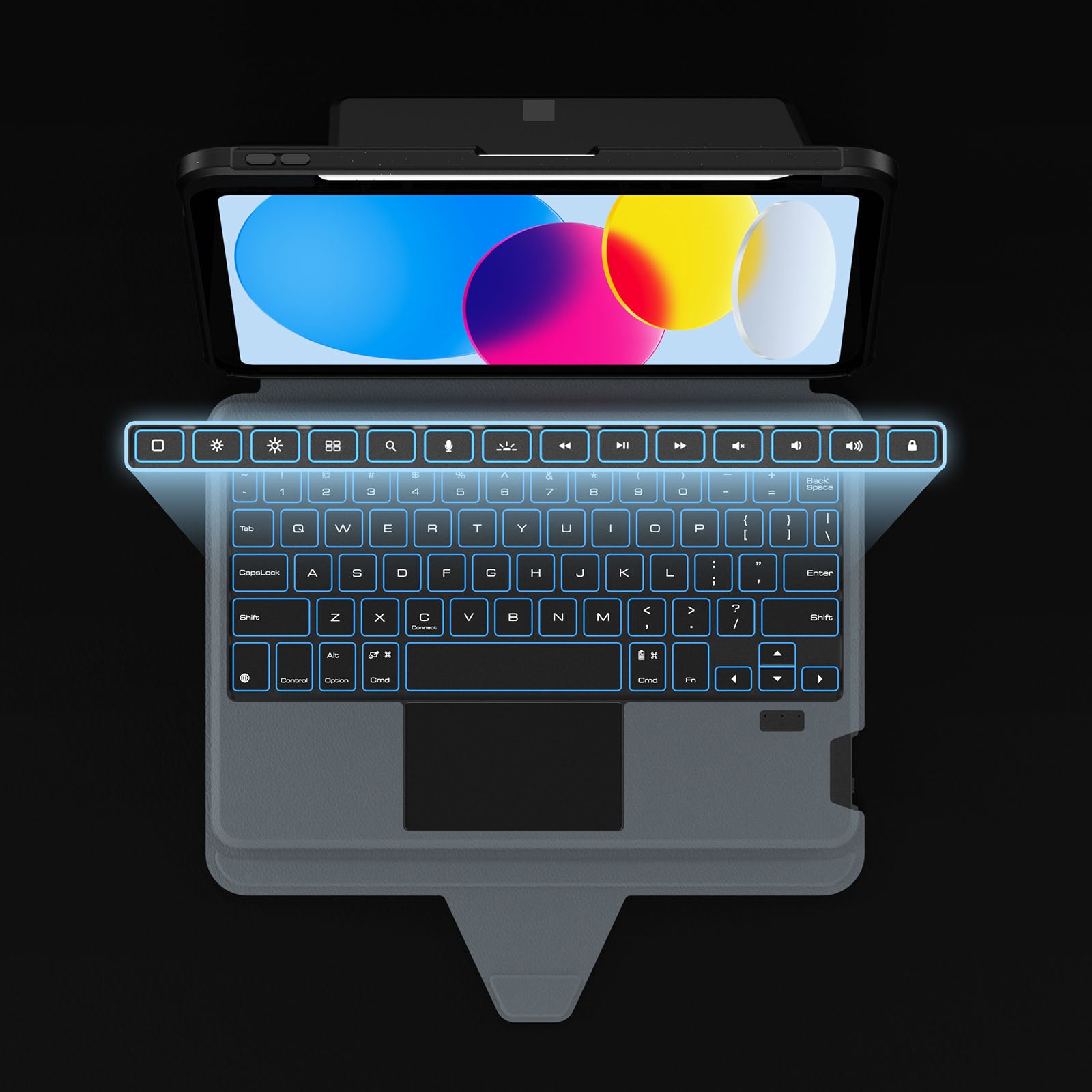
Dedicated shortcuts keep your most-used controls within easy reach, so every adjustment happens without breaking your flow.
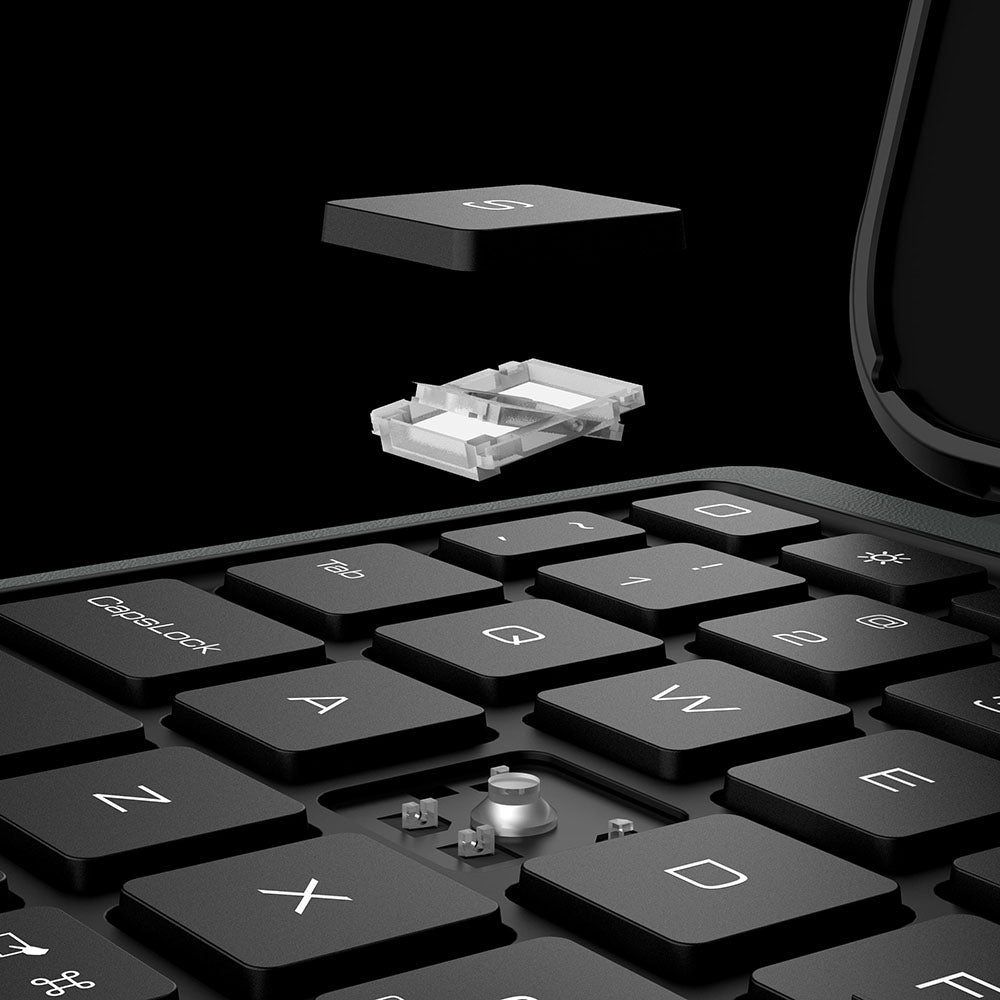
Les touches réactives à mécanisme en ciseaux offrent une frappe silencieuse, un retour tactile précis et un confort durable à chaque pression.
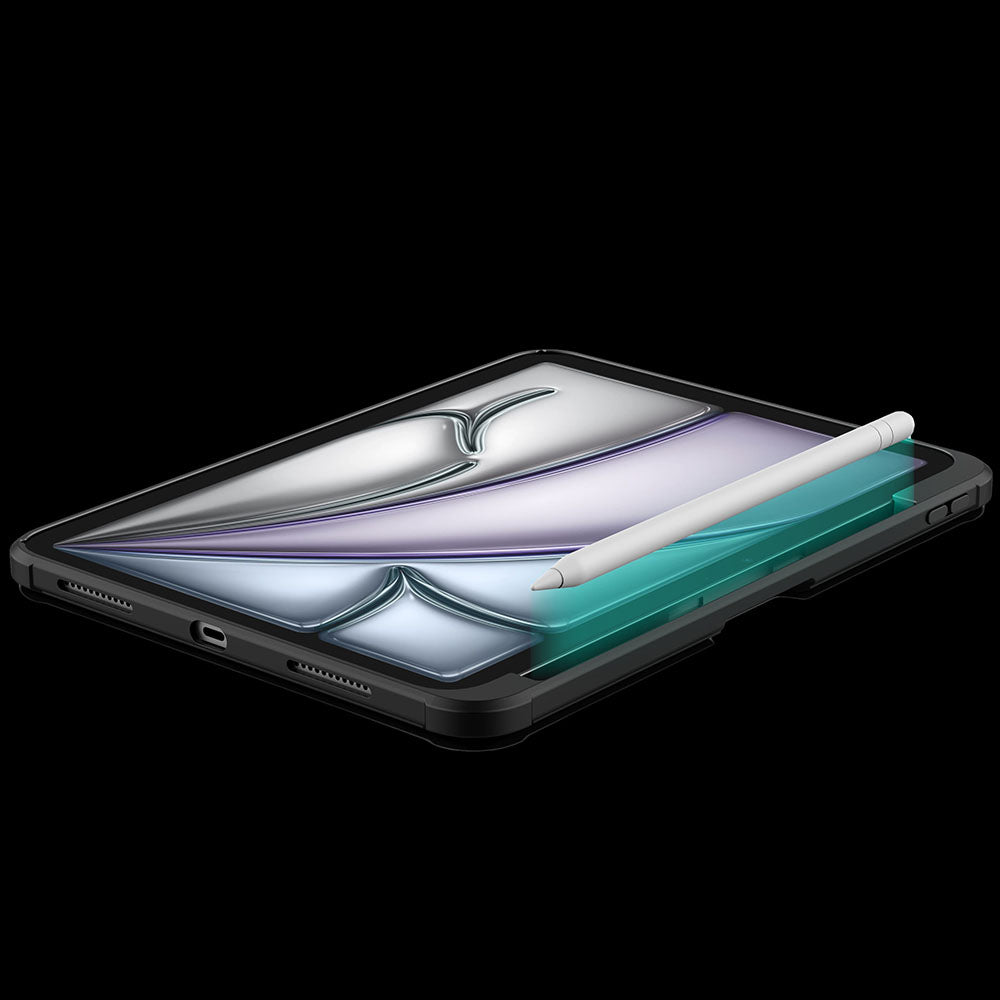
Un support dédié permet de garder votre Apple Pencil en sécurité, protégé et toujours à portée de main.
Le pavé tactile se verrouille automatiquement pendant que vous tapez, afin que chaque frappe reste précise et sans interruption.
Dedicated shortcuts keep your most-used controls within easy reach, so every adjustment happens without breaking your flow.
Les touches réactives à mécanisme en ciseaux offrent une frappe silencieuse, un retour tactile précis et un confort durable à chaque pression.
Un support dédié permet de garder votre Apple Pencil en sécurité, protégé et toujours à portée de main.


Turn the power switch to ON, then hold Fn + Connect until the blue indicator flashes. On your iPad, go to Settings > Bluetooth and select “BumperComboProKeyboard.”
The trackpad supports full iPadOS multi-touch gestures, including tapping, swiping, scrolling, zooming, dragging, and app switching. It also disables while typing to help prevent accidental touches.
Yes. It offers 7 backlight colors and 3 brightness levels. Use the brightness key to adjust brightness, and press Fn + Color to switch between colors.
The 500mAh battery provides up to around 100 hours of use with the backlight off and up to 180 days of standby time.
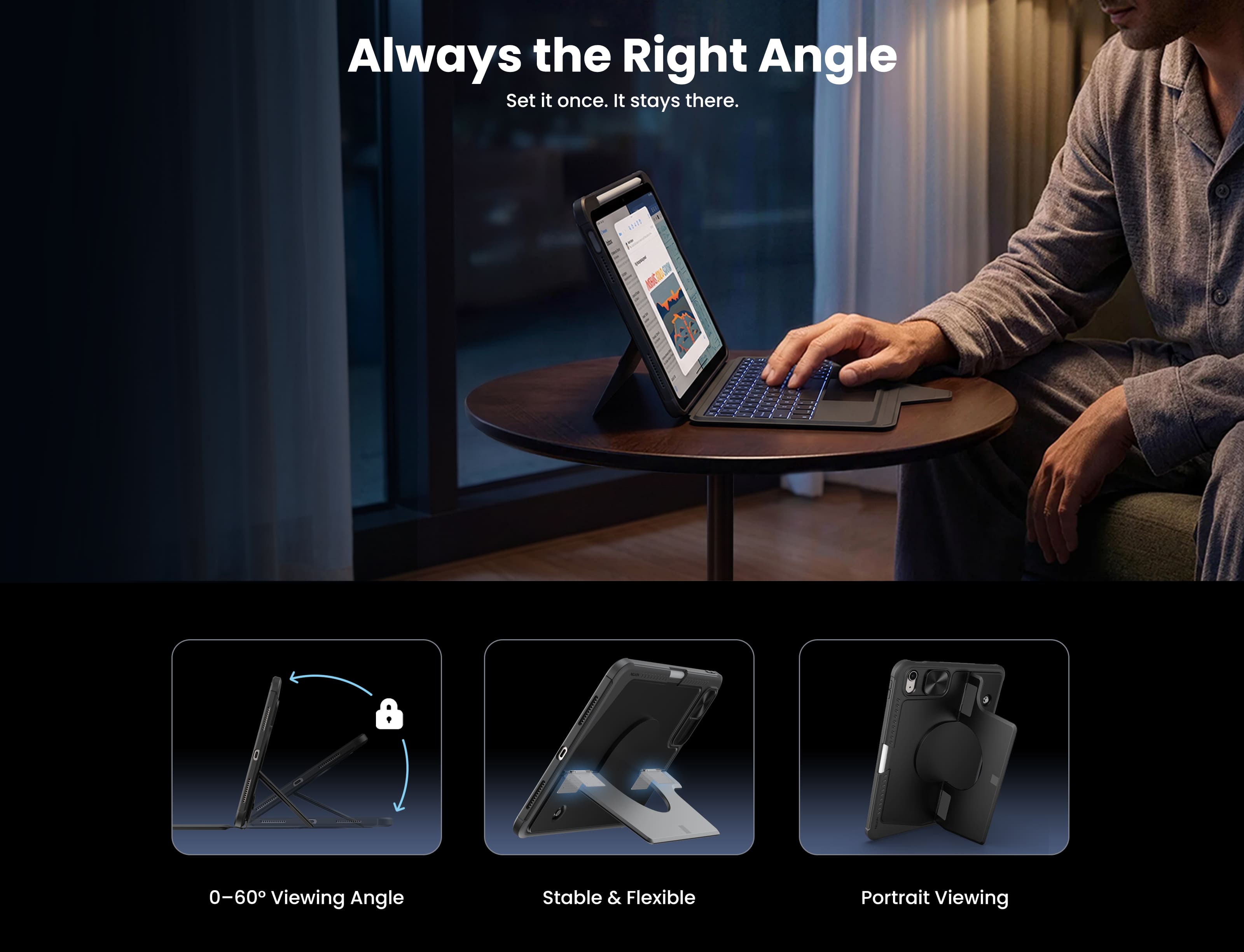
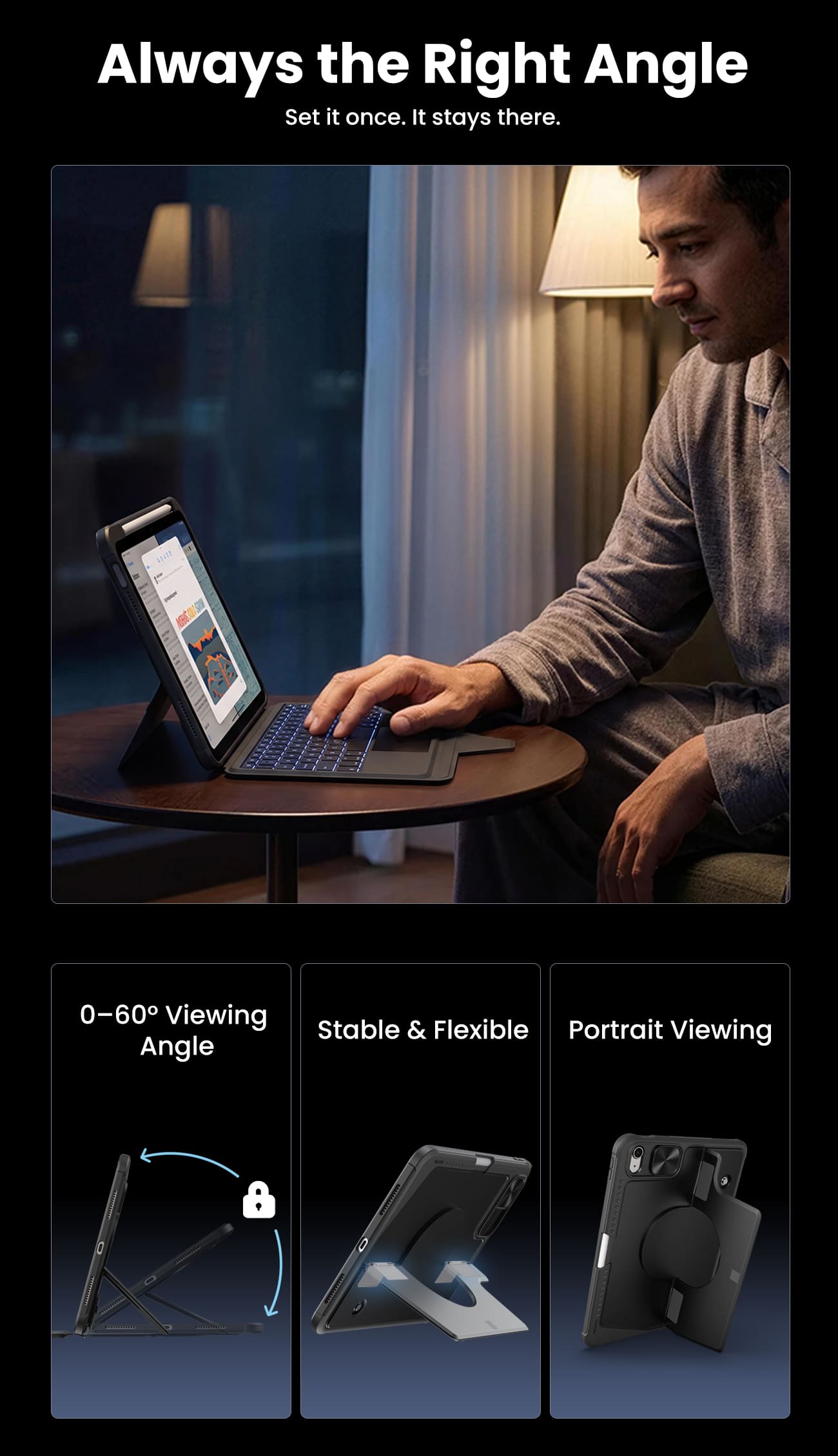
The kickstand supports stepless adjustment from 0° to 110° and can be used in both landscape and portrait orientations.
Yes, for Apple Pencil models that support magnetic attachment and wireless charging. You can keep the case on while charging.
Press Fn + Battery. The indicator will flash 1–4 times to show the approximate battery level. You can also check the battery level in your iPad’s Bluetooth settings.
The keyboard enters sleep mode after 10 minutes of inactivity. Press any key to wake it and reconnect automatically. If it still does not respond, check that the power is on and the battery has enough charge.

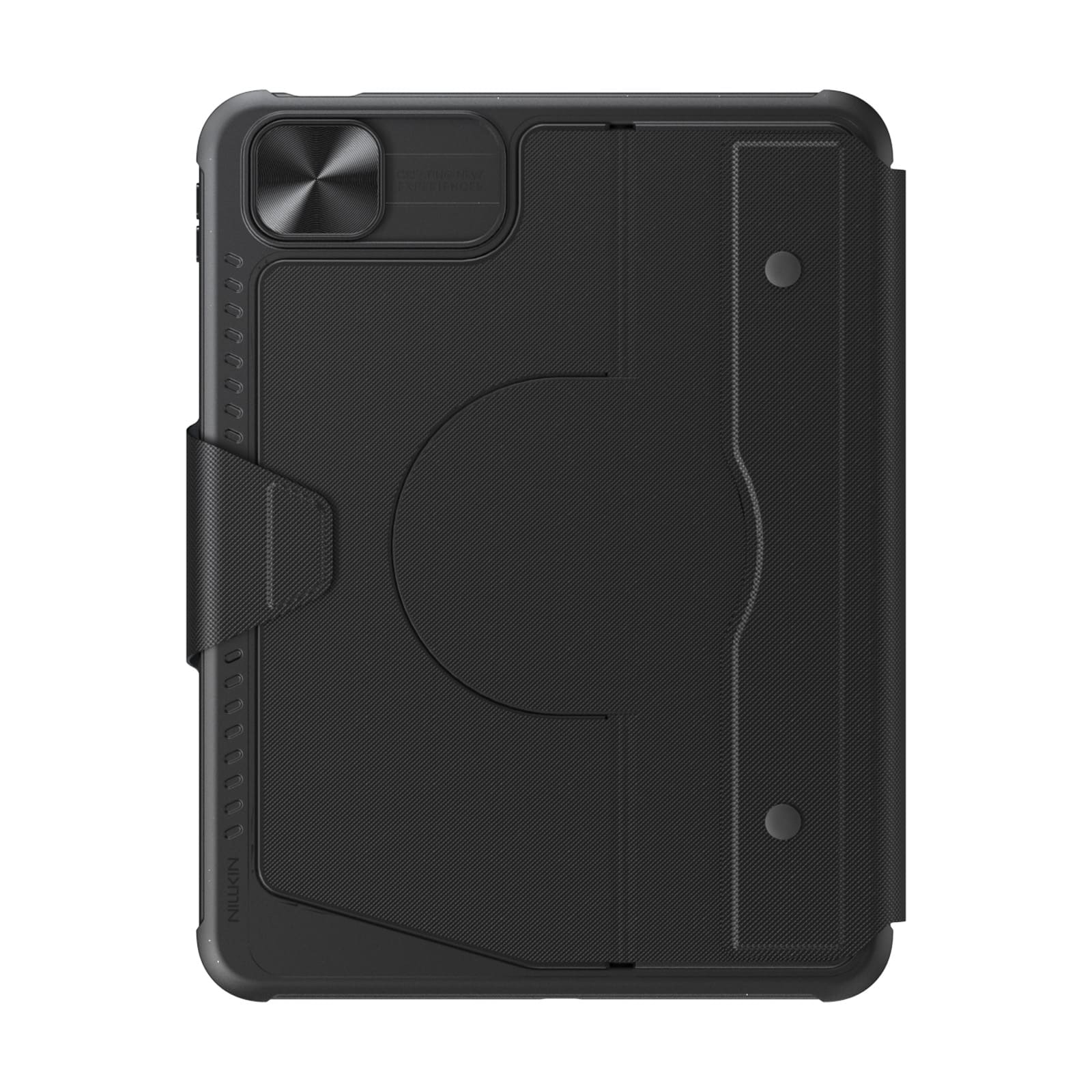
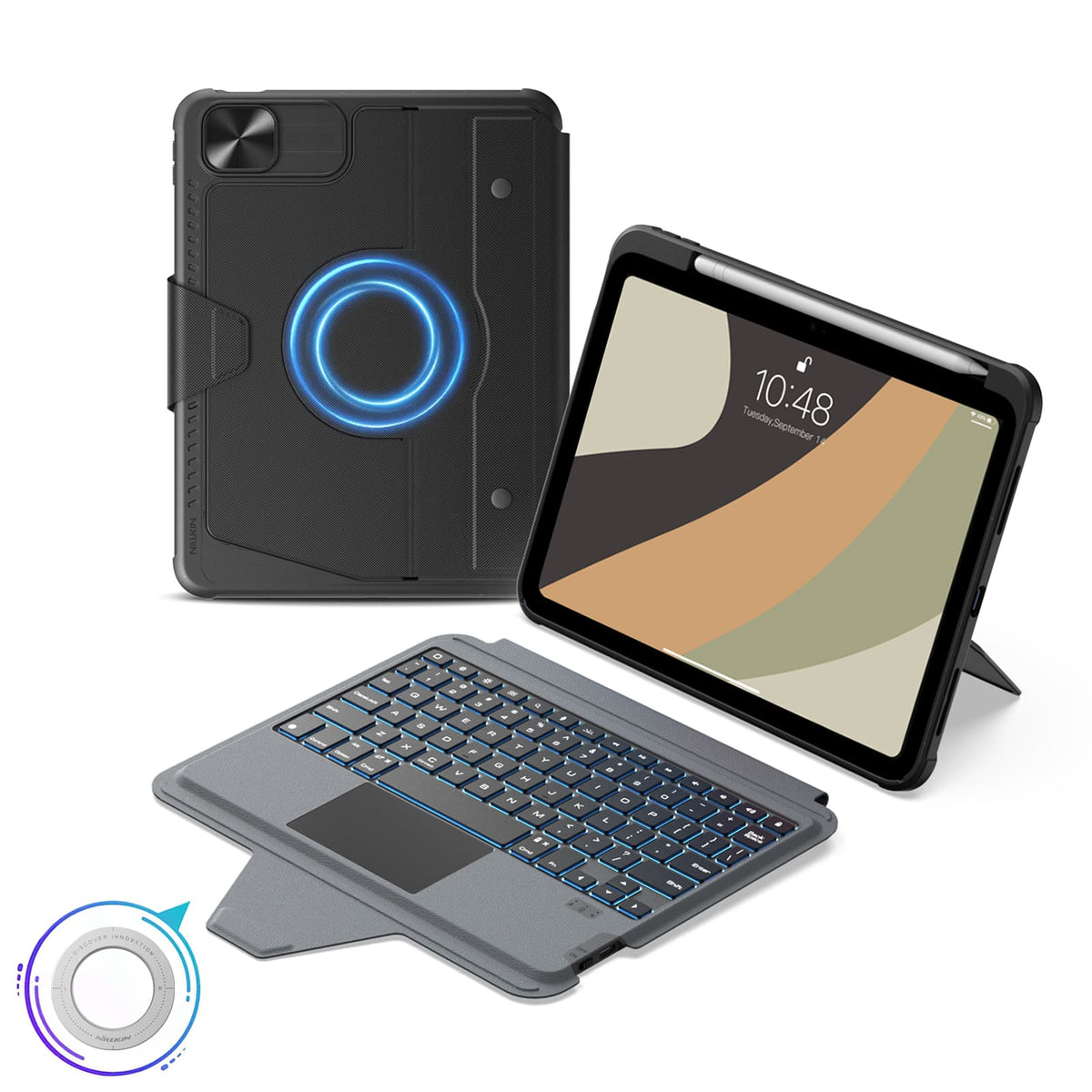

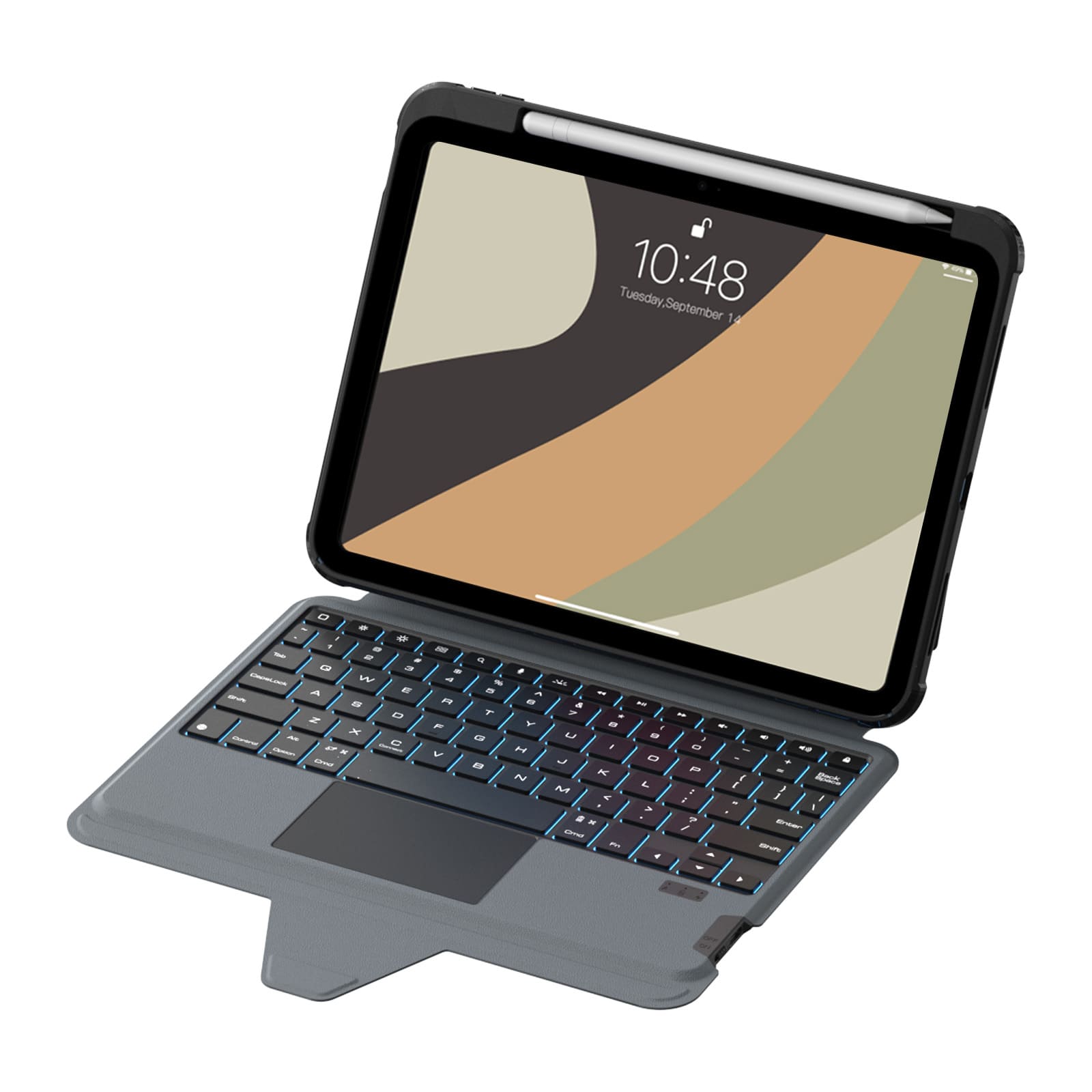
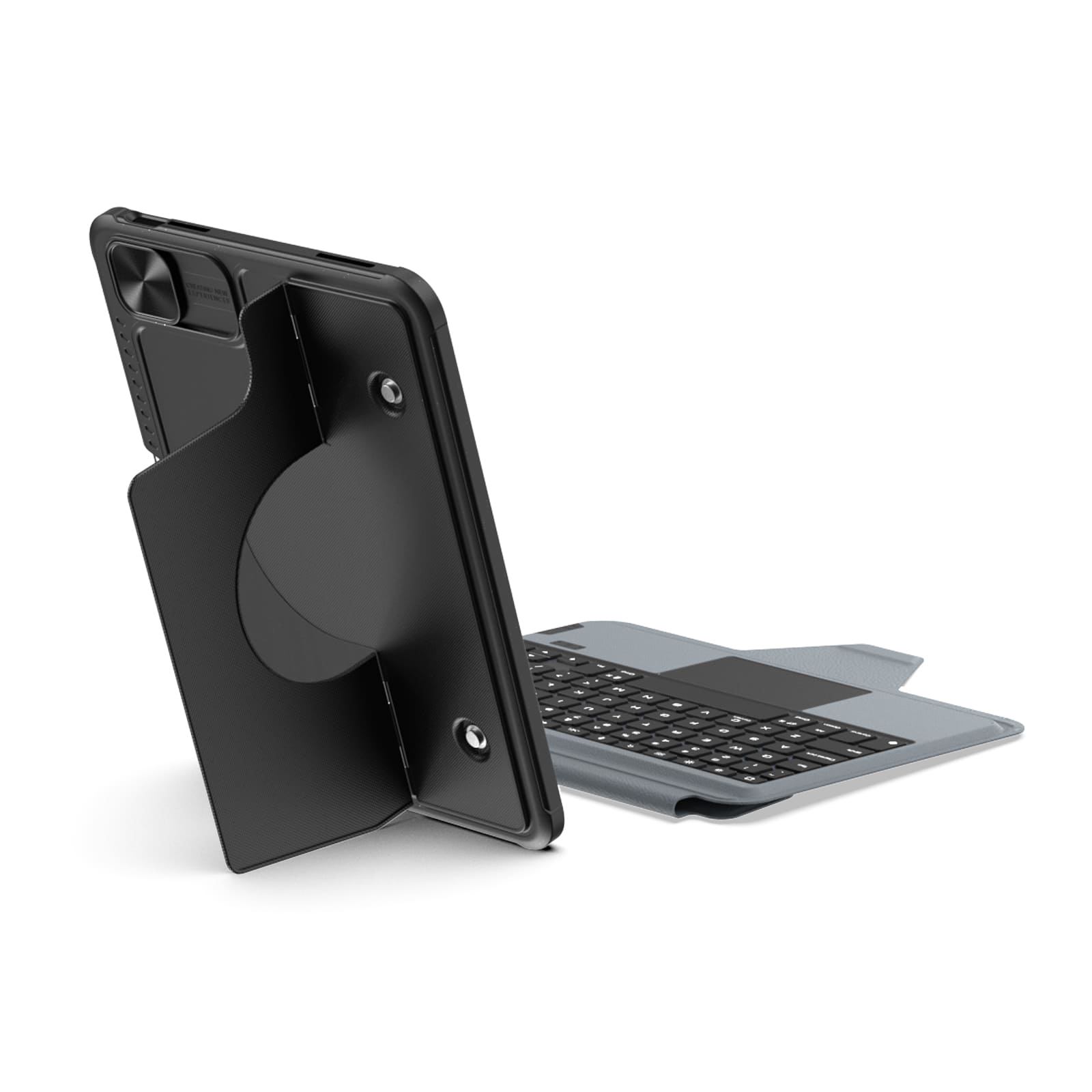








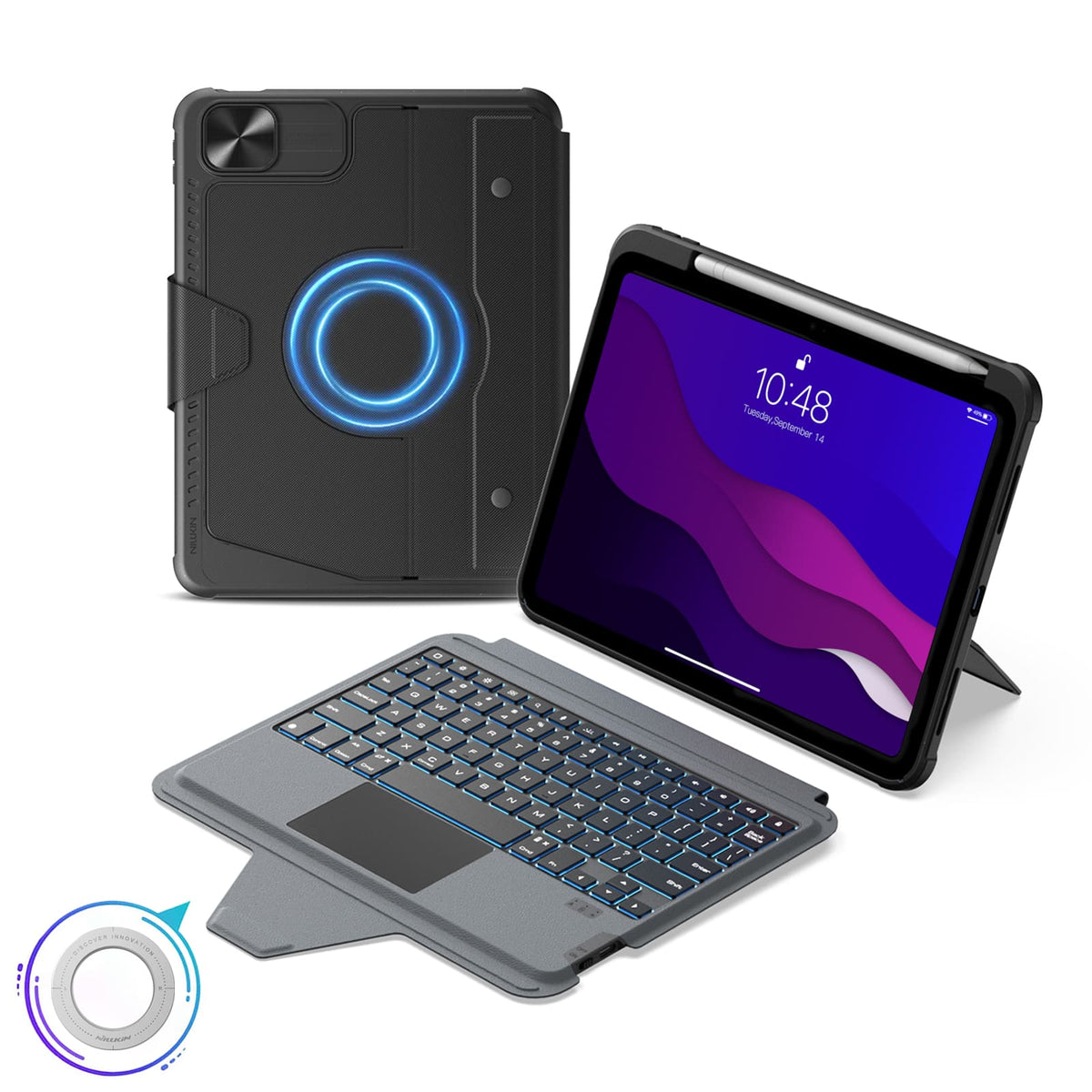


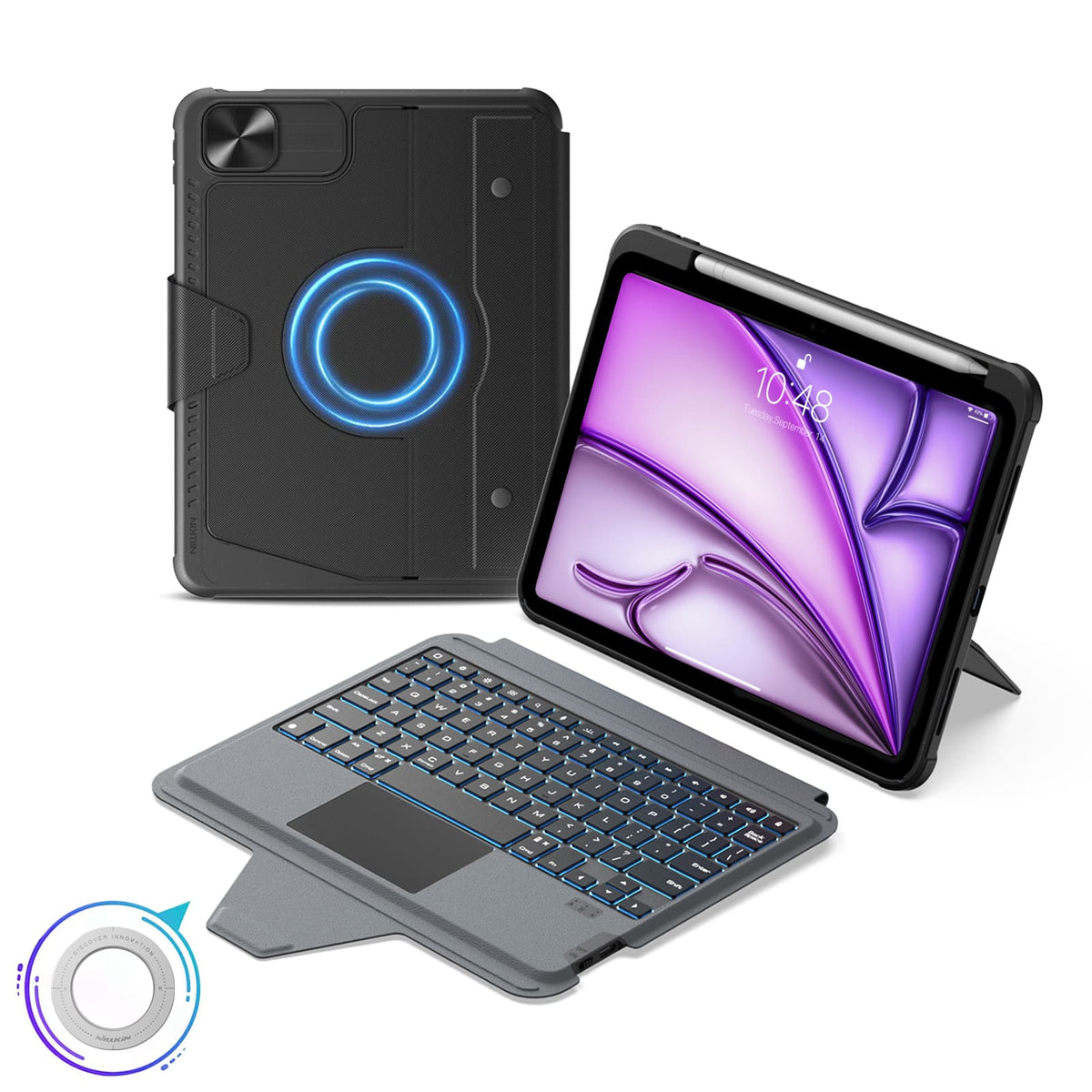


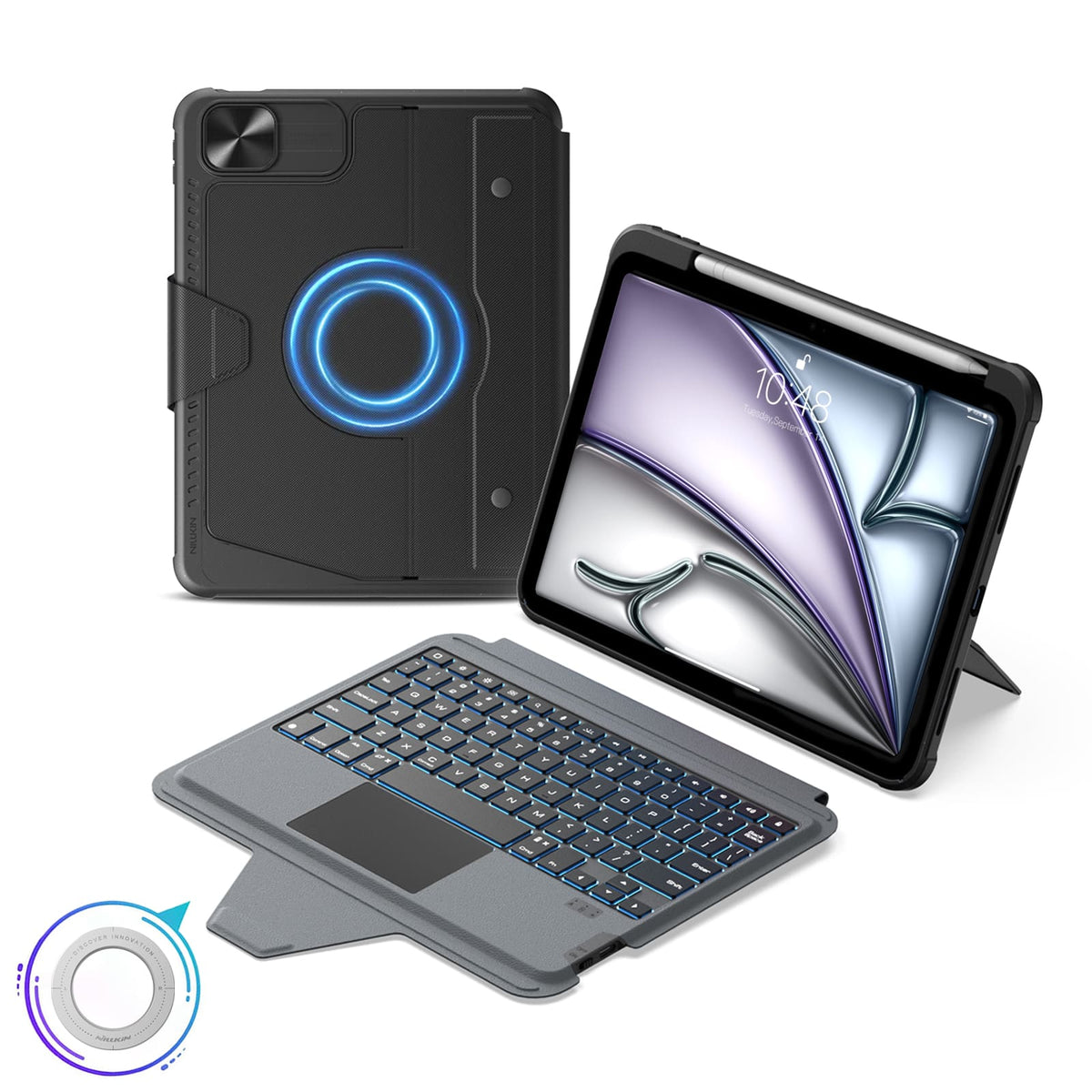


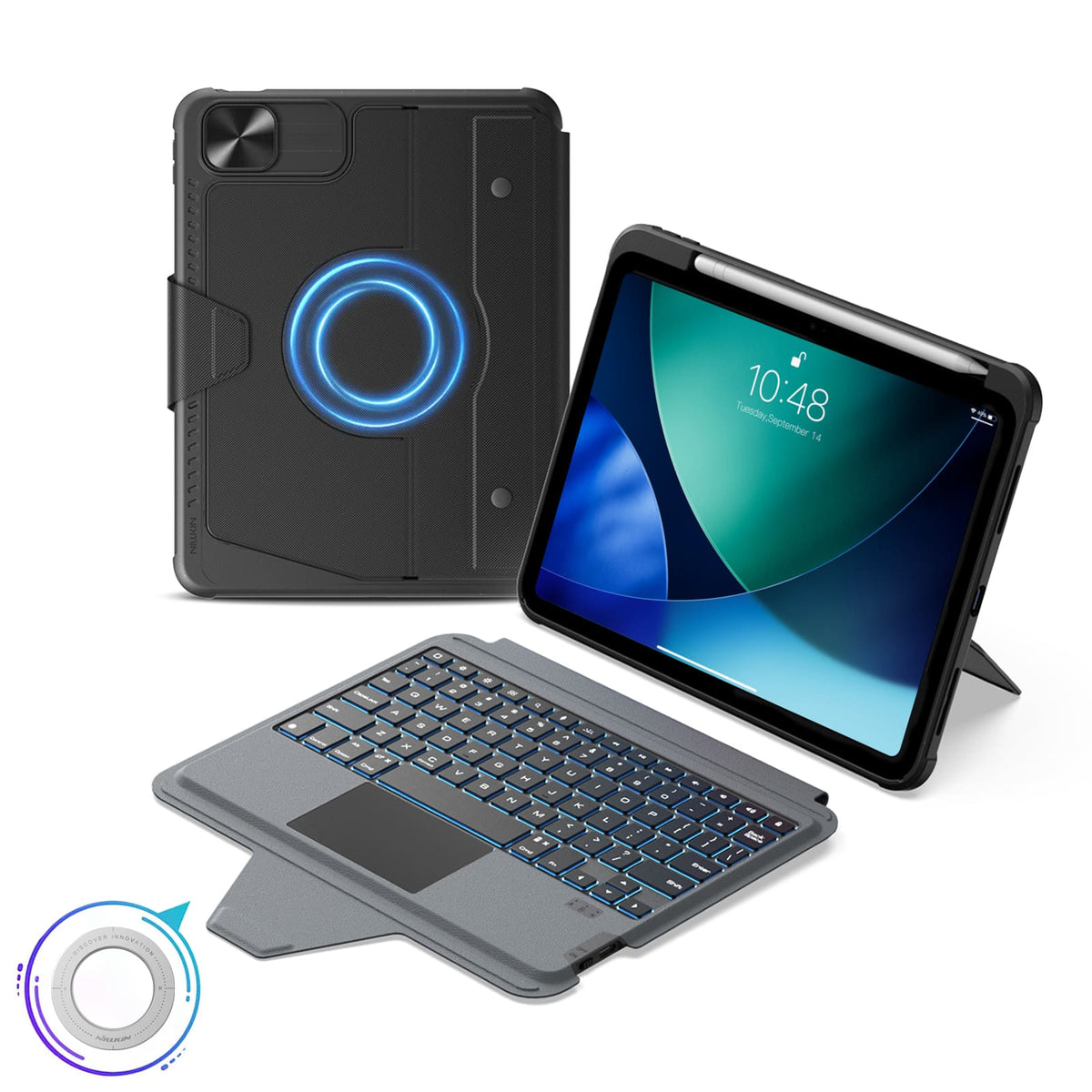





 1 caractéristique de durabilité
 Certifié Carbonfree
 Certifié Carbonfree

5 modes flexibles, compatibilité magnétique, Bluetooth 5.0.
Disposition du clavier : Anglais US

5 modes flexibles, compatibilité magnétique, Bluetooth 5.0.
Disposition du clavier : Anglais (États-Unis)

5 modes flexibles, compatibilité magnétique, Bluetooth 5.0.
Disposition du clavier : Anglais US

5 modes flexibles, compatibilité magnétique, Bluetooth 5.0.
Disposition du clavier : Anglais (États-Unis)

5 modes flexibles, compatibilité magnétique, Bluetooth 5.0.
Disposition du clavier : Anglais (États-Unis)

5 modes flexibles, compatibilité magnétique, Bluetooth 5.0.
Disposition du clavier : Anglais (États-Unis)

5 modes flexibles, compatibilité magnétique, Bluetooth 5.0.
Disposition du clavier : Anglais (États-Unis)

5 modes flexibles, compatibilité magnétique, Bluetooth 5.0.
Disposition du clavier : Anglais (États-Unis)

5 modes flexibles, compatibilité magnétique, Bluetooth 5.0.
Disposition du clavier : Anglais (États-Unis)

5 modes flexibles, compatibilité magnétique, Bluetooth 5.0.
Disposition du clavier : Anglais (États-Unis)

5 modes flexibles, compatibilité magnétique, Bluetooth 5.0.
Disposition du clavier : Anglais (États-Unis)

5 modes flexibles, compatibilité magnétique, Bluetooth 5.0.
Disposition du clavier : Anglais (États-Unis)

5 modes flexibles, compatibilité magnétique, Bluetooth 5.0.
Disposition du clavier : Anglais (États-Unis)

5 modes flexibles, compatibilité magnétique, Bluetooth 5.0.
Disposition du clavier : Anglais (États-Unis)

5 modes flexibles, compatibilité magnétique, Bluetooth 5.0.
Disposition du clavier : Anglais (États-Unis)
Nous comprenons que parfois nos produits ne répondent pas entièrement à vos attentes, et nous nous en excusons sincèrement. Si cela se produit, veuillez contacter support@nillkin.com dès que possible et nous fournir des images complètes du produit et de l'emballage dans les 60 jours suivant l'achat. Nous organiserons rapidement le service après-vente.
Tous les articles sont éligibles pour un retour ou un échange dans les 60 jours suivant la livraison (Note : Les commandes gravées personnalisées avec des noms, initiales, logos spécifiques ne peuvent être ni retournées ni remboursées. Nous ne sommes pas responsables des fautes de frappe ou erreurs commises par le client pour les produits personnalisés. Les commandes personnalisées ne sont couvertes qu'en cas de dommage, nous renverrons le produit sans frais supplémentaires). NILLKIN détient une autorisation de retour de marchandise, vous demandant de couvrir les frais d'expédition de retour et d'assurance.
Veuillez noter que les articles doivent être dans leur état d'origine à la réception, y compris toute la documentation du produit, et expédiés dans les trois jours.
Pour des échanges de produits rapides, nous vous recommandons de demander un remboursement et de passer une nouvelle commande. Prévoyez environ une semaine pour le traitement de votre remboursement après réception de votre retour.
Dans le cas où un colis ou un article arrive endommagé, veuillez refuser la livraison ou nous en informer immédiatement (support@nillkin.com). Conservez tous les matériaux d'emballage, sauf indication contraire de NILLKIN. Les réclamations pour articles endommagés ou manquants doivent être faites immédiatement ou dans les trois jours suivant la réception de votre envoi. NILLKIN n'est pas responsable des articles perdus ou endommagés dans les expéditions de retour.

Chez NILLKIN, nous garantissons la qualité et les performances de nos produits. Notre engagement s'étend à la préservation de la durabilité de votre produit et à la minimisation de l'impact environnemental.
Les produits achetés dans notre boutique bénéficient d'une garantie de 1 an.
Garantie limitée :
- Achetez sur nillkin.com pour bénéficier de la couverture ; les autres sources ne sont pas incluses.
- Couvre les défauts de matériaux/de fabrication pendant la période de garantie. NILLKIN remplace les produits défectueux pour les acheteurs d'origine.
Remarque :
- La garantie exclut les produits non achetés sur nillkin.com, les articles gratuits/promotionnels, les produits non-NILLKIN et les articles discontinués.
Déposer une réclamation :
Pour les problèmes de garantie/dommages, contactez support@nillkin.com pour des remplacements gratuits.
En savoir plus sur nos périodes de garantie, consulter les détails.

Le programme de remise sur achat en gros offre aux entreprises, organisations, gouvernements et particuliers une solution économique pour acheter des produits NILLKIN en gros (minimum 10 articles au total), y compris des coques de téléphone, des coques de tablette, des protecteurs d'écran, des chargeurs sans fil, des écouteurs et d'autres accessoires. De plus, les produits NILLKIN font d'excellents cadeaux pour votre personnel et vos partenaires commerciaux. Rejoignez le programme et économisez dès maintenant !
Pour toute suggestion ou question, n'hésitez pas à nous contacter par e-mail.
E-mail : support@nillkin.com
En savoir plus sur notre remise sur achat en gros, consultez les détails.
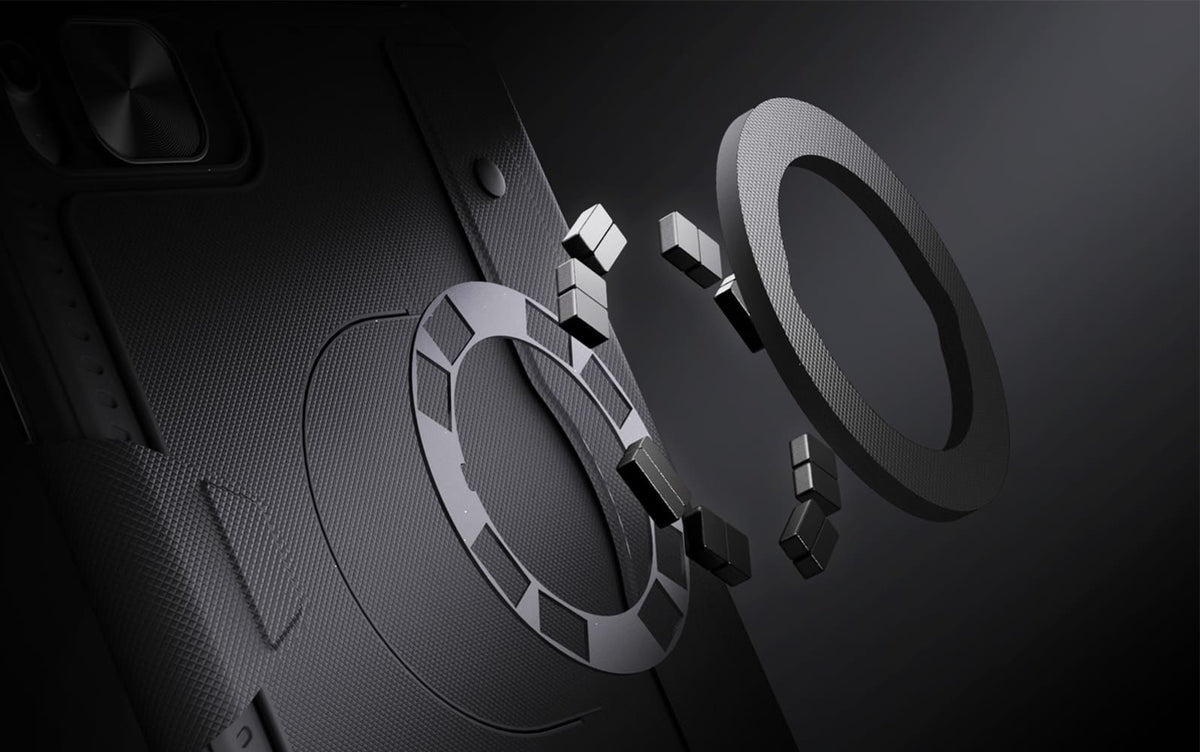
Built-in magnets unlock more ways to use your iPad with compatible metal surfaces and NILLKIN magnetic accessories.
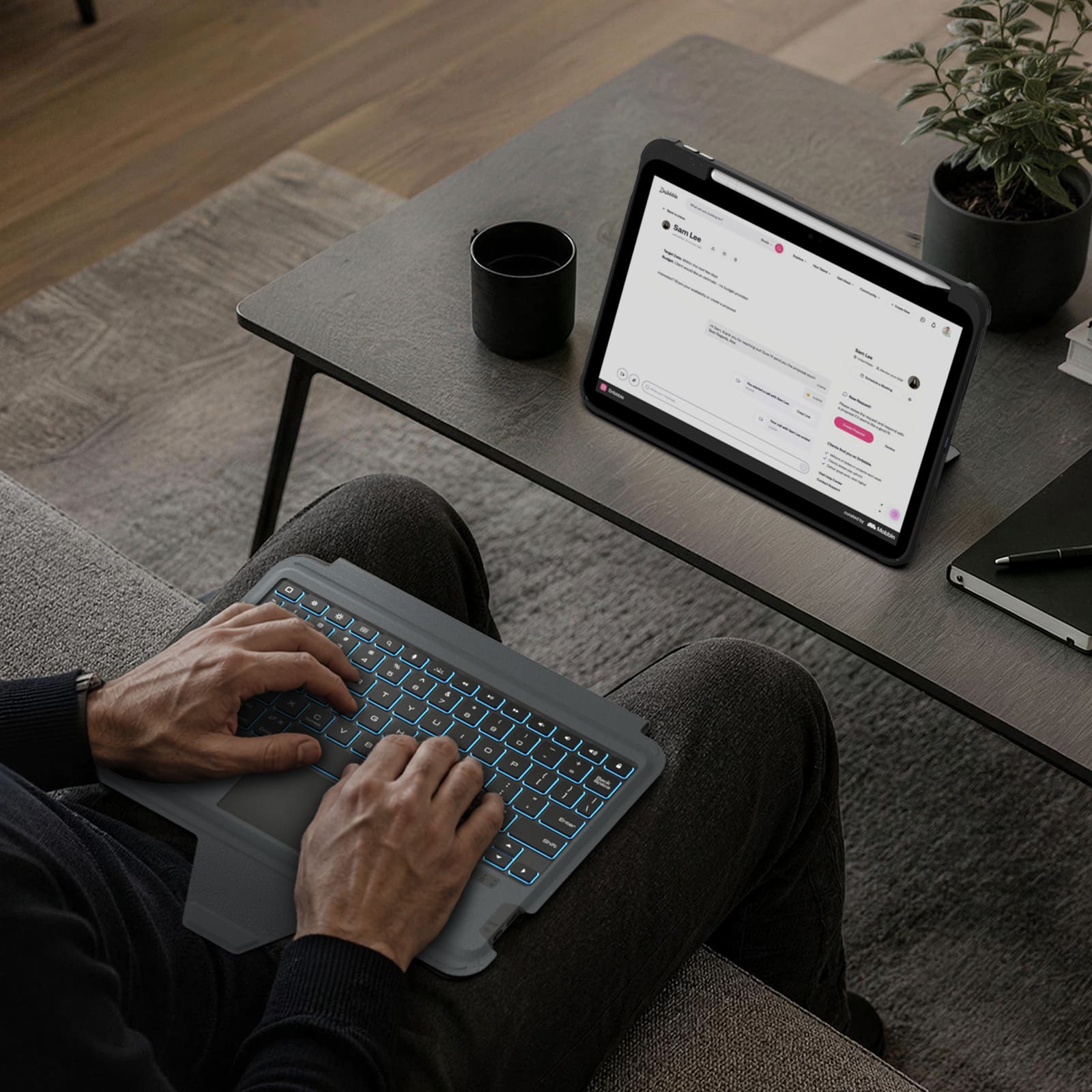
Switch between typing, viewing, browsing, drawing, and hands-free setups with one case.
Quiet scissor-switch keys with 1.4mm key travel and a precision trackpad deliver responsive, comfortable control for everyday typing.
Seven backlight colors, three brightness levels, and anti-mistouch technology keep your workflow uninterrupted.
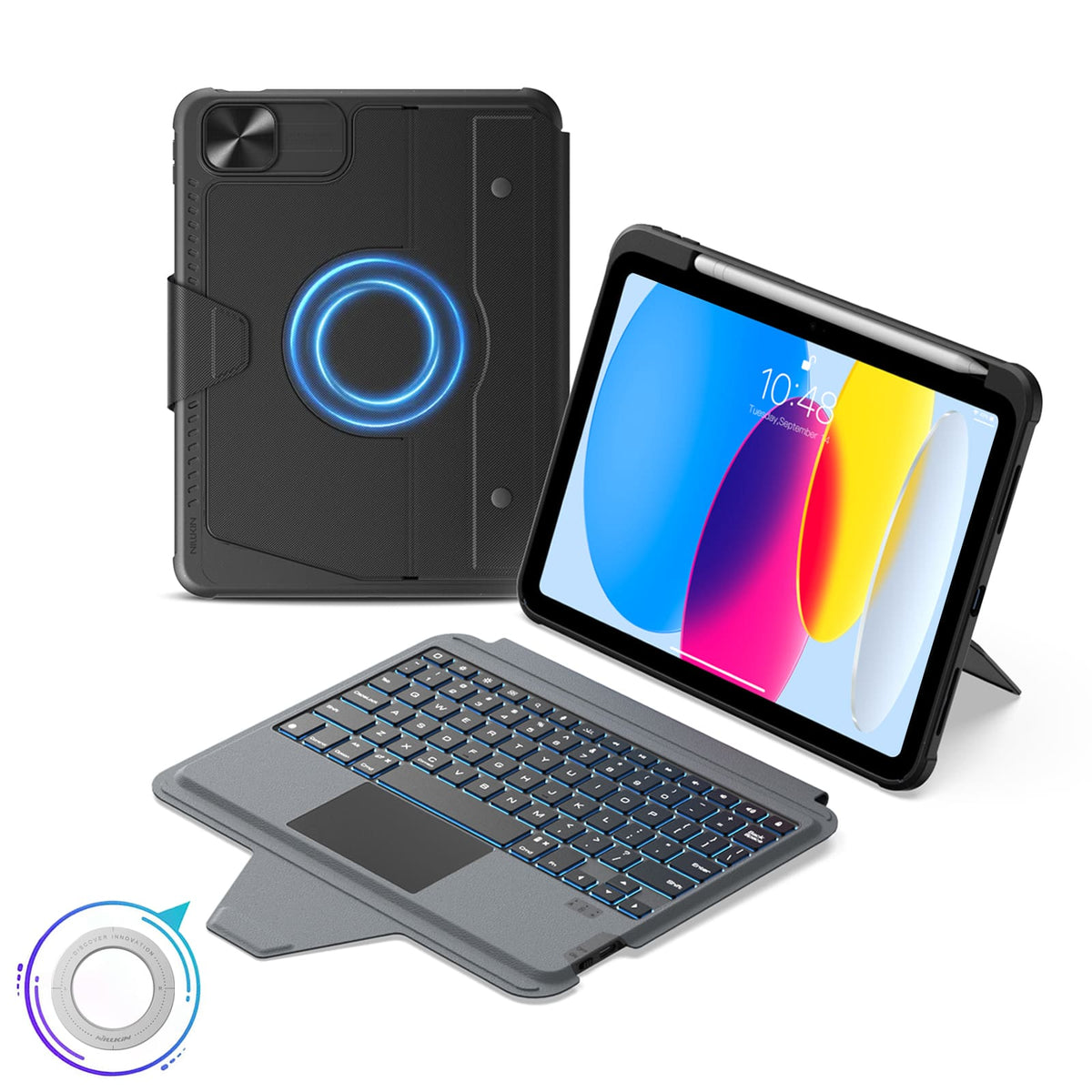
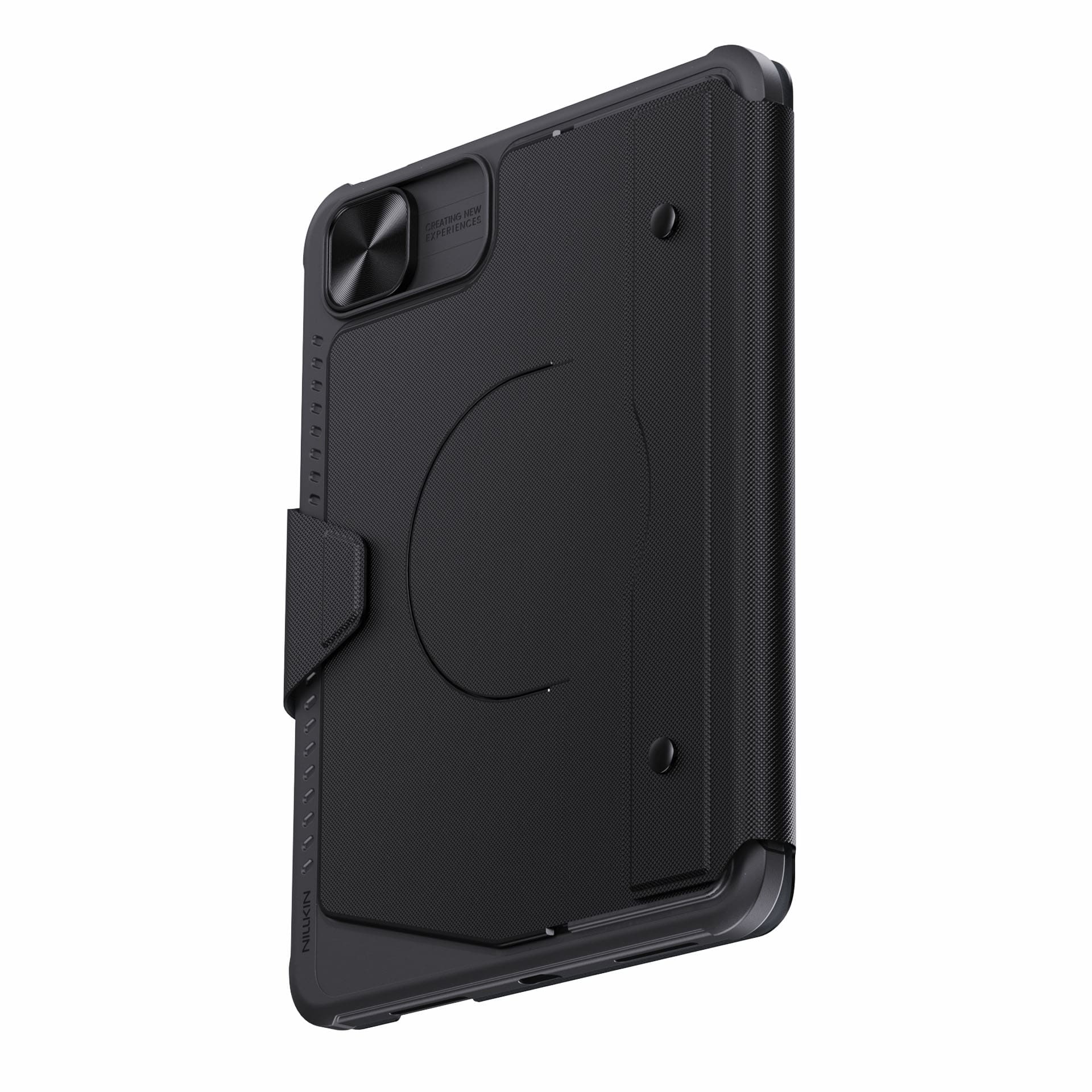
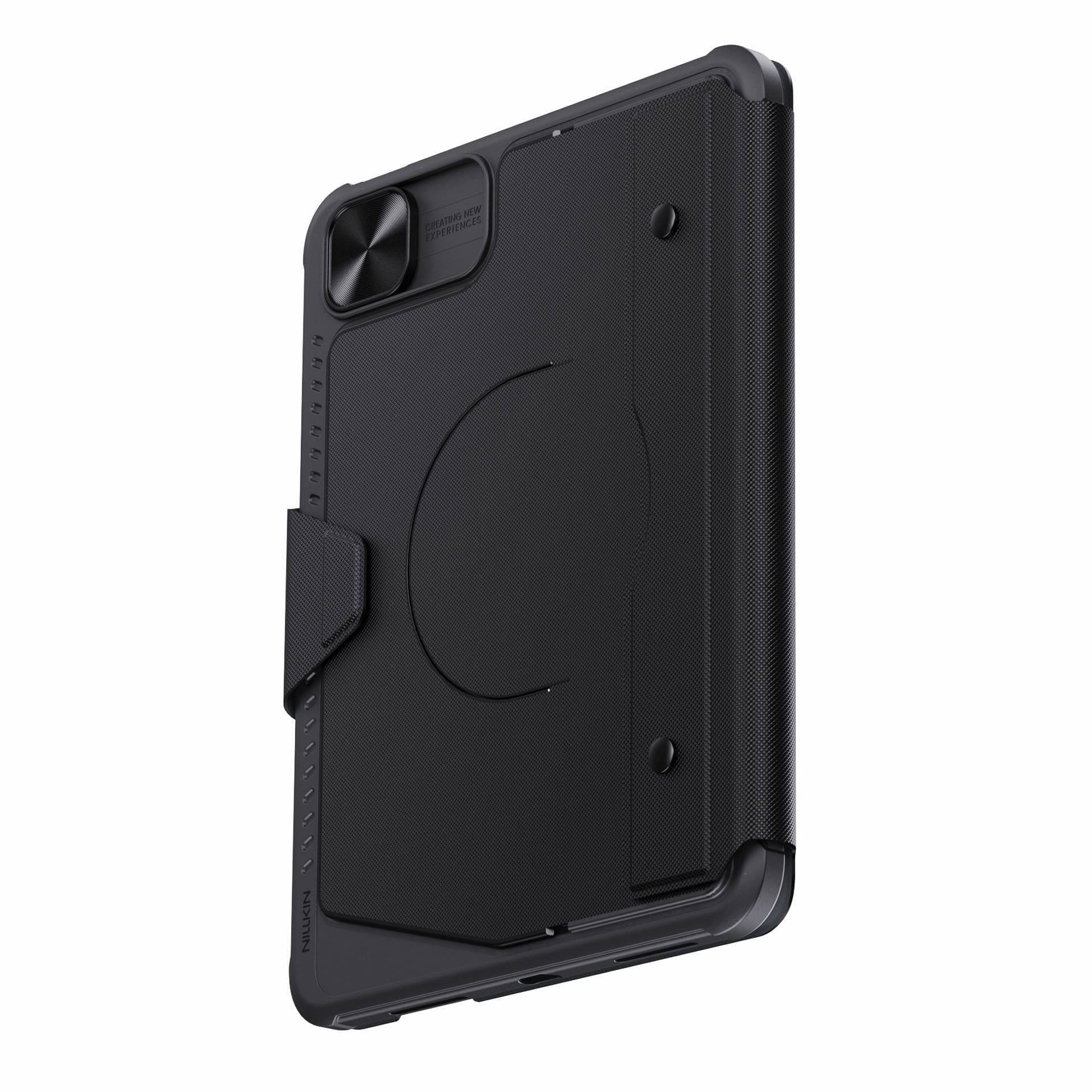
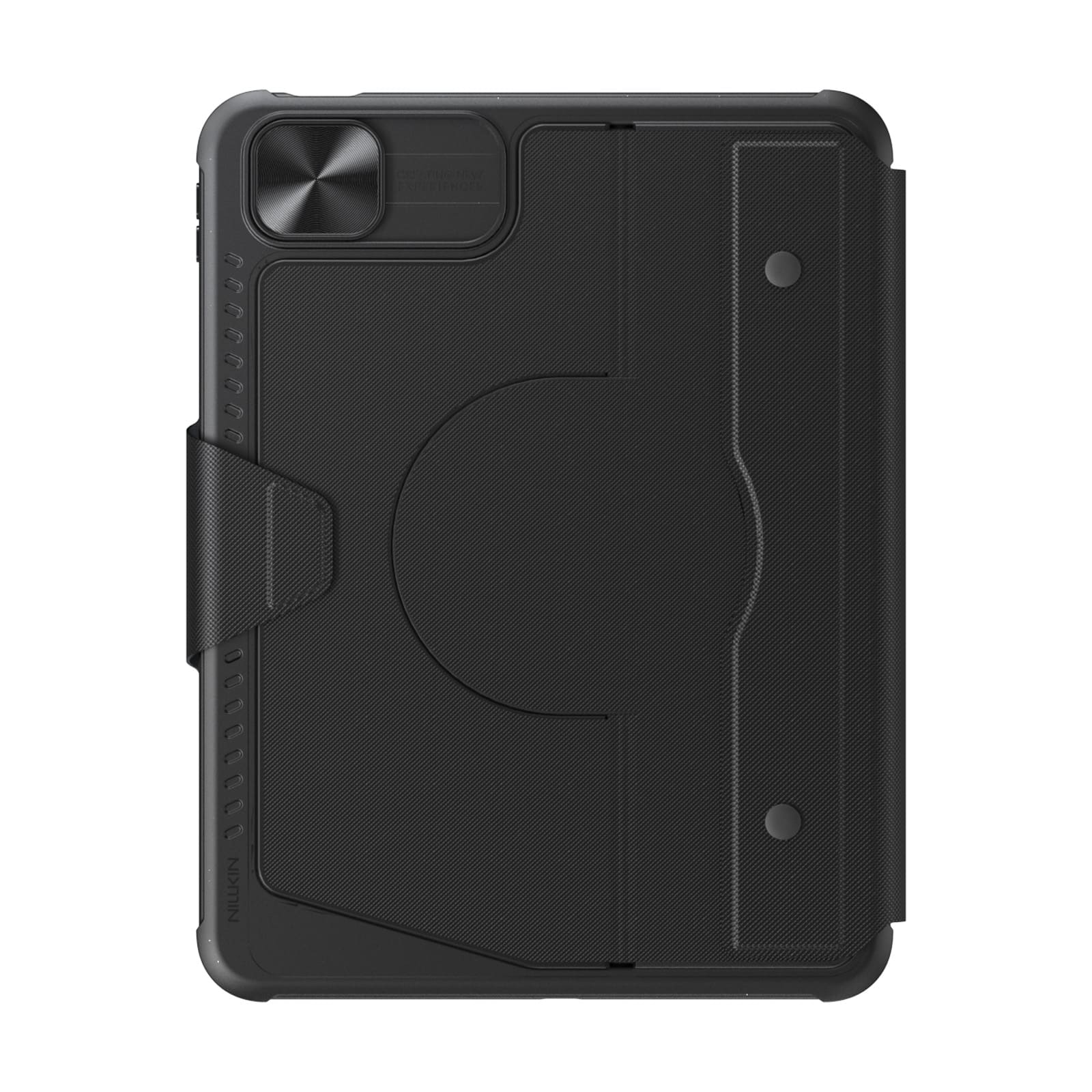
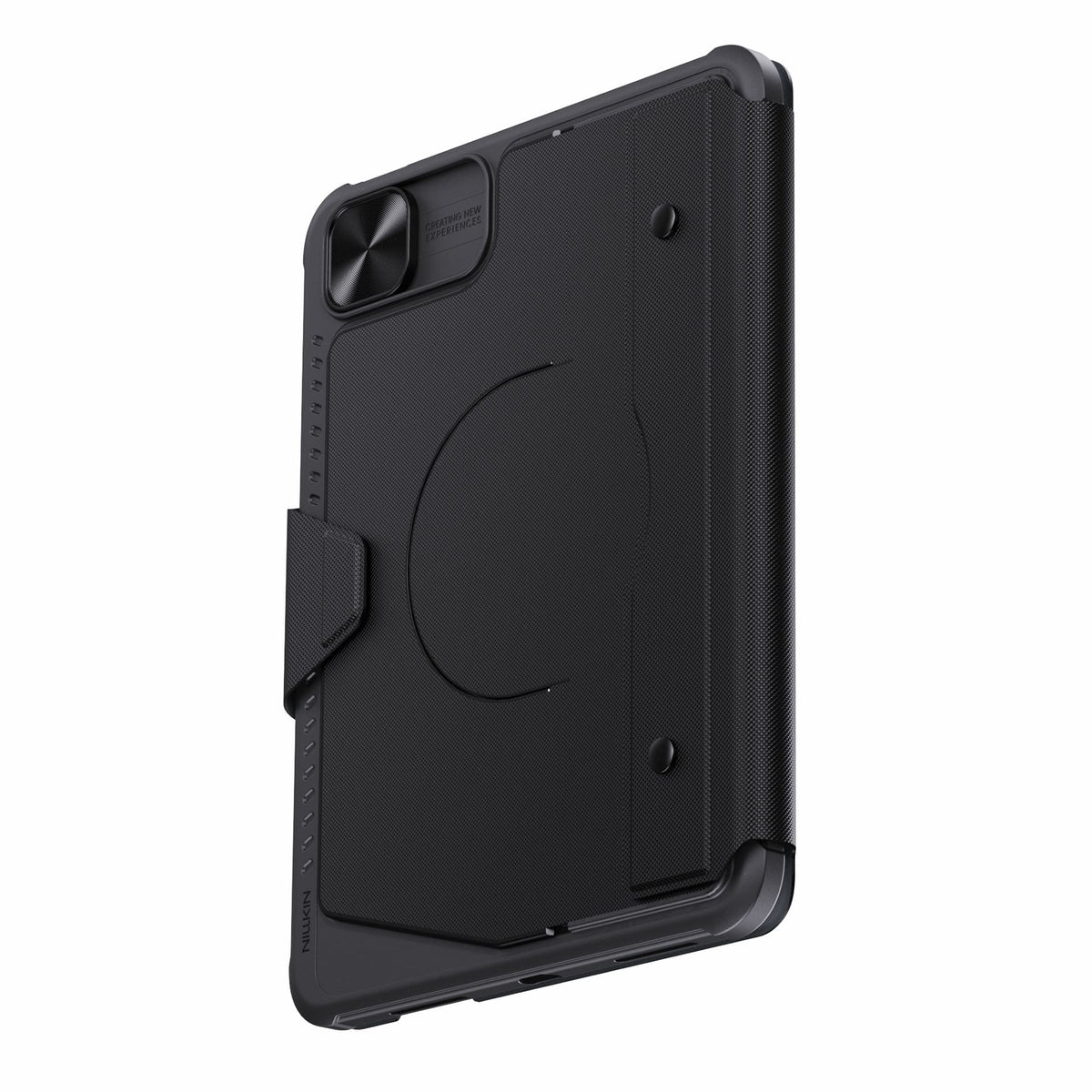
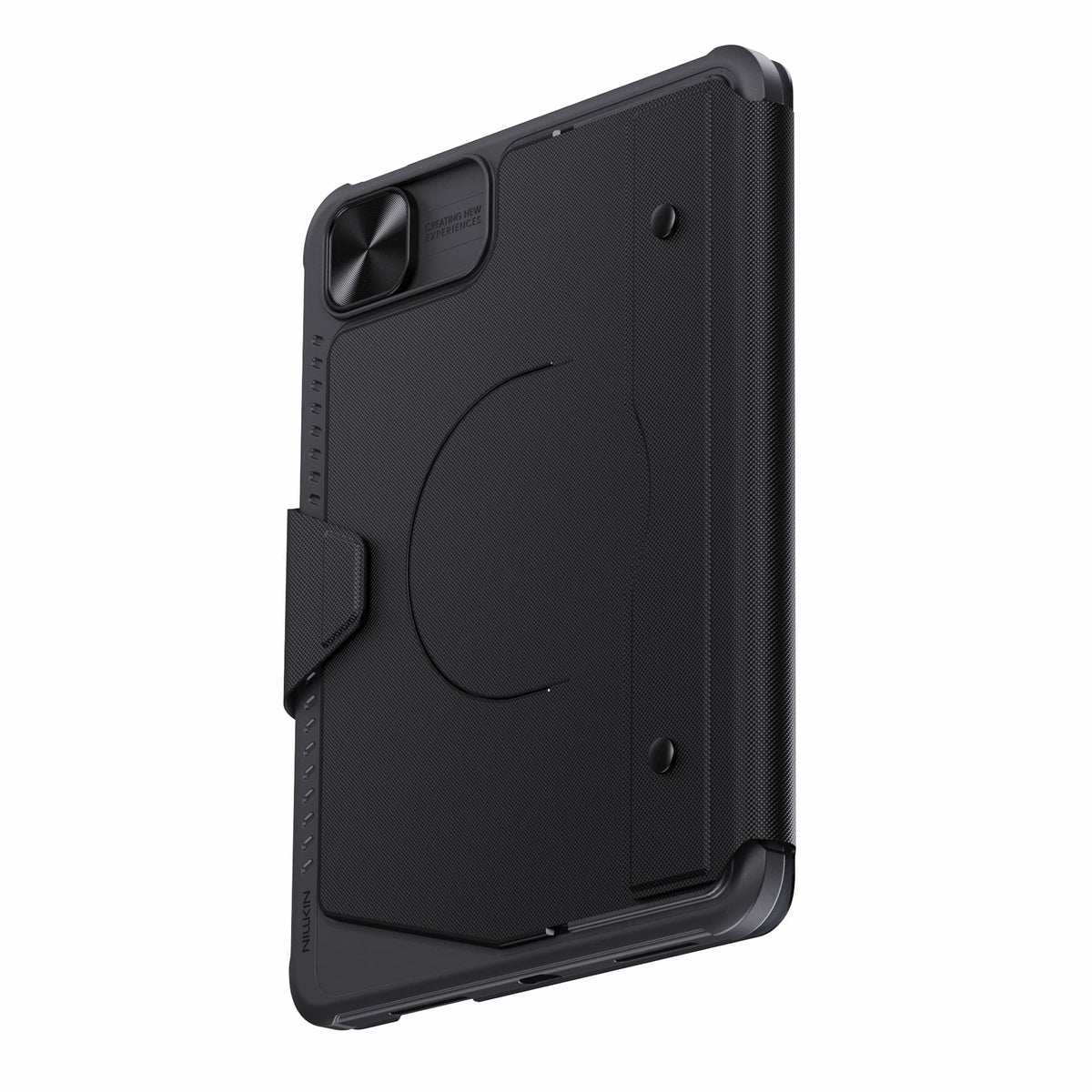
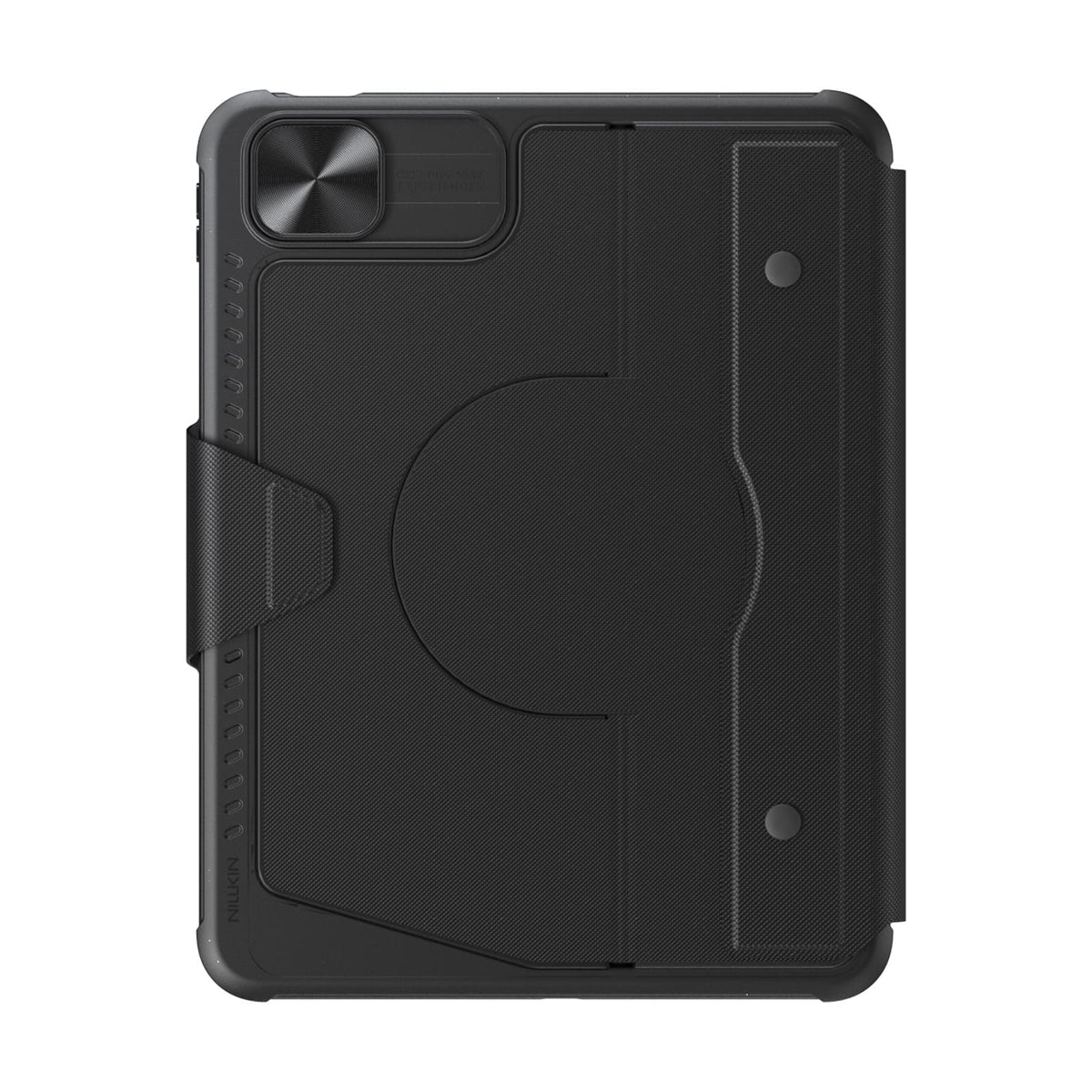
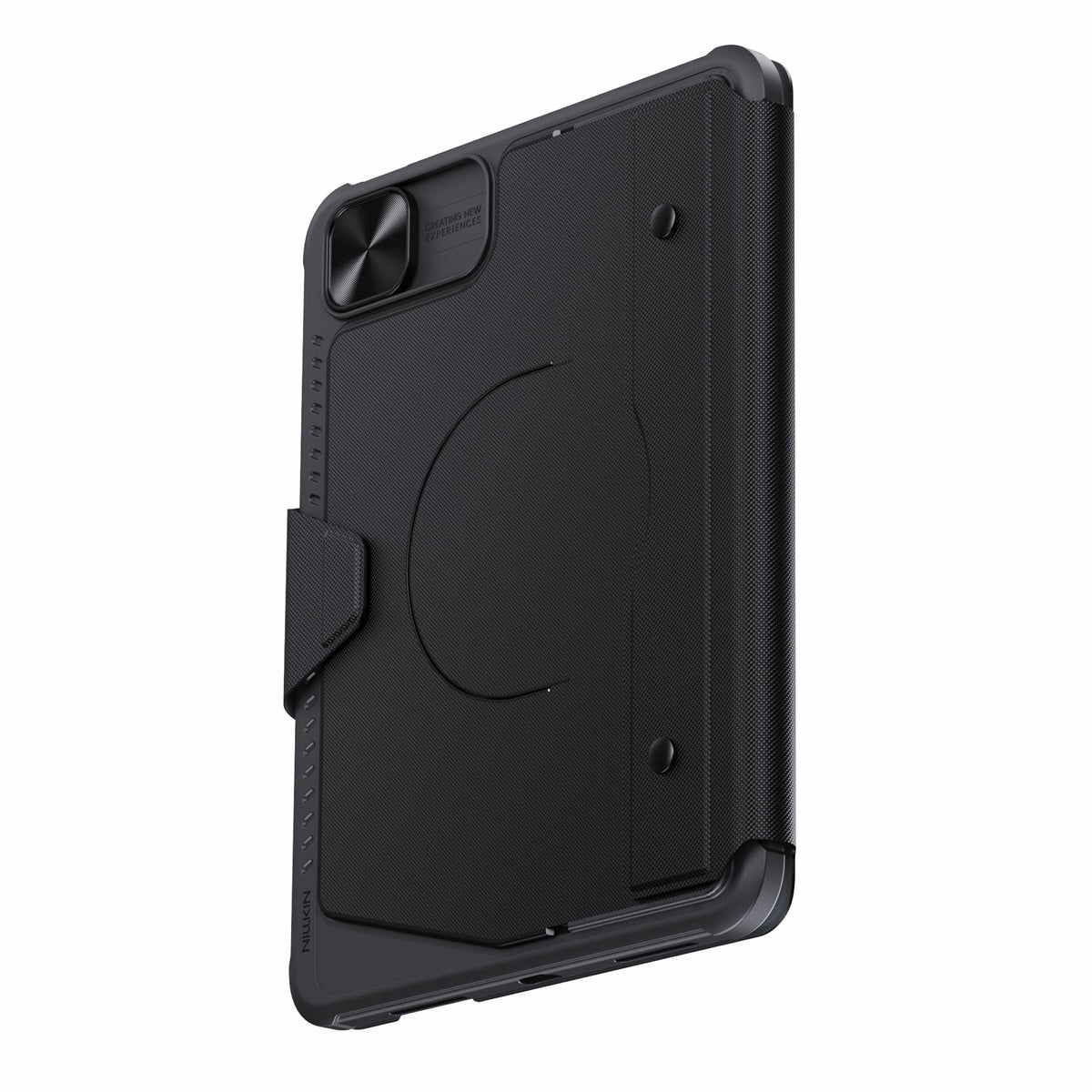
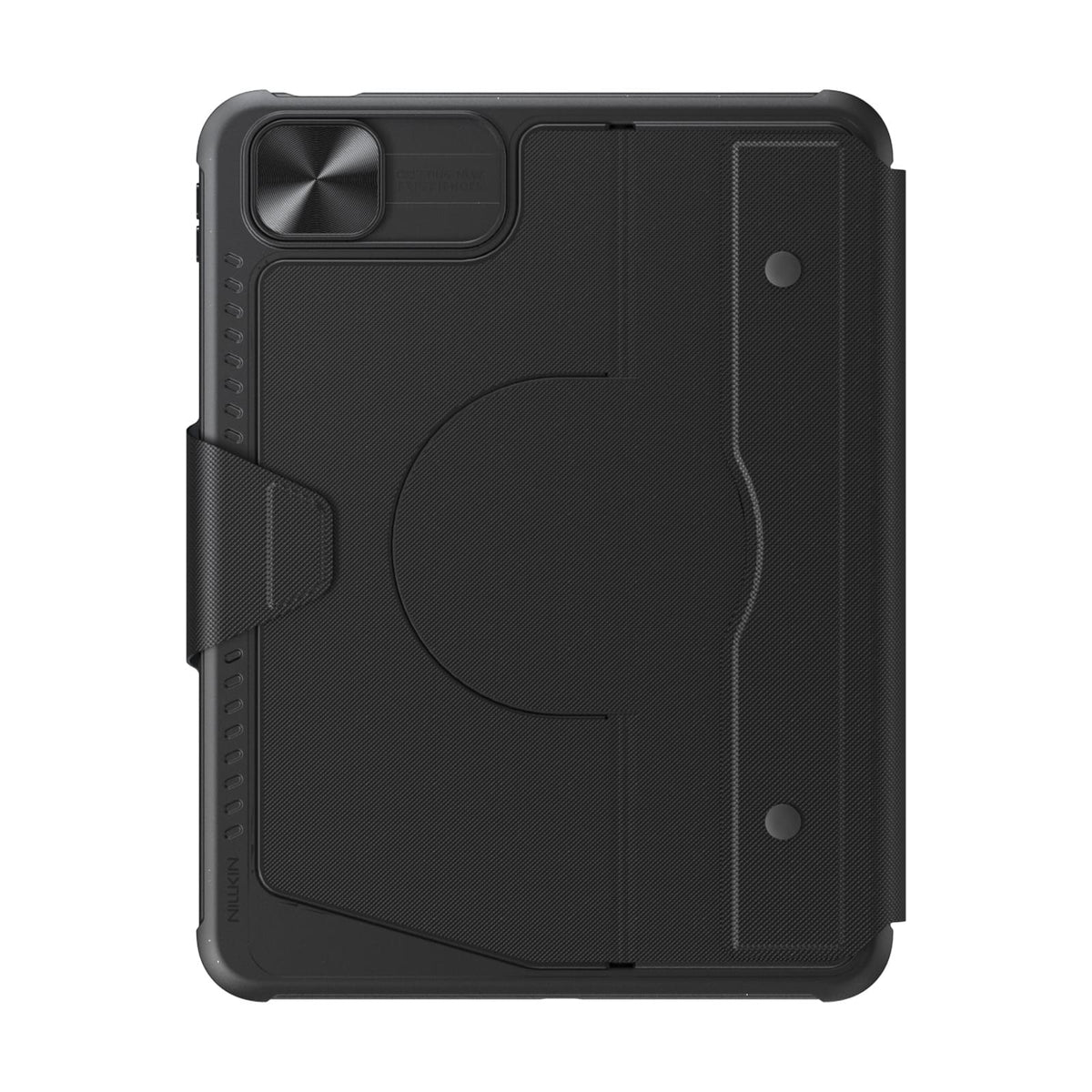
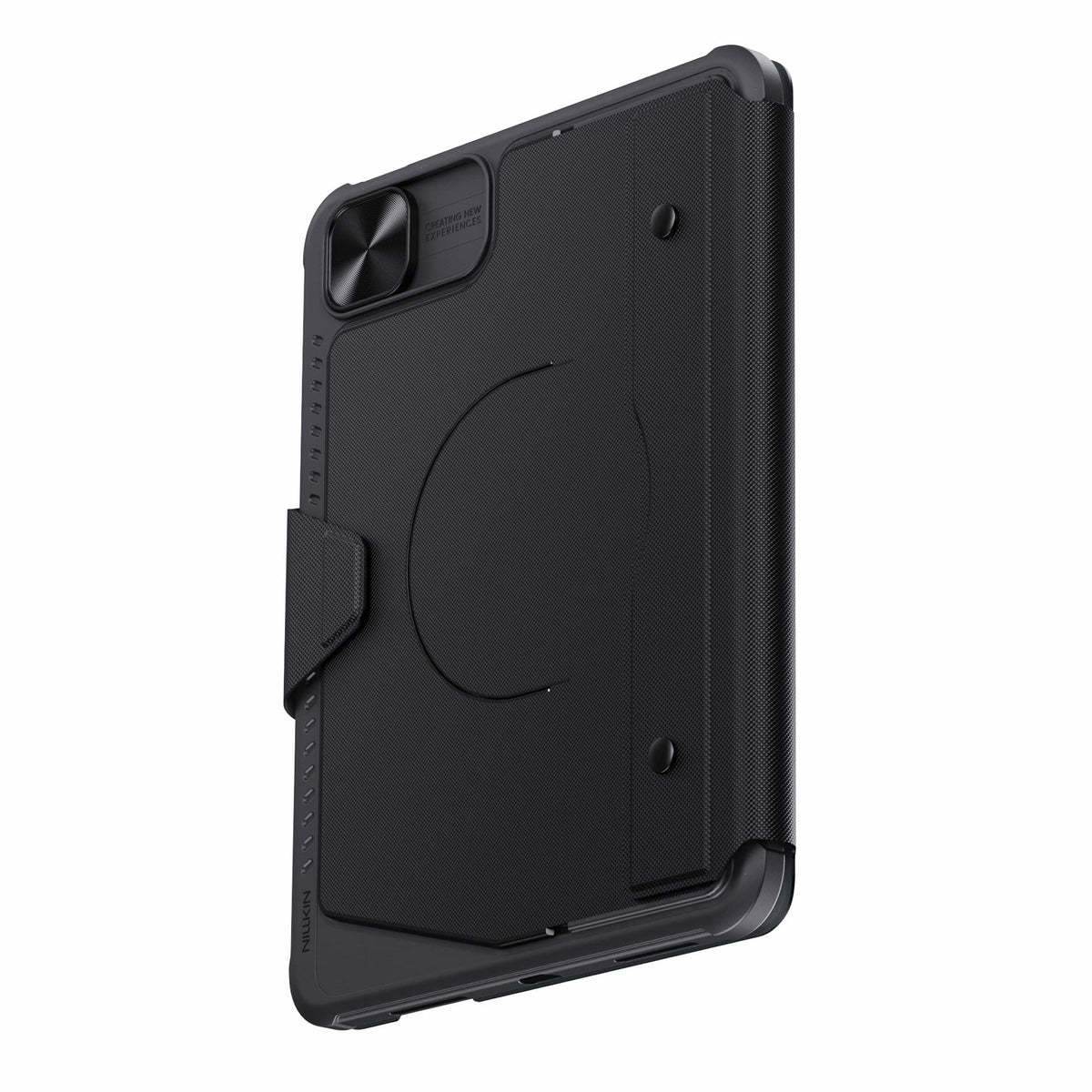
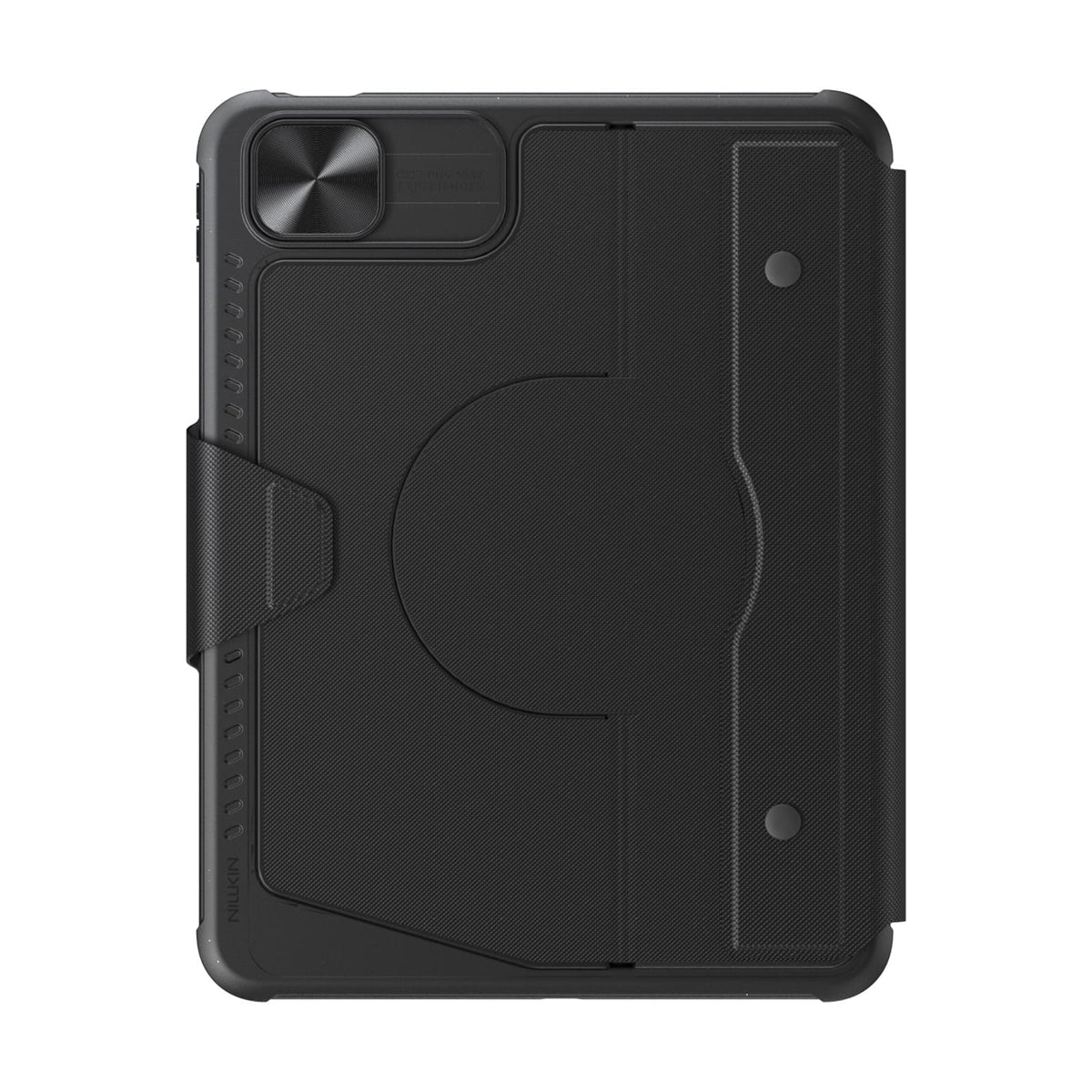
Détachez le clavier tout en conservant l'étui de protection pour une protection au quotidien.
Bluetooth 5.0 keeps connections reliable, with up to 100 hours of battery life.
Technologie de connectivité : Bluetooth 5.0
Type de clavier : Clavier sans fil détachable
Système d'exploitation : iPadOS
Nombre de touches : 78 touches
Rétroéclairage du clavier : Rétroéclairage 7 couleurs avec 3 niveaux de luminosité
Options de couleur : Noir
Caractéristiques spéciales : Clavier détachable, pavé tactile intégré, compatibilité avec les accessoires magnétiques, cache-caméra coulissant, touches rétroéclairées, touches de raccourci et touches multimédias, mises à jour du micrologiciel OTA
Utilisations recommandées : Travail, tâches créatives, saisie, présentations, divertissement, usage quotidien

Protecteur d'écran en verre trempé 2.5D transparent Pro pour iPad Series

Stations de recharge SnapBranch Pro
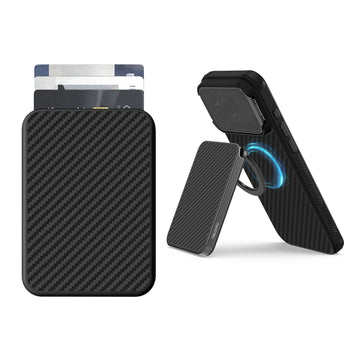
Portefeuille magnétique FiberMate en Kevlar® avec support
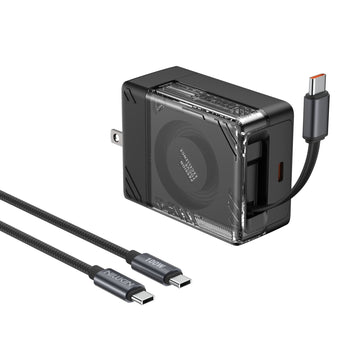
Chargeur rétractable IceCore 65W GaN (câble USB-C de 0,7 m) avec câble C-vers-C 100W de 1,8 m
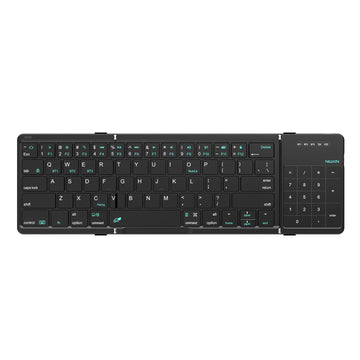
Clavier Bluetooth Pliable Cube Pocket avec Pavé Tactile
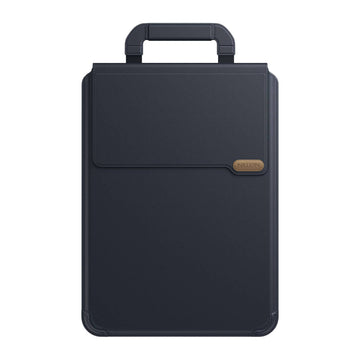
Housse d'ordinateur portable polyvalente Pro avec support et tapis de souris


Facilitez votre vie et votre travail en proposant des produits uniques et de qualité. Nous sommes convaincus que des accessoires de haute qualité améliorent l'expérience utilisateur et notre équipe s'efforce constamment de développer et d'améliorer nos produits pour répondre aux besoins changeants du marché.
Alors que le rythme de vie s'accélère et que les appareils de productivité continuent d'innover, la collaboration multi-écrans permet de transmettre le contenu entre les appareils sans entrave, en permettant diverses opérations fonctionnelles et en permettant aux gens de travailler plus efficacement.
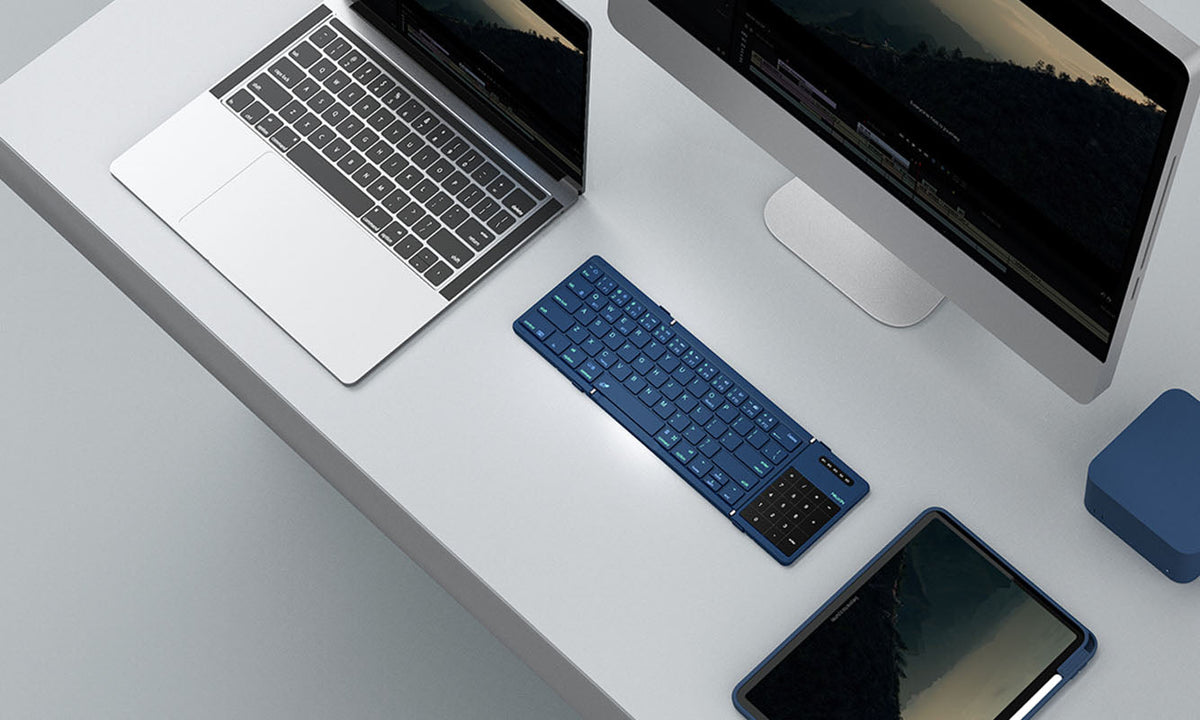
Clavier de poche NILLKIN Cube : comment jumeler et basculer entre 3 appareils
Un guide complet pour coupler, basculer et dépanner le clavier NILLKIN Cube Pocket sur trois appareils Bluetooth. Il couvre la configuration initiale, les étapes spécifiques aux systèmes d'exploita...
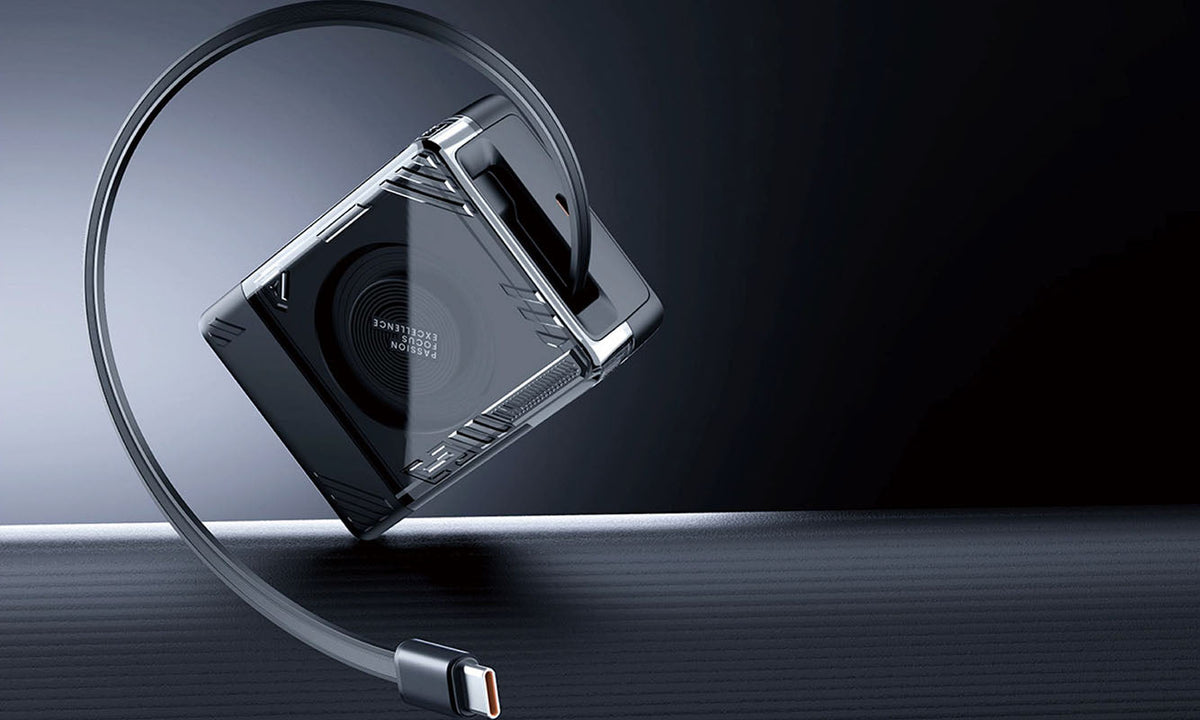
Guide des chargeurs de voyage : chargez en toute confiance partout en 2026
Un guide pratique pour 2026 pour choisir le chargeur de voyage USB-C GaN idéal, quelle que soit votre destination. Découvrez comment les modèles à fiches interchangeables, les versions régionales e...
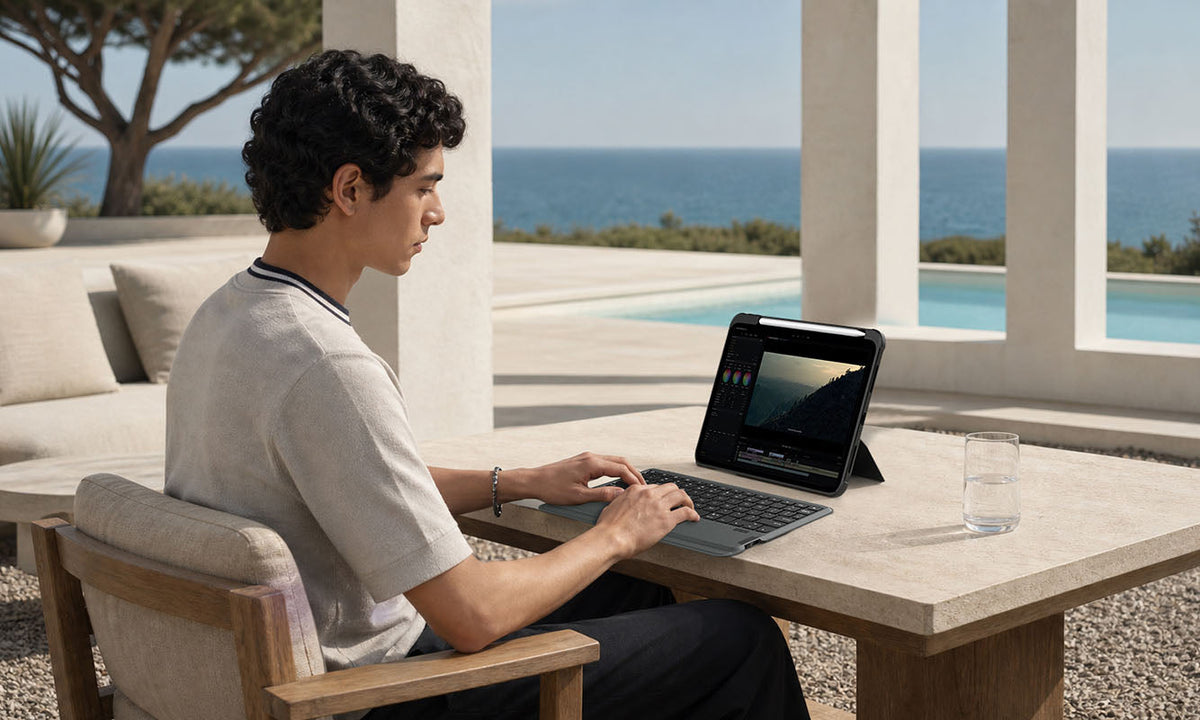
Une coque avec clavier pour iPad en vaut-elle la peine ? Ce qu'il faut savoir avant d'acheter
Un guide d'achat pratique qui explique qui tirera le meilleur parti d'un étui clavier pour iPad, quand cet investissement n'en vaut pas la peine, et quelles fonctionnalités sont essentielles pour l...