
 Fundas para iPad Pro/Air
 Fundas para Galaxy Tab
 Teclado Magnético para iPad
 Fundas para Xiaomi Pad
 Accesorios para tablet
 Serie iPhone 18
 Serie iPhone 17
 iPhone 16 Series
 Serie iPhone 15
 Serie iPhone 14
 Serie iPhone 13
 Serie Galaxy Z Fold y Flip
 Serie Galaxy S26
 Serie Galaxy S25
 Serie Galaxy S24
 Serie Galaxy S23
 Serie Google Pixel 11
 Serie Google Pixel 10
 Serie Google Pixel 9
 Serie Xiaomi
 Serie OnePlus
 Serie Oppo
 Serie Vivo
 Huawei Honor Series
 Serie iPhone
 Serie Samsung Galaxy
 Serie Google
 Serie Xiaomi
 Serie OPPO
 Teclado Plegable
 Altavoces
 Portátil
 Salud
 Soporte Magnético para Cartera
 Base de Carga RayDock
 Cargadores y Cables
 Soportes y Montajes para Teléfonos
 Carga de coches
 🔥 Ofertas especiales

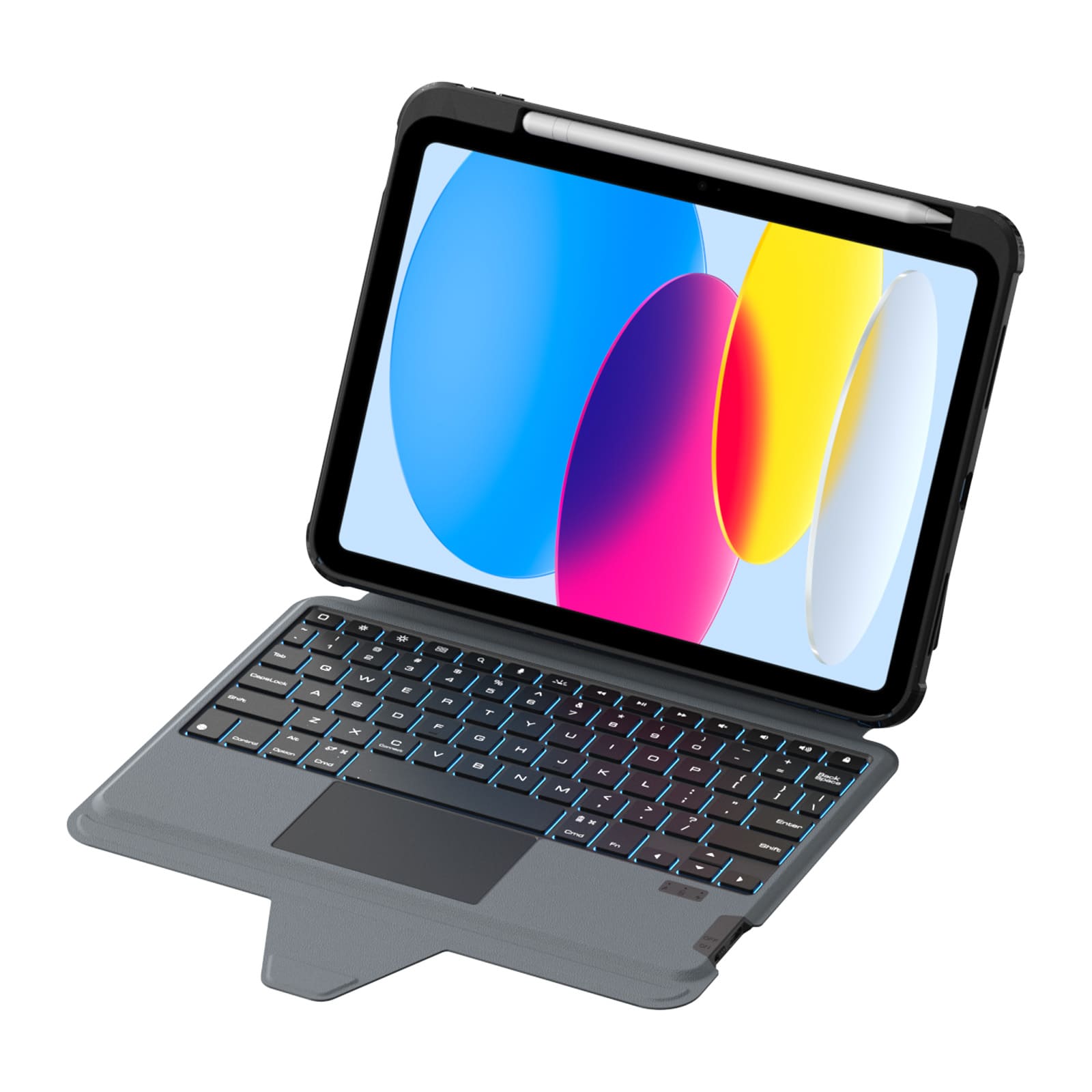
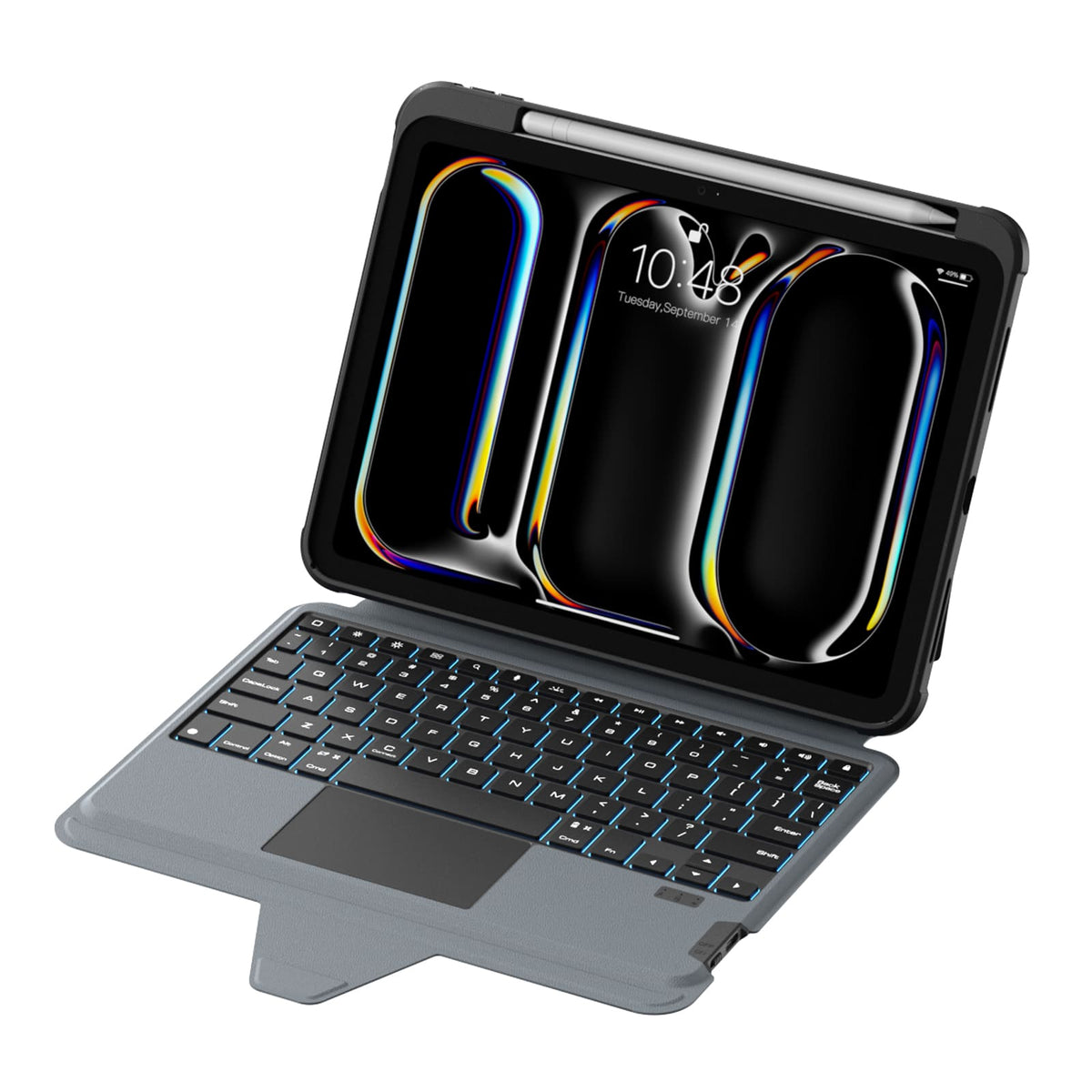
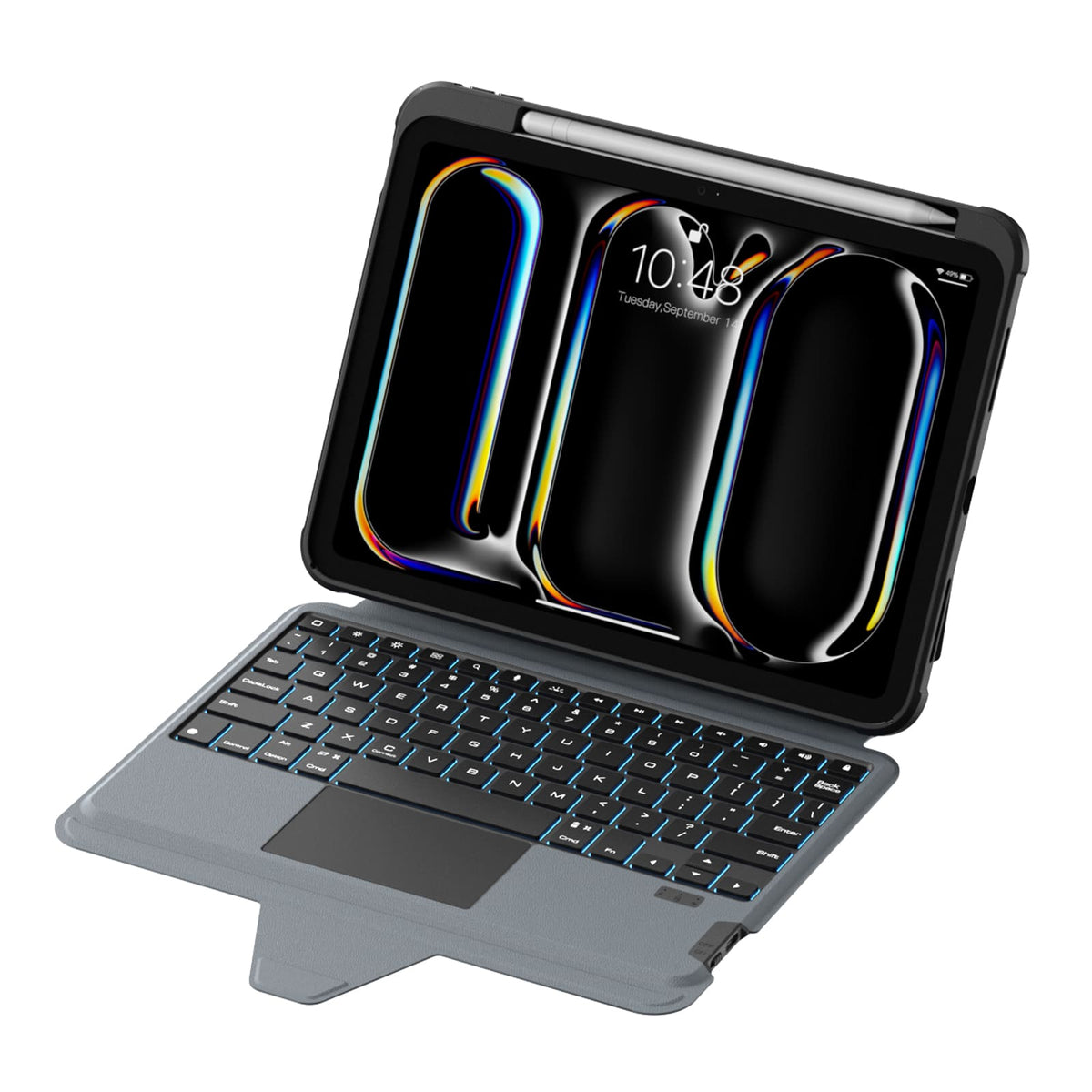
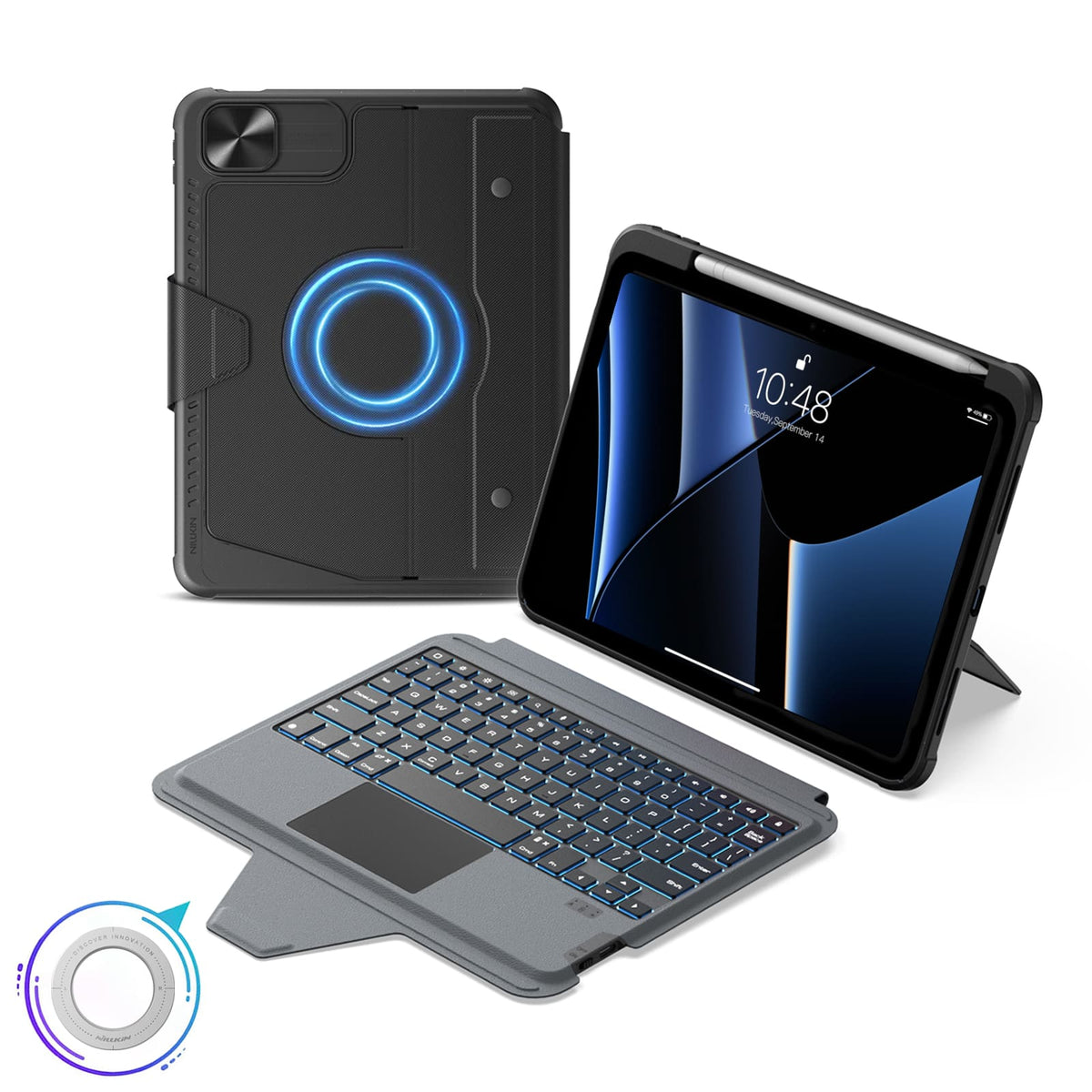
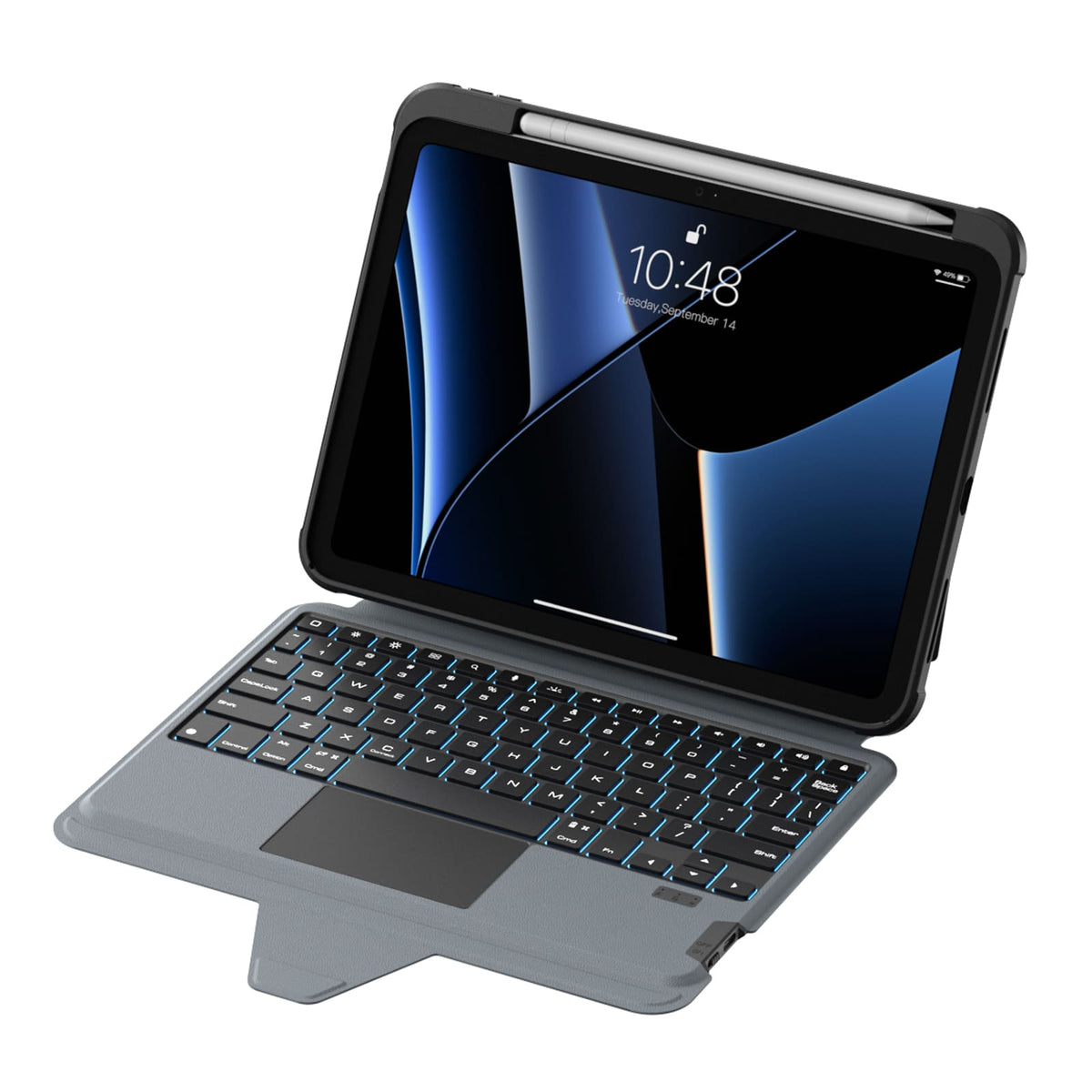
Un diseño de tamaño completo, teclas con respuesta táctil y un trackpad de precisión aportan un flujo más natural y sencillo al trabajo diario.
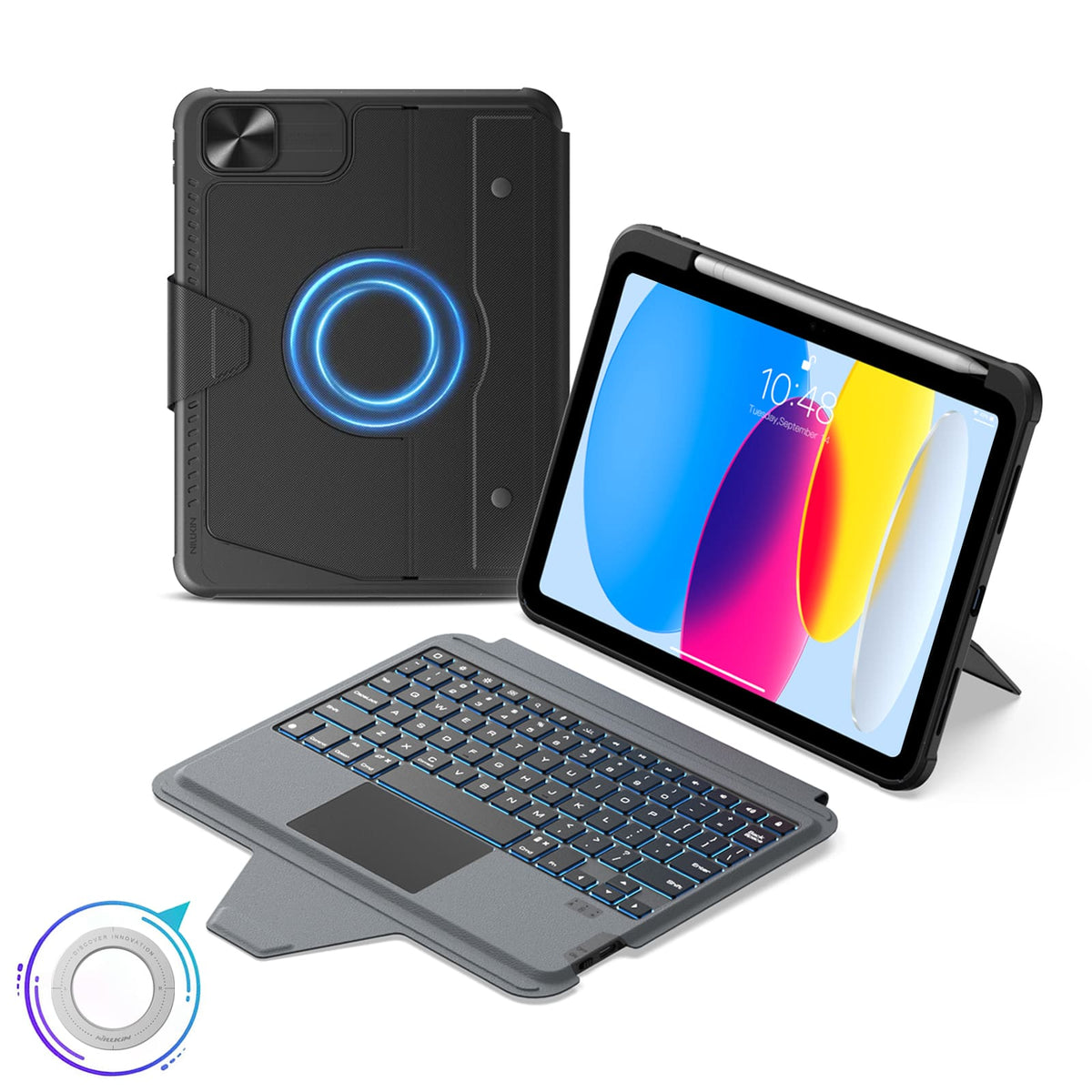
More Than a Keyboard Case
More Than a Keyboard Case


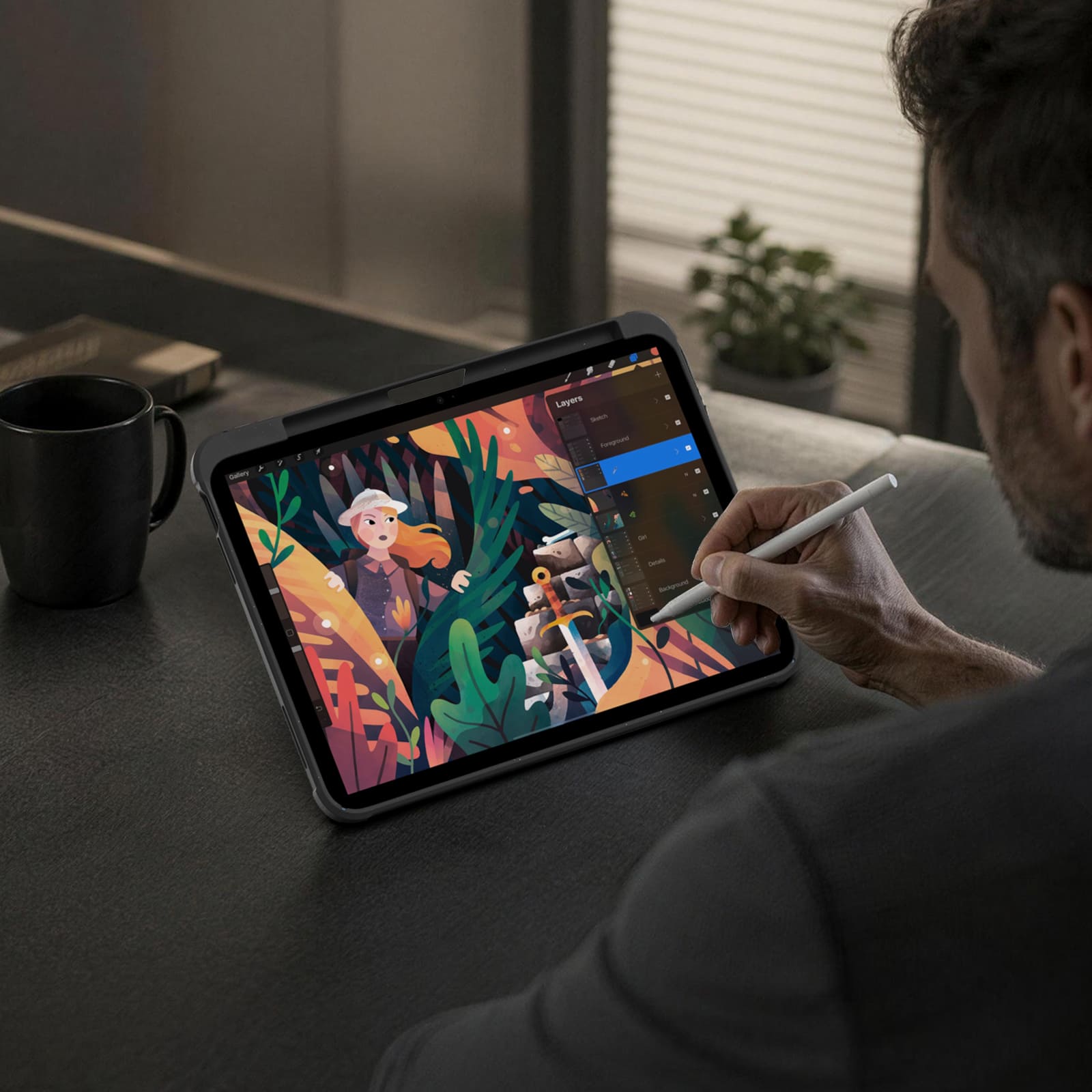
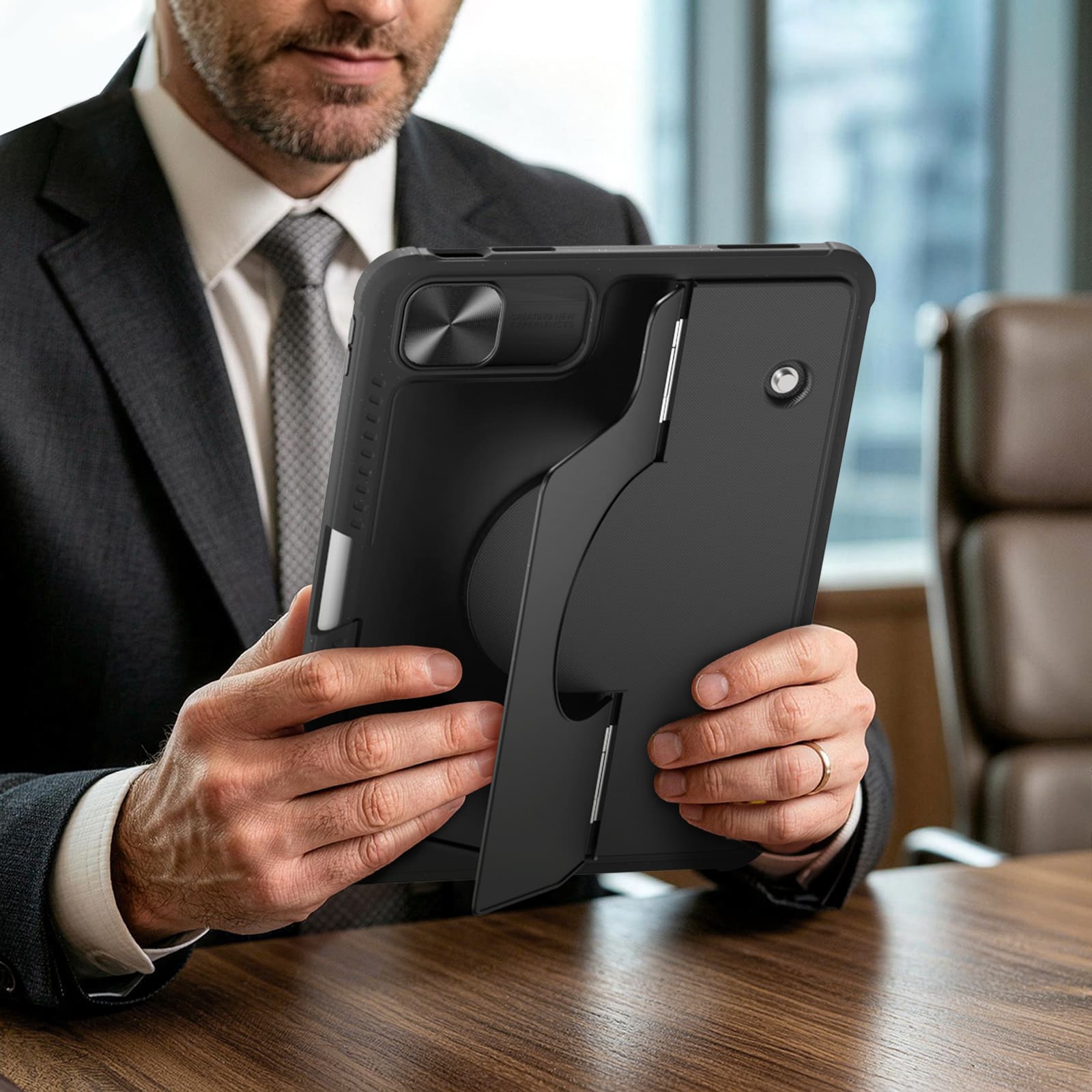
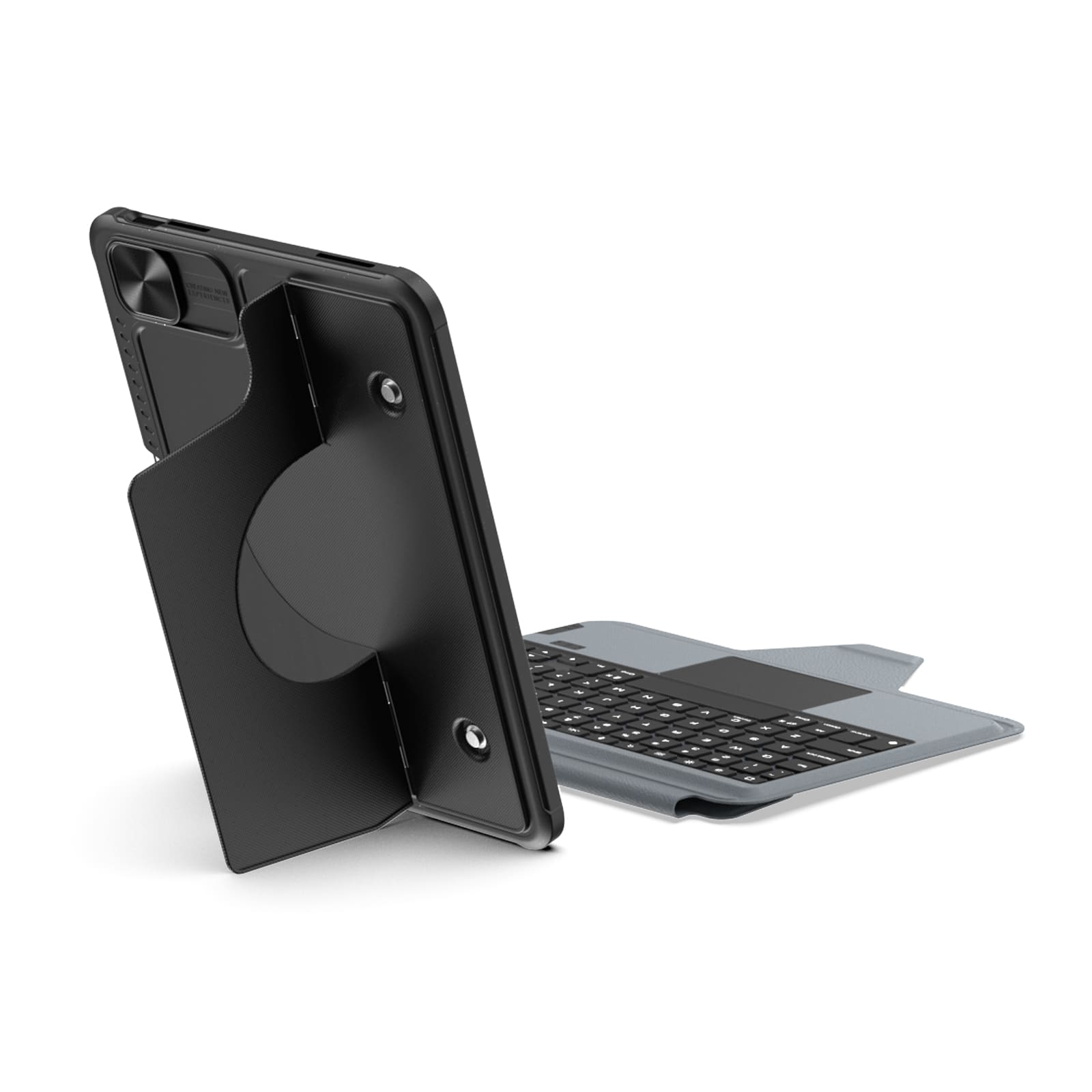
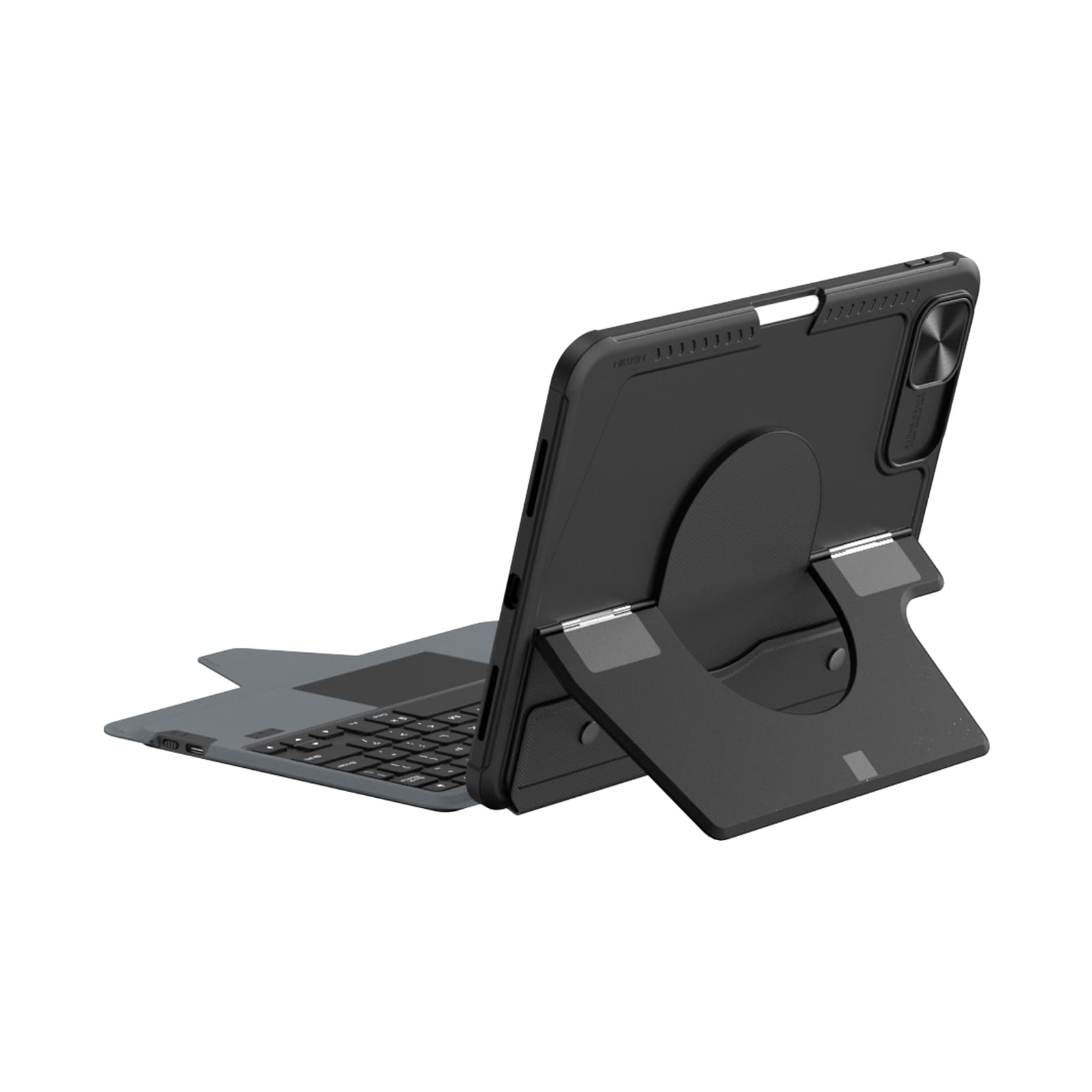
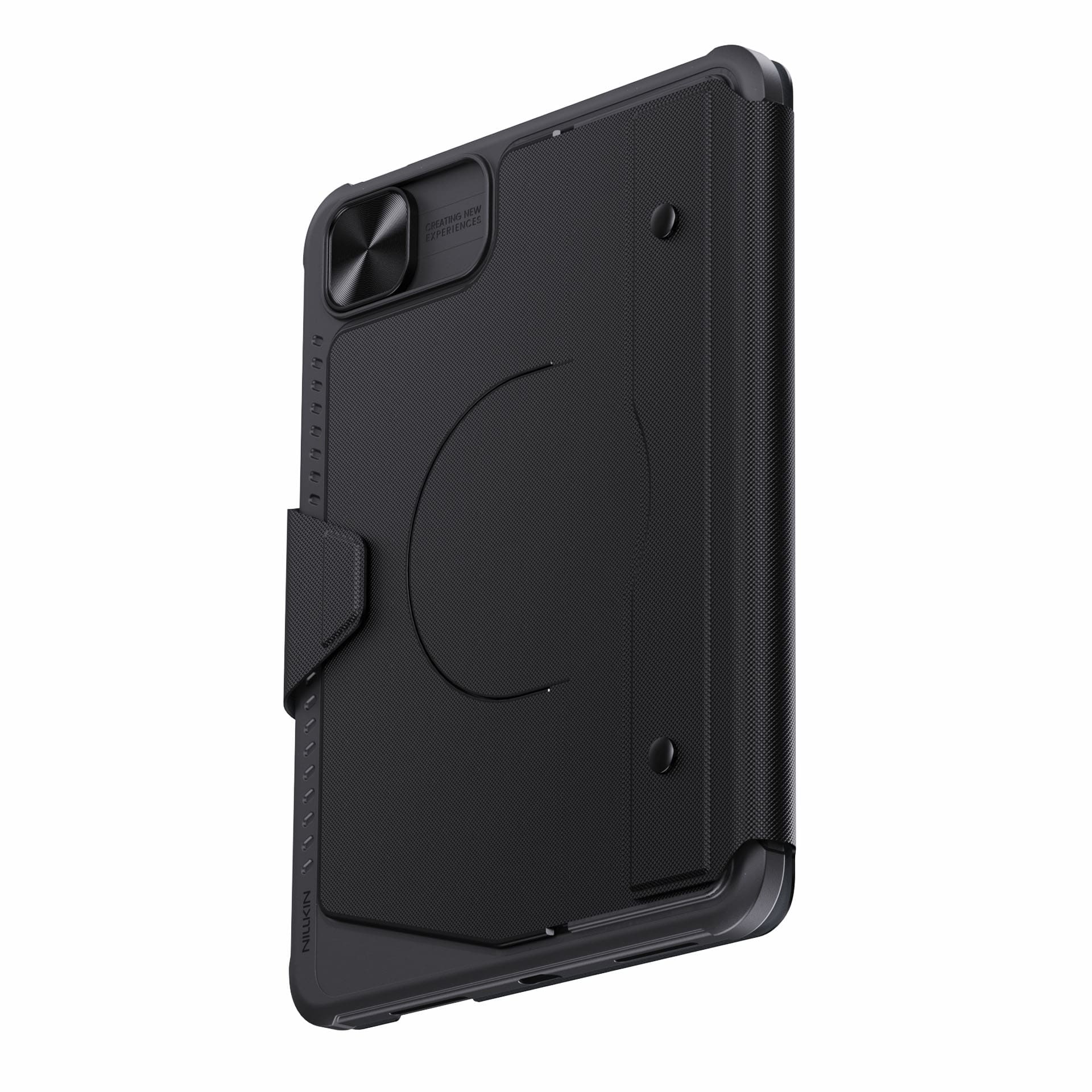
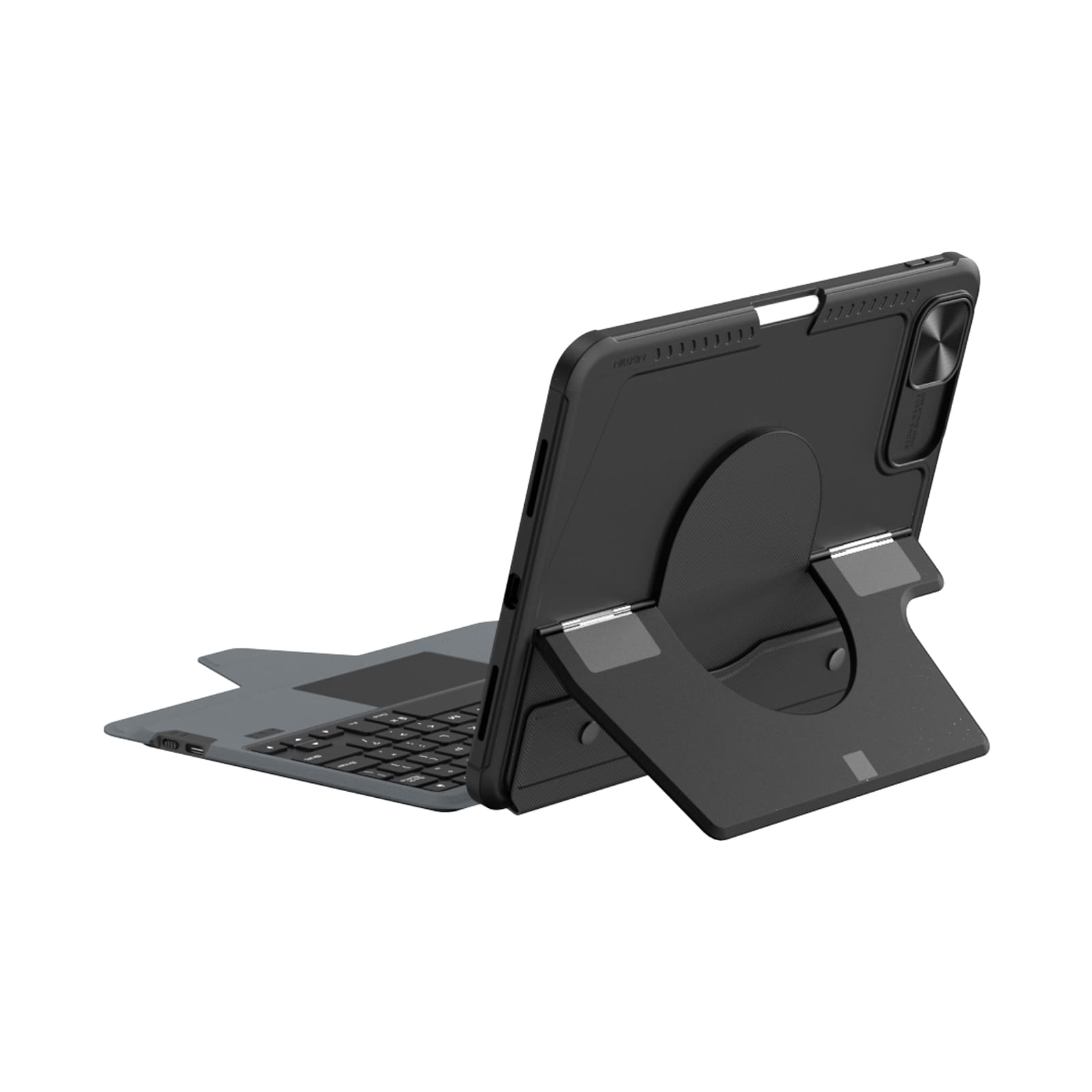
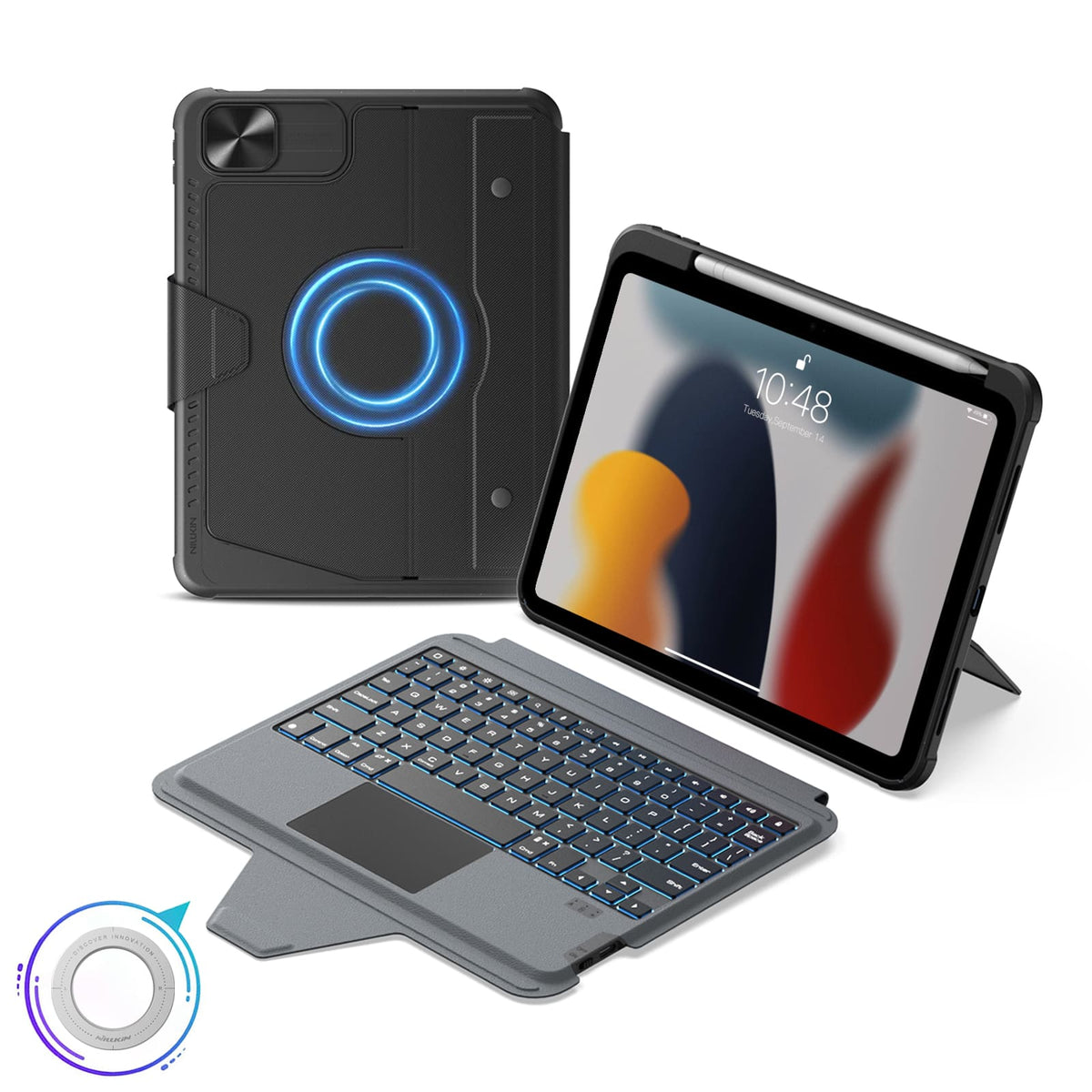
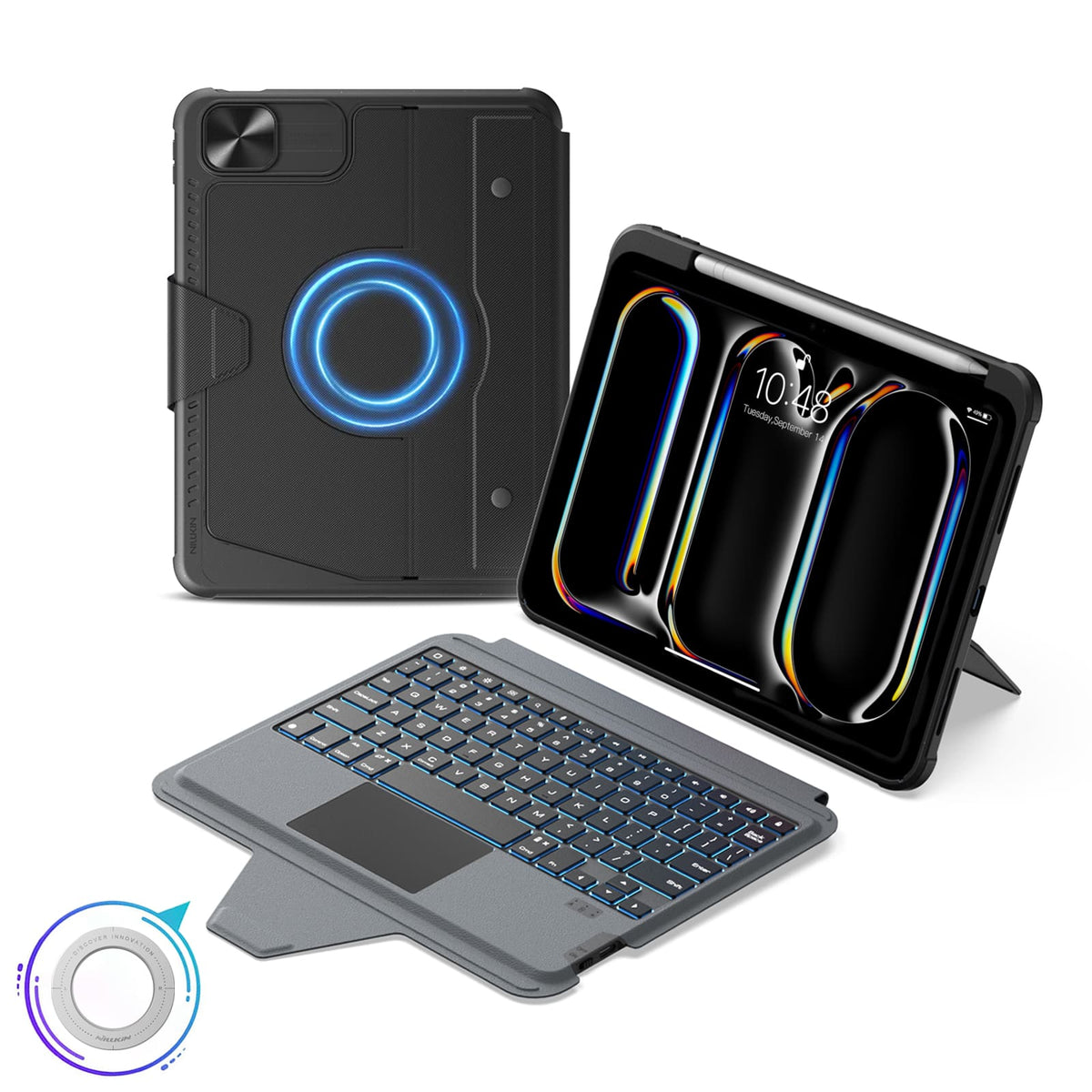
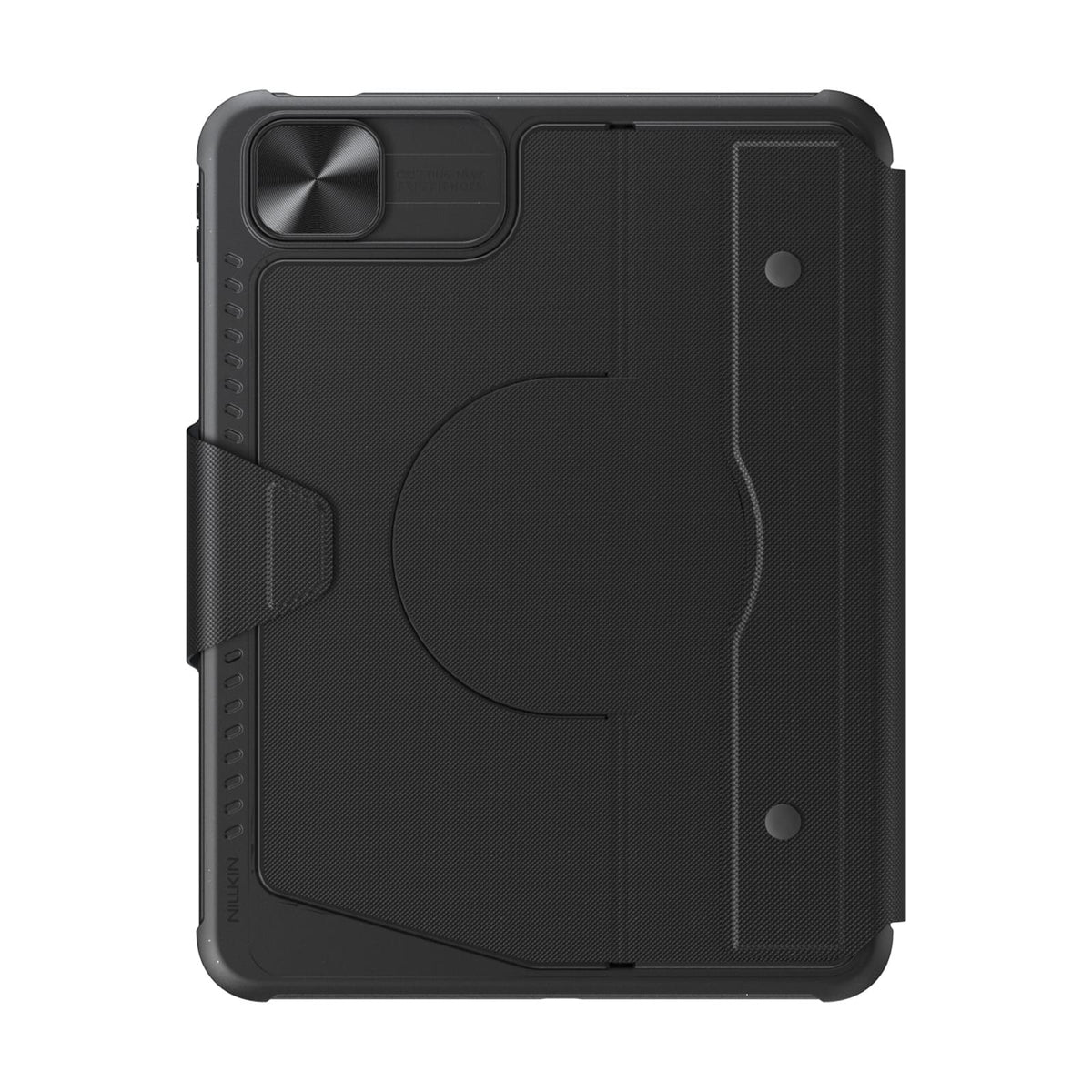
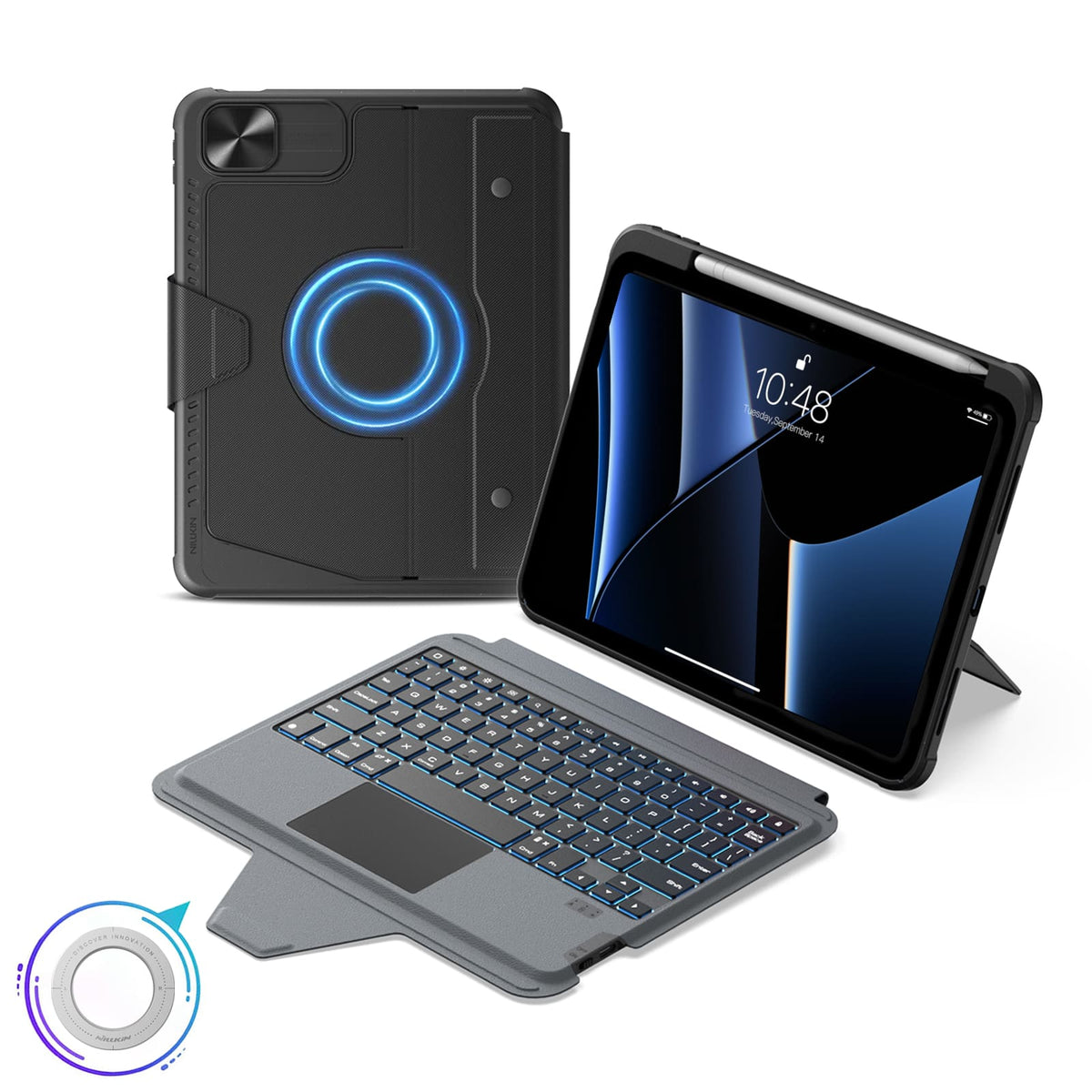
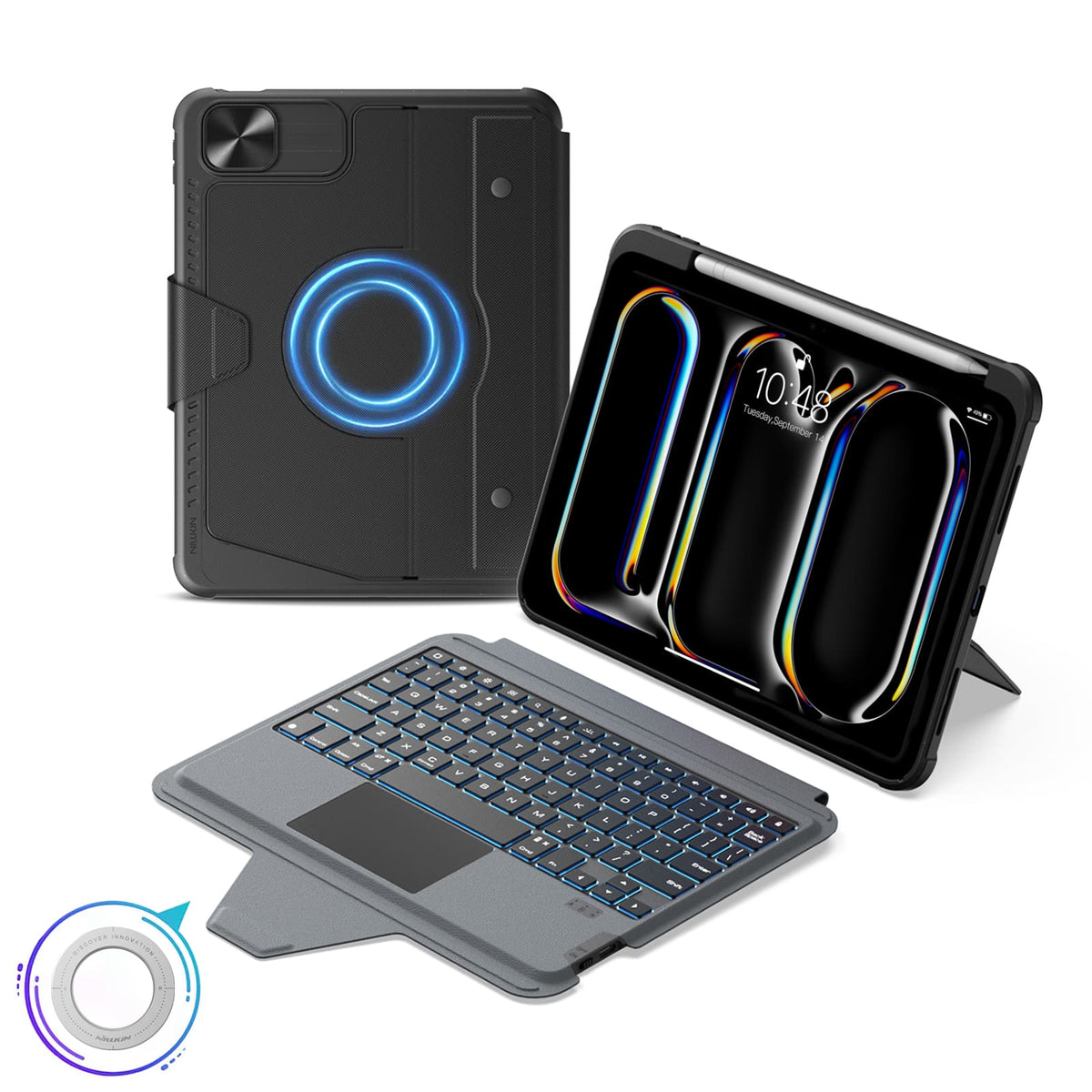
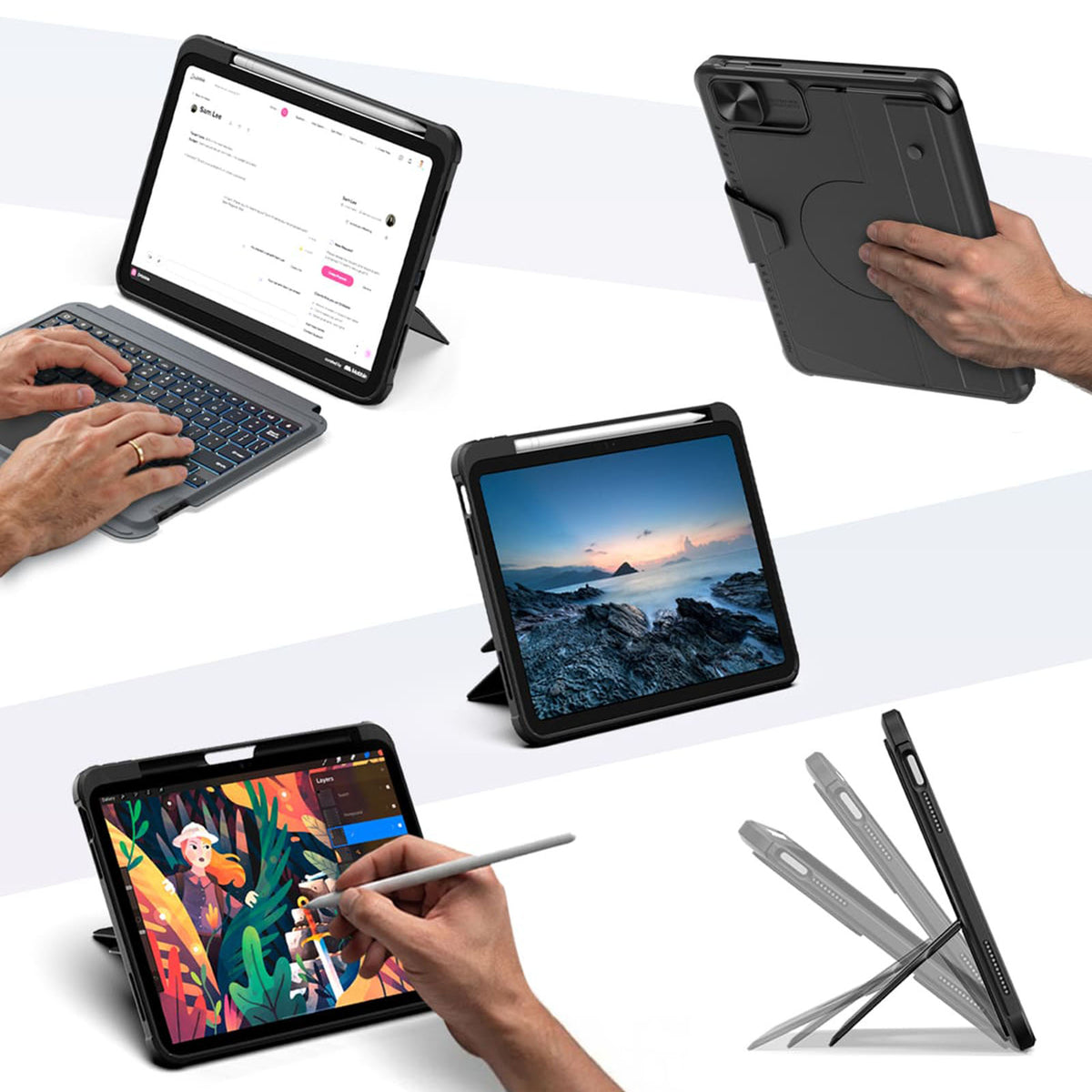
Una funda. Más formas de usar tu iPad.
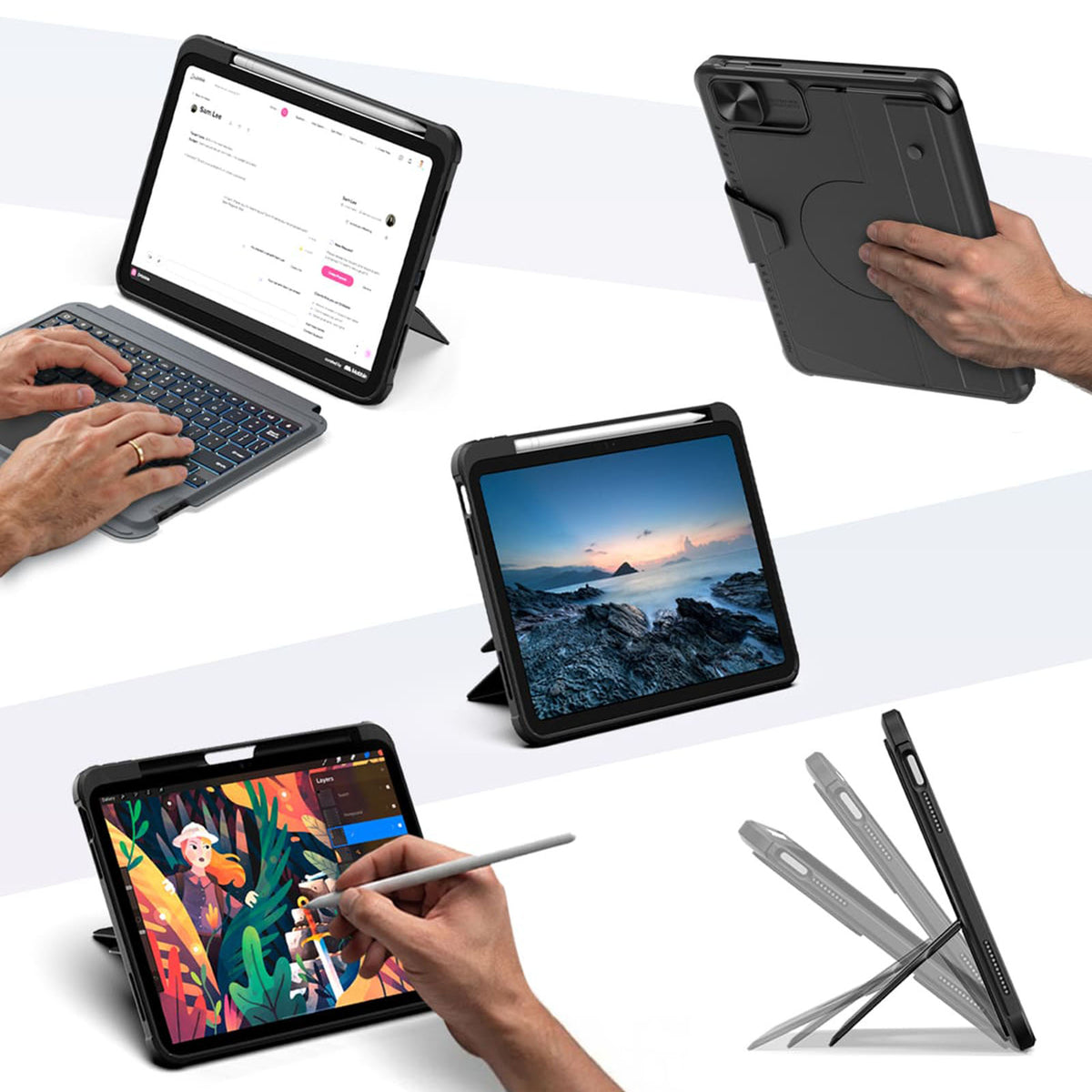
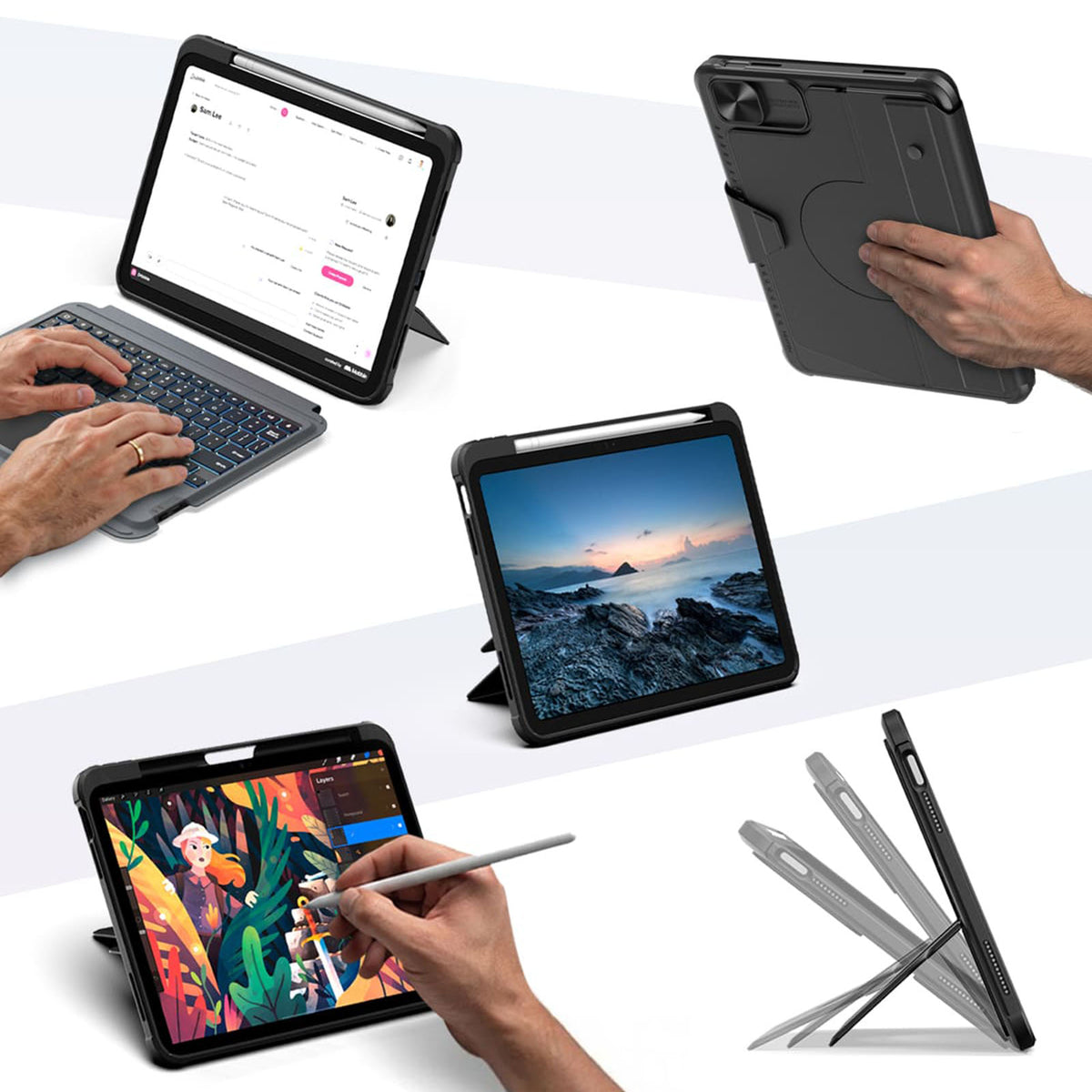
Escribe, dibuja, visualiza, presenta o relájate. Bumper Combo Pro se adapta a cada momento, brindándole a tu iPad la flexibilidad para hacer más.


Every improvement begins with real feedback.


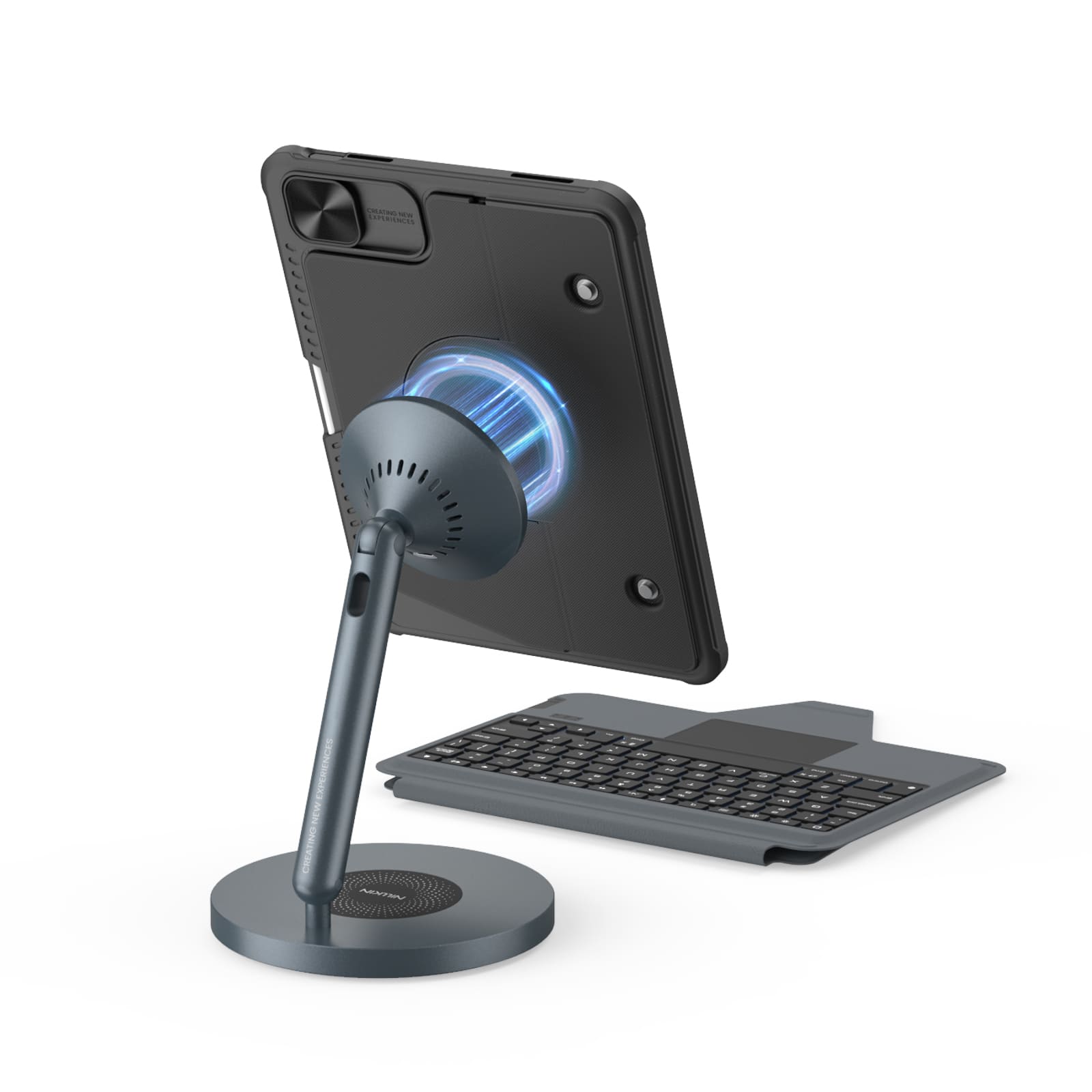
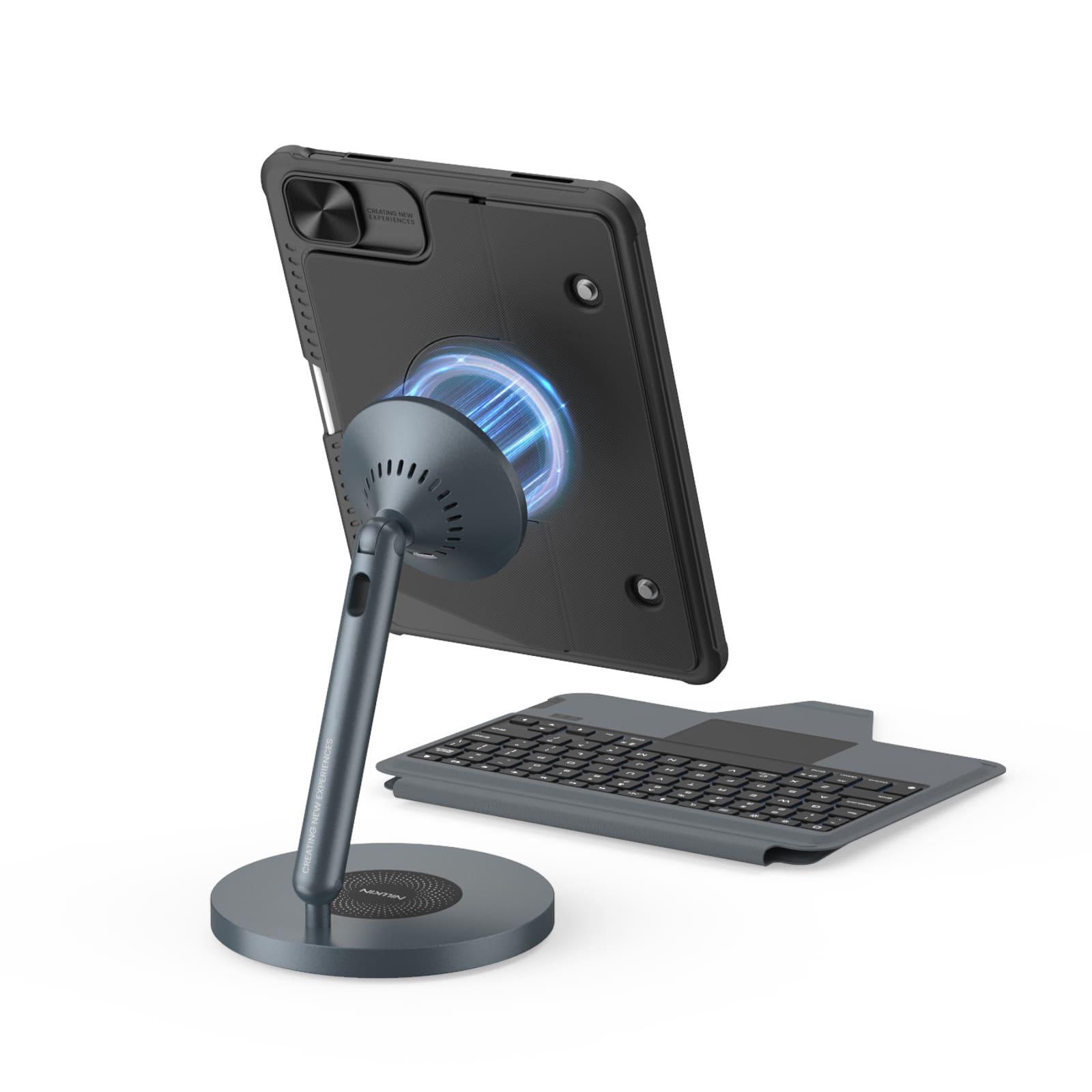
Magnetic Ready
5 Flexible Use Modes
Bluetooth 5.0 Connection

Standard Keyboard Case
3 Everyday Use Modes
Bluetooth 3.0 Connection
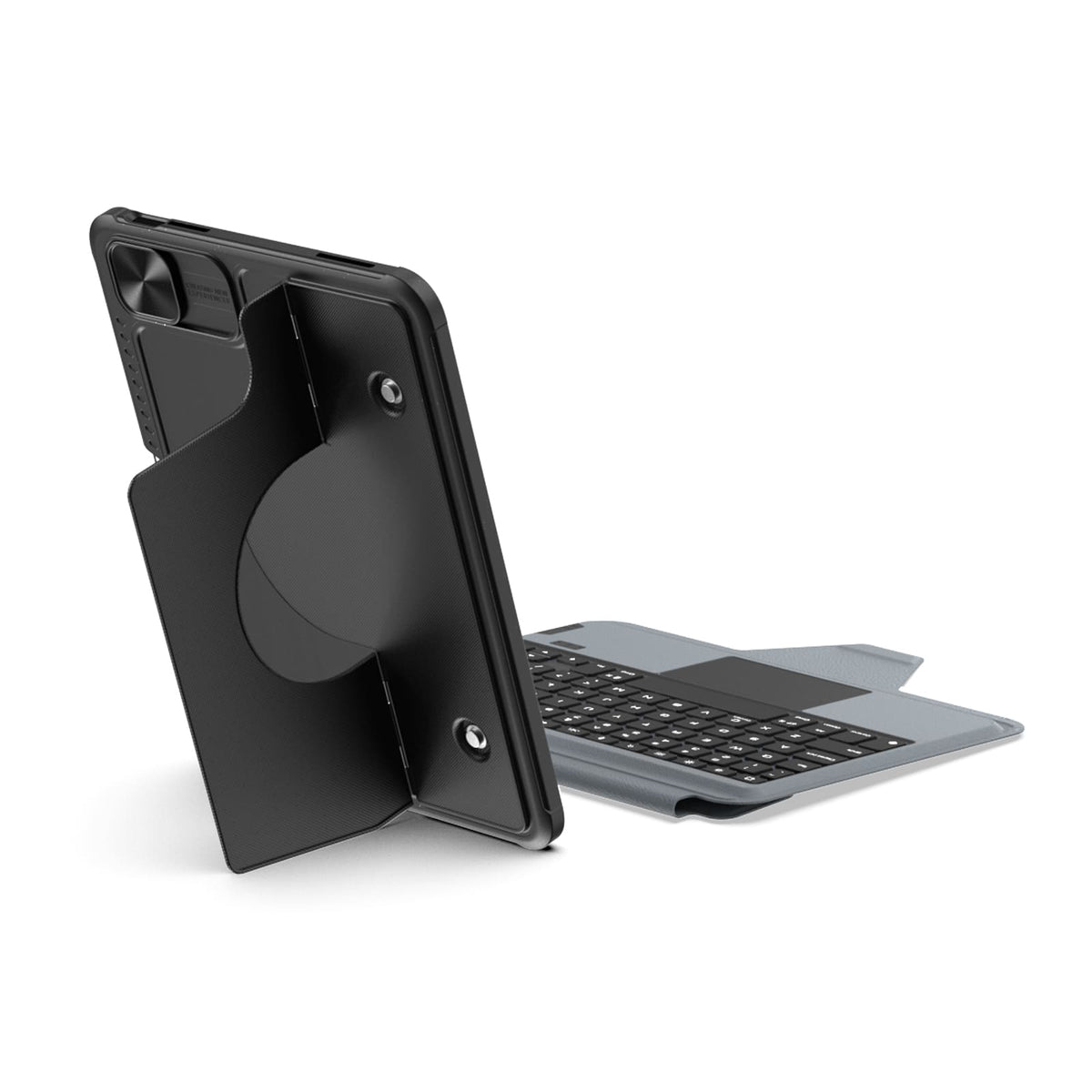
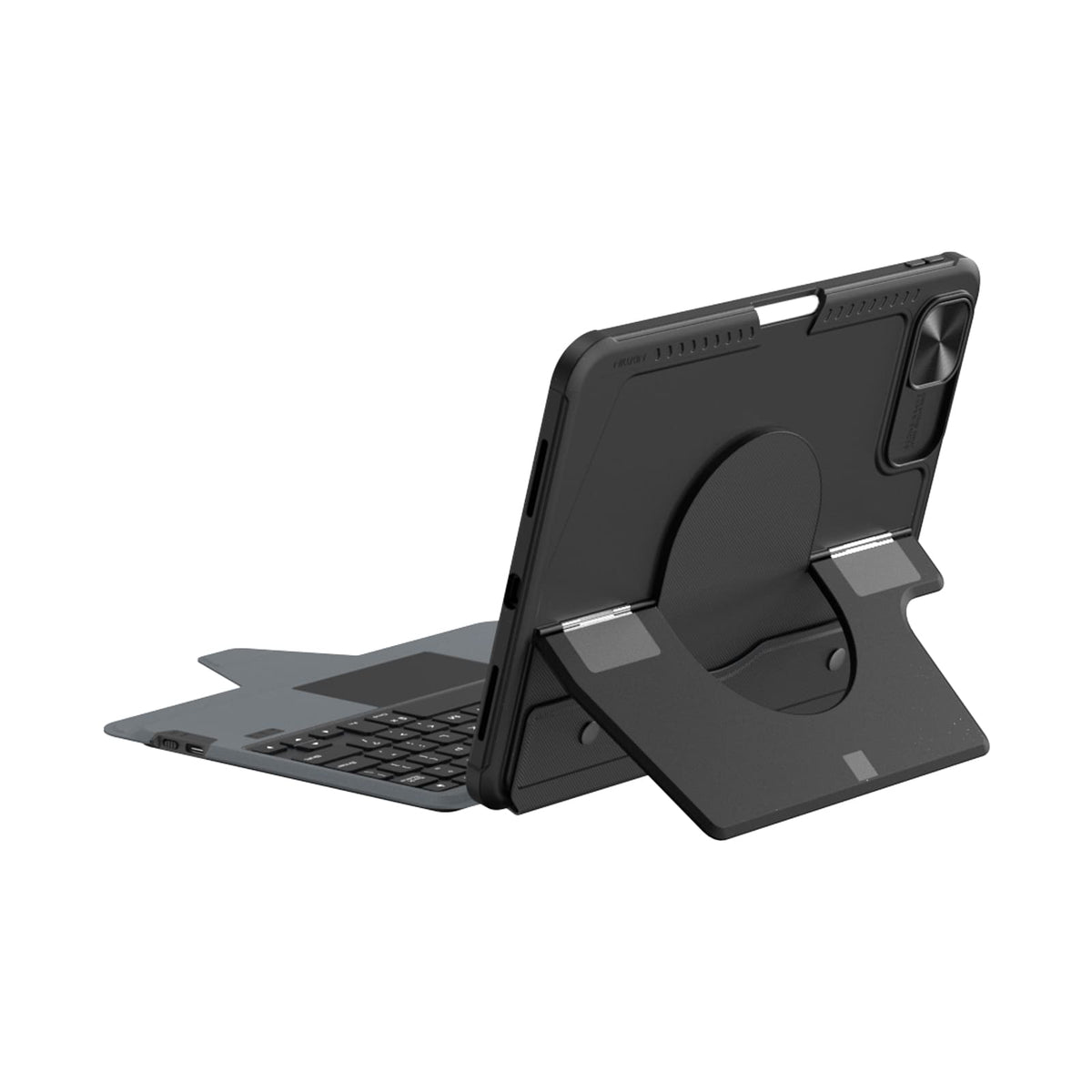
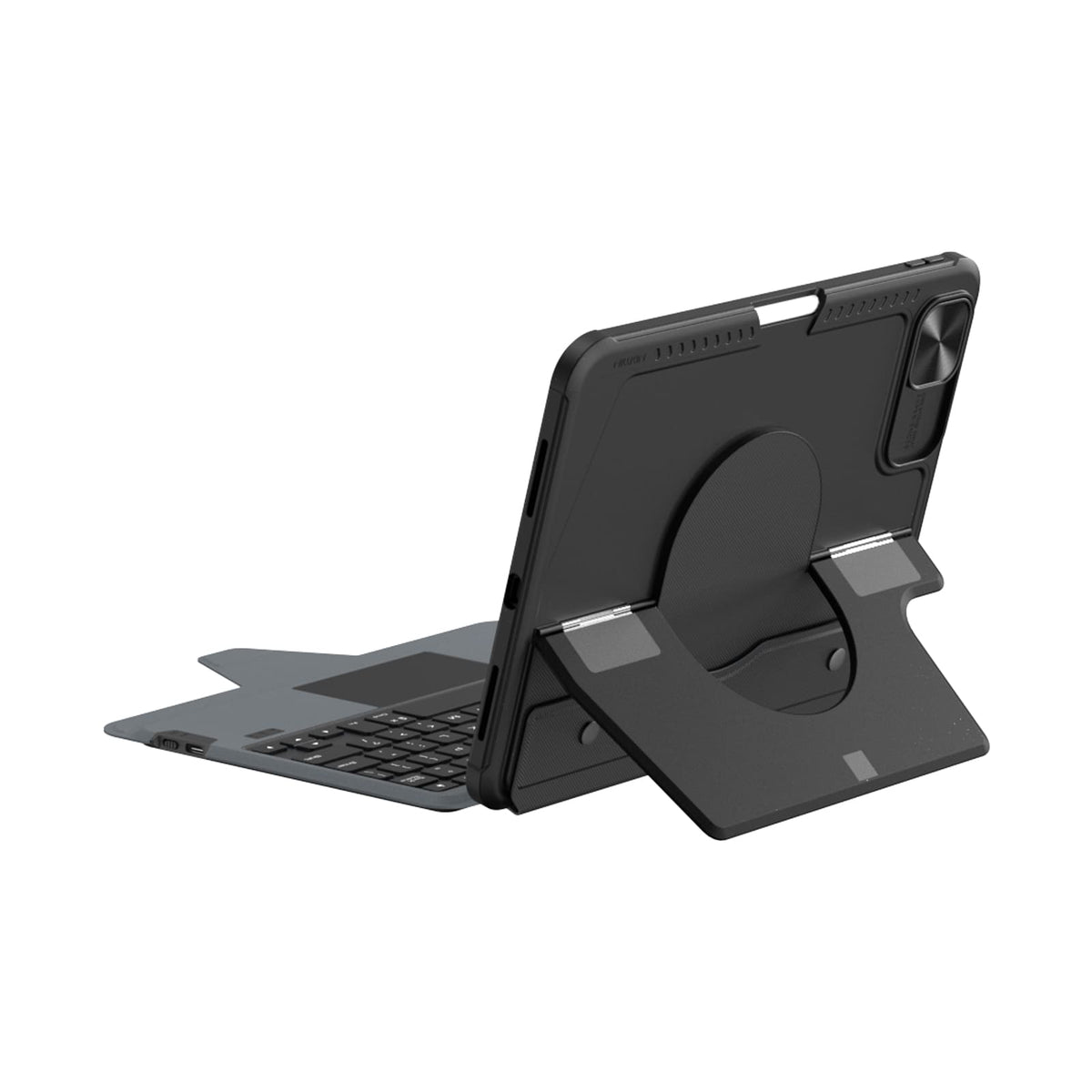
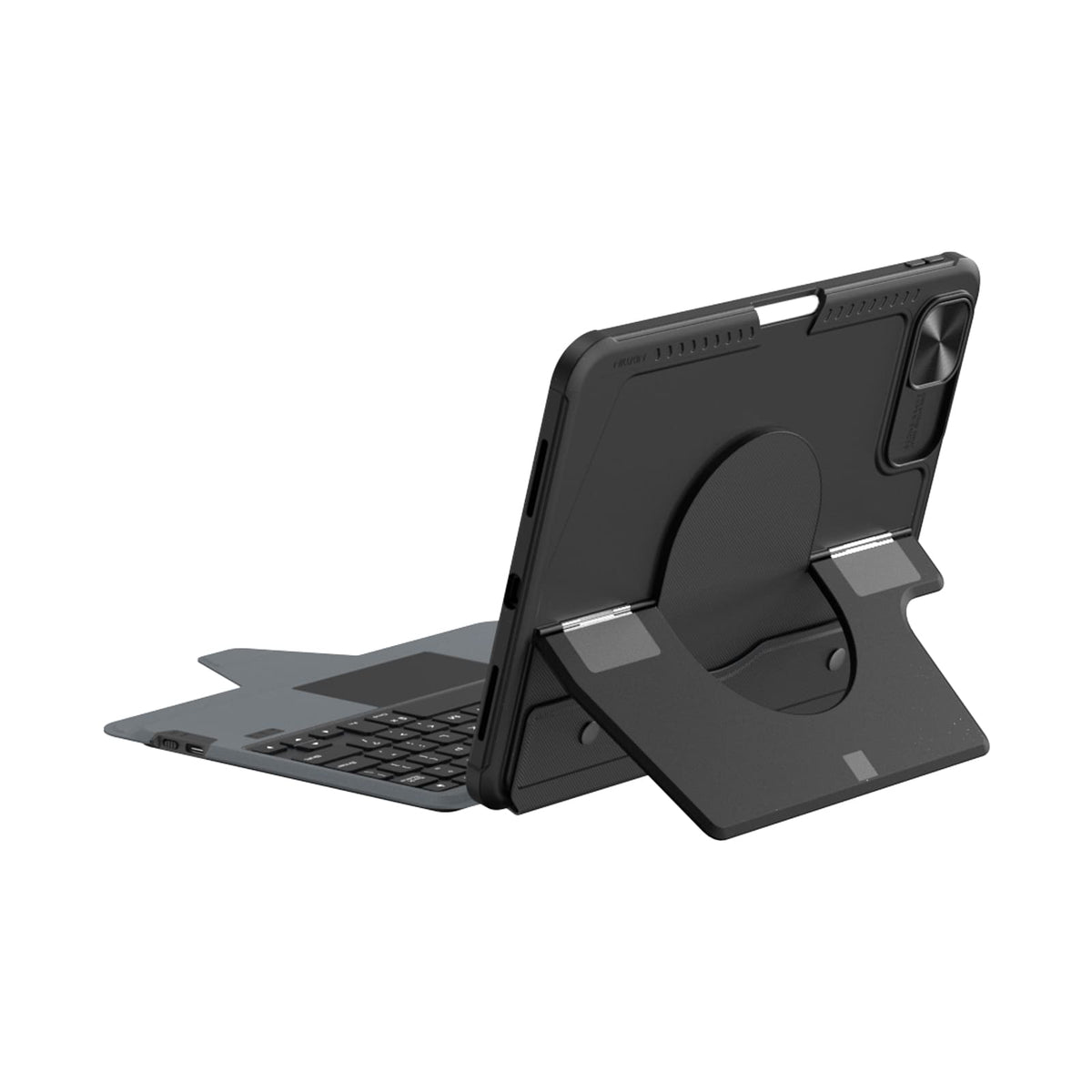
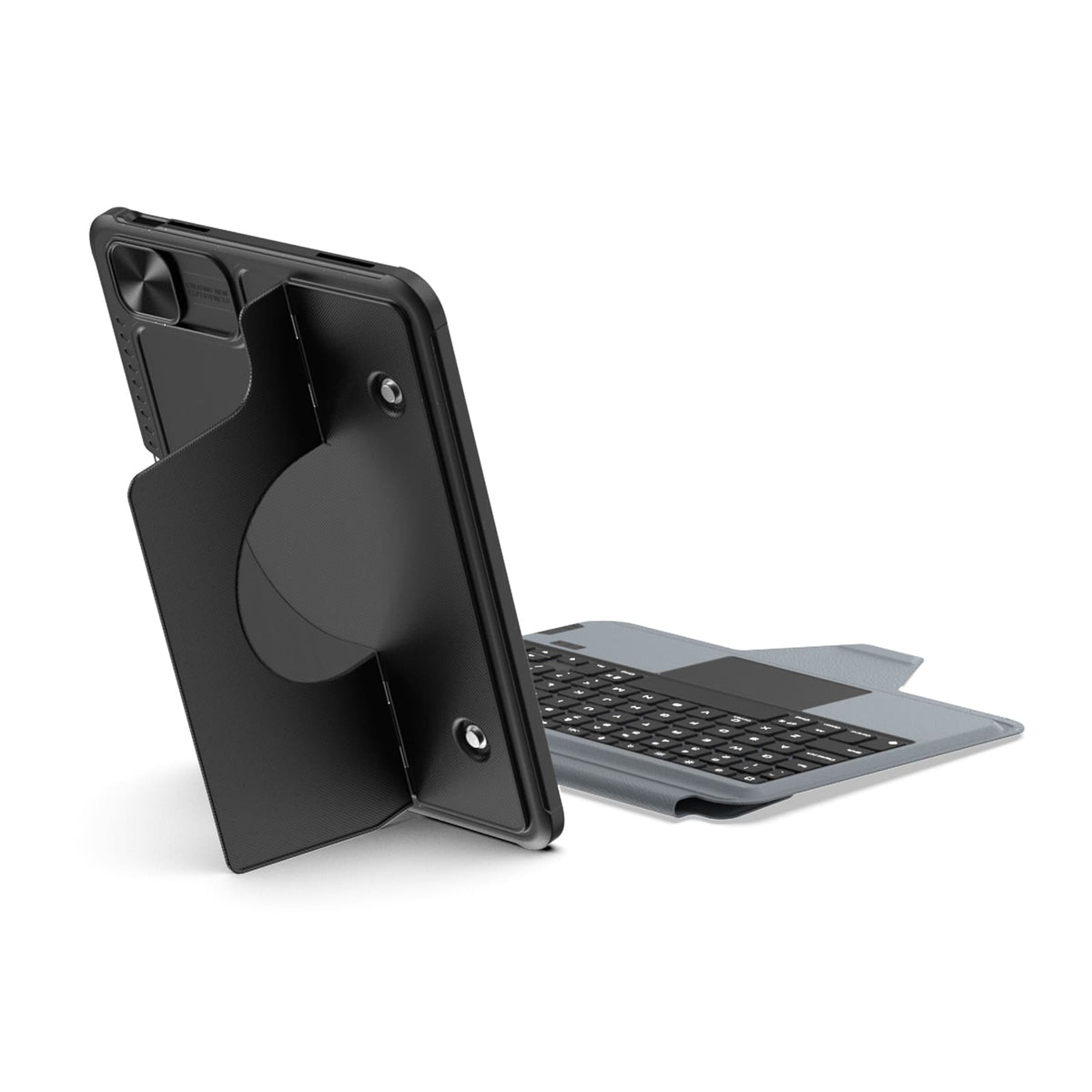
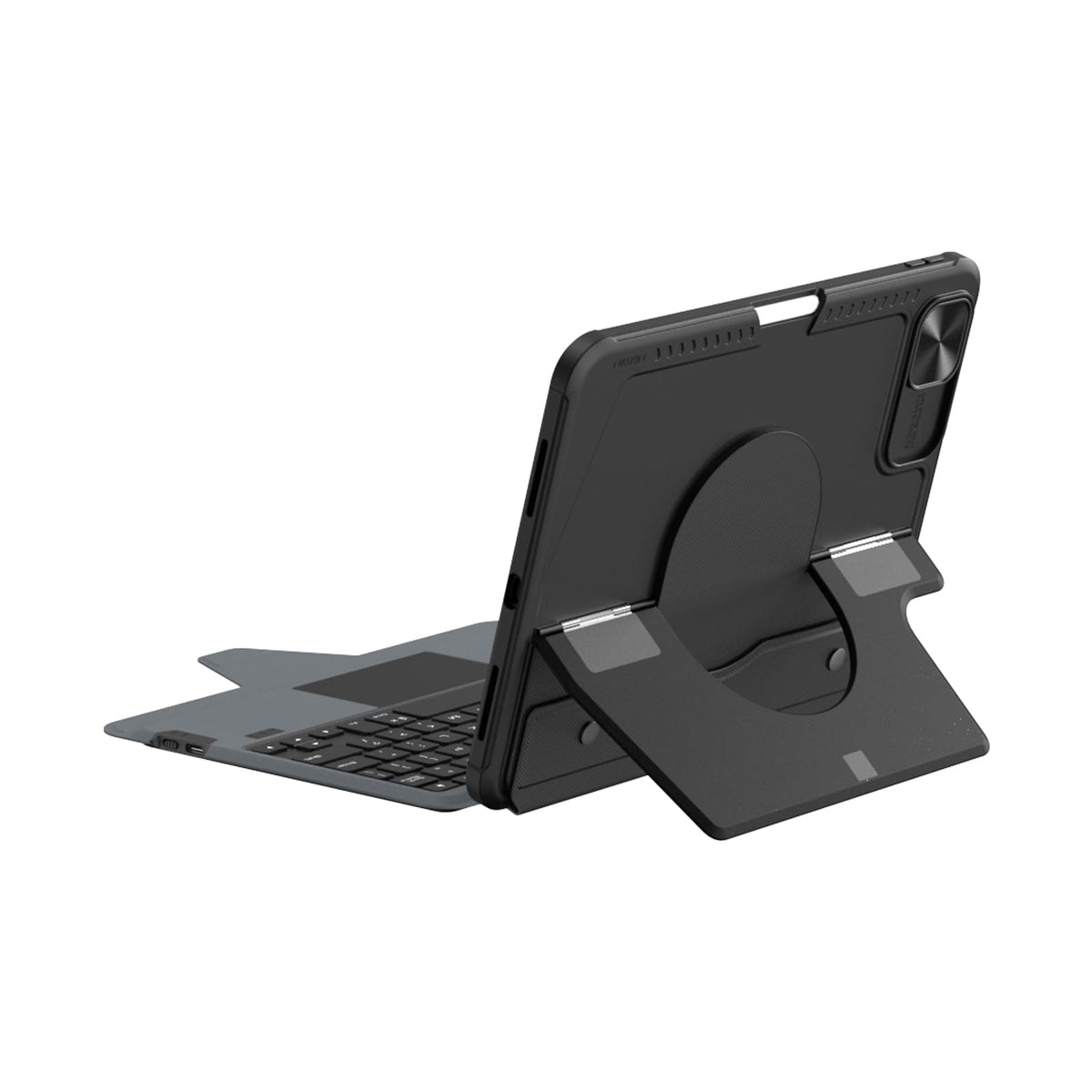
Modo portátil


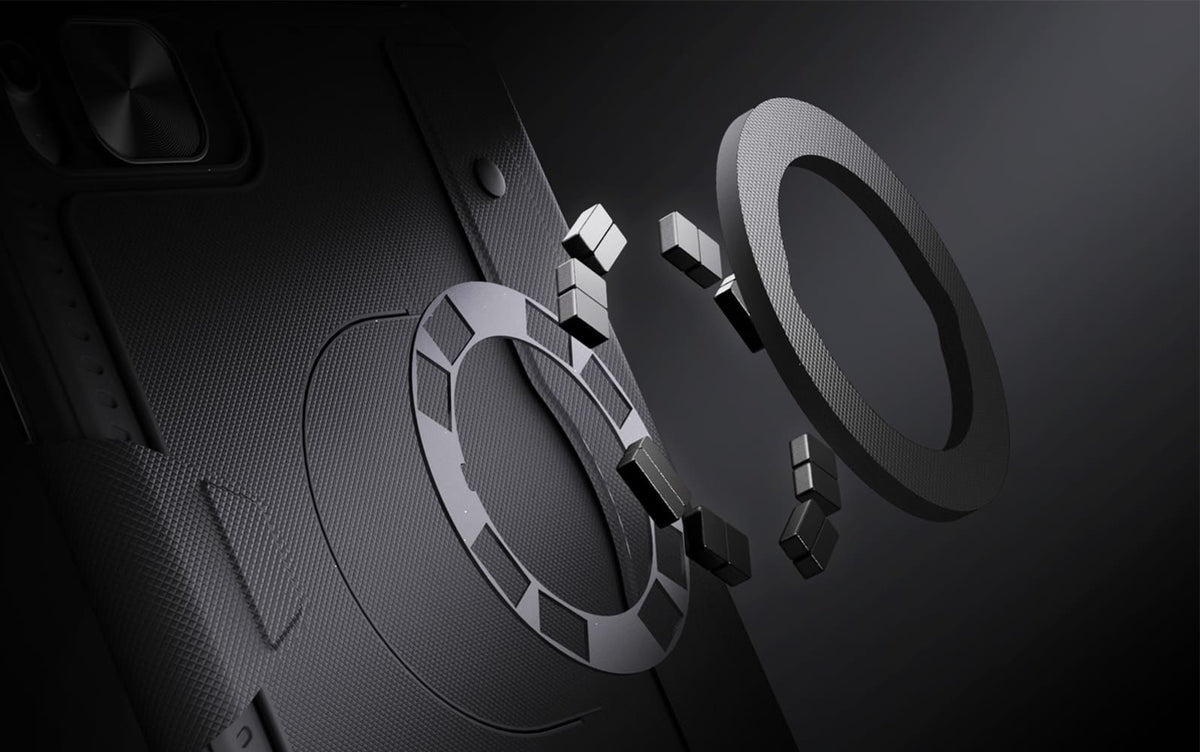
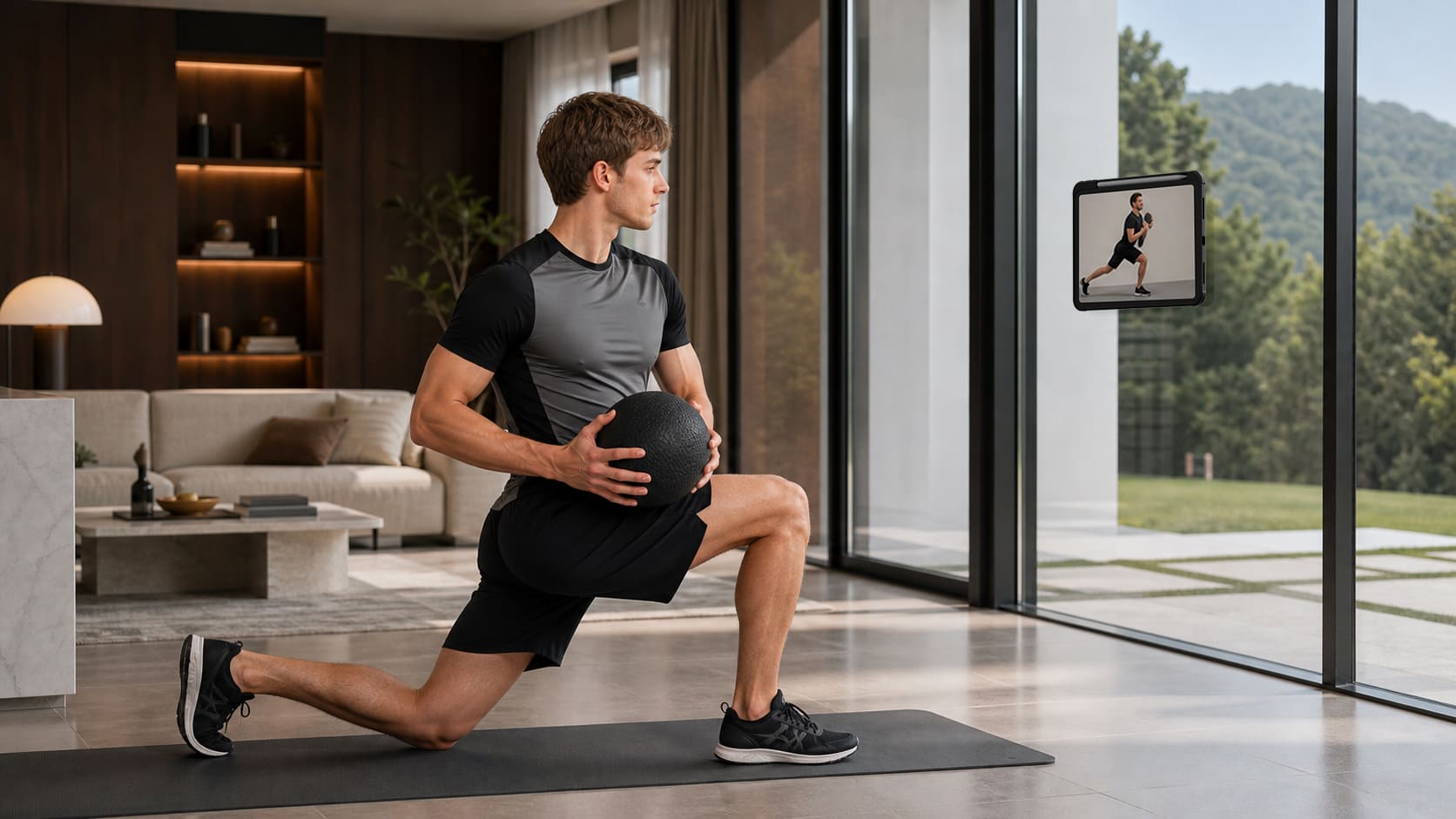
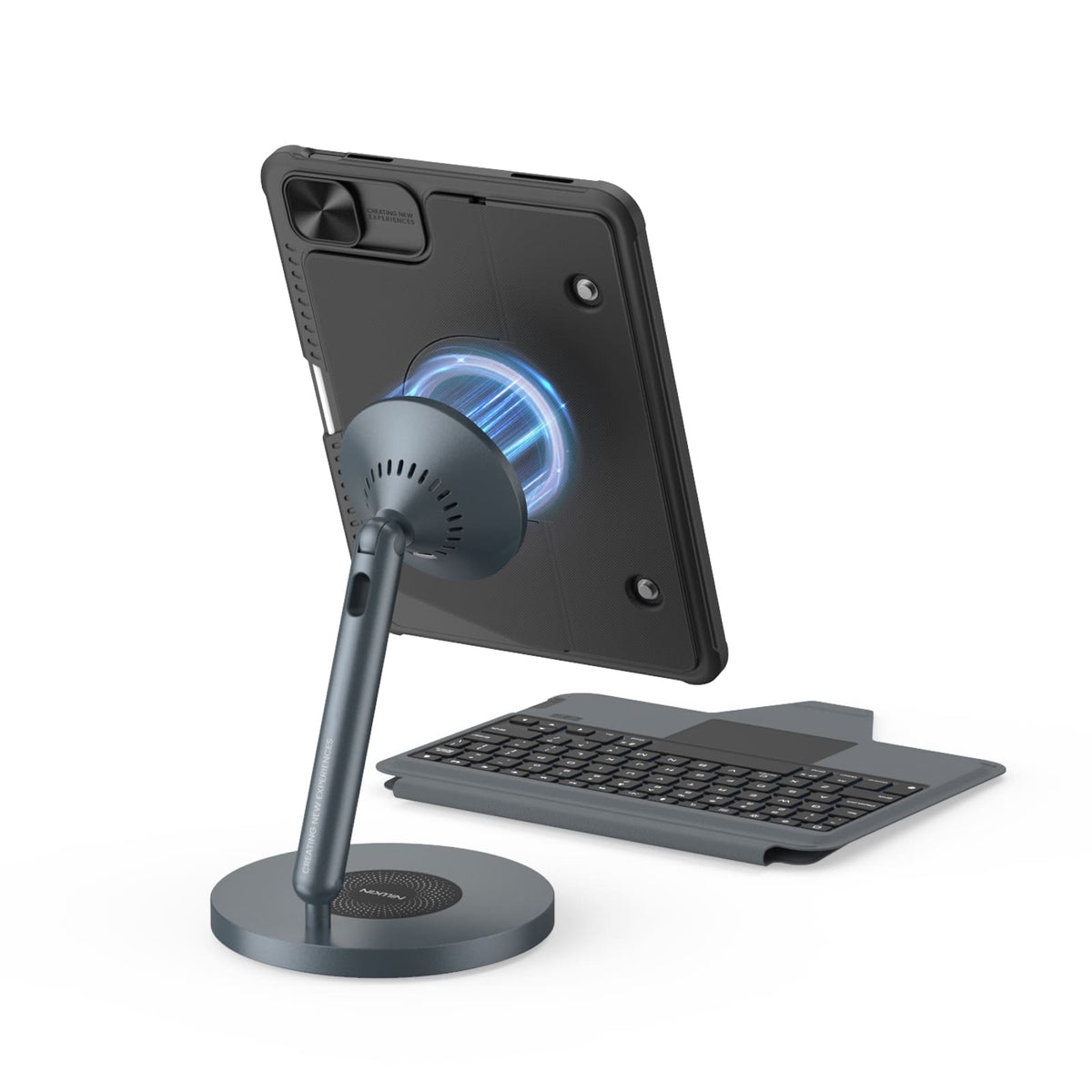
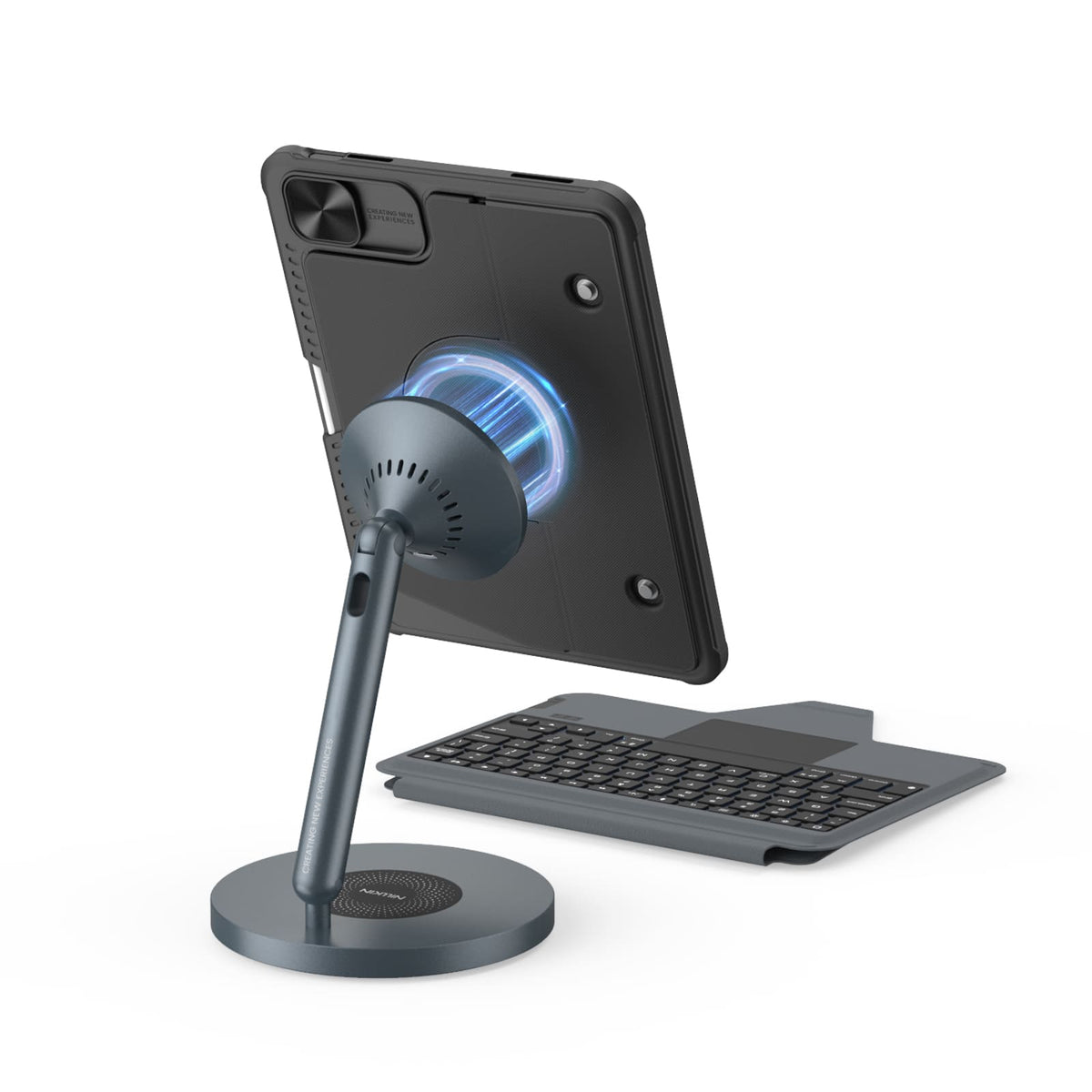
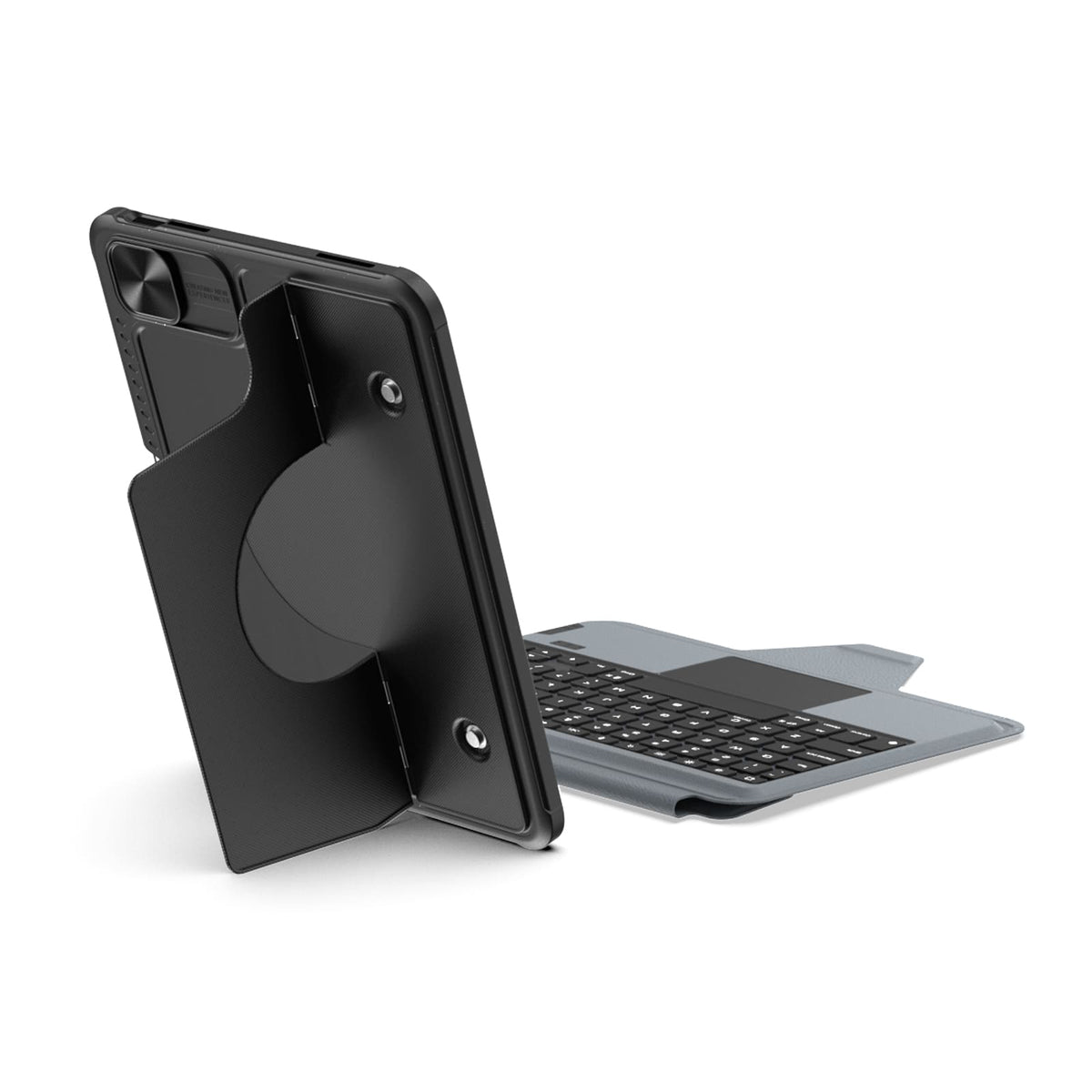
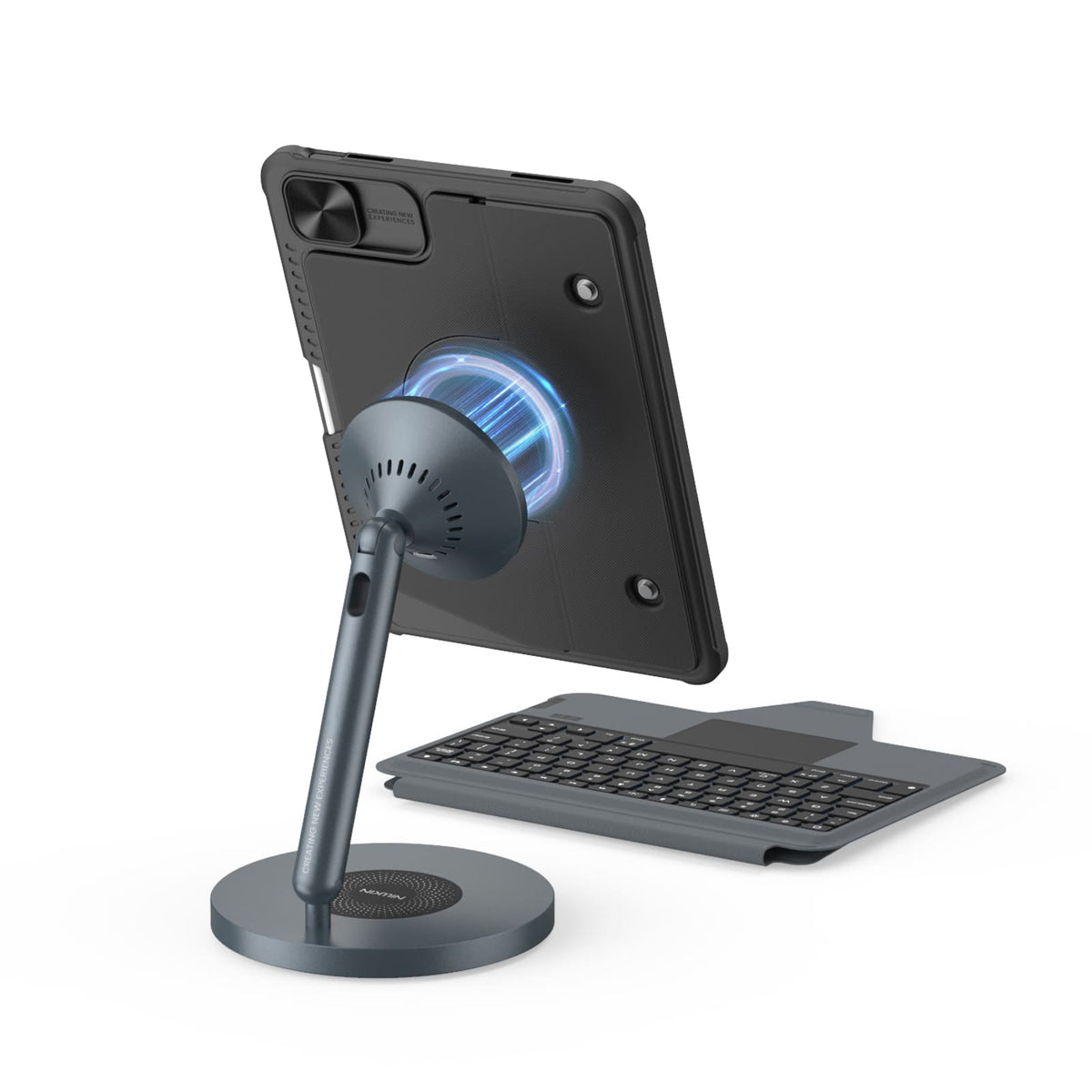
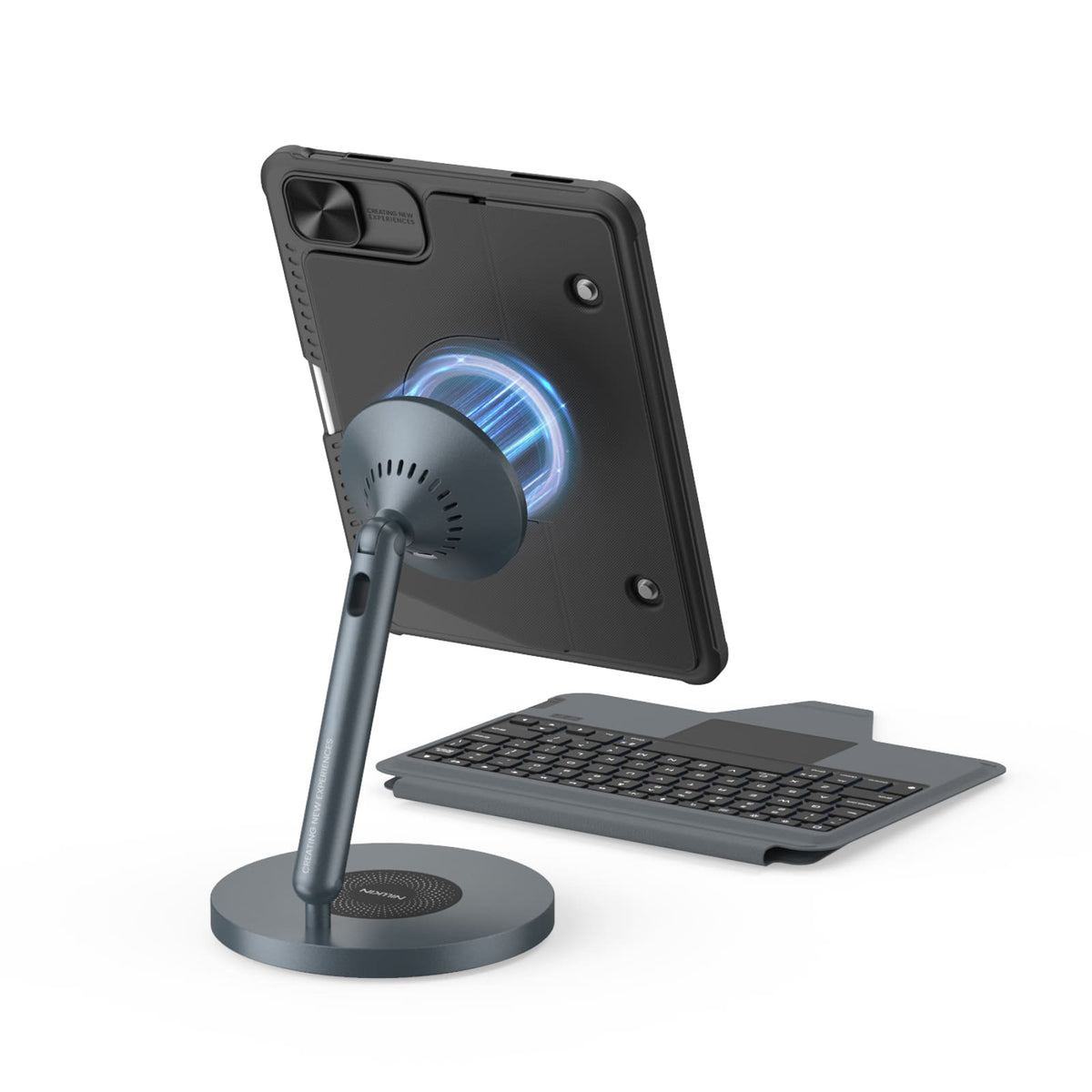
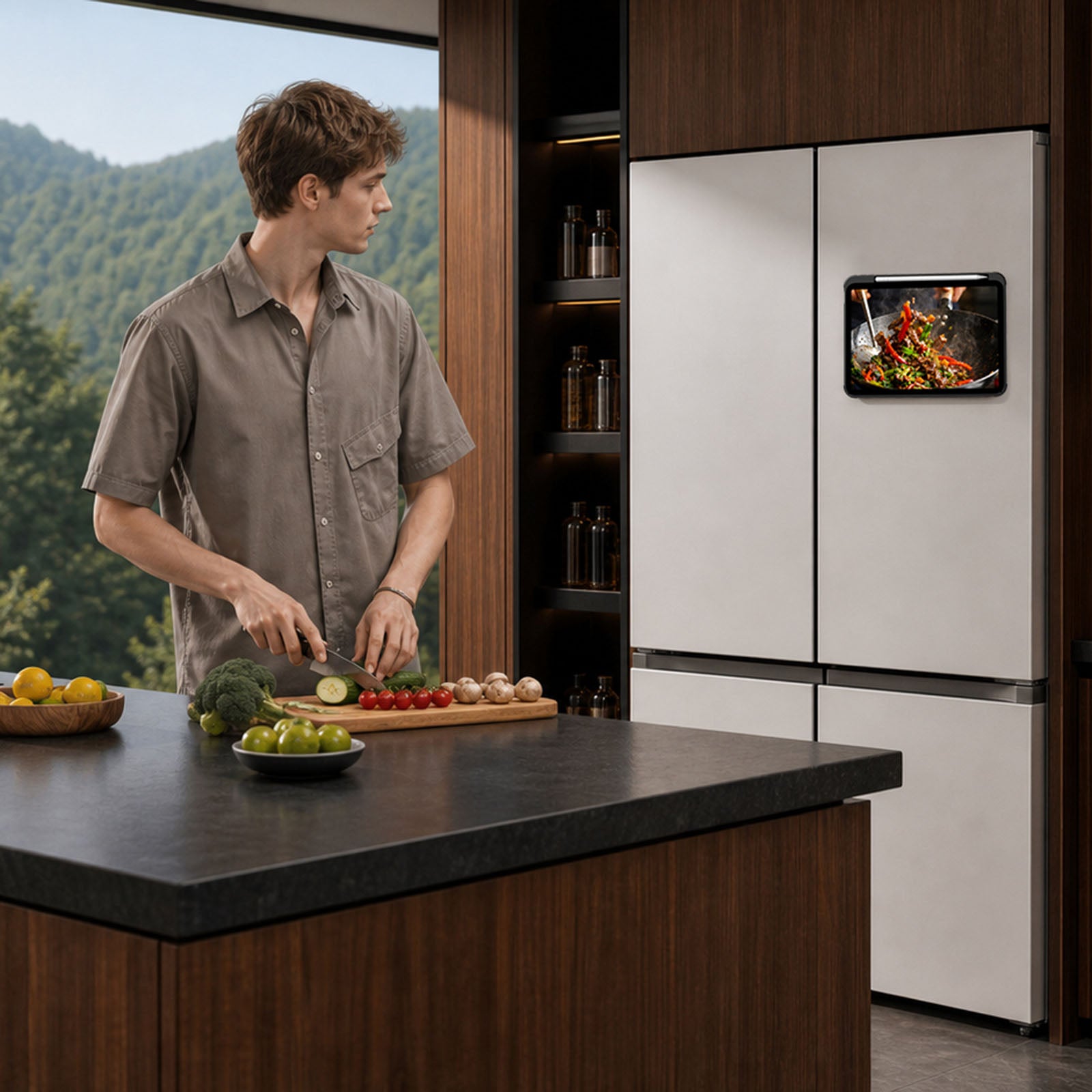
Desde el refrigerador hasta un estante de metal o un soporte de gimnasio, los imanes integrados le dan a tu iPad más lugares donde mantenerse.

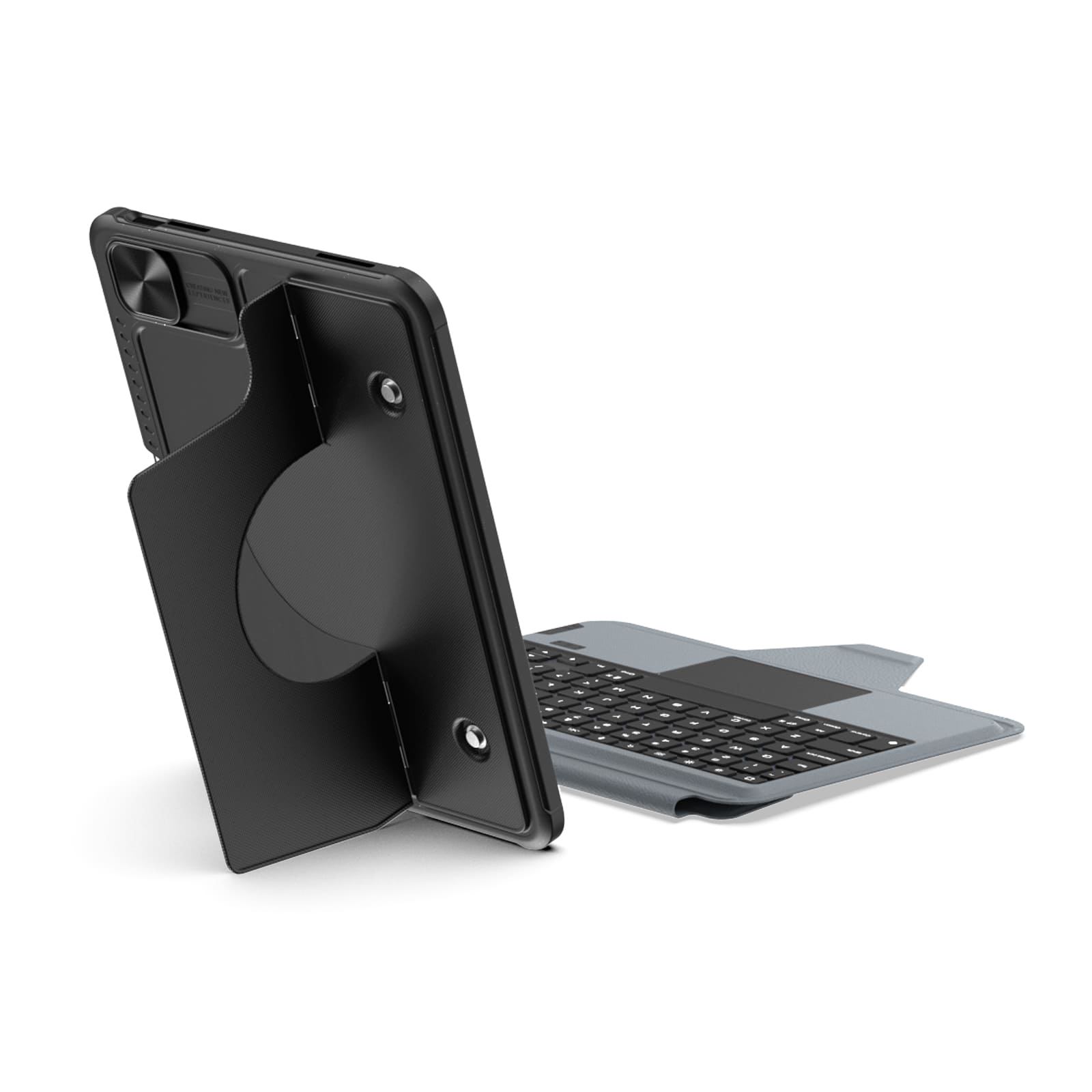
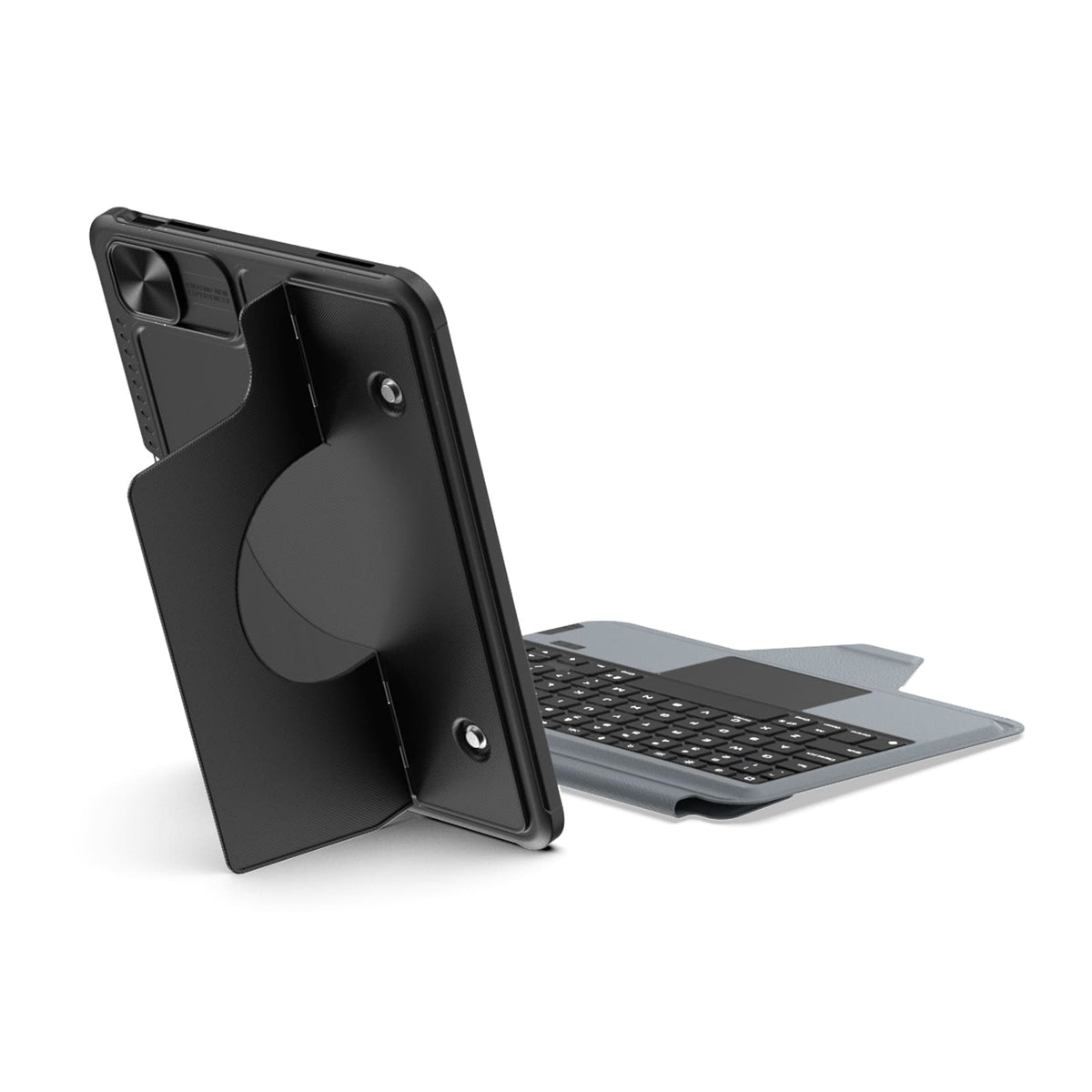
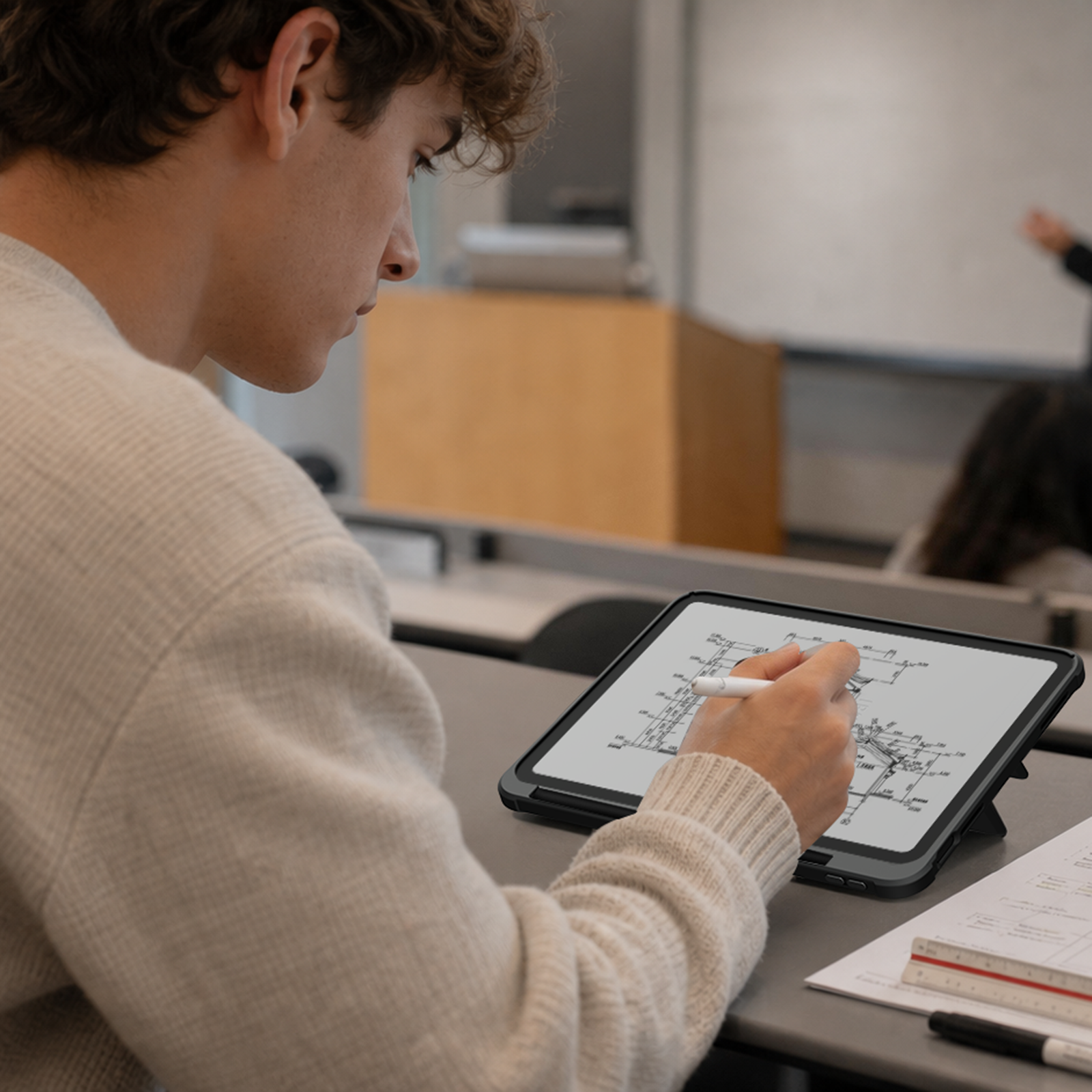
Eleva tu iPad para realizar llamadas, tomar notas o editar, y deja el escritorio libre para escribir, dibujar o lo que sea que venga después.
Desde el refrigerador hasta un estante de metal o un soporte de gimnasio, los imanes integrados le dan a tu iPad más lugares donde mantenerse.
Eleva tu iPad para realizar llamadas, tomar notas o editar, y deja el escritorio libre para escribir, dibujar o lo que sea que venga después.

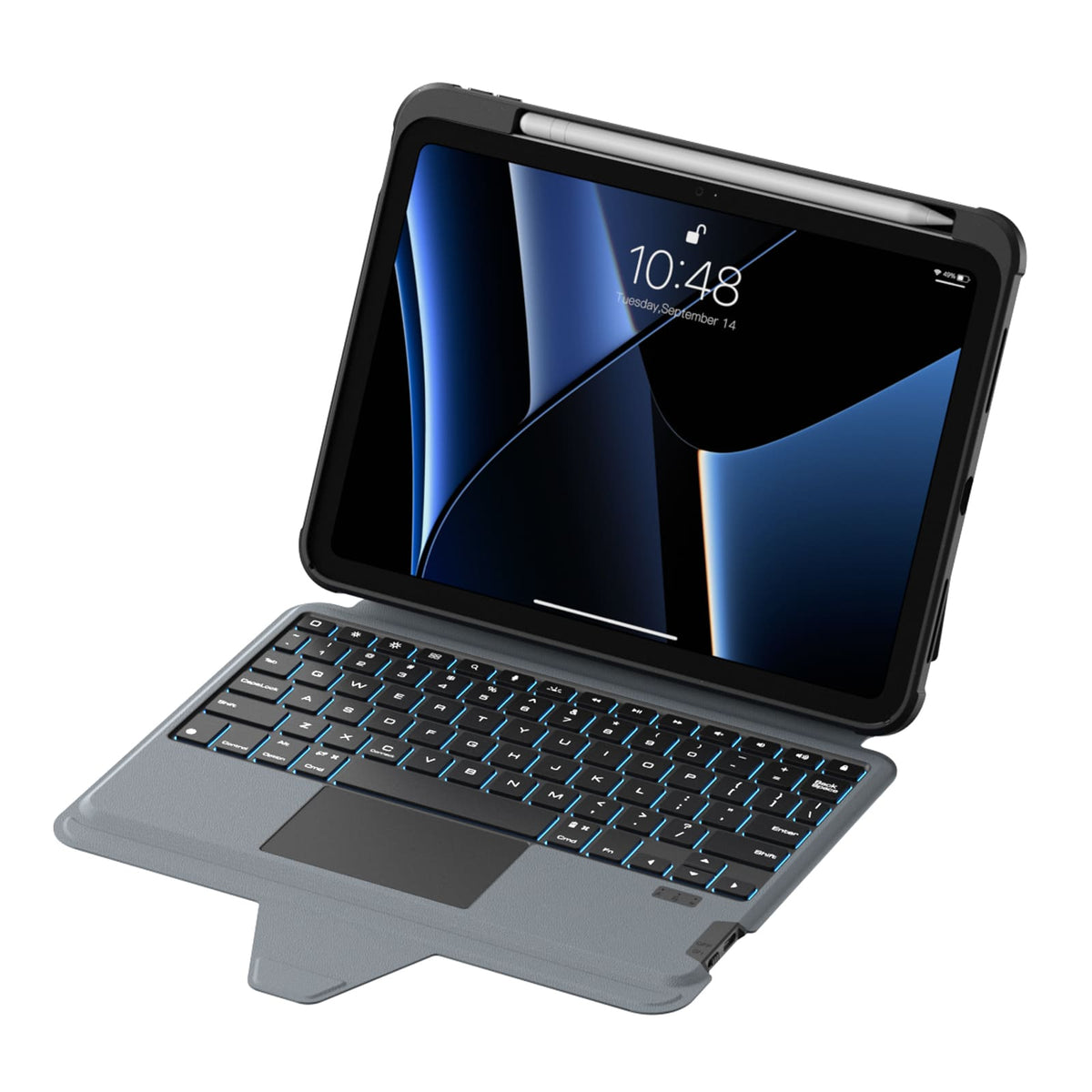
Magic Keyboard.

Un diseño de tamaño completo, teclas con respuesta táctil y un trackpad de precisión aportan un flujo más natural y sencillo al trabajo diario.

Seven backlight colors with three brightness levels keep every key clear and easy to see, wherever you work.
Listo para la vida real.
Protection that stays with you from desk to daily carry.
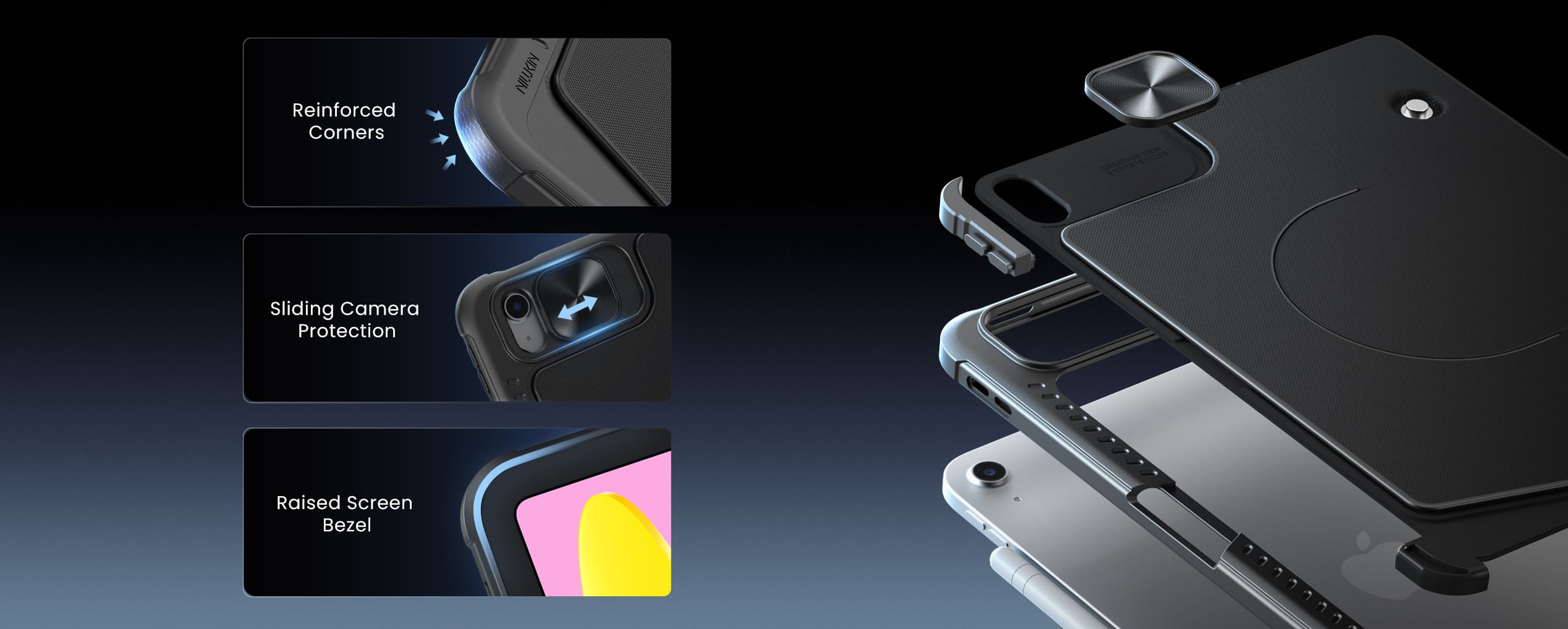
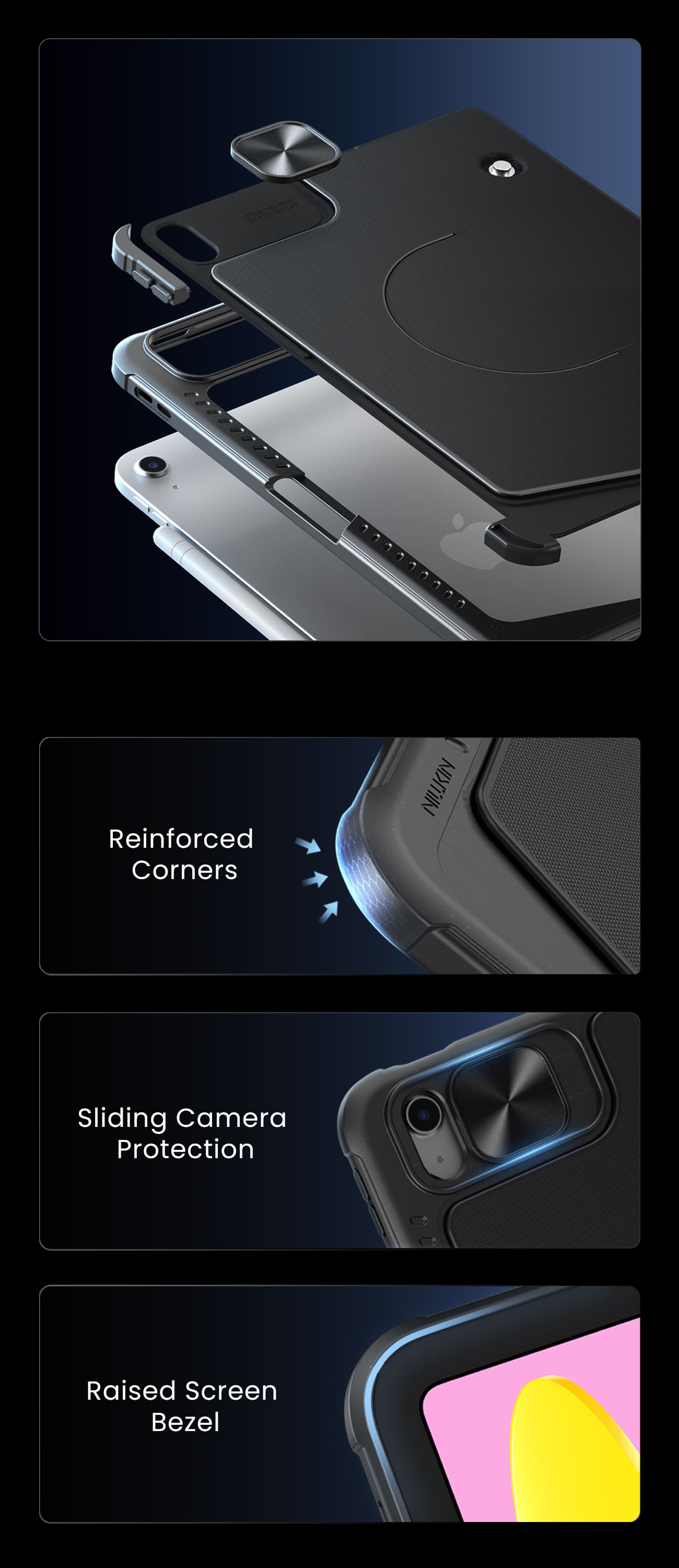
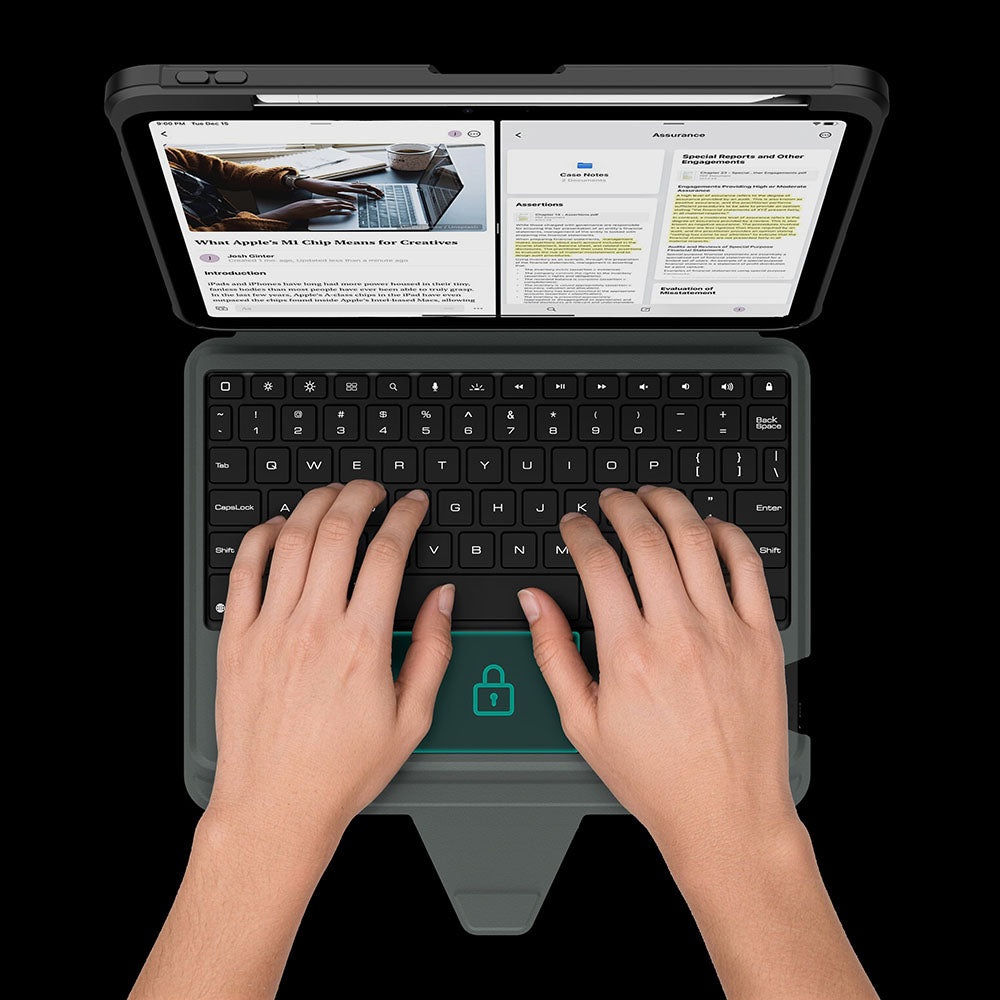
El panel táctil se bloquea automáticamente mientras escribes, para que cada pulsación de tecla se mantenga enfocada y sin interrupciones.
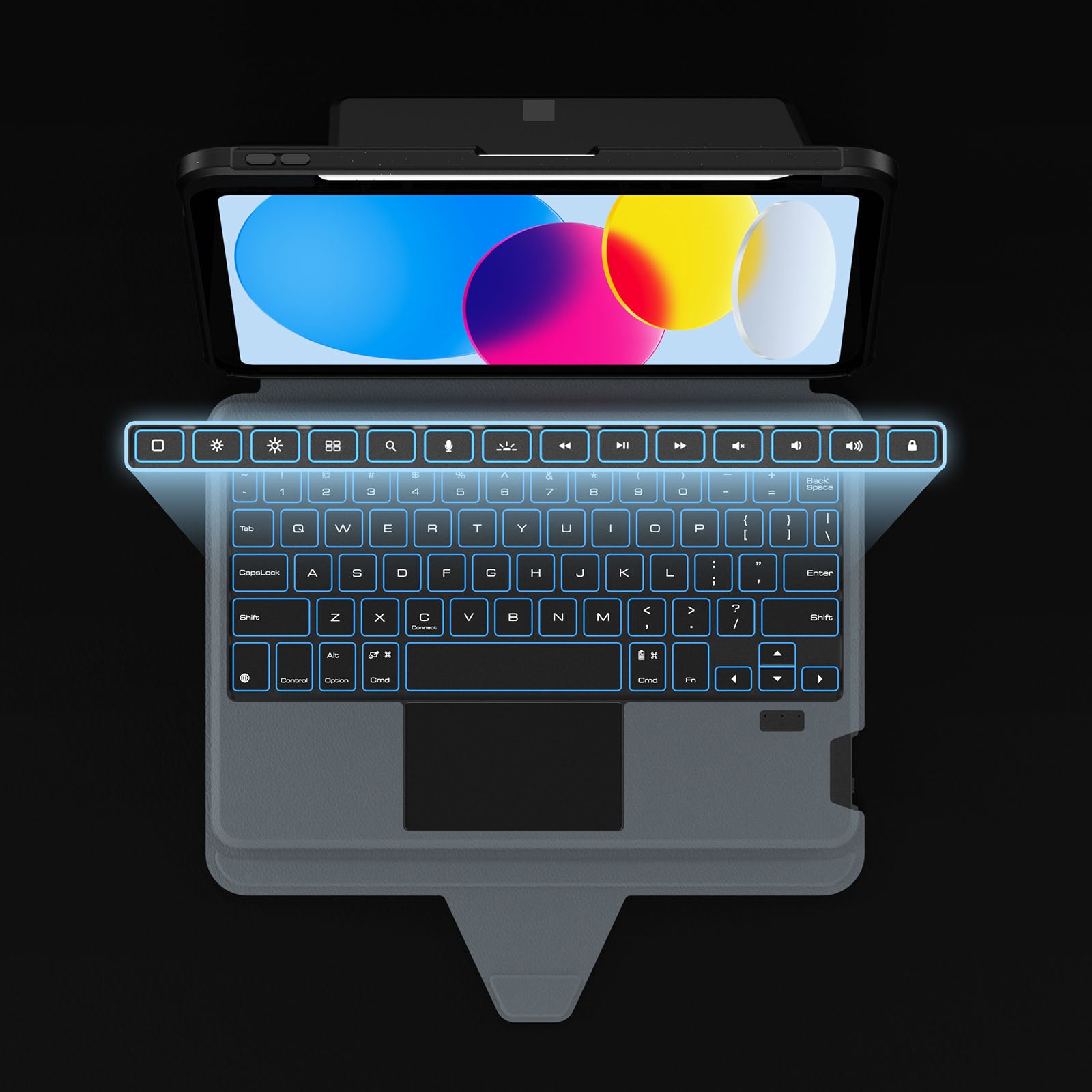
Dedicated shortcuts keep your most-used controls within easy reach, so every adjustment happens without breaking your flow.
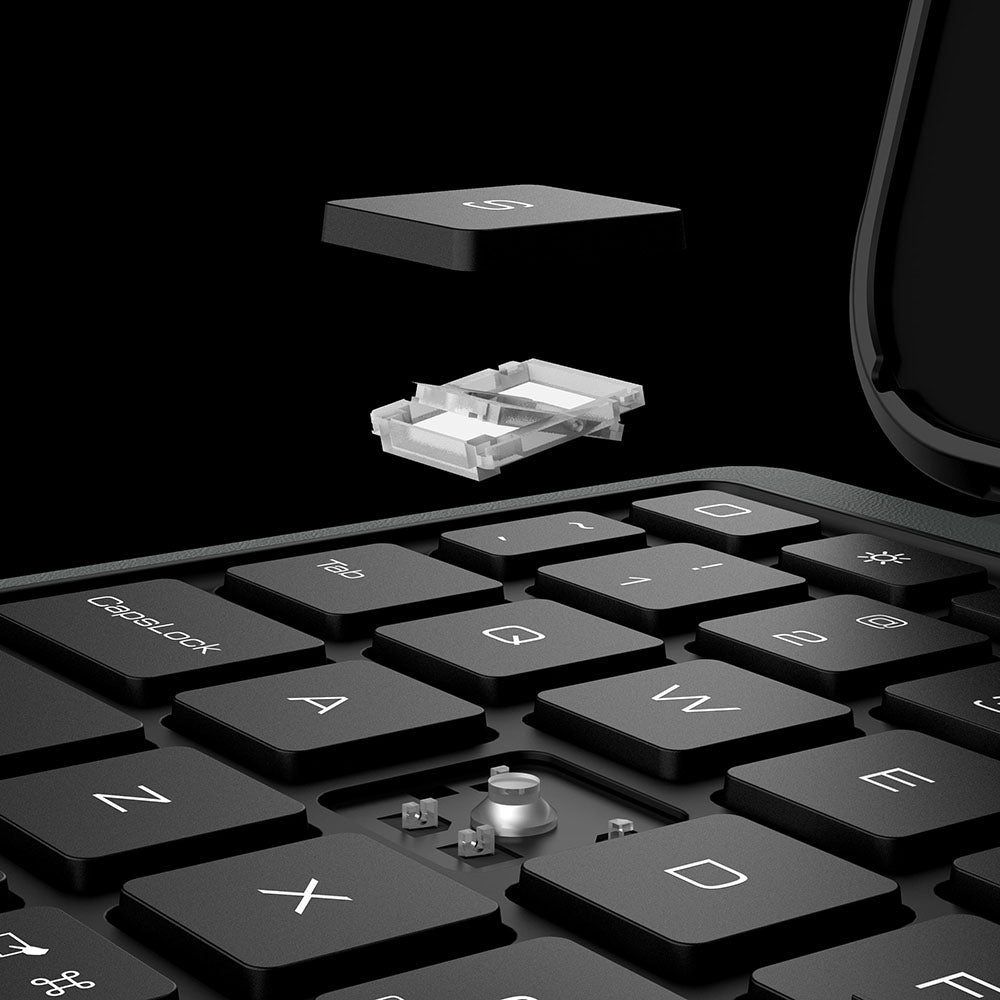
Las teclas de interruptor de tijera con respuesta ofrecen una escritura silenciosa, una respuesta precisa y una comodidad duradera en cada pulsación.
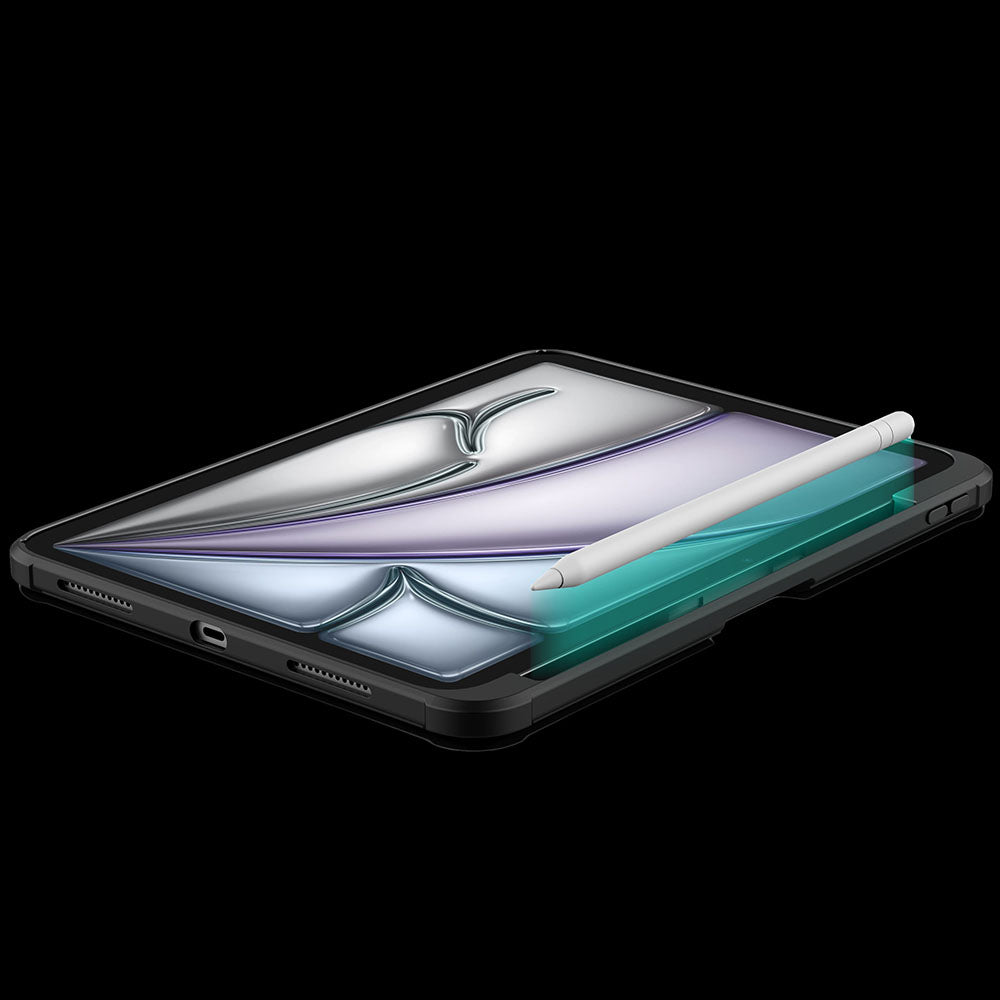
A dedicated holder keeps your Apple Pencil secure, protected, and always within easy reach.
El panel táctil se bloquea automáticamente mientras escribes, para que cada pulsación de tecla se mantenga enfocada y sin interrupciones.
Dedicated shortcuts keep your most-used controls within easy reach, so every adjustment happens without breaking your flow.
Las teclas de interruptor de tijera con respuesta ofrecen una escritura silenciosa, una respuesta precisa y una comodidad duradera en cada pulsación.
A dedicated holder keeps your Apple Pencil secure, protected, and always within easy reach.
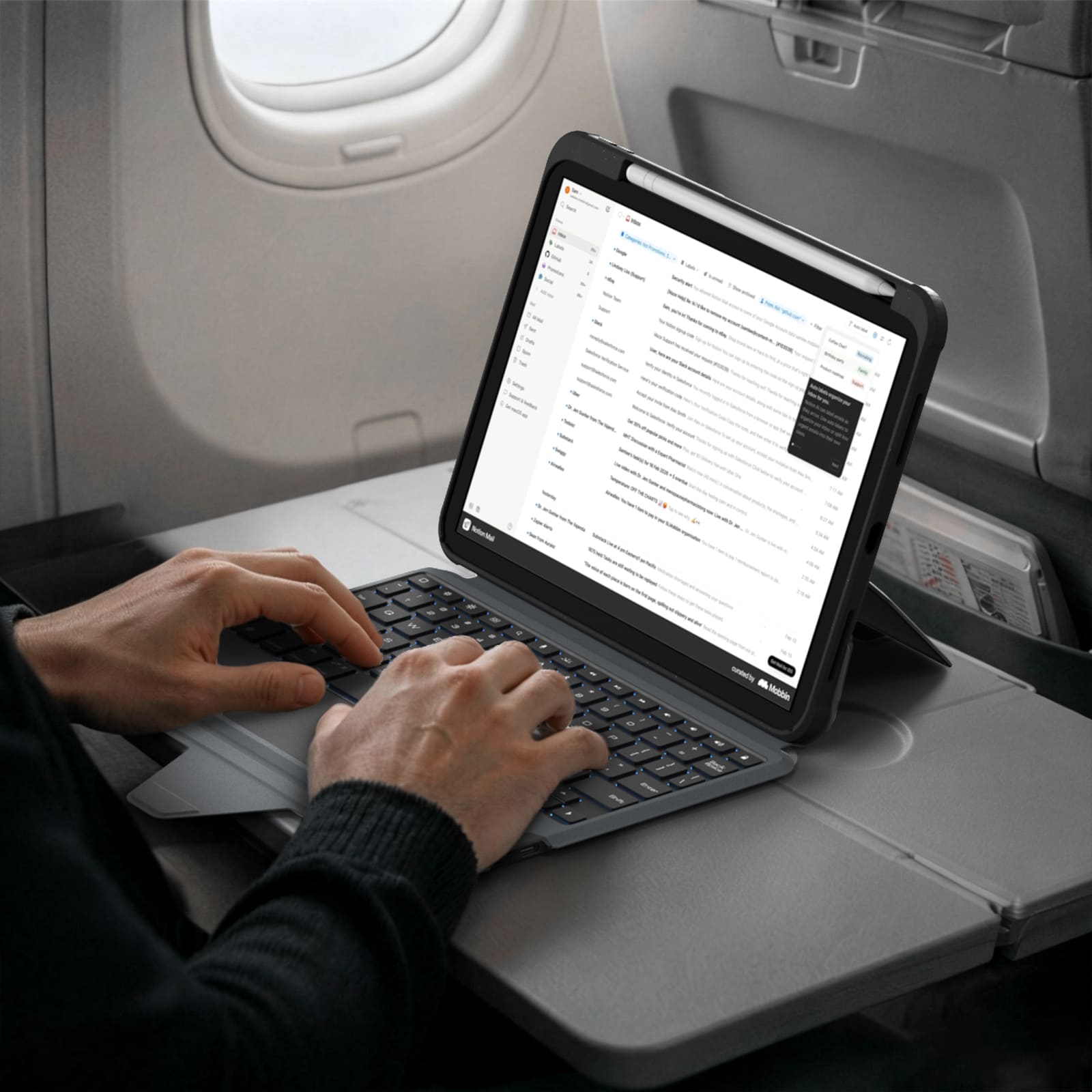
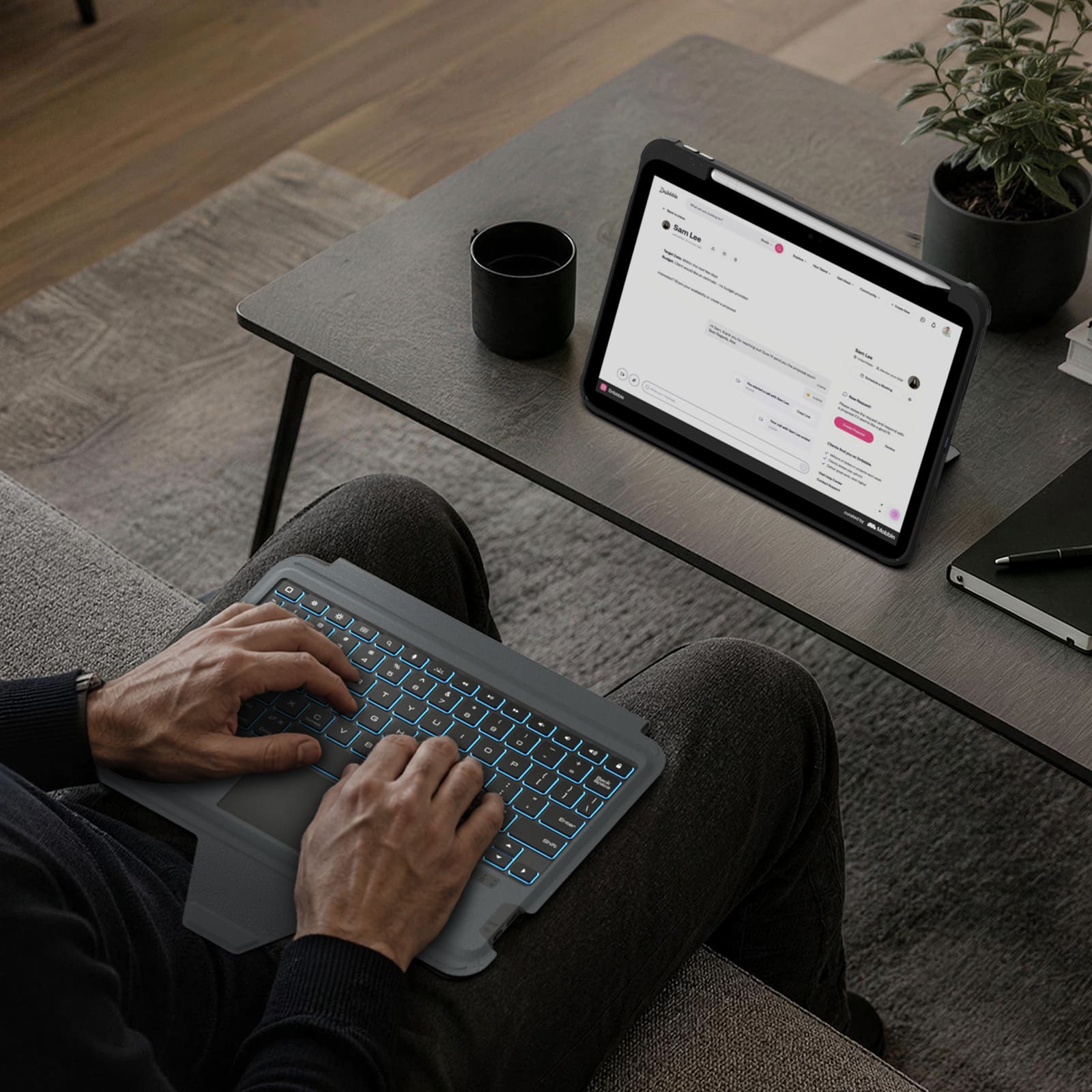


Turn the power switch to ON, then hold Fn + Connect until the blue indicator flashes. On your iPad, go to Settings > Bluetooth and select “BumperComboProKeyboard.”
The trackpad supports full iPadOS multi-touch gestures, including tapping, swiping, scrolling, zooming, dragging, and app switching. It also disables while typing to help prevent accidental touches.
Yes. It offers 7 backlight colors and 3 brightness levels. Use the brightness key to adjust brightness, and press Fn + Color to switch between colors.
The 500mAh battery provides up to around 100 hours of use with the backlight off and up to 180 days of standby time.
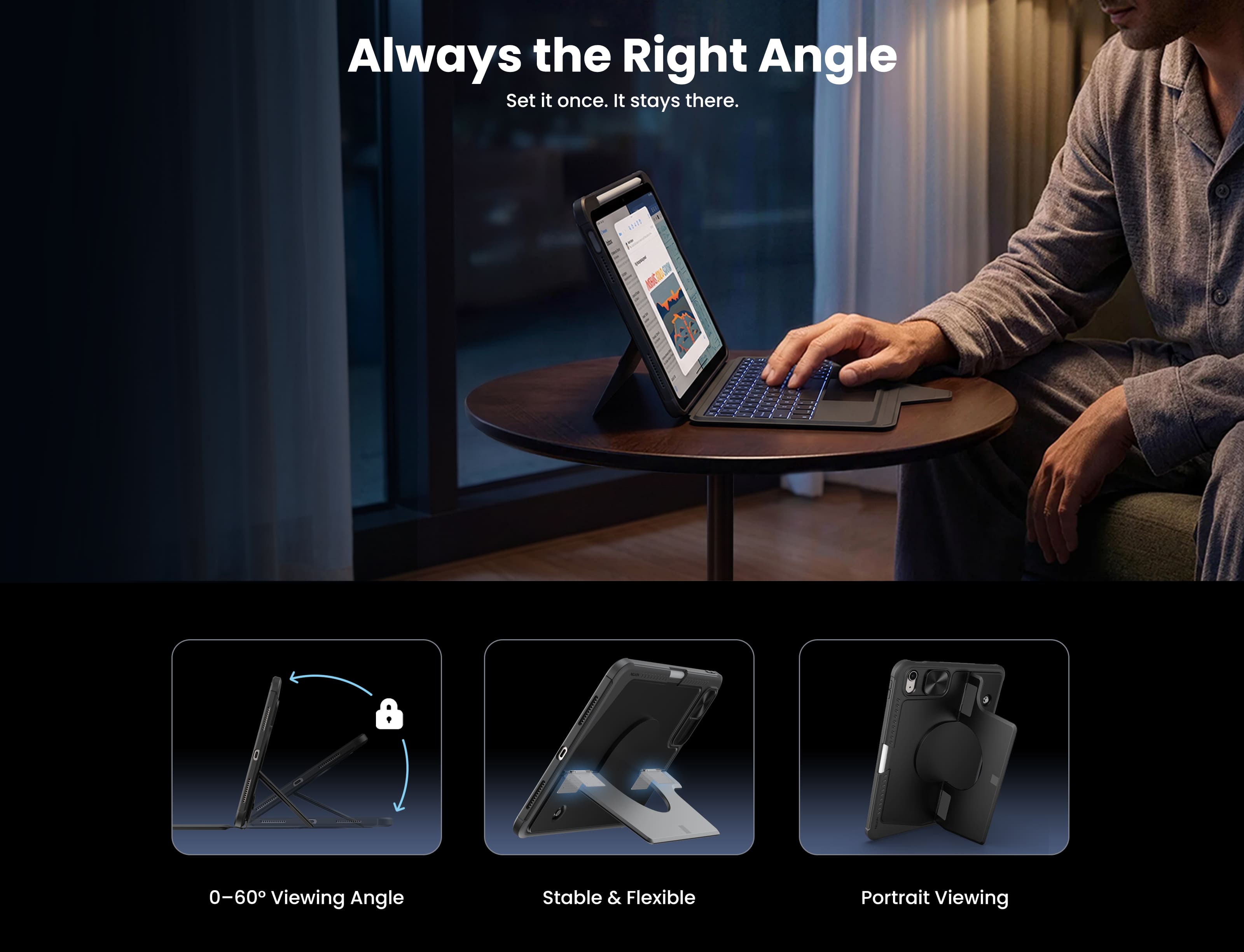
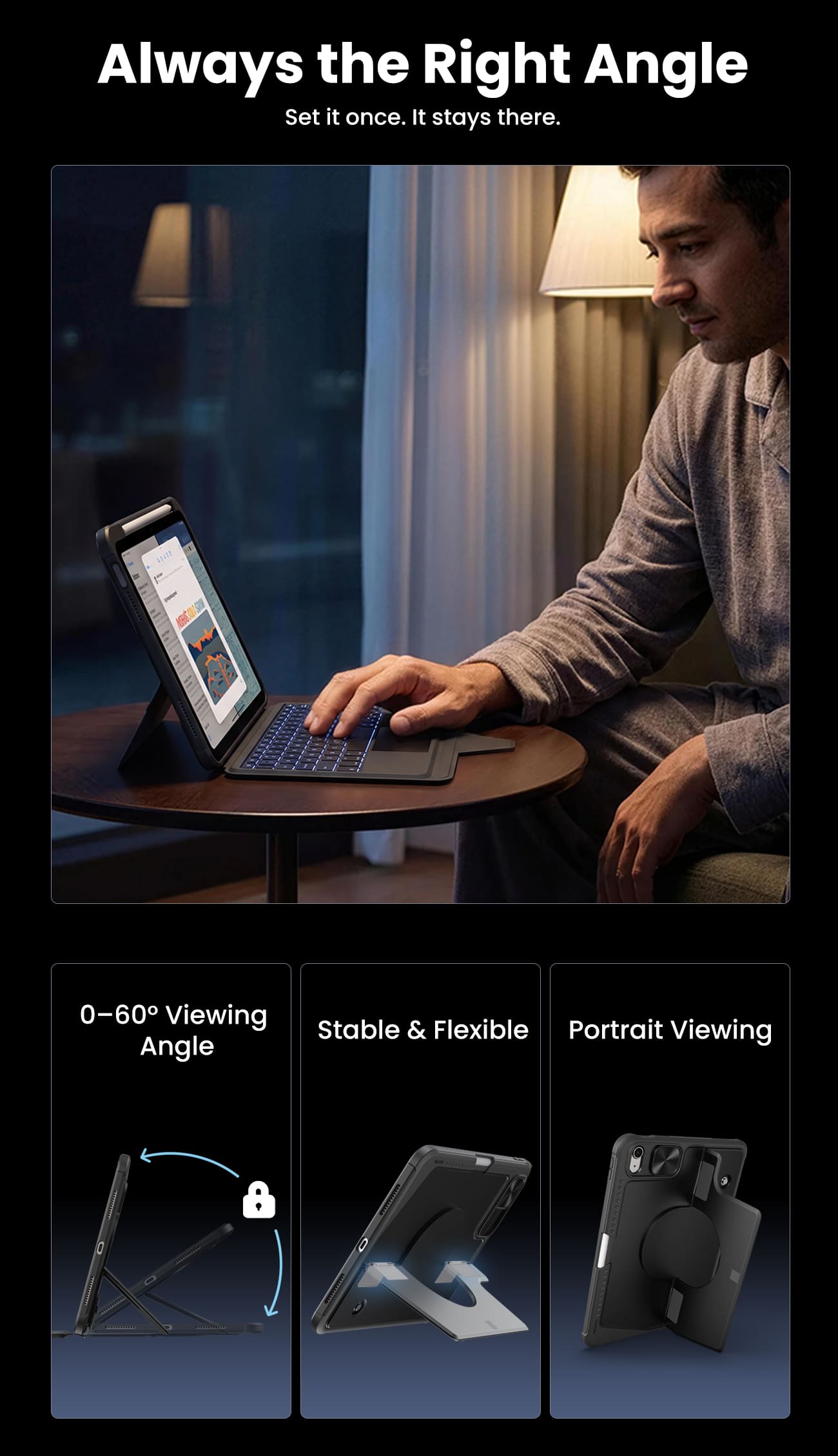
The kickstand supports stepless adjustment from 0° to 110° and can be used in both landscape and portrait orientations.
Yes, for Apple Pencil models that support magnetic attachment and wireless charging. You can keep the case on while charging.
Press Fn + Battery. The indicator will flash 1–4 times to show the approximate battery level. You can also check the battery level in your iPad’s Bluetooth settings.
The keyboard enters sleep mode after 10 minutes of inactivity. Press any key to wake it and reconnect automatically. If it still does not respond, check that the power is on and the battery has enough charge.


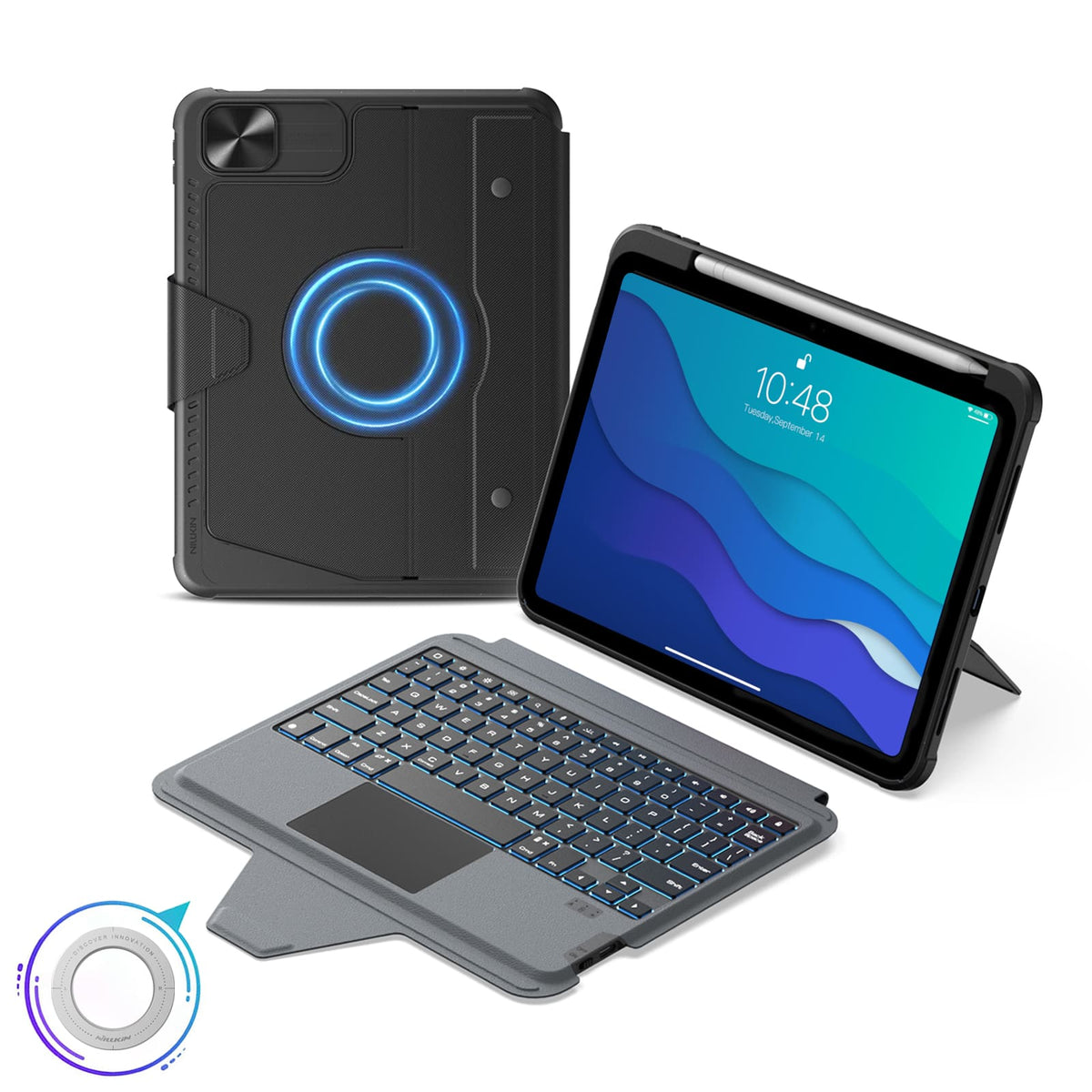


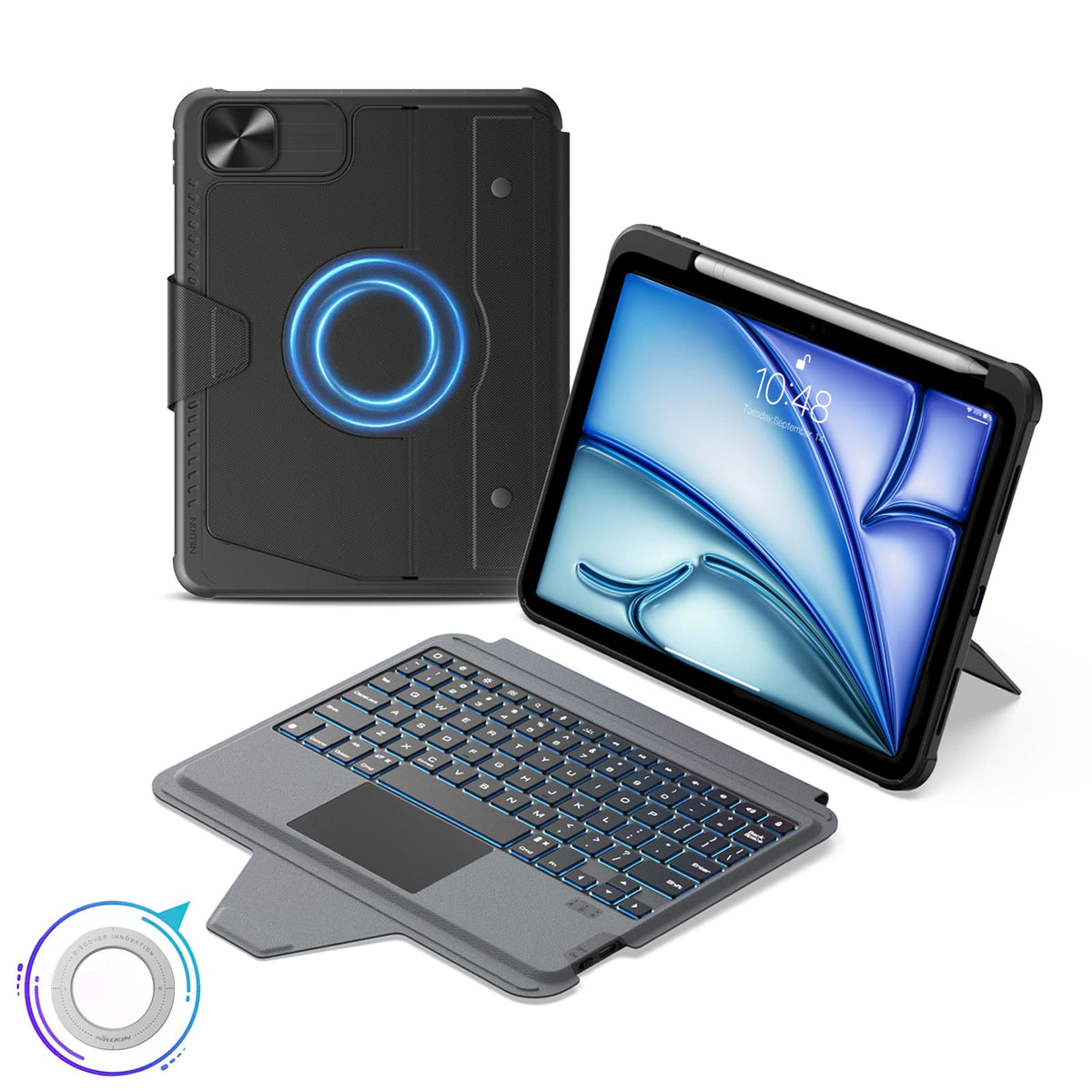


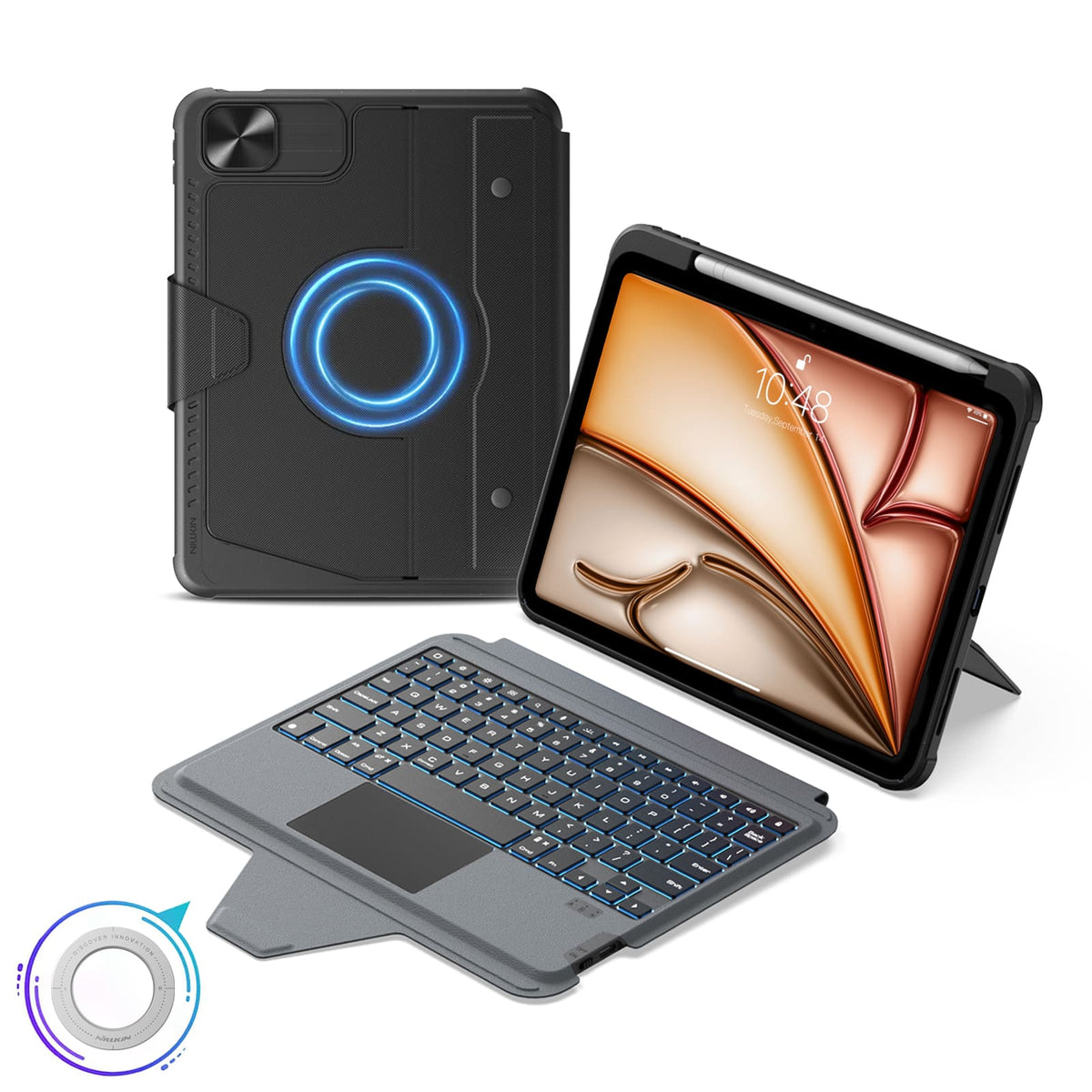


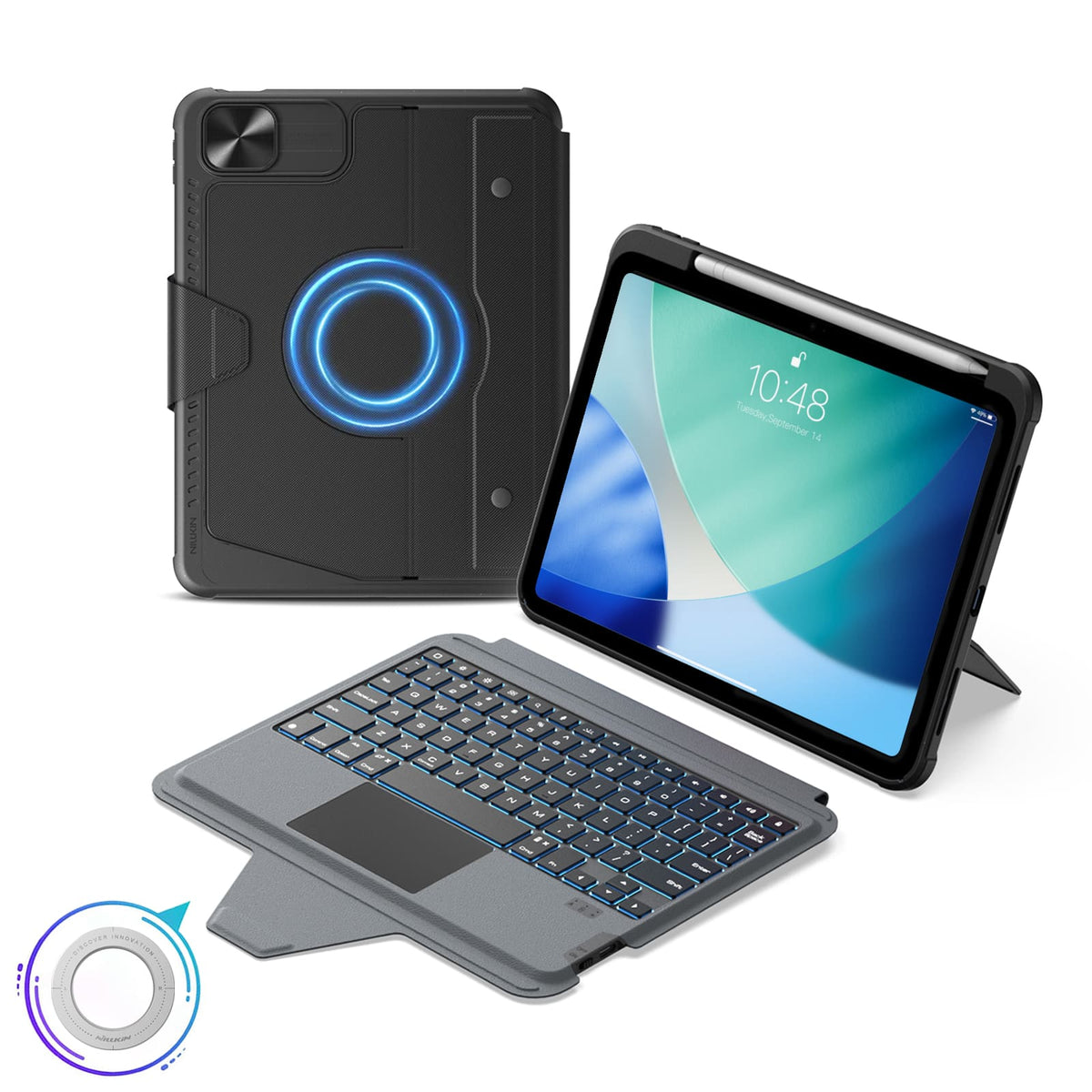


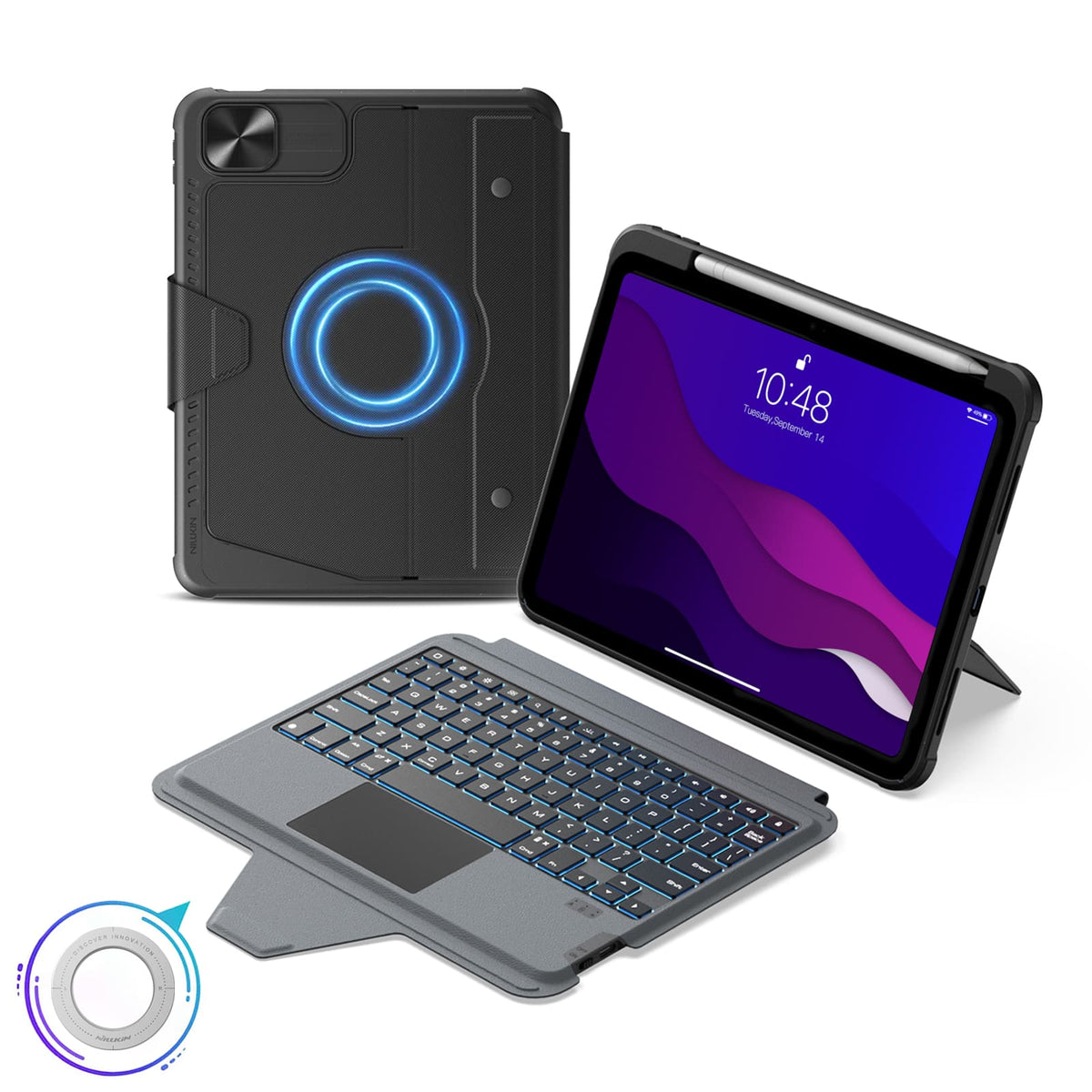


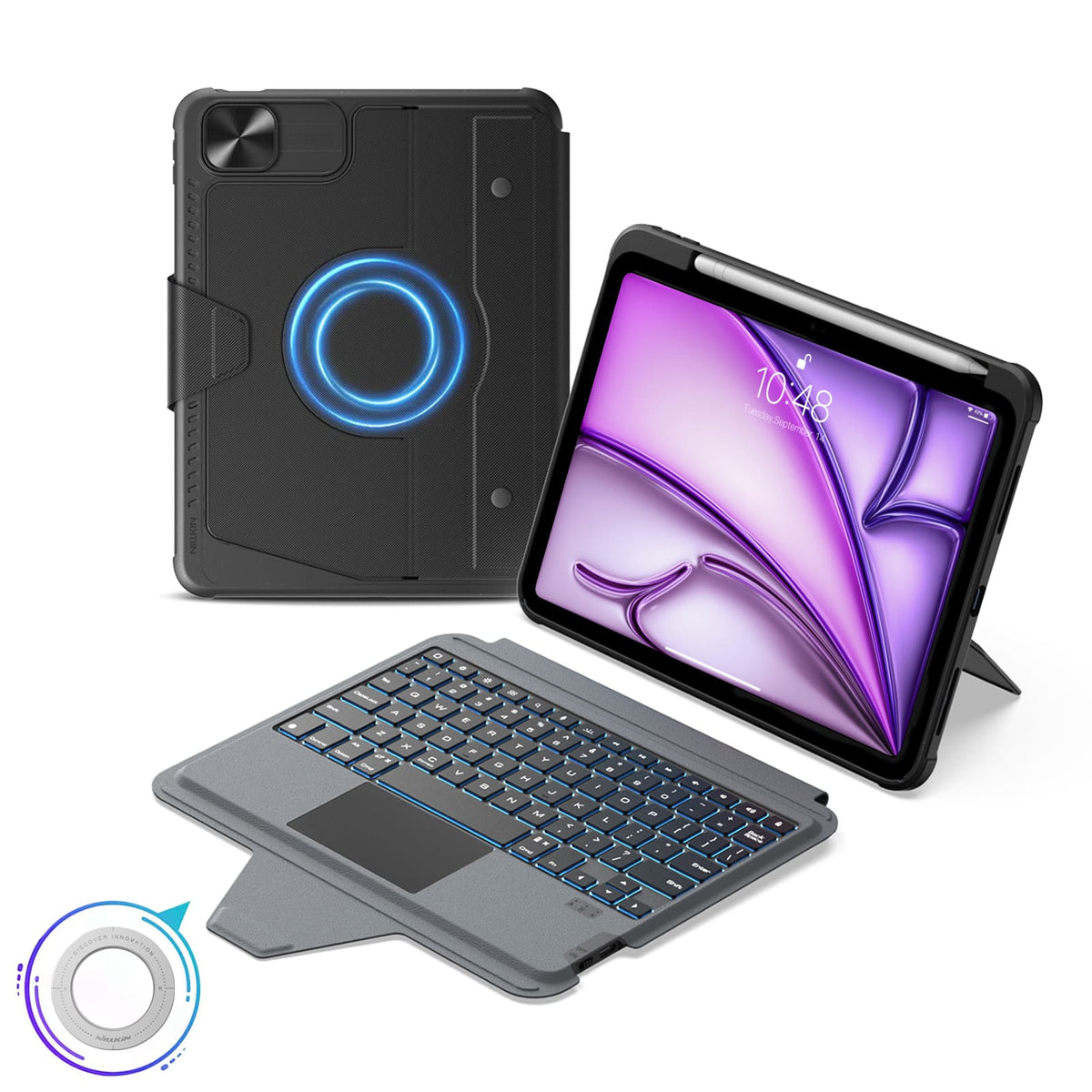


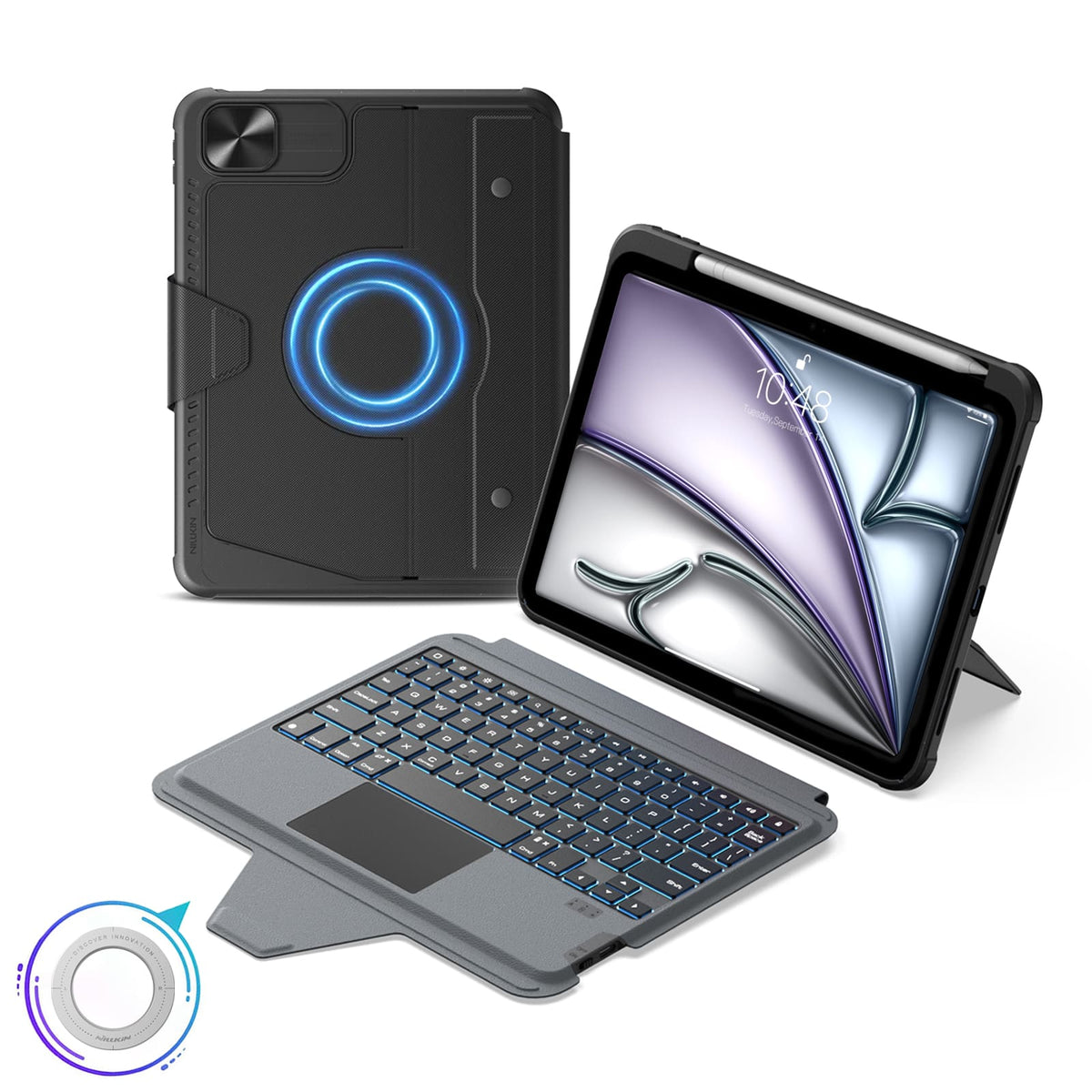


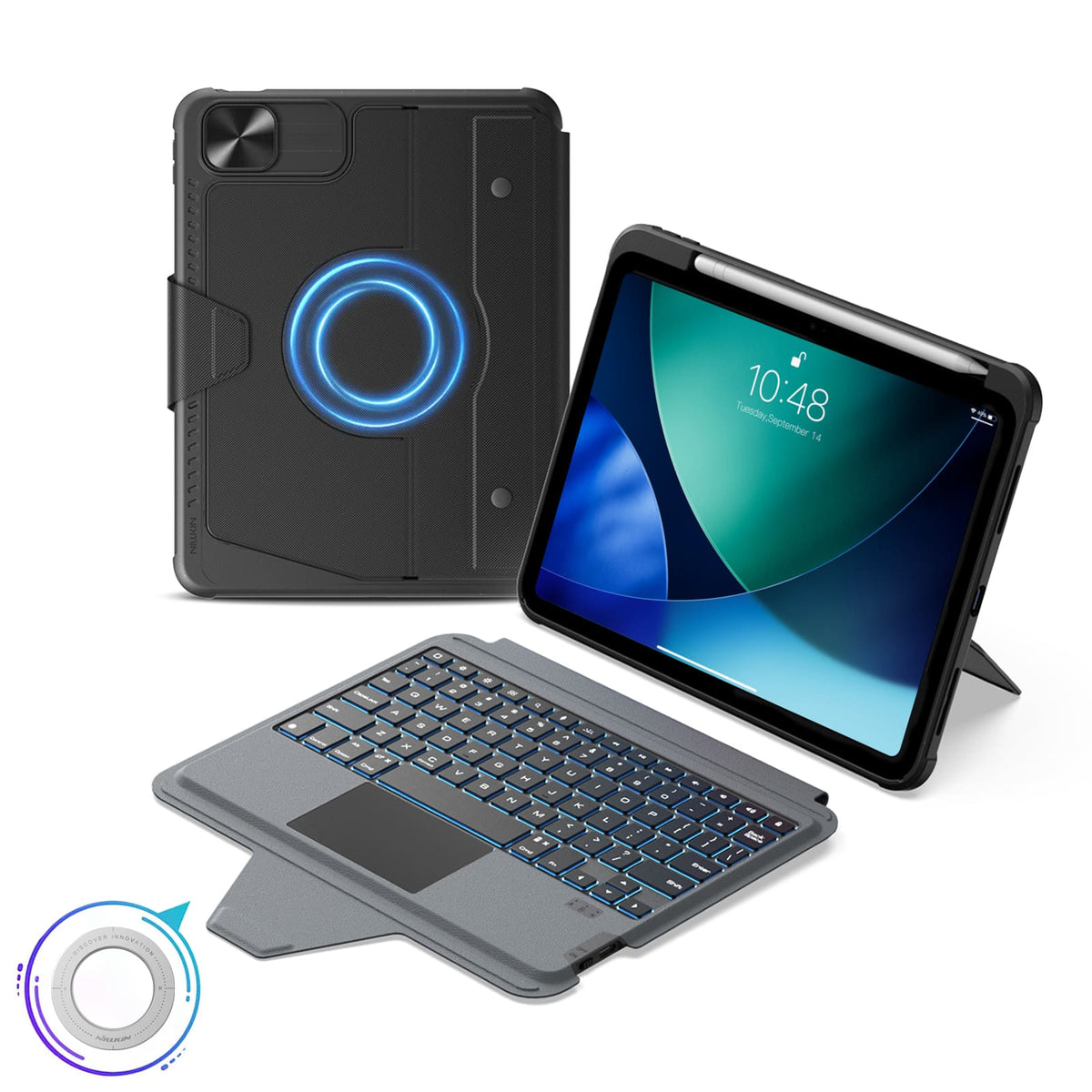





 1 característica de sostenibilidad
 Carbonfree Certified
 Carbonfree Certified

5 modos flexibles, compatibilidad magnética, Bluetooth 5.0.
Distribución del teclado: Inglés de EE. UU.

5 modos flexibles, compatibilidad magnética, Bluetooth 5.0.
Distribución del teclado: Inglés de EE. UU.

5 modos flexibles, compatibilidad magnética, Bluetooth 5.0.
Distribución del teclado: Inglés de EE. UU.

5 modos flexibles, compatibilidad magnética, Bluetooth 5.0.
Distribución del teclado: Inglés de EE. UU.

5 modos flexibles, compatibilidad magnética, Bluetooth 5.0.
Distribución del teclado: Inglés de EE. UU.

5 modos flexibles, compatibilidad magnética, Bluetooth 5.0.
Distribución del teclado: Inglés de EE. UU.

5 modos flexibles, compatibilidad magnética, Bluetooth 5.0.
Distribución del teclado: Inglés de EE. UU.

5 modos flexibles, compatibilidad magnética, Bluetooth 5.0.
Distribución del teclado: Inglés (EE. UU.)

5 modos flexibles, compatibilidad magnética, Bluetooth 5.0.
Distribución del teclado: Inglés (EE. UU.)

5 modos flexibles, compatibilidad magnética, Bluetooth 5.0.
Distribución del teclado: Inglés de EE. UU.

5 modos flexibles, compatibilidad magnética, Bluetooth 5.0.
Distribución del teclado: Inglés de EE. UU.

5 modos flexibles, compatibilidad magnética, Bluetooth 5.0.
Distribución del teclado: Inglés de EE. UU.

5 modos flexibles, compatibilidad magnética, Bluetooth 5.0.
Distribución del teclado: Inglés de EE. UU.

5 modos flexibles, compatibilidad magnética, Bluetooth 5.0.
Distribución del teclado: Inglés de EE. UU.

5 modos flexibles, compatibilidad magnética, Bluetooth 5.0.
Distribución del teclado: Inglés de EE. UU.
Entendemos que a veces nuestros productos pueden no cumplir completamente con sus expectativas y, por ello, le pedimos sinceras disculpas. Si esto ocurre, póngase en contacto con support@nillkin.com lo antes posible y proporciónenos imágenes completas del producto y del embalaje dentro de los 60 días posteriores a la compra. Organizaremos rápidamente el servicio posventa.
Todos los artículos son elegibles para devolución o cambio dentro de los 60 días posteriores a la entrega (Nota: Los pedidos grabados personalizados con nombres, iniciales o logotipos específicos no se pueden devolver ni reembolsar. No somos responsables de los grabados que contengan erratas o errores cometidos por el cliente en productos personalizados. Los pedidos personalizados solo están cubiertos si se produce algún daño; enviaremos el producto de nuevo sin coste adicional). NILLKIN tiene una Autorización de Devolución de Mercancía, que requiere que usted cubra los gastos de envío de devolución y seguro.
Tenga en cuenta que los artículos deben estar en su estado original al recibirlos, incluyendo toda la documentación del producto, y enviarse dentro de los tres días siguientes.
Para cambios de producto rápidos, le recomendamos solicitar un reembolso y realizar un nuevo pedido. Espere aproximadamente una semana para que se procese su reembolso después de que recibamos su devolución.
En caso de que un paquete o artículo llegue dañado, rechace el envío o notifíquenos inmediatamente (support@nillkin.com). Conserve todos los materiales de embalaje a menos que NILLKIN le indique lo contrario. Las reclamaciones por artículos dañados o faltantes deben hacerse inmediatamente o dentro de los tres días posteriores a la recepción de su envío. NILLKIN no se hace responsable de los artículos perdidos o dañados en los envíos devueltos.

En NILLKIN, garantizamos la calidad y el rendimiento de nuestros productos. Nuestro compromiso se extiende a preservar la durabilidad de su producto y minimizar el impacto ambiental.
Los productos comprados en nuestra tienda vienen con una garantía de 1 año.
Garantía Limitada:
- Compre en nillkin.com para obtener cobertura; otras fuentes no incluidas.
- Cubre defectos de material/mano de obra durante la garantía. NILLKIN reemplaza productos defectuosos para compradores originales.
Nota:
- La garantía excluye productos que no sean de nillkin.com, artículos gratuitos/promocionales, productos que no sean de NILLKIN y artículos descontinuados.
Presentar una Reclamación:
Para problemas de garantía/daños, contacte a support@nillkin.com para reemplazos gratuitos.
Obtenga más información sobre nuestros períodos de garantía, consulte los detalles.

El Programa de Descuento por Compra al por Mayor ofrece a empresas, organizaciones, gobiernos e individuos una solución rentable para comprar productos NILLKIN al por mayor (mínimo 10 artículos en total), incluyendo fundas para teléfonos, fundas para tabletas, protectores de pantalla, cargadores inalámbricos, auriculares y otros accesorios. Además, los productos NILLKIN son excelentes regalos para su personal y socios comerciales. ¡Únase al programa y ahorre ahora!
Para cualquier sugerencia o pregunta, no dude en contactarnos por correo electrónico.
Correo electrónico: support@nillkin.com
Obtenga más información sobre nuestro Descuento por Compra al por Mayor, consulte los detalles.
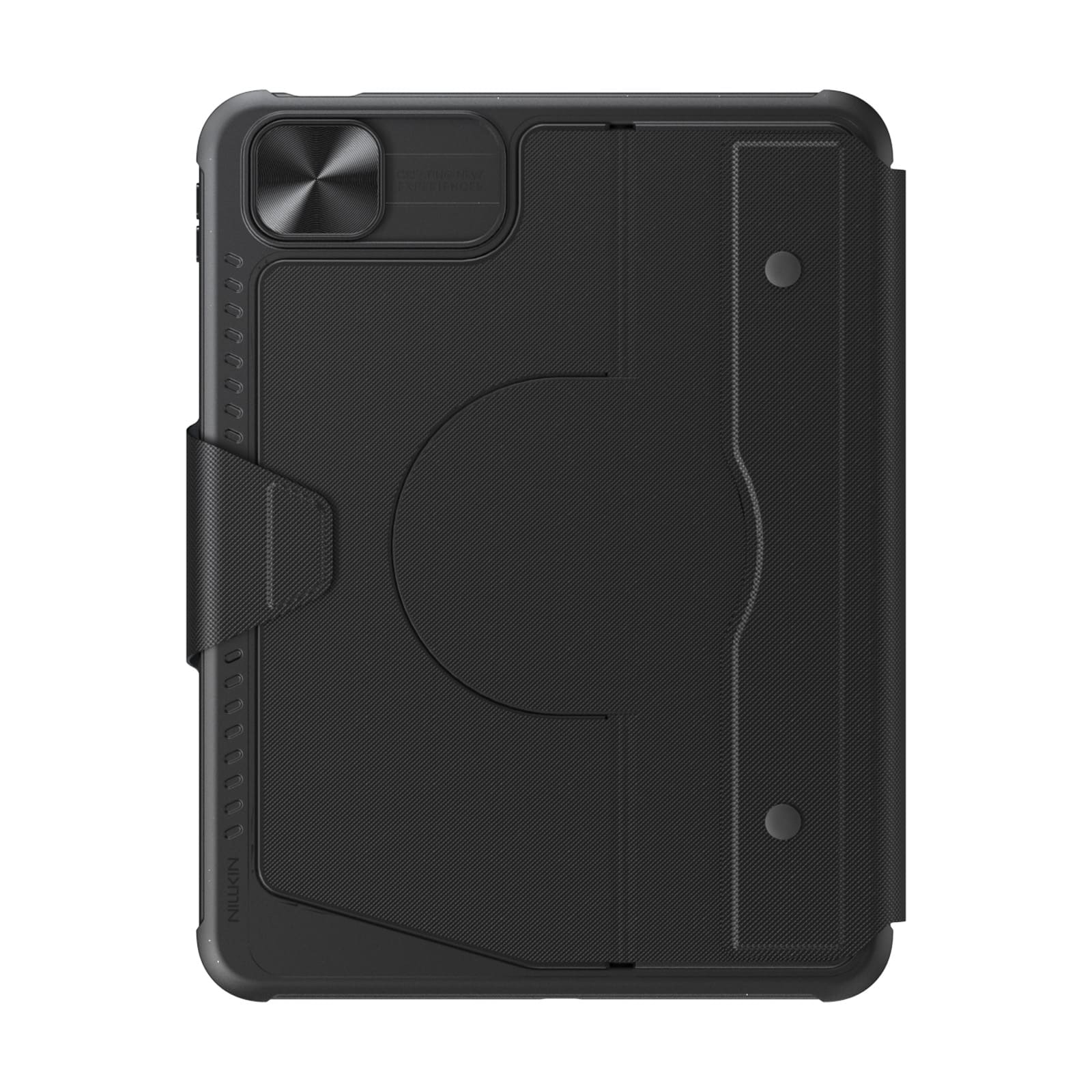
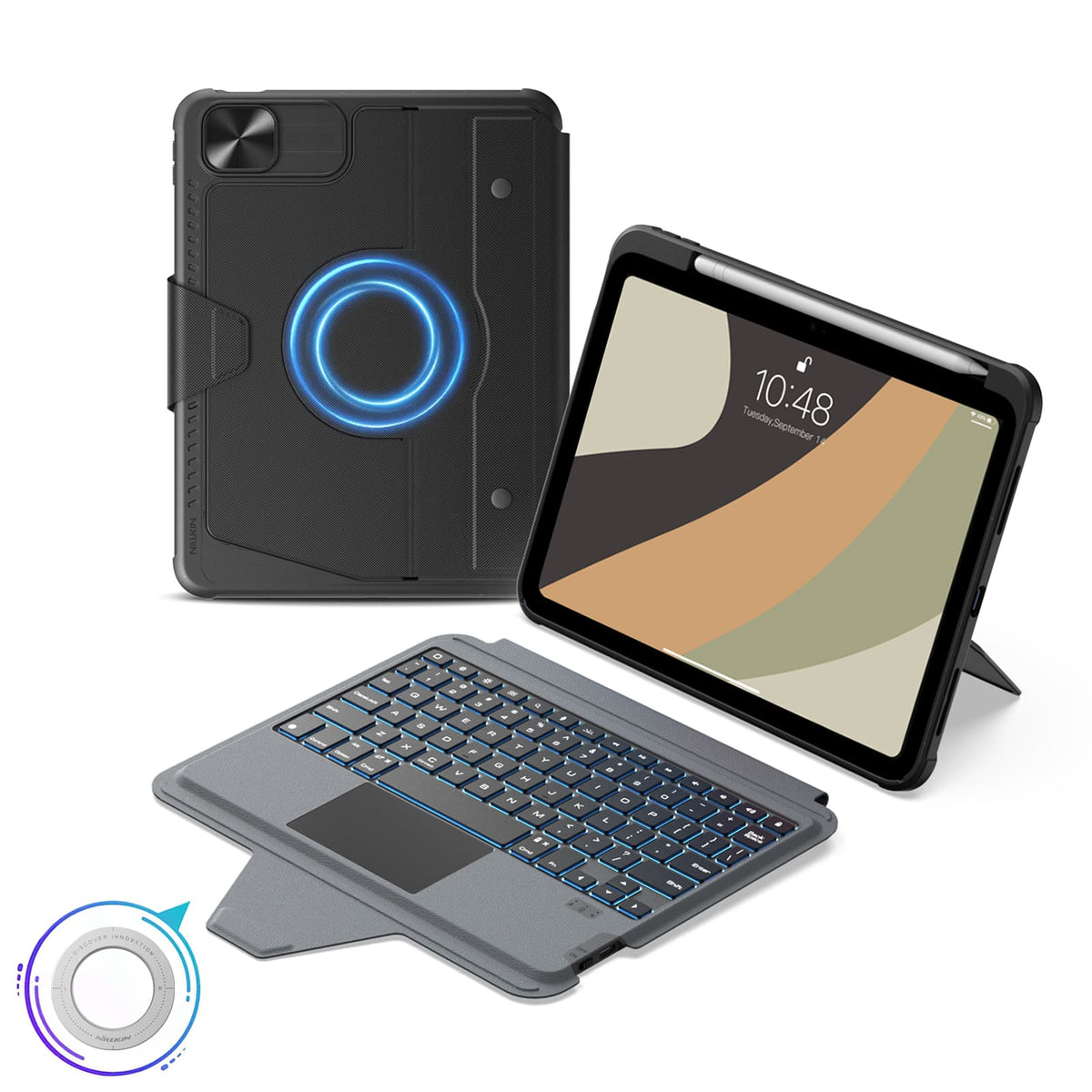
Los imanes integrados desbloquean más formas de usar tu iPad con superficies metálicas compatibles y accesorios magnéticos de NILLKIN.
Switch between typing, viewing, browsing, drawing, and hands-free setups with one case.
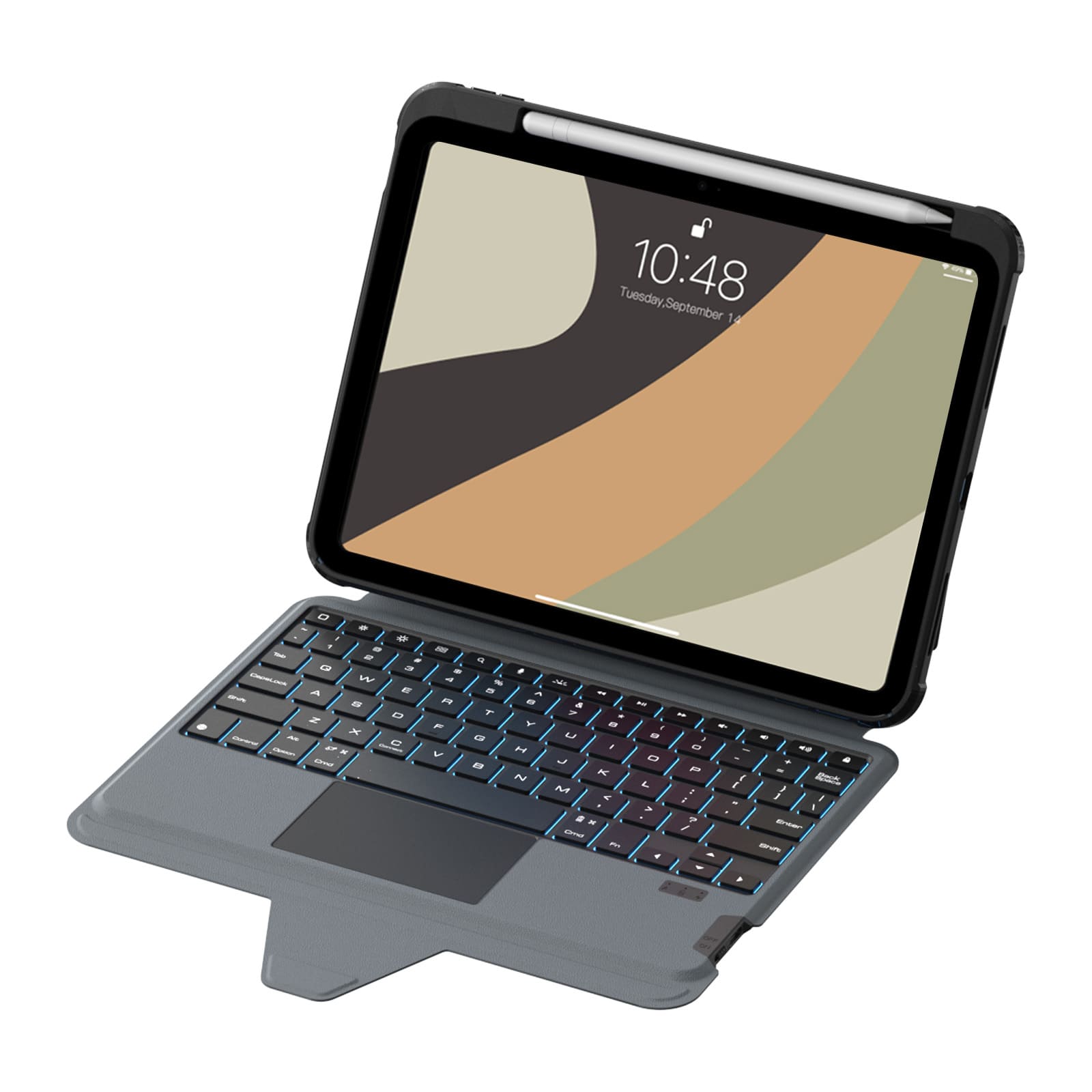
Las teclas silenciosas de mecanismo de tijera, con un recorrido de 1.4mm y un trackpad de precisión, ofrecen un control cómodo y con gran capacidad de respuesta para escribir a diario.
Seven backlight colors, three brightness levels, and anti-mistouch technology keep your workflow uninterrupted.
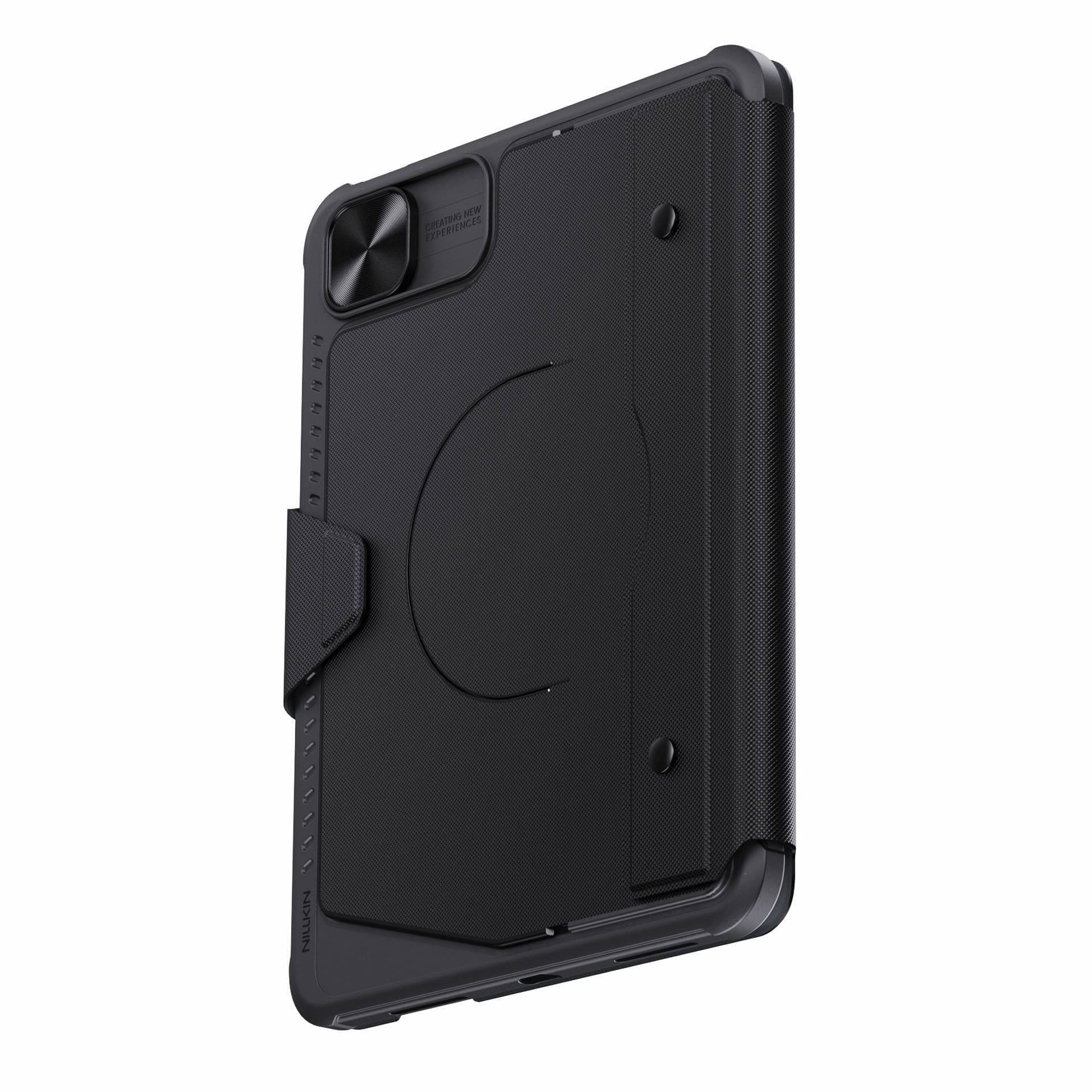
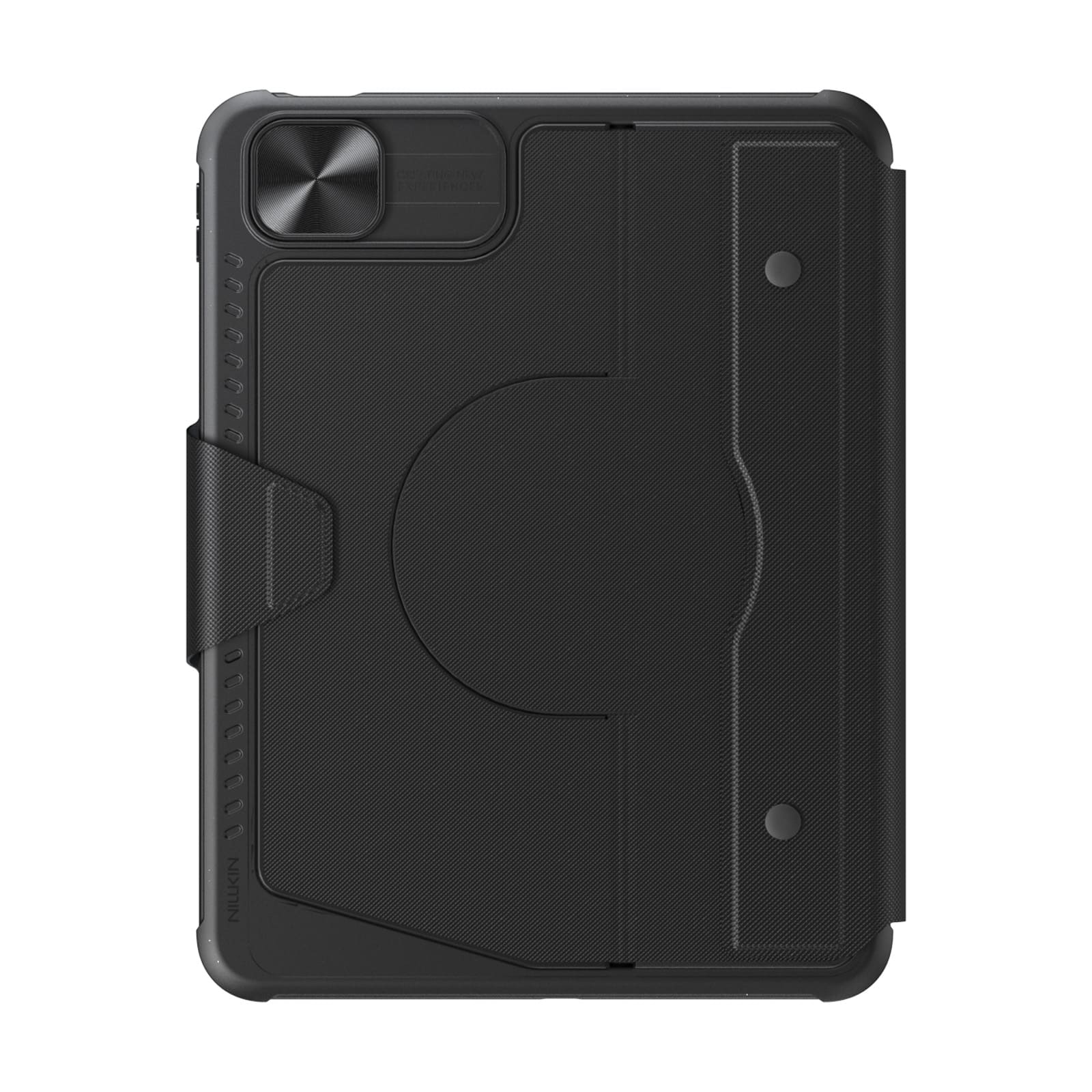
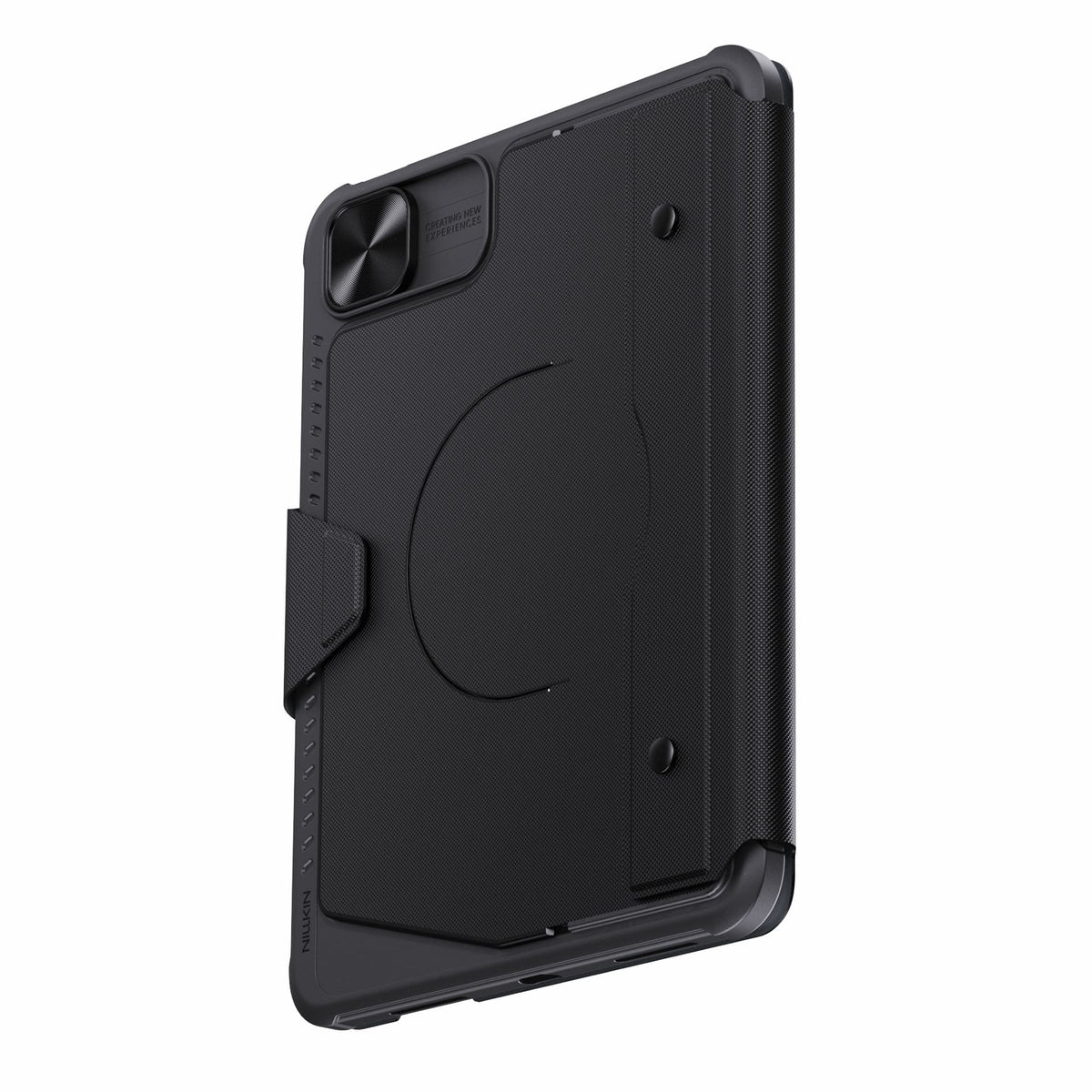
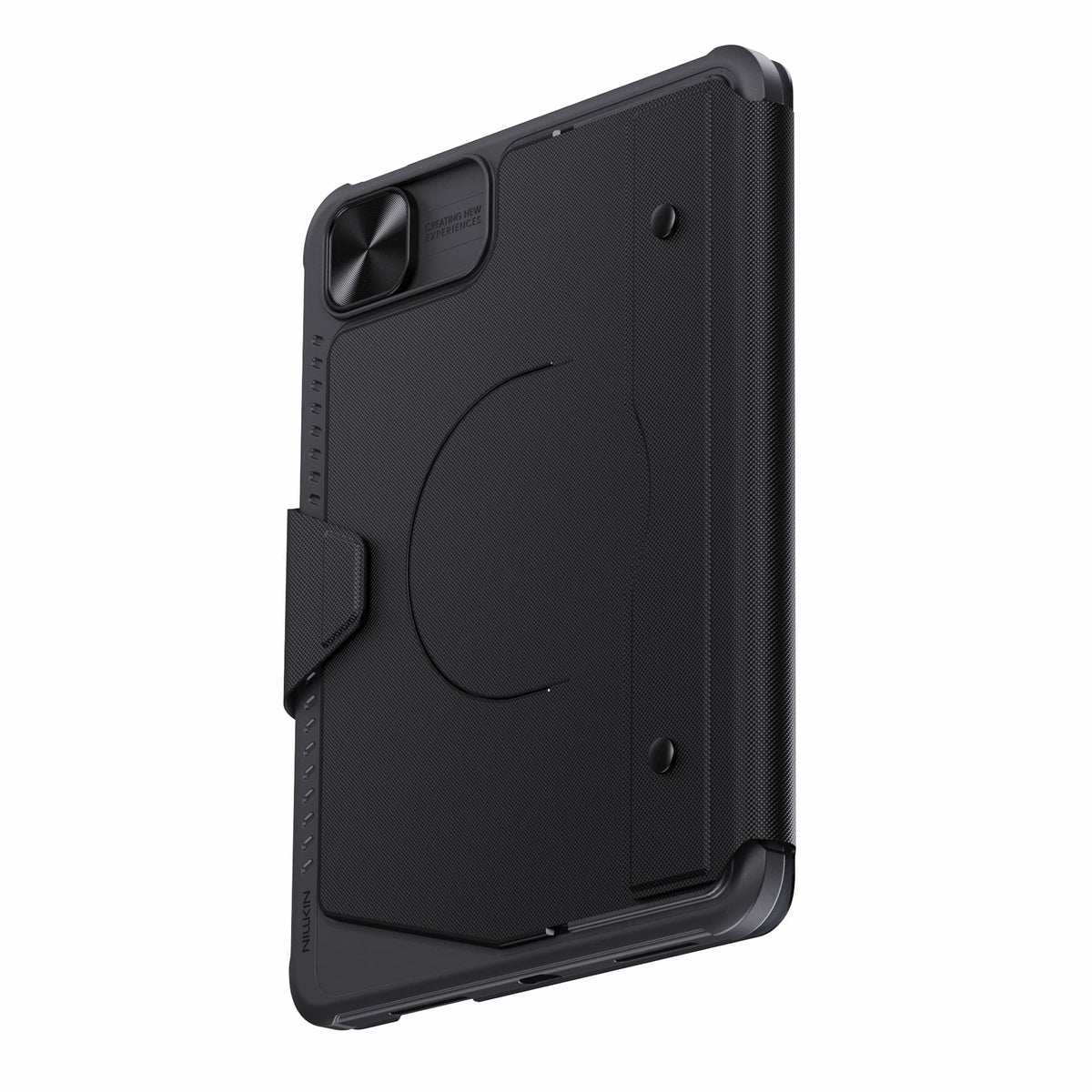
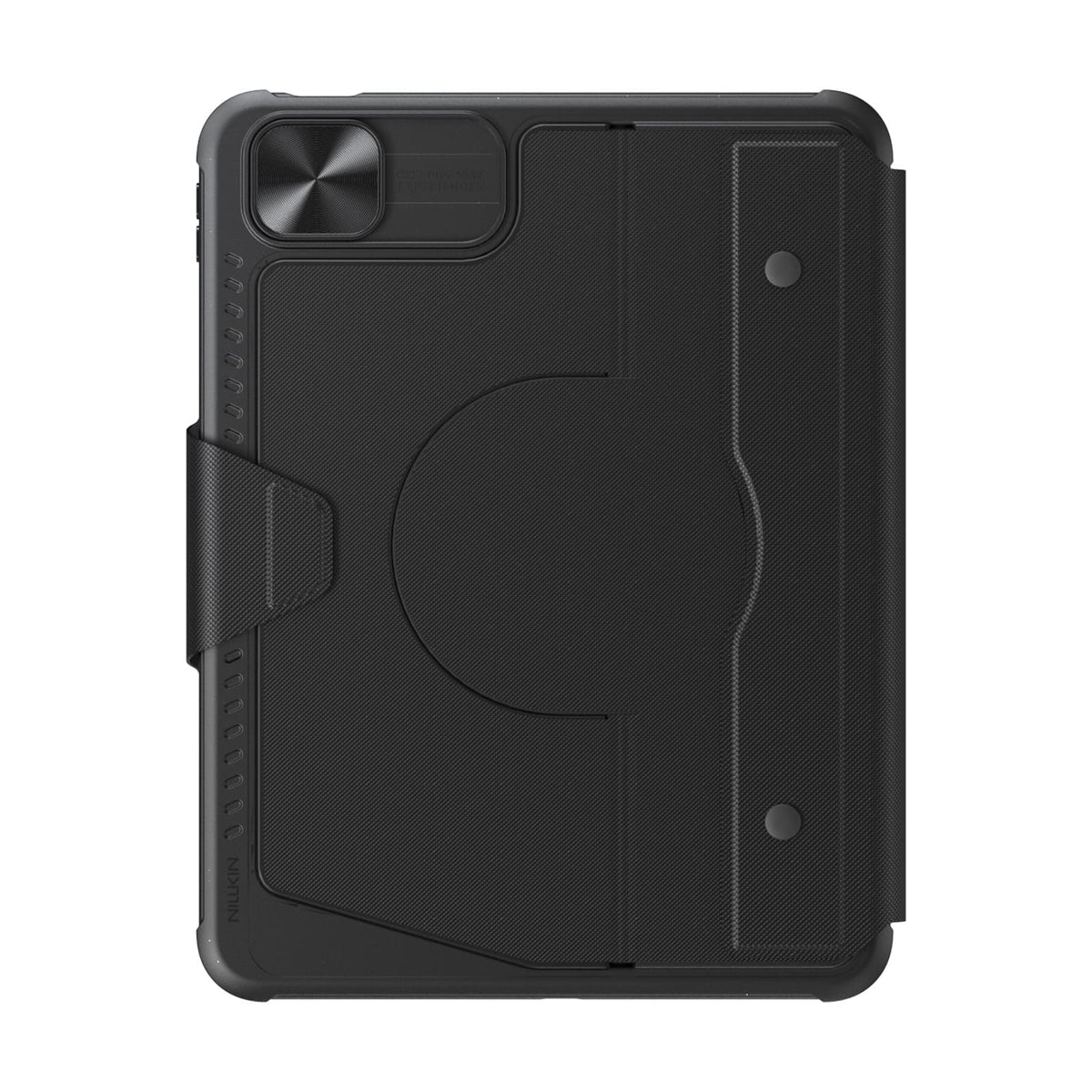
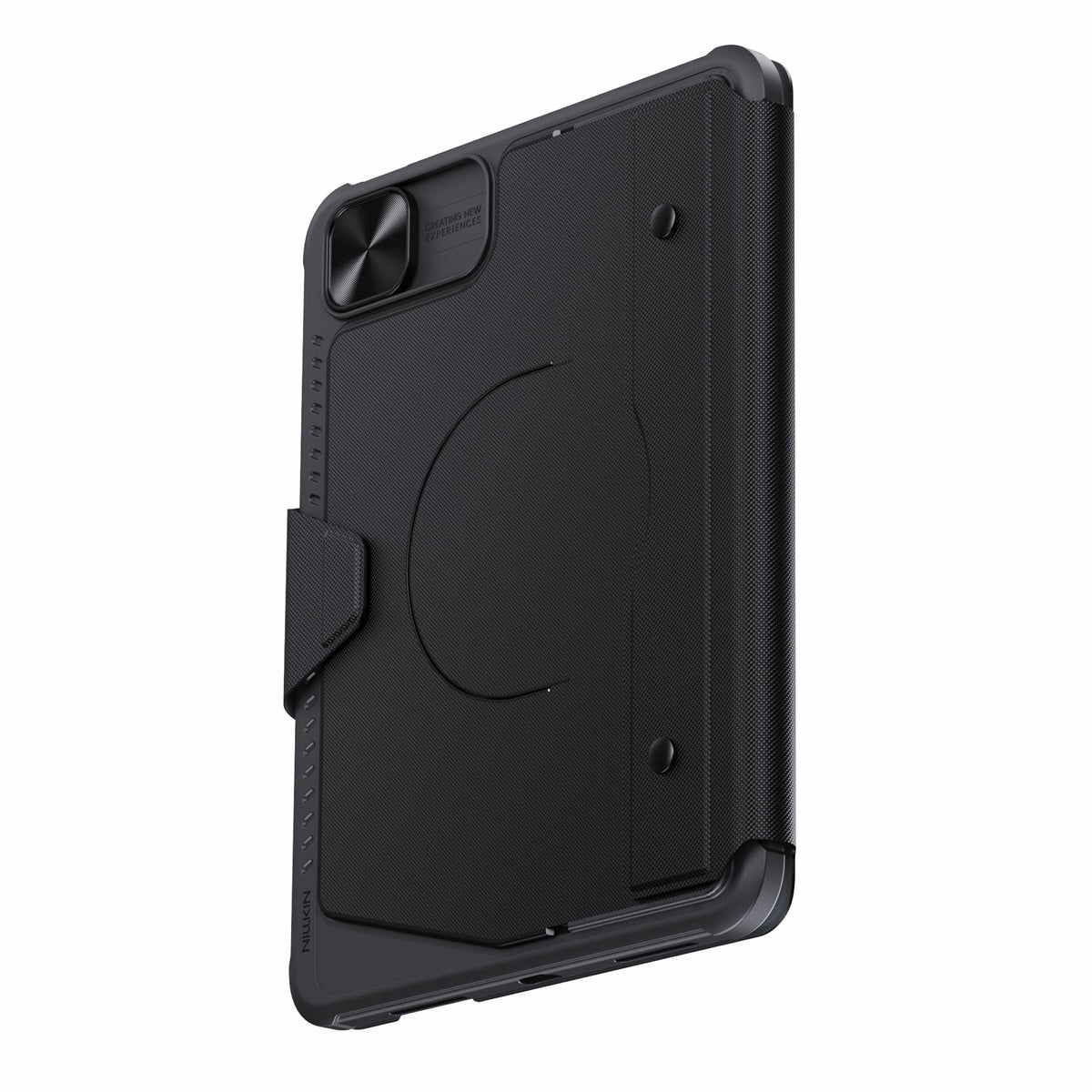
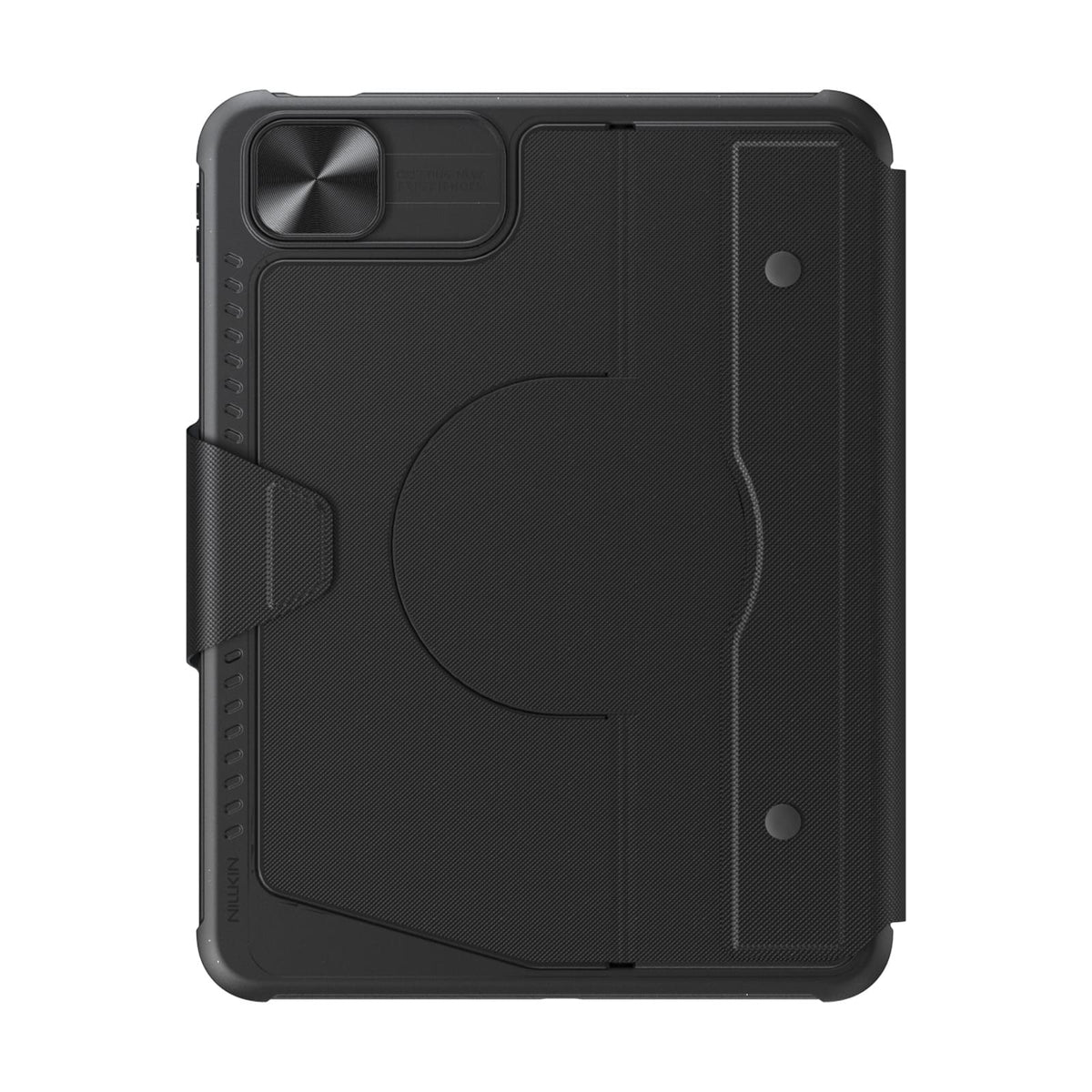
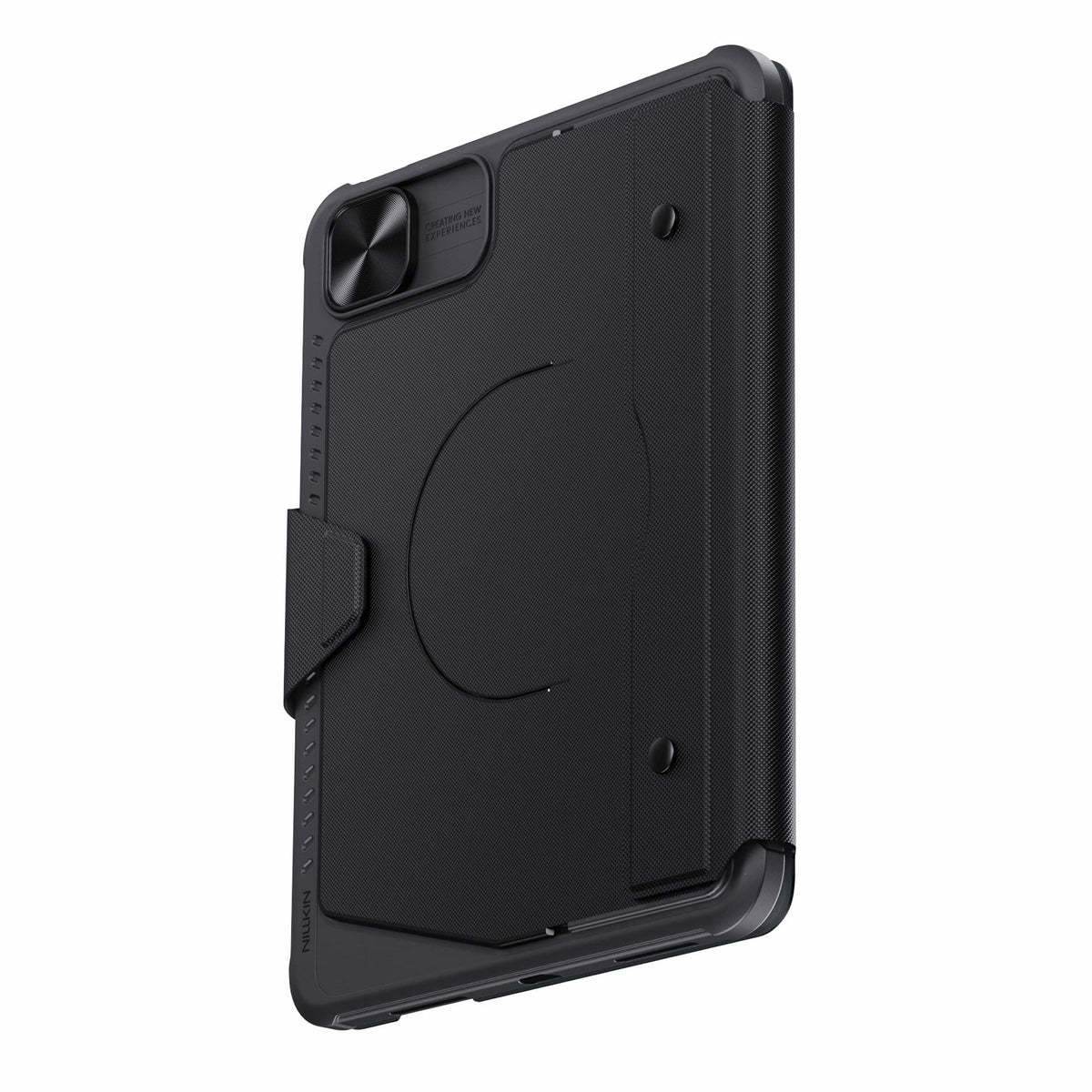
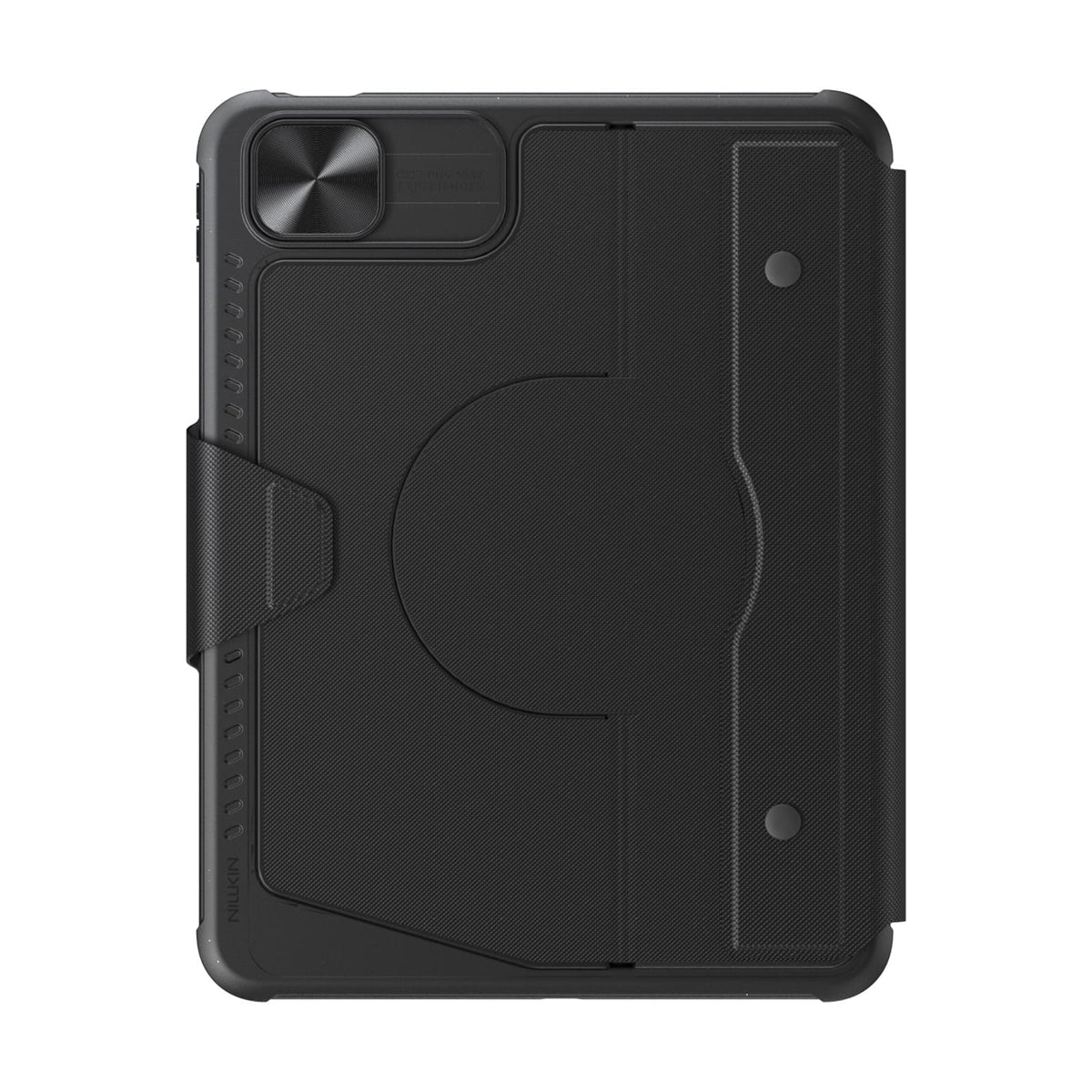
Desacople el teclado mientras mantiene la funda protectora instalada para una protección diaria.
Bluetooth 5.0 keeps connections reliable, with up to 100 hours of battery life.
Connectivity Technology: Bluetooth 5.0
Keyboard Type: Detachable Wireless Keyboard
Operating System: iPadOS
Number of Keys: 78 Keys
Keyboard Backlighting: 7-Color Backlight with 3 Brightness Levels
Color Options: Black
Special Features: Detachable Keyboard, Built-in Trackpad, Magnetic Accessory Compatibility, Sliding Camera Cover, Backlit Keys, Hotkeys & Media Keys, OTA Firmware Updates
Recommended Uses: Work, Creative Tasks, Typing, Presentations, Entertainment, Everyday Use

Protector de pantalla de cristal templado 2.5D transparente Pro para iPad Series

Estaciones de Carga SnapBranch Pro
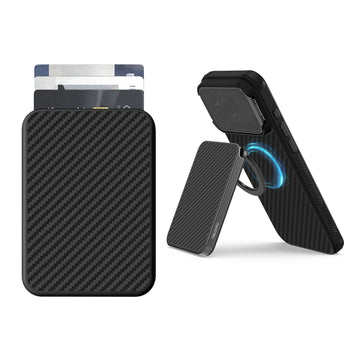
Cartera Magnética FiberMate Kevlar® con Soporte para Teléfono
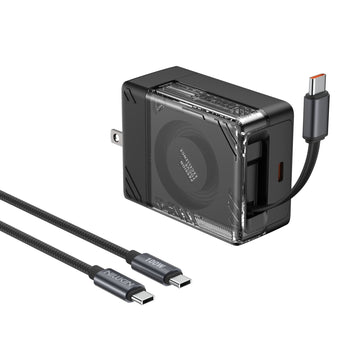
Cargador Retráctil IceCore 65W GaN (Cable USB-C de 0.7m/2.4ft) con Cable C-a-C de 1.8m/6ft y 100W
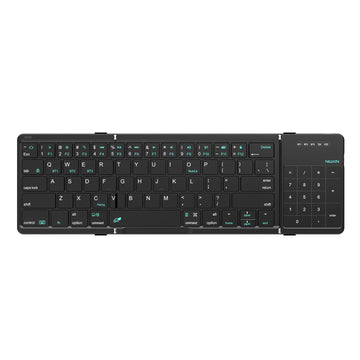
Teclado Bluetooth Plegable Cube Pocket con Panel Táctil
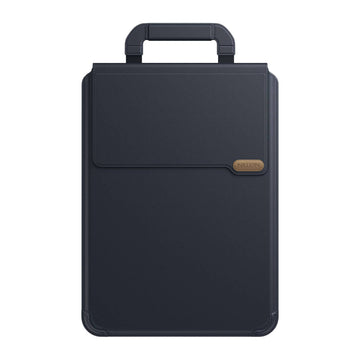
Funda versátil para portátil Pro con soporte y alfombrilla para ratón


Facilite su vida y su trabajo ofreciendo productos únicos y de calidad. Creemos que los accesorios de alta calidad mejoran la experiencia del usuario y nuestro equipo se esfuerza constantemente por desarrollar y mejorar nuestros productos para satisfacer las necesidades del mercado en constante cambio.
A medida que el ritmo de vida se acelera y los dispositivos de productividad continúan innovando, la colaboración multidispositivo permite transmitir contenido entre dispositivos sin obstáculos, posibilitando diversas operaciones funcionales y que las personas trabajen de manera más eficiente.
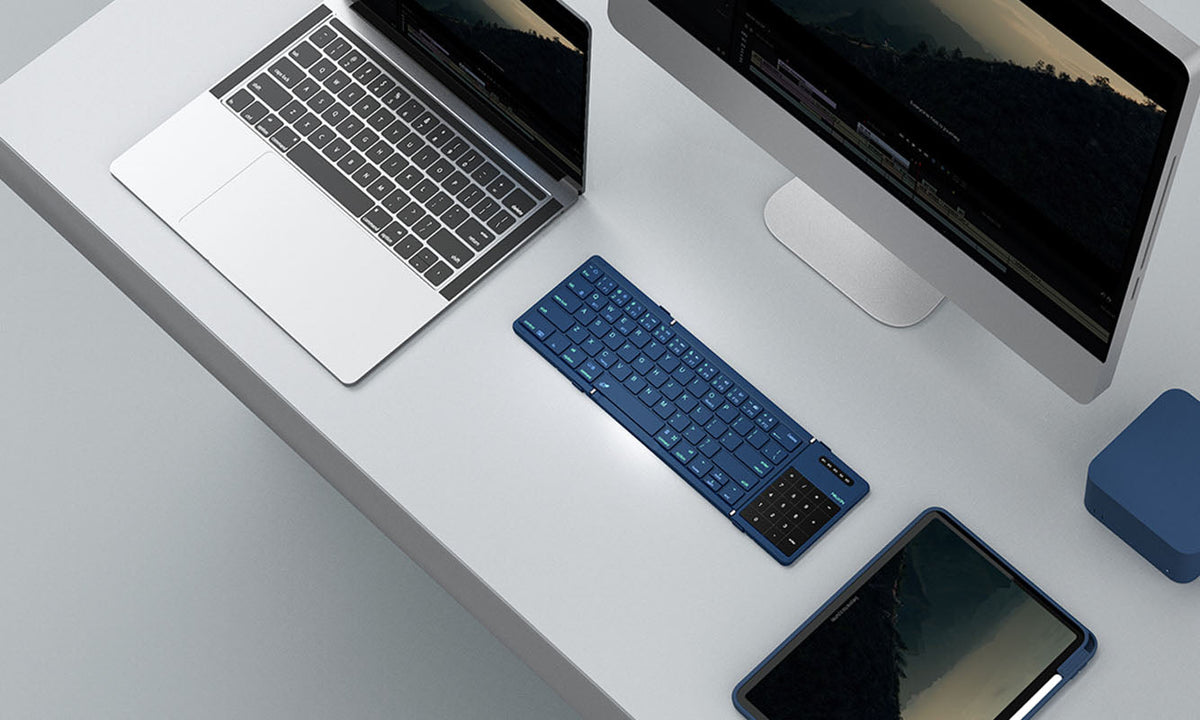
Teclado de bolsillo NILLKIN Cube: Cómo emparejar y cambiar entre hasta 3 dispositivos
Una guía completa para emparejar, cambiar y solucionar problemas del teclado NILLKIN Cube Pocket en tres dispositivos Bluetooth. Cubre la configuración inicial, pasos específicos del sistema operat...
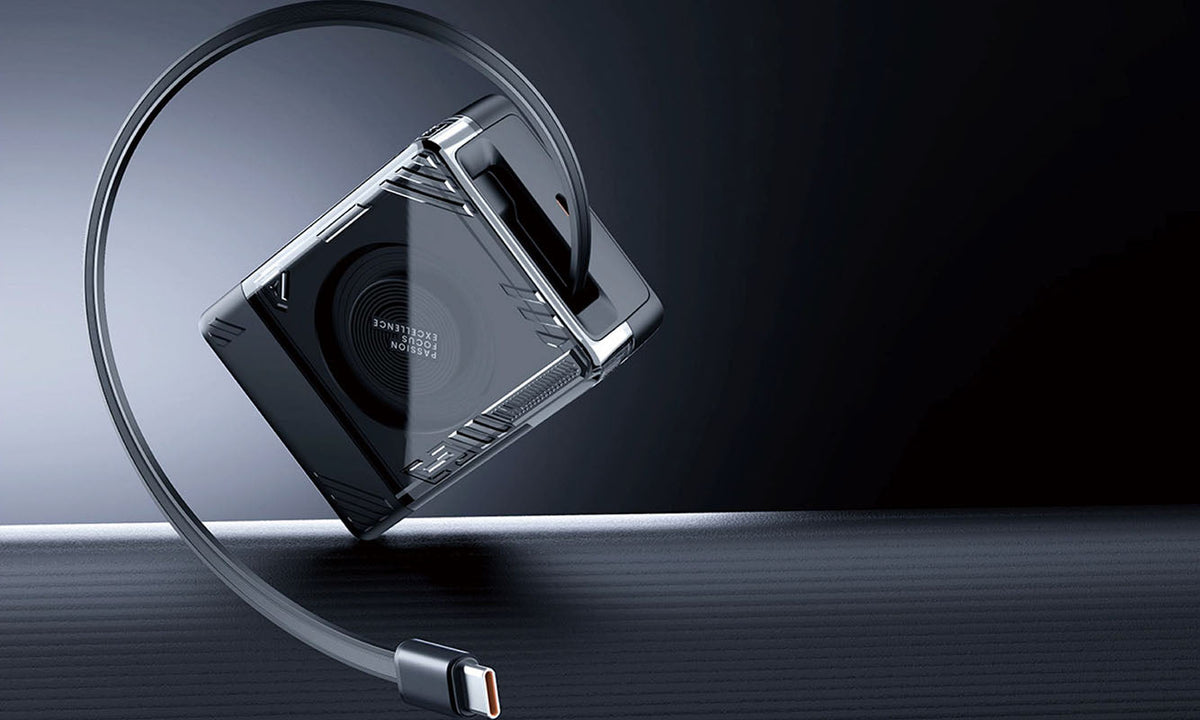
Guía de cargadores de viaje: carga con confianza en cualquier lugar en 2026
Una guía práctica para 2026 sobre cómo elegir el cargador de viaje USB-C GaN adecuado para cualquier destino. Descubra cómo los diseños con enchufes desmontables, las versiones regionales y la tecn...
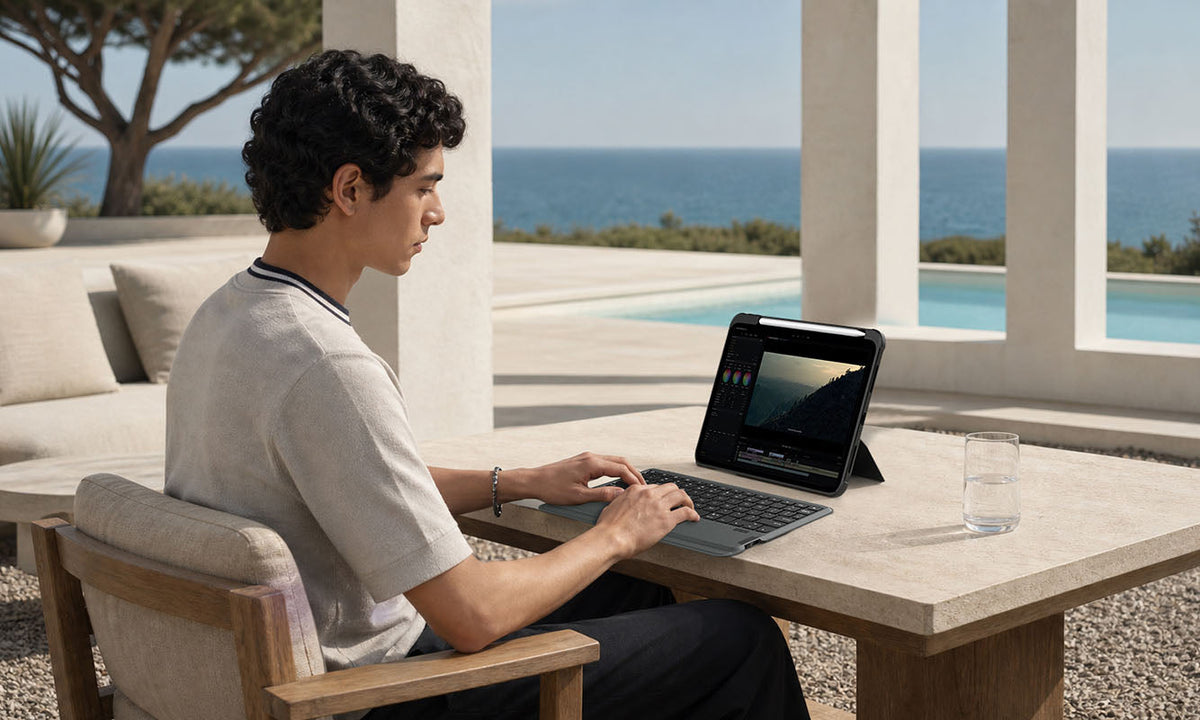
¿Vale la pena una funda con teclado para iPad? Qué considerar antes de comprar
Una guía de compra práctica que analiza quién se beneficia más de una funda con teclado para iPad, cuándo no vale la pena la inversión y qué características son más importantes para la productivida...