
 iPad Pro/Air Cases
 Galaxy Tab Cases
 Magnetic iPad Keyboard
 Xiaomi Pad Cases
 Tablet Accessories
 iPhone 18 Series
 iPhone 17 Series
 iPhone 16 Series
 iPhone 15 Series
 iPhone 14 Series
 iPhone 13 Series
 Galaxy Z Fold & Flip Series
 Galaxy S26 Series
 Galaxy S25 Series
 Galaxy S24 Series
 Galaxy S23 Series
 Google Pixel 11 Series
 Google Pixel 10 Series
 Google Pixel 9 Series
 Xiaomi Series
 OnePlus Series
 Oppo Series
 Vivo Series
 Huawei Honor Series
 iPhone Series
 Samsung Galaxy Series
 Google Series
 Xiaomi Series
 OPPO Series
 Foldable Keyboard
 Speakers
 Laptop
 Health
 Magnetic Wallet Stand
 RayDock Charging Dock
 Chargers & Cables
 Phone Stands & Mounts
 Car Charging
 🔥 Special Deals

A full-size layout, responsive keys and a precision trackpad bring a more natural, effortless flow to everyday work.
More Than a Keyboard Case
More Than a Keyboard Case


One Case. More Ways to Use Your iPad.
Type, sketch, view, present, or relax.Bumper Combo Pro adapts to every moment, giving your iPad the flexibility to do more.


Every improvement begins with real feedback.


Magnetic Ready
5 Flexible Use Modes
Bluetooth 5.0 Connection

Standard Keyboard Case
3 Everyday Use Modes
Bluetooth 3.0 Connection
Laptop Mode


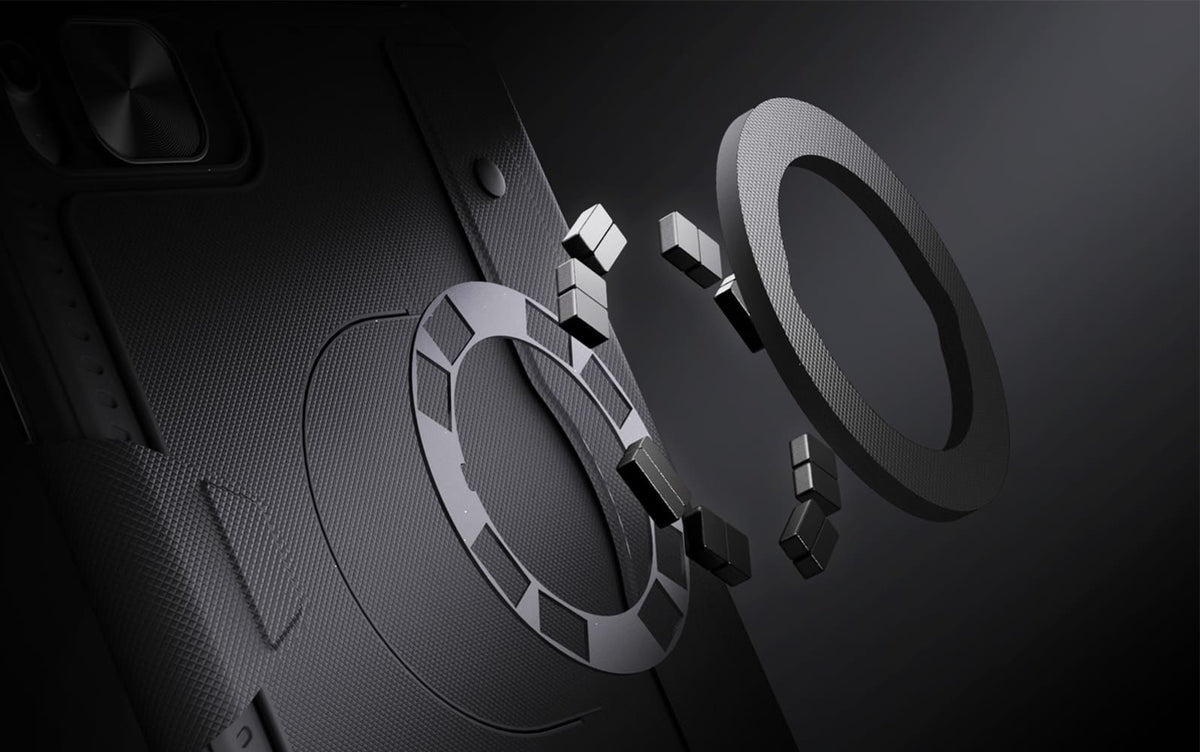
From the fridge to a metal shelf or gym rack, built-in magnets give your iPad more places to stay.

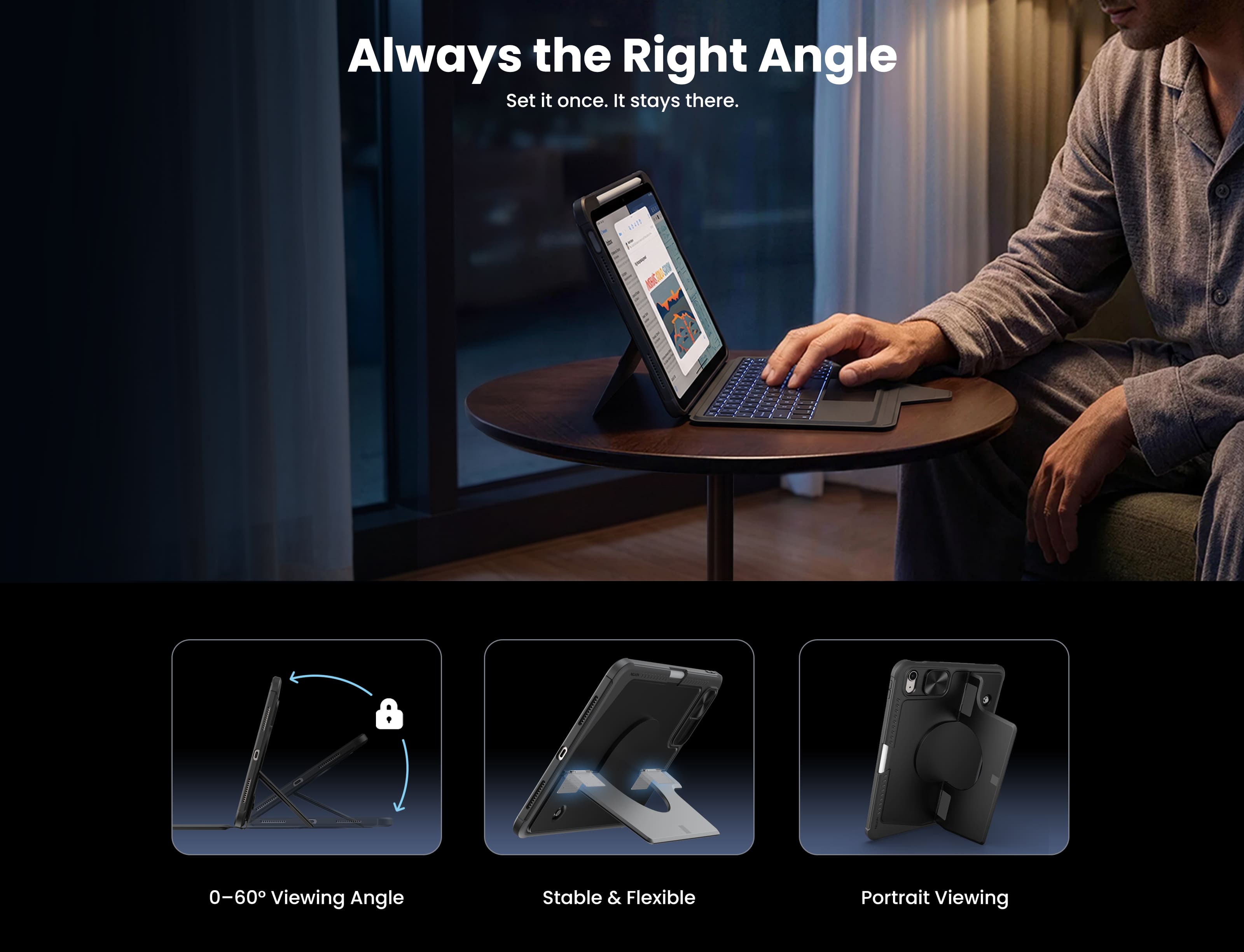
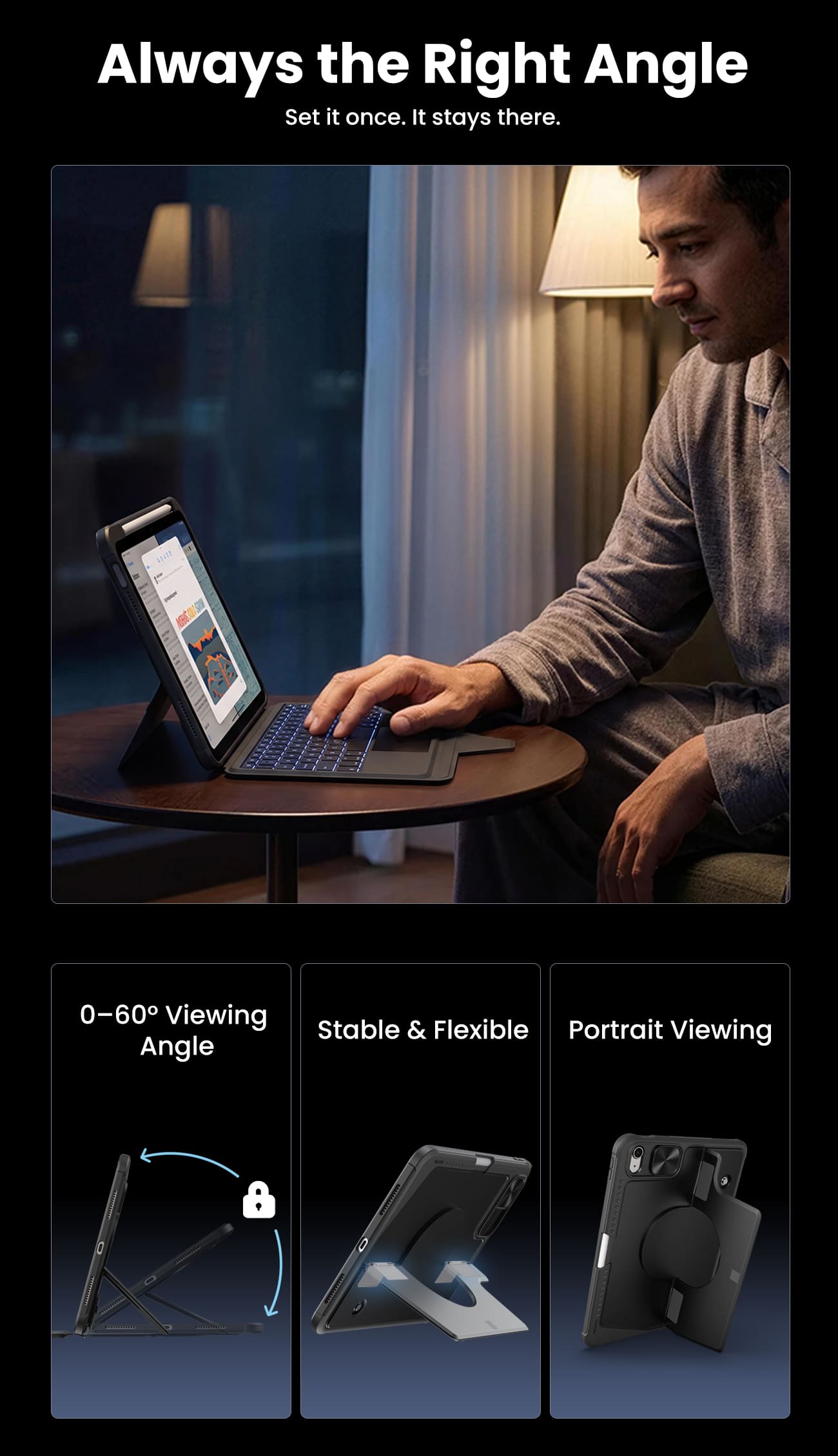
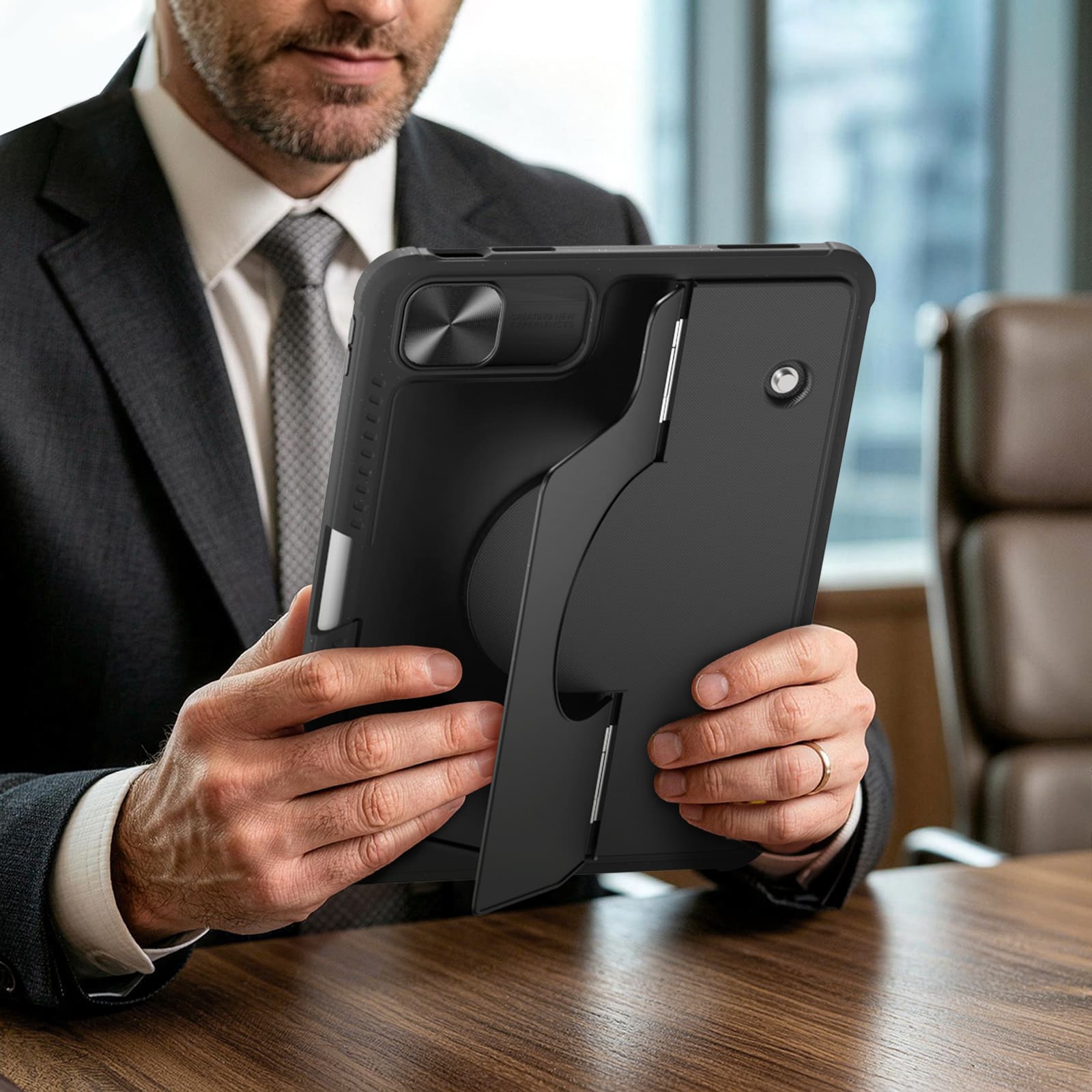
Raise your iPad for calls, notes, or editing, and leave the desk free for typing, sketching, or whatever comes next.
From the fridge to a metal shelf or gym rack, built-in magnets give your iPad more places to stay.
Raise your iPad for calls, notes, or editing, and leave the desk free for typing, sketching, or whatever comes next.


Magic Keyboard.

A full-size layout, responsive keys and a precision trackpad bring a more natural, effortless flow to everyday work.

Seven backlight colors with three brightness levels keep every key clear and easy to see, wherever you work.
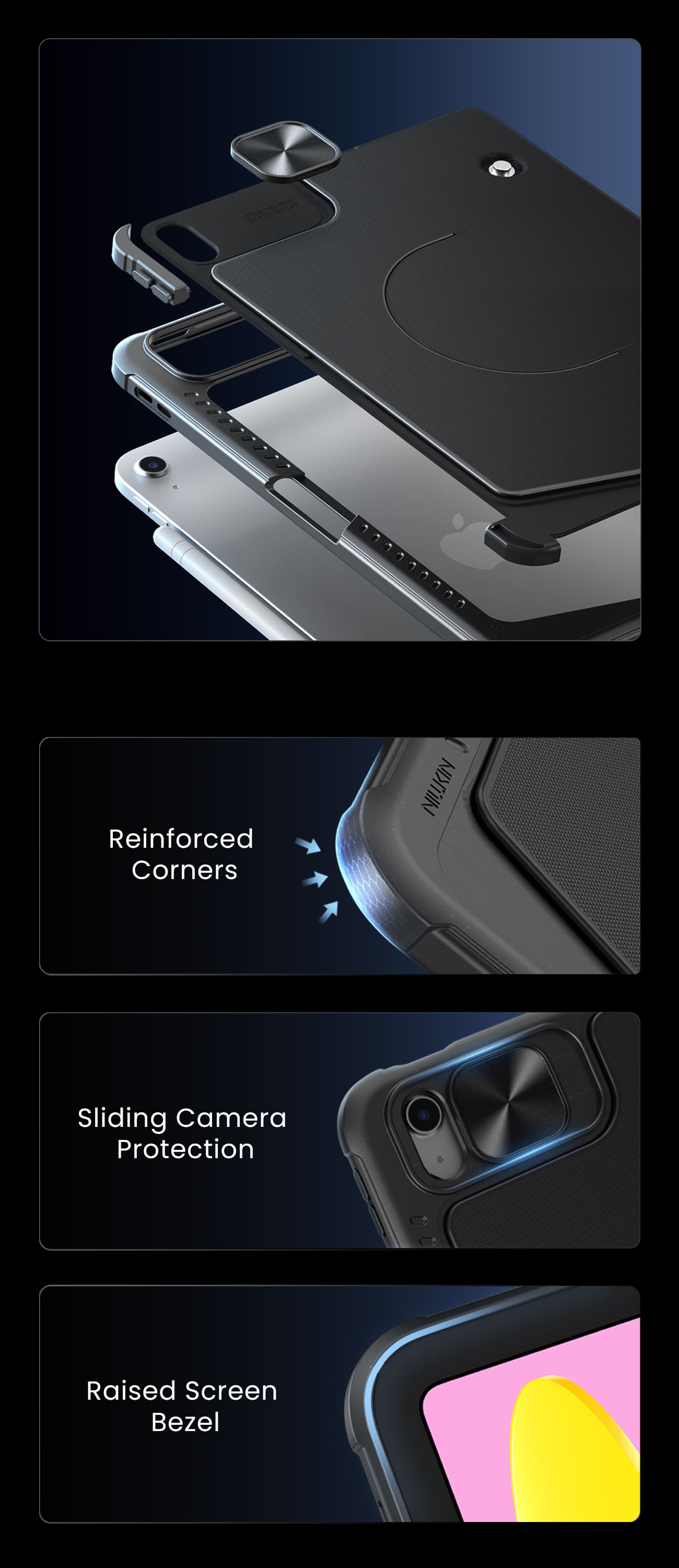
Ready for Real Life.
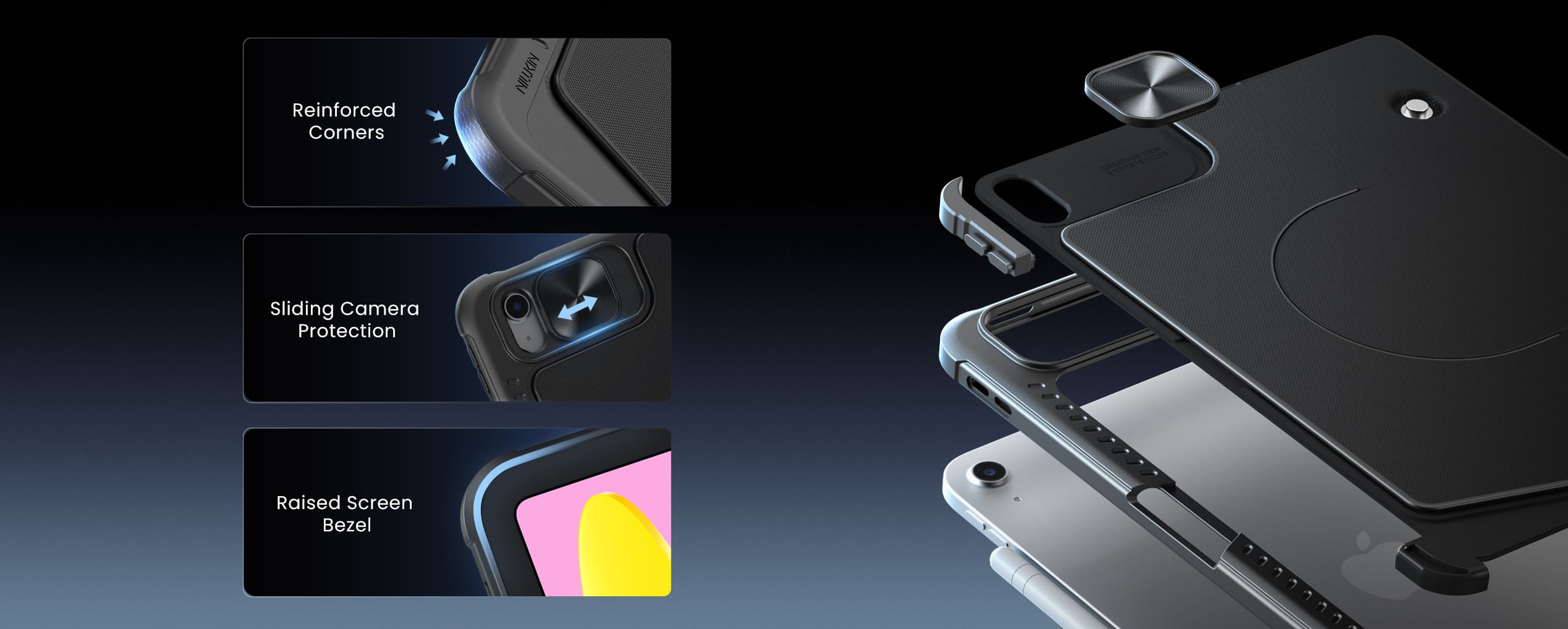
Protection that stays with you from desk to daily carry.
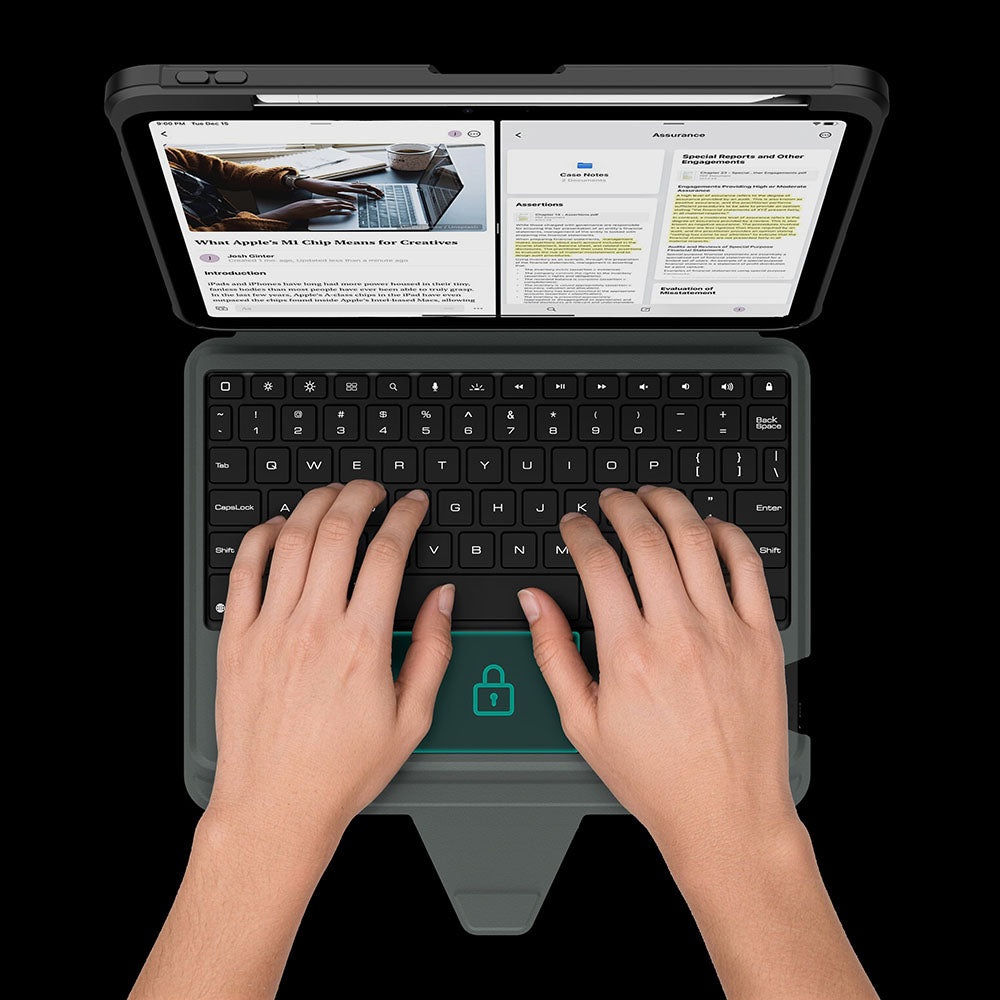
The touchpad automatically locks while you type, so every keystroke stays focused and interruption-free.
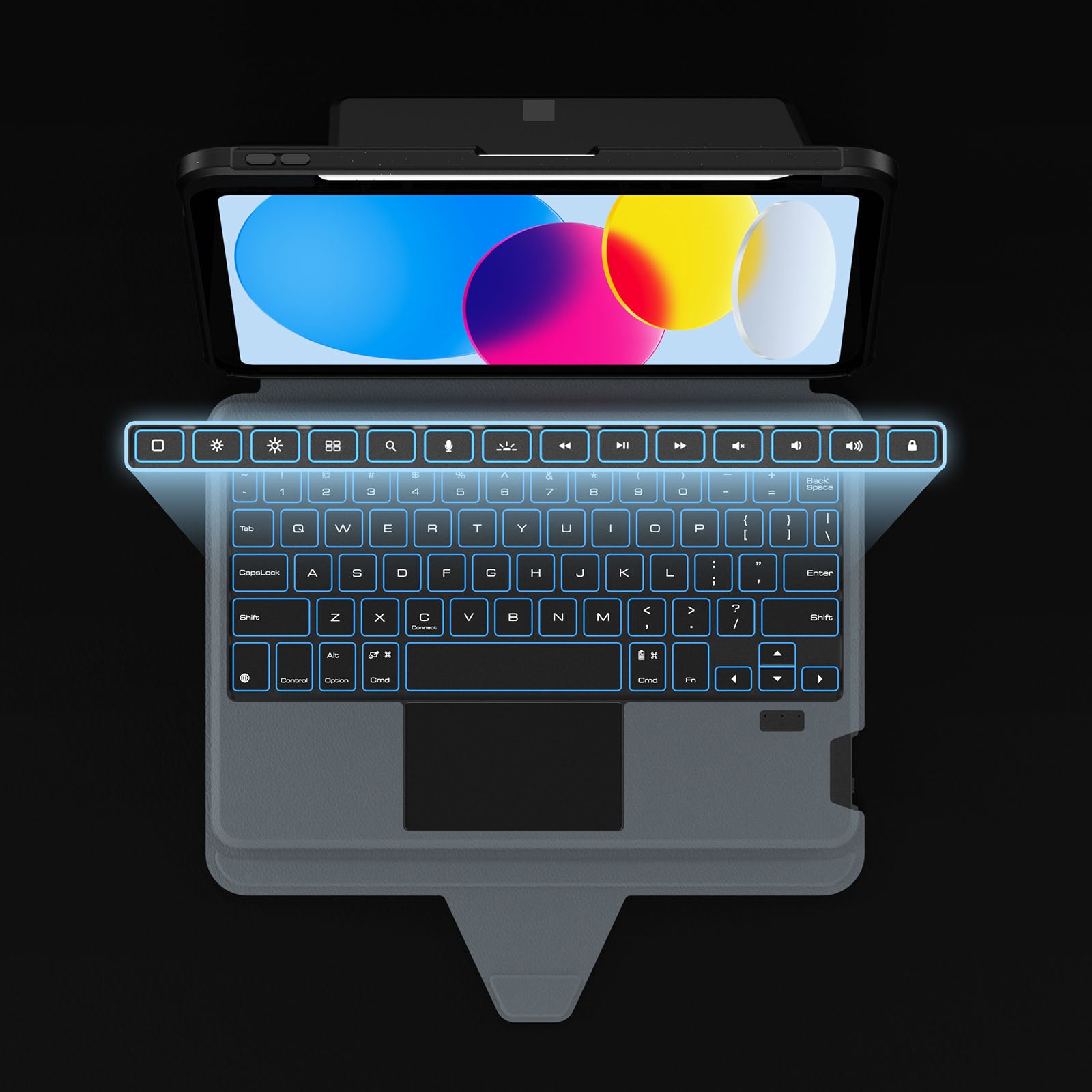
Dedicated shortcuts keep your most-used controls within easy reach, so every adjustment happens without breaking your flow.
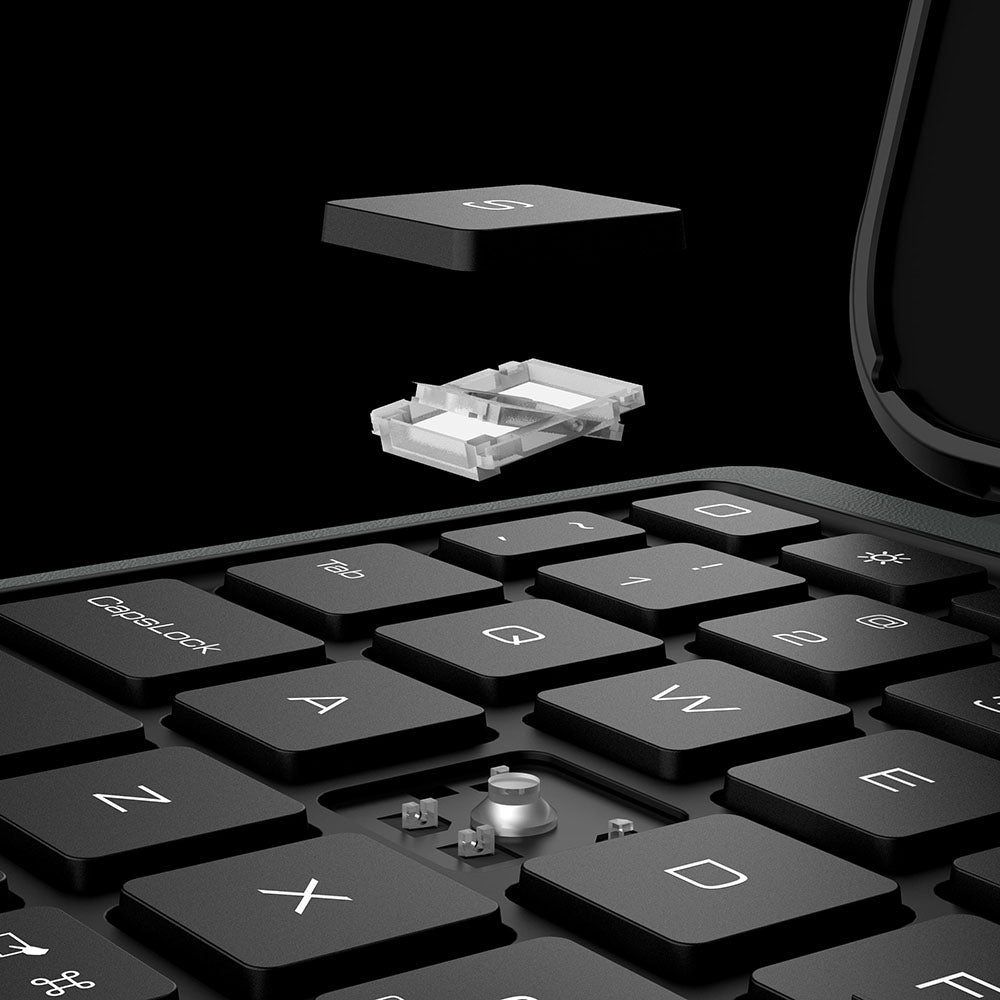
Responsive scissor-switch keys deliver quiet typing, crisp feedback, and lasting comfort through every keystroke.
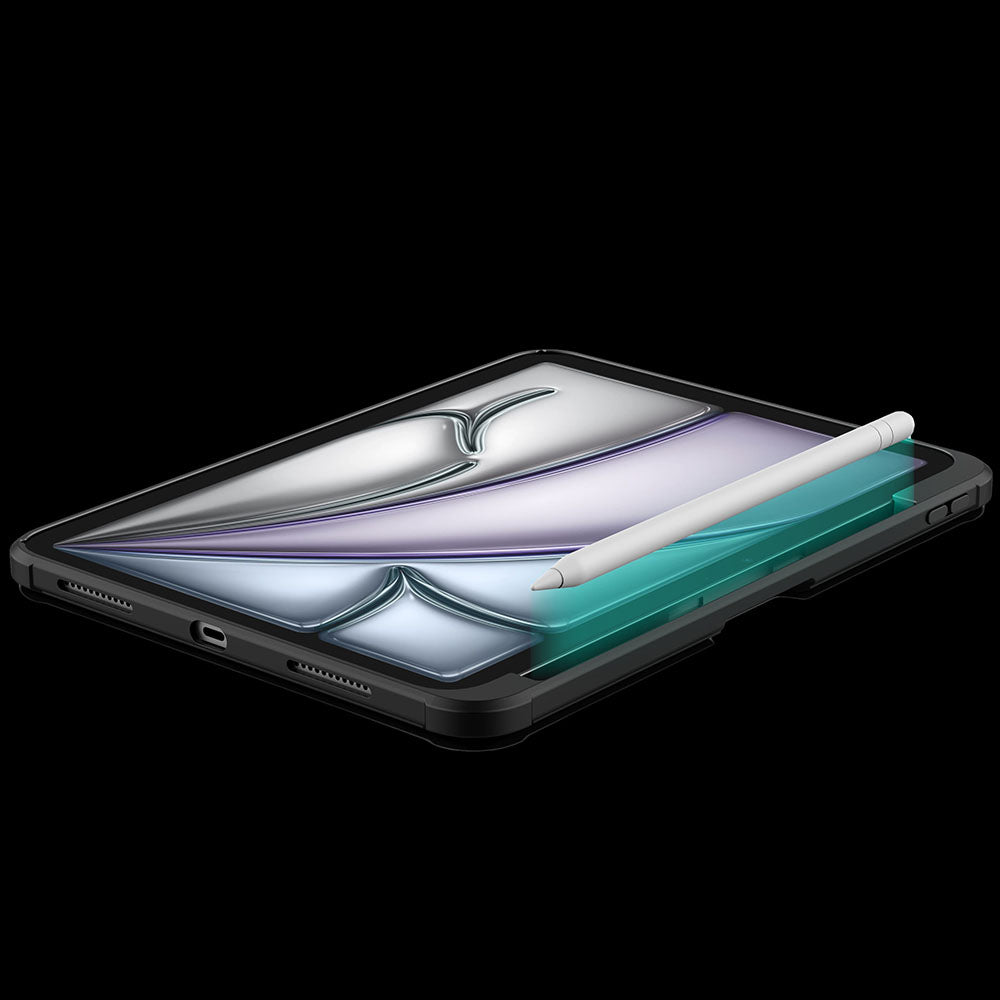
A dedicated holder keeps your Apple Pencil secure, protected, and always within easy reach.
The touchpad automatically locks while you type, so every keystroke stays focused and interruption-free.
Dedicated shortcuts keep your most-used controls within easy reach, so every adjustment happens without breaking your flow.
Responsive scissor-switch keys deliver quiet typing, crisp feedback, and lasting comfort through every keystroke.
A dedicated holder keeps your Apple Pencil secure, protected, and always within easy reach.
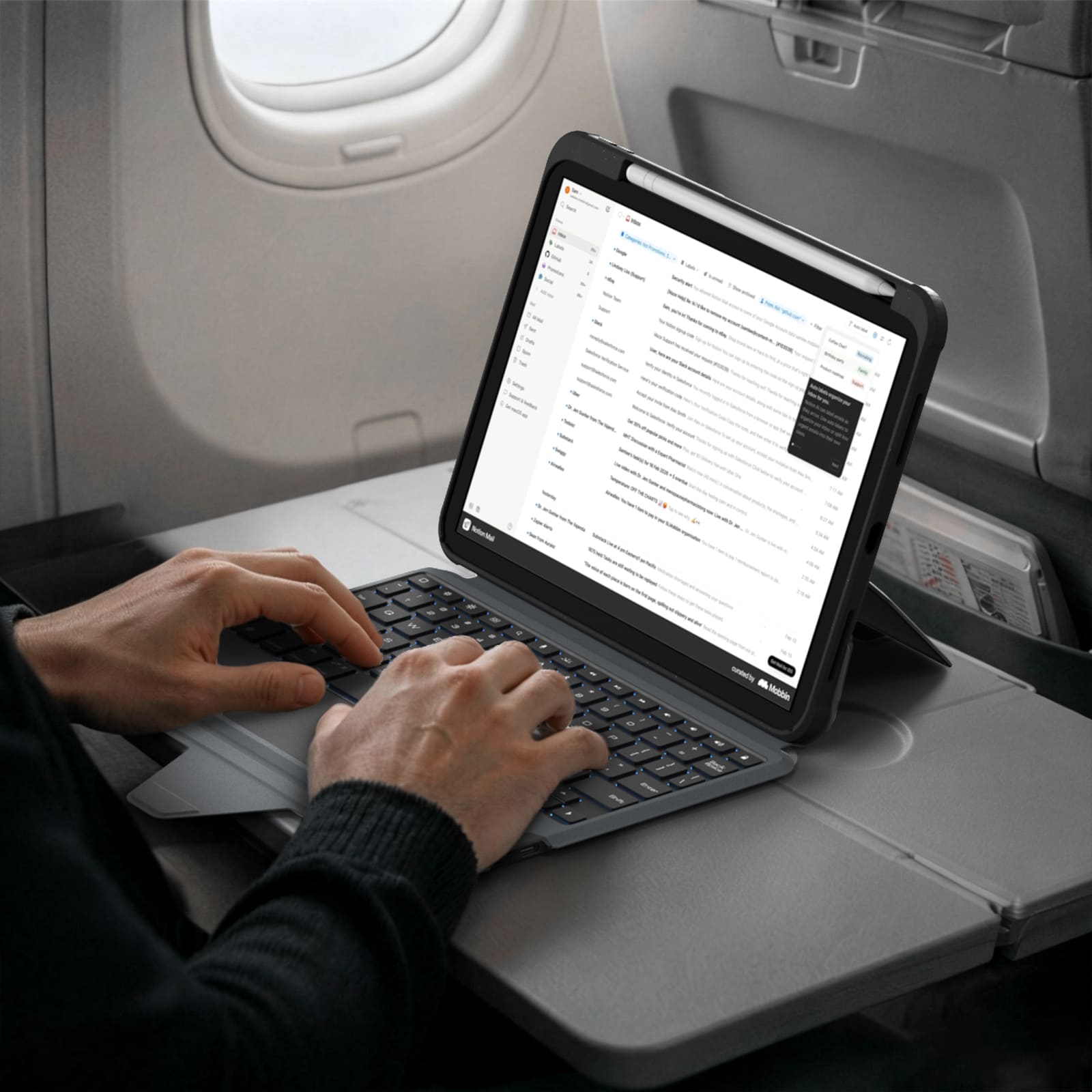
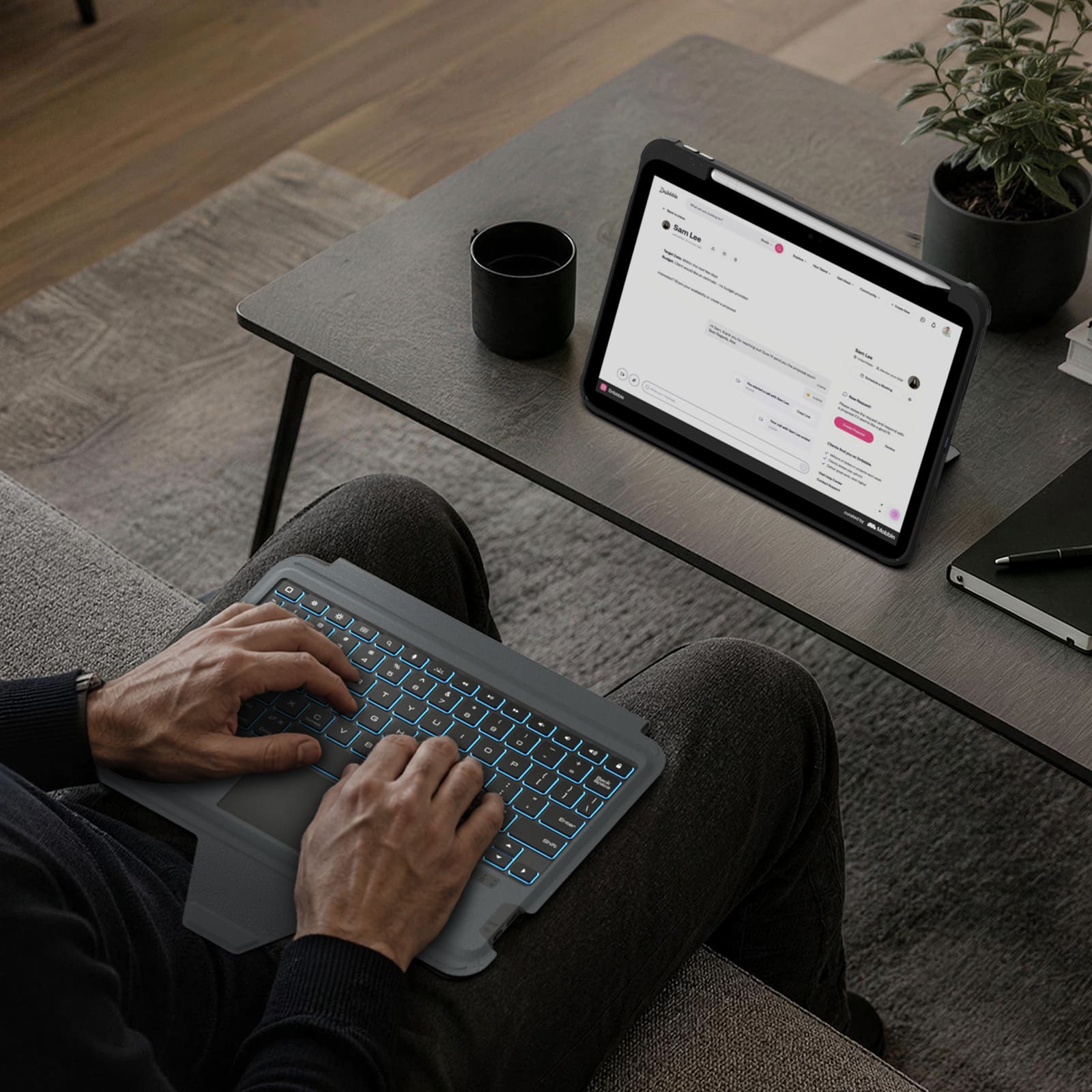
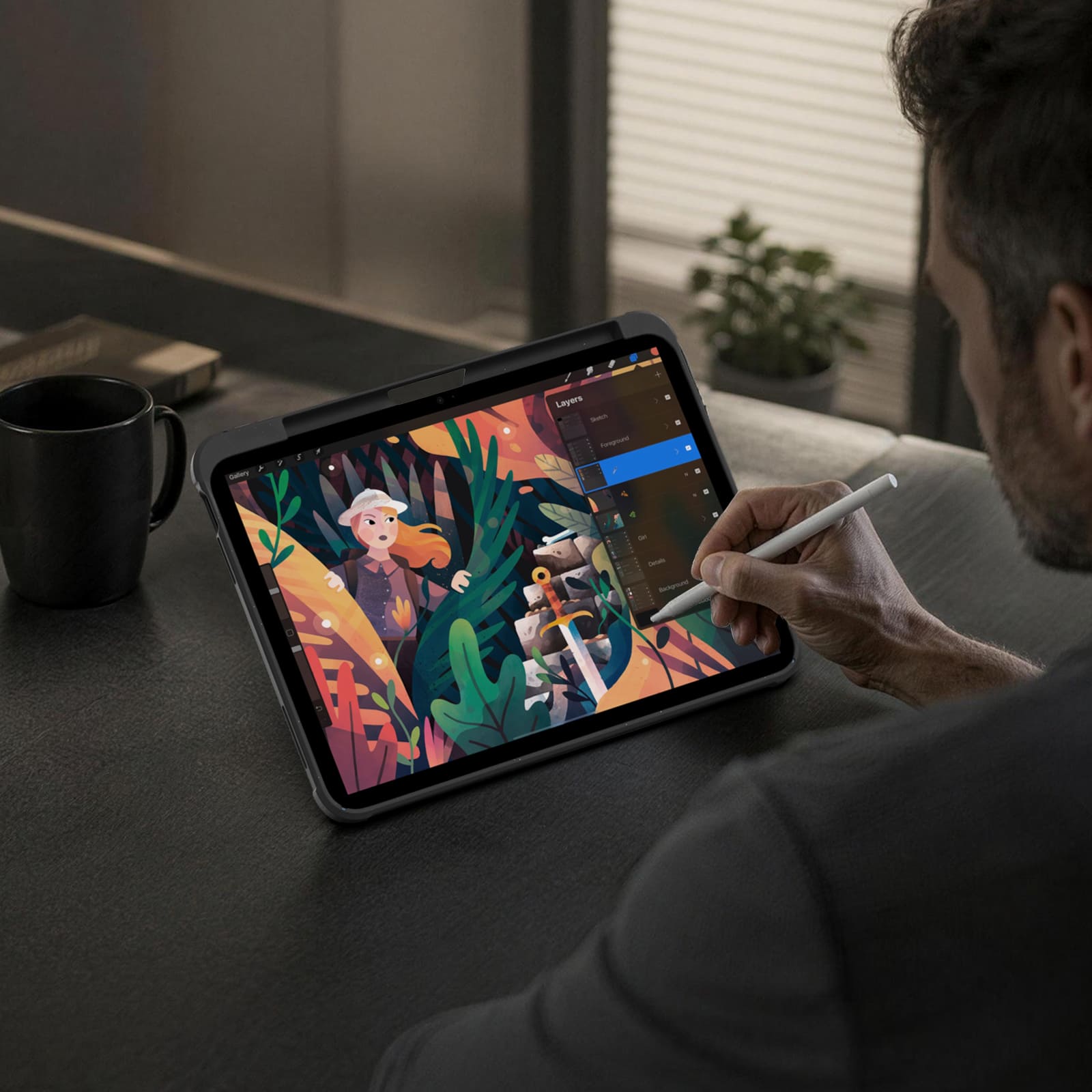


Turn the power switch to ON, then hold Fn + Connect until the blue indicator flashes. On your iPad, go to Settings > Bluetooth and select “BumperComboProKeyboard.”
The trackpad supports full iPadOS multi-touch gestures, including tapping, swiping, scrolling, zooming, dragging, and app switching. It also disables while typing to help prevent accidental touches.
Yes. It offers 7 backlight colors and 3 brightness levels. Use the brightness key to adjust brightness, and press Fn + Color to switch between colors.
The 500mAh battery provides up to around 100 hours of use with the backlight off and up to 180 days of standby time.
The kickstand supports stepless adjustment from 0° to 110° and can be used in both landscape and portrait orientations.
Yes, for Apple Pencil models that support magnetic attachment and wireless charging. You can keep the case on while charging.
Press Fn + Battery. The indicator will flash 1–4 times to show the approximate battery level. You can also check the battery level in your iPad’s Bluetooth settings.
The keyboard enters sleep mode after 10 minutes of inactivity. Press any key to wake it and reconnect automatically. If it still does not respond, check that the power is on and the battery has enough charge.


Make your life and work easier by providing unique and quality products. We believe that high quality accessories enhance the user experience and our team constantly strives to develop and improve our products to meet the ever-changing market needs.
As the pace of life accelerates and productivity devices continue to innovate, multi-screen collaboration allows content to be transmitted across devices without hindrance, enabling various functional operations and people to work more efficiently.
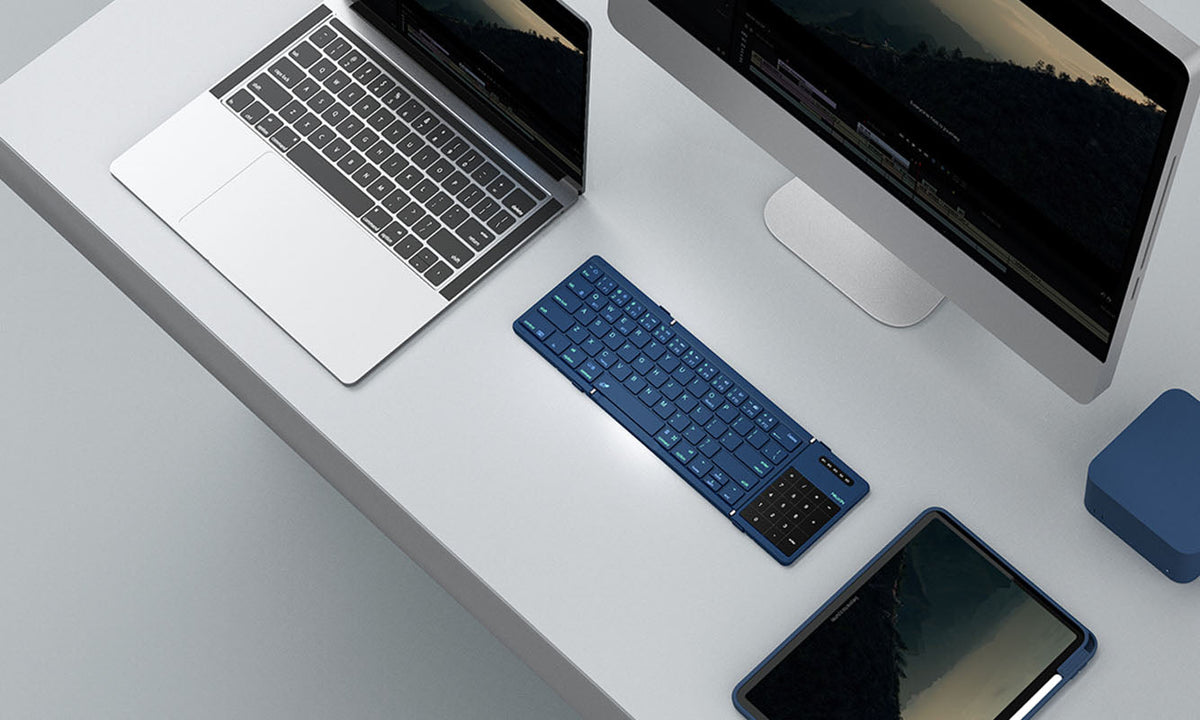
NILLKIN Cube Pocket Keyboard: How to Pair & Switch Up to 3 Devices
A complete guide to pairing, switching, and troubleshooting the NILLKIN Cube Pocket Keyboard across three Bluetooth devices. Covers first-time setup, OS-specific steps for iOS, Android, Windows, an...
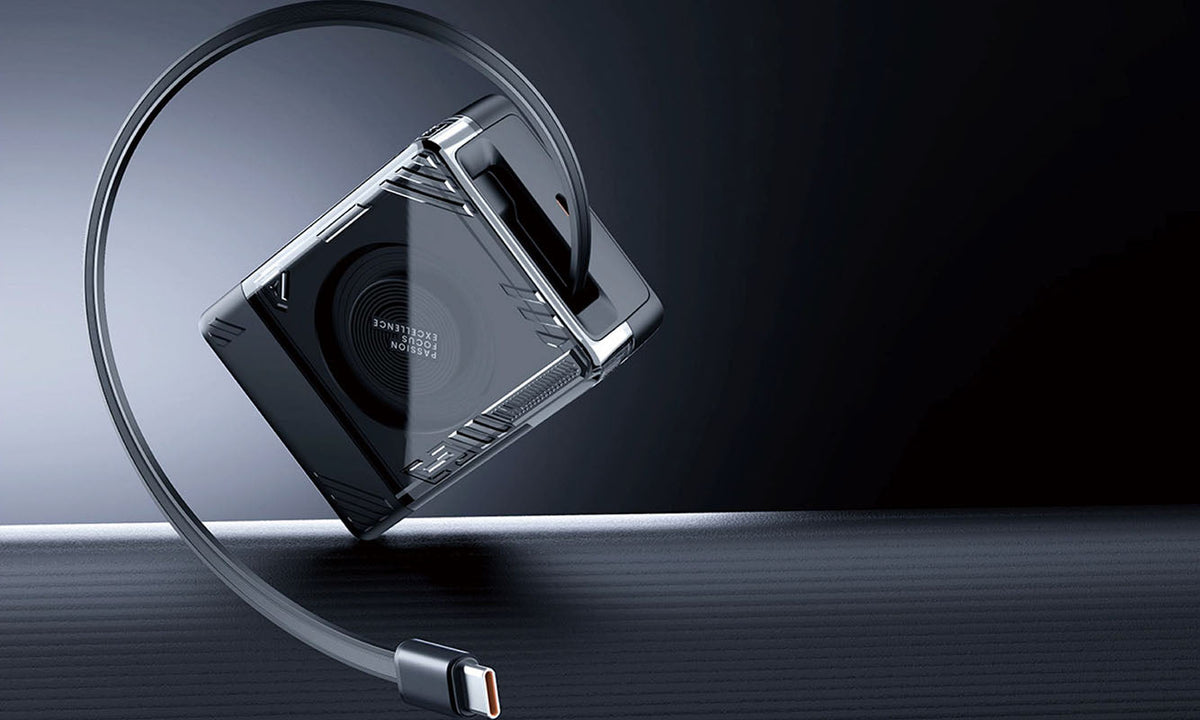
Travel Charger Guide: Charge Confidently Anywhere in 2026
A practical 2026 guide to choosing the right USB-C GaN travel charger for any destination. Learn how detachable plug designs, regional versions, and 65W GaN technology can replace your entire charg...

Is an iPad Keyboard Case Worth It? What to Consider Before You Buy
A practical buying guide covering who benefits most from an iPad keyboard case, when one isn't worth the investment, and which features matter most for work, study, and travel productivity in 2026.