حافظات iPad Pro/Air
 حافظات جالكسي تاب
 كيبورد آيباد مغناطيسي
 حافظات شاومي باد
 اكسسوارات التابلت
 iPhone 18 Series
 سلسلة آيفون 17
 سلسلة آيفون 16
 سلسلة آيفون 15
 سلسلة آيفون 14
 سلسلة آيفون 13
 سلسلة جالكسي زد فولد وفليب
 سلسلة جالاكسي S26
 سلسلة جالاكسي S25
 سلسلة سامسونج جالكسي S24
 سلسلة سامسونج جالكسي S23
 Google Pixel 11 Series
 سلسلة Google Pixel 10
 سلسلة Google Pixel 9
 سلسلة شاومي
 سلسلة OnePlus
 سلسلة أوبو
 سلسلة فيفو
 سلسلة هواوي هونر
 سلسلة نَاثينج
 سلسلة آيفون
 سلسلة سامسونج جالاكسي
 سلسلة جوجل
 سلسلة شاومي
 سلسلة OPPO
 لوحة مفاتيح قابلة للطي
 مكبرات الصوت
 كمبيوتر محمول
 arabic
صحة
arabic
صحة
 حافظة بطاقات مغناطيسية مع حامل
 قاعدة شحن RayDock
 شواحن وكابلات
 حوامل ومثبتات الهواتف
 شحن السيارة
 تخفيضات الصيف ☀️

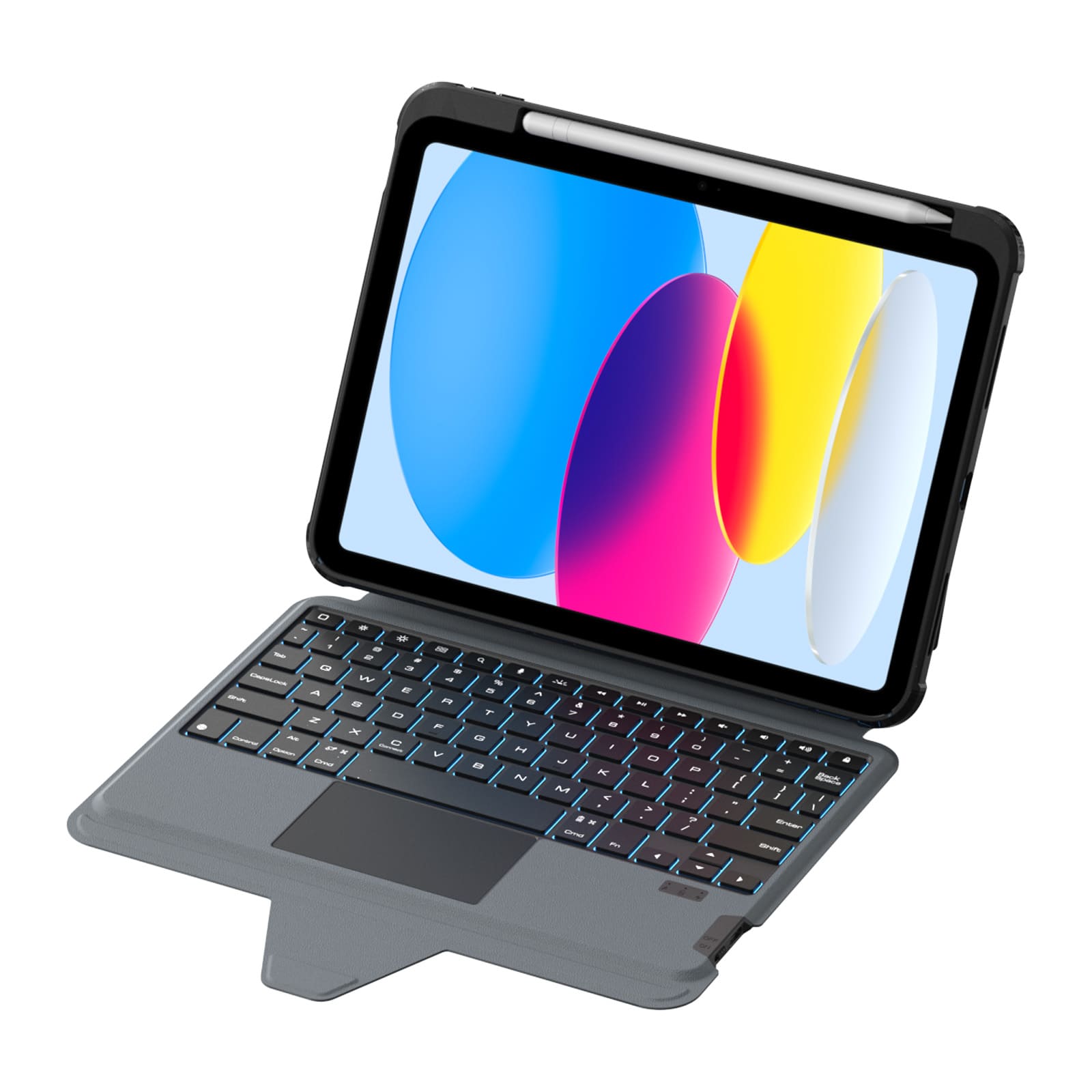
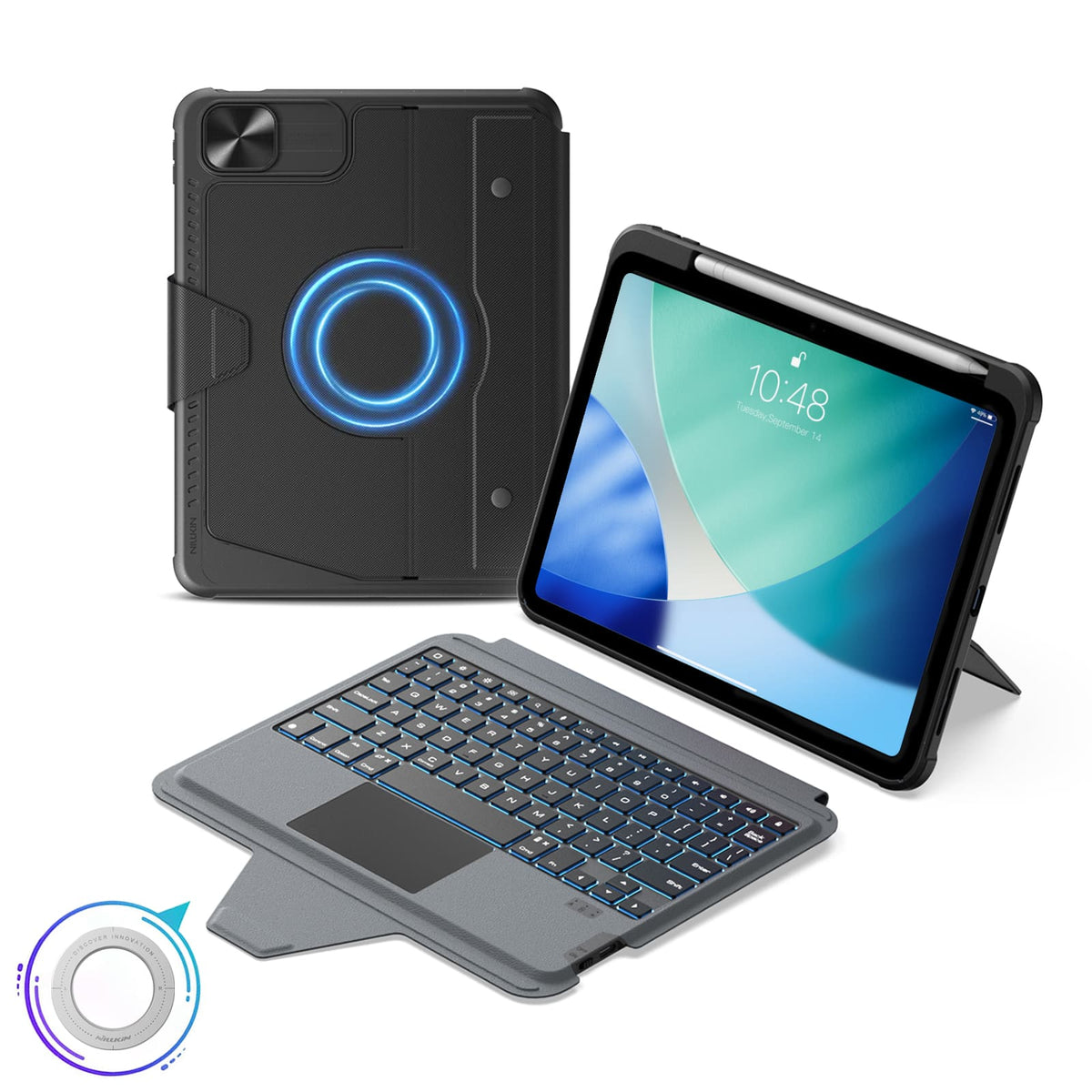
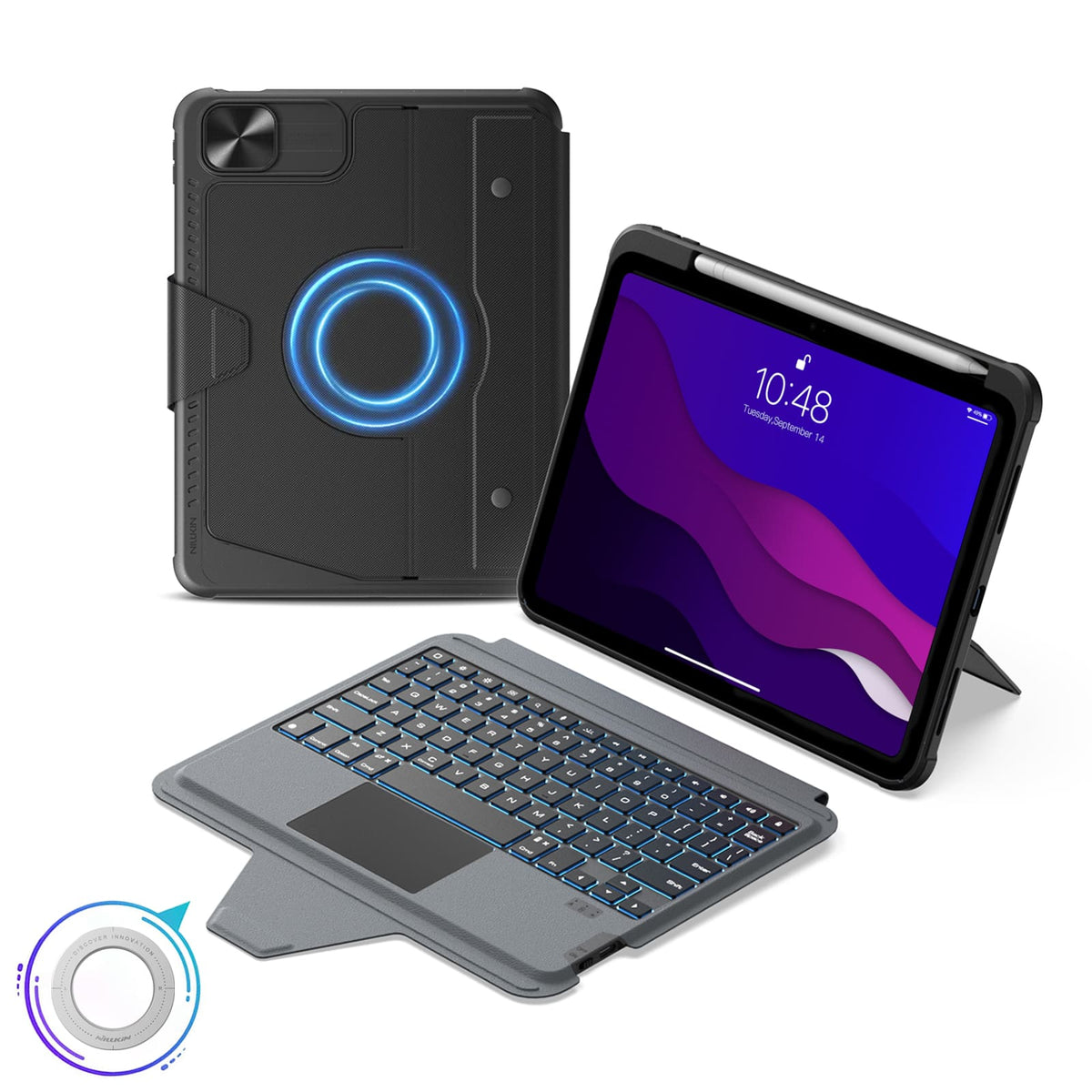
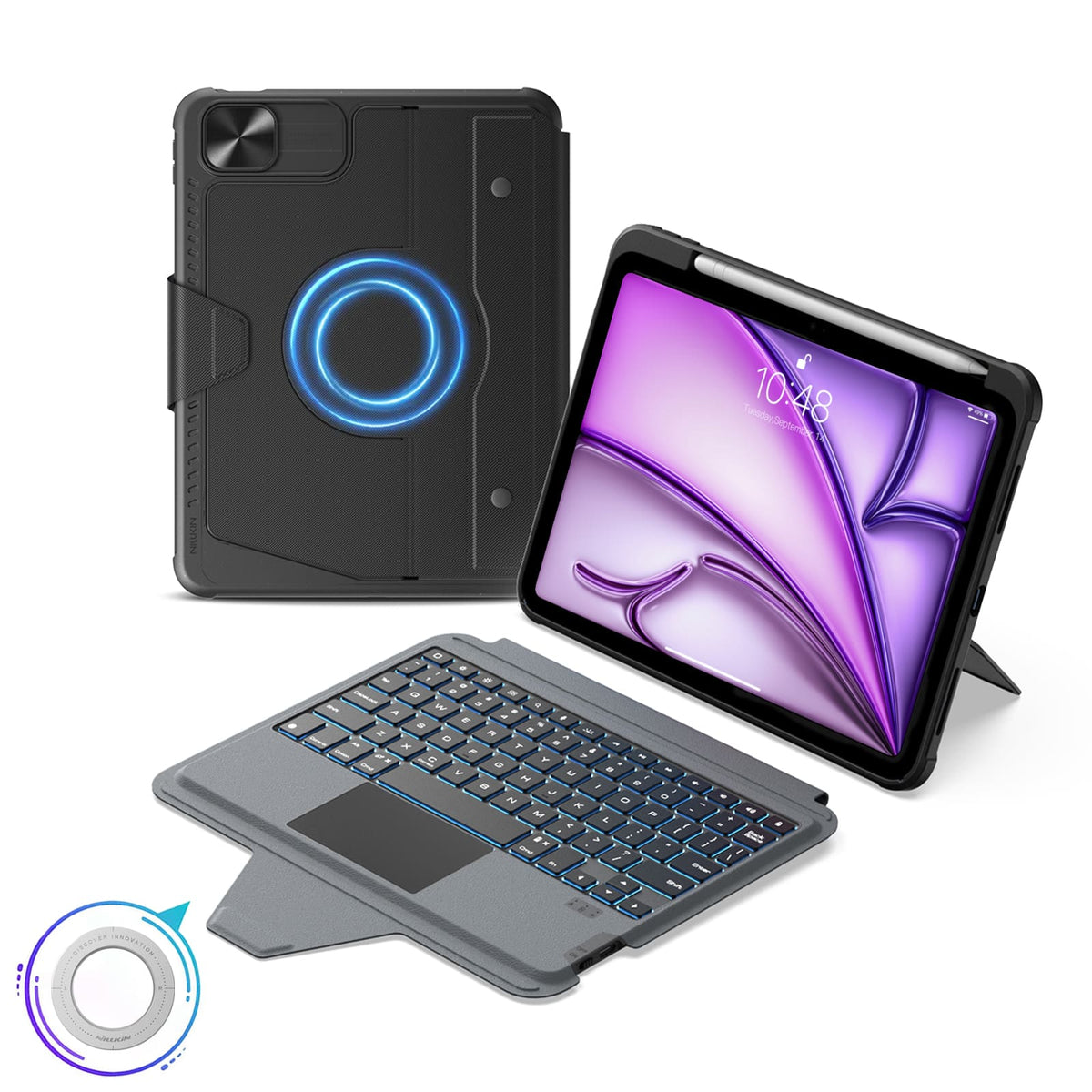
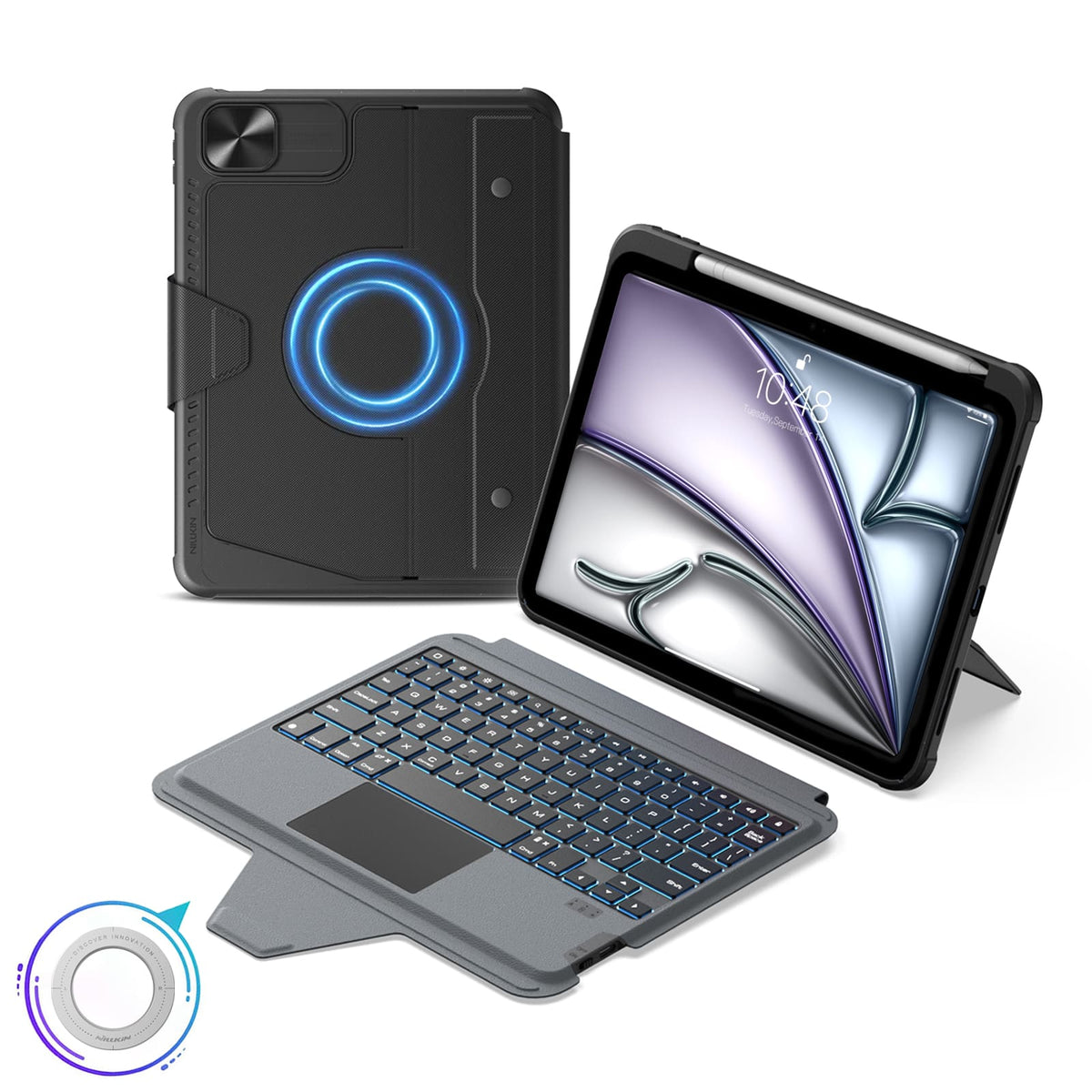
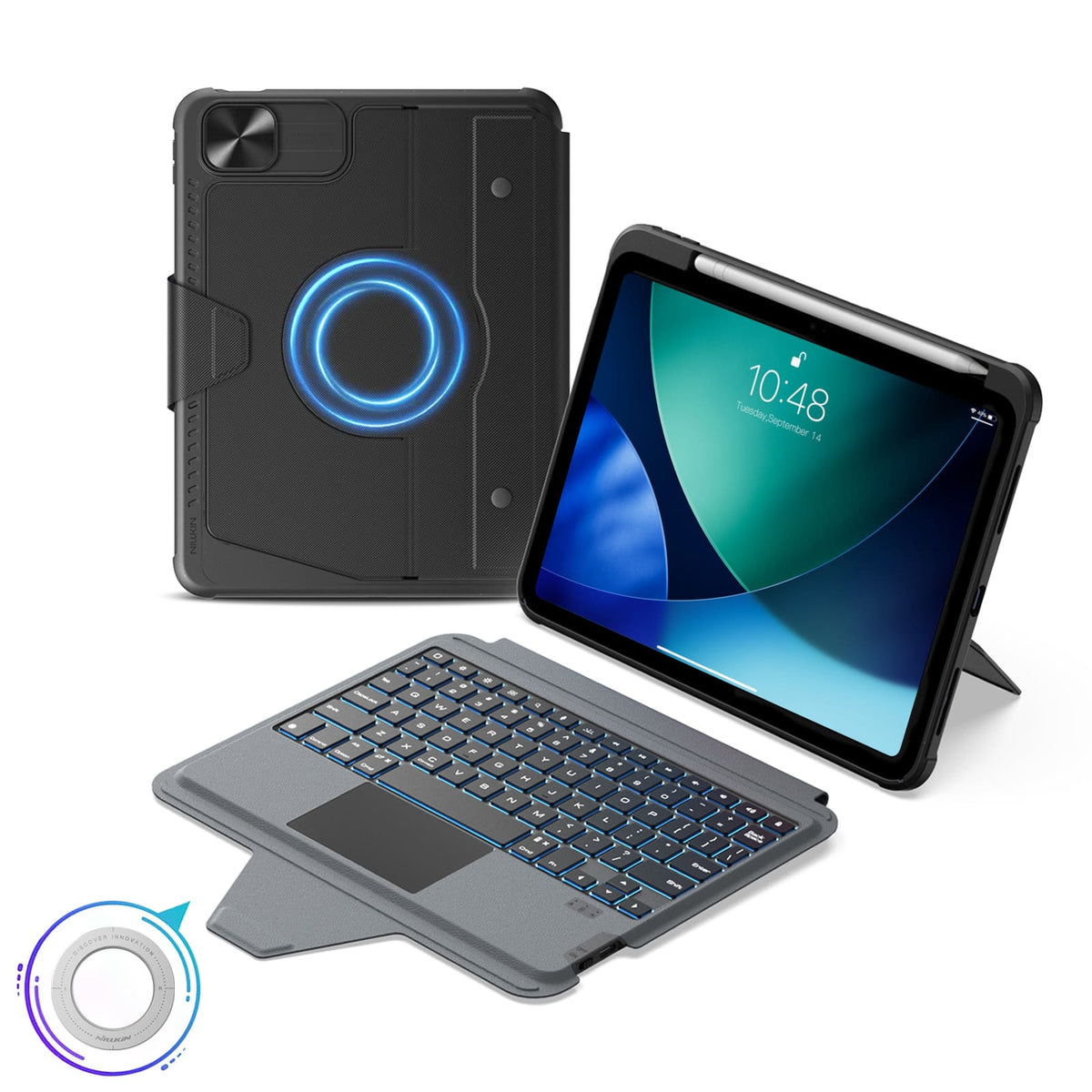
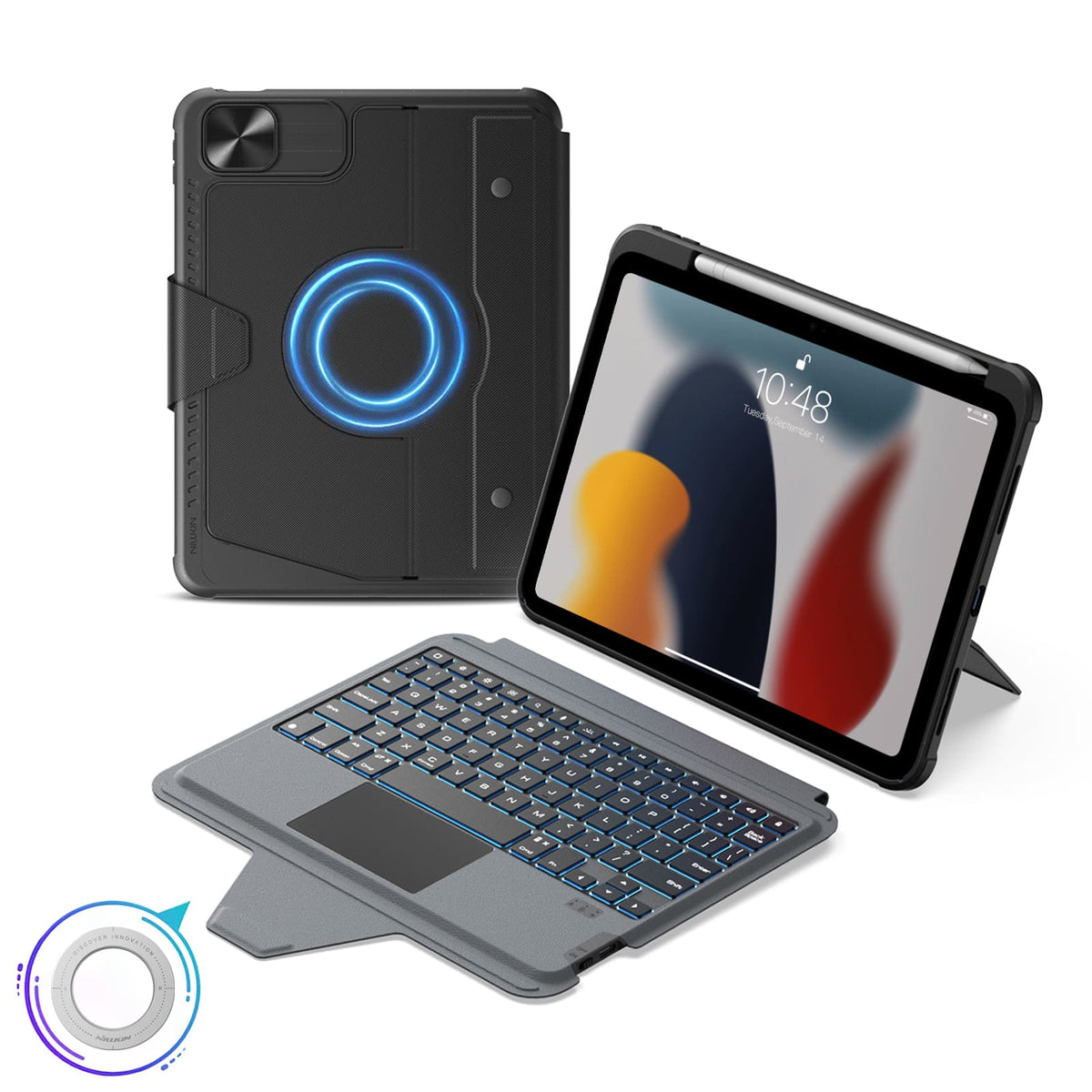
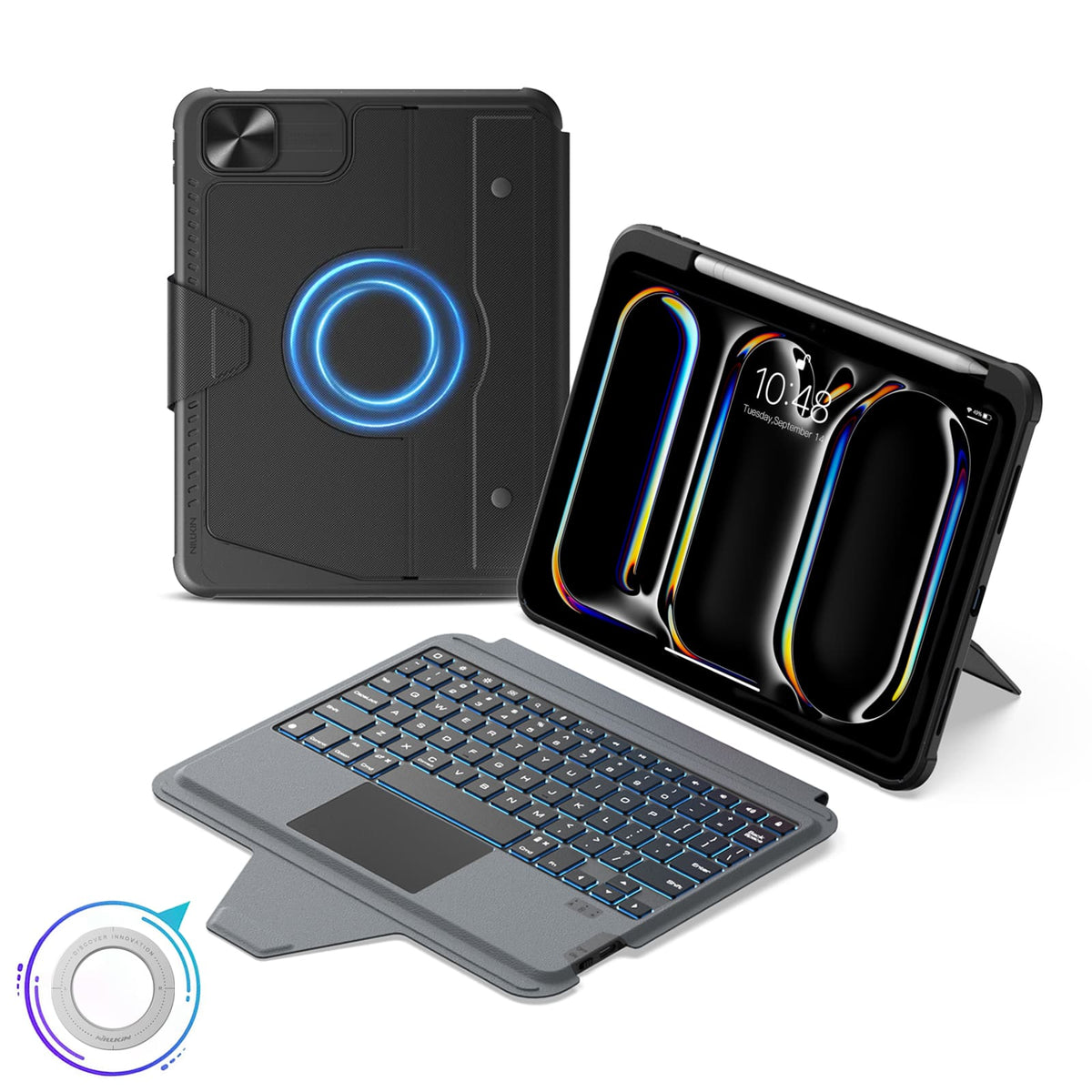
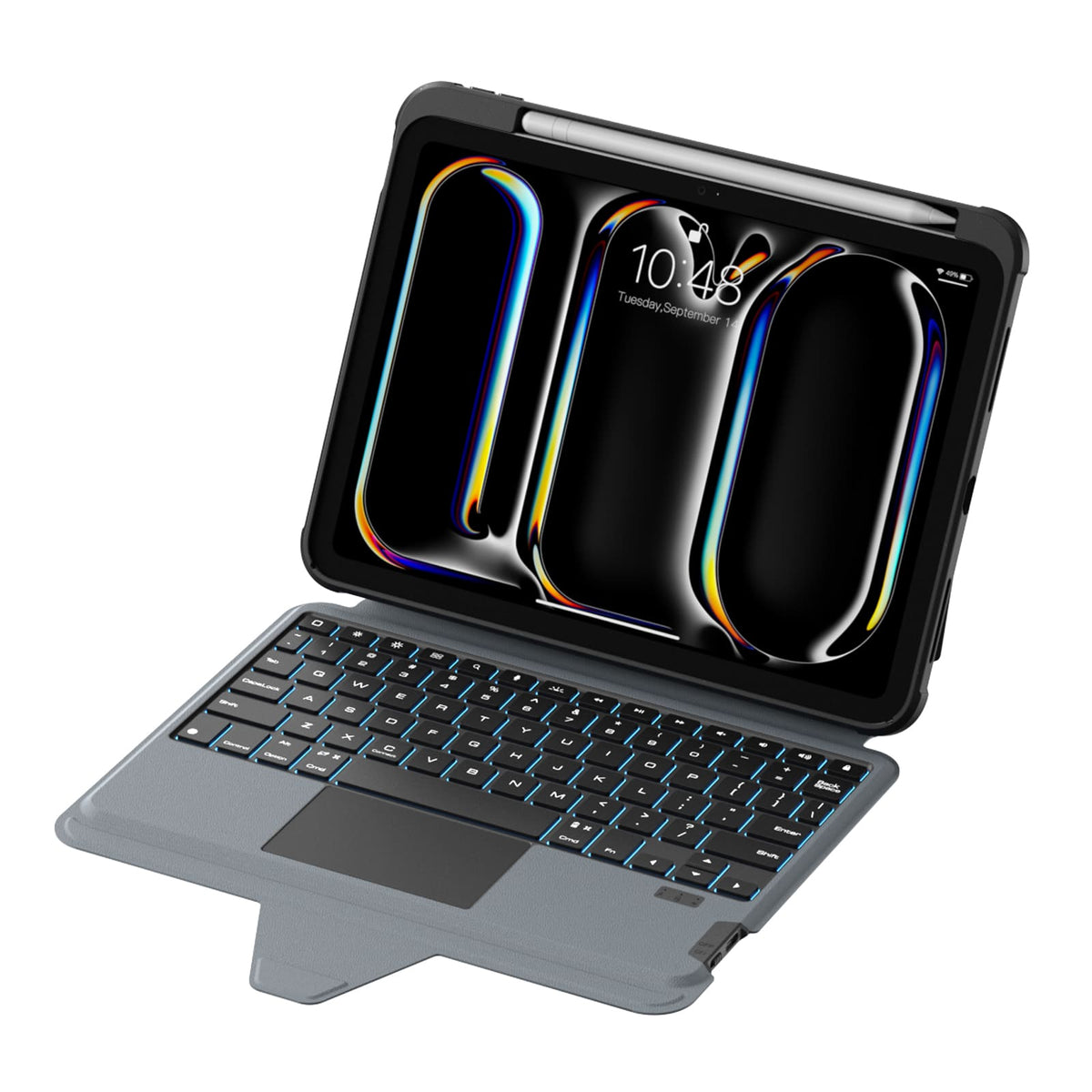
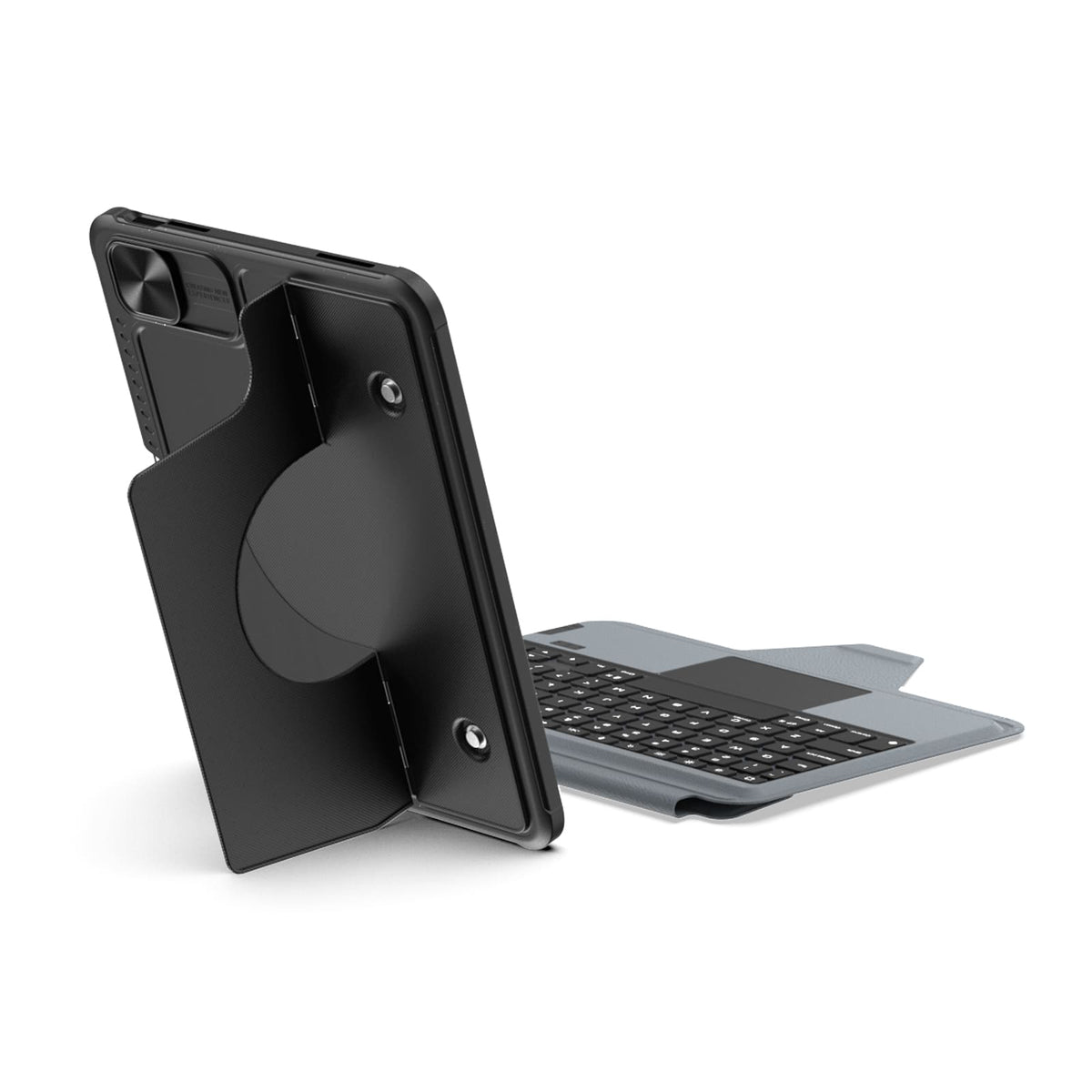
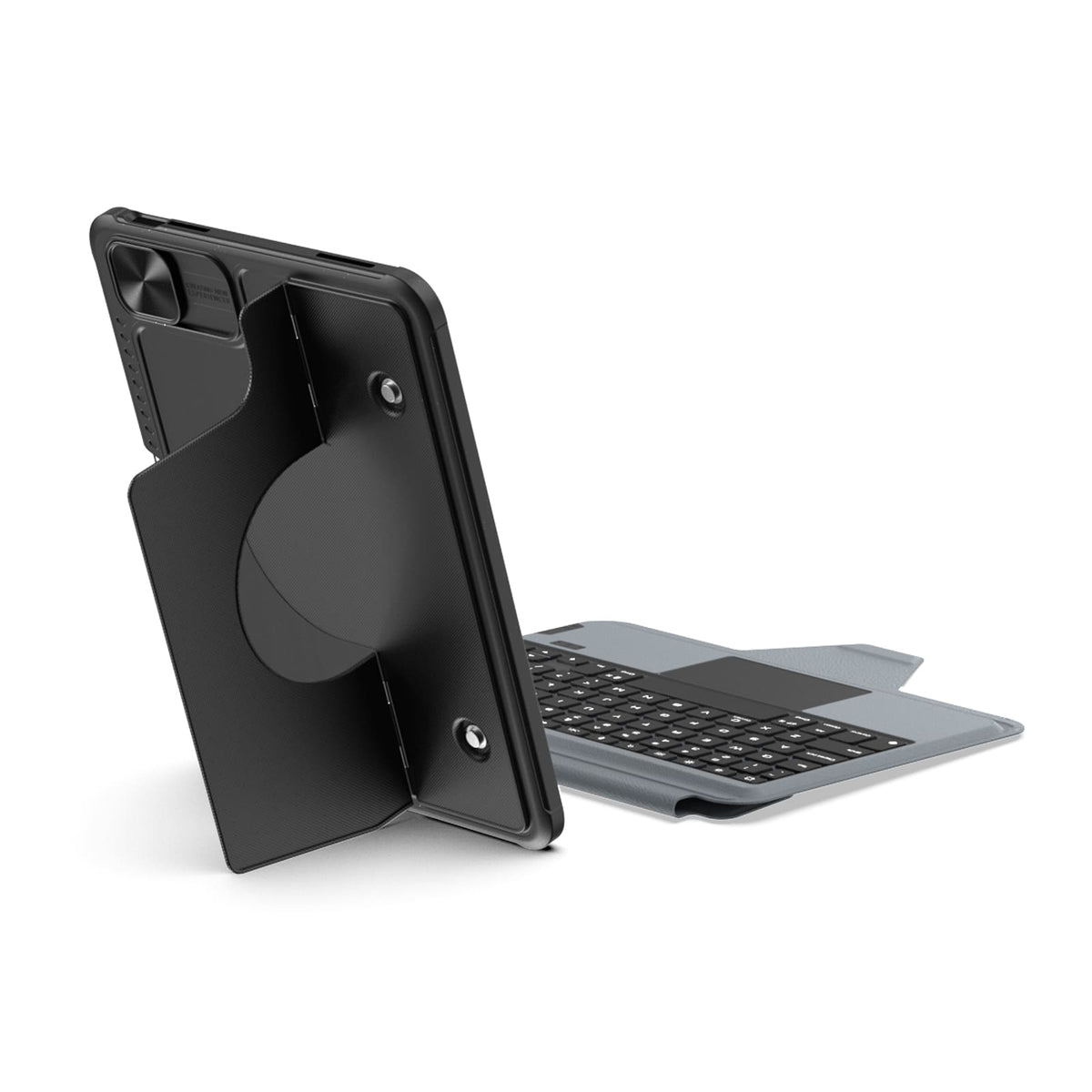
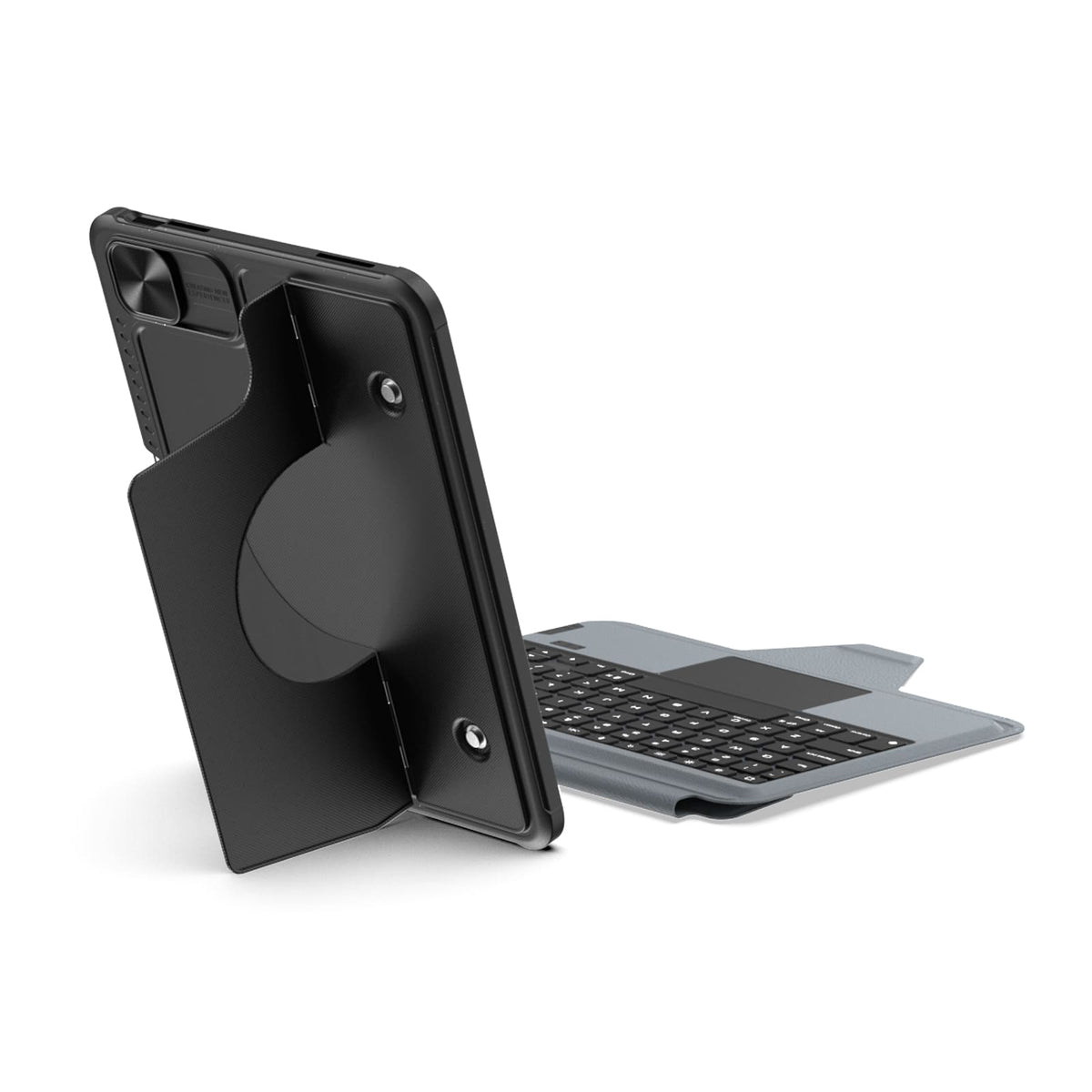
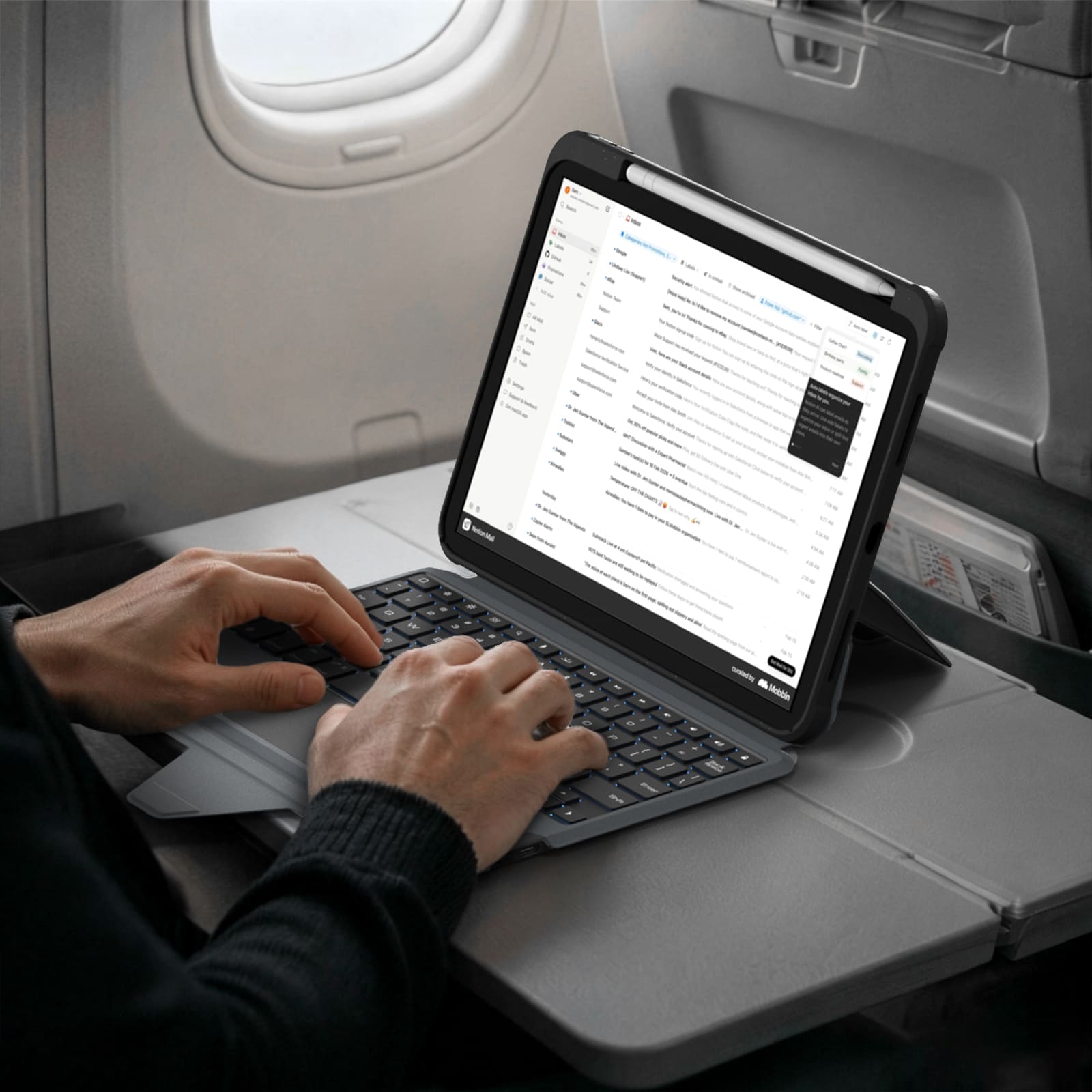
A full-size layout, responsive keys and a precision trackpad bring a more natural, effortless flow to everyday work.
More Than a Keyboard Case
More Than a Keyboard Case






















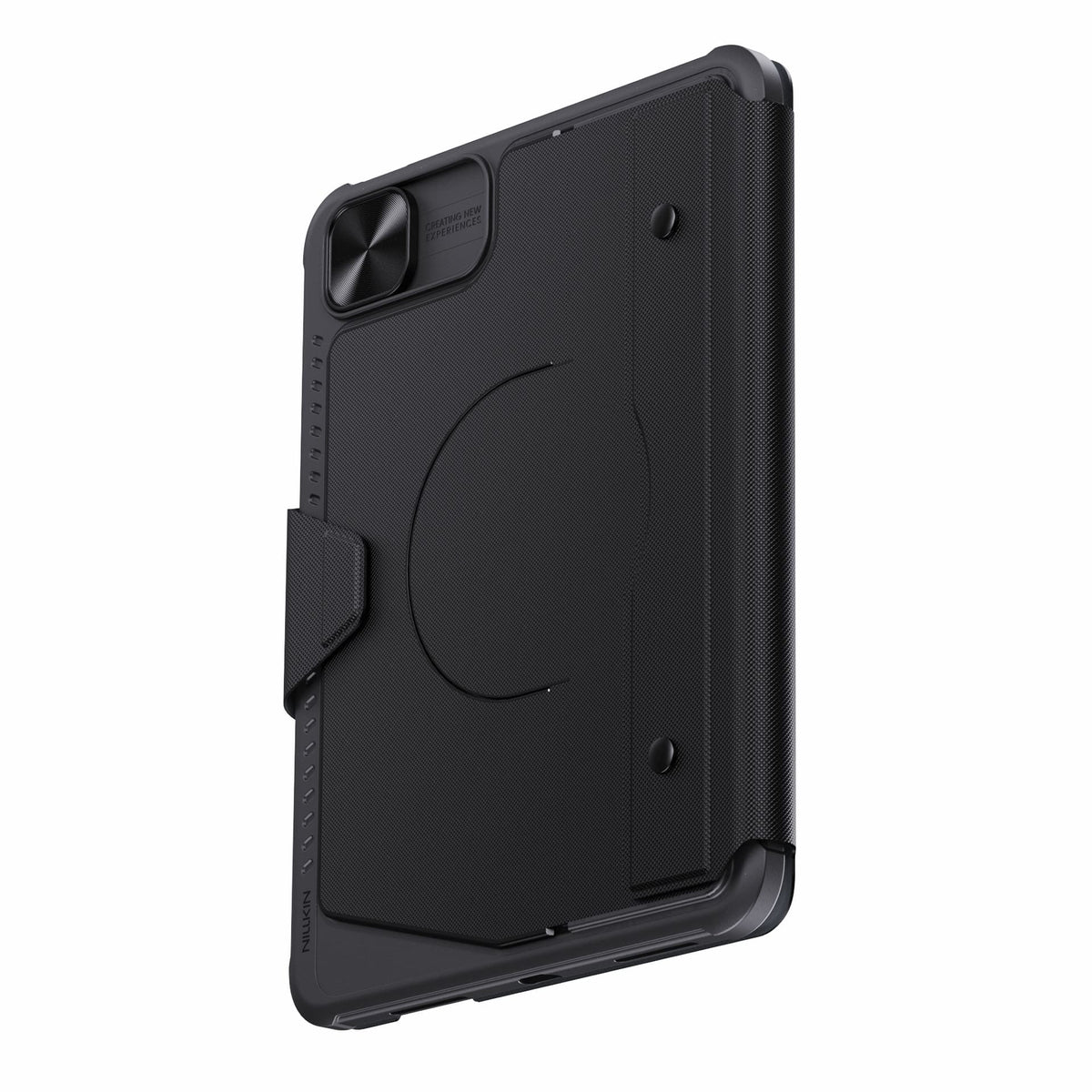
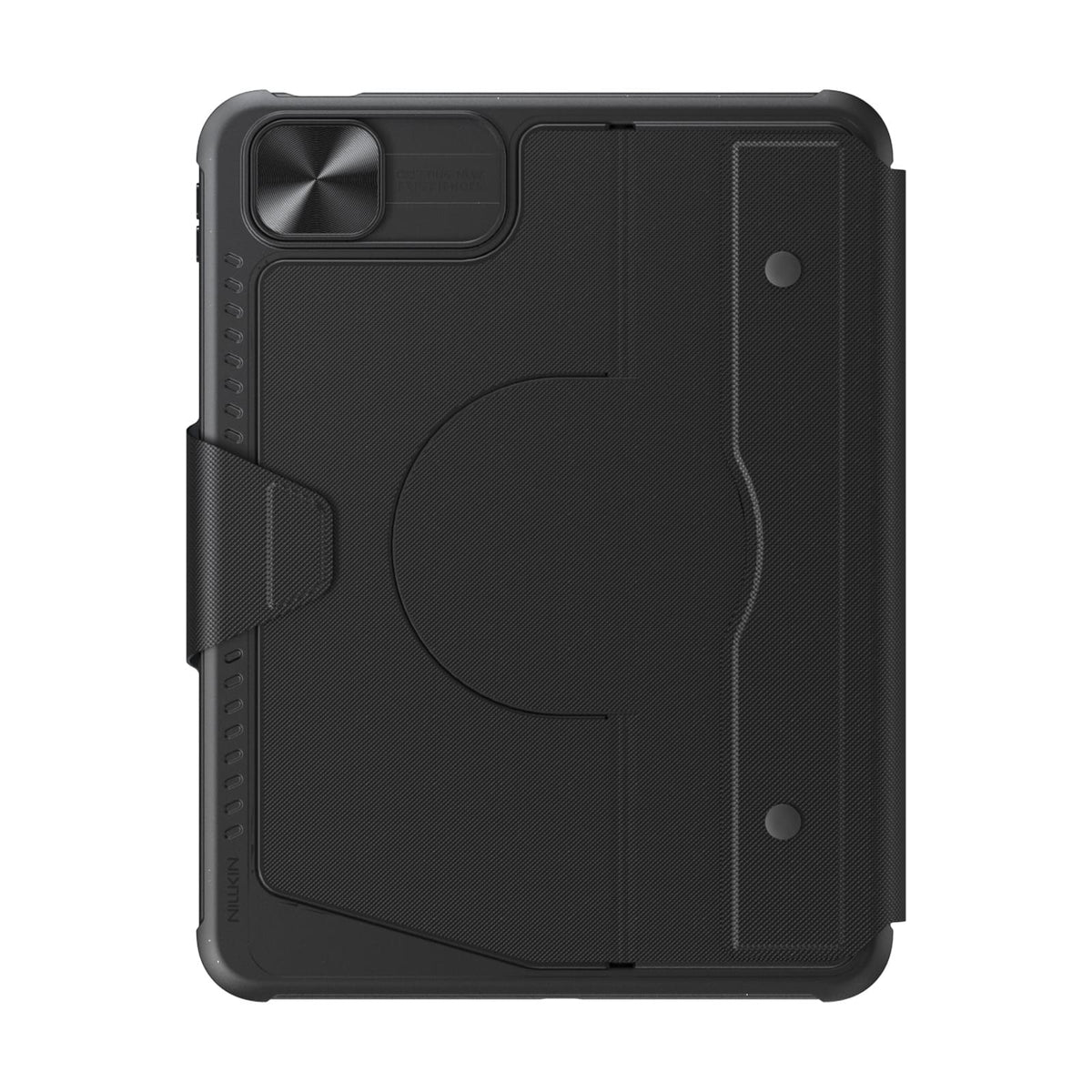
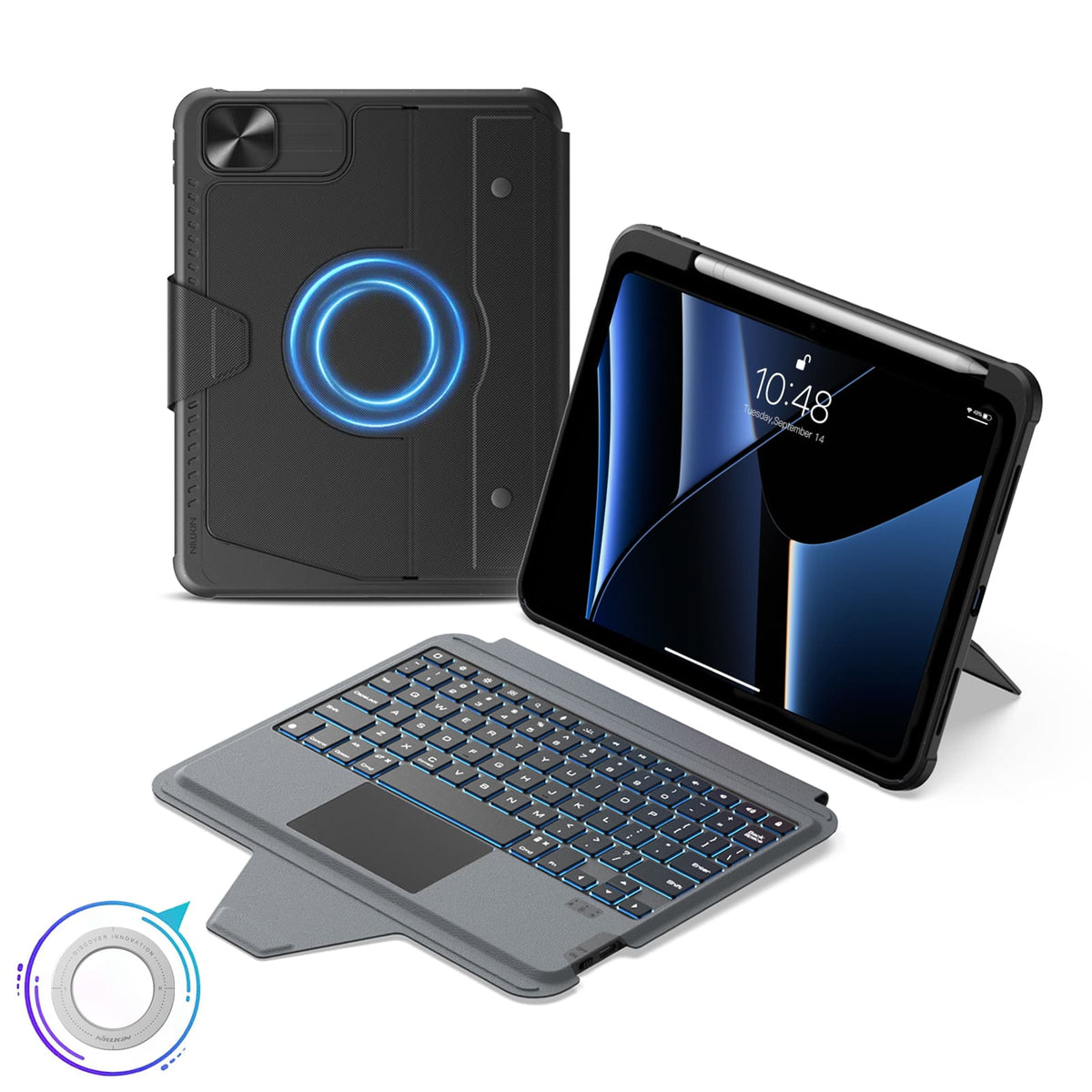

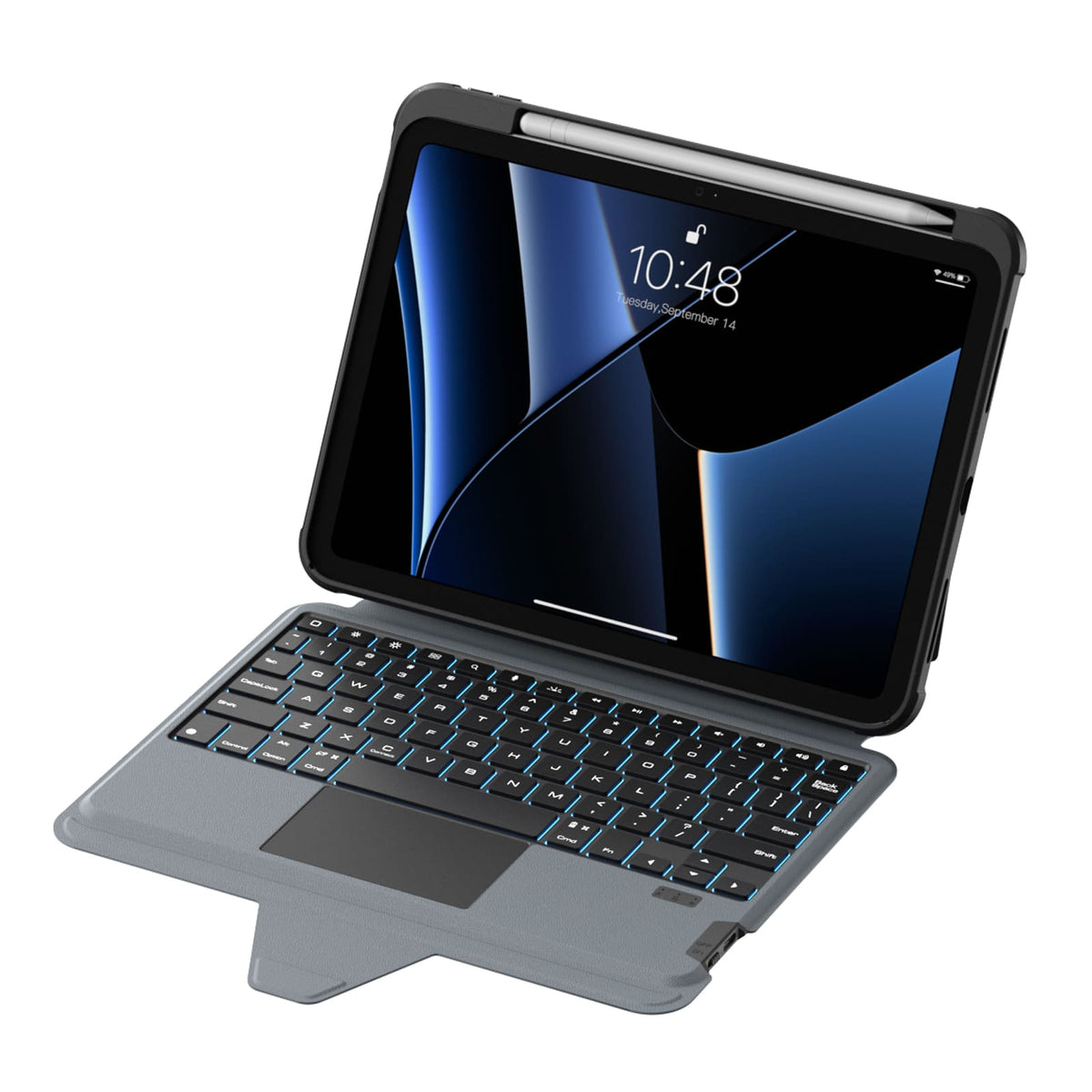
 1 sustainability feature
 معتمد من Carbonfree
 معتمد خالٍ من الكربون

5 flexible modes, Magnetic compatibility, Bluetooth 5.0.
Keyboard Layout: US English

5 flexible modes, Magnetic compatibility, Bluetooth 5.0.
Keyboard Layout: US English

5 flexible modes, Magnetic compatibility, Bluetooth 5.0.
Keyboard Layout: US English

5 flexible modes, Magnetic compatibility, Bluetooth 5.0.
Keyboard Layout: US English

5 flexible modes, Magnetic compatibility, Bluetooth 5.0.
Keyboard Layout: US English

5 flexible modes, Magnetic compatibility, Bluetooth 5.0.
Keyboard Layout: US English

5 flexible modes, Magnetic compatibility, Bluetooth 5.0.
Keyboard Layout: US English

5 flexible modes, Magnetic compatibility, Bluetooth 5.0.
Keyboard Layout: US English

5 flexible modes, Magnetic compatibility, Bluetooth 5.0.
Keyboard Layout: US English

5 flexible modes, Magnetic compatibility, Bluetooth 5.0.
Keyboard Layout: US English

5 flexible modes, Magnetic compatibility, Bluetooth 5.0.
Keyboard Layout: US English

5 flexible modes, Magnetic compatibility, Bluetooth 5.0.
Keyboard Layout: US English

5 flexible modes, Magnetic compatibility, Bluetooth 5.0.
Keyboard Layout: US English

5 flexible modes, Magnetic compatibility, Bluetooth 5.0.
Keyboard Layout: US English

5 flexible modes, Magnetic compatibility, Bluetooth 5.0.
Keyboard Layout: US English
نتفهم أنه في بعض الأحيان قد لا تلبي منتجاتنا توقعاتك بالكامل، ونعتذر بصدق عن ذلك. إذا حدث ذلك، يرجى الاتصال بـ support@nillkin.com في أقرب وقت ممكن وتزويدنا بصور شاملة للمنتج والتعبئة والتغليف في غضون 60 يومًا من الشراء. سنقوم بترتيب خدمة ما بعد البيع على الفور.
جميع المنتجات مؤهلة للإرجاع أو الاستبدال في غضون 60 يومًا من التسليم (ملاحظة: لا يمكن إرجاع أو استرداد قيمة الطلبات المنقوشة المخصصة بأسماء أو أحرف أو شعارات محددة. نحن لسنا مسؤولين عن النقوش التي تحتوي على أخطاء إملائية أو أخطاء ارتكبها العميل للمنتجات المخصصة. الطلبات المخصصة مغطاة فقط في حالة حدوث تلف، وسنقوم بإرسال المنتج مرة أخرى دون أي تكلفة إضافية). تحتفظ NILLKIN بسلطة تفويض إرجاع البضائع، مما يتطلب منك تغطية رسوم الشحن والتأمين للإرجاع.
يرجى العلم أنه يجب أن تكون المنتجات في حالتها الأصلية عند الاستلام، بما في ذلك جميع وثائق المنتج، وشحنها في غضون ثلاثة أيام.
لتبديل المنتجات بسرعة، نوصي بطلب استرداد المبلغ وتقديم طلب جديد. اسمح بحوالي أسبوع لمعالجة استرداد المبلغ الخاص بك بعد استلامنا لعملية الإرجاع.
في حالة وصول طرد أو منتج تالف، يرجى رفض الشحنة أو إبلاغنا على الفور (support@nillkin.com). احتفظ بجميع مواد التعبئة والتغليف ما لم يُطلب منك خلاف ذلك من قبل NILLKIN. يجب تقديم المطالبات المتعلقة بالمنتجات التالفة أو المفقودة على الفور أو في غضون ثلاثة أيام من استلام شحنتك. NILLKIN ليست مسؤولة عن فقدان أو تلف المنتجات في الشحنات المرتجعة.

في NILLKIN، نضمن جودة وأداء منتجاتنا. يمتد التزامنا للحفاظ على متانة منتجك وتقليل التأثير البيئي.
المنتجات المشتراة من متجرنا تتمتع بفترة ضمان تتراوح من سنة واحدة إلى سنتين.
الضمان المحدود:
- الشراء من nillkin.com للتغطية؛ المصادر الأخرى غير مشمولة.
- يغطي عيوب المواد/الصناعة خلال فترة الضمان. تقوم NILLKIN باستبدال المنتجات المعيبة للمشترين الأصليين.
ملاحظة:
- يستثني الضمان المنتجات غير nillkin.com، والعناصر المجانية/الترويجية، والمنتجات غير NILLKIN، والعناصر التي تم إيقافها.
تقديم مطالبة:
للمشاكل المتعلقة بالضمان/التلف، اتصل بـ support@nillkin.com للاستبدال المجاني.
تعرف على المزيد حول فترات الضمان لدينا، تحقق من التفاصيل.

يوفر برنامج خصم الشراء بالجملة للشركات والمؤسسات والحكومات والأفراد حلاً فعالاً من حيث التكلفة لشراء منتجات NILLKIN بكميات كبيرة (بحد أدنى 10 قطع إجمالاً)، بما في ذلك أغطية الهواتف، وأغطية الأجهزة اللوحية، وواقيات الشاشة، والشواحن اللاسلكية، وسماعات الأذن، وغيرها من الملحقات. بالإضافة إلى ذلك، تُعد منتجات NILLKIN هدايا رائعة لموظفيك وشركائك التجاريين. انضم إلى البرنامج ووفر الآن!
لأية اقتراحات أو أسئلة، لا تتردد في الاتصال بنا عبر البريد الإلكتروني.
البريد الإلكتروني: support@nillkin.com
تعرف على المزيد حول خصم الشراء بالجملة الخاص بنا، واطلع على التفاصيل.
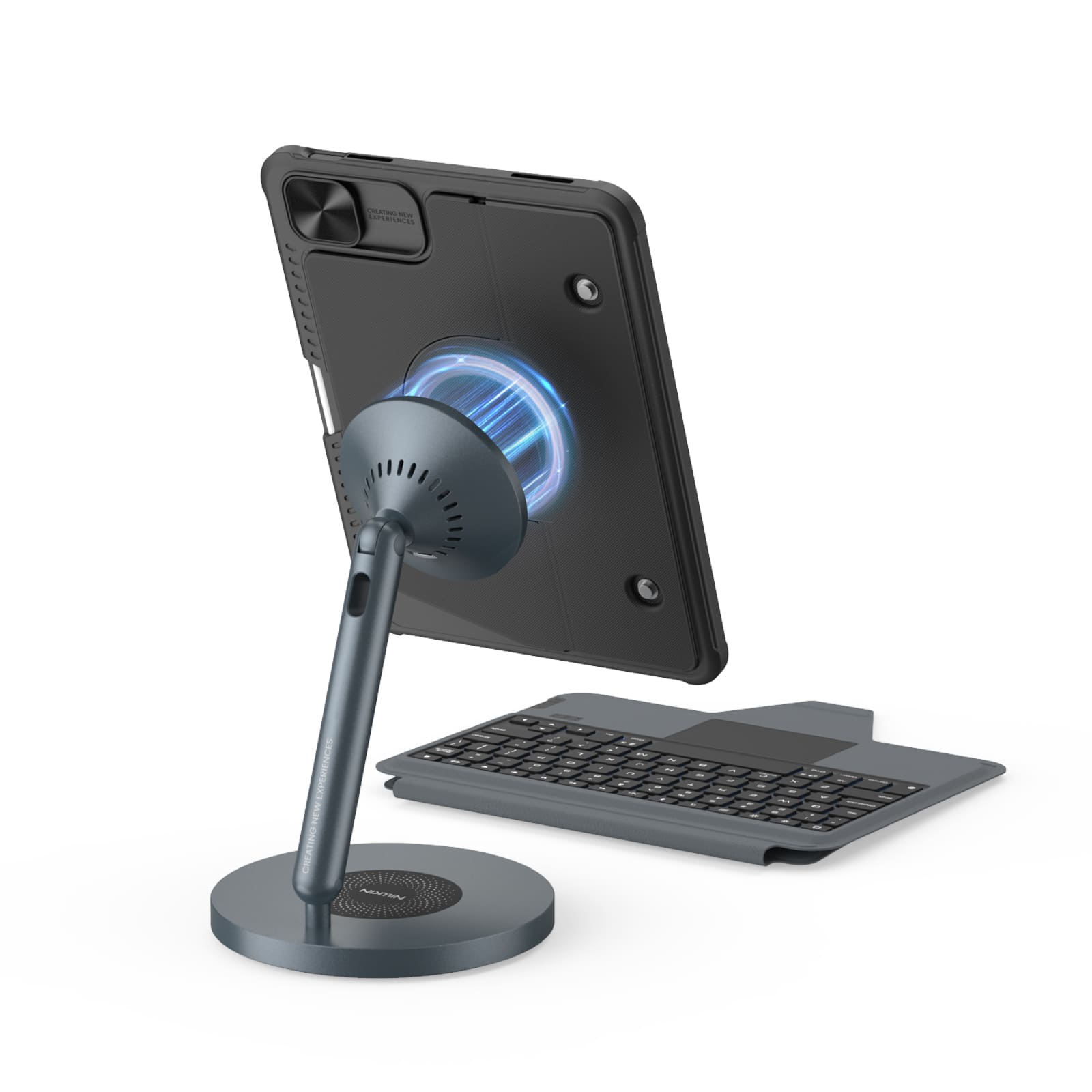
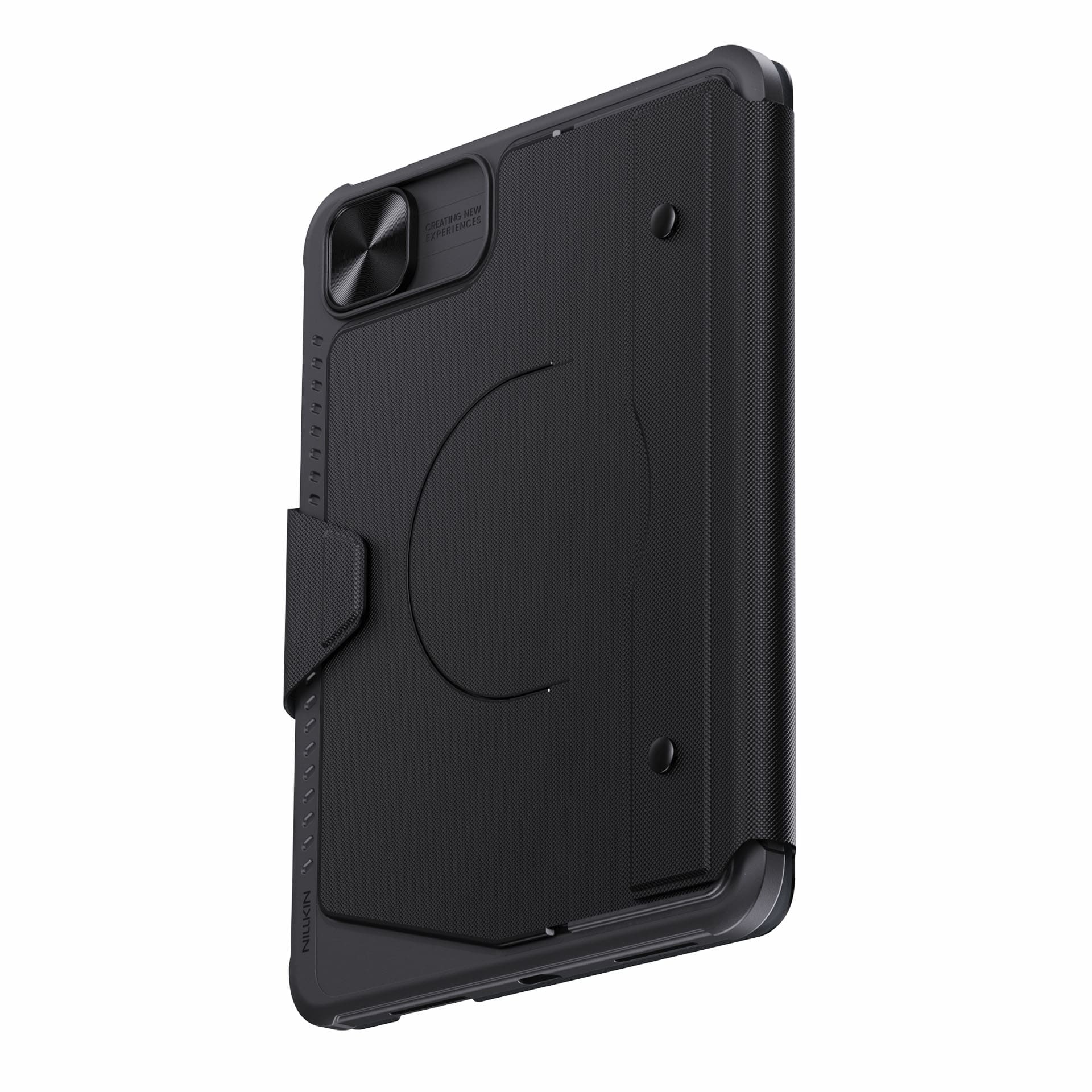
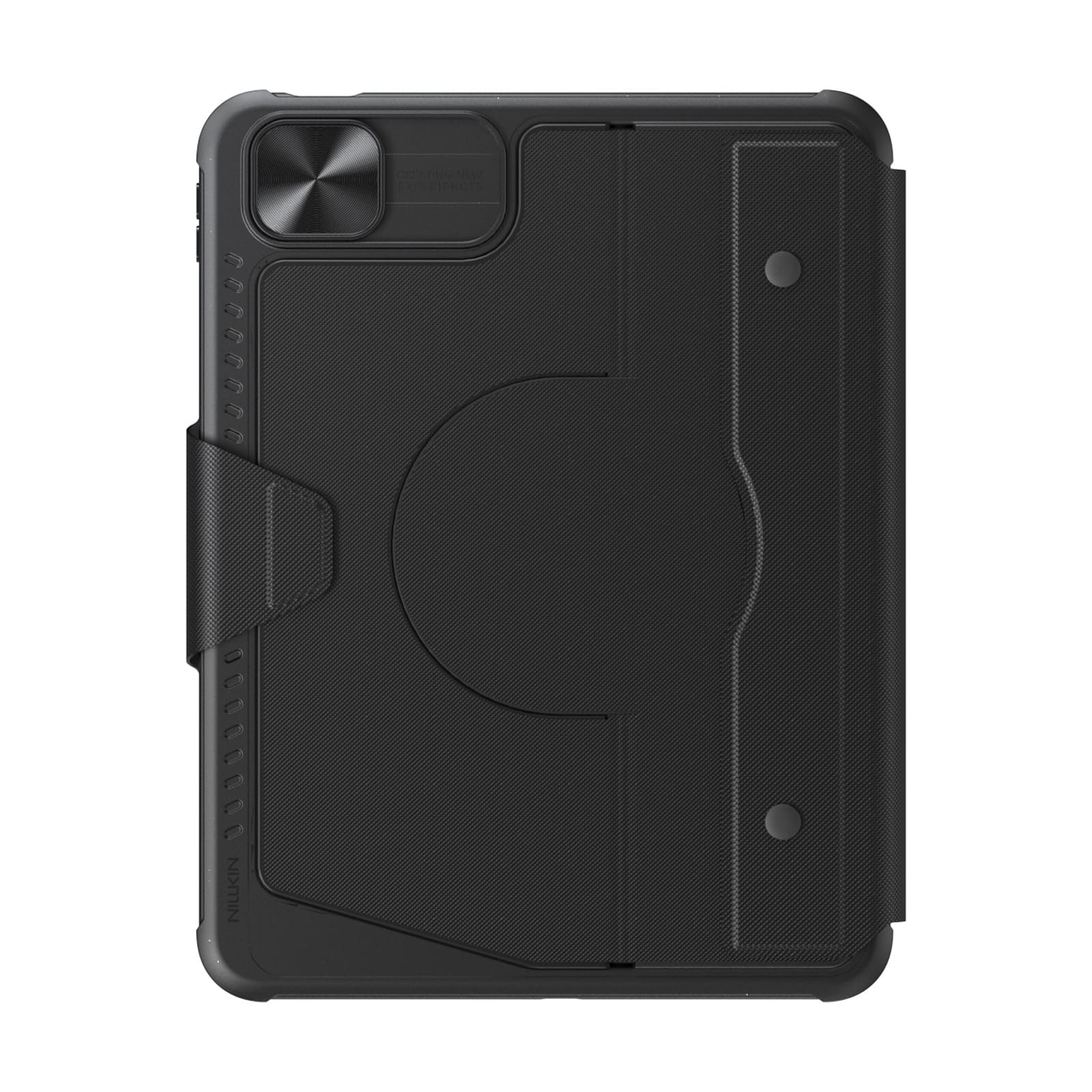
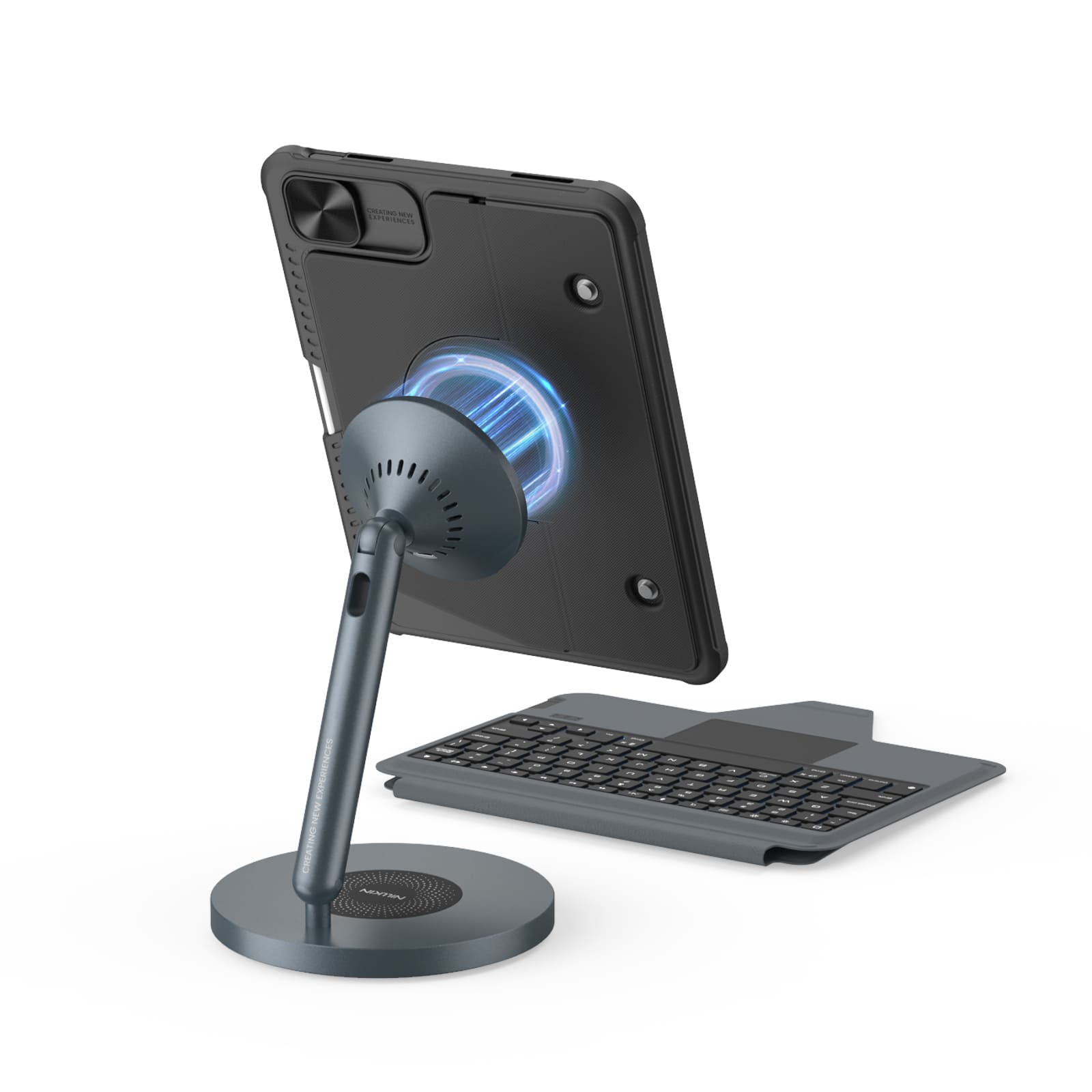
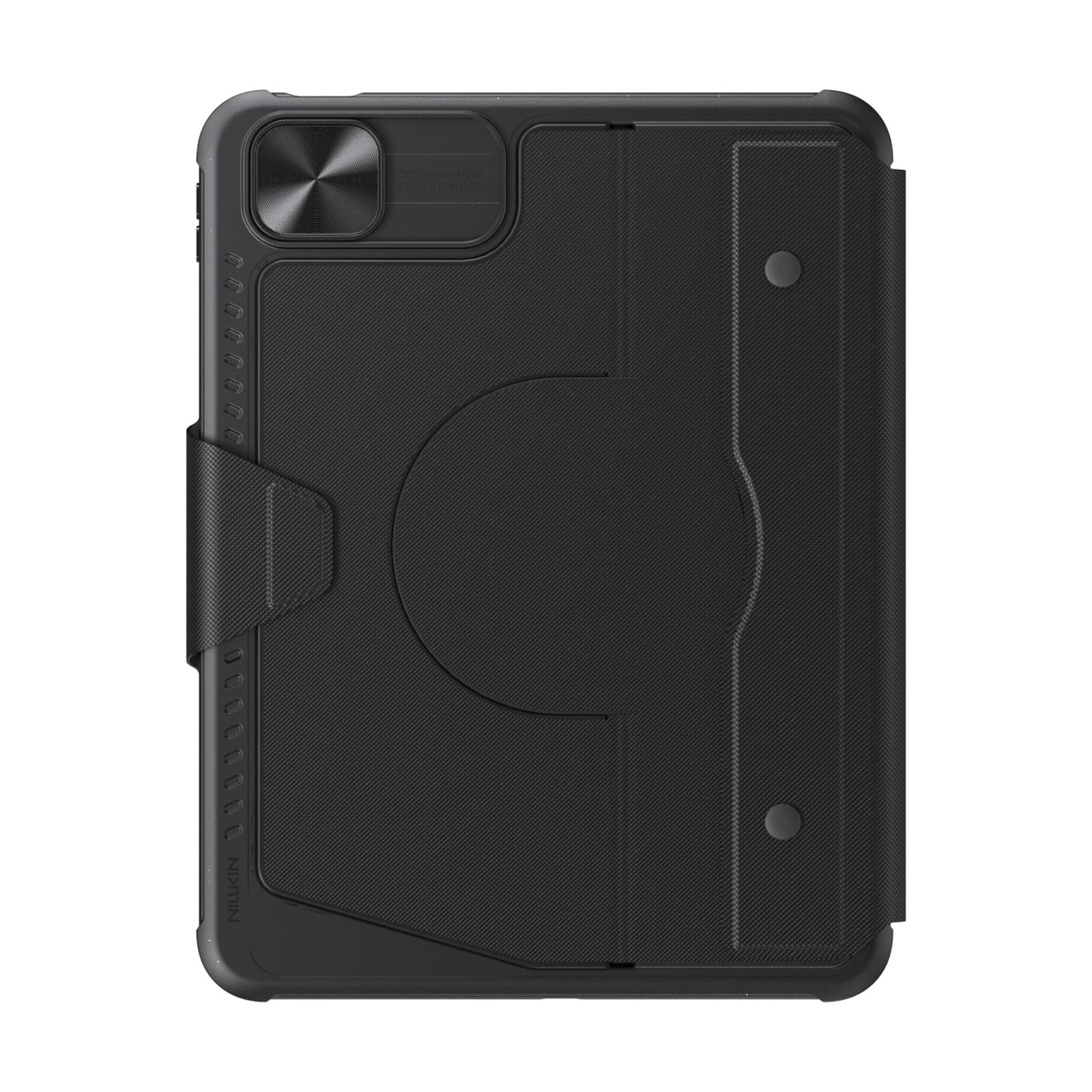
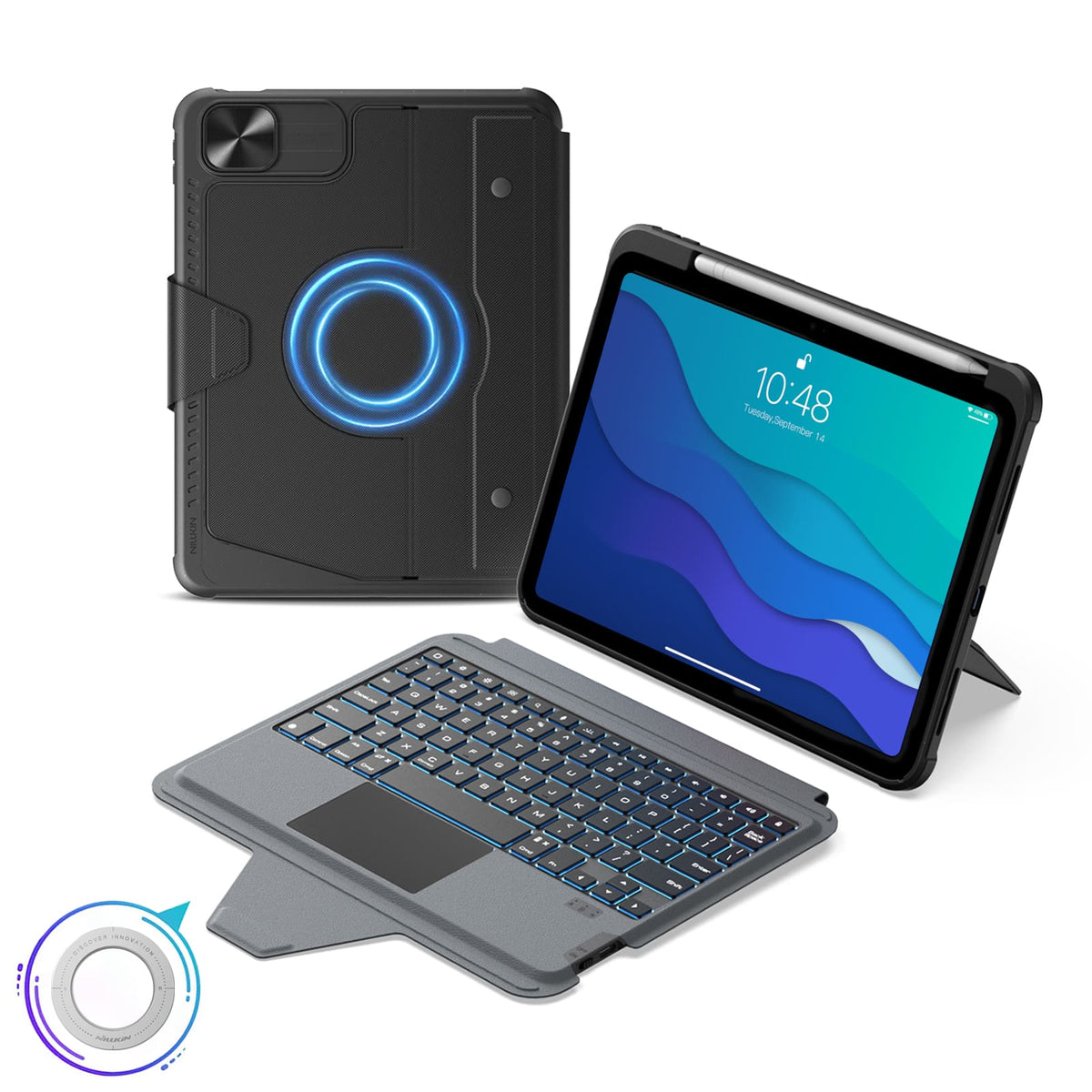
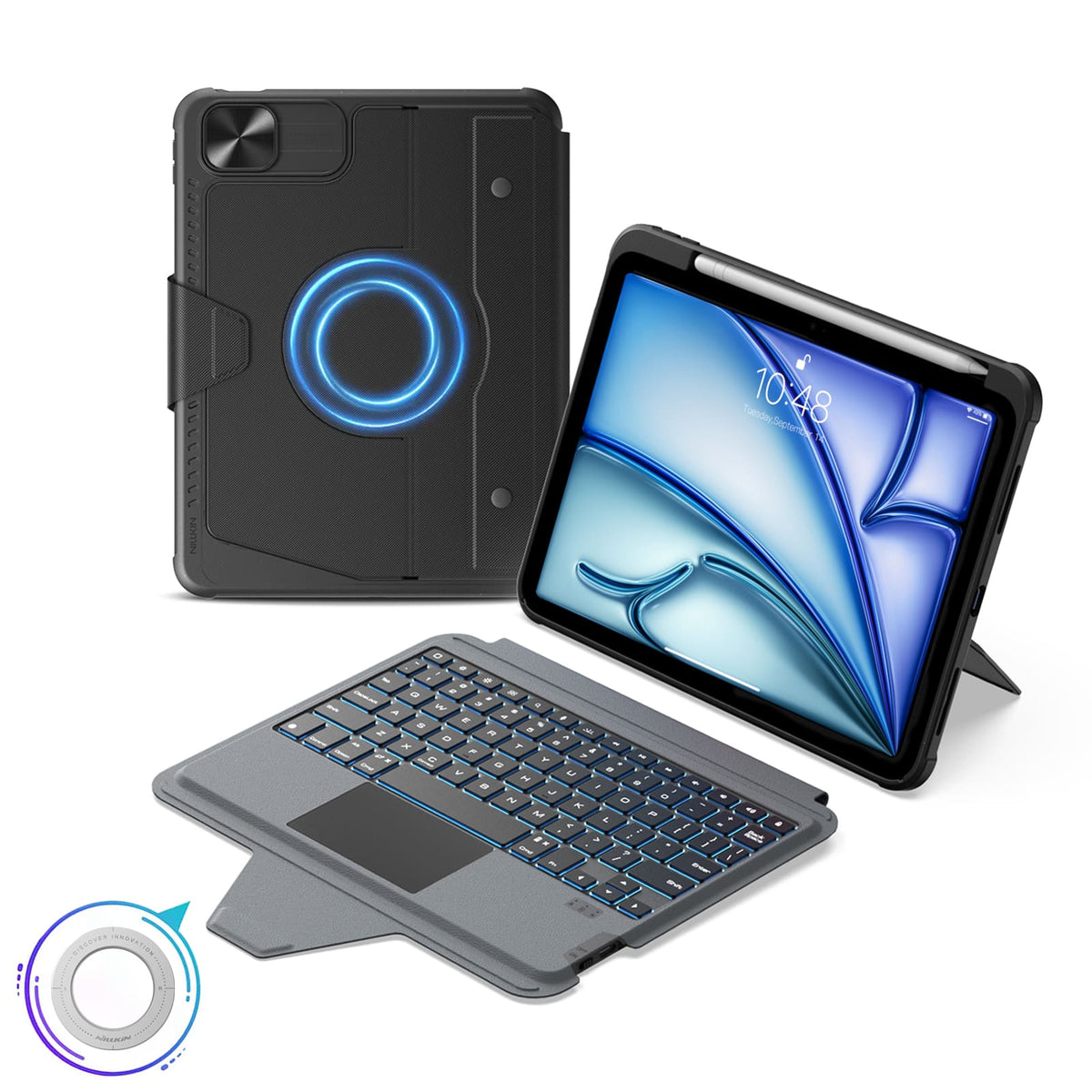
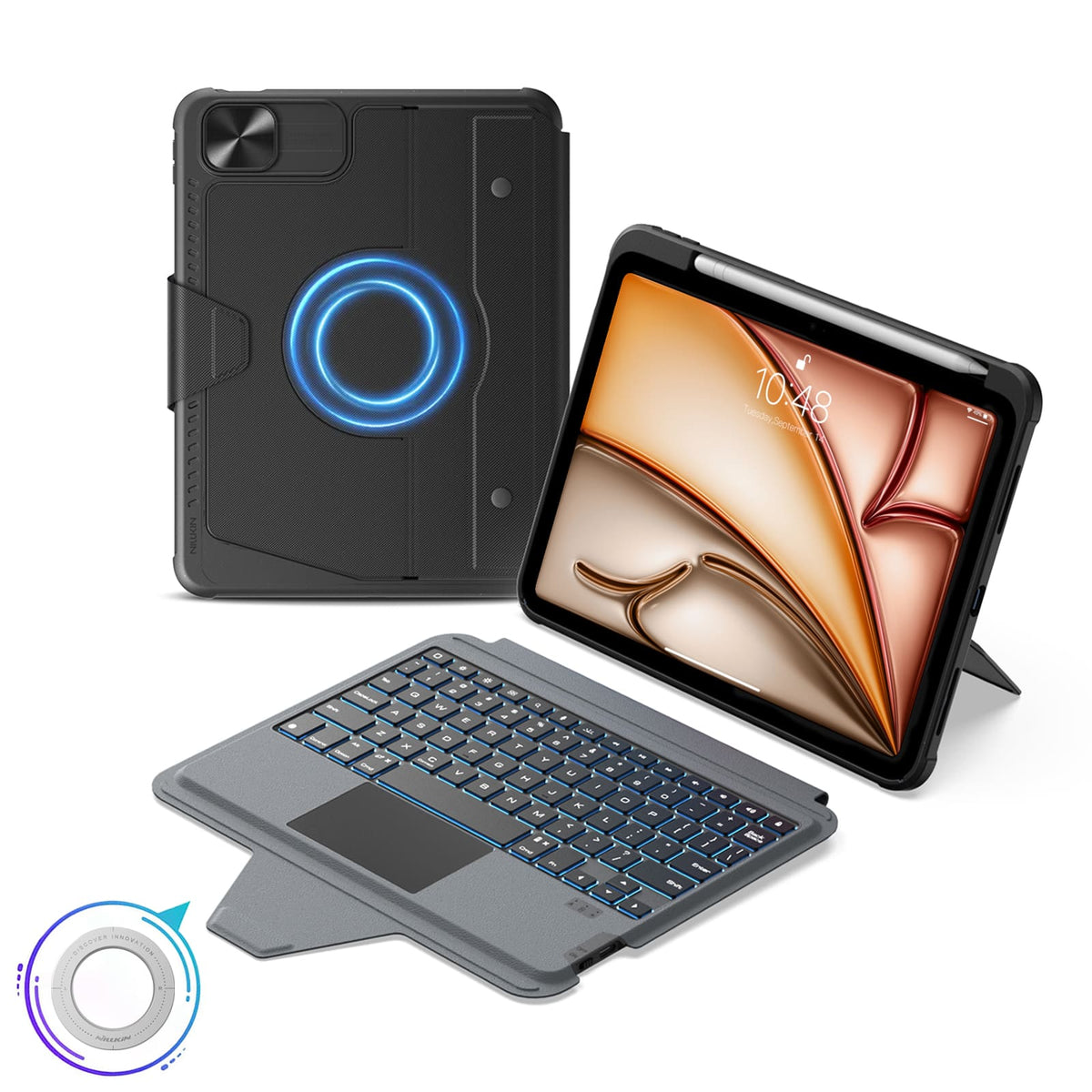
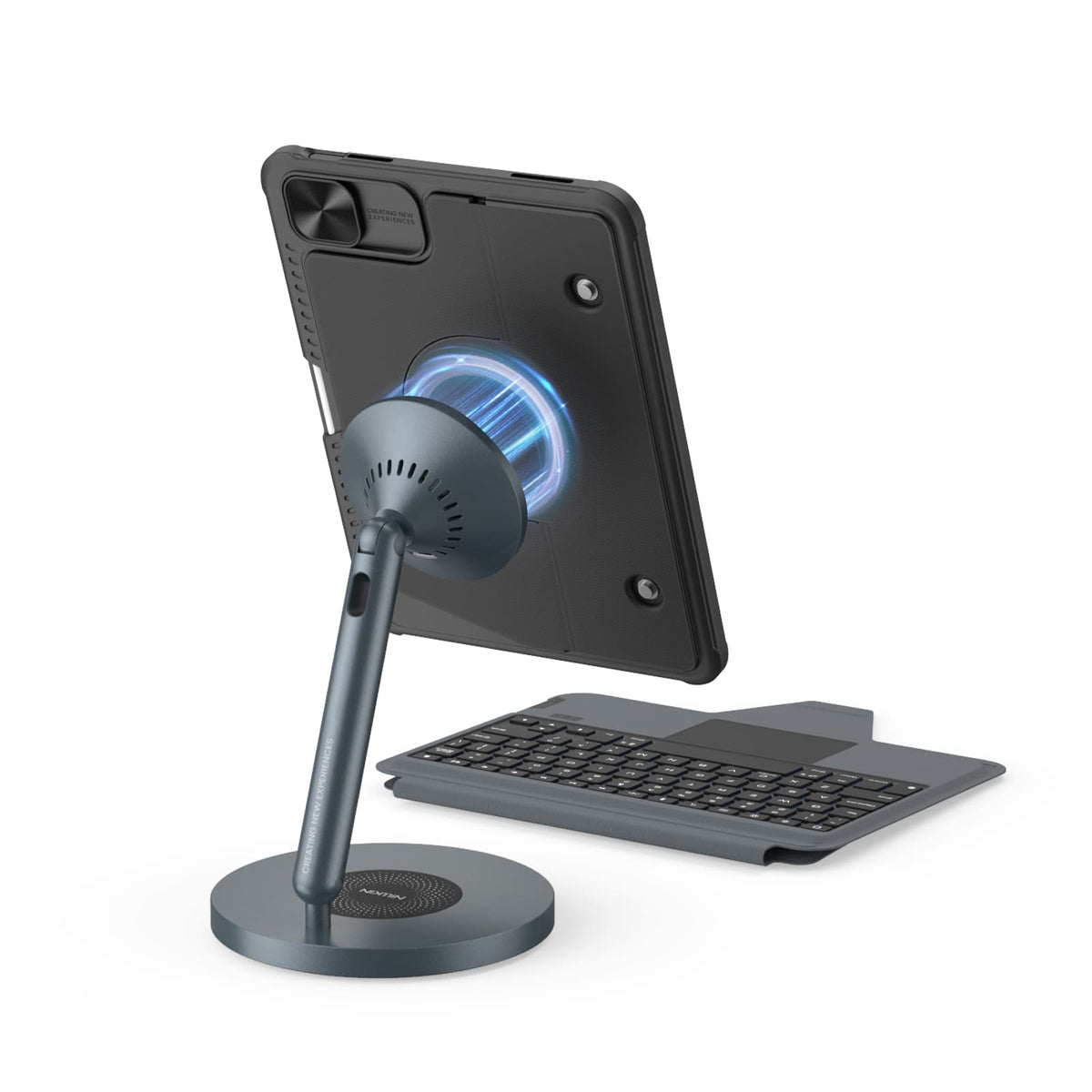
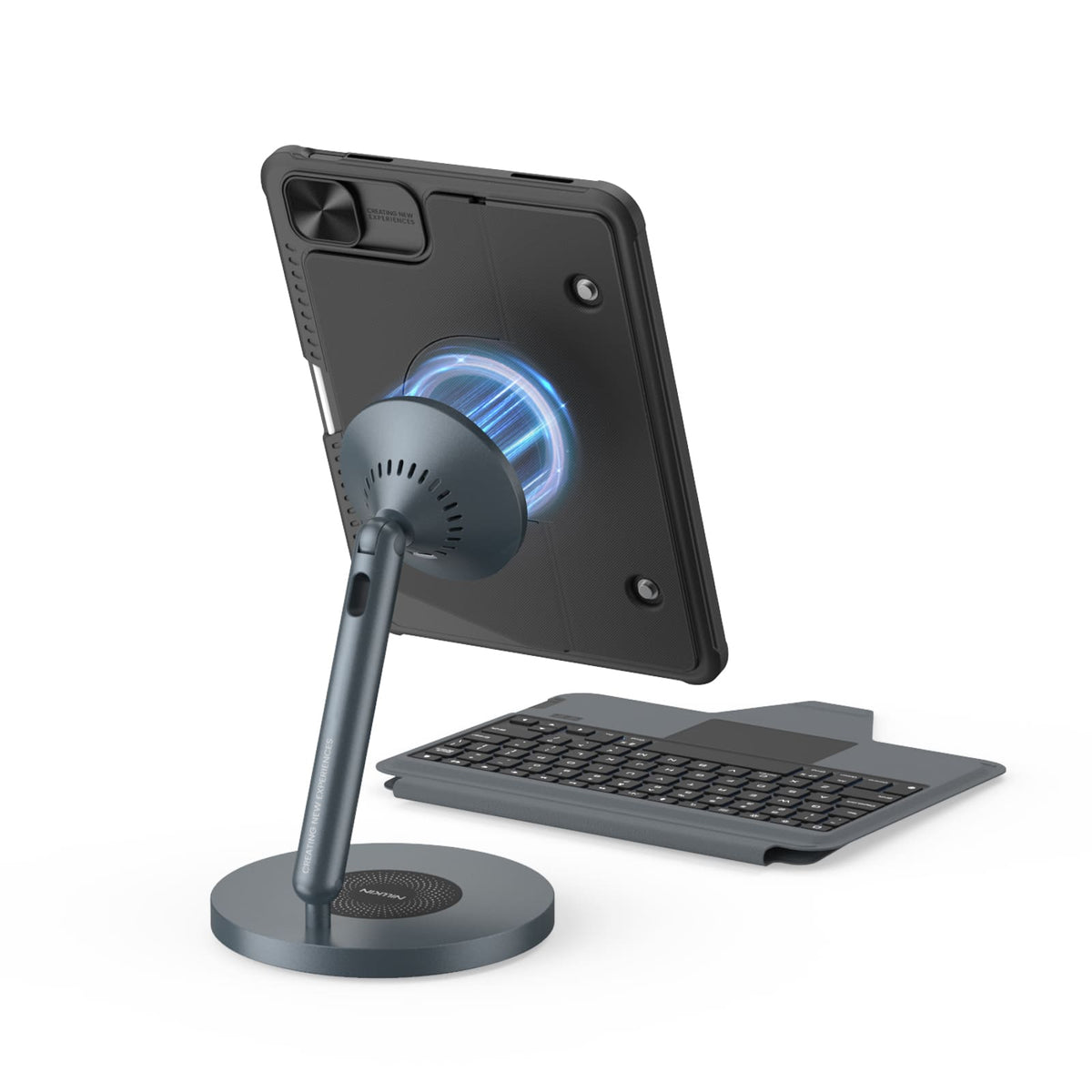
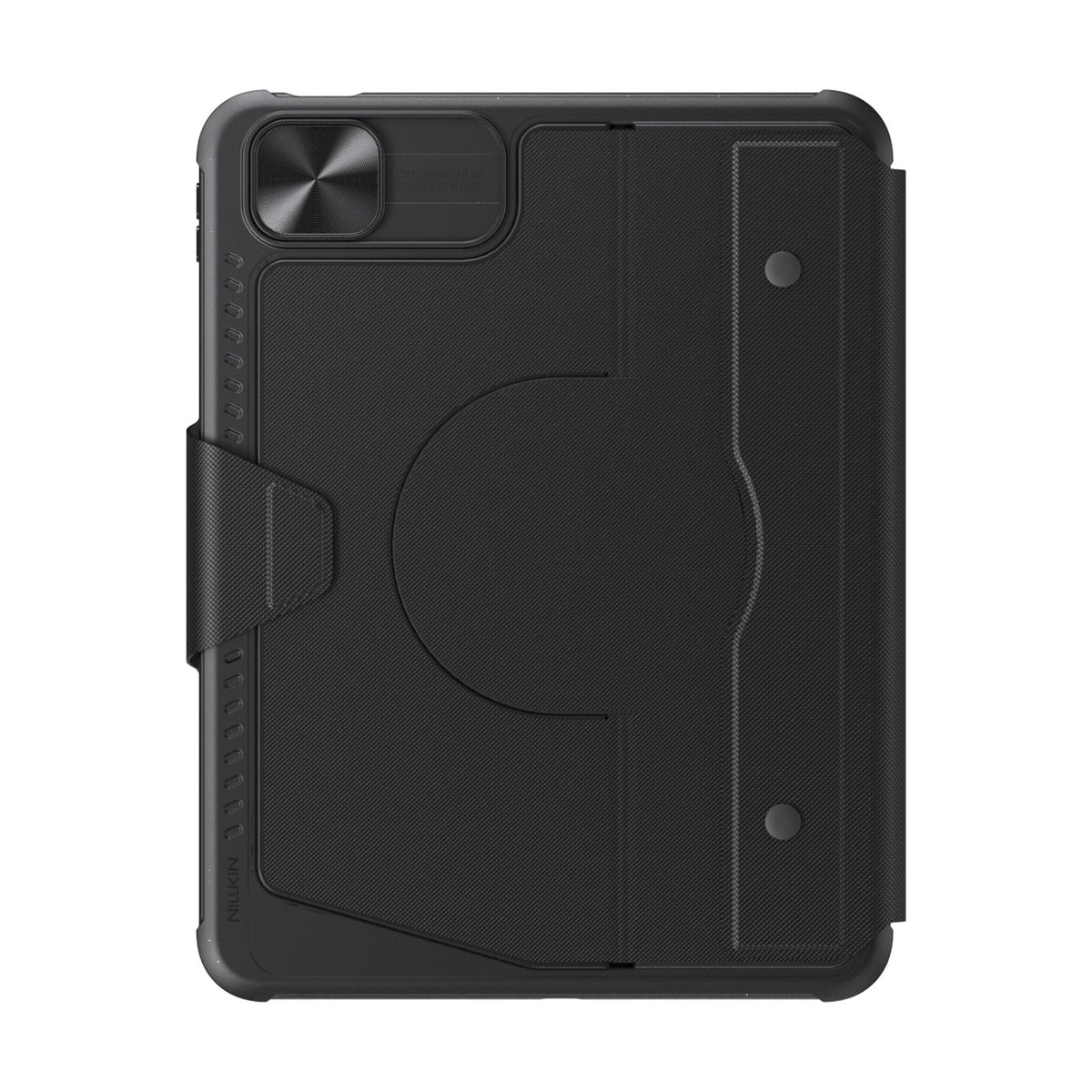
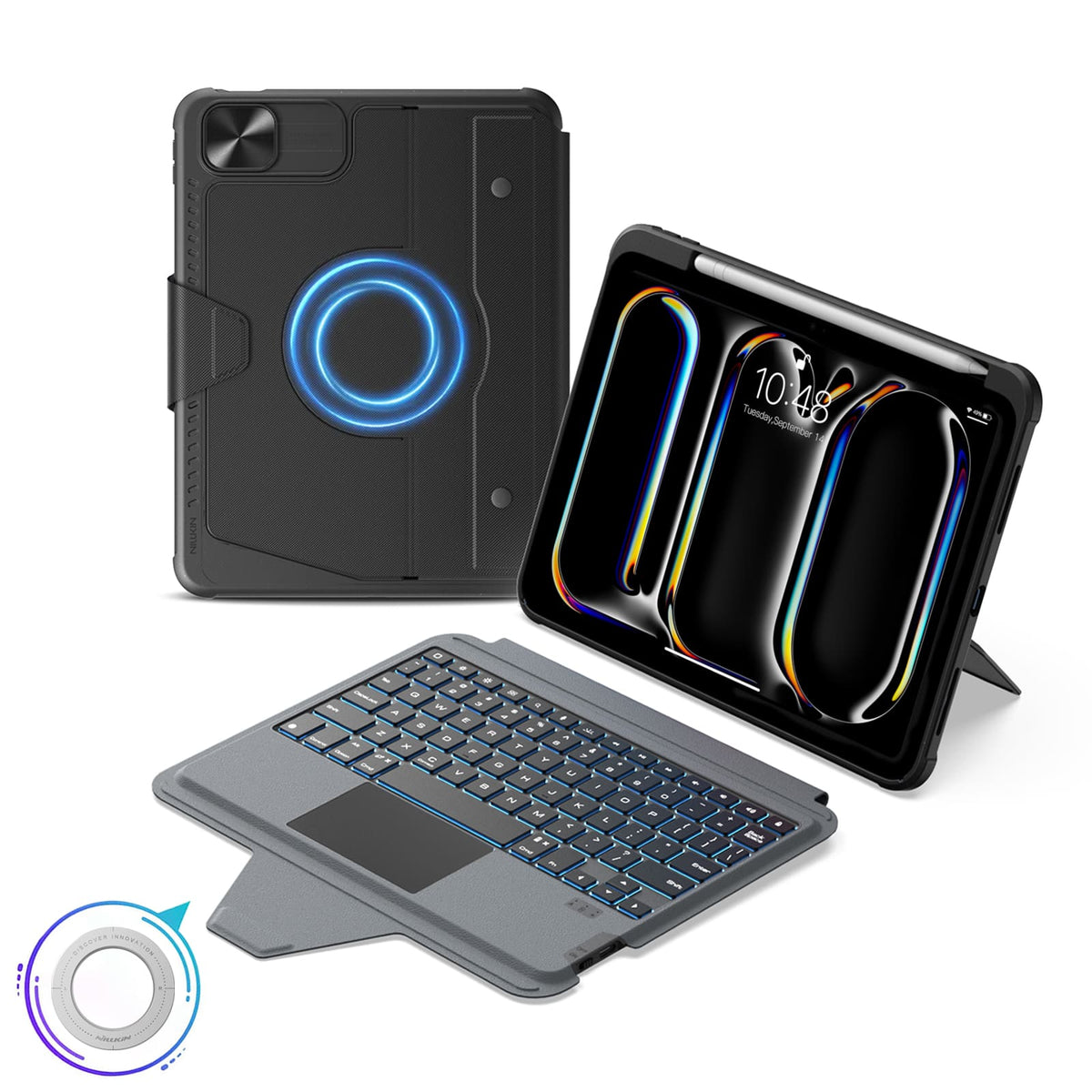
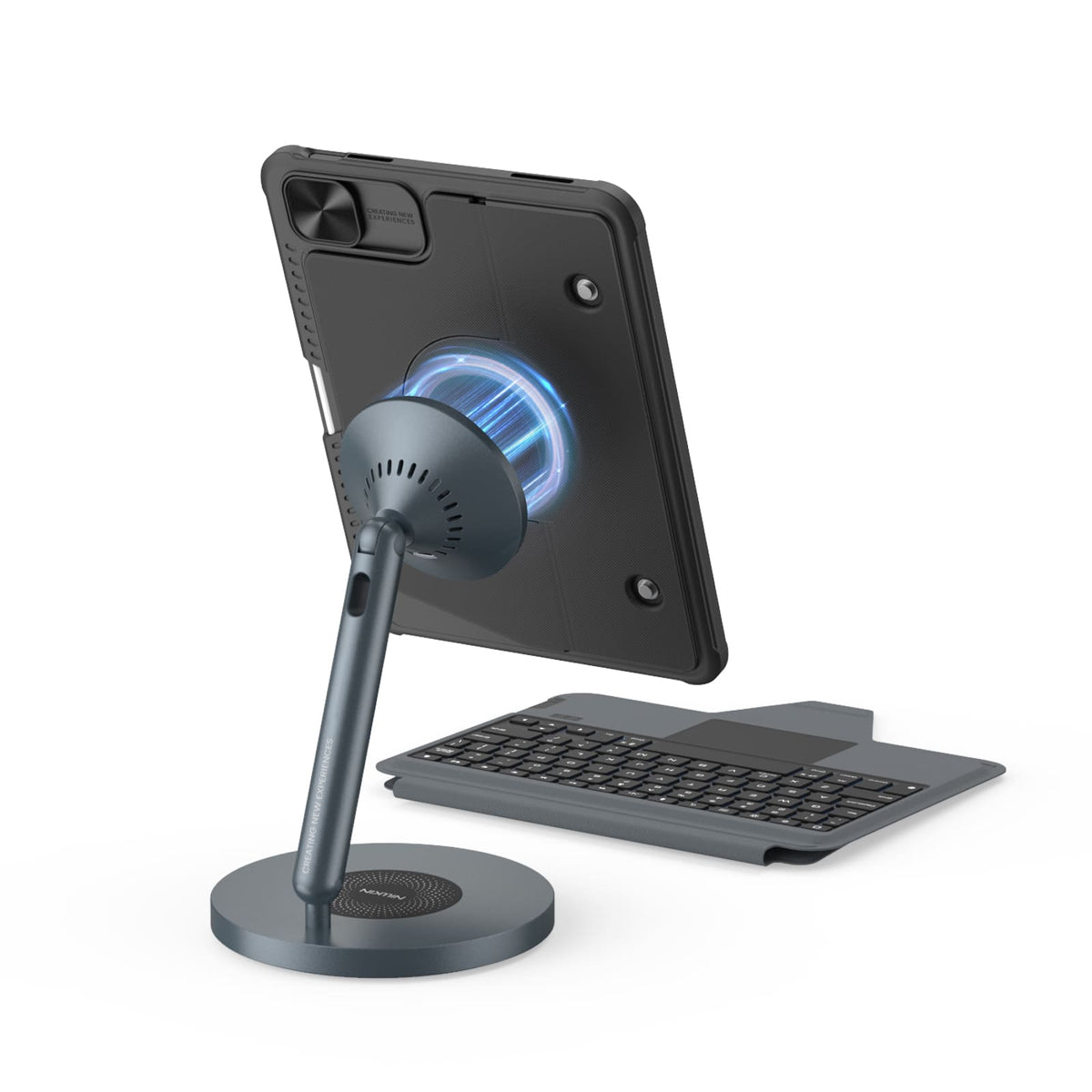
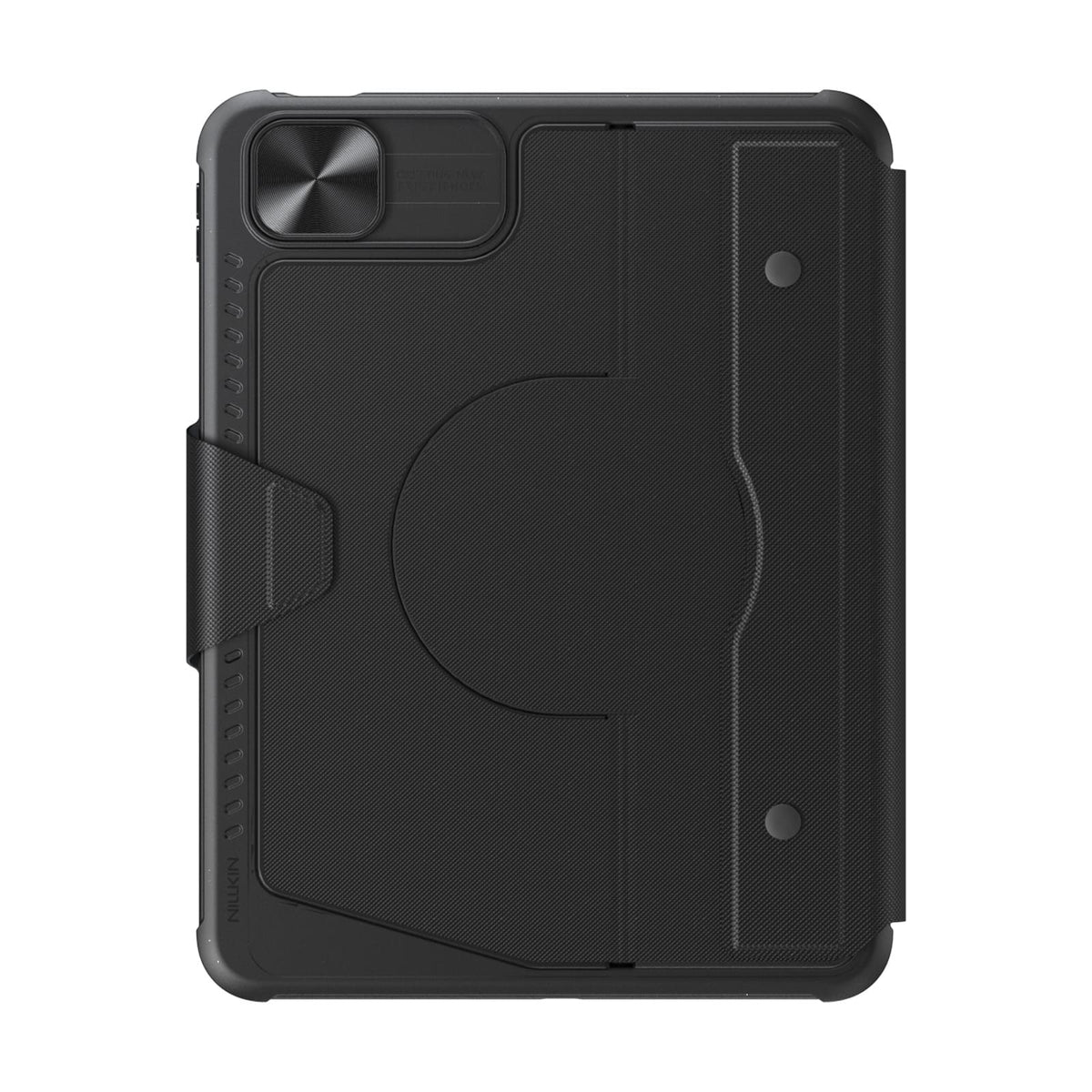
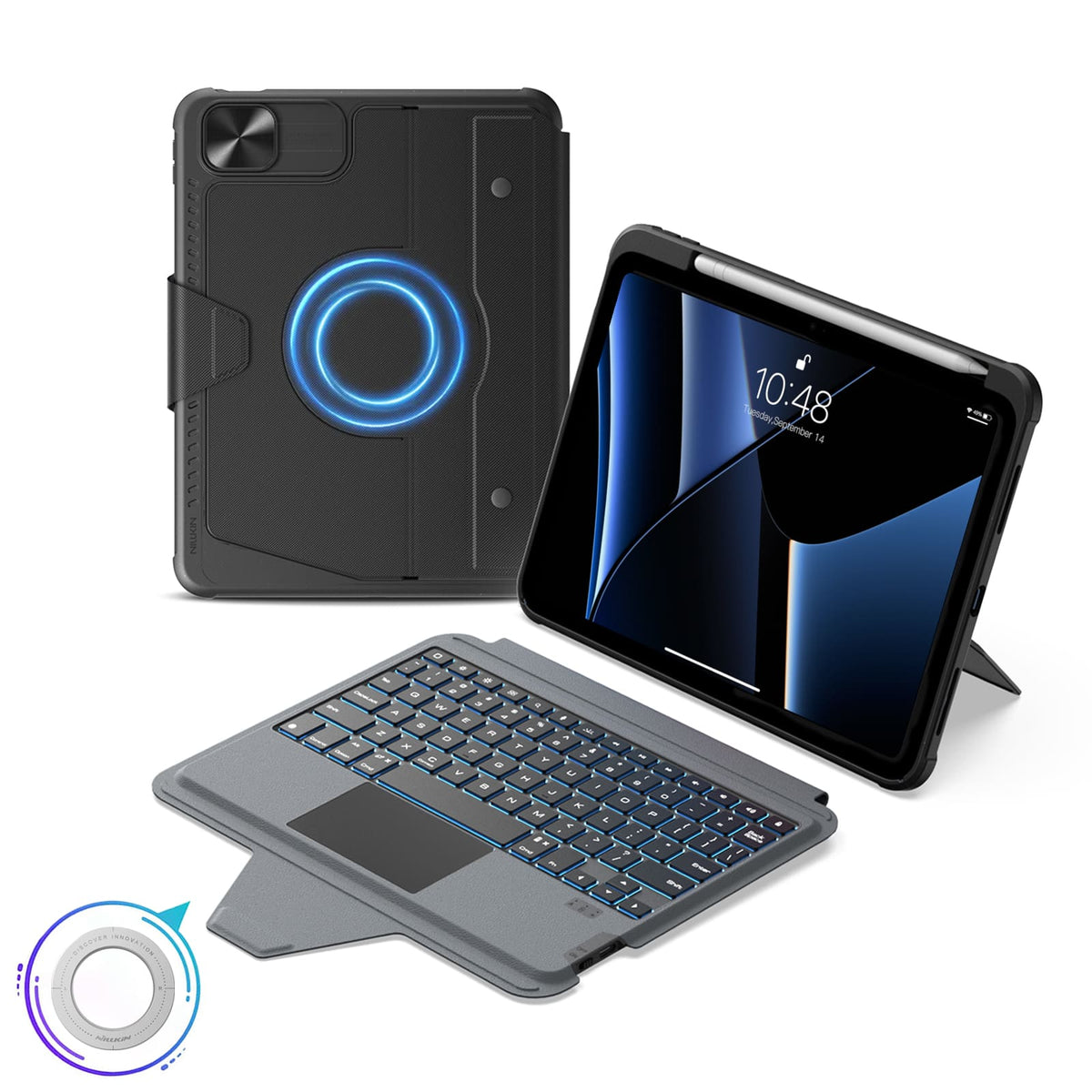
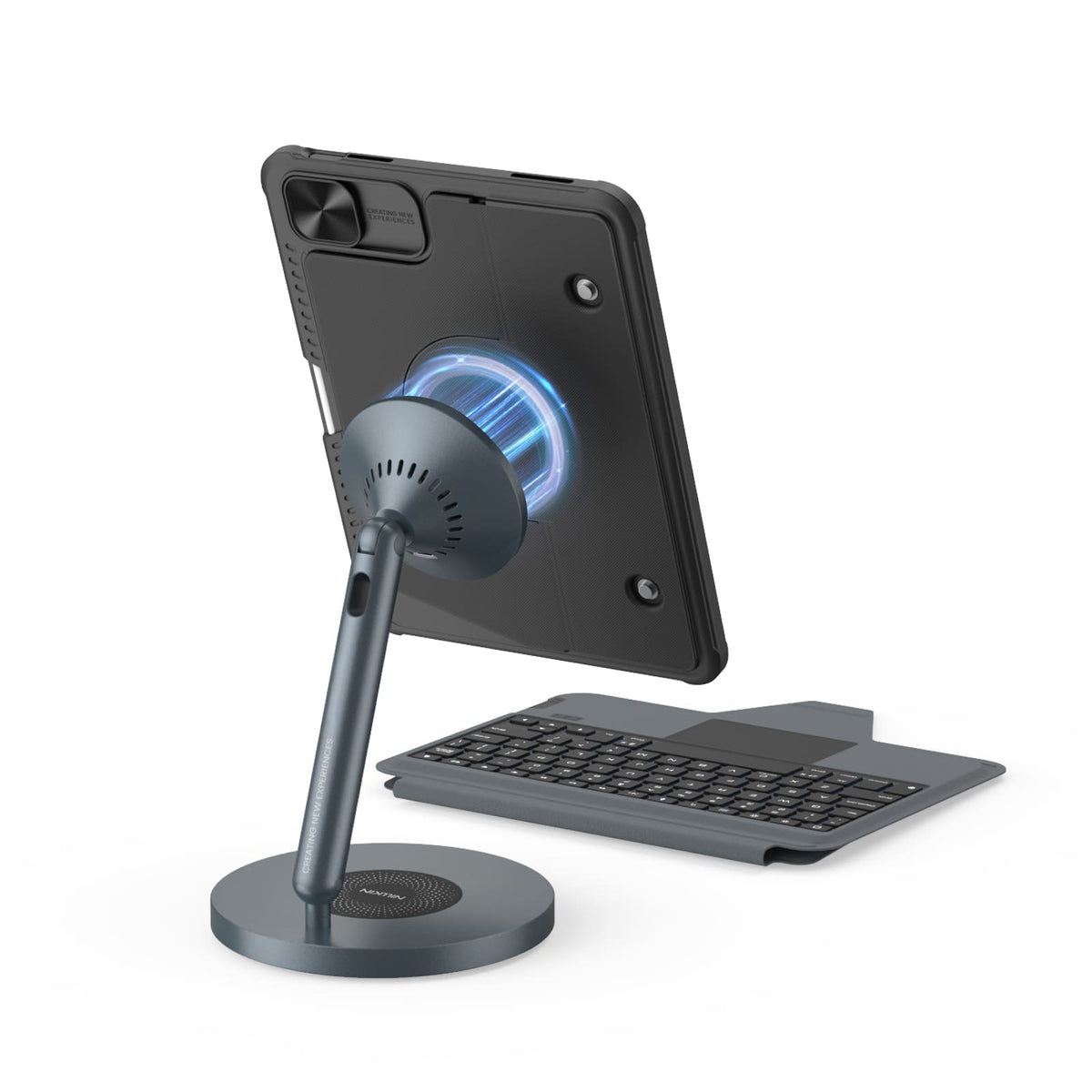
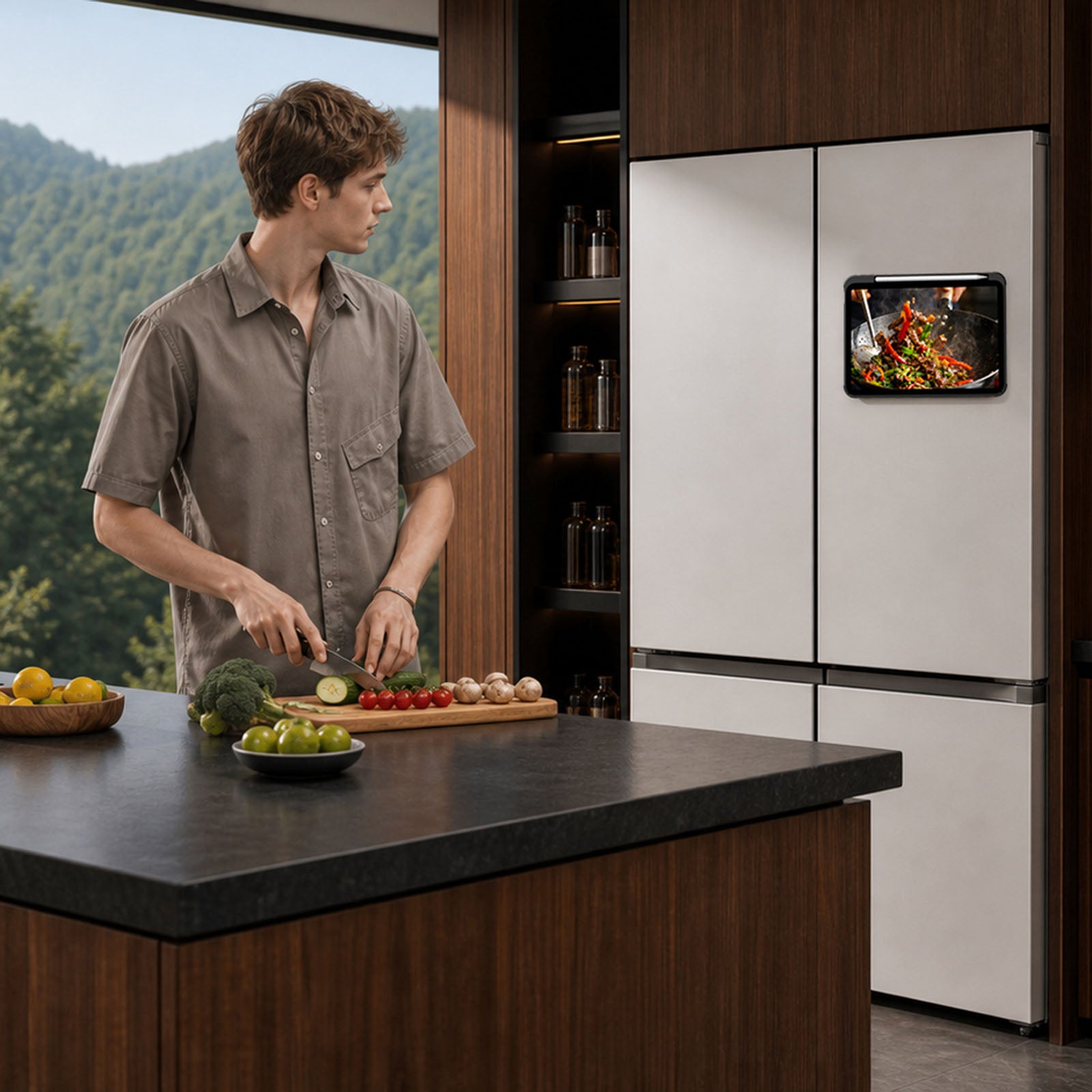
Built-in magnets unlock more ways to use your iPad with compatible metal surfaces and NILLKIN magnetic accessories.
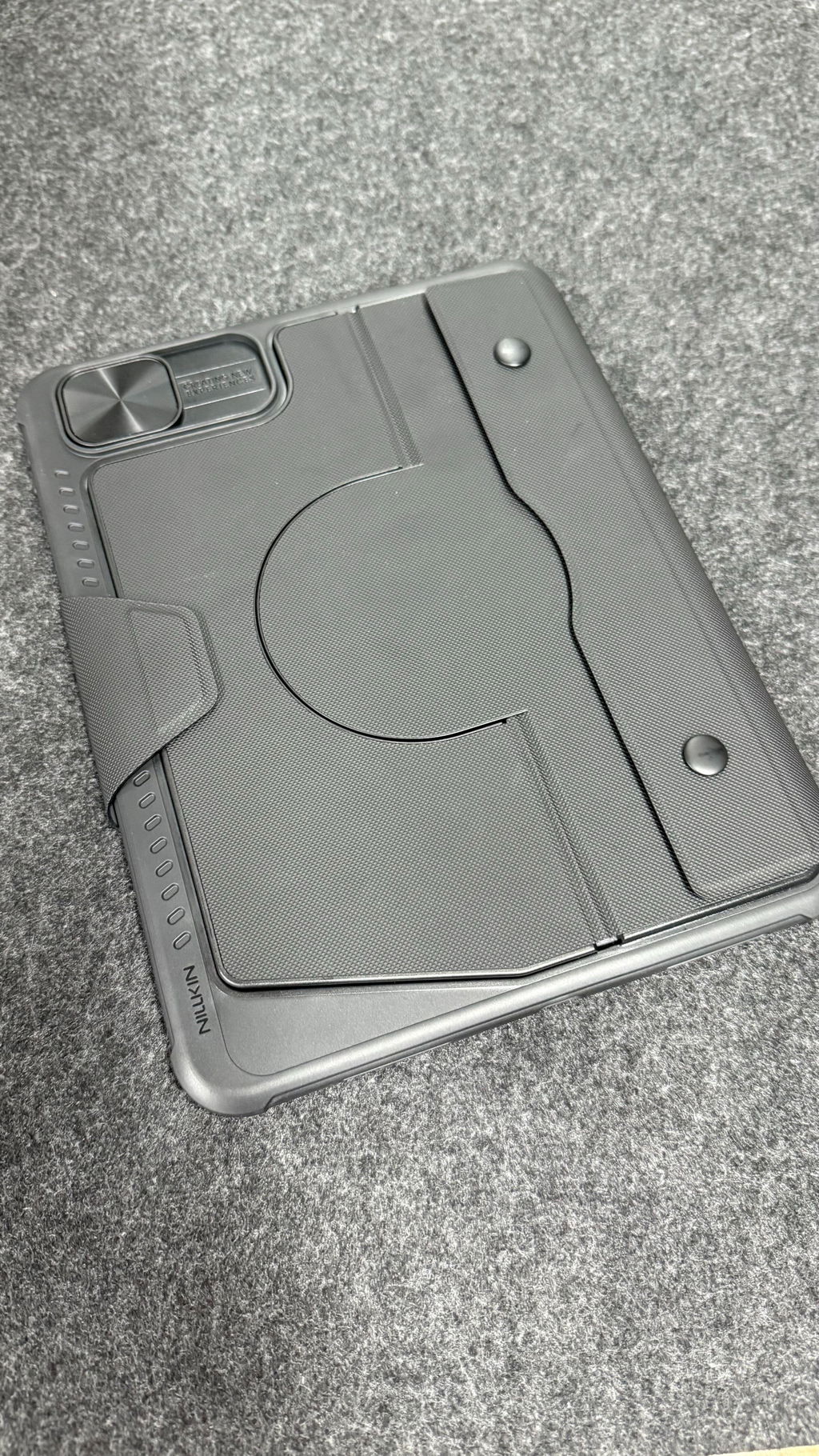
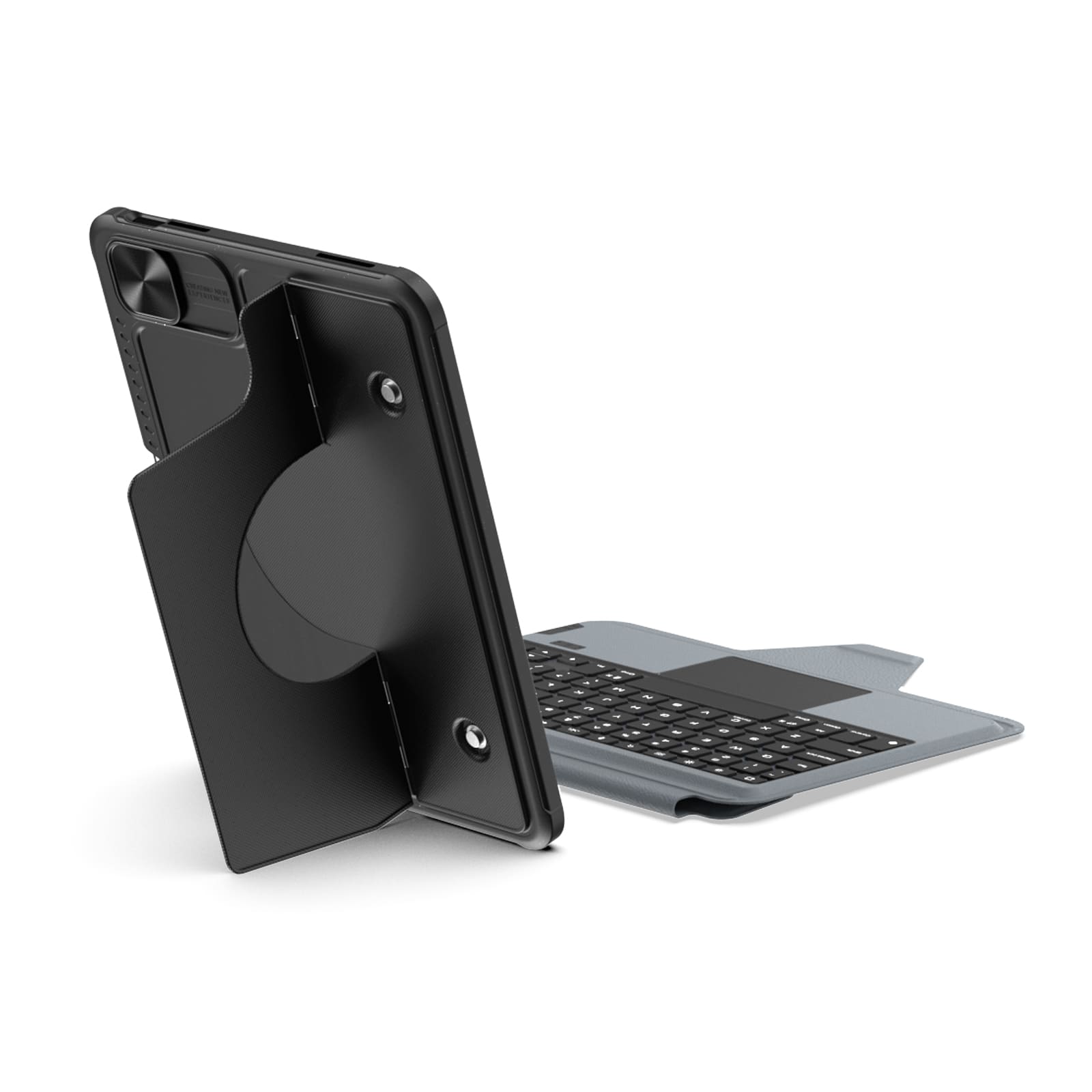
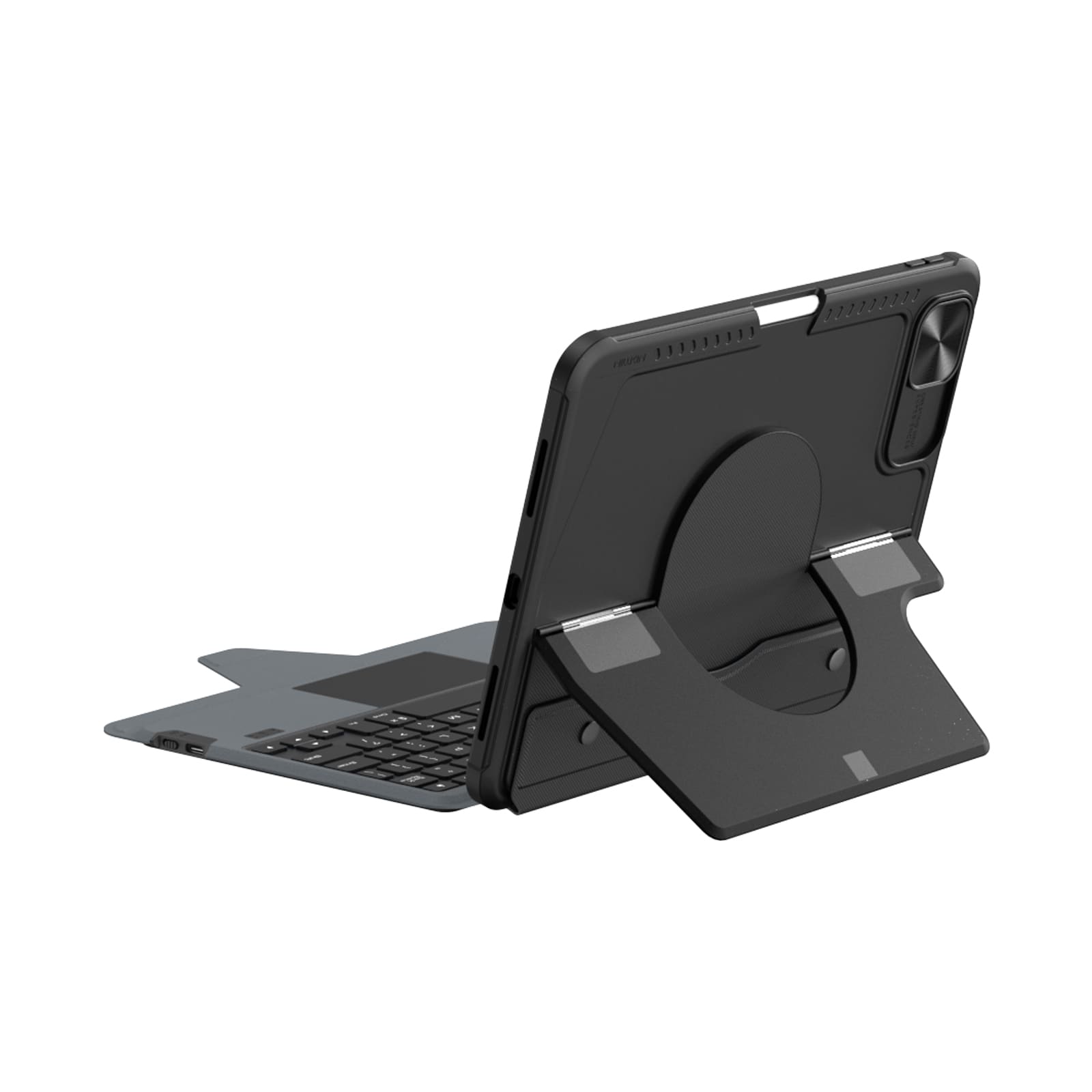
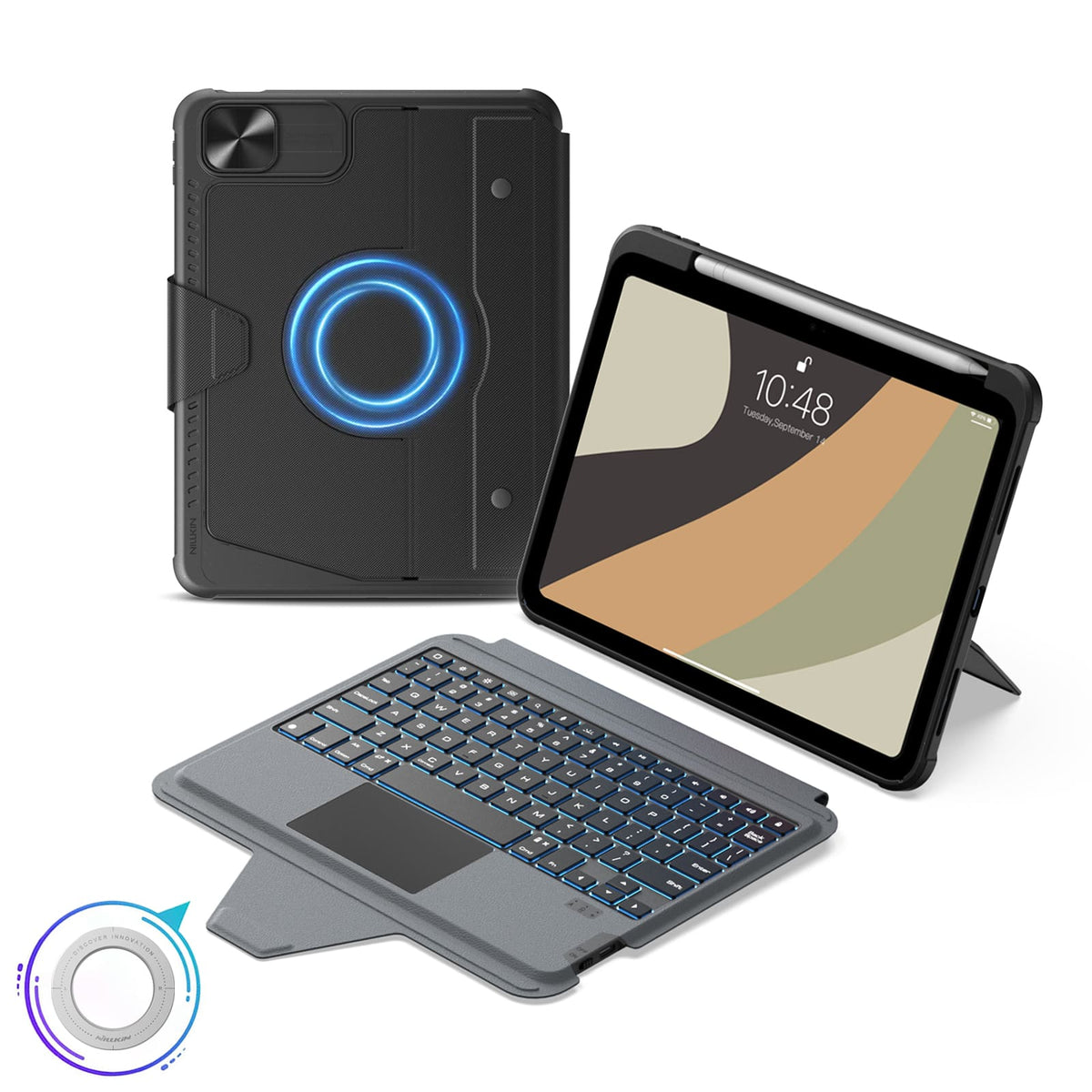
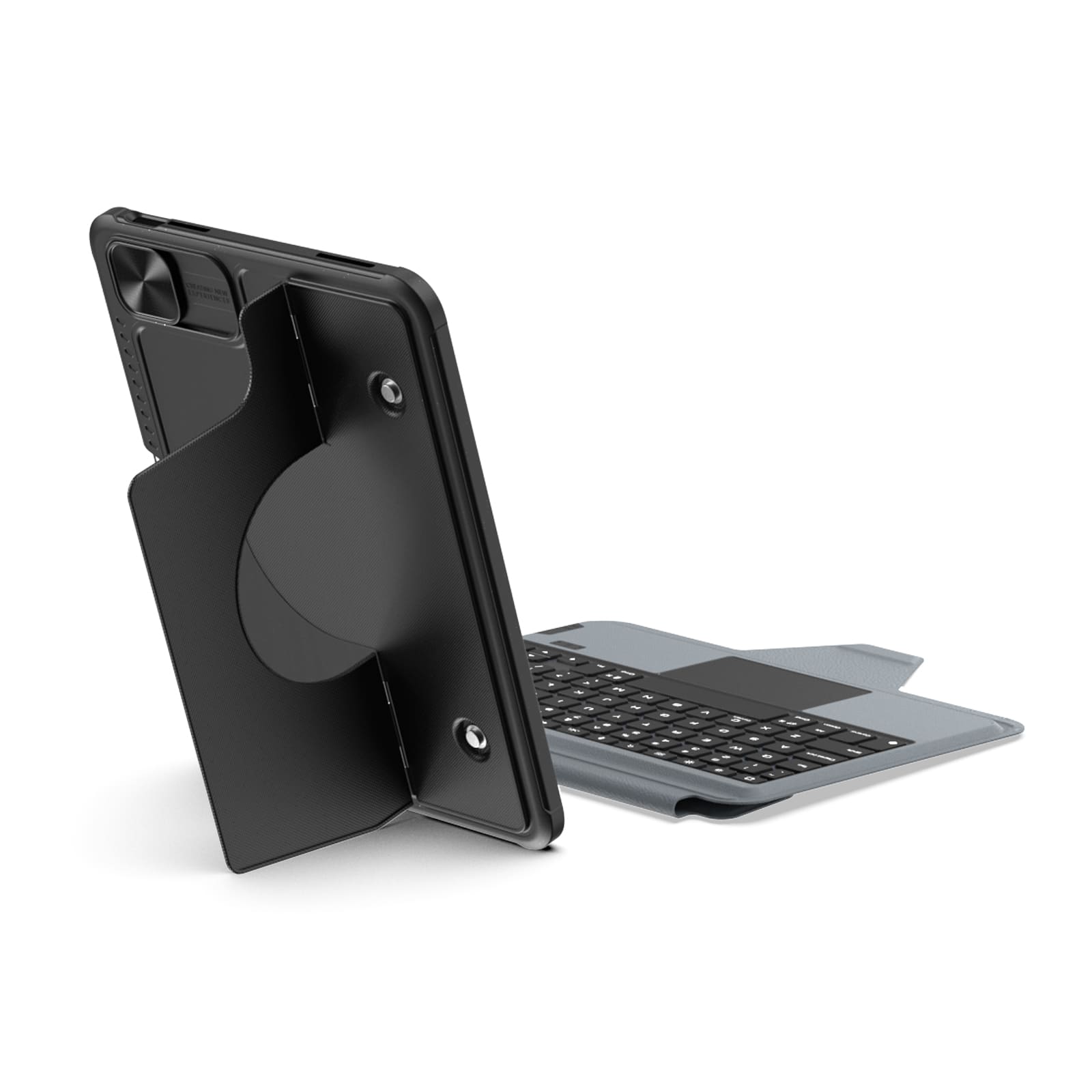
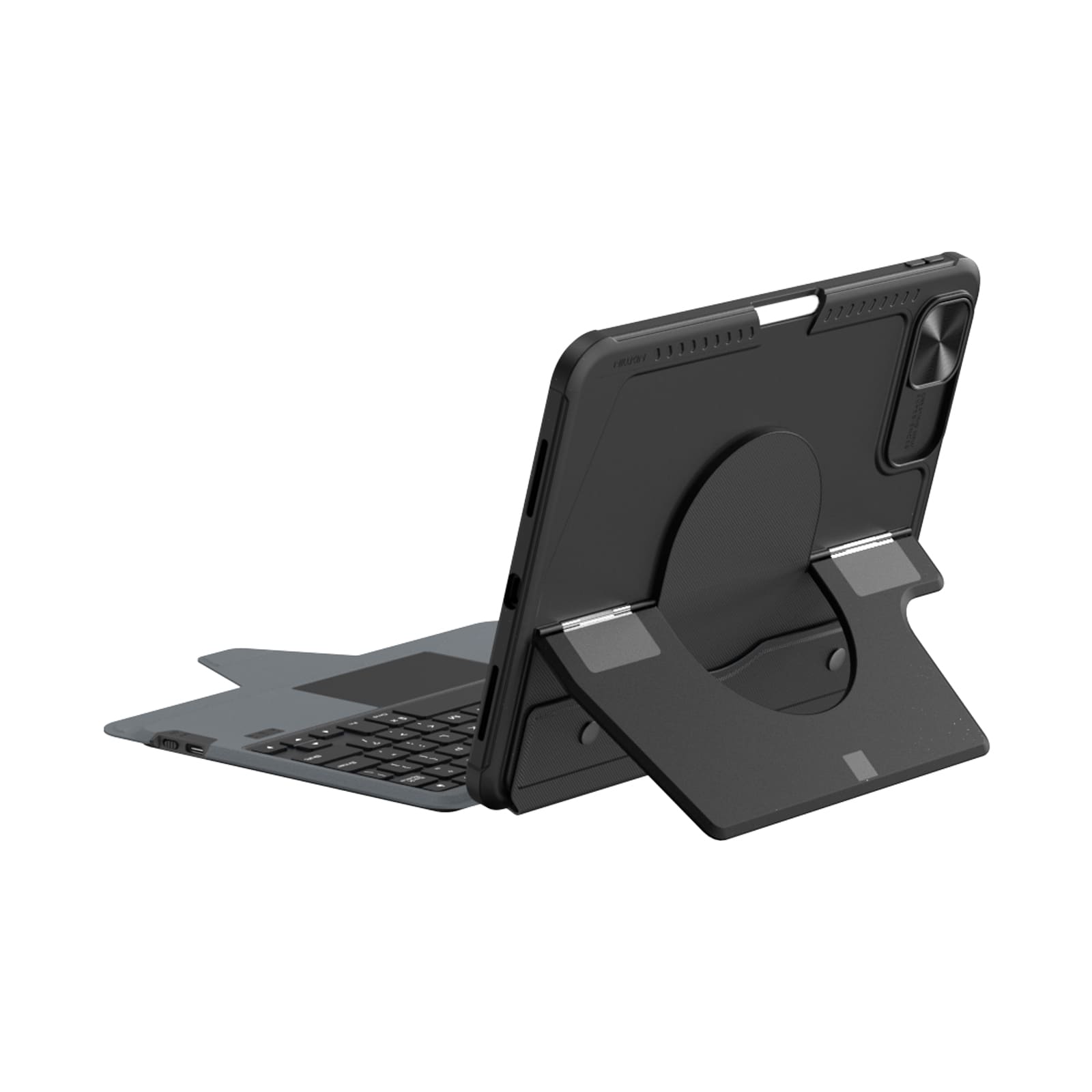
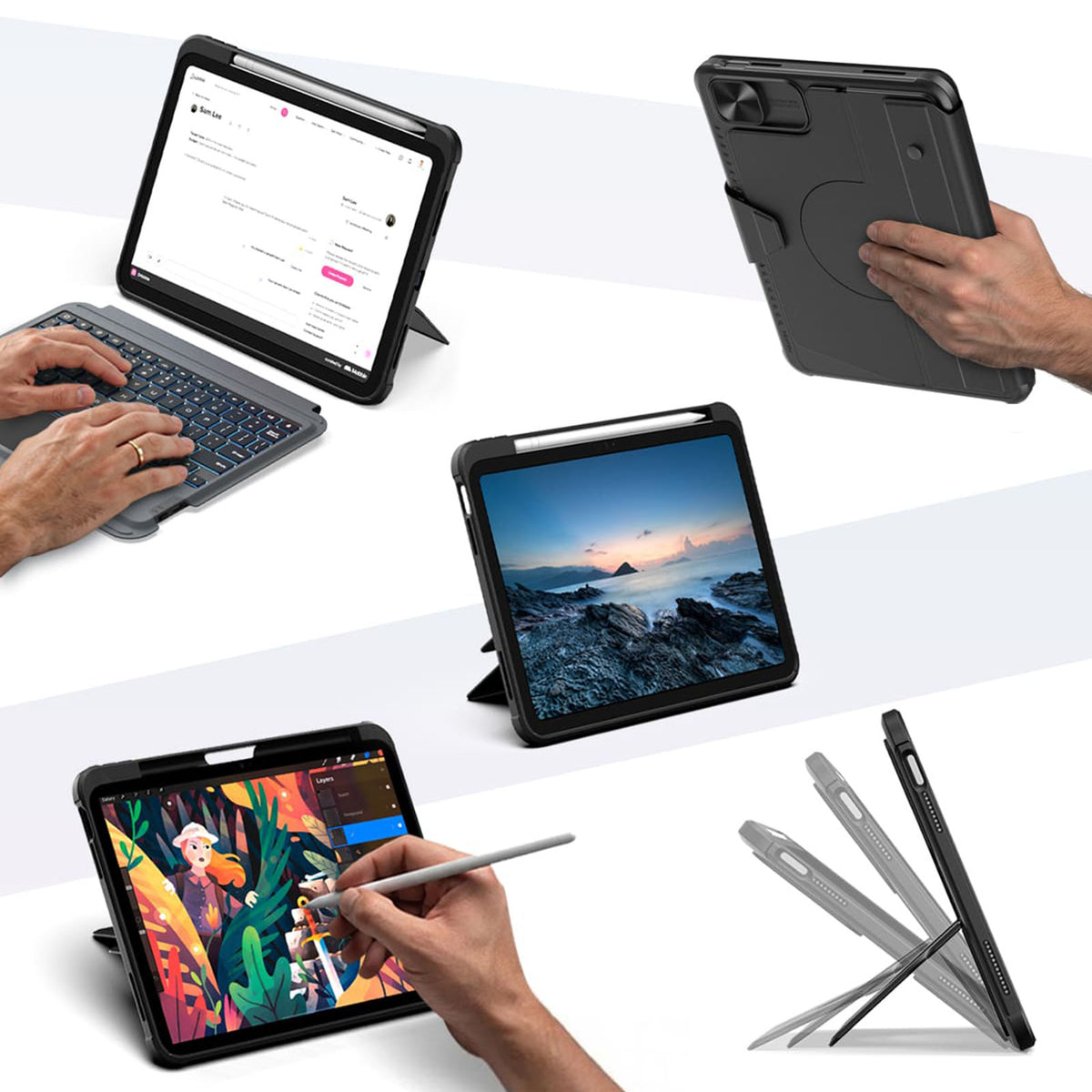
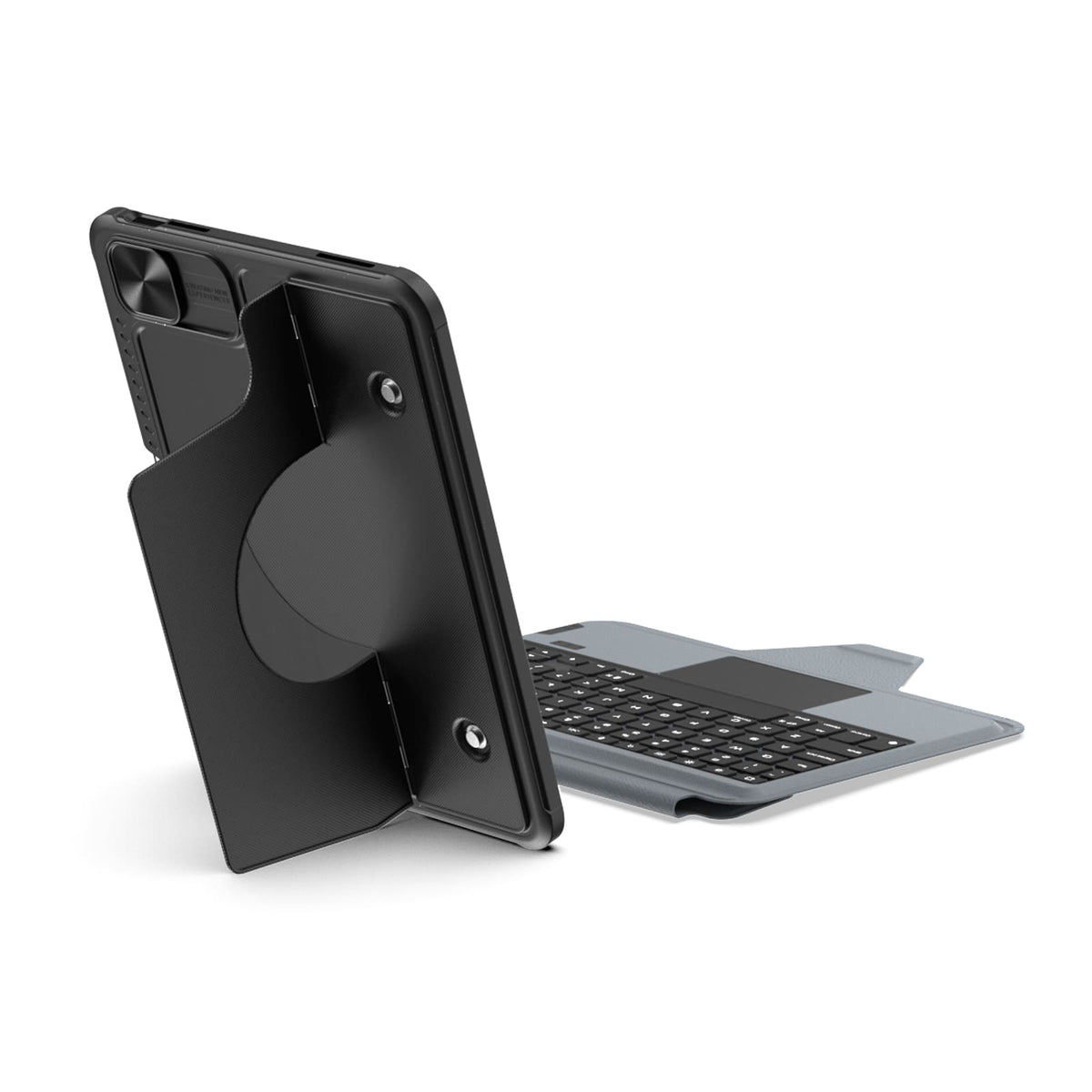
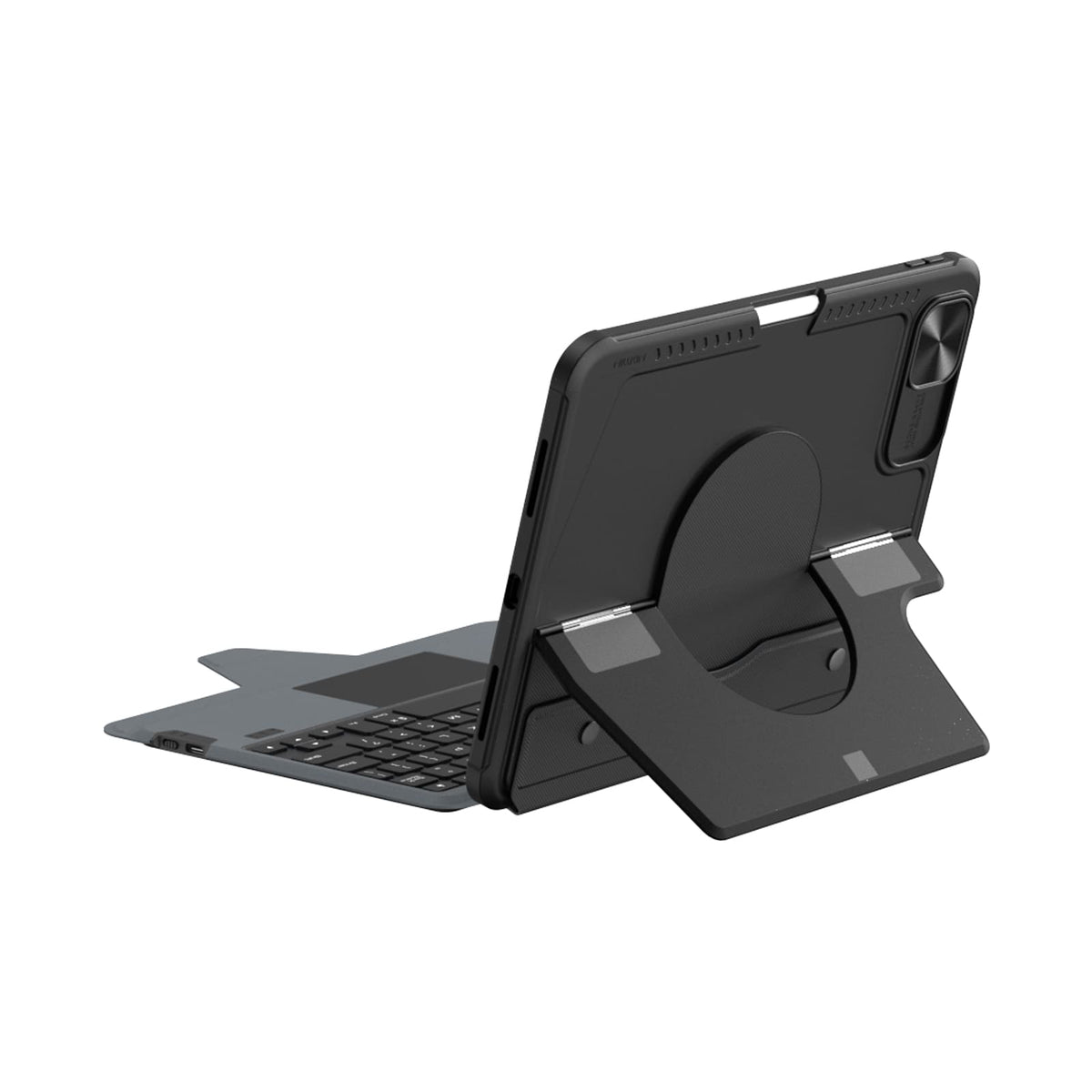
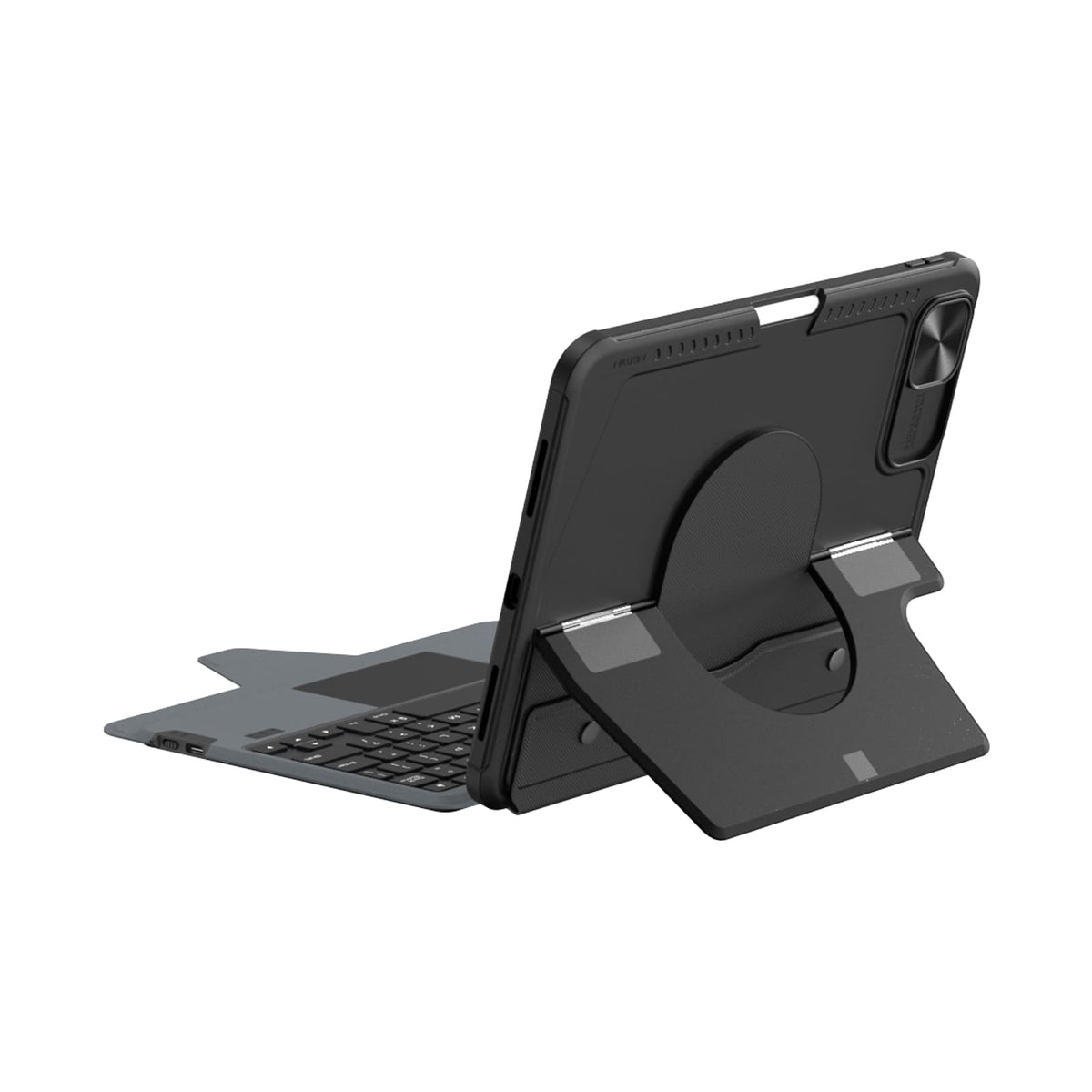
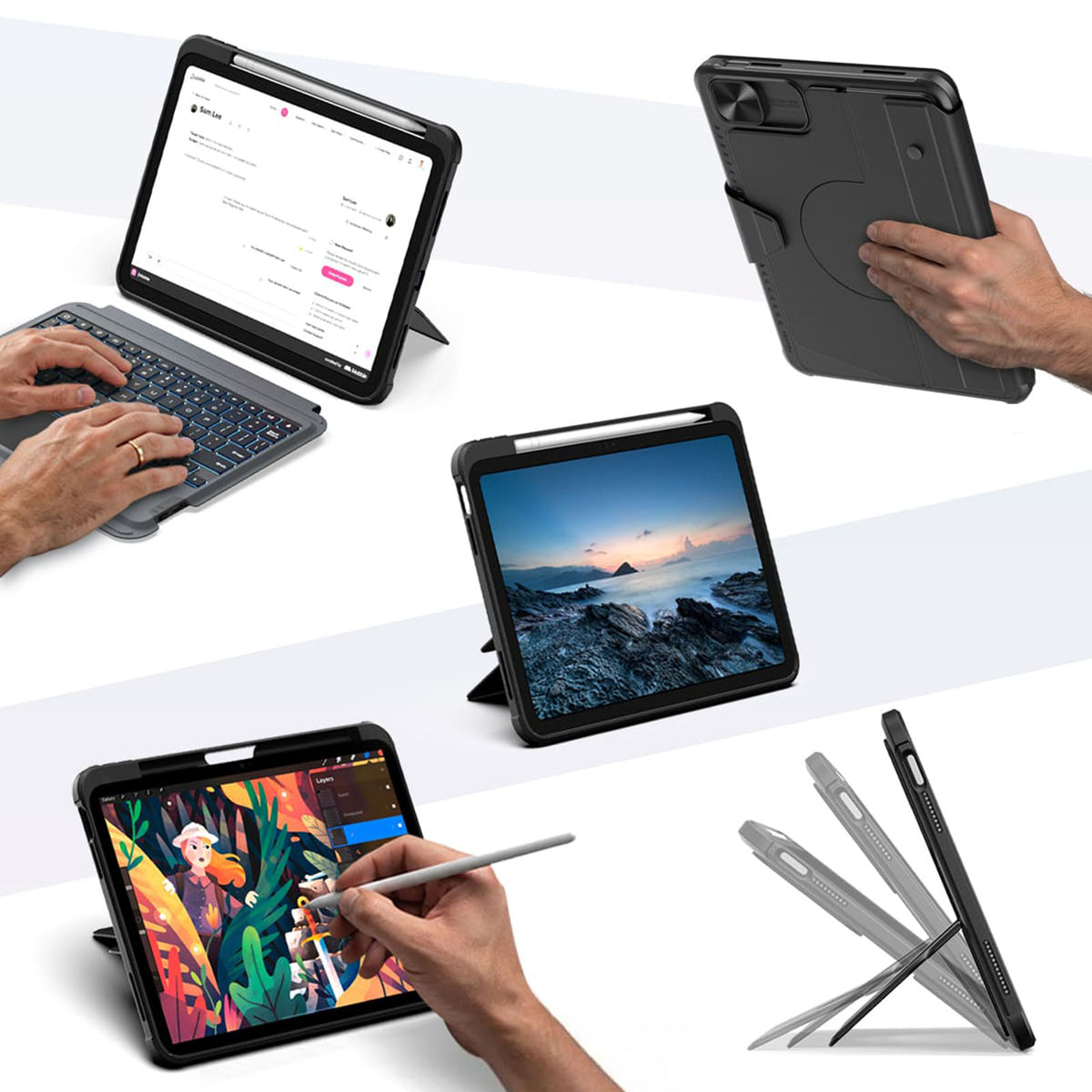
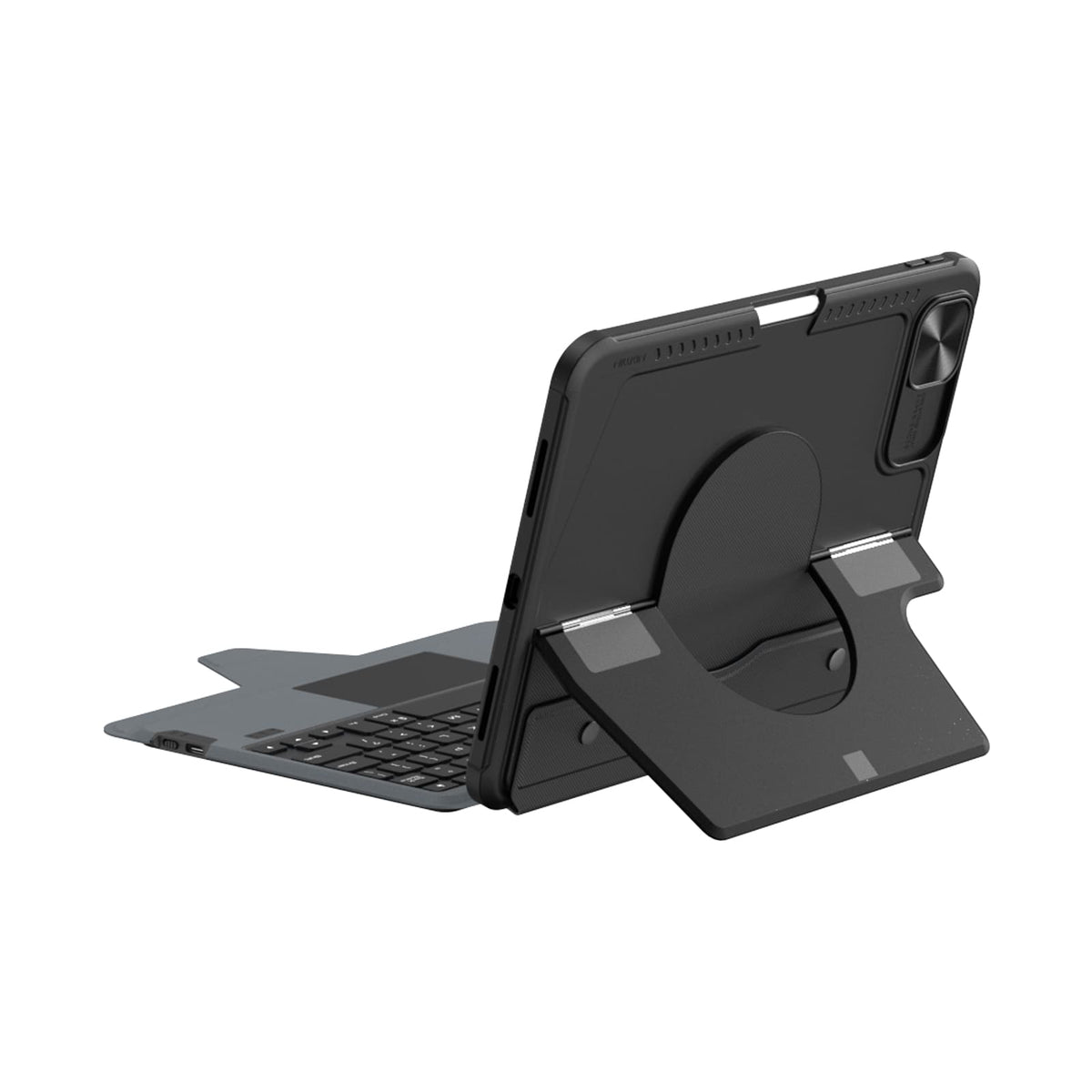
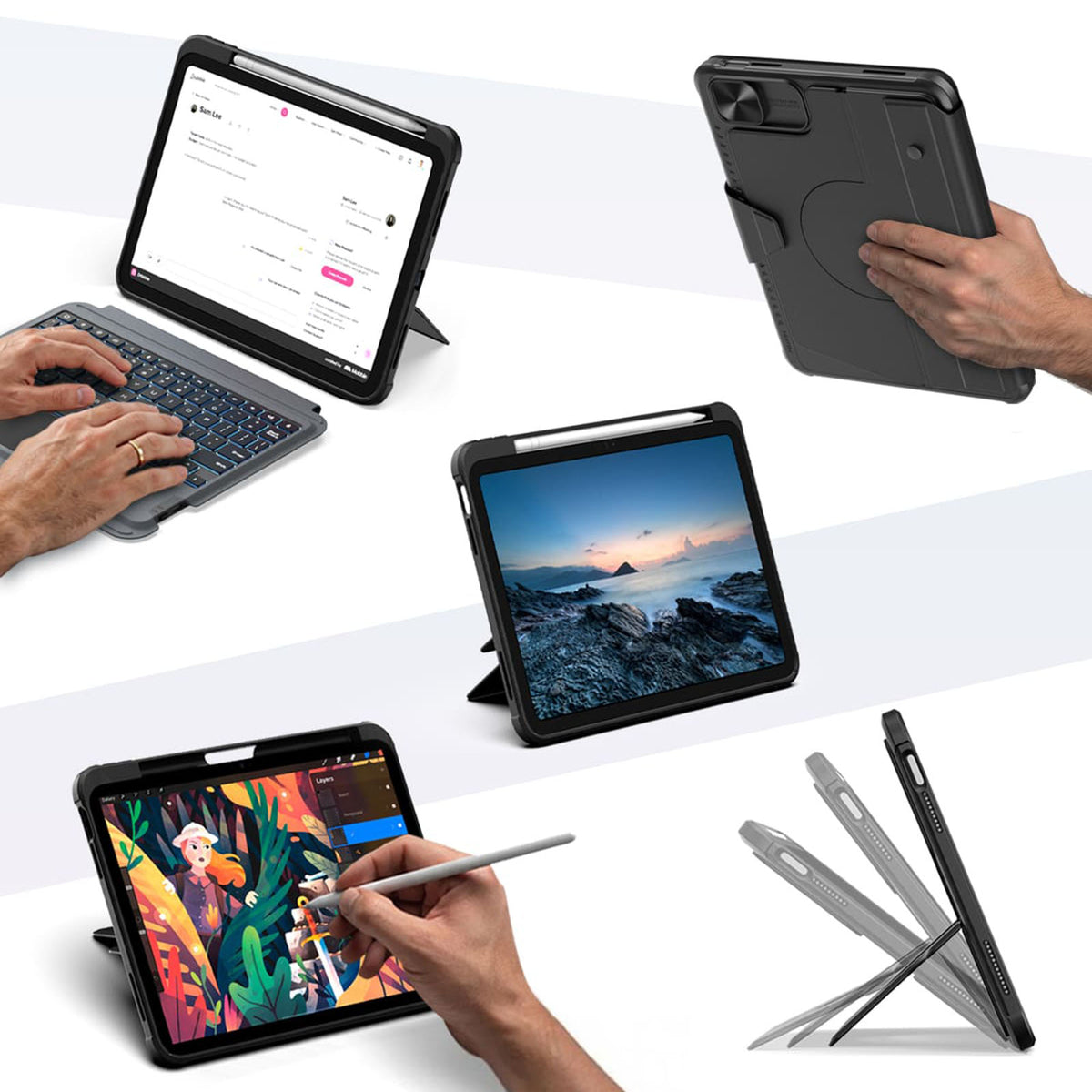
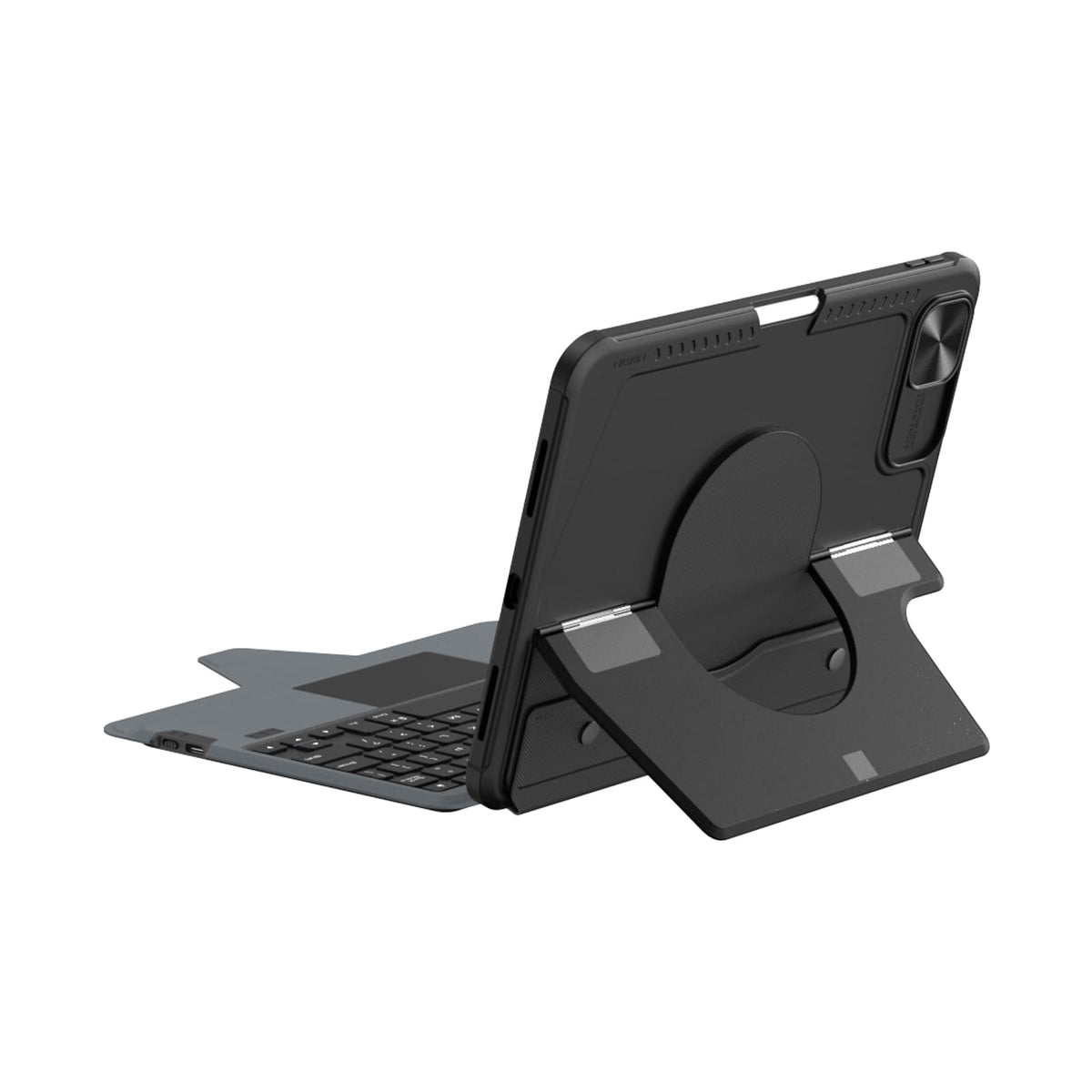
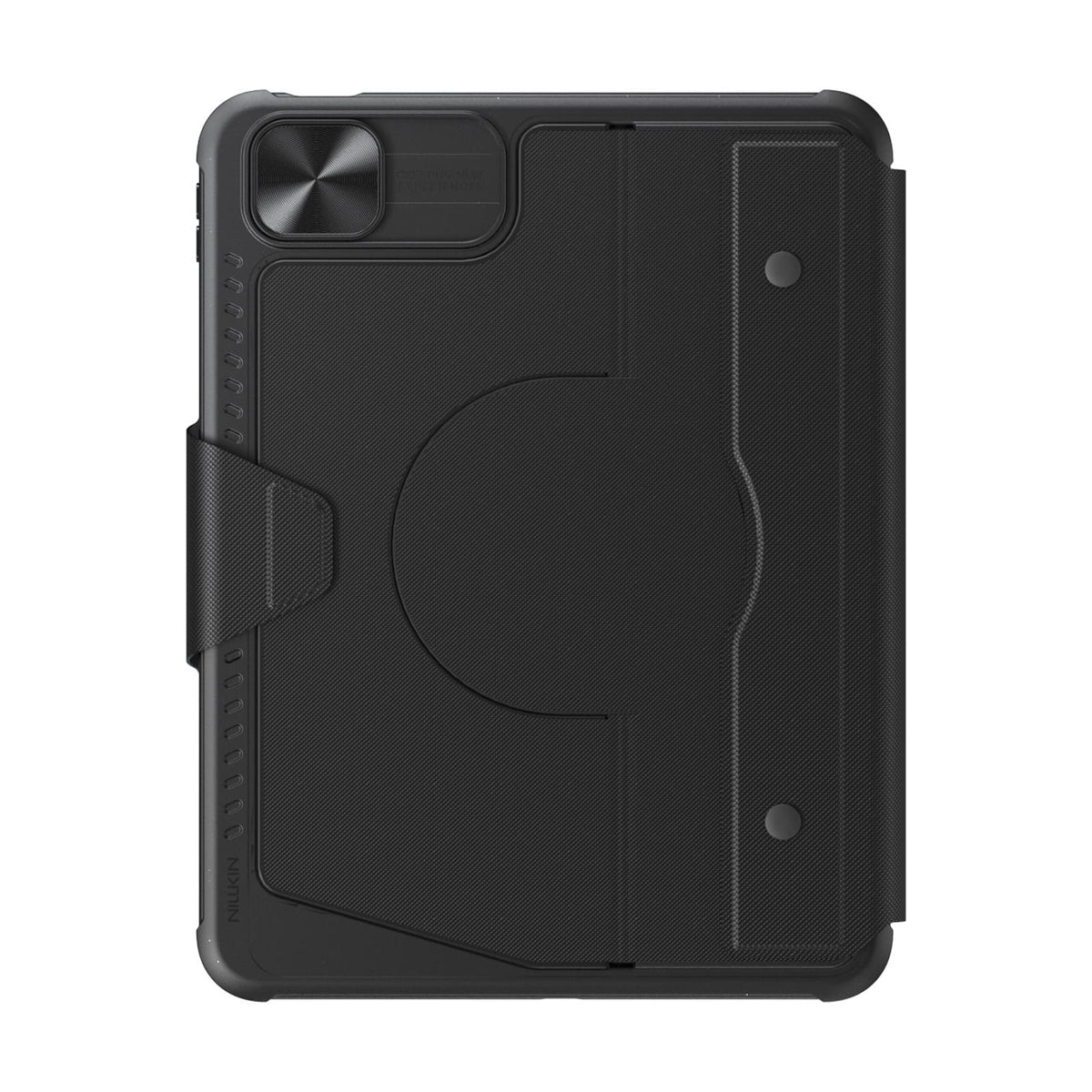
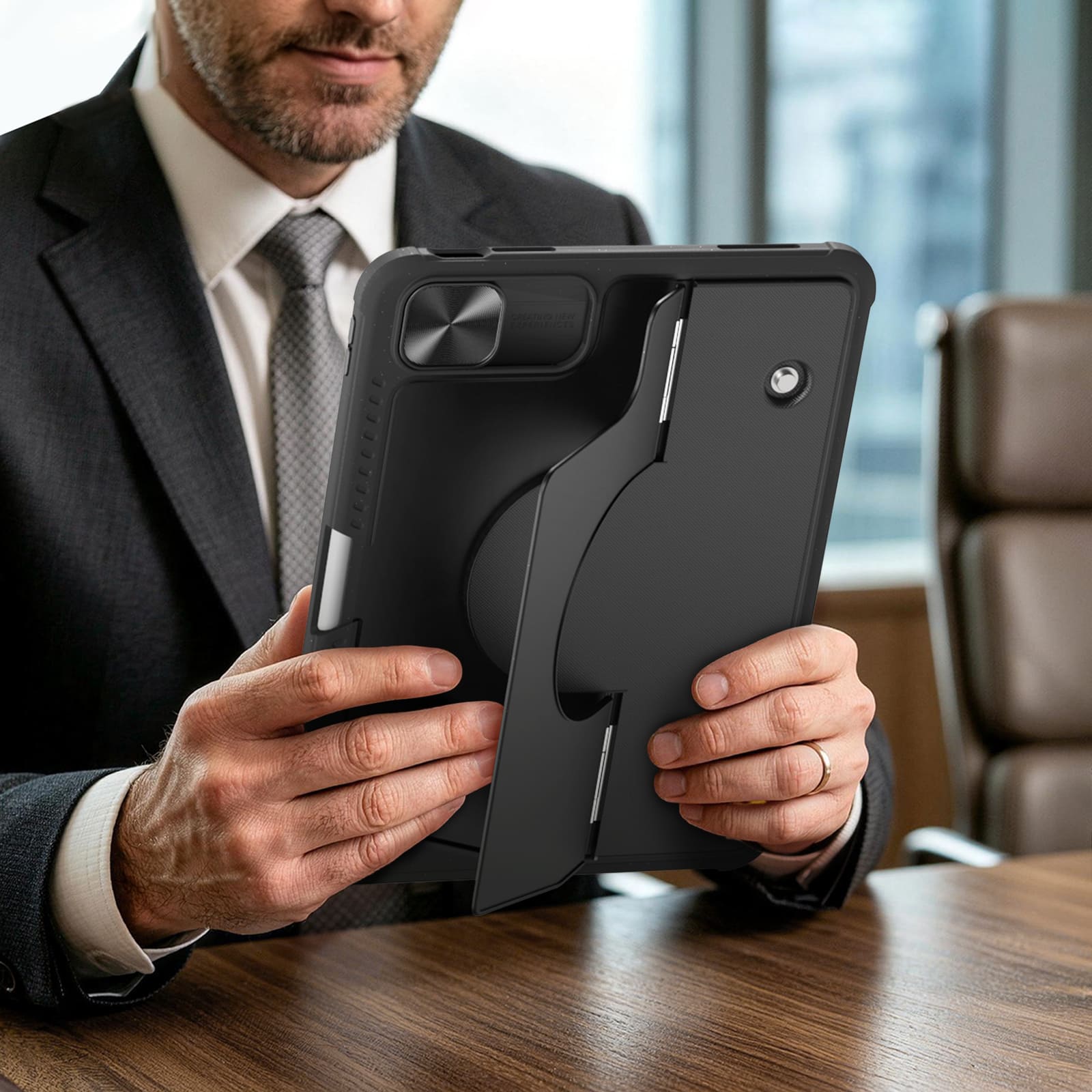
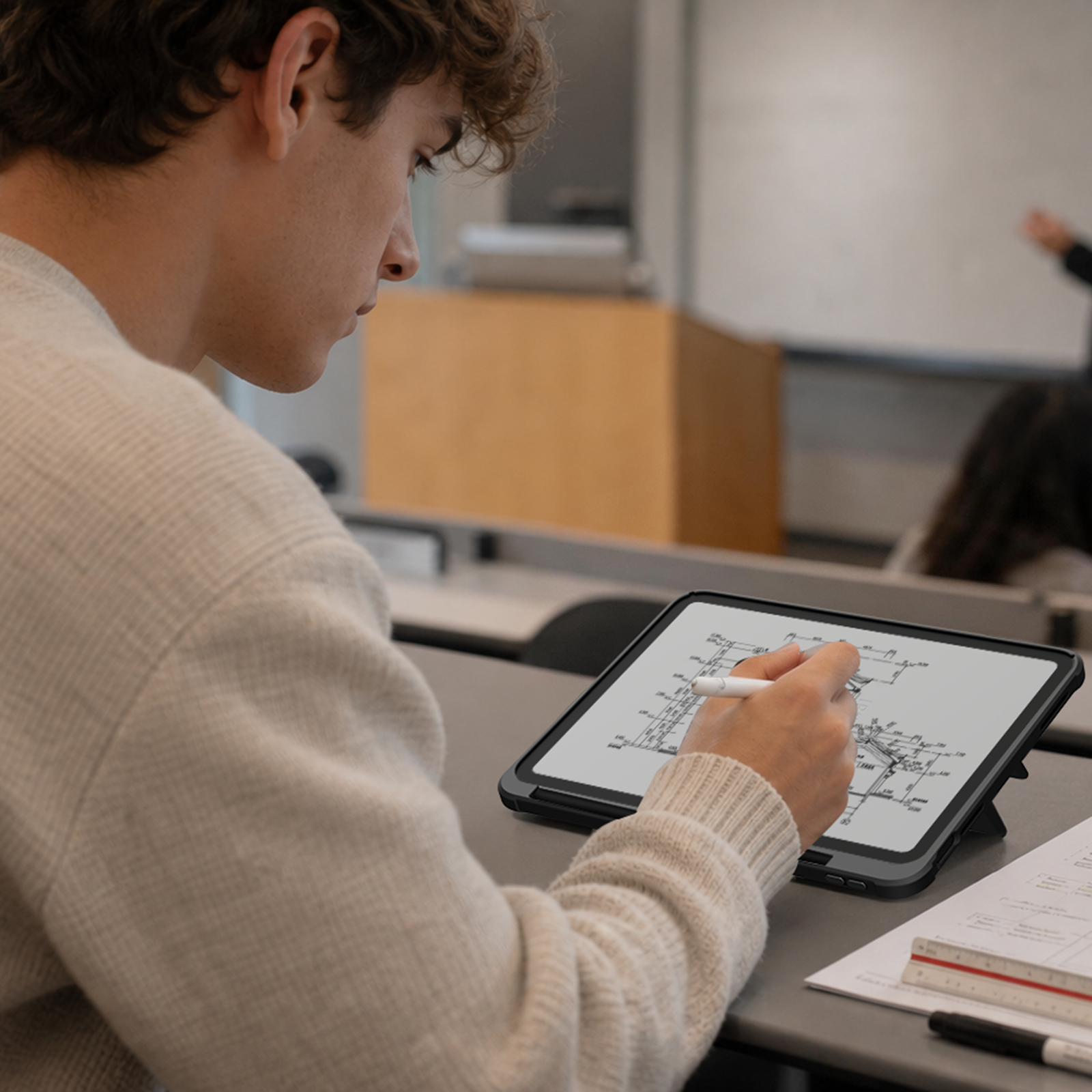
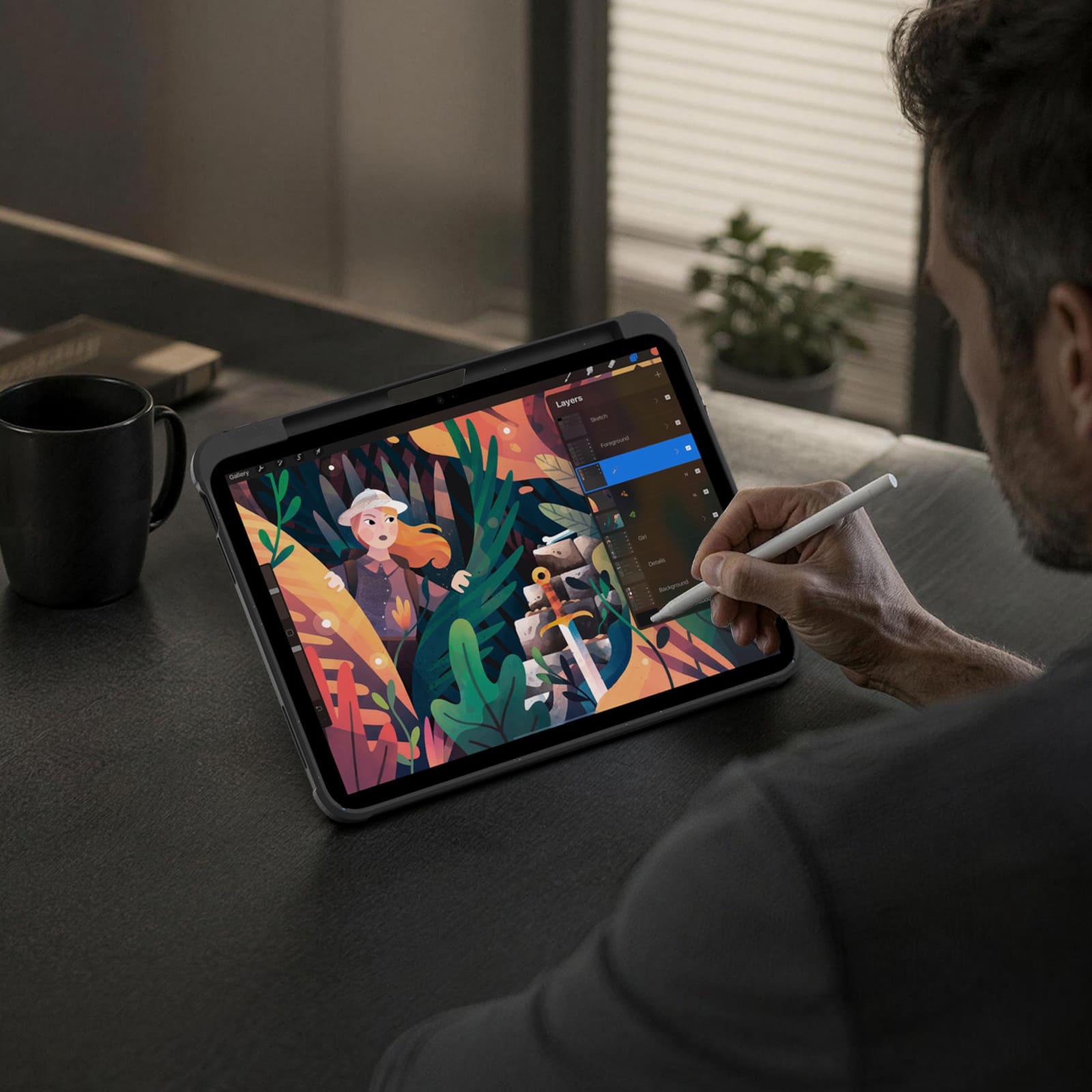
Switch between typing, viewing, browsing, drawing, and hands-free setups with one case.
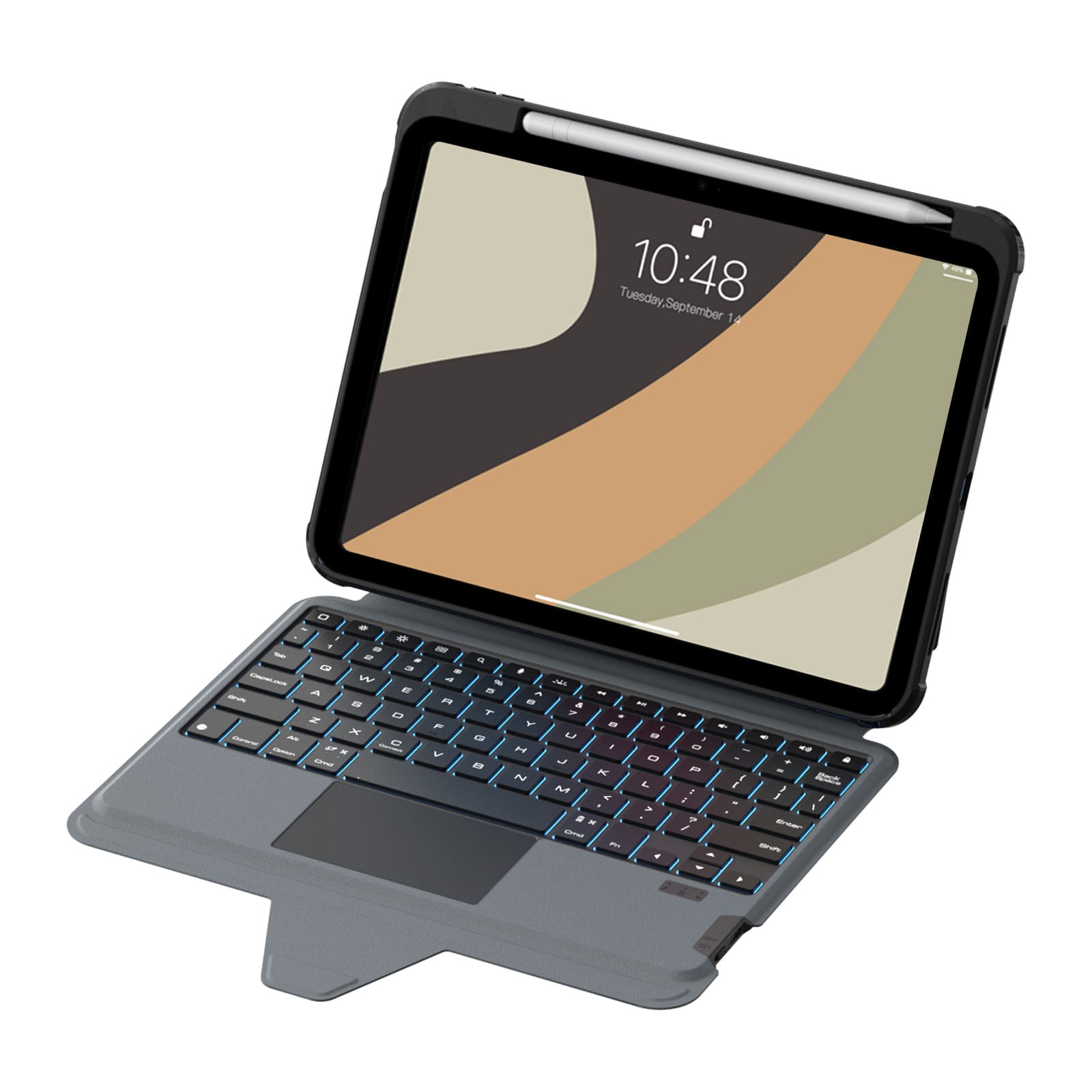
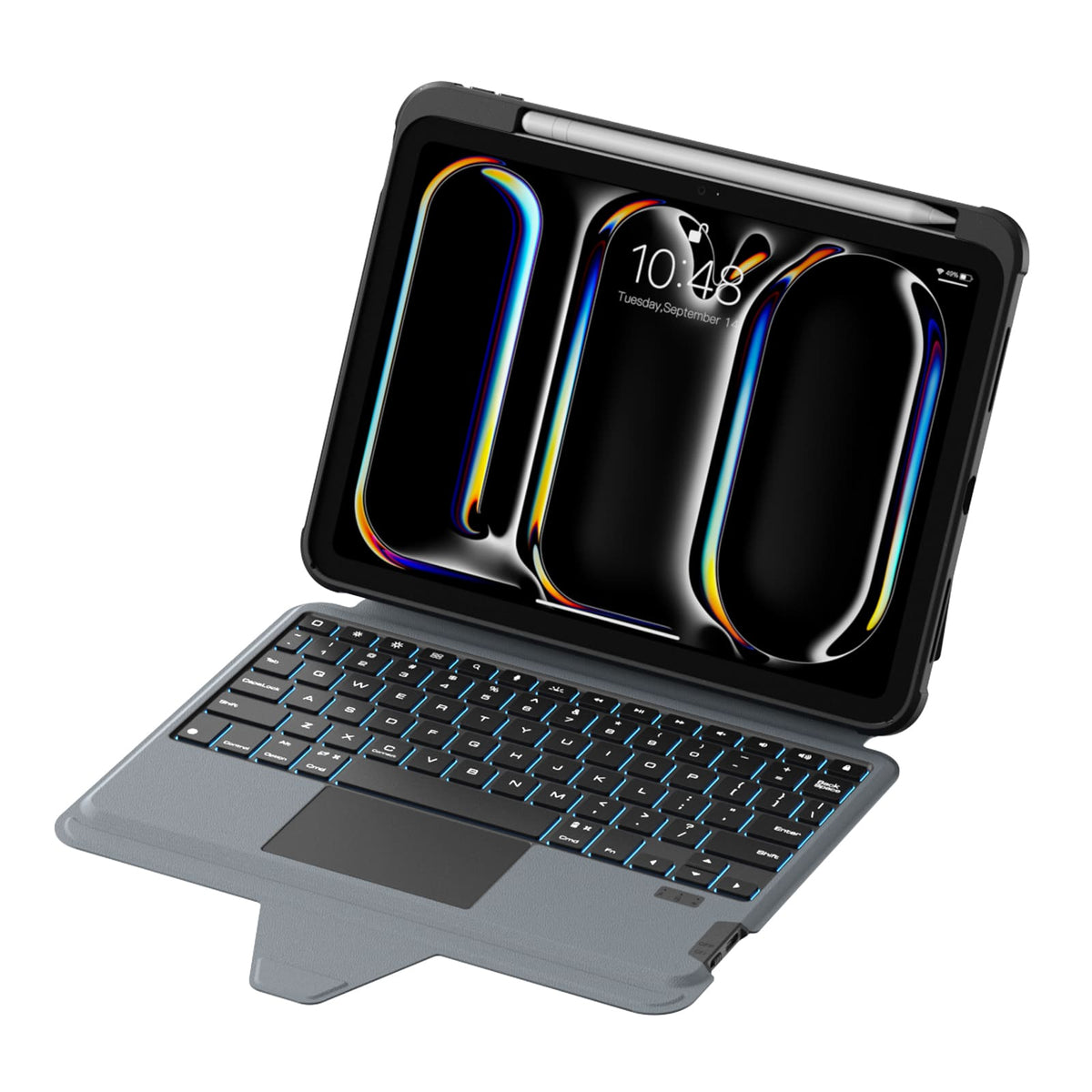
Quiet scissor-switch keys with 1.4mm key travel and a precision trackpad deliver responsive, comfortable control for everyday typing.
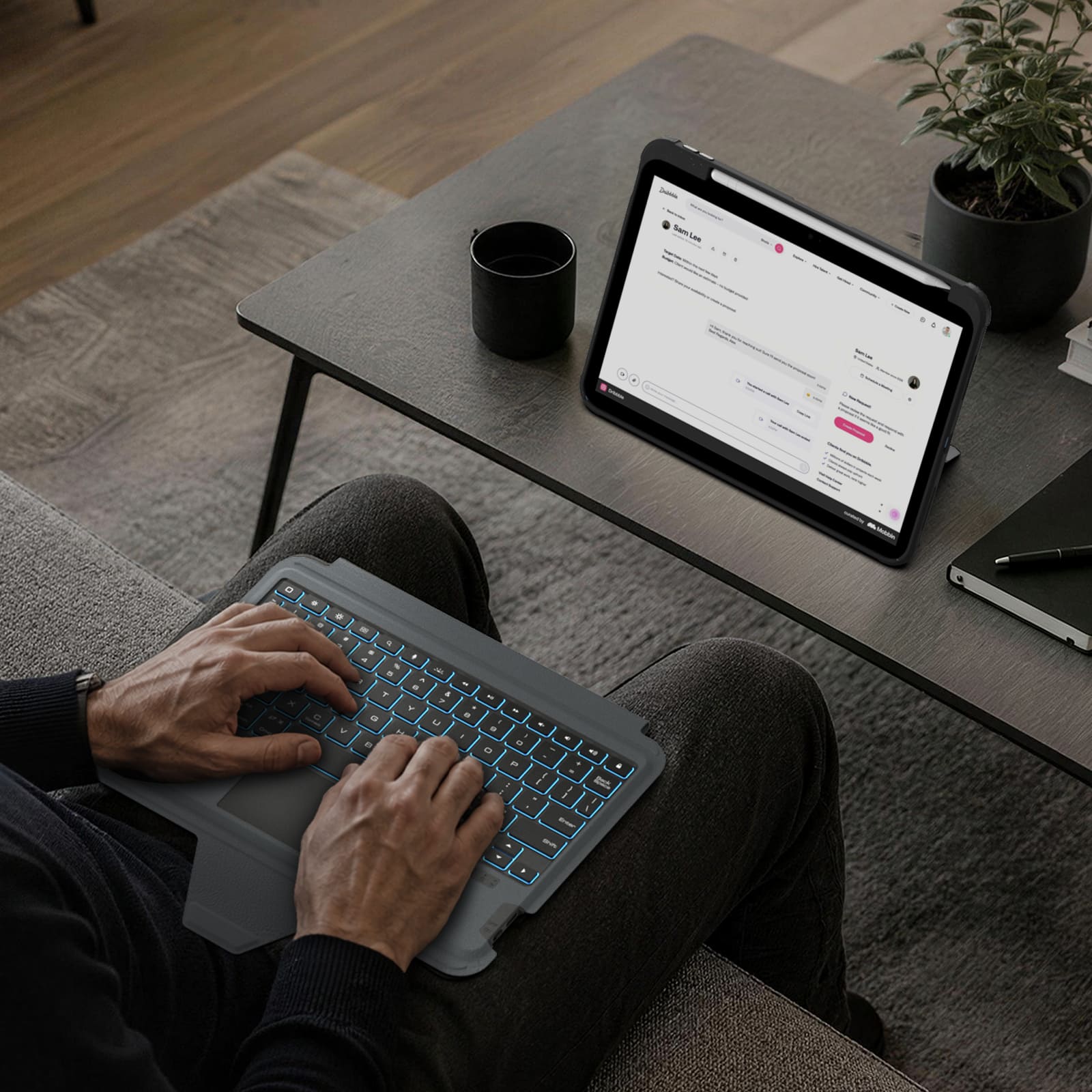
Seven backlight colors, three brightness levels, and anti-mistouch technology keep your workflow uninterrupted.
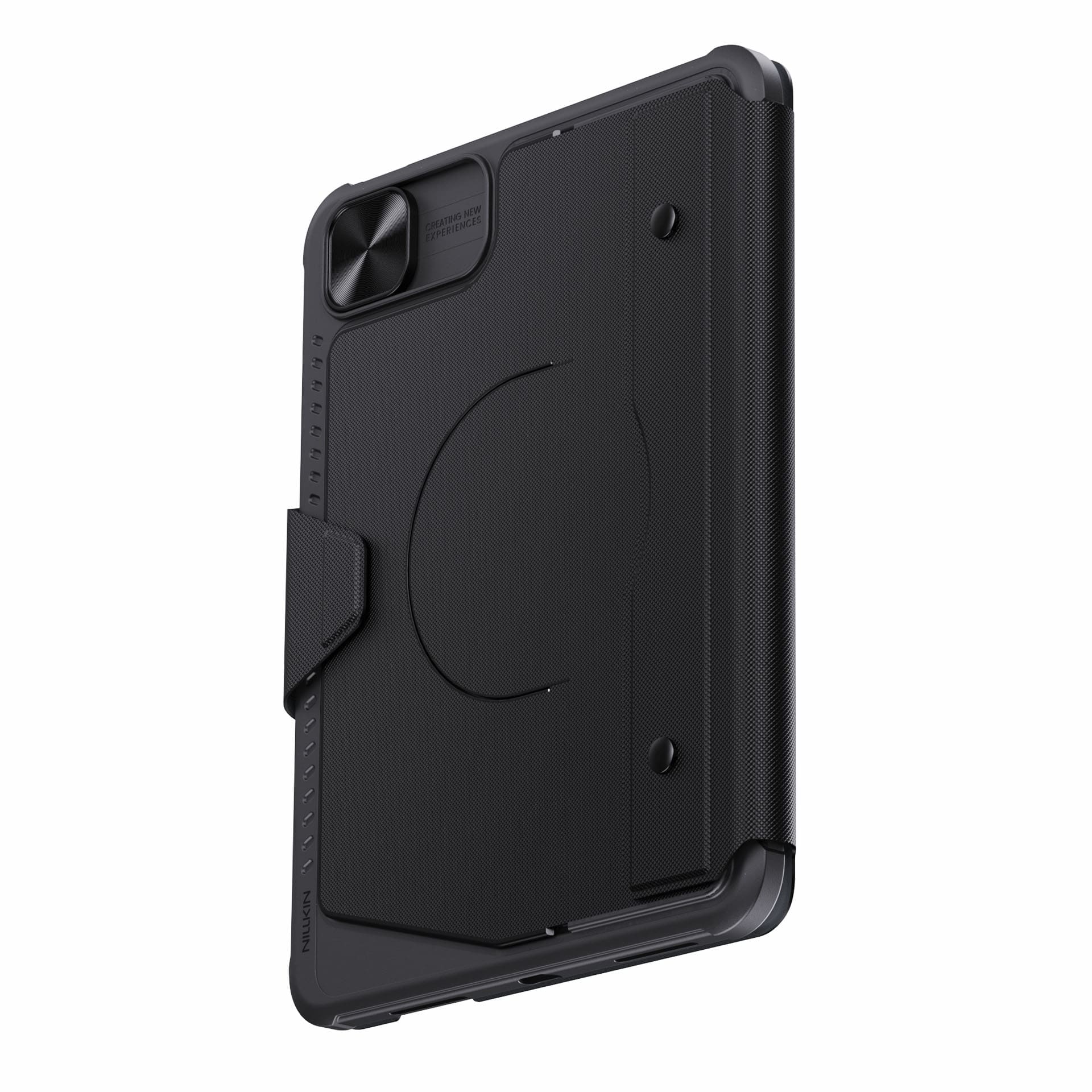
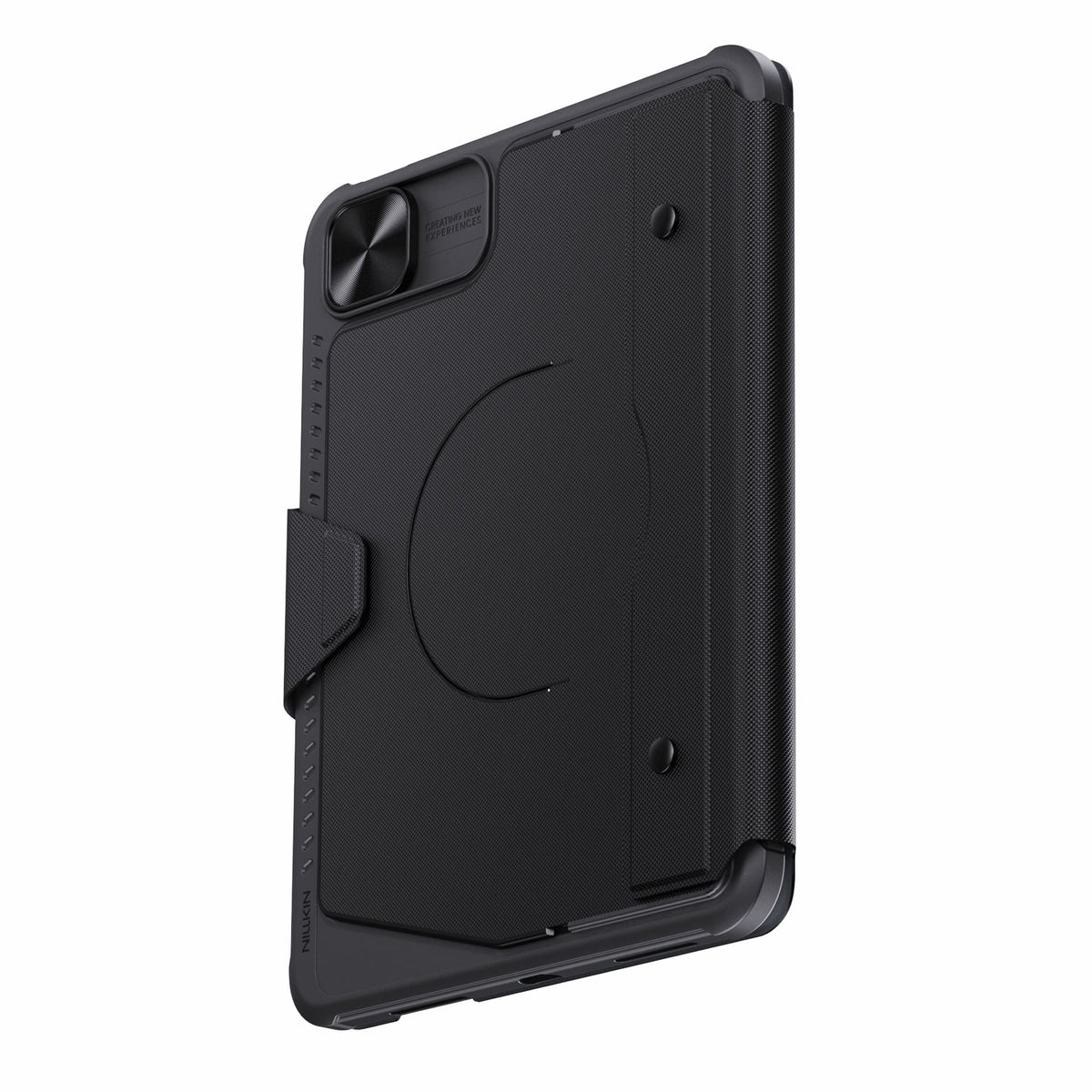
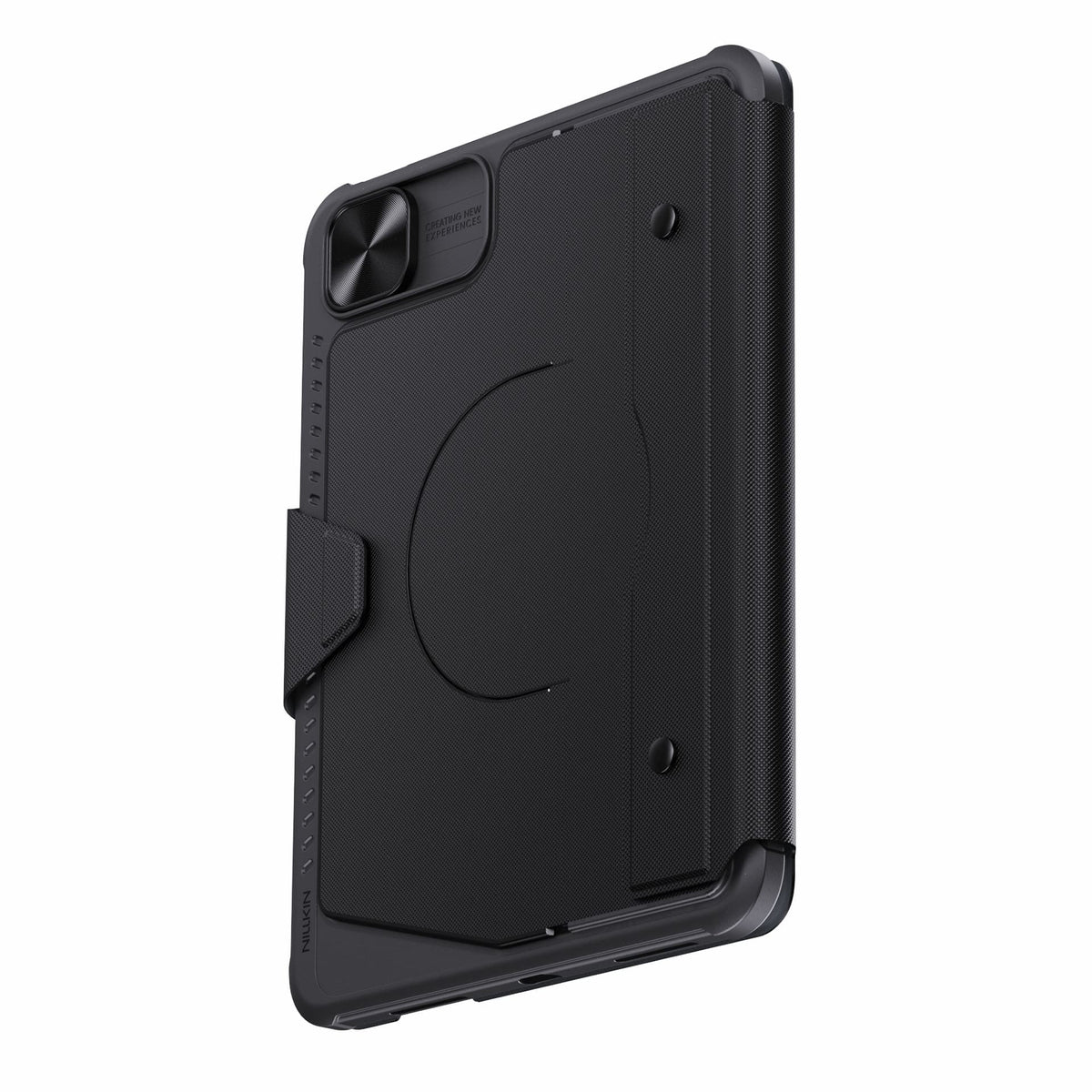
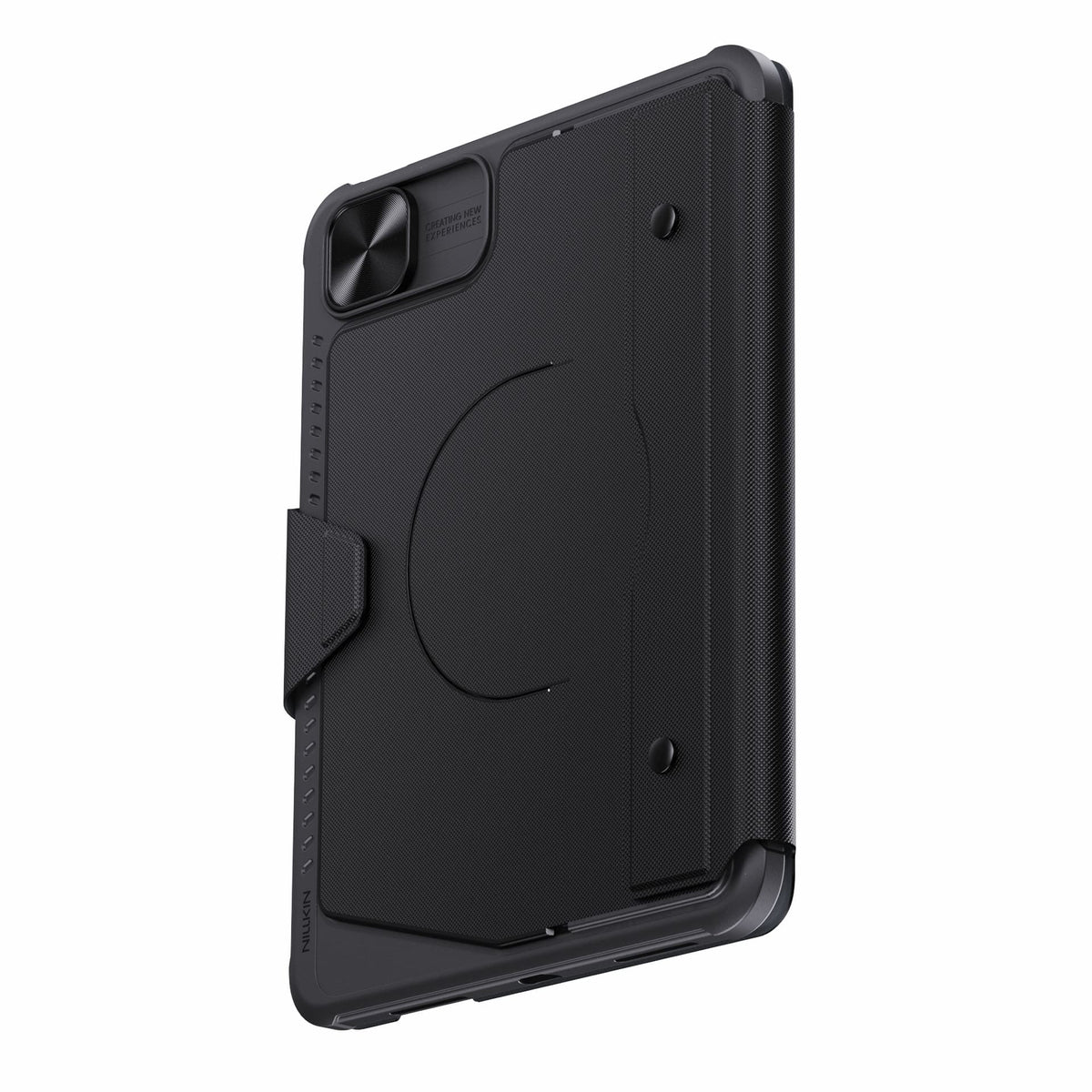
Detach the keyboard while keeping the protective case installed for everyday protection.
Bluetooth 5.0 keeps connections reliable, with up to 100 hours of battery life.
Connectivity Technology: Bluetooth 5.0
Keyboard Type: Detachable Wireless Keyboard
Operating System: iPadOS
Number of Keys: 78 Keys
Keyboard Backlighting: 7-Color Backlight with 3 Brightness Levels
Color Options: Black
Special Features: Detachable Keyboard, Built-in Trackpad, Magnetic Accessory Compatibility, Sliding Camera Cover, Backlit Keys, Hotkeys & Media Keys, OTA Firmware Updates
Recommended Uses: Work, Creative Tasks, Typing, Presentations, Entertainment, Everyday Use

2.5D Clear Glass Pro Screen Protector
for iPad Series

محطات شحن SnapBranch Pro
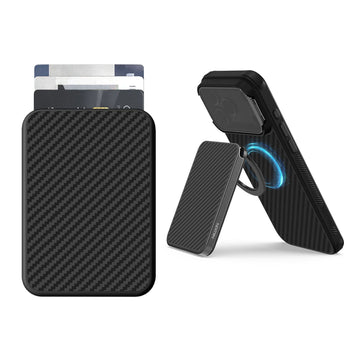
محفظة هاتف FiberMate Kevlar® مغناطيسية مع حامل
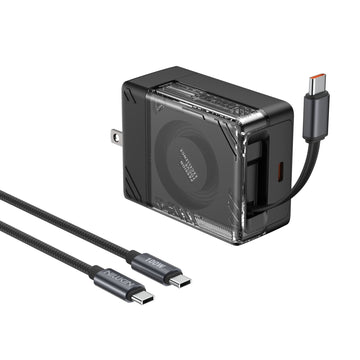
شاحن IceCore 65 واط GaN قابل للسحب (كابل USB-C بطول 0.7 متر/2.4 قدم) مع كابل C-to-C بقوة 100 واط بطول 1.8 متر/6 قدم
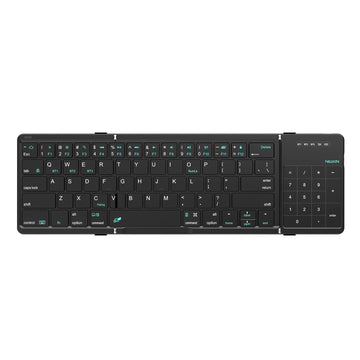
لوحة مفاتيح بلوتوث قابلة للطي مكعب مع لوحة لمس

جراب لاب توب احترافي متعدد الاستخدامات مع حامل ولوحة ماوس
One Case. More Ways to Use Your iPad.
Type, sketch, view, present, or relax.Bumper Combo Pro adapts to every moment, giving your iPad the flexibility to do more.


Every improvement begins with real feedback.


Magnetic Ready
5 Flexible Use Modes
Bluetooth 5.0 Connection

Standard Keyboard Case
3 Everyday Use Modes
Bluetooth 3.0 Connection
Laptop Mode


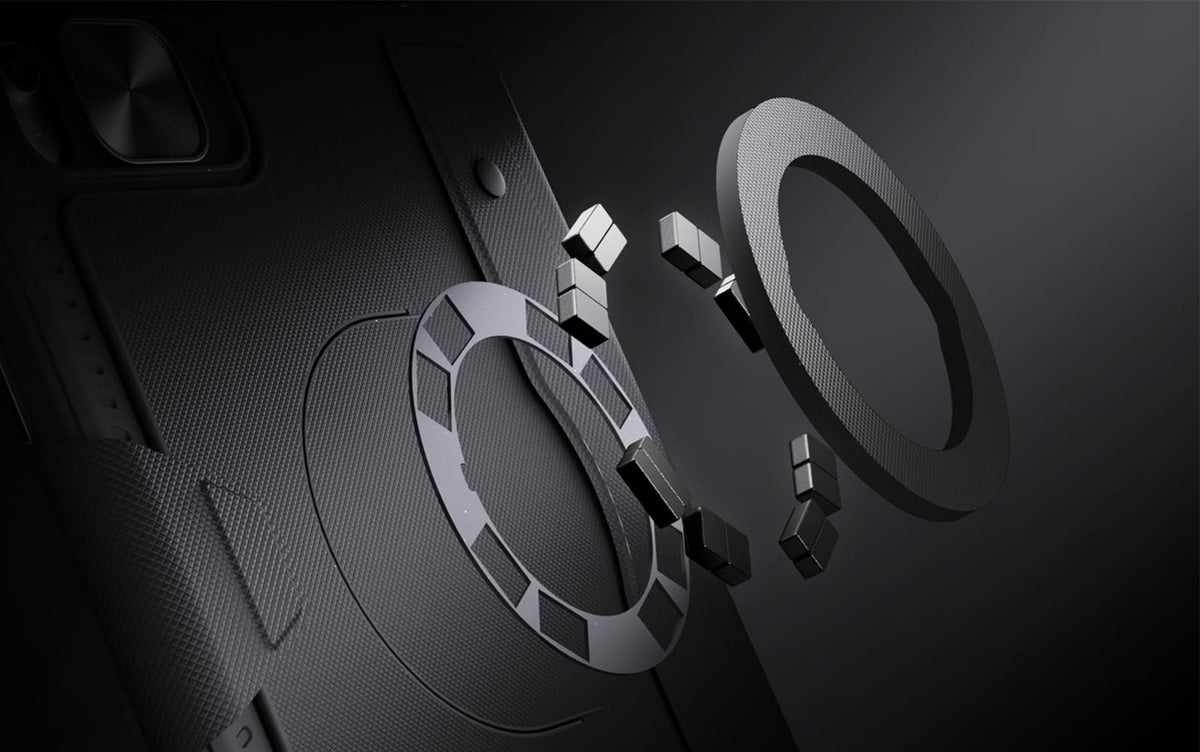
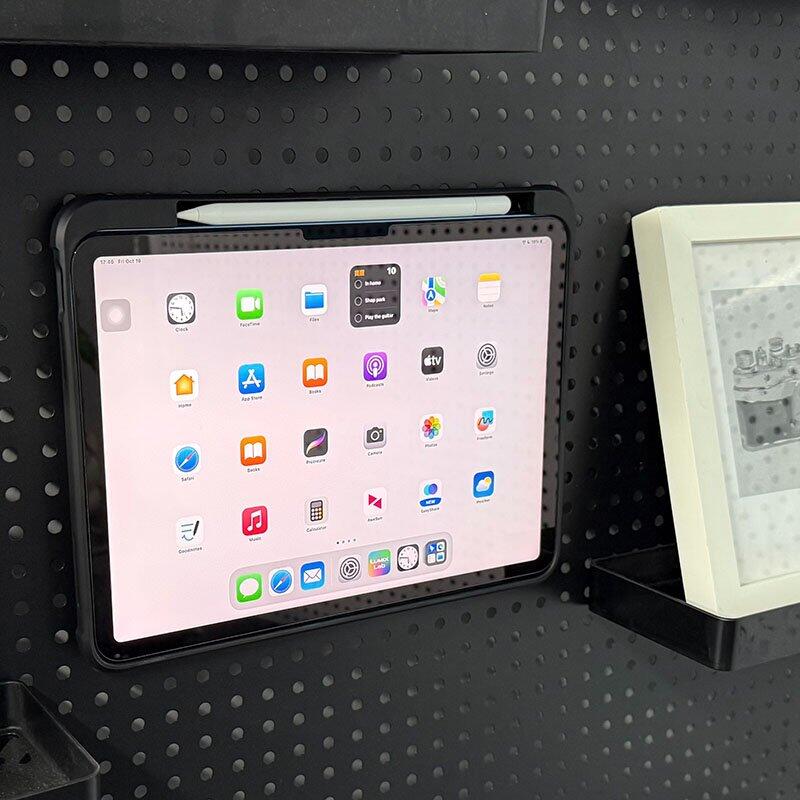
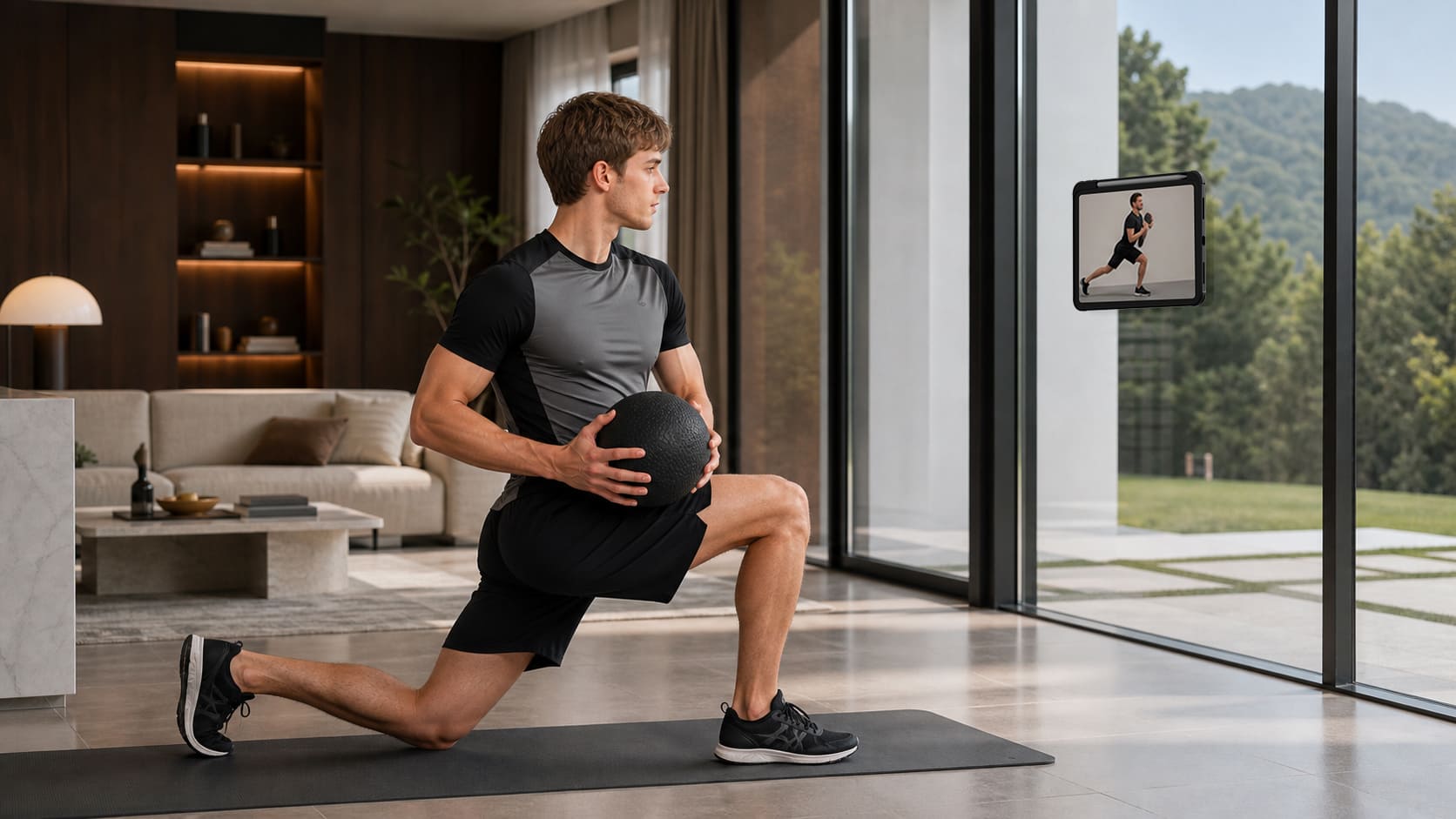
From the fridge to a metal shelf or gym rack, built-in magnets give your iPad more places to stay.

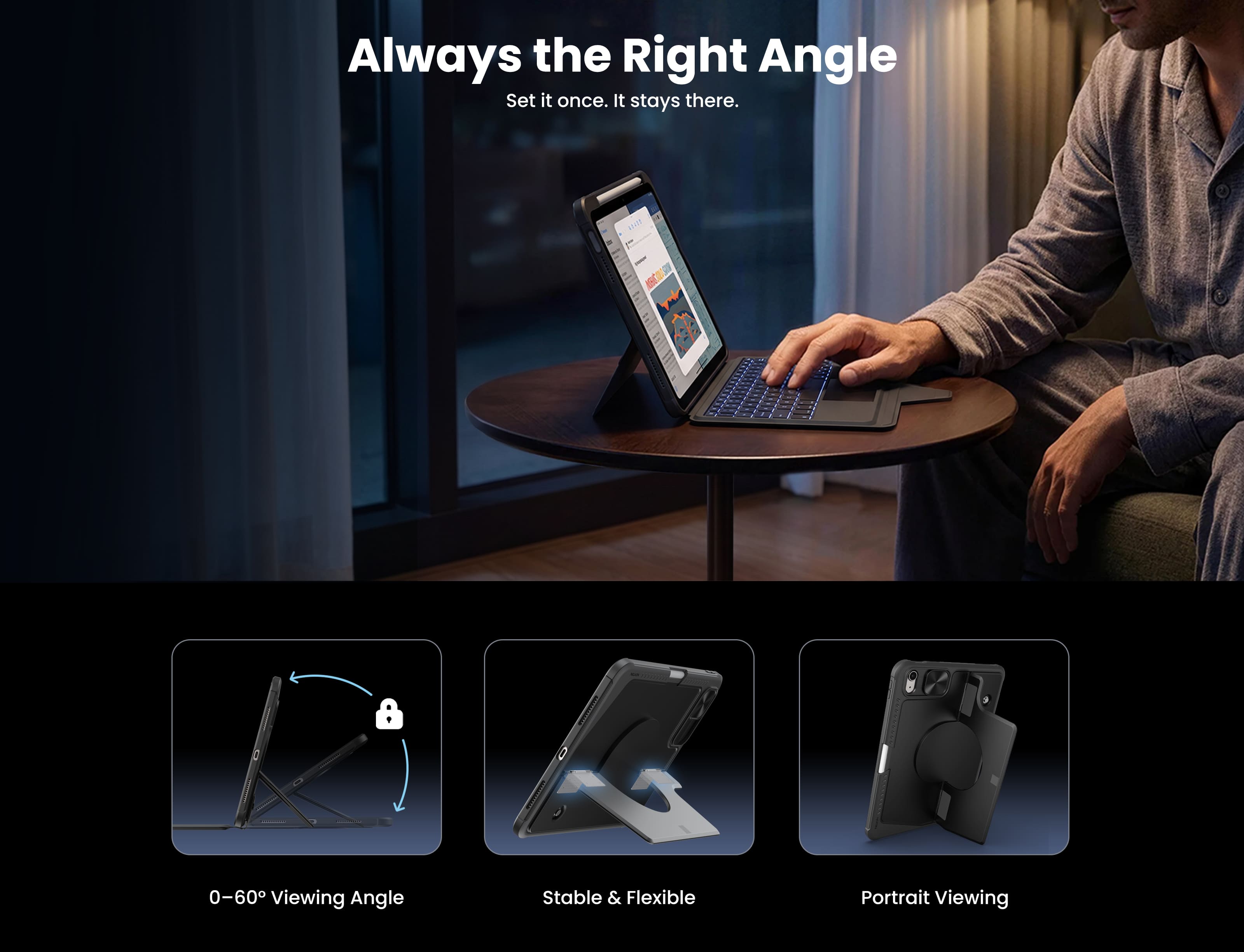
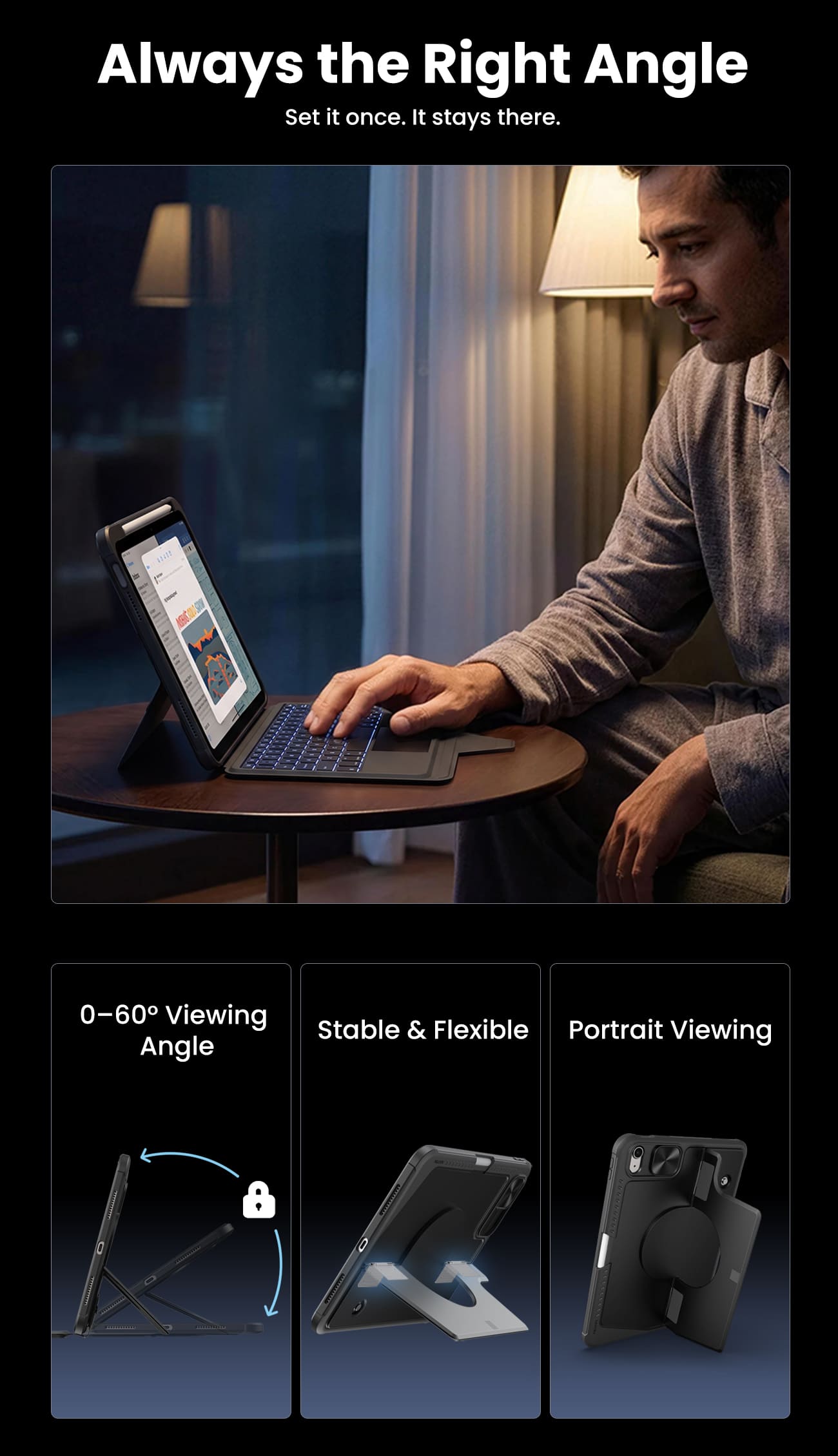
Raise your iPad for calls, notes, or editing, and leave the desk free for typing, sketching, or whatever comes next.
From the fridge to a metal shelf or gym rack, built-in magnets give your iPad more places to stay.
Raise your iPad for calls, notes, or editing, and leave the desk free for typing, sketching, or whatever comes next.
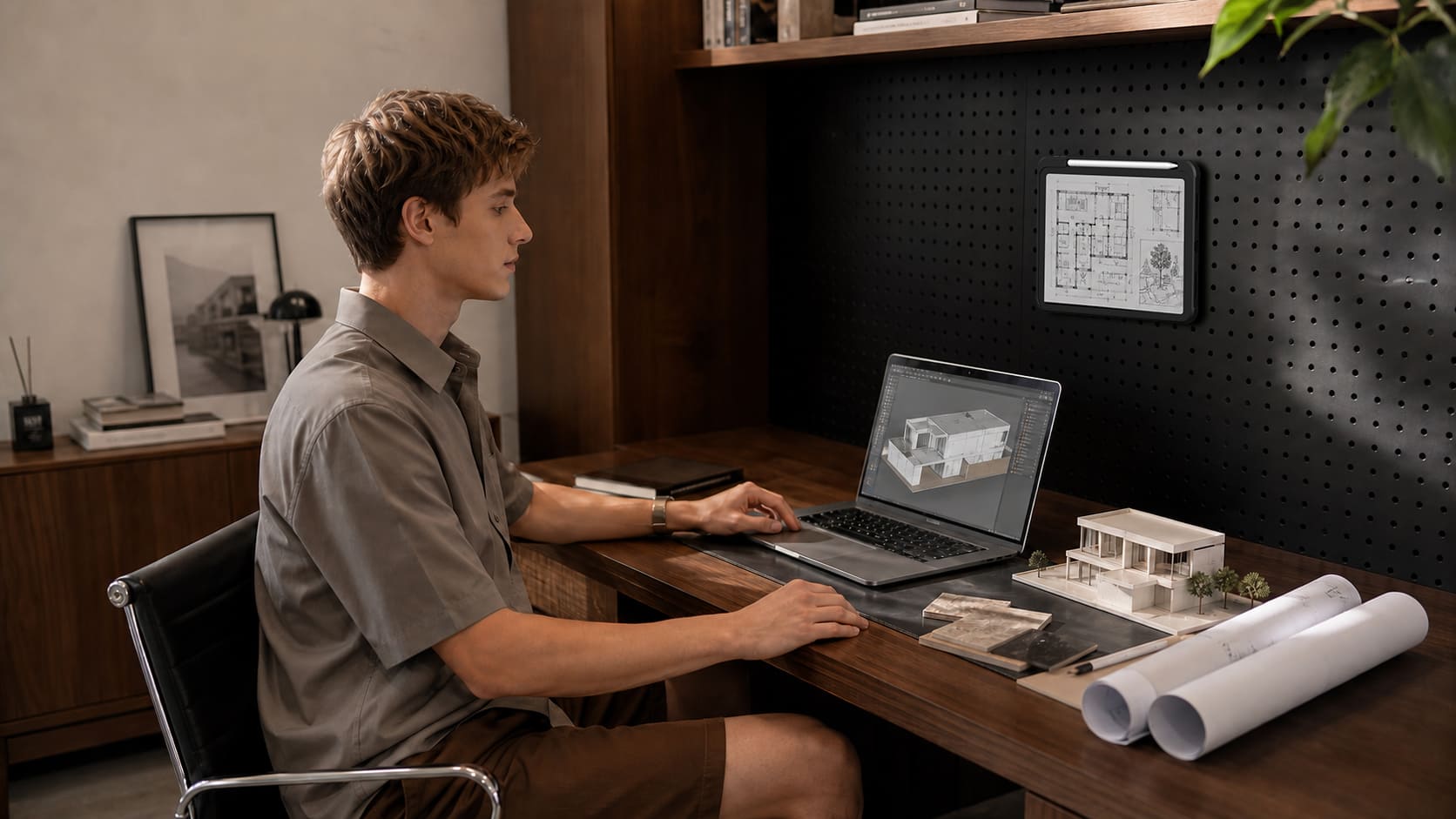
Magic Keyboard.

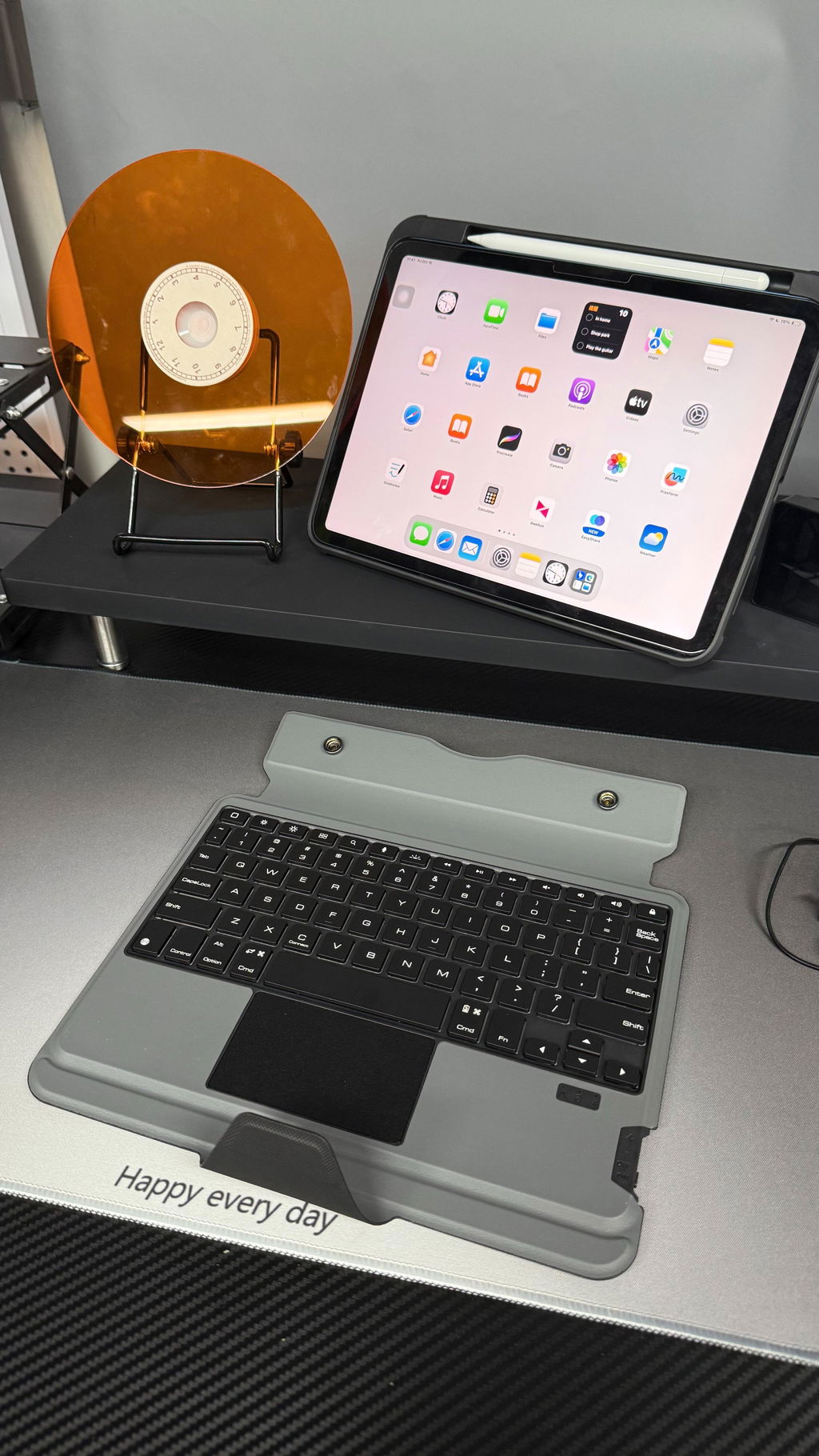
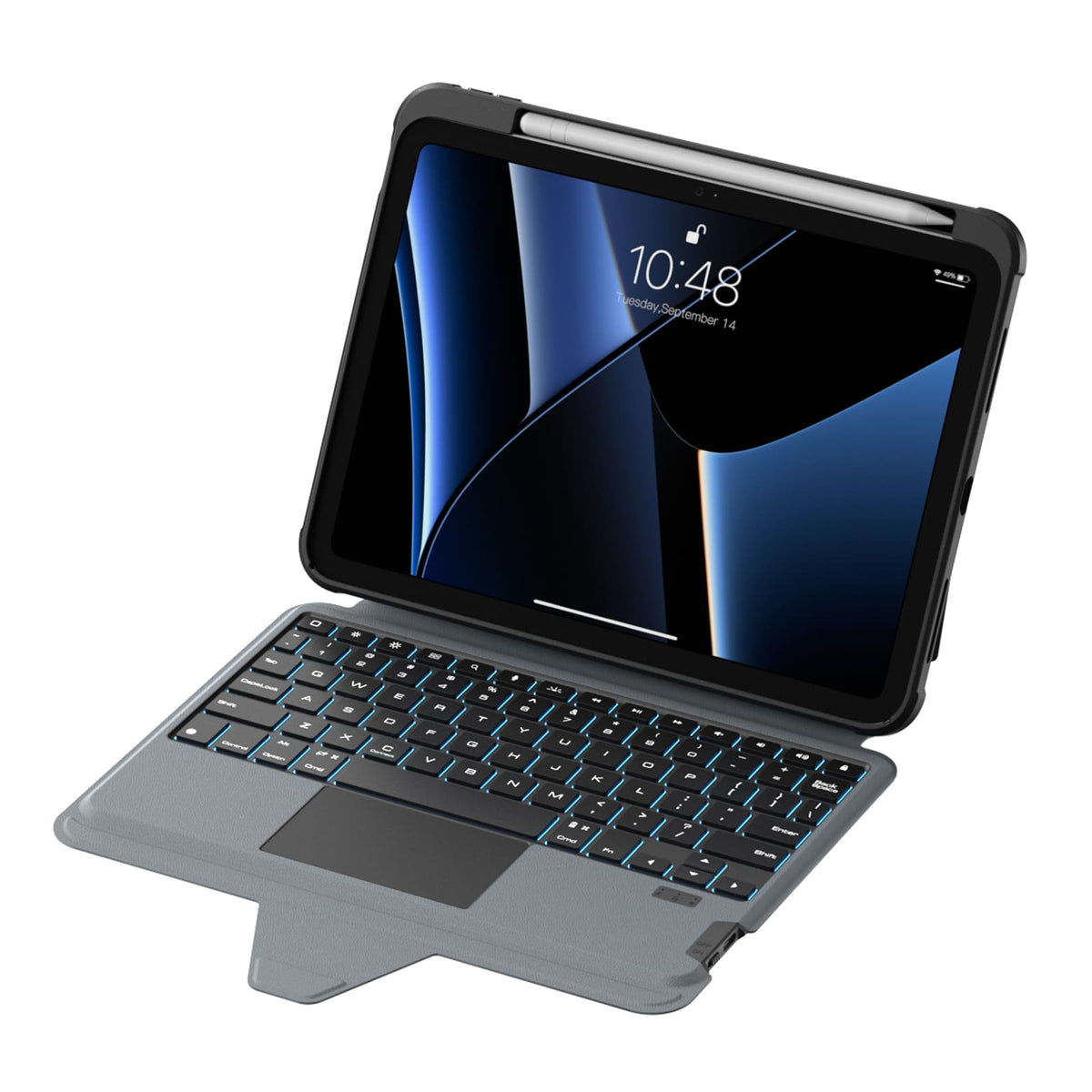
A full-size layout, responsive keys and a precision trackpad bring a more natural, effortless flow to everyday work.

Seven backlight colors with three brightness levels keep every key clear and easy to see, wherever you work.
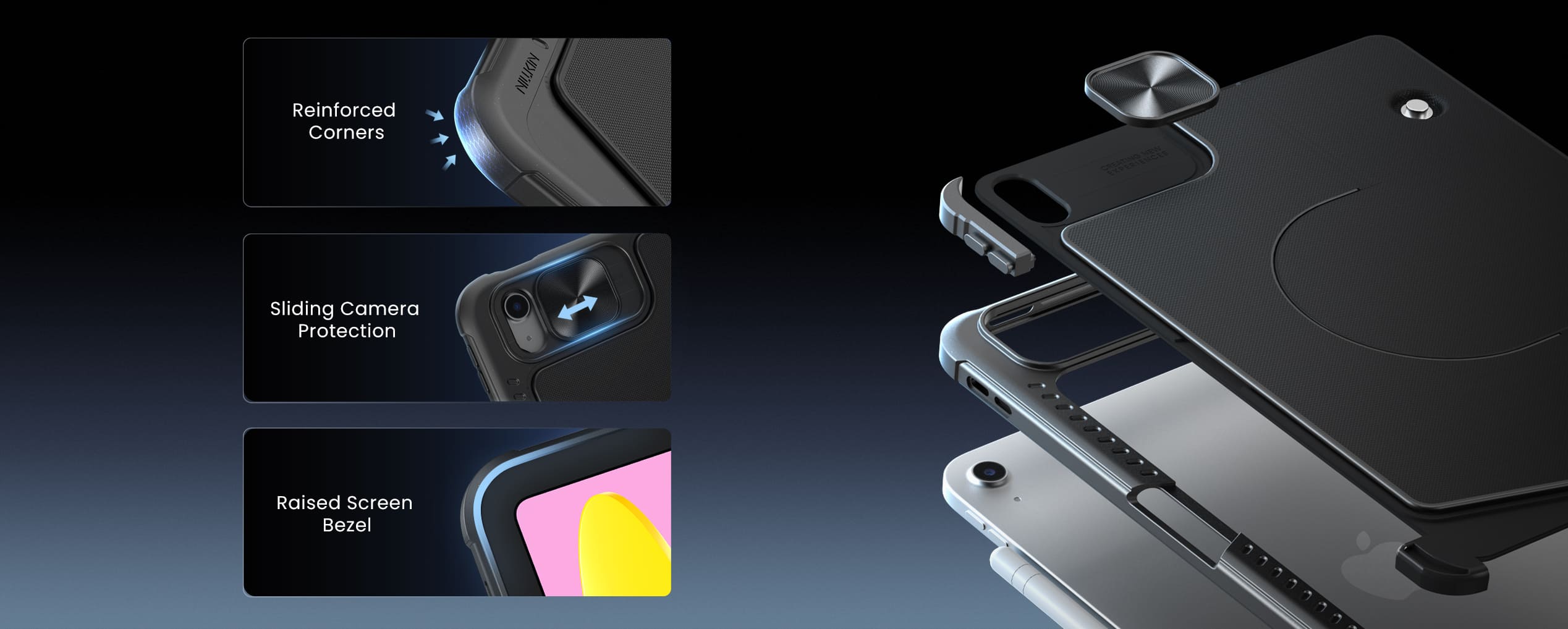
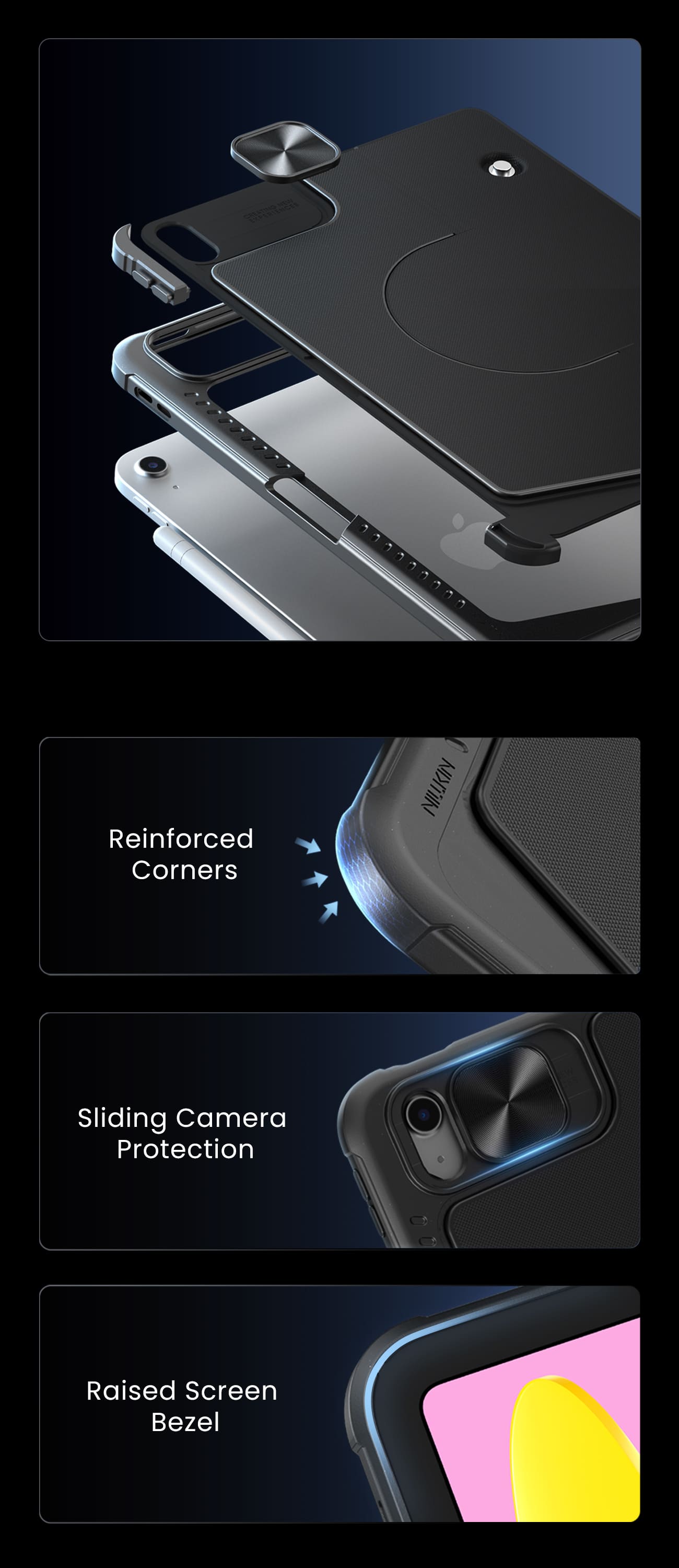
Ready for Real Life.
Protection that stays with you from desk to daily carry.
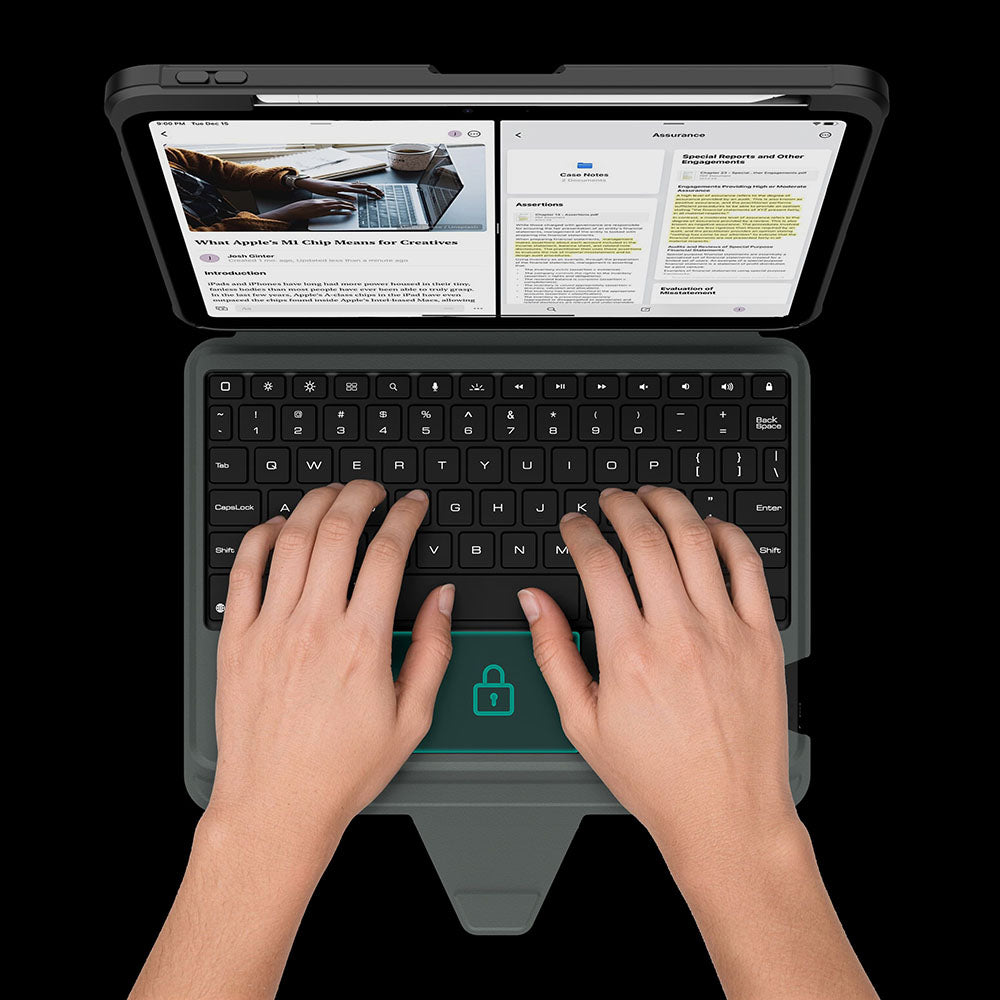
The touchpad automatically locks while you type, so every keystroke stays focused and interruption-free.
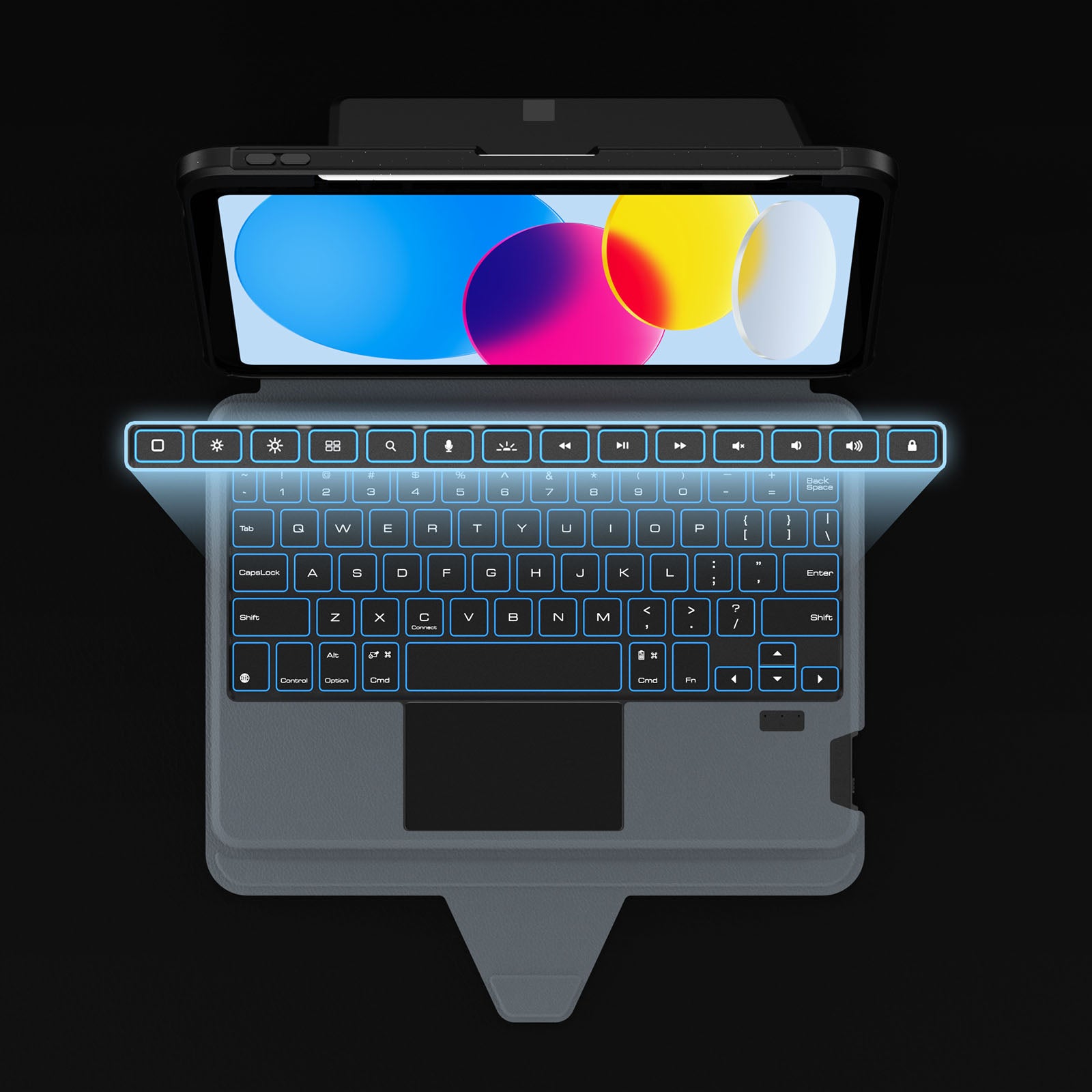
Dedicated shortcuts keep your most-used controls within easy reach, so every adjustment happens without breaking your flow.
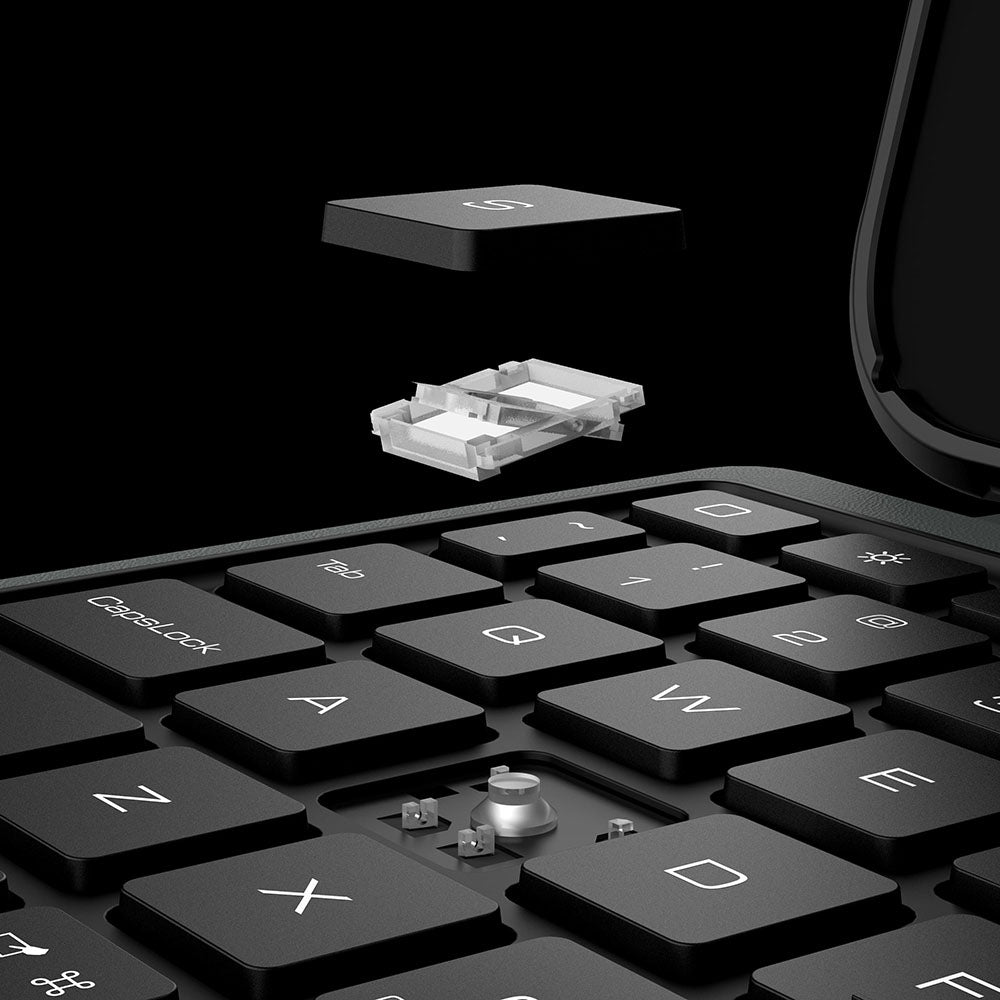
Responsive scissor-switch keys deliver quiet typing, crisp feedback, and lasting comfort through every keystroke.
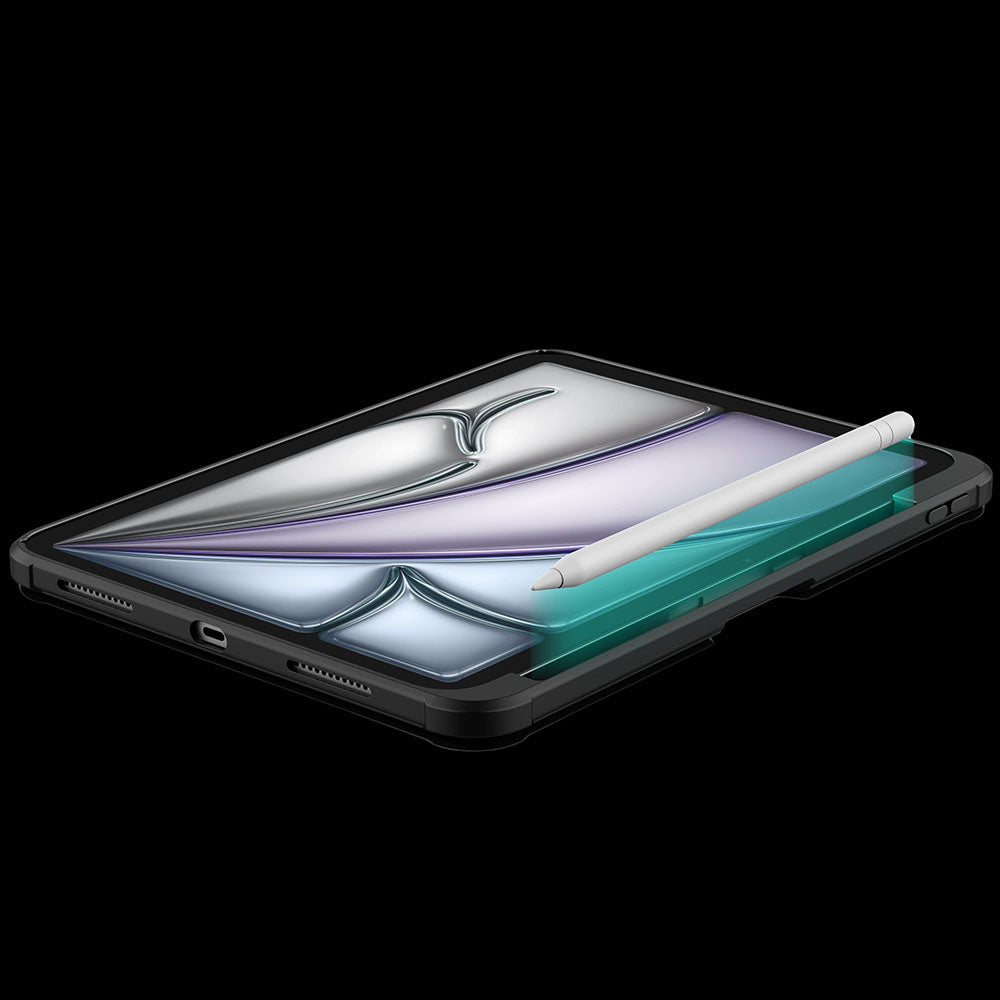
A dedicated holder keeps your Apple Pencil secure, protected, and always within easy reach.
The touchpad automatically locks while you type, so every keystroke stays focused and interruption-free.
Dedicated shortcuts keep your most-used controls within easy reach, so every adjustment happens without breaking your flow.
Responsive scissor-switch keys deliver quiet typing, crisp feedback, and lasting comfort through every keystroke.
A dedicated holder keeps your Apple Pencil secure, protected, and always within easy reach.


Turn the power switch to ON, then hold Fn + Connect until the blue indicator flashes. On your iPad, go to Settings > Bluetooth and select “BumperComboProKeyboard.”
The trackpad supports full iPadOS multi-touch gestures, including tapping, swiping, scrolling, zooming, dragging, and app switching. It also disables while typing to help prevent accidental touches.
Yes. It offers 7 backlight colors and 3 brightness levels. Use the brightness key to adjust brightness, and press Fn + Color to switch between colors.
The 500mAh battery provides up to around 100 hours of use with the backlight off and up to 180 days of standby time.
The kickstand supports stepless adjustment from 0° to 110° and can be used in both landscape and portrait orientations.
Yes, for Apple Pencil models that support magnetic attachment and wireless charging. You can keep the case on while charging.
Press Fn + Battery. The indicator will flash 1–4 times to show the approximate battery level. You can also check the battery level in your iPad’s Bluetooth settings.
The keyboard enters sleep mode after 10 minutes of inactivity. Press any key to wake it and reconnect automatically. If it still does not respond, check that the power is on and the battery has enough charge.
تم تقييم هذا المنتج بـ 4.7 من 5.0 نجوم.
تم استلام 1137 تقييم.


اجعل حياتك وعملك أسهل من خلال توفير منتجات فريدة وعالية الجودة. نؤمن بأن الإكسسوارات عالية الجودة تعزز تجربة المستخدم، وفريقنا يسعى باستمرار لتطوير وتحسين منتجاتنا لتلبية احتياجات السوق المتغيرة باستمرار.
مع تسارع وتيرة الحياة واستمرار ابتكار أجهزة الإنتاجية، يتيح التعاون متعدد الشاشات نقل المحتوى عبر الأجهزة دون عوائق، مما يُمكّن من تنفيذ عمليات وظيفية متنوعة ويجعل الأشخاص يعملون بكفاءة أكبر.
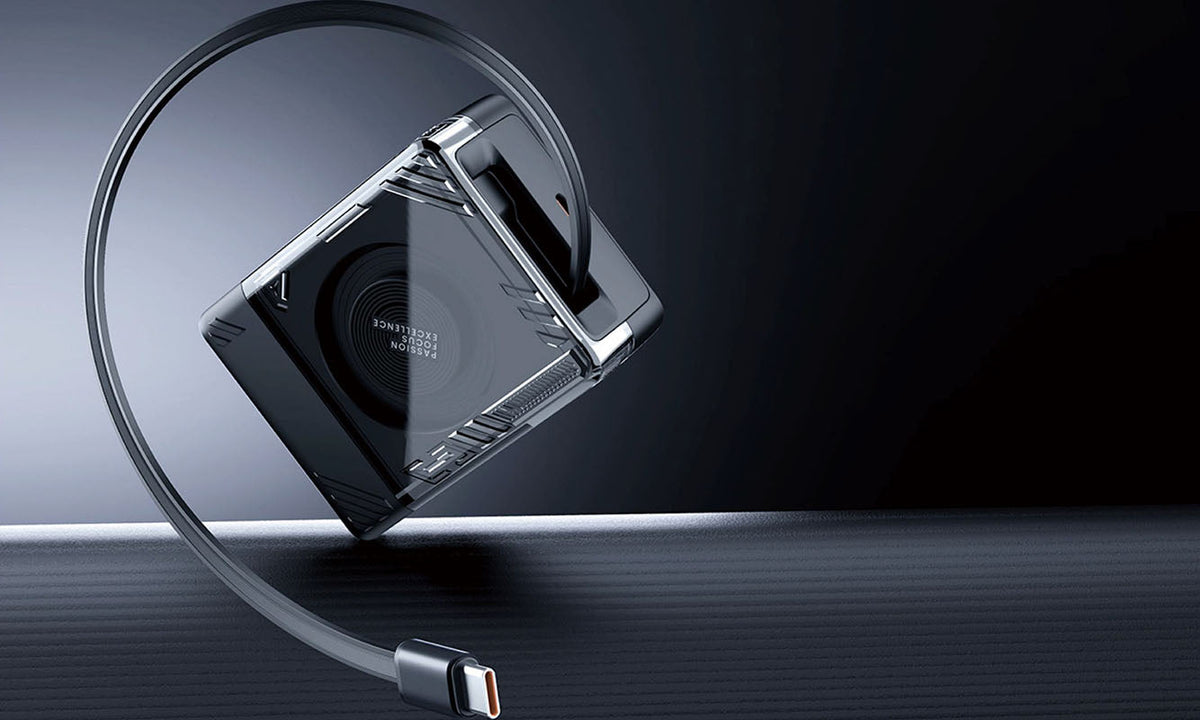
Travel Charger Guide: Charge Confidently Anywhere in 2026
A practical 2026 guide to choosing the right USB-C GaN travel charger for any destination. Learn how detachable plug designs, regional versions, and 65W GaN technology can replace your entire charg...
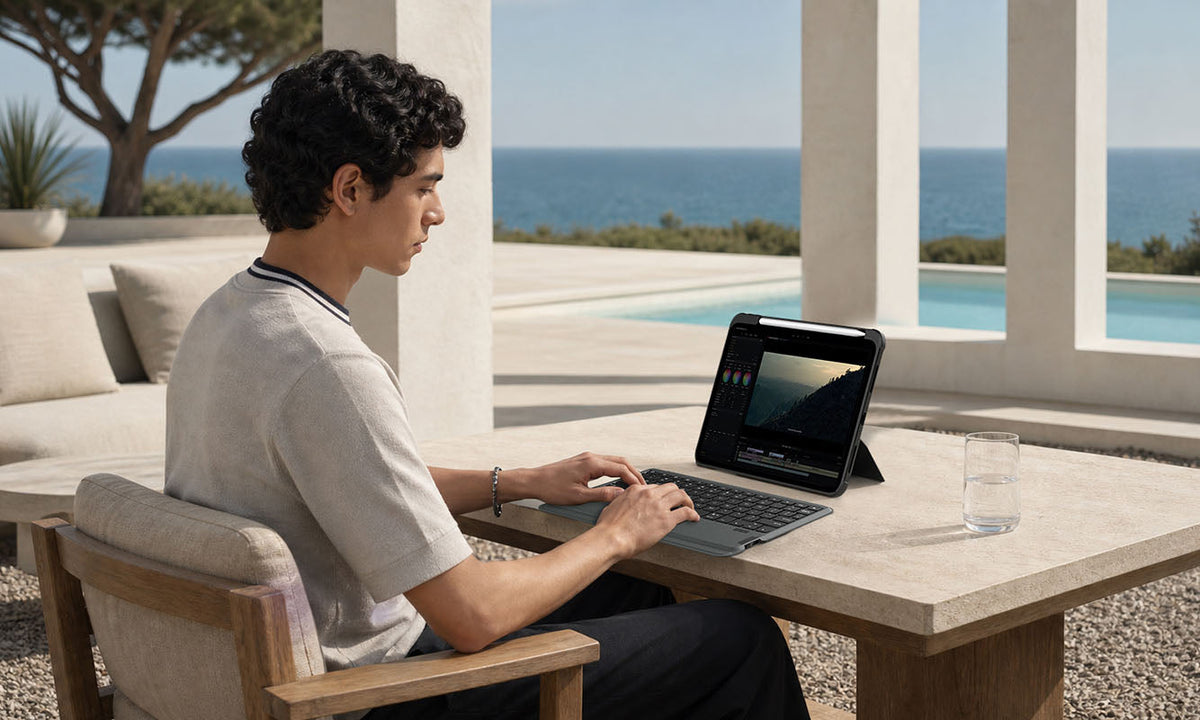
Is an iPad Keyboard Case Worth It? What to Consider Before You Buy
A practical buying guide covering who benefits most from an iPad keyboard case, when one isn't worth the investment, and which features matter most for work, study, and travel productivity in 2026.

Retractable vs. Regular USB-C Cables: Which Is Better for You?
Retractable and regular USB-C cables each excel in different scenarios. This practical buying guide compares portability, durability, and charging performance to help you pick the right cable for t...