
 iPad Pro/Air Hüllen
 Galaxy Tab Hüllen
 Magnetische iPad-Tastatur
 Xiaomi Pad Hüllen
 Tablet-Zubehör
 iPhone 18 Serie
 iPhone 17 Serie
 iPhone 16 Serie
 iPhone 15 Serie
 iPhone 14 Serie
 iPhone 13 Serie
 Galaxy Z Fold & Flip Serie
 Galaxy S26 Serie
 Galaxy S25 Serie
 Galaxy S24 Serie
 Galaxy S23 Serie
 Google Pixel 11-Serie
 Google Pixel 10 Serie
 Google Pixel 9 Serie
 Xiaomi-Serie
 OnePlus-Serie
 Oppo-Serie
 Vivo-Serie
 Huawei Honor Serie
 iPhone-Serie
 Samsung Galaxy Serie
 Google-Serie
 Xiaomi-Serie
 OPPO Serie
 Klappbare Tastatur
 Lautsprecher
 Laptop
 Gesundheit
 Magnetische Brieftaschenhalterung
 RayDock Ladestation
 Ladegeräte & Kabel
 Handyhalterungen & Halterungen
 Auto aufladen
 🔥 Sonderangebote

Ein Layout in voller Größe, reaktionsschnelle Tasten und ein präzises Trackpad sorgen für einen natürlicheren, müheloseren Arbeitsfluss im Alltag.
More Than a Keyboard Case
More Than a Keyboard Case


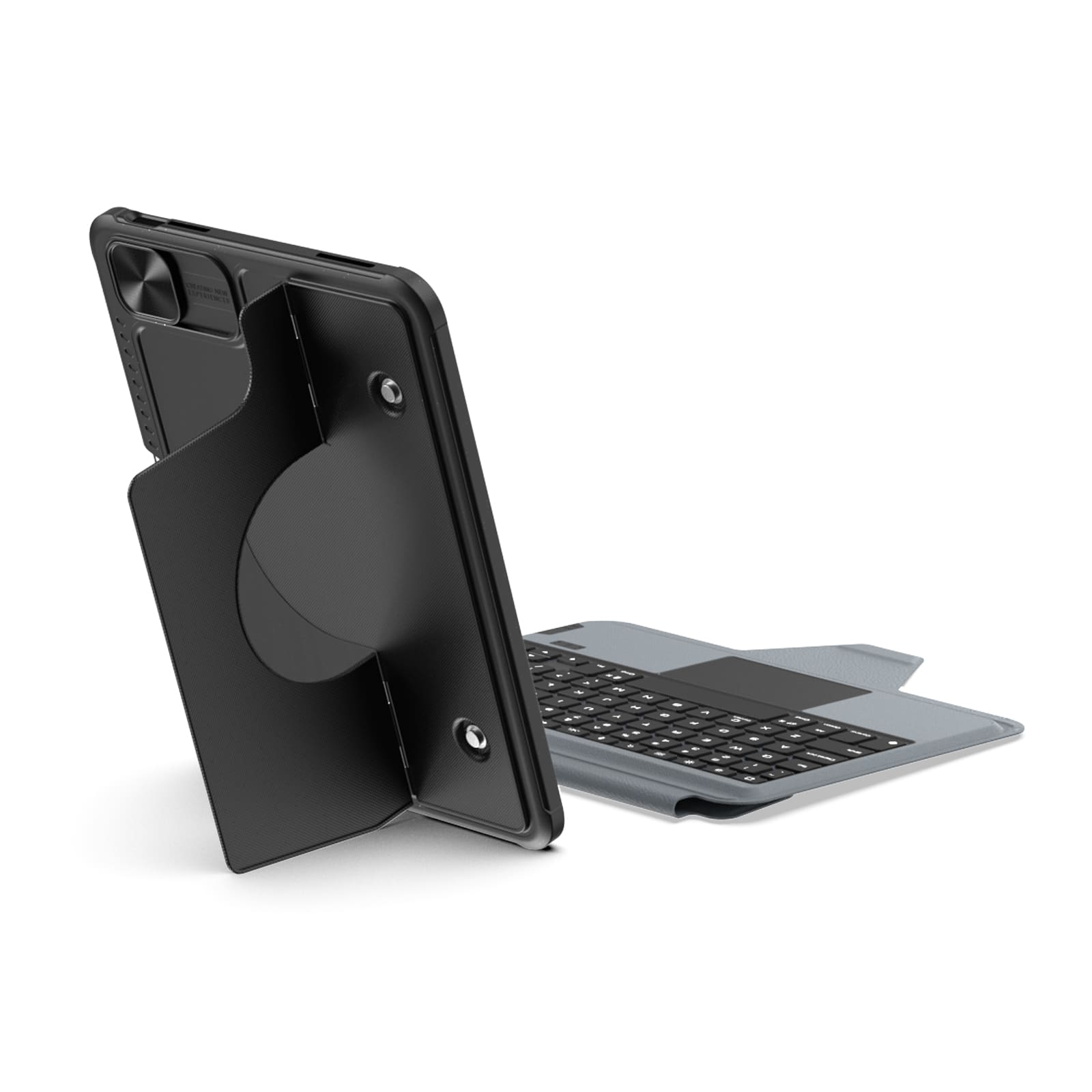
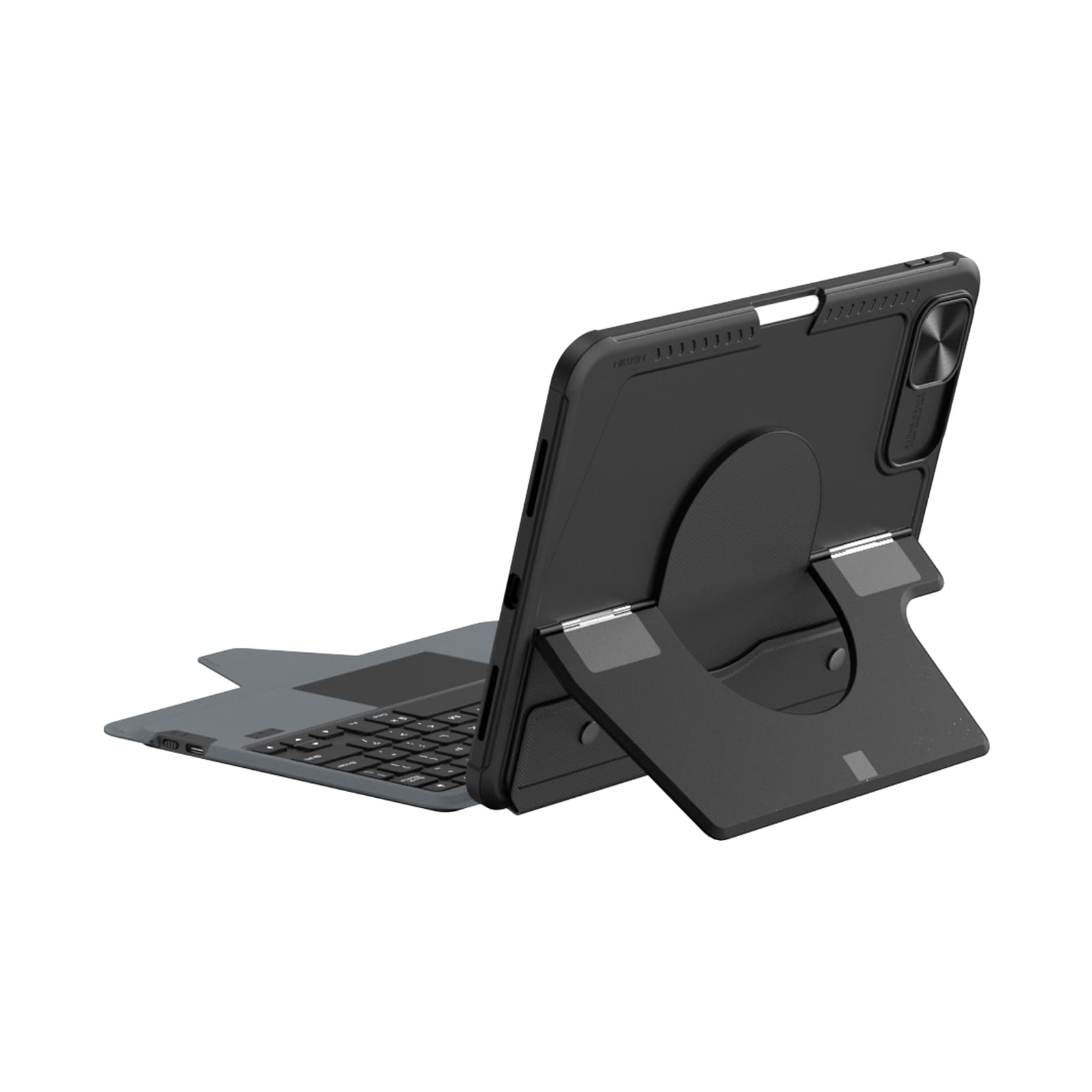
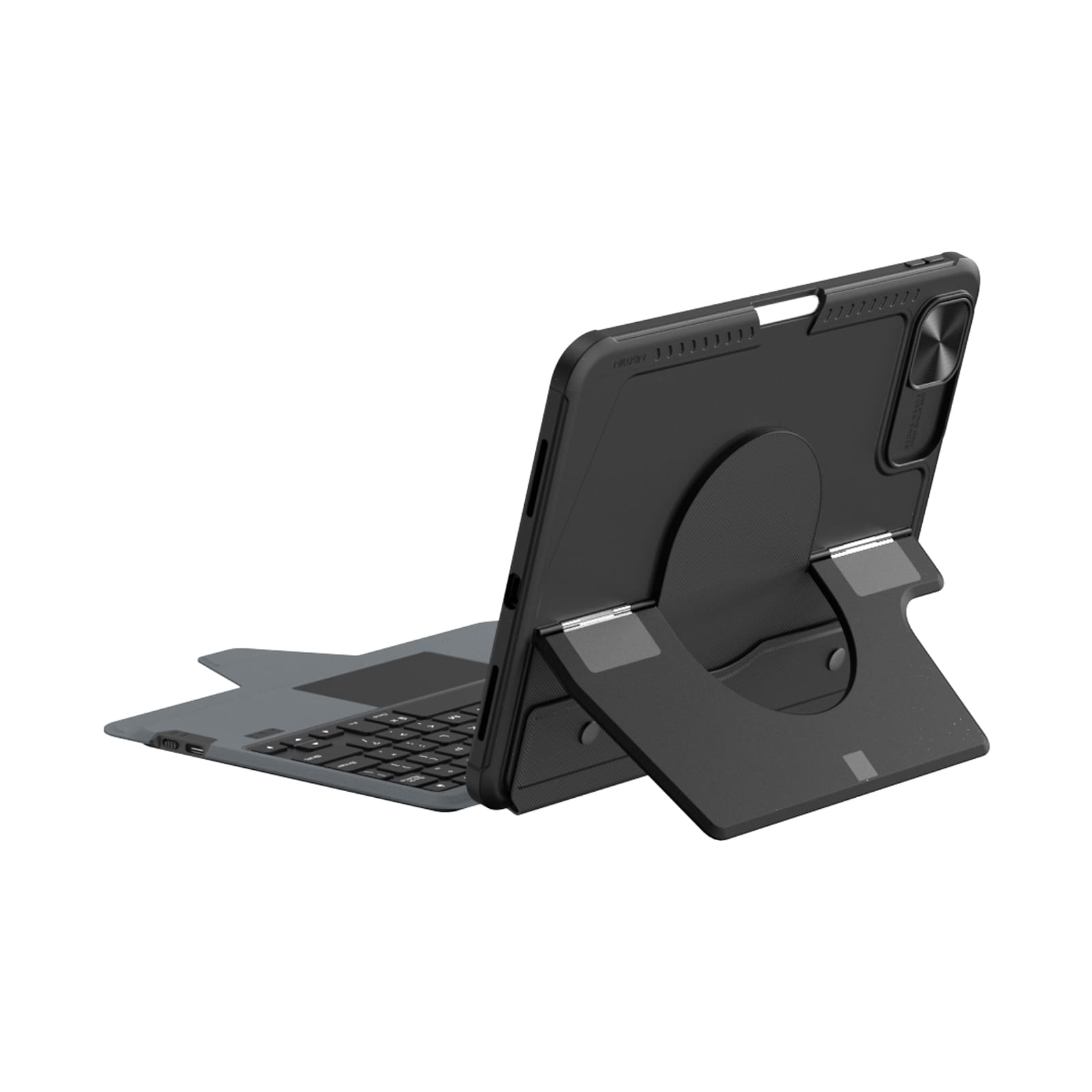
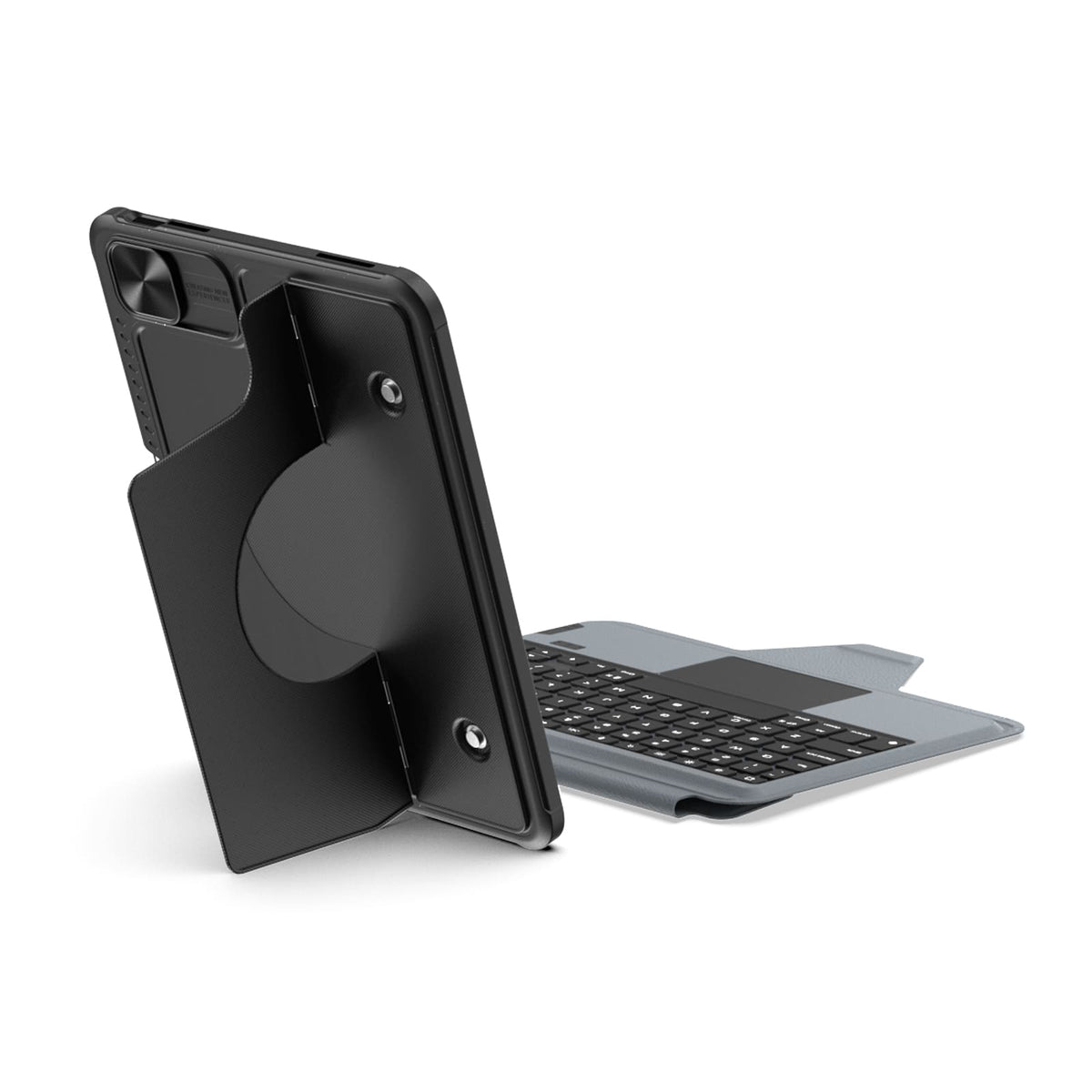
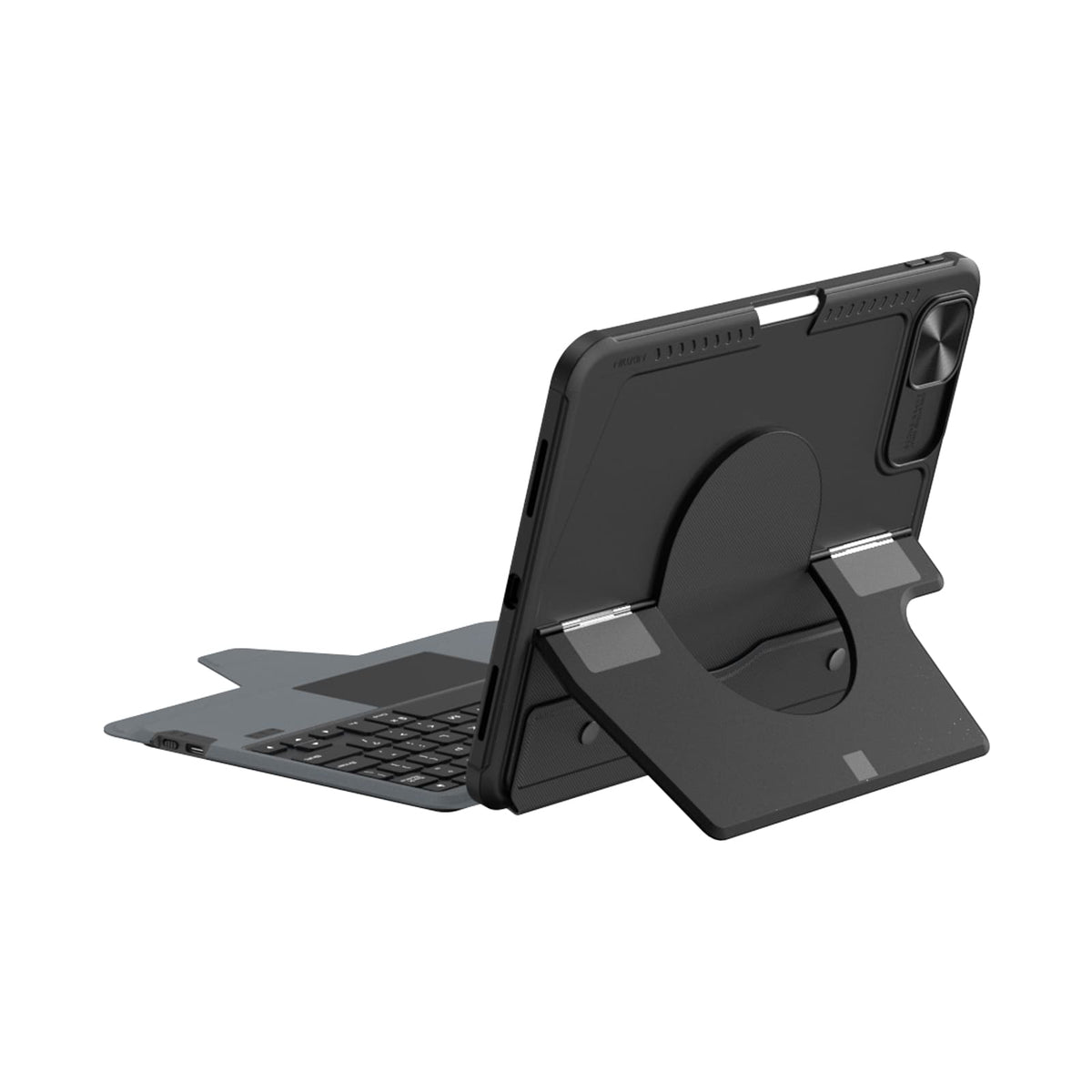
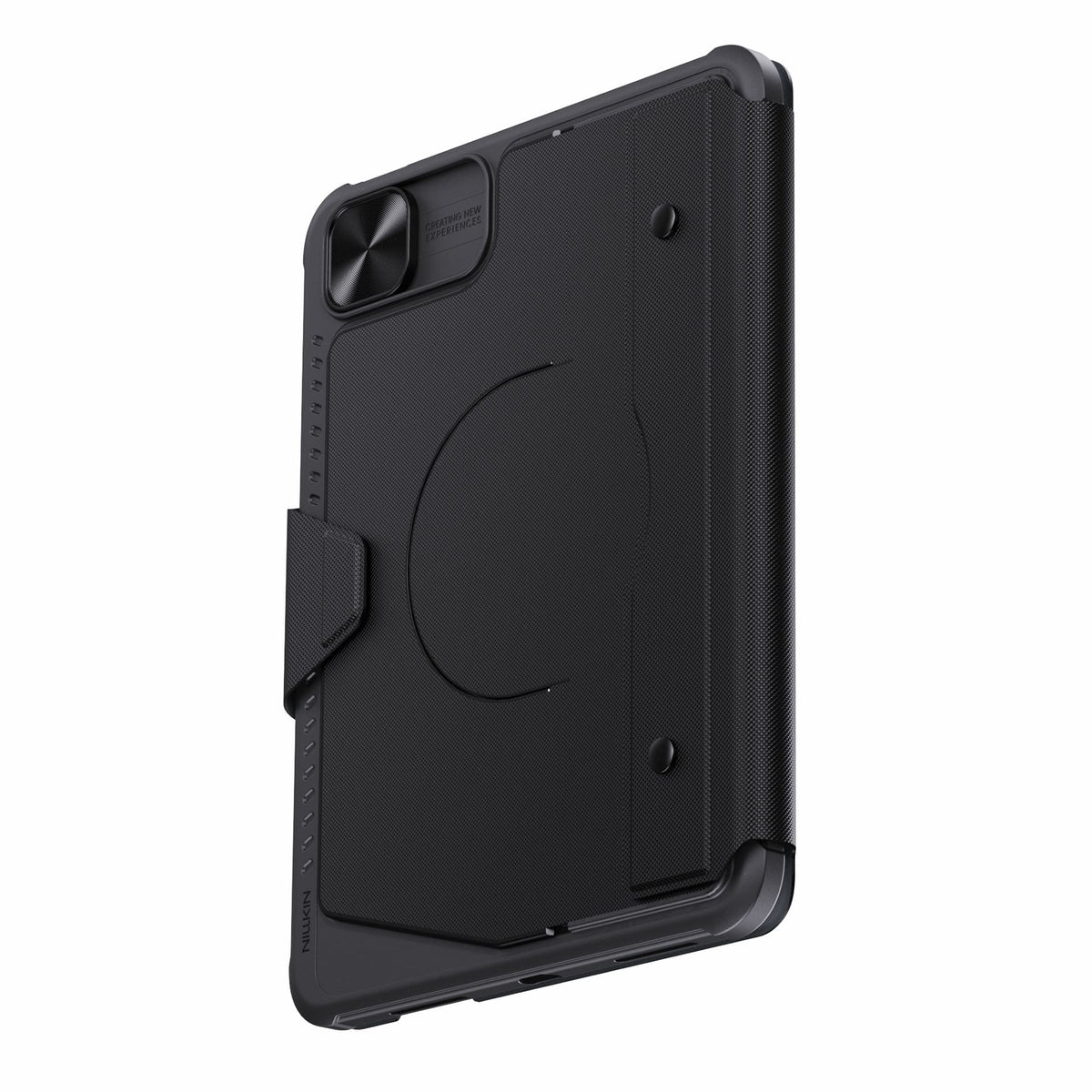
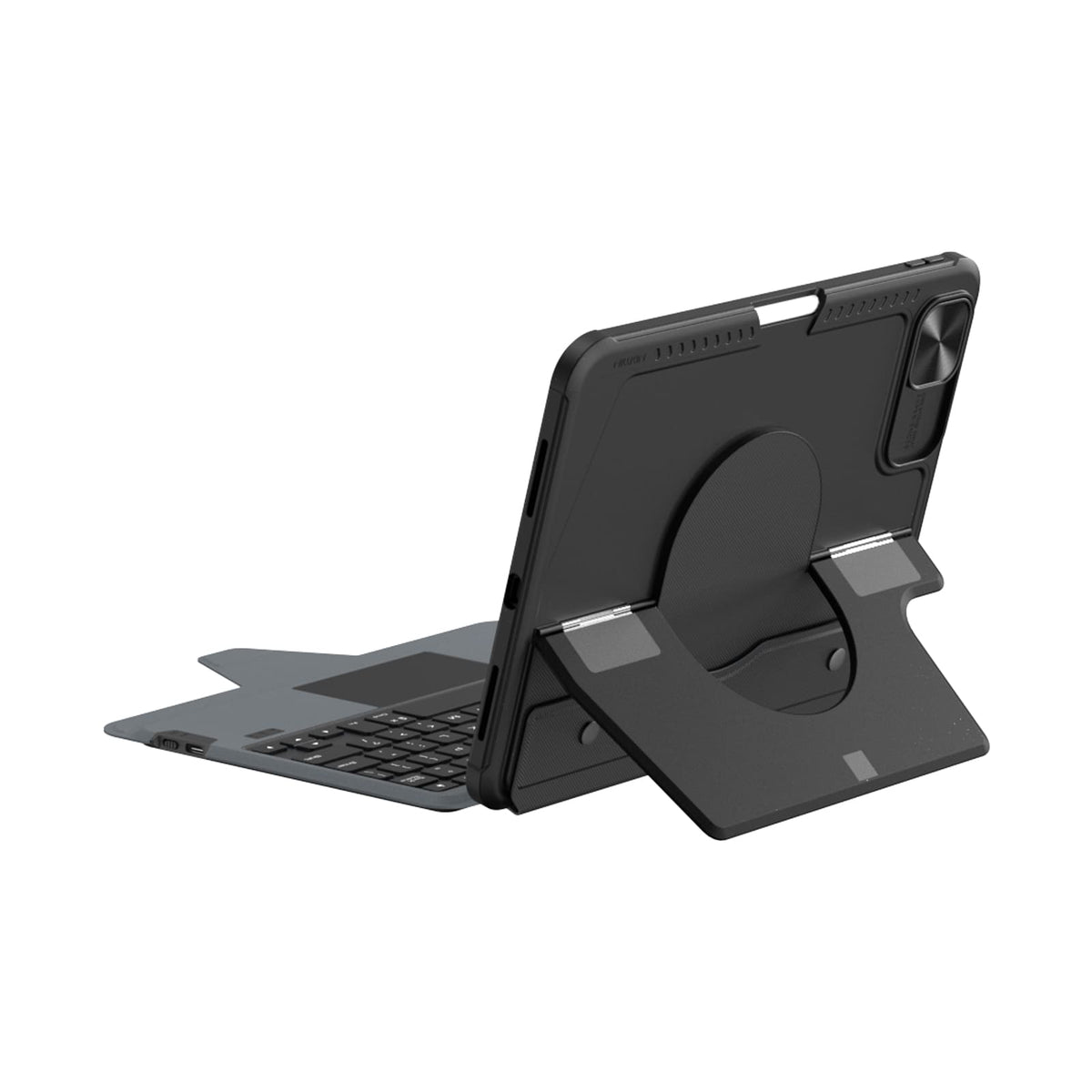
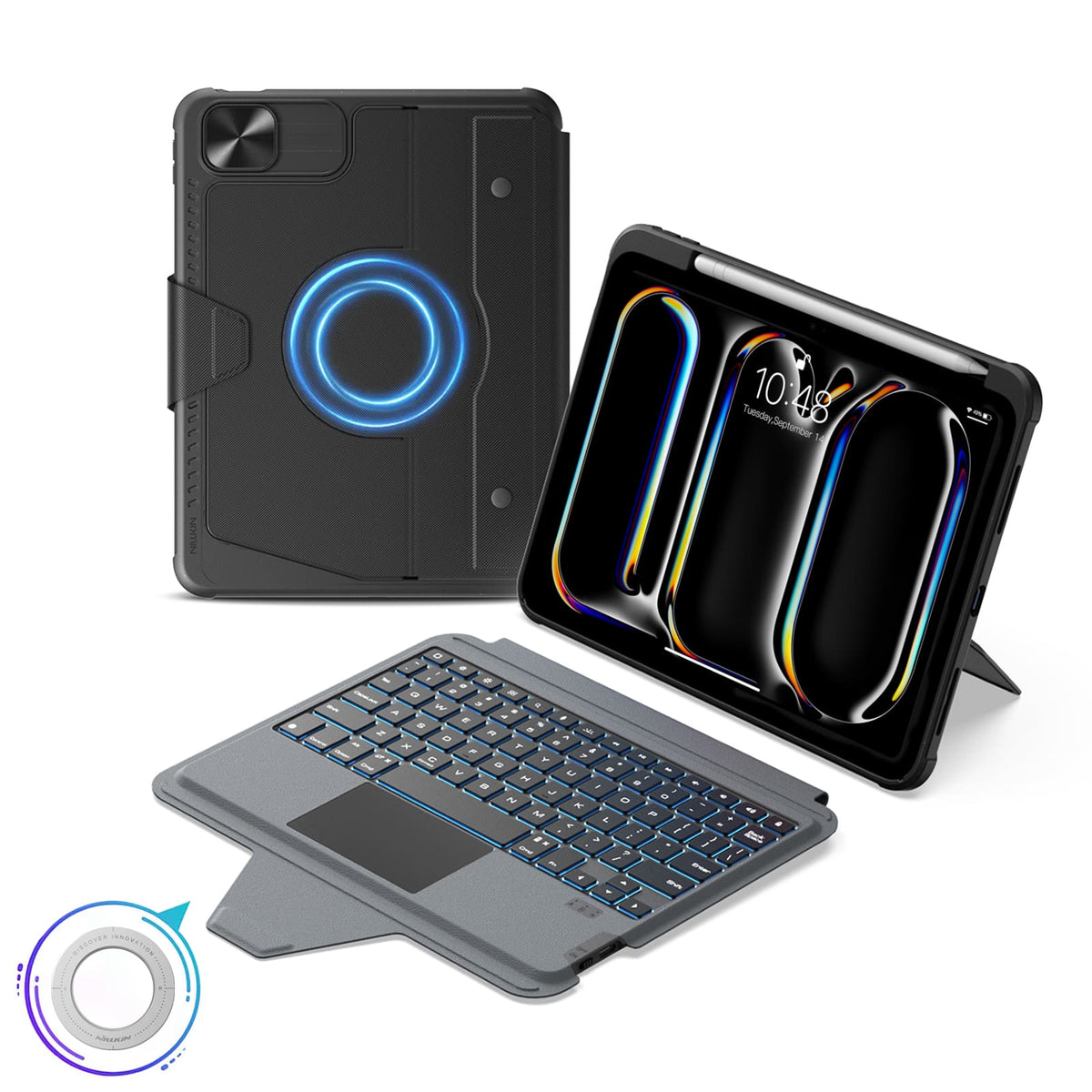
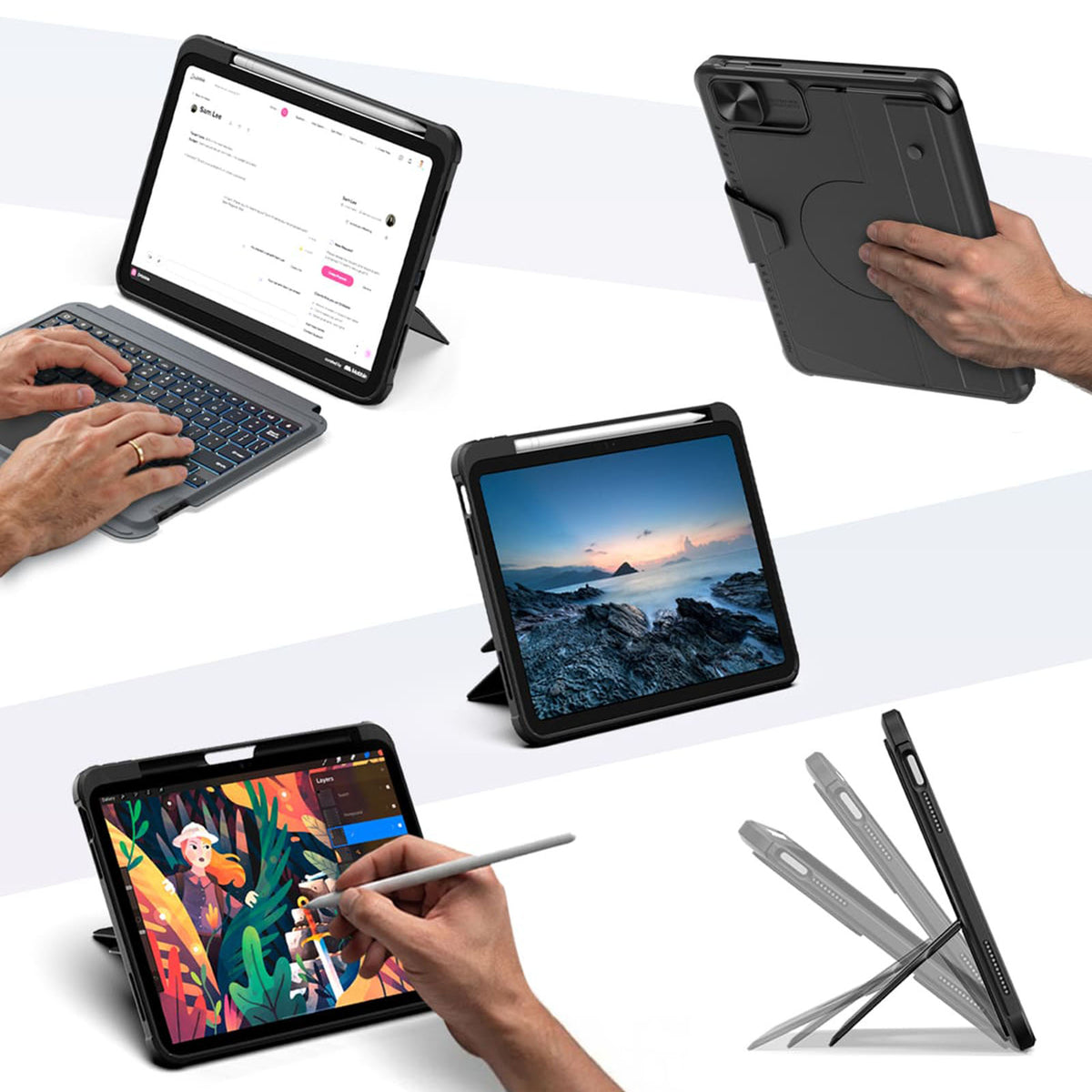
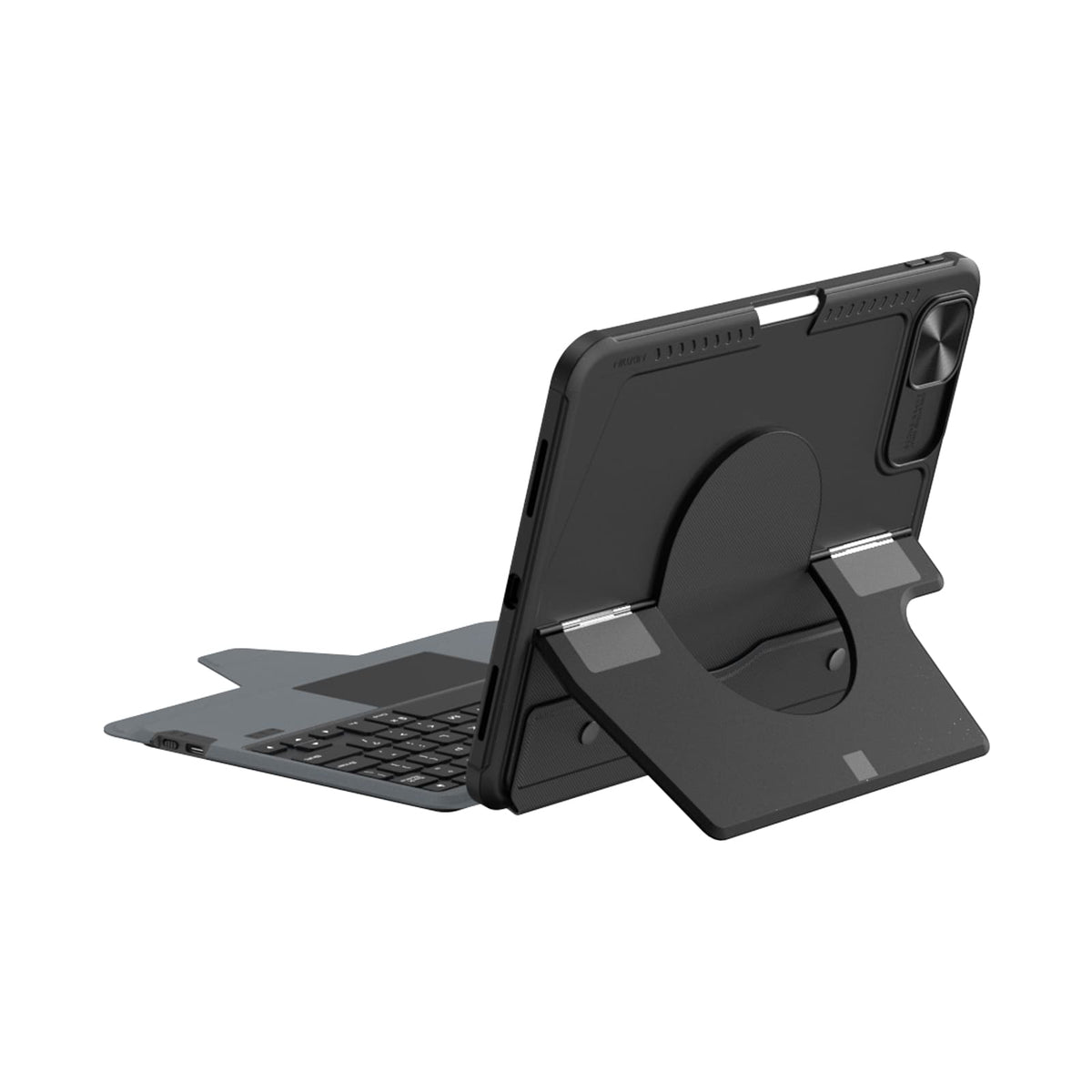
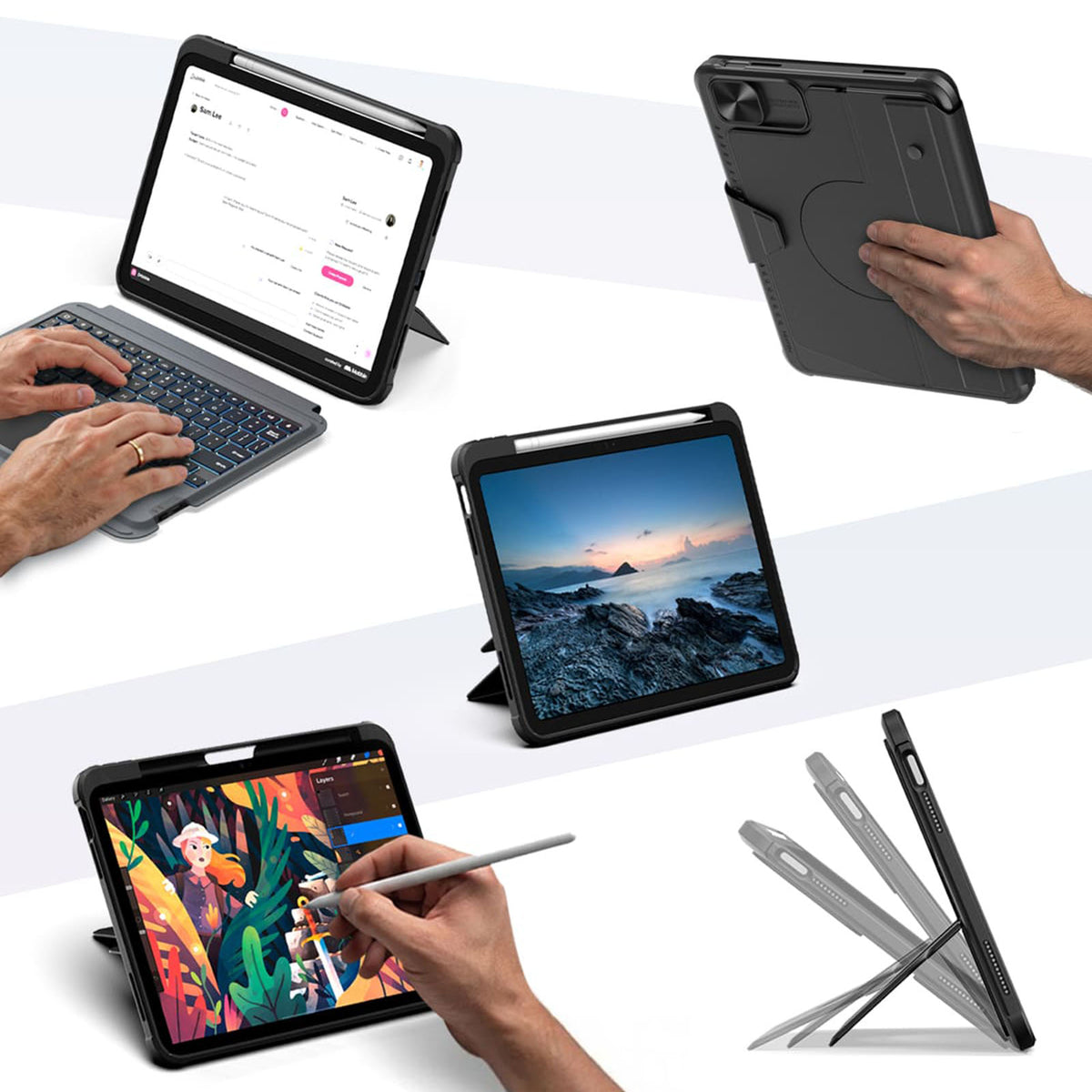
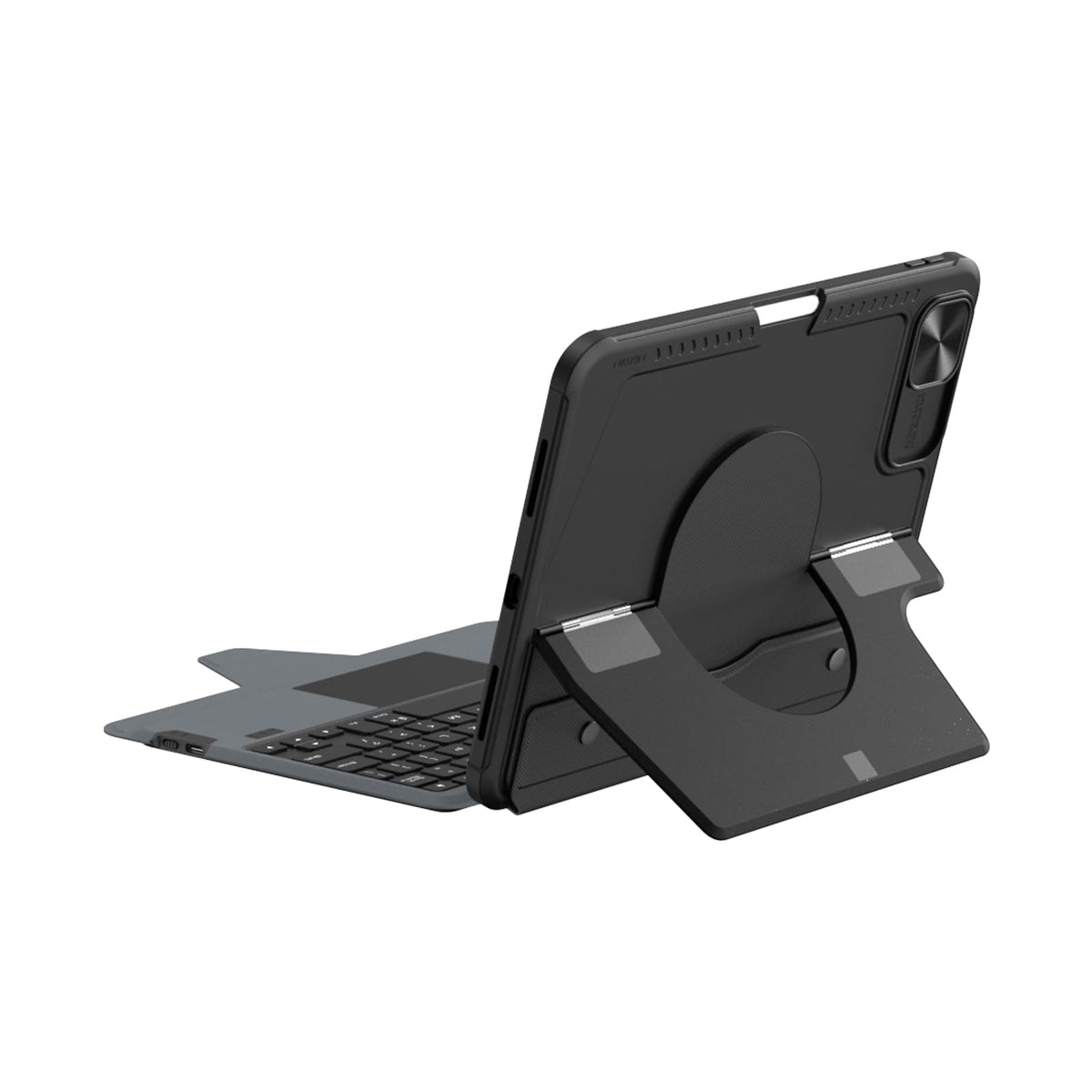
Ein Case. Mehr Möglichkeiten, Ihr iPad zu nutzen.
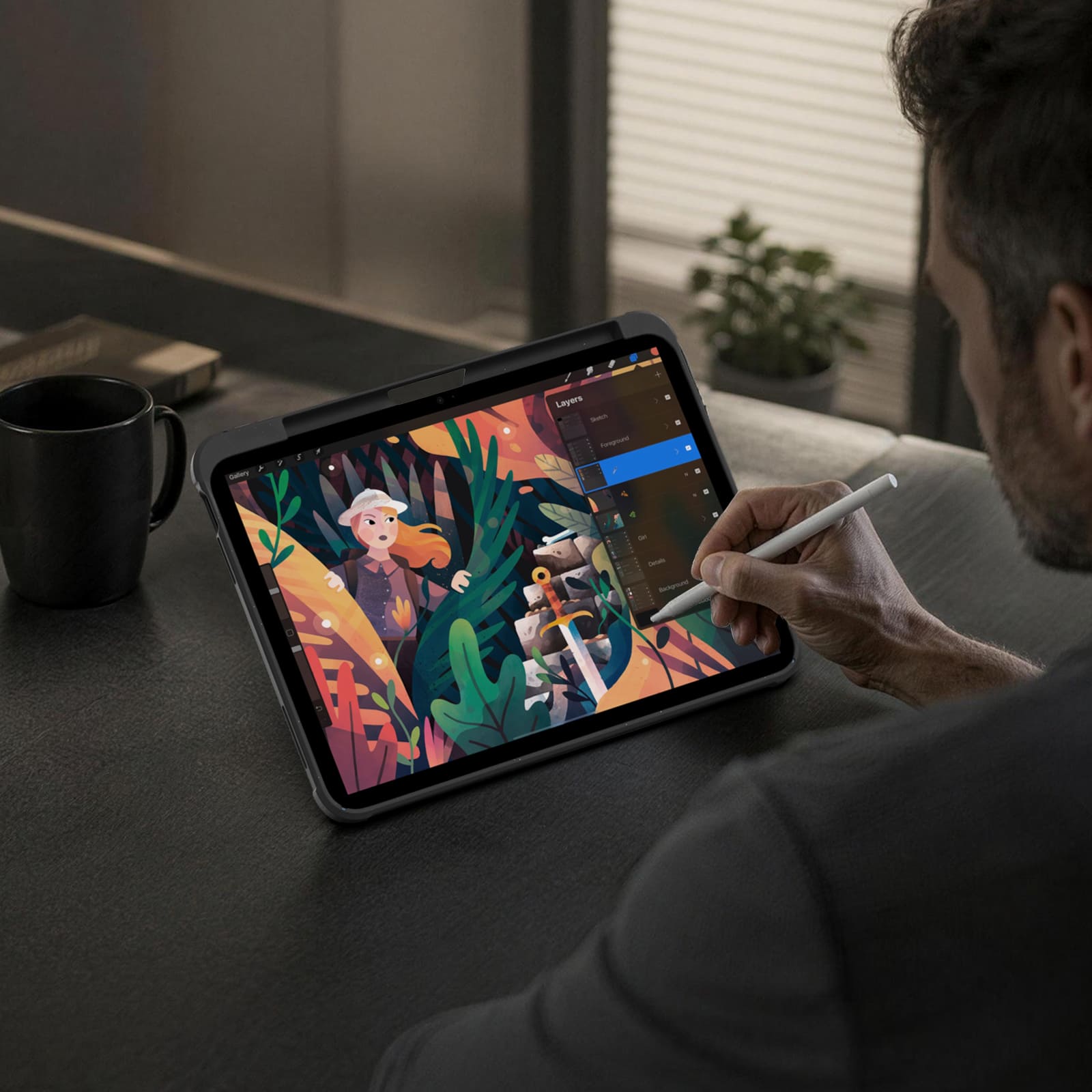
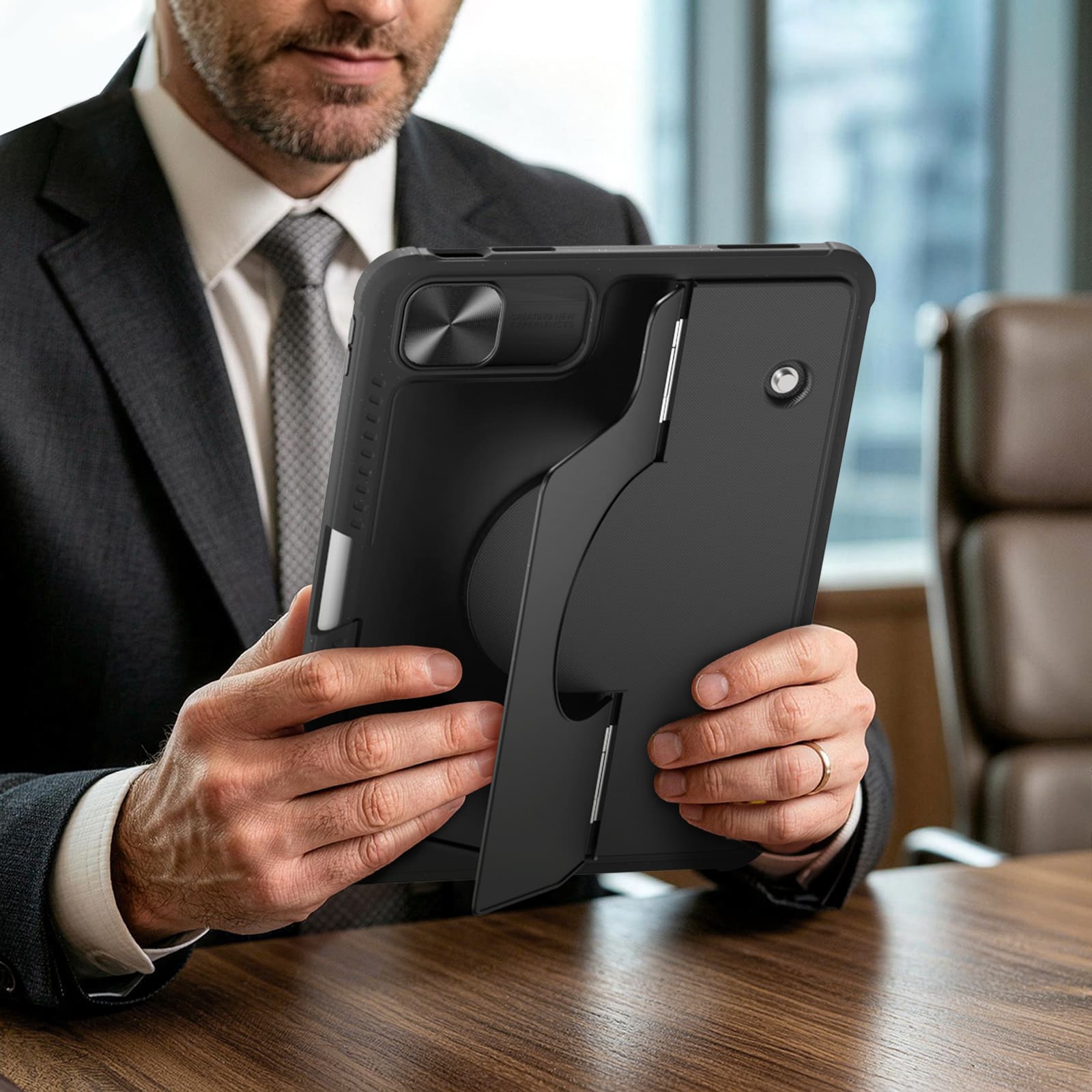
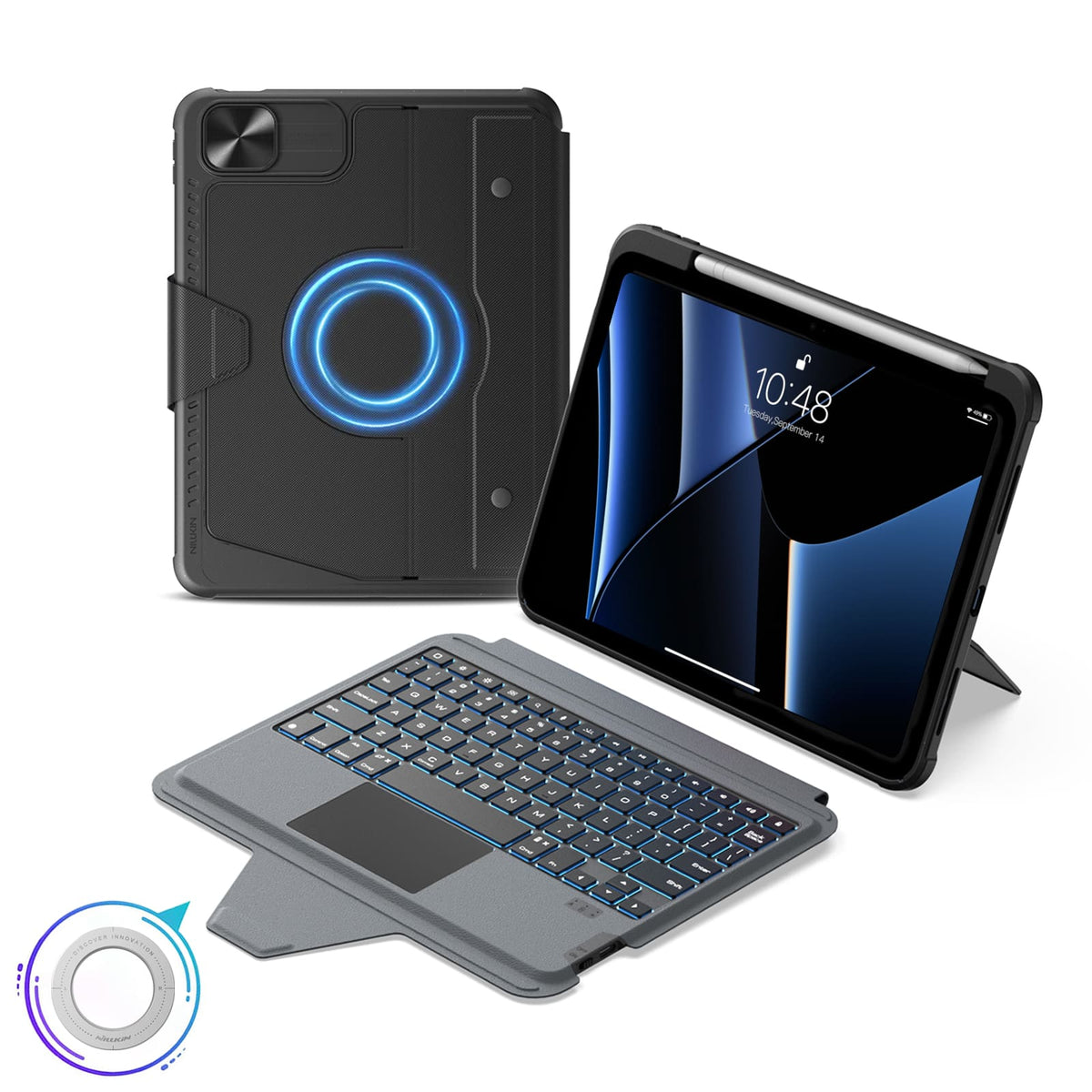
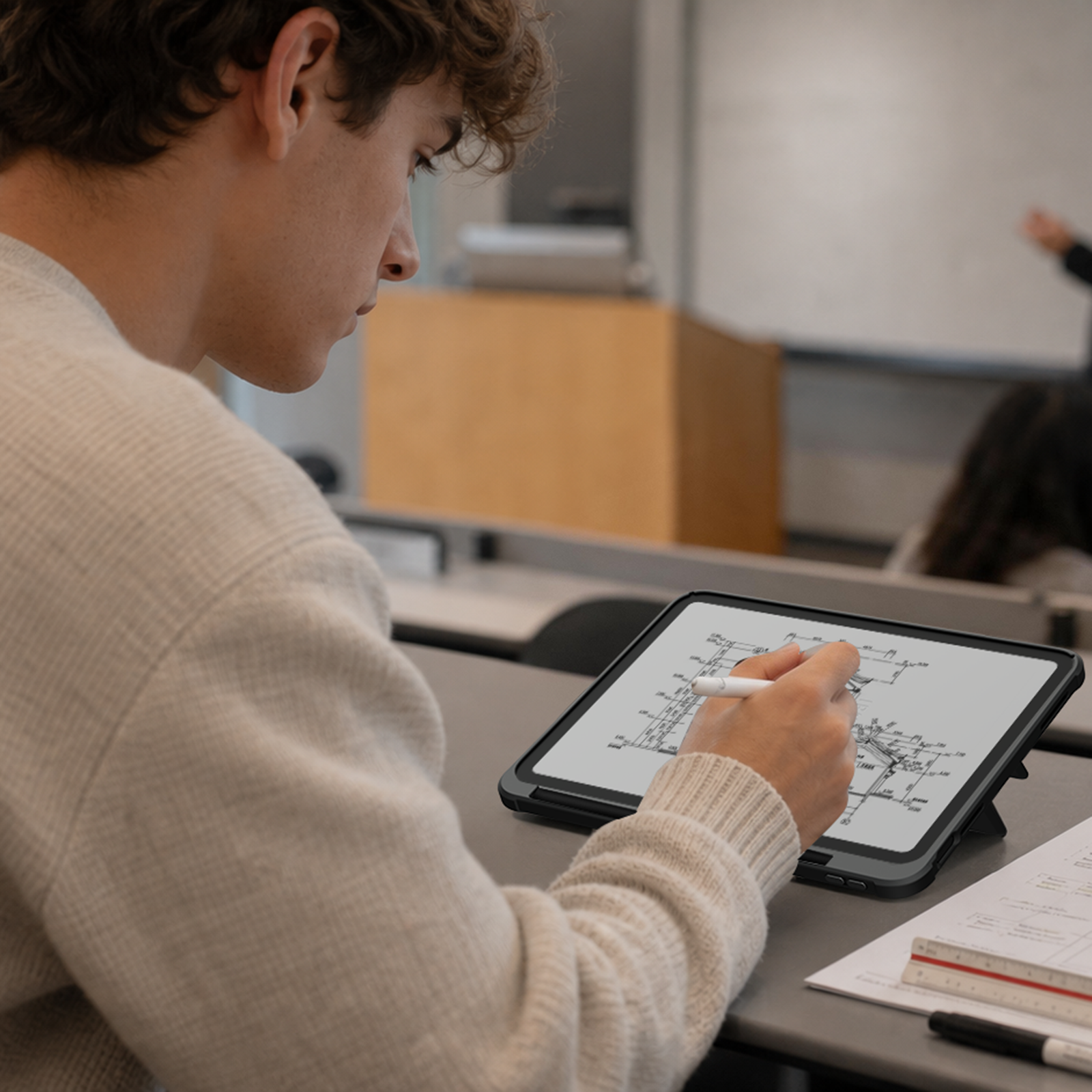
Tippen, skizzieren, ansehen, präsentieren oder entspannen. Das Bumper Combo Pro passt sich jedem Moment an und verleiht Ihrem iPad die Flexibilität, mehr zu leisten.


Every improvement begins with real feedback.


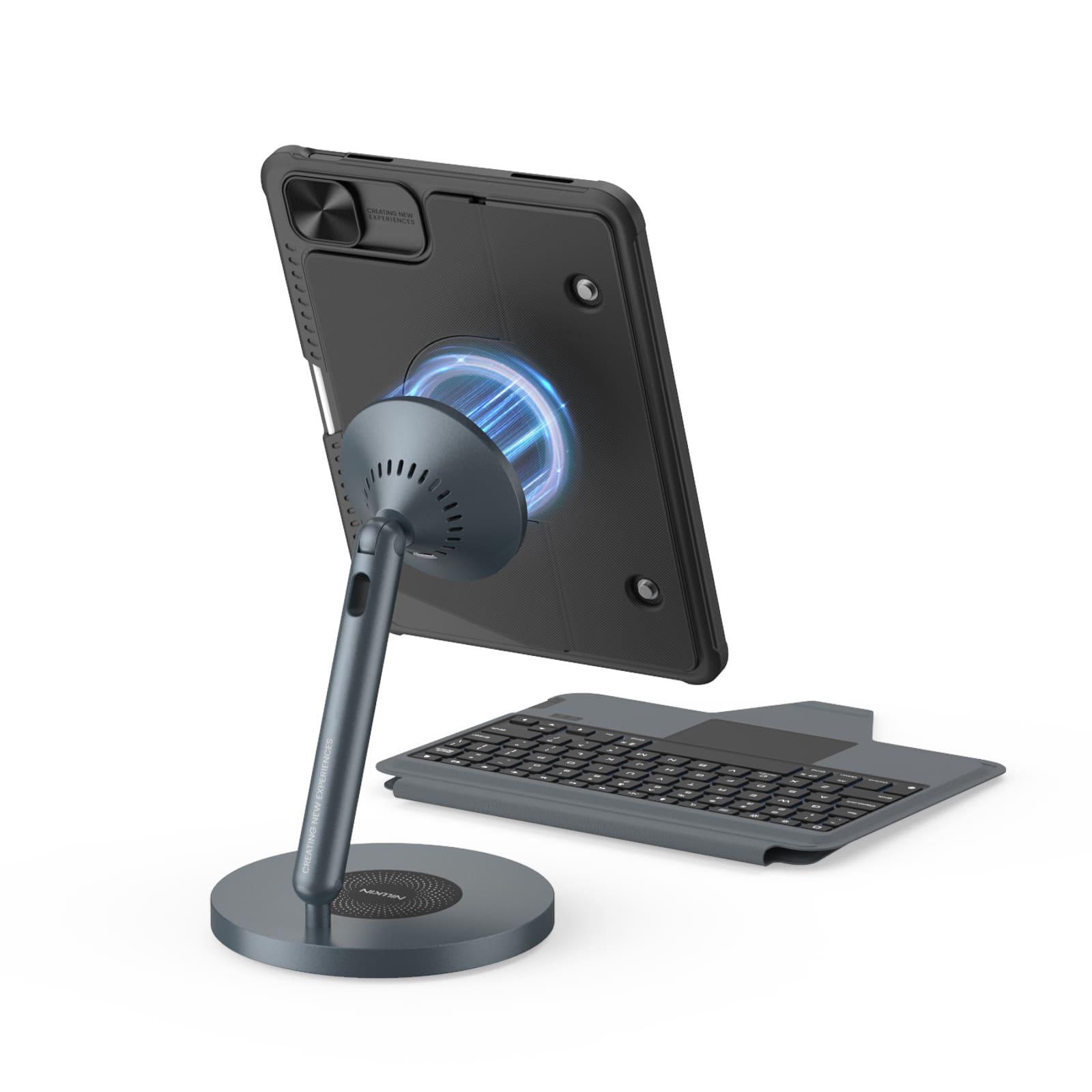
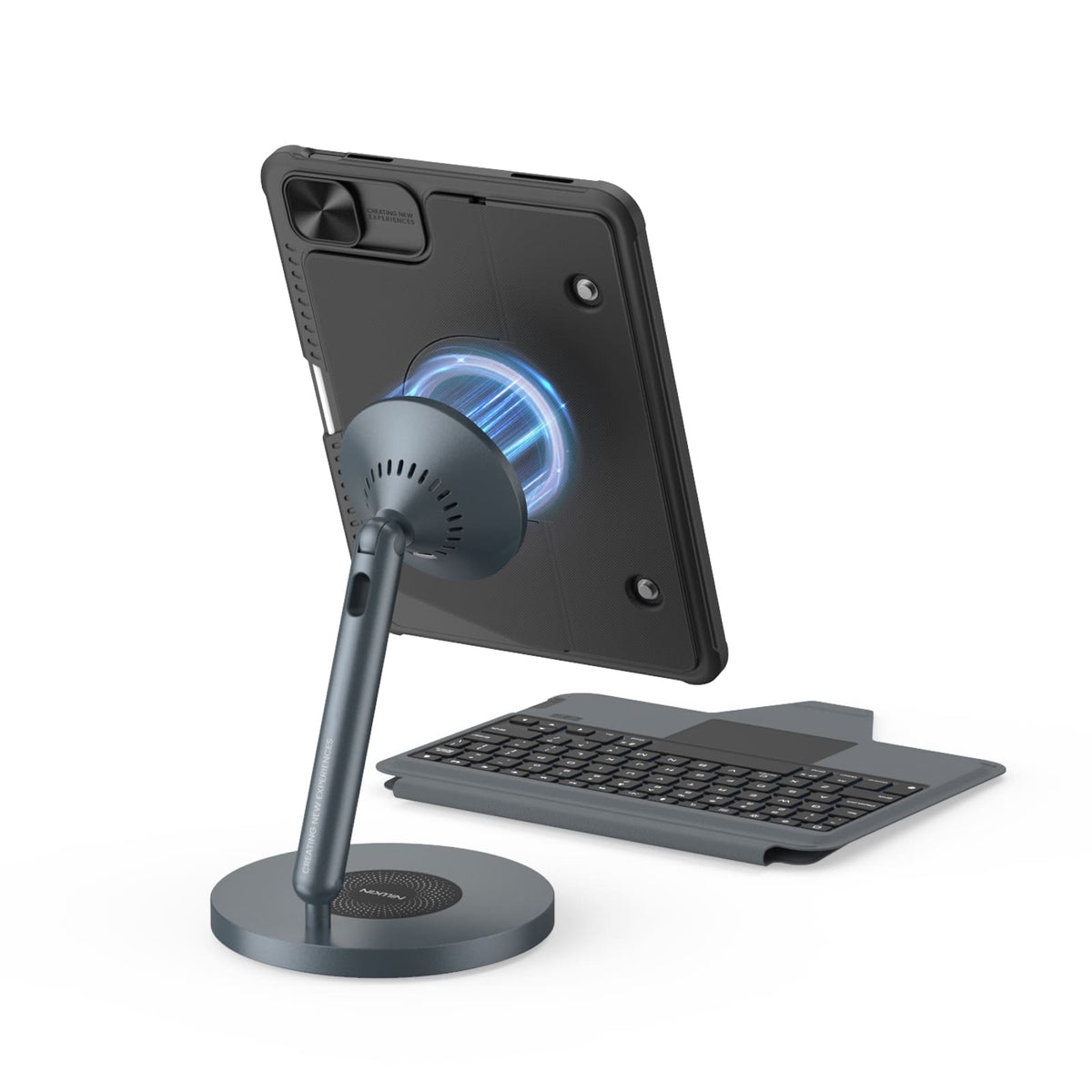
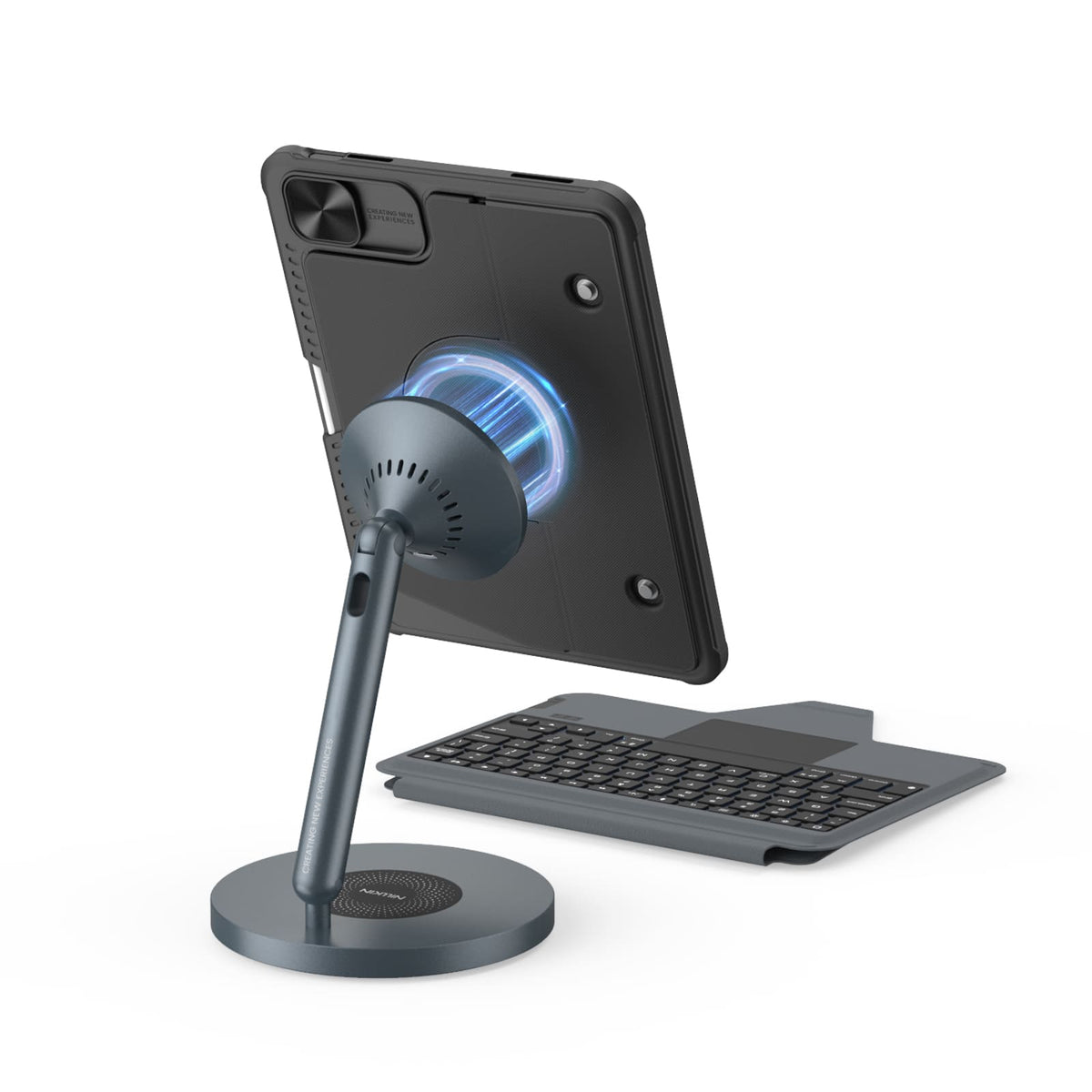
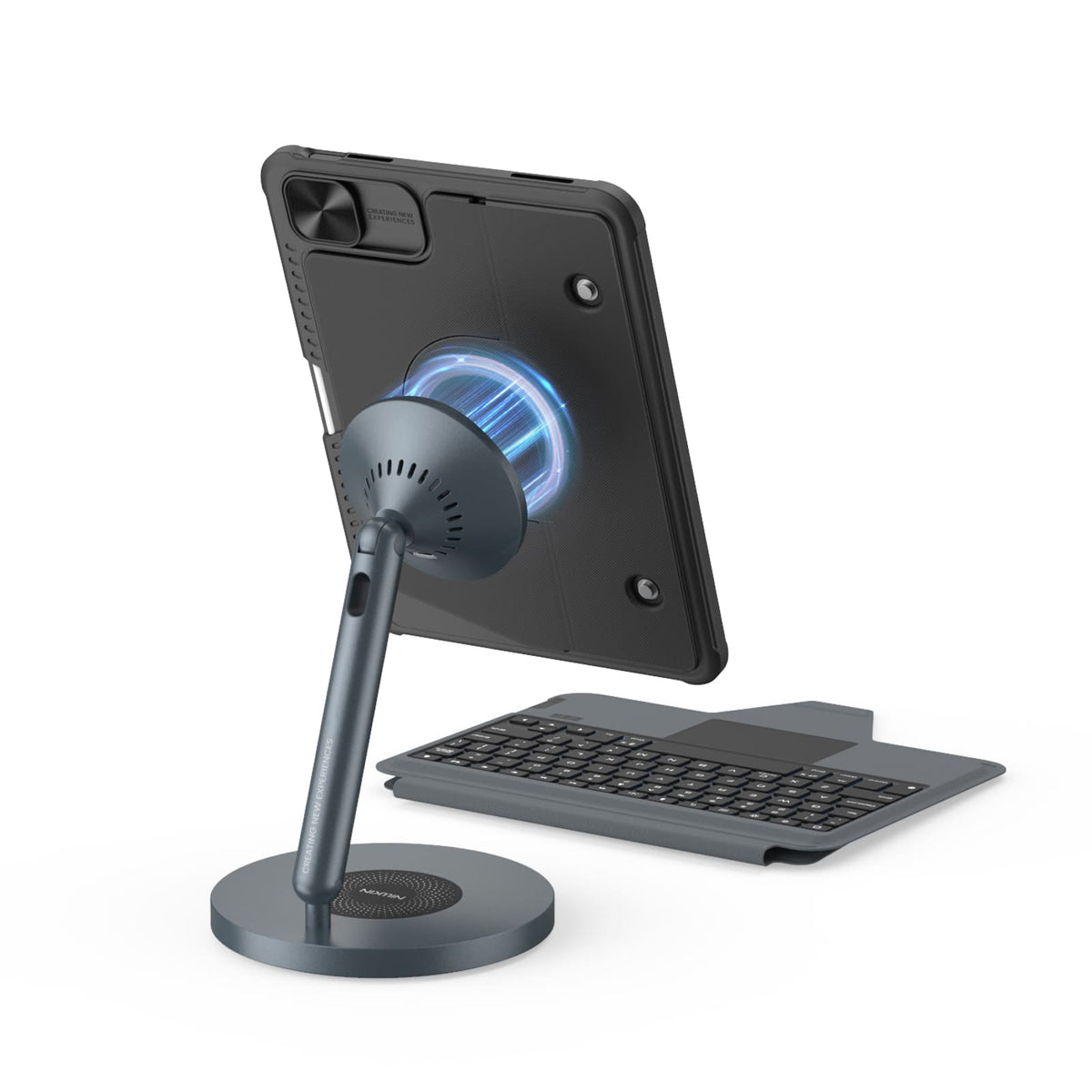
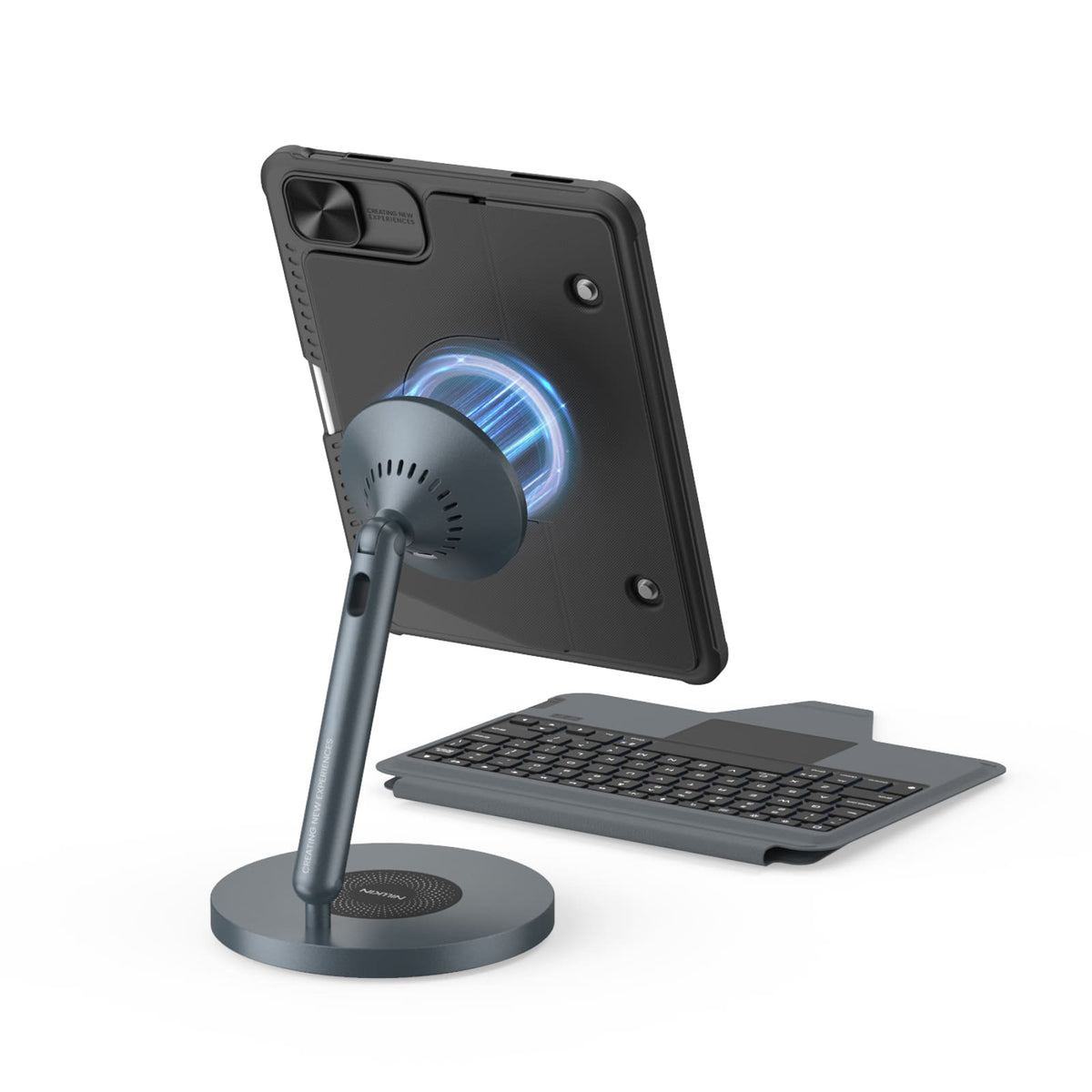
Magnetic Ready
5 Flexible Use Modes
Bluetooth 5.0 Connection

Standard Keyboard Case
3 Everyday Use Modes
Bluetooth 3.0 Connection
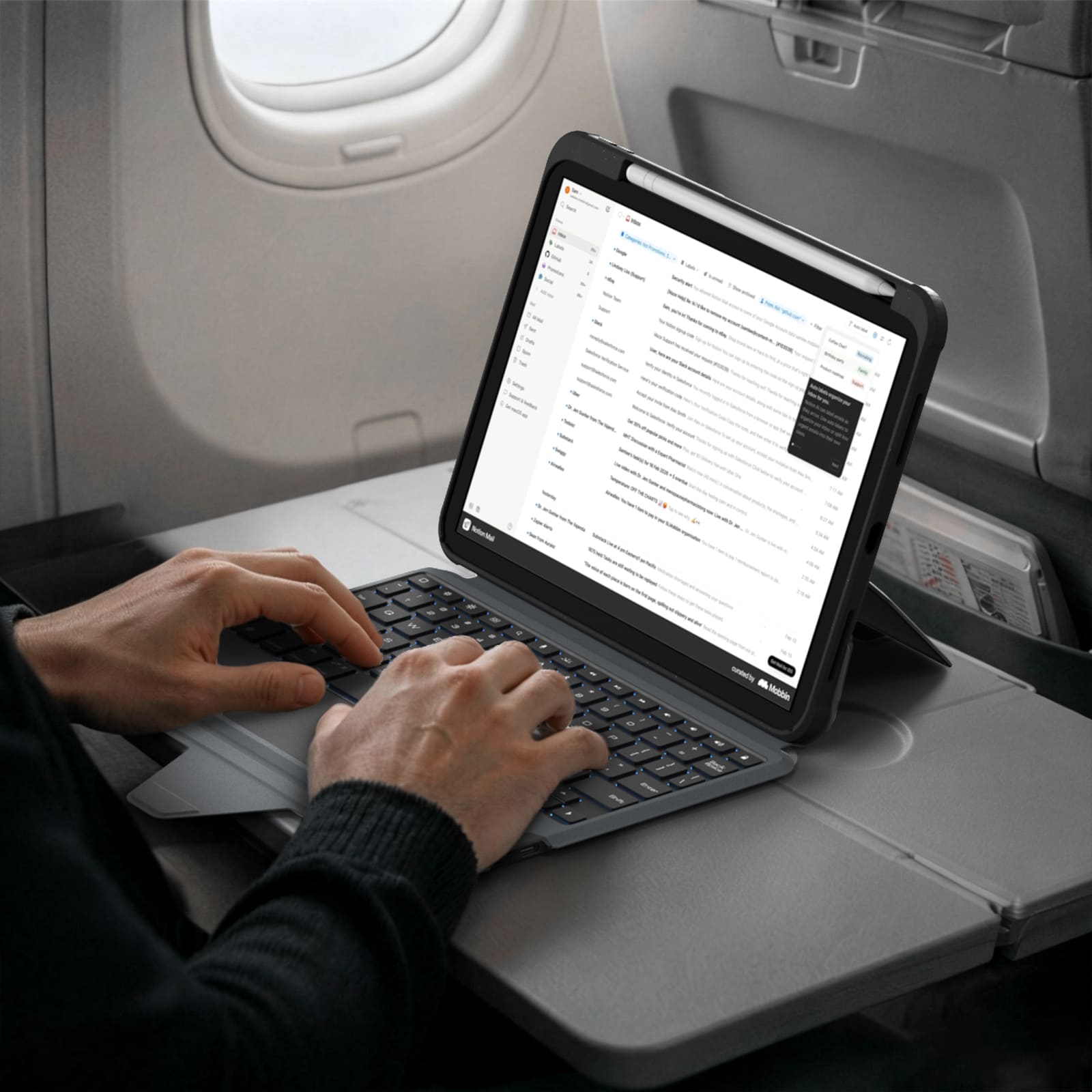
Laptop-Modus


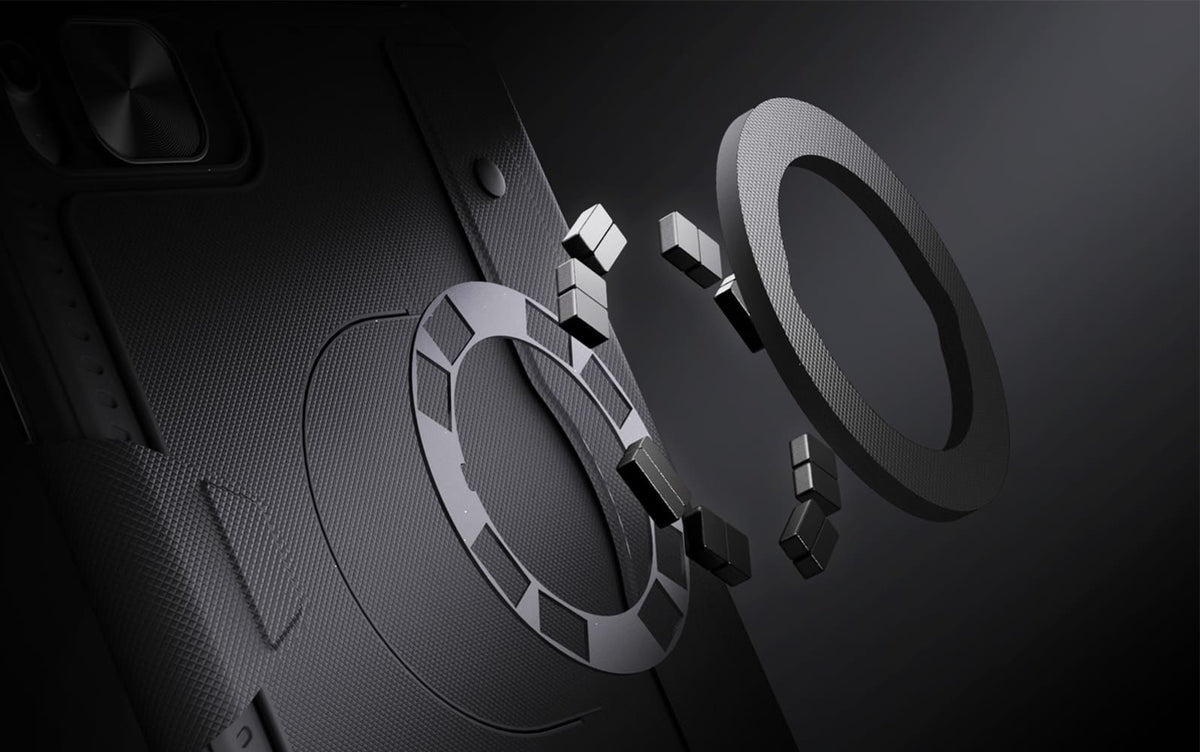
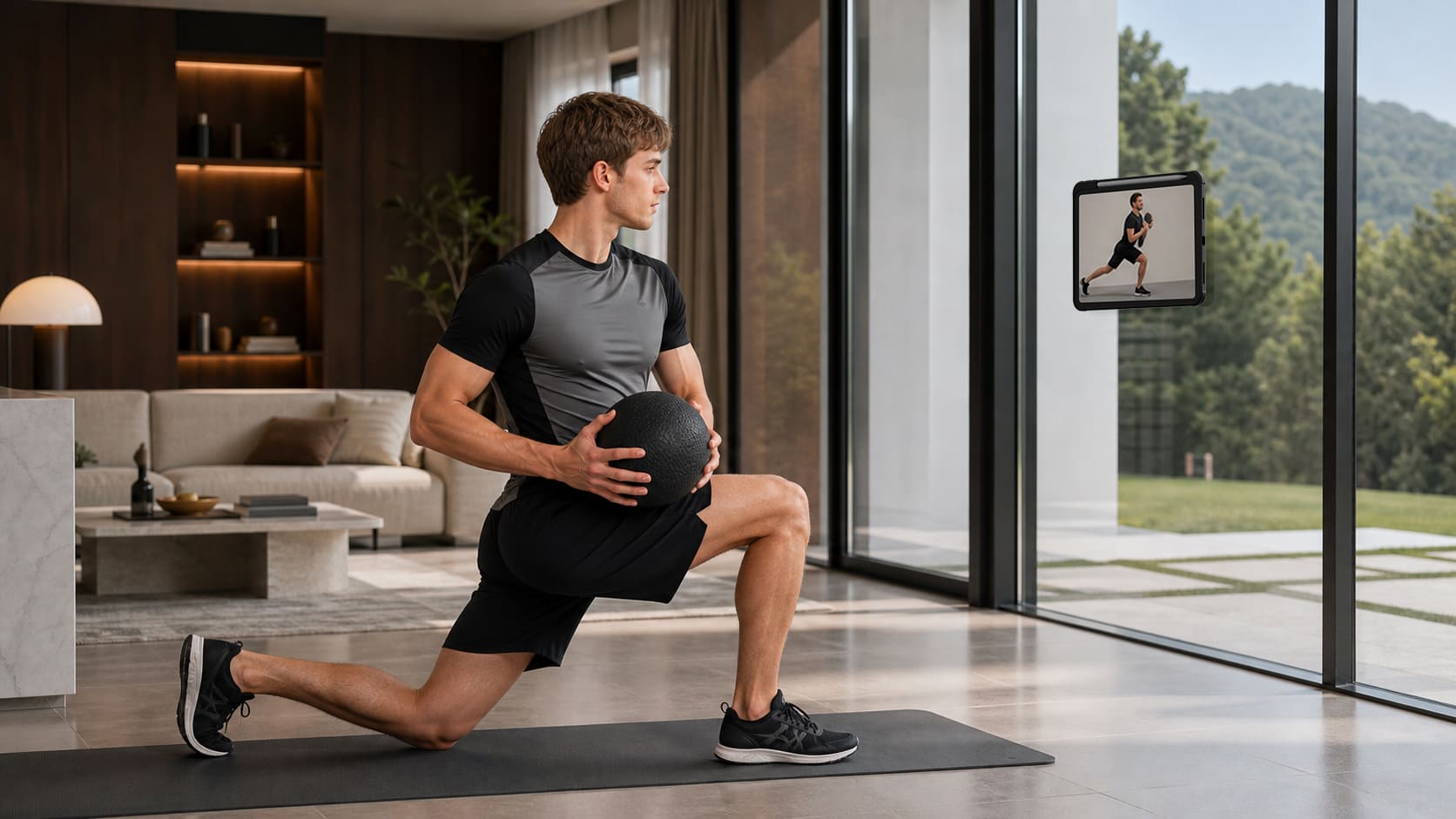
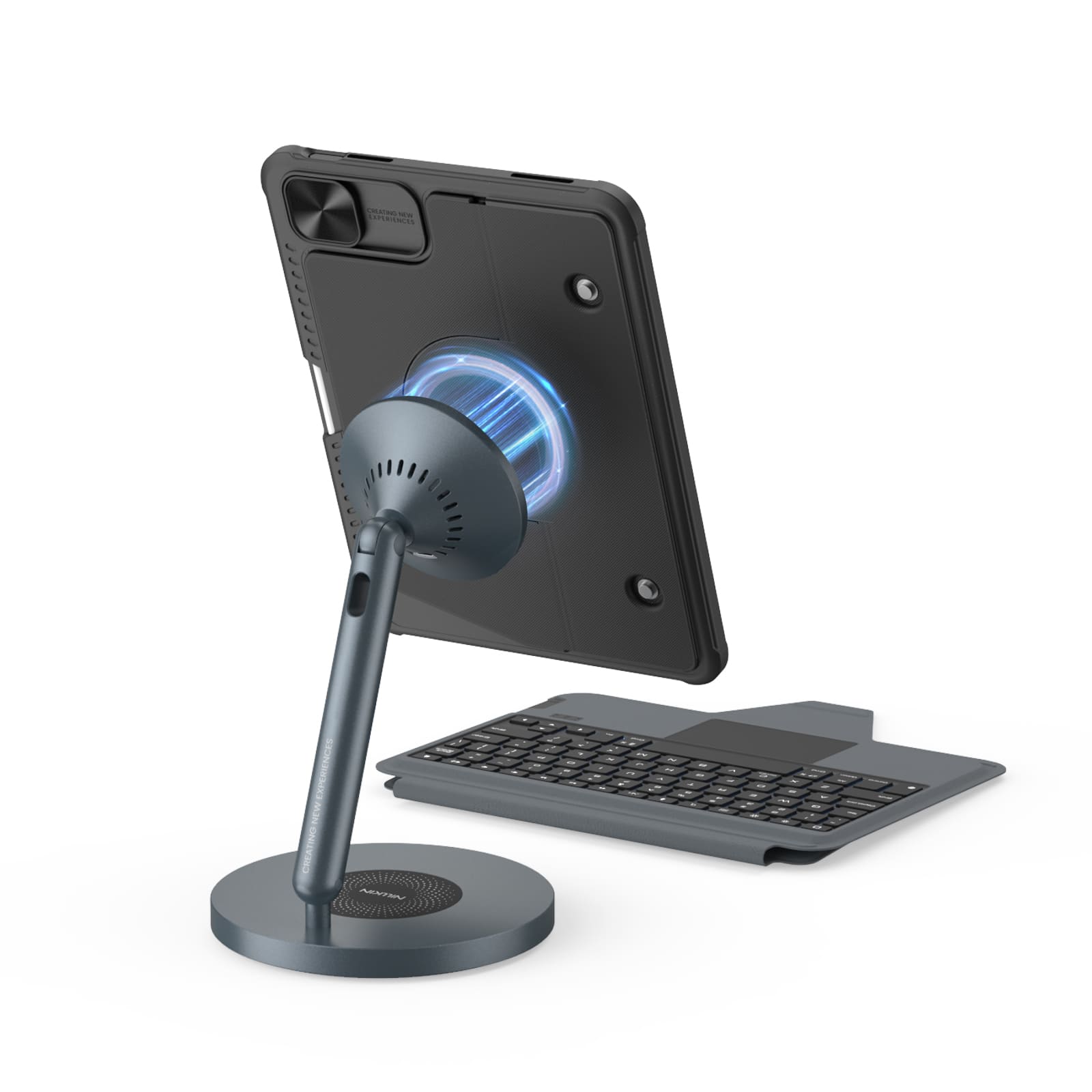
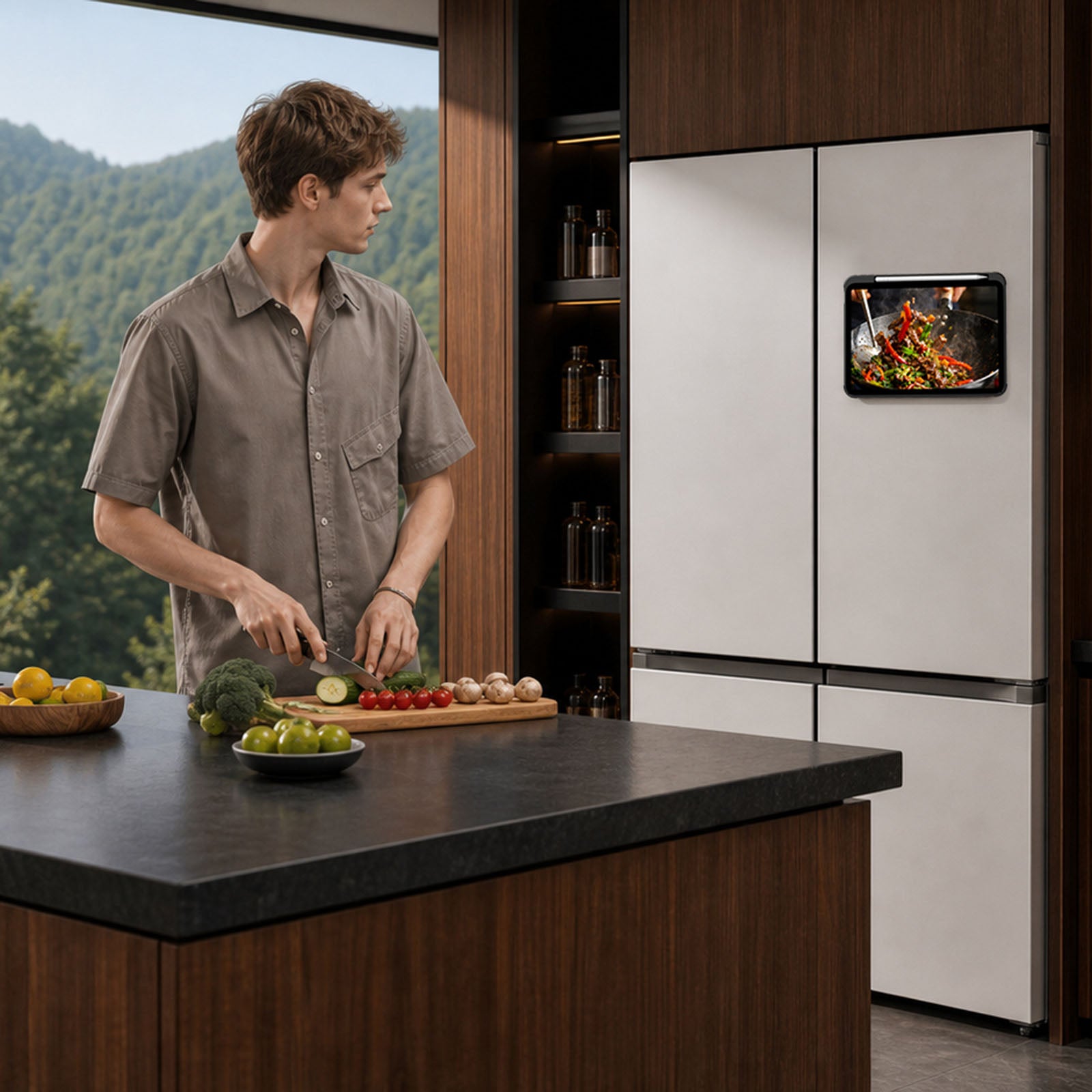
From the fridge to a metal shelf or gym rack, built-in magnets give your iPad more places to stay.

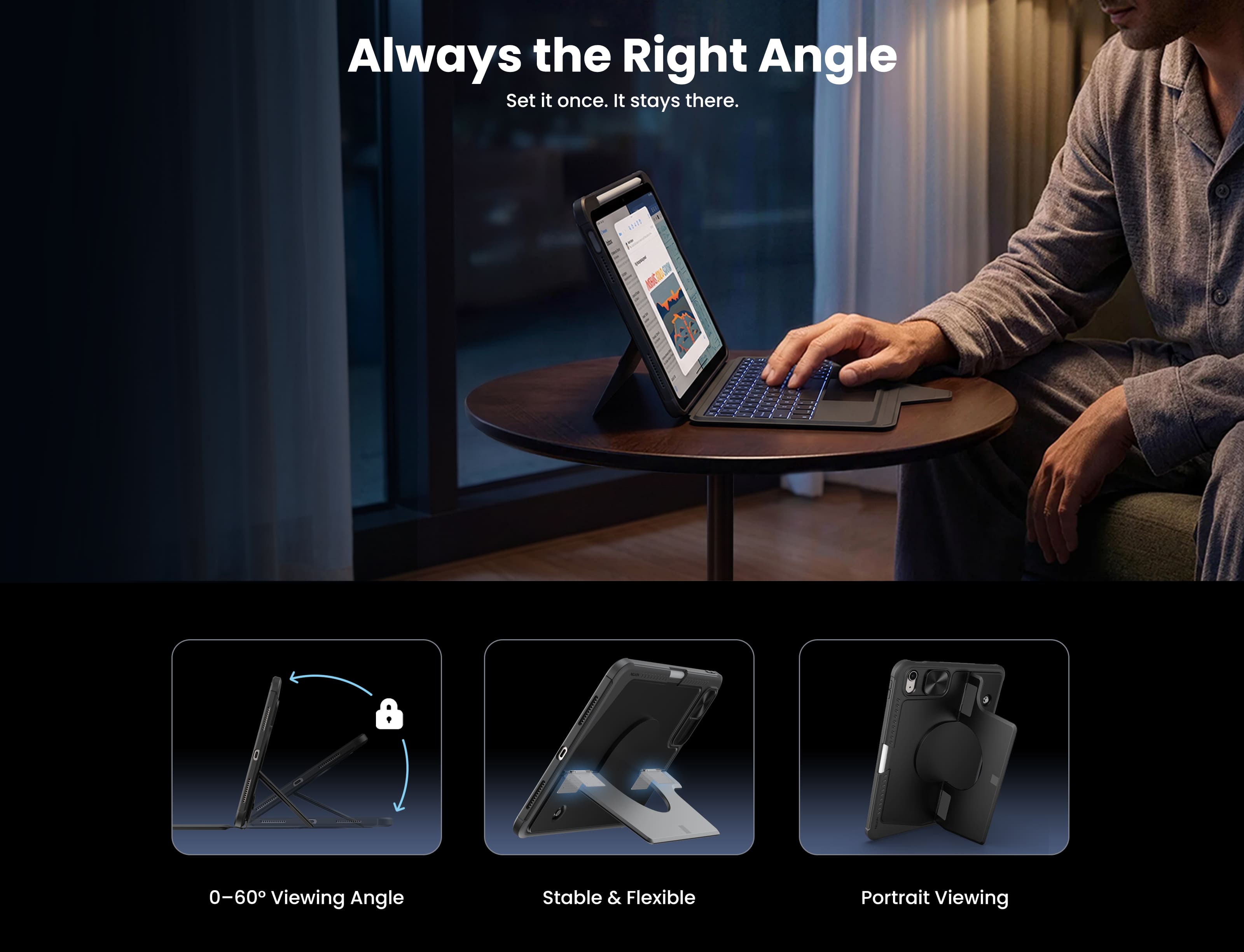
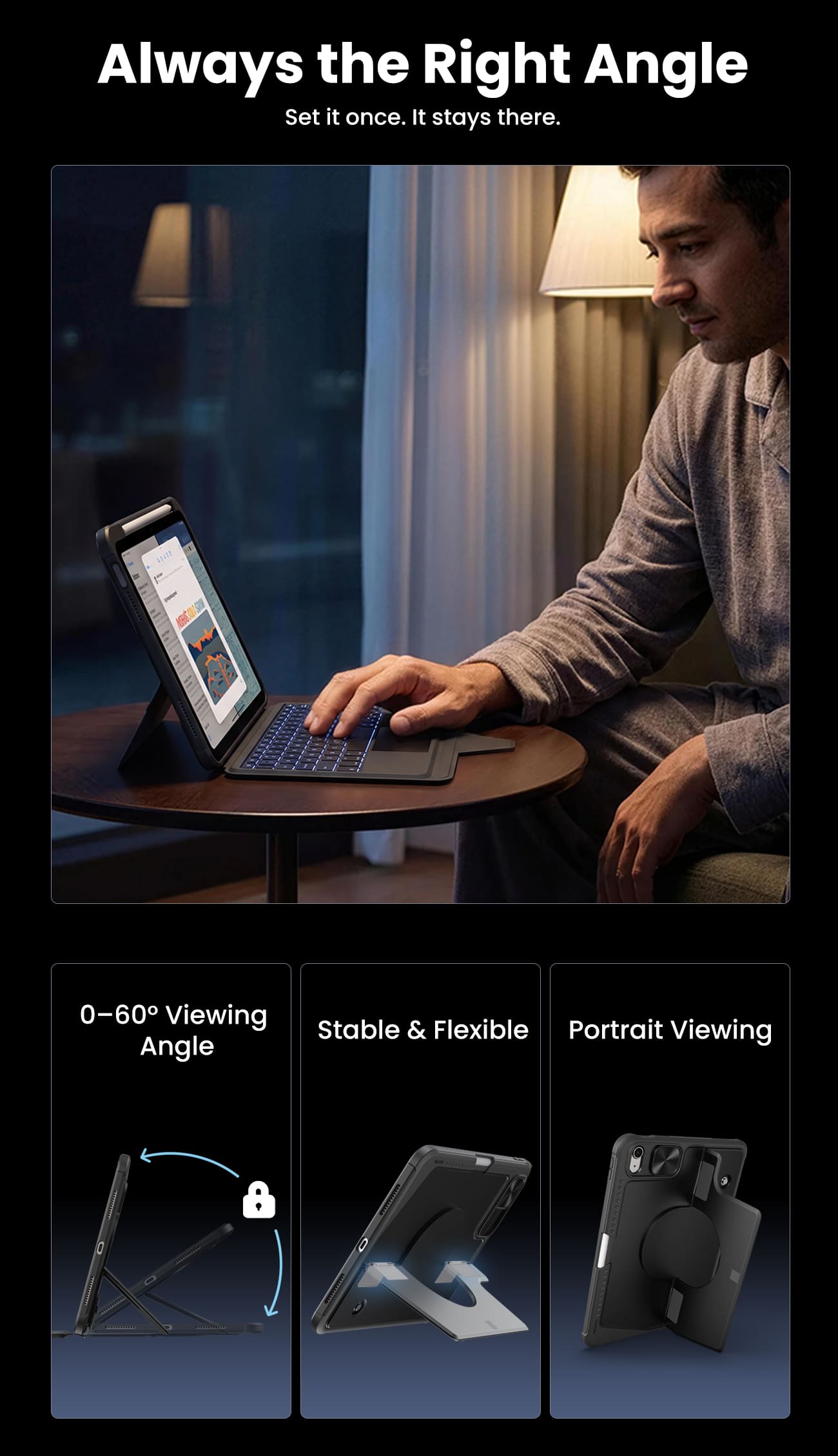
Raise your iPad for calls, notes, or editing, and leave the desk free for typing, sketching, or whatever comes next.
From the fridge to a metal shelf or gym rack, built-in magnets give your iPad more places to stay.
Raise your iPad for calls, notes, or editing, and leave the desk free for typing, sketching, or whatever comes next.

Magic Keyboard.

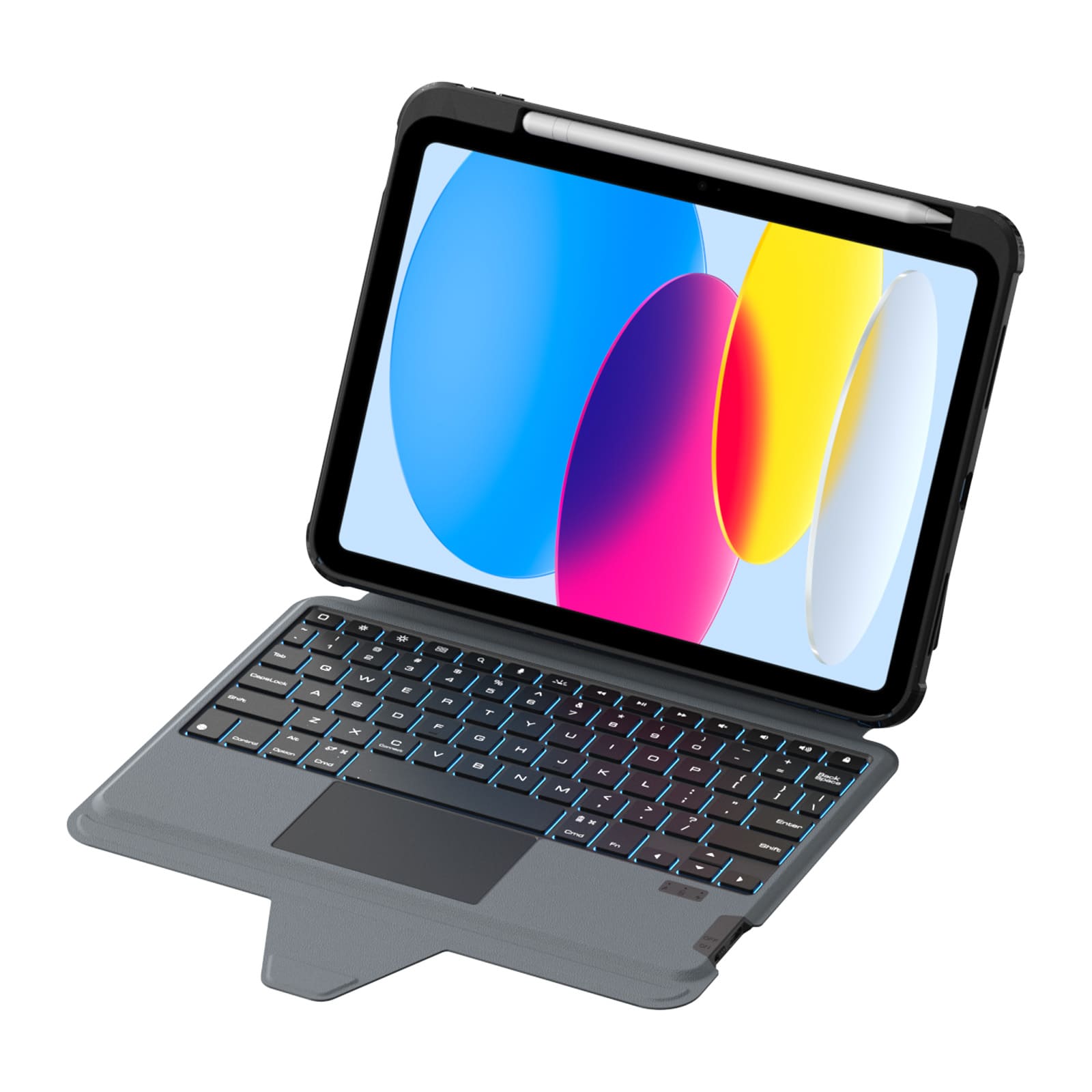
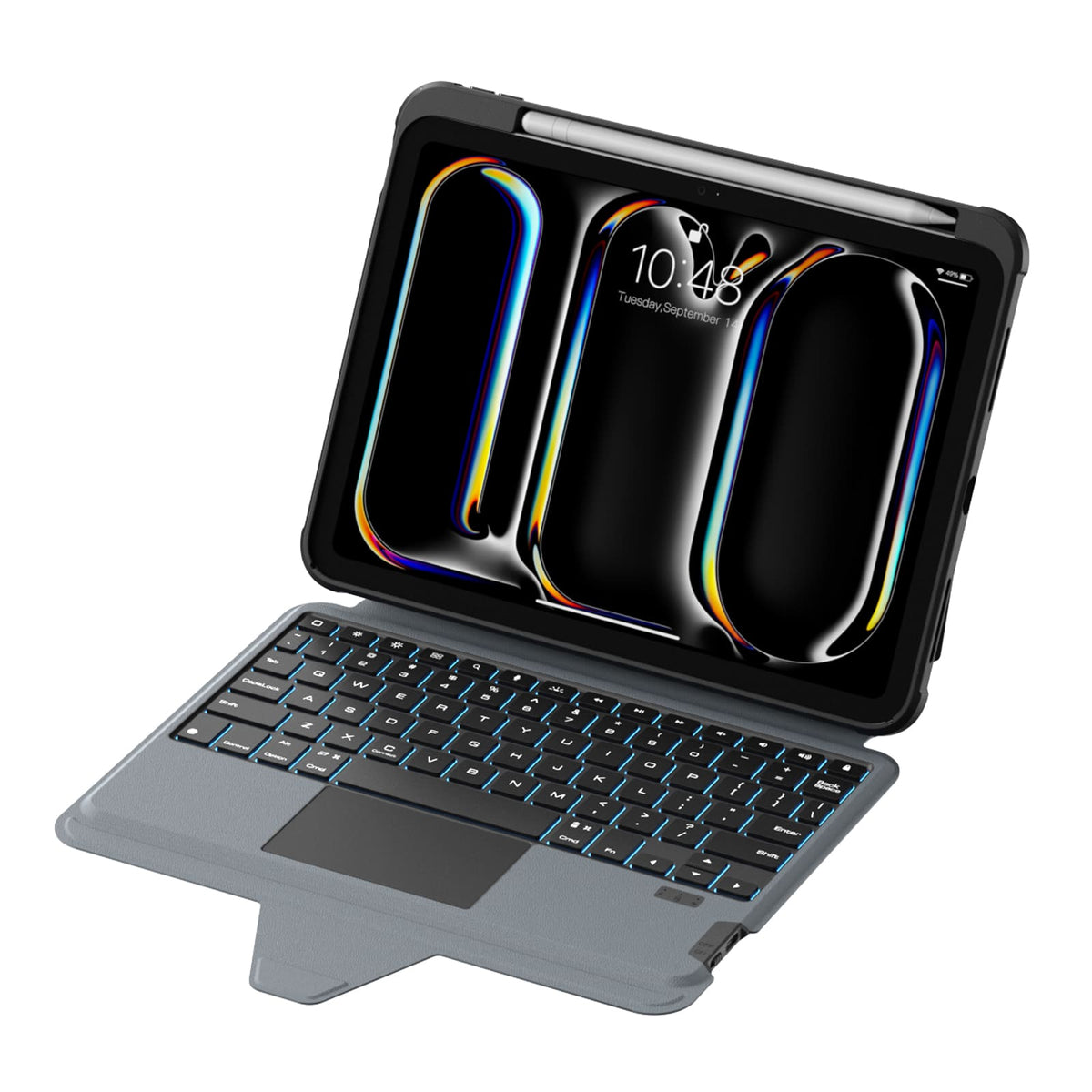
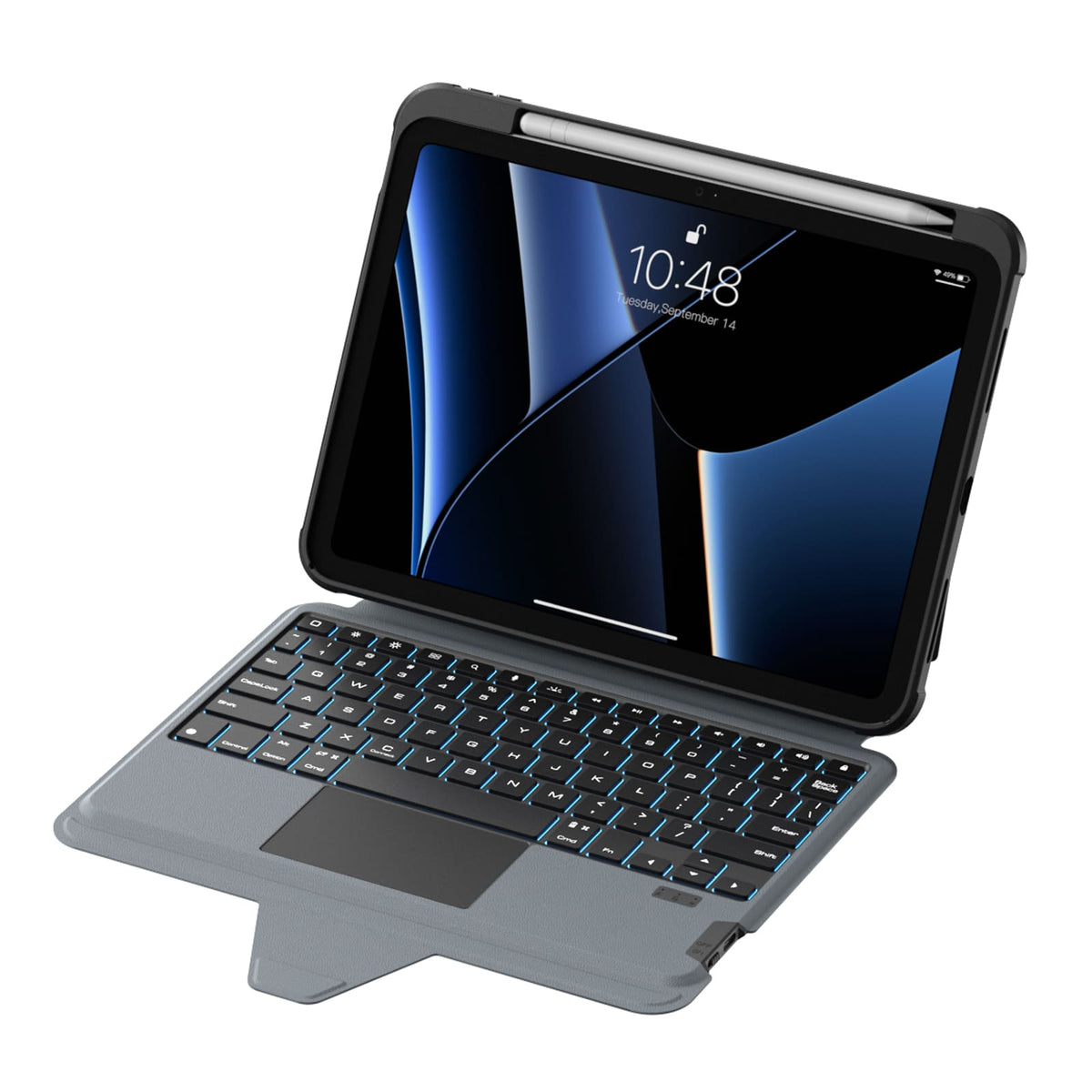
Ein Layout in voller Größe, reaktionsschnelle Tasten und ein präzises Trackpad sorgen für einen natürlicheren, müheloseren Arbeitsfluss im Alltag.

Sieben Hintergrundbeleuchtungsfarben mit drei Helligkeitsstufen sorgen dafür, dass jede Taste klar und gut erkennbar ist, egal wo Sie arbeiten.
Bereit für das echte Leben.
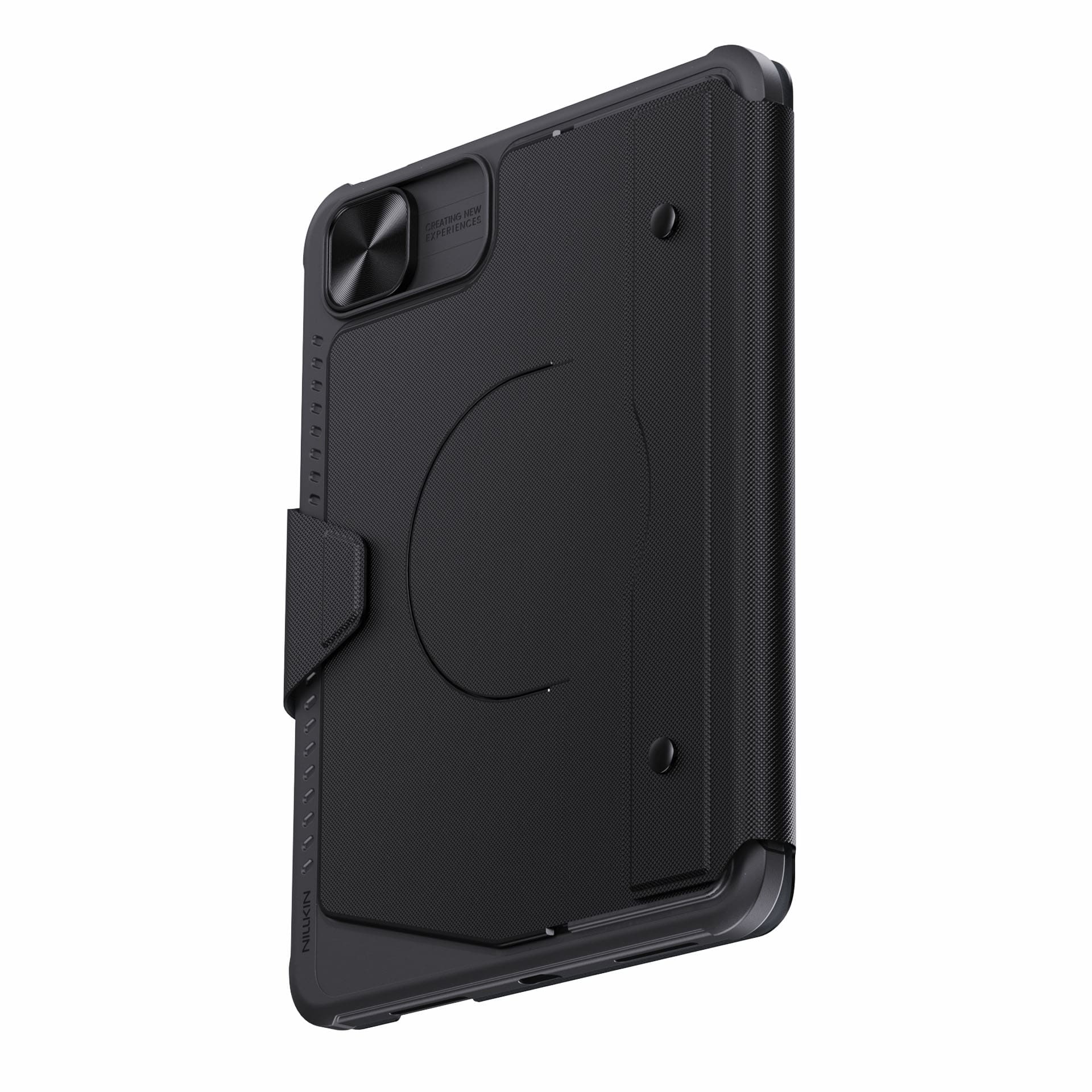
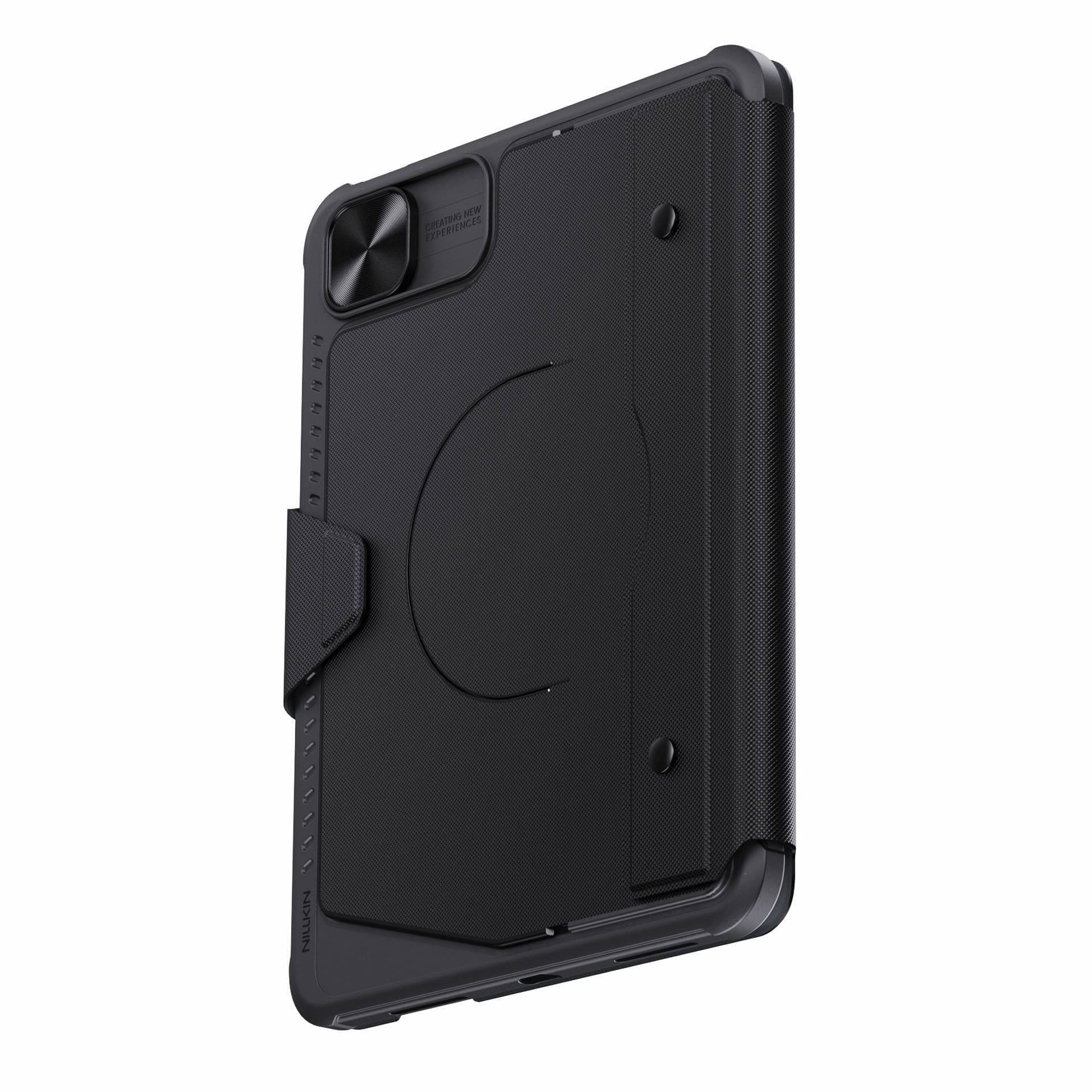
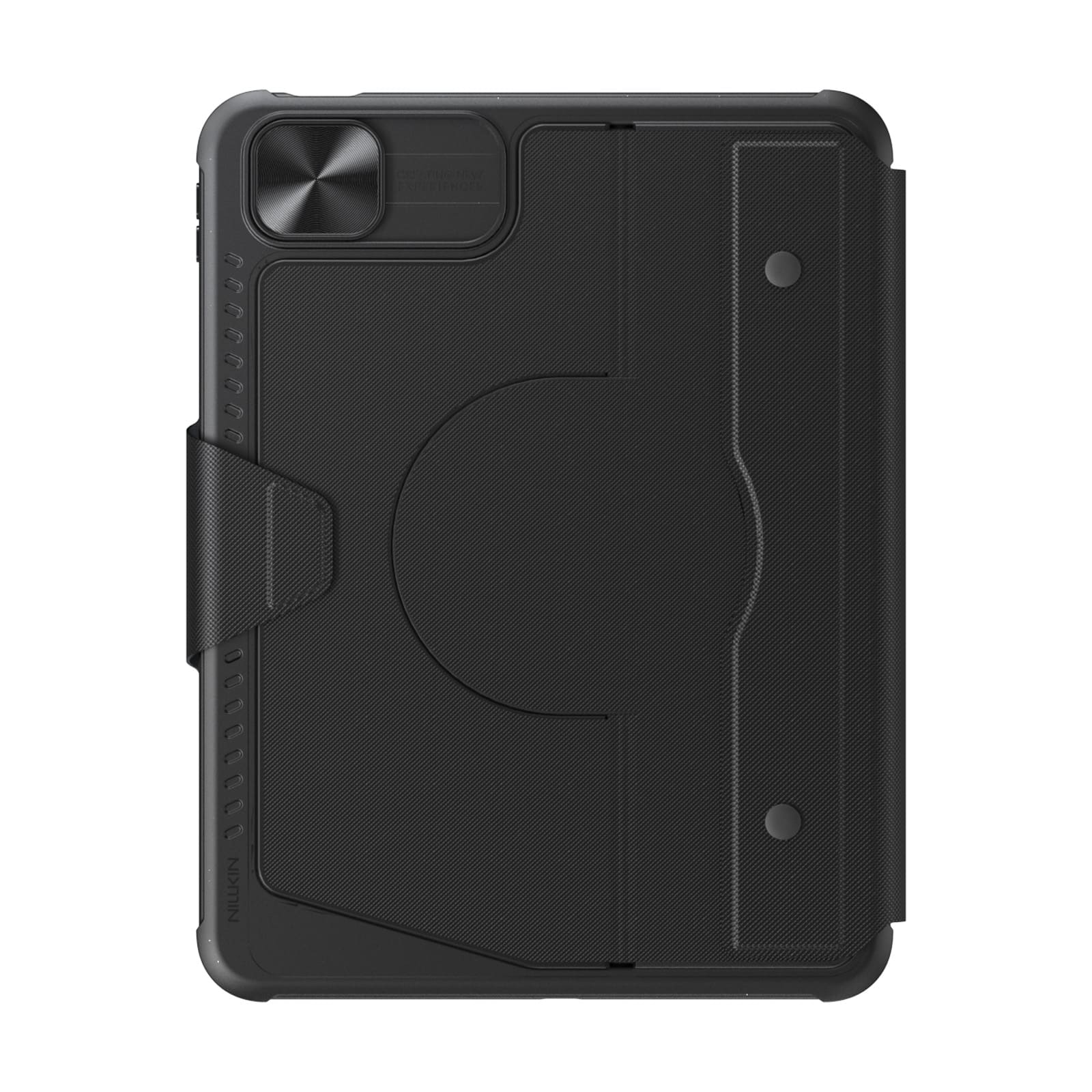
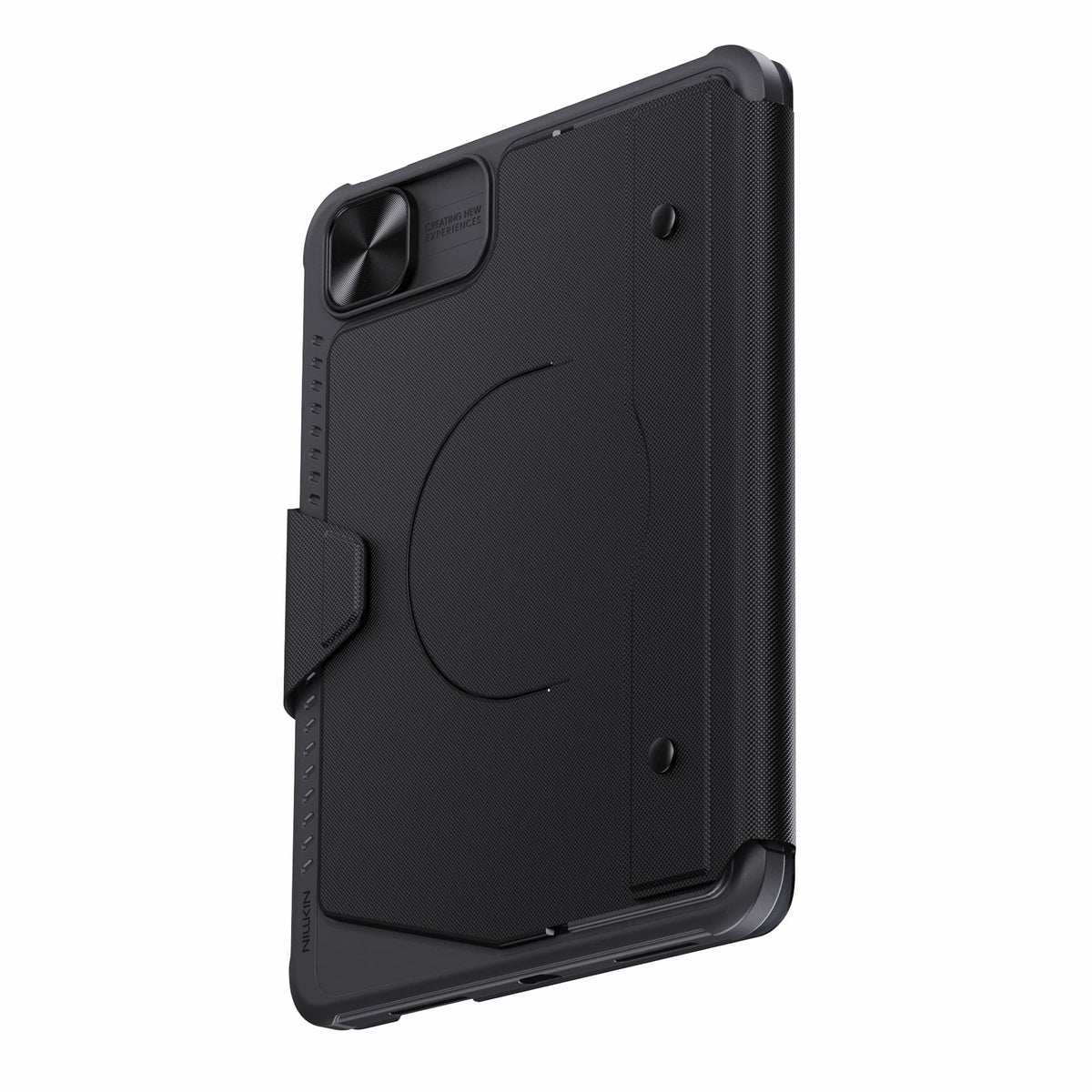
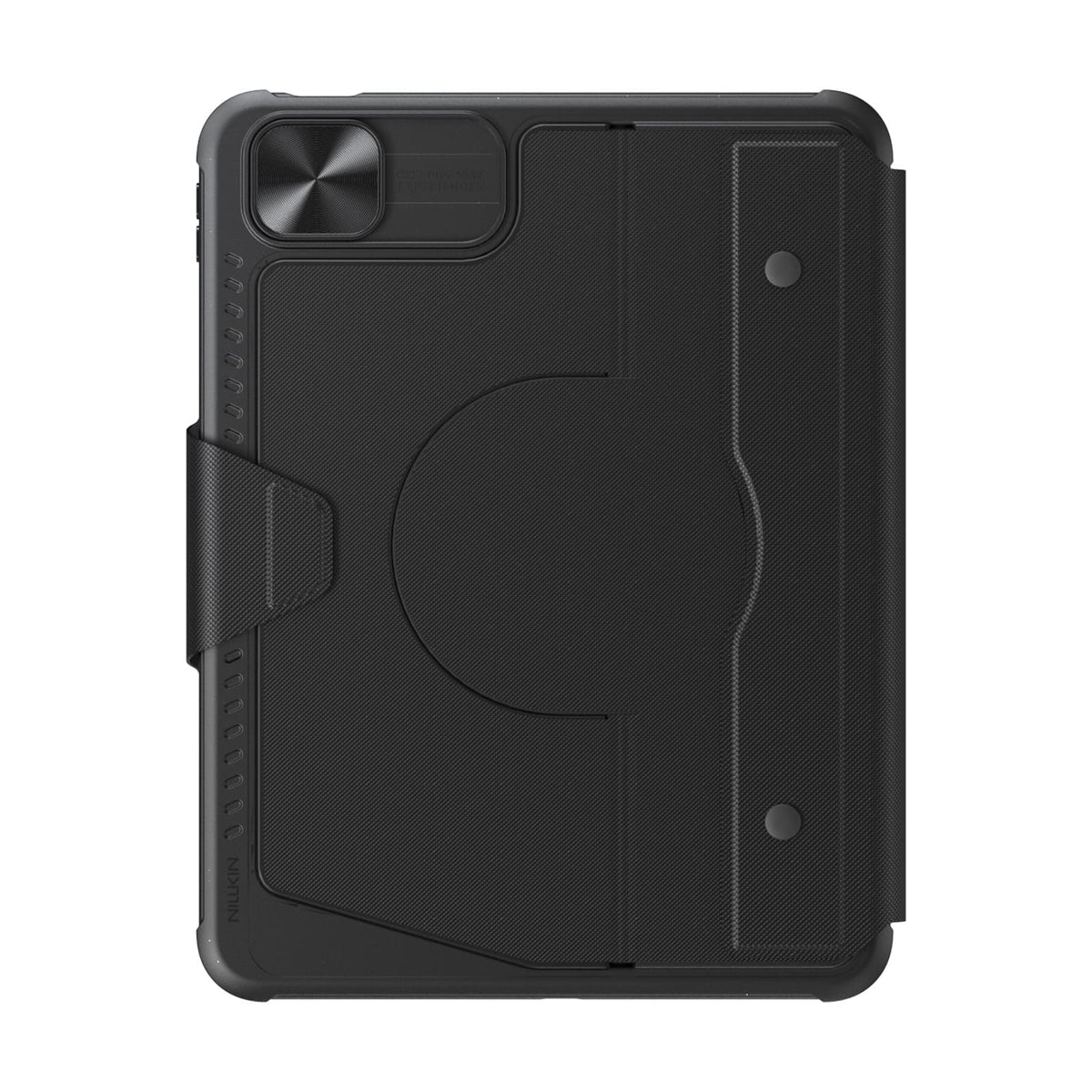
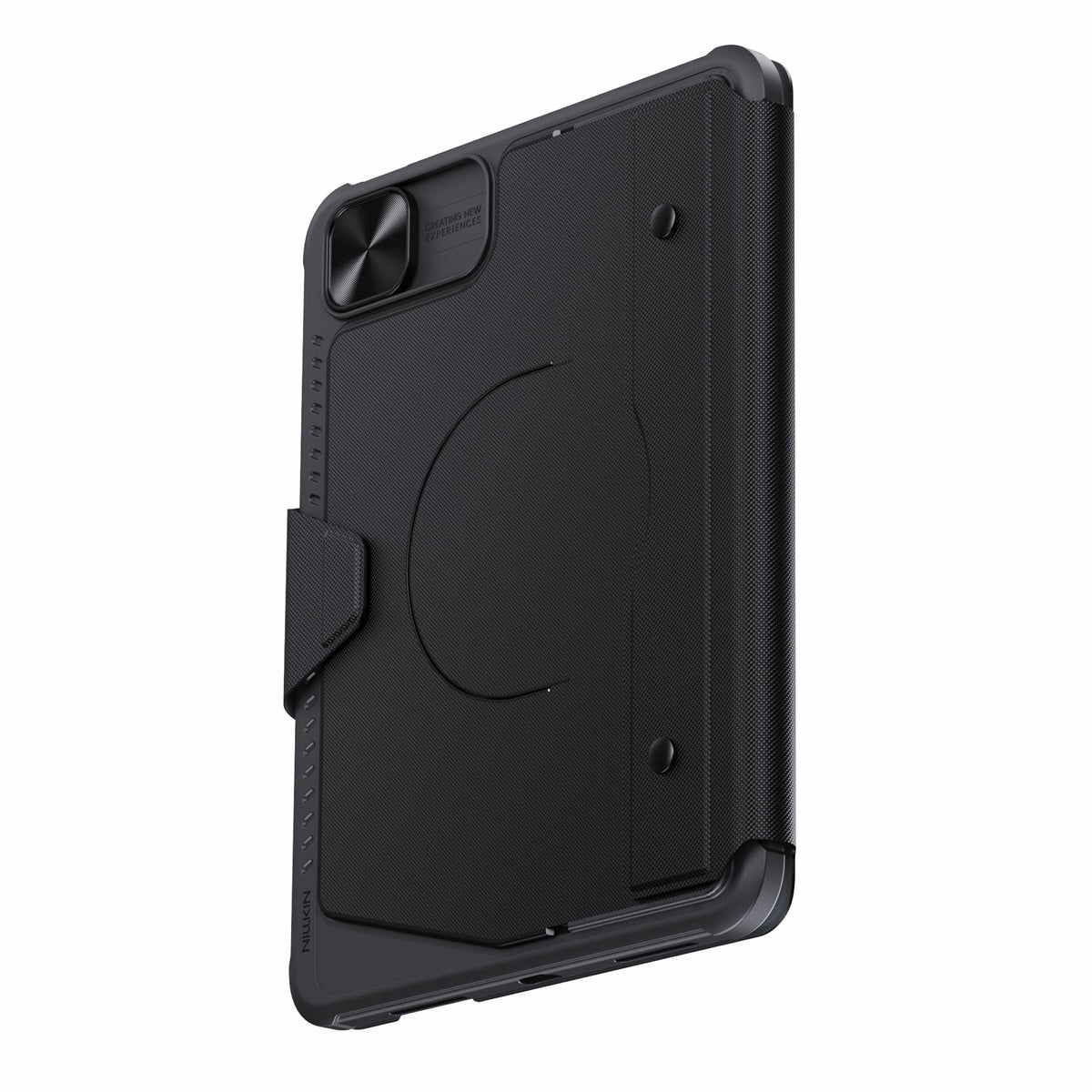
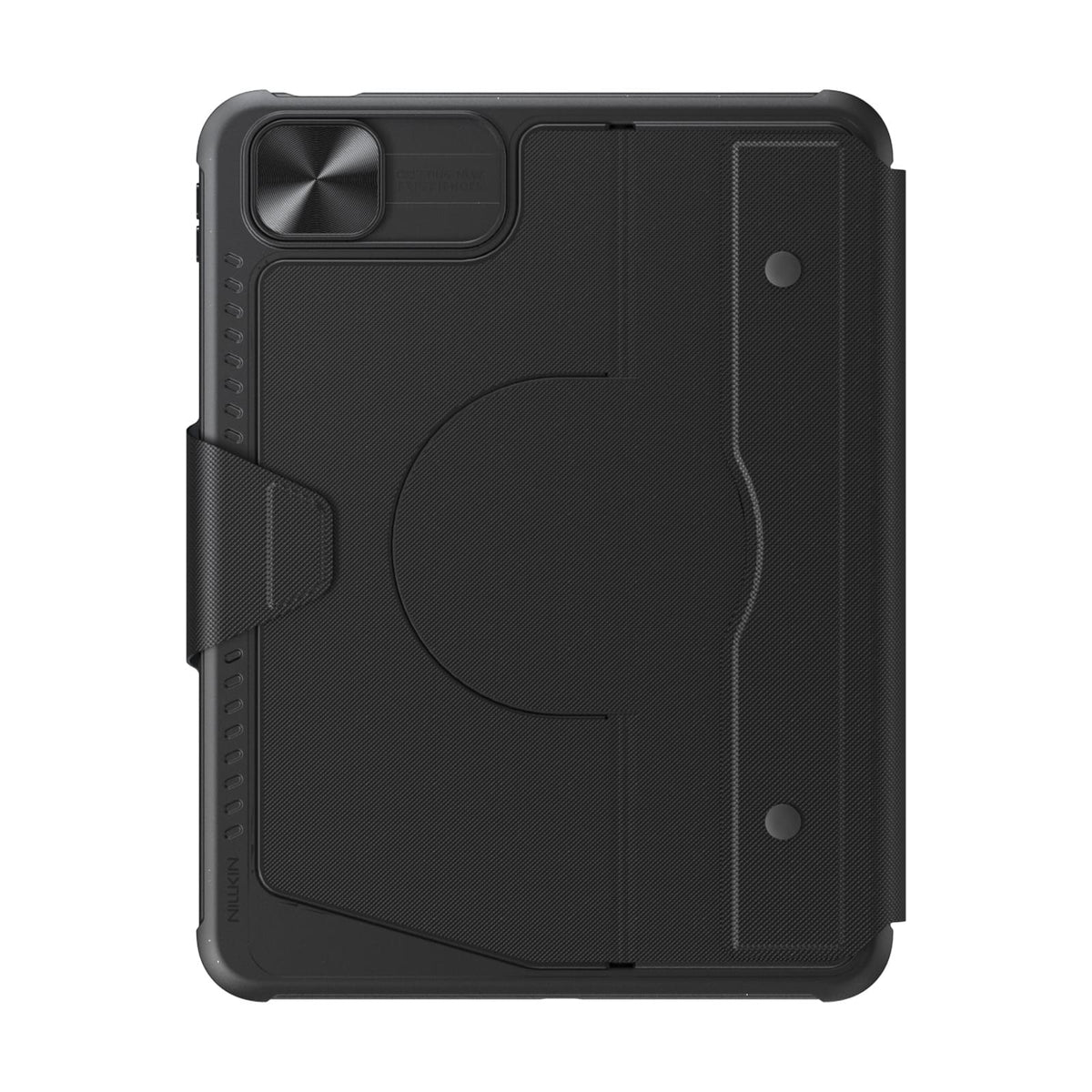
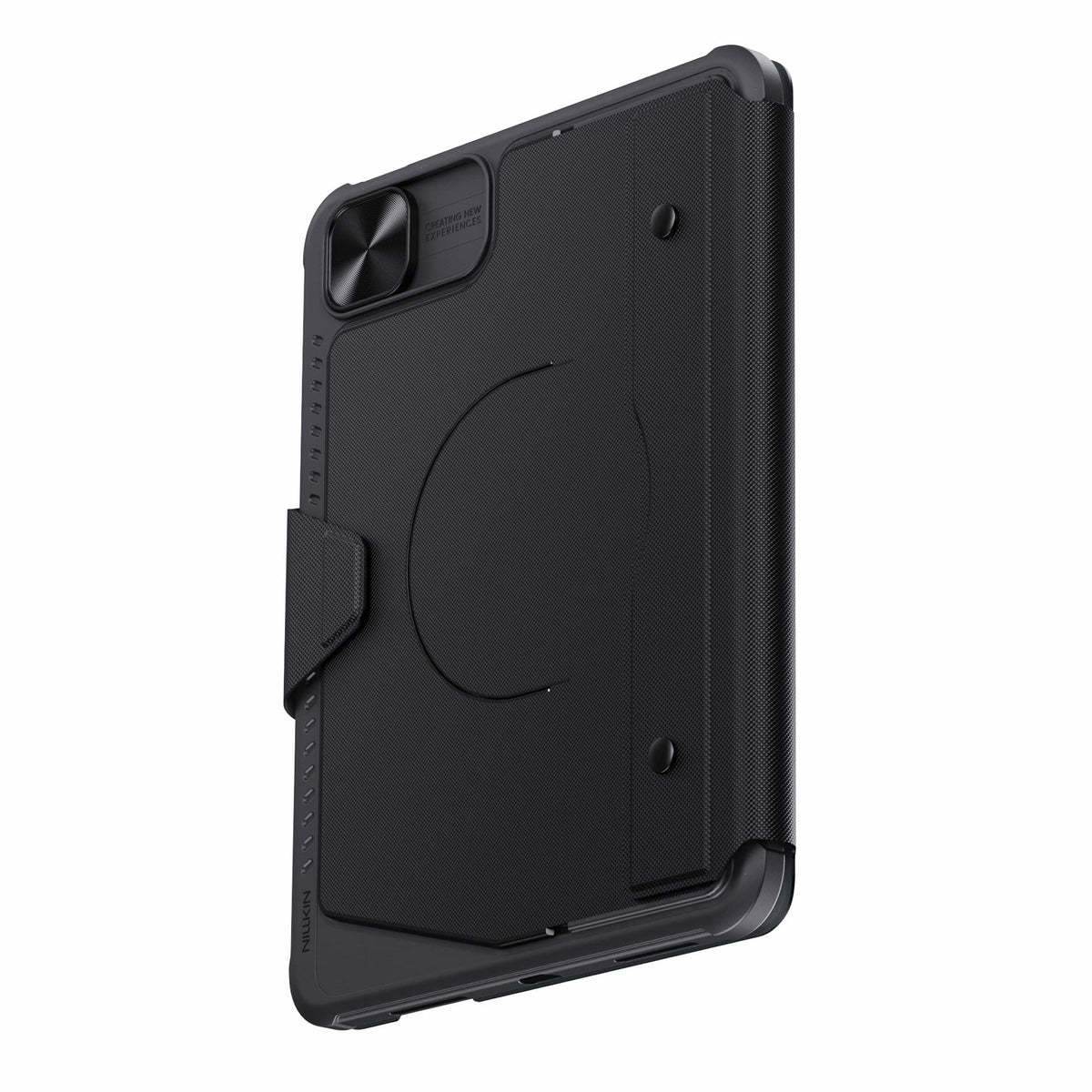
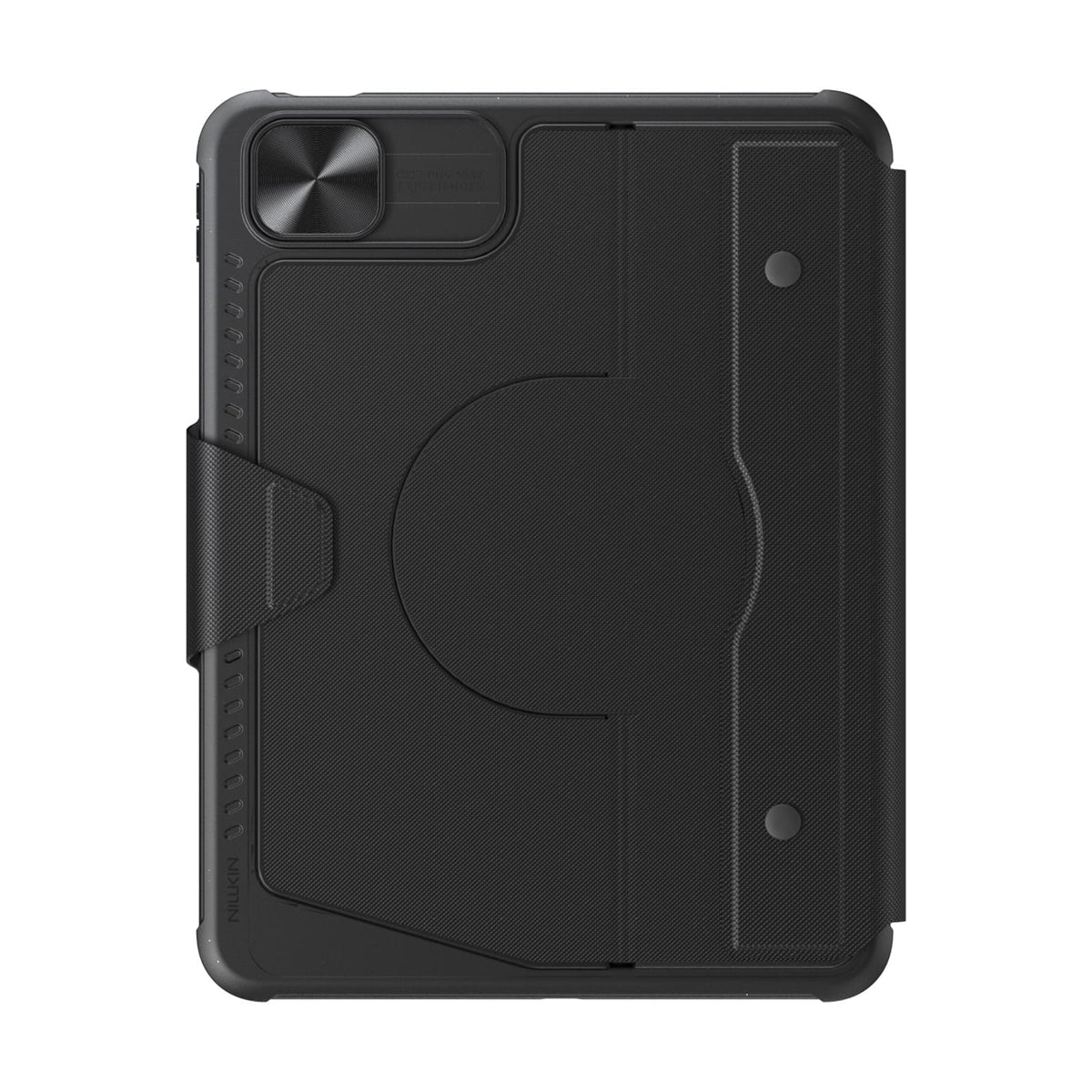
Protection that stays with you from desk to daily carry.
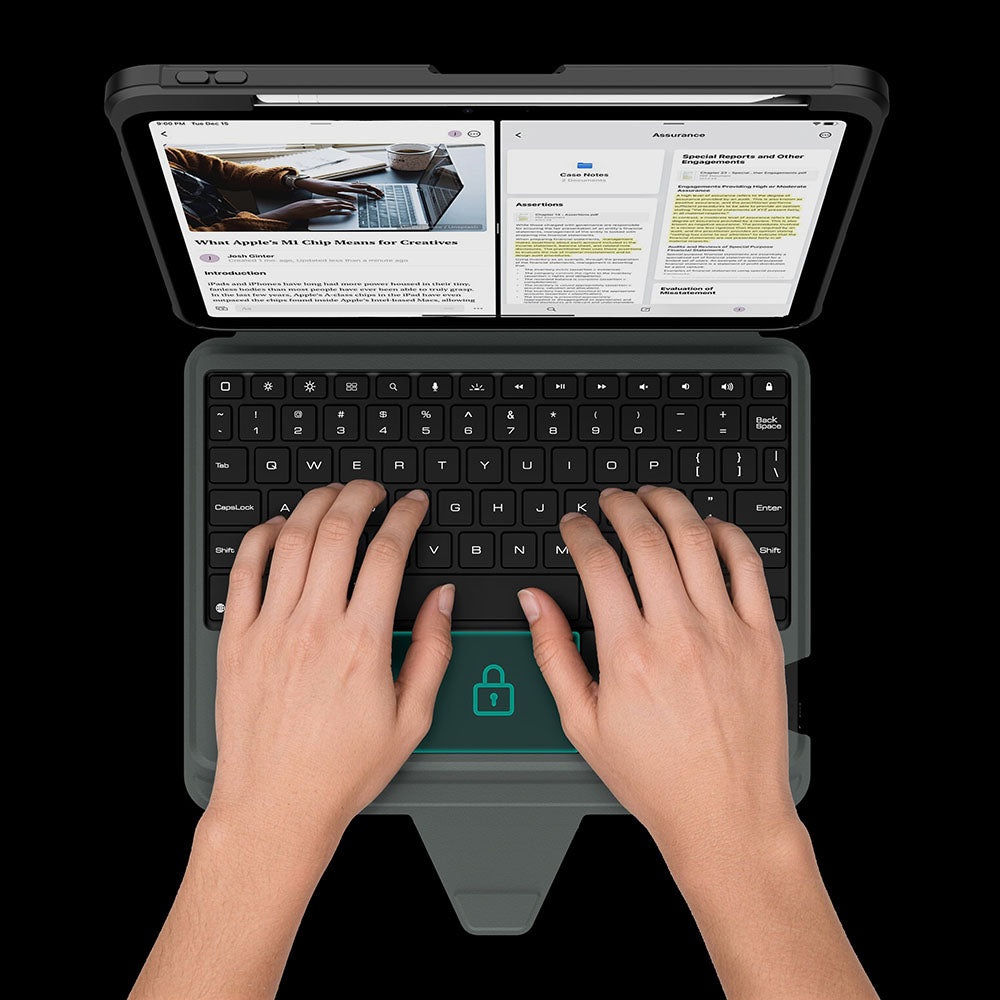
The touchpad automatically locks while you type, so every keystroke stays focused and interruption-free.
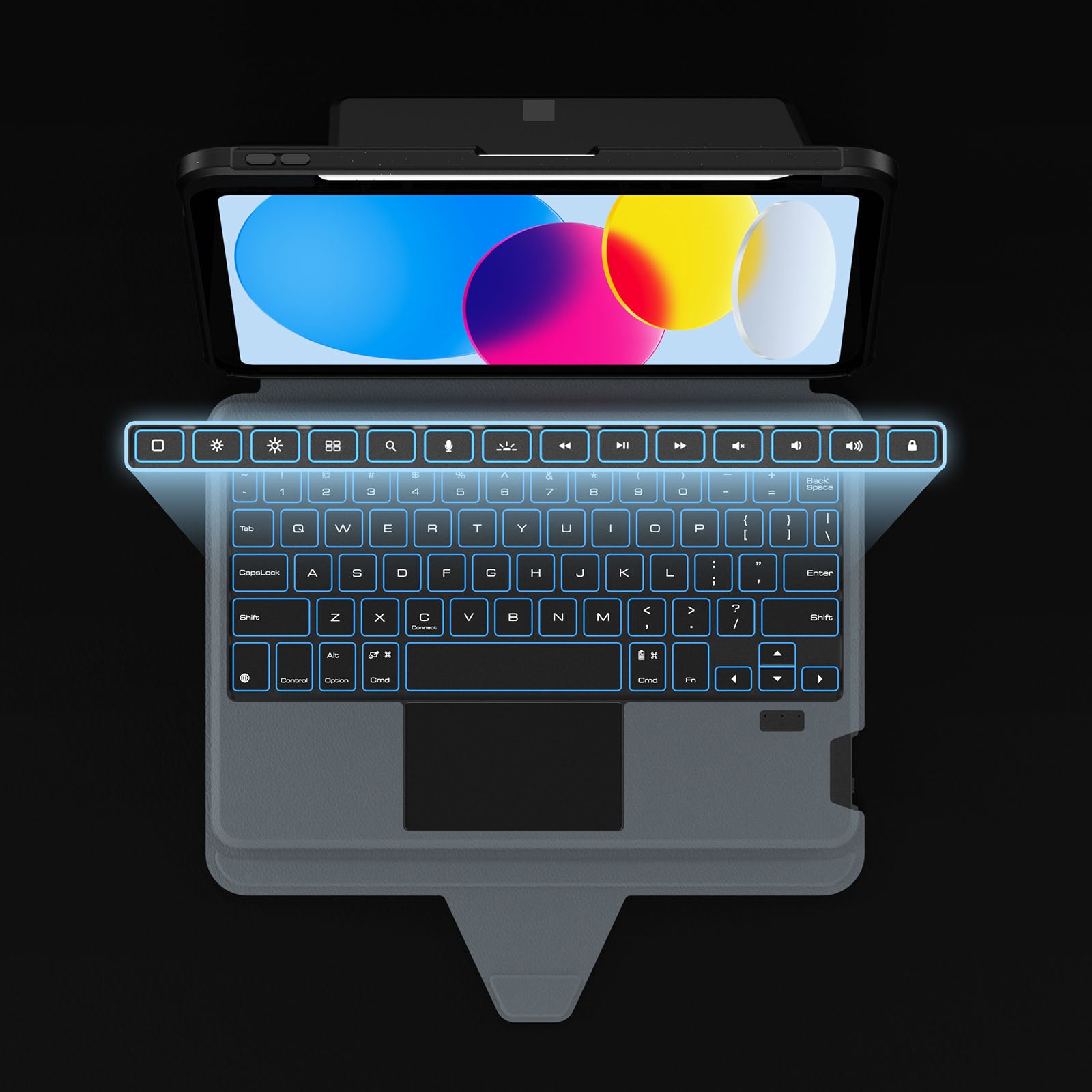
Dank dedizierter Kurzbefehle sind Ihre am häufigsten verwendeten Steuerelemente stets griffbereit, sodass Sie Anpassungen vornehmen können, ohne Ihren Arbeitsfluss zu unterbrechen.
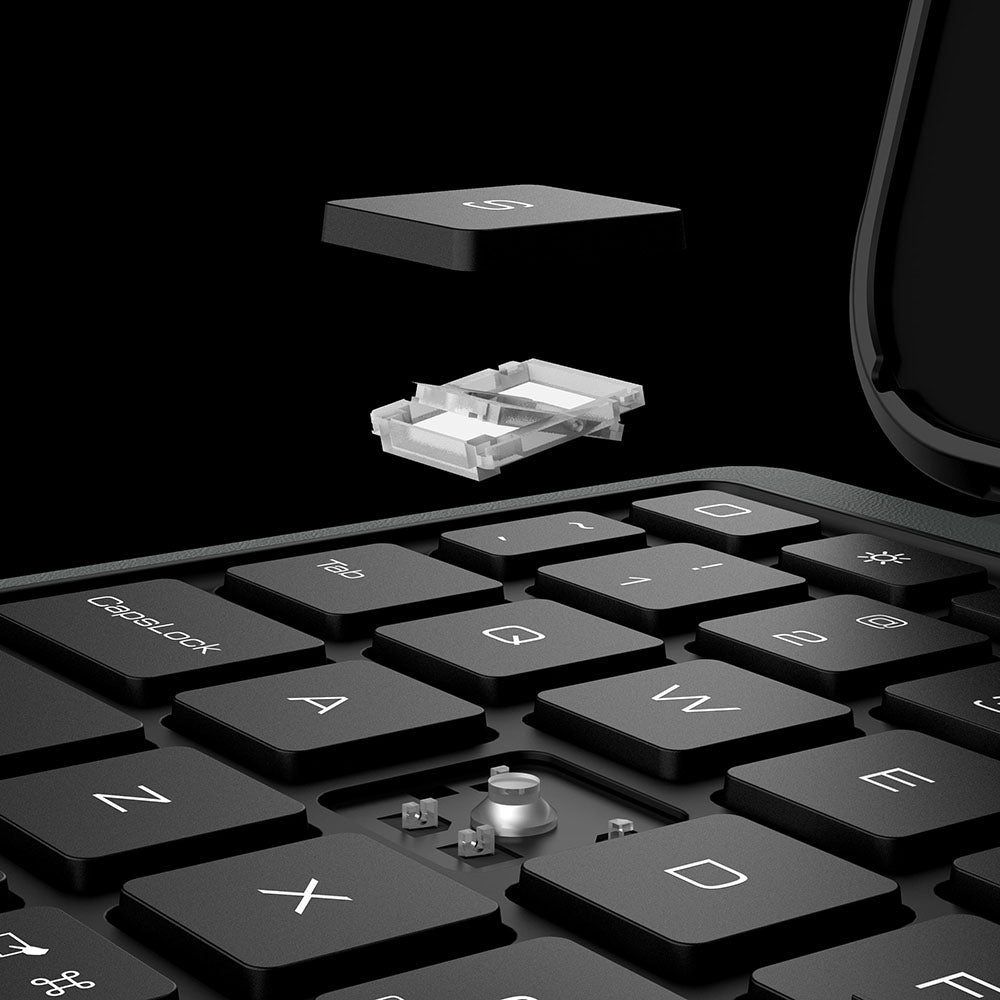
Reaktionsschnelle Scherenmechanik-Tasten sorgen für leises Tippen, präzises Feedback und dauerhaften Komfort bei jedem Anschlag.
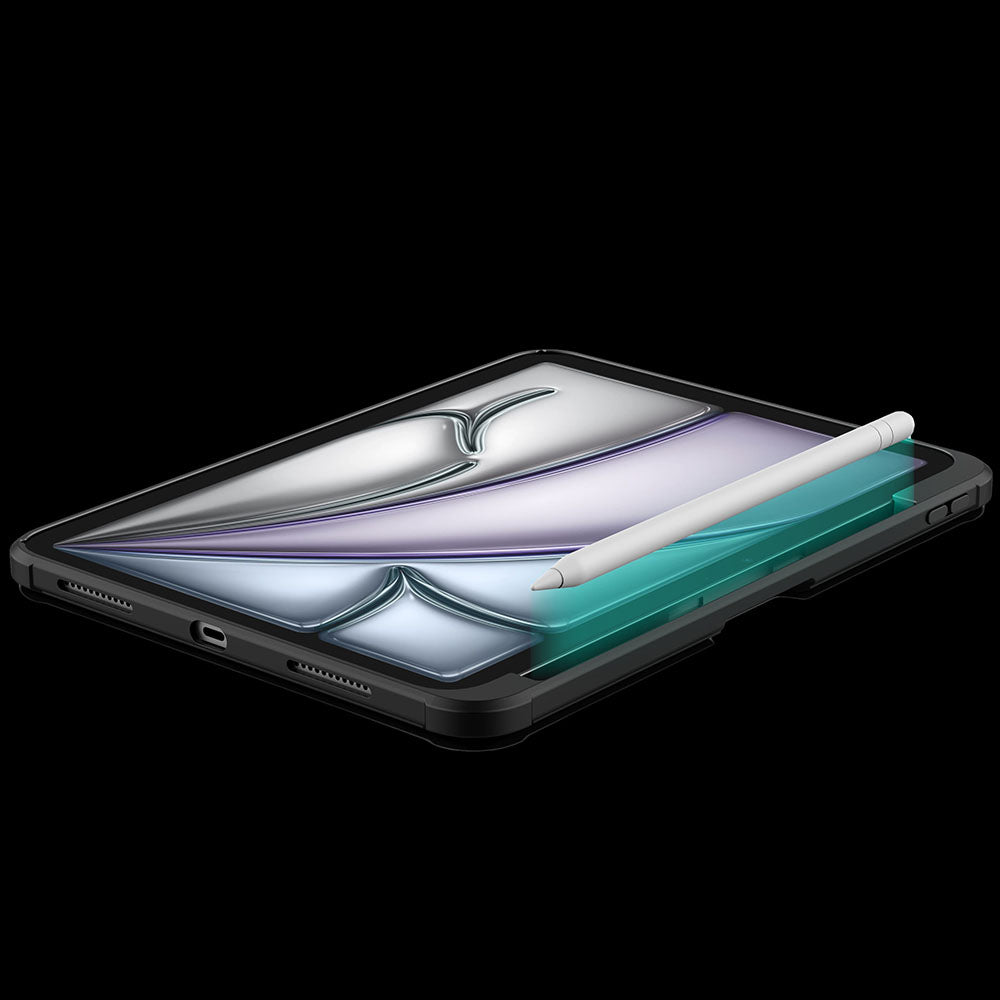
A dedicated holder keeps your Apple Pencil secure, protected, and always within easy reach.
The touchpad automatically locks while you type, so every keystroke stays focused and interruption-free.
Dank dedizierter Kurzbefehle sind Ihre am häufigsten verwendeten Steuerelemente stets griffbereit, sodass Sie Anpassungen vornehmen können, ohne Ihren Arbeitsfluss zu unterbrechen.
Reaktionsschnelle Scherenmechanik-Tasten sorgen für leises Tippen, präzises Feedback und dauerhaften Komfort bei jedem Anschlag.
A dedicated holder keeps your Apple Pencil secure, protected, and always within easy reach.


Turn the power switch to ON, then hold Fn + Connect until the blue indicator flashes. On your iPad, go to Settings > Bluetooth and select “BumperComboProKeyboard.”
The trackpad supports full iPadOS multi-touch gestures, including tapping, swiping, scrolling, zooming, dragging, and app switching. It also disables while typing to help prevent accidental touches.
Yes. It offers 7 backlight colors and 3 brightness levels. Use the brightness key to adjust brightness, and press Fn + Color to switch between colors.
The 500mAh battery provides up to around 100 hours of use with the backlight off and up to 180 days of standby time.
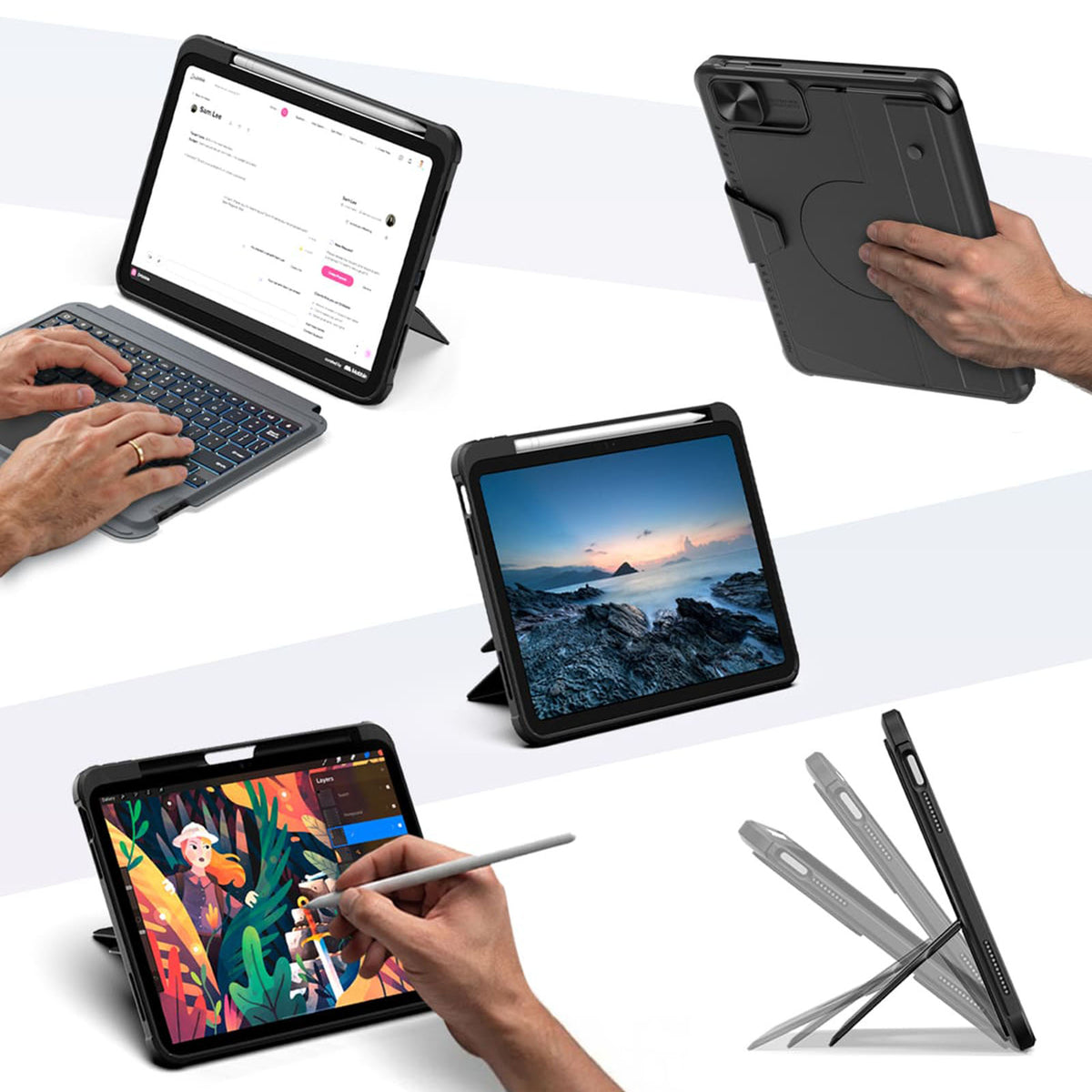
The kickstand supports stepless adjustment from 0° to 110° and can be used in both landscape and portrait orientations.
Yes, for Apple Pencil models that support magnetic attachment and wireless charging. You can keep the case on while charging.
Press Fn + Battery. The indicator will flash 1–4 times to show the approximate battery level. You can also check the battery level in your iPad’s Bluetooth settings.
The keyboard enters sleep mode after 10 minutes of inactivity. Press any key to wake it and reconnect automatically. If it still does not respond, check that the power is on and the battery has enough charge.

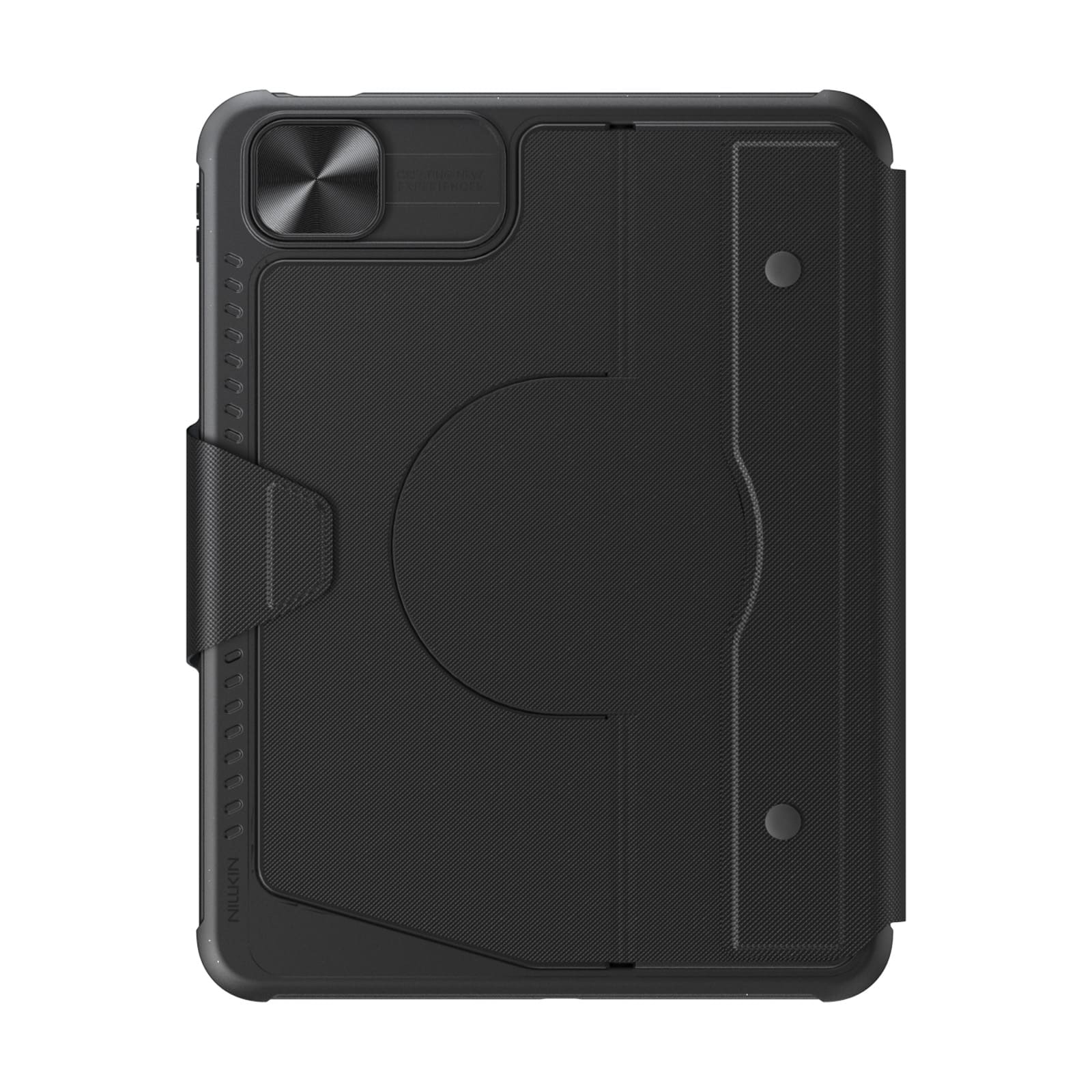
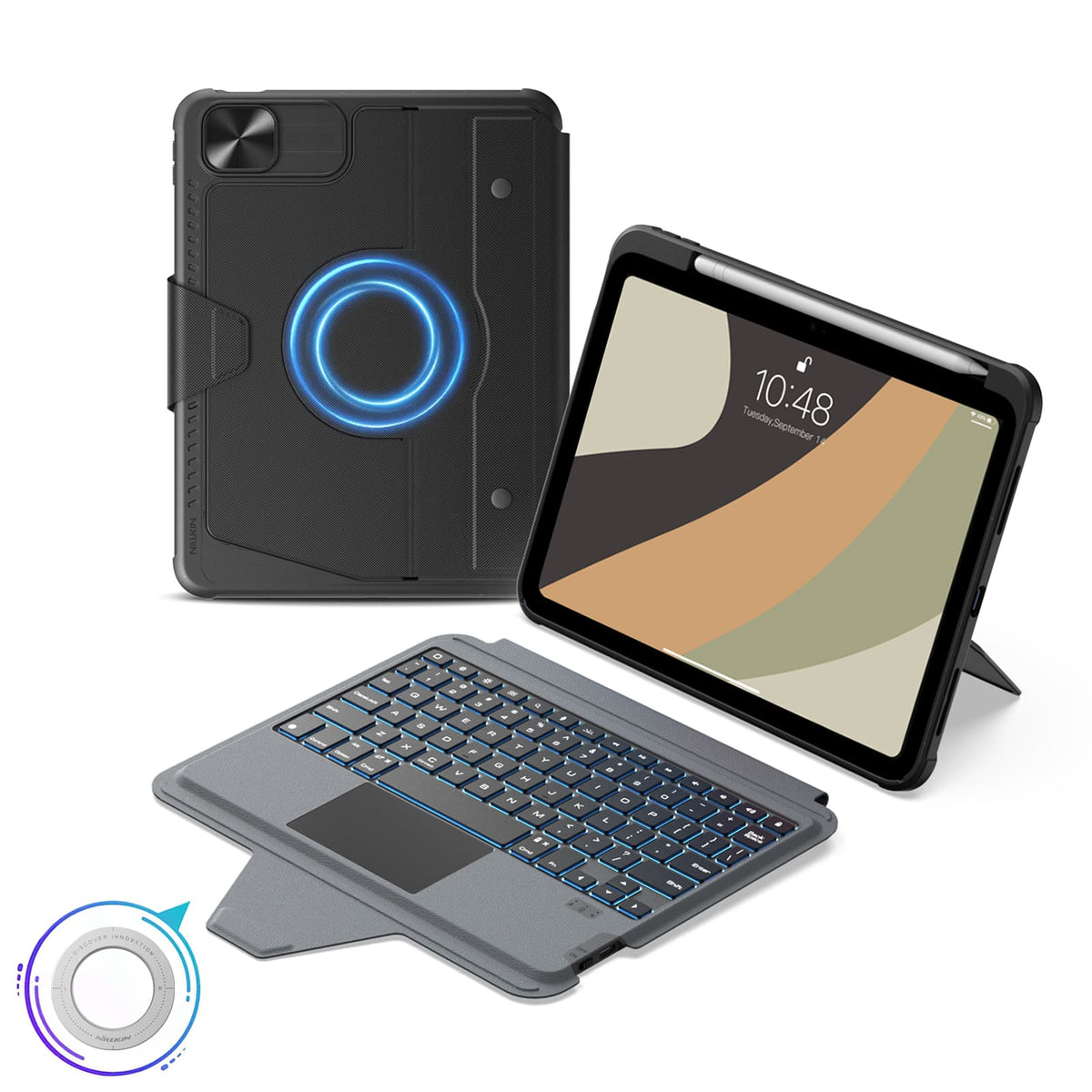

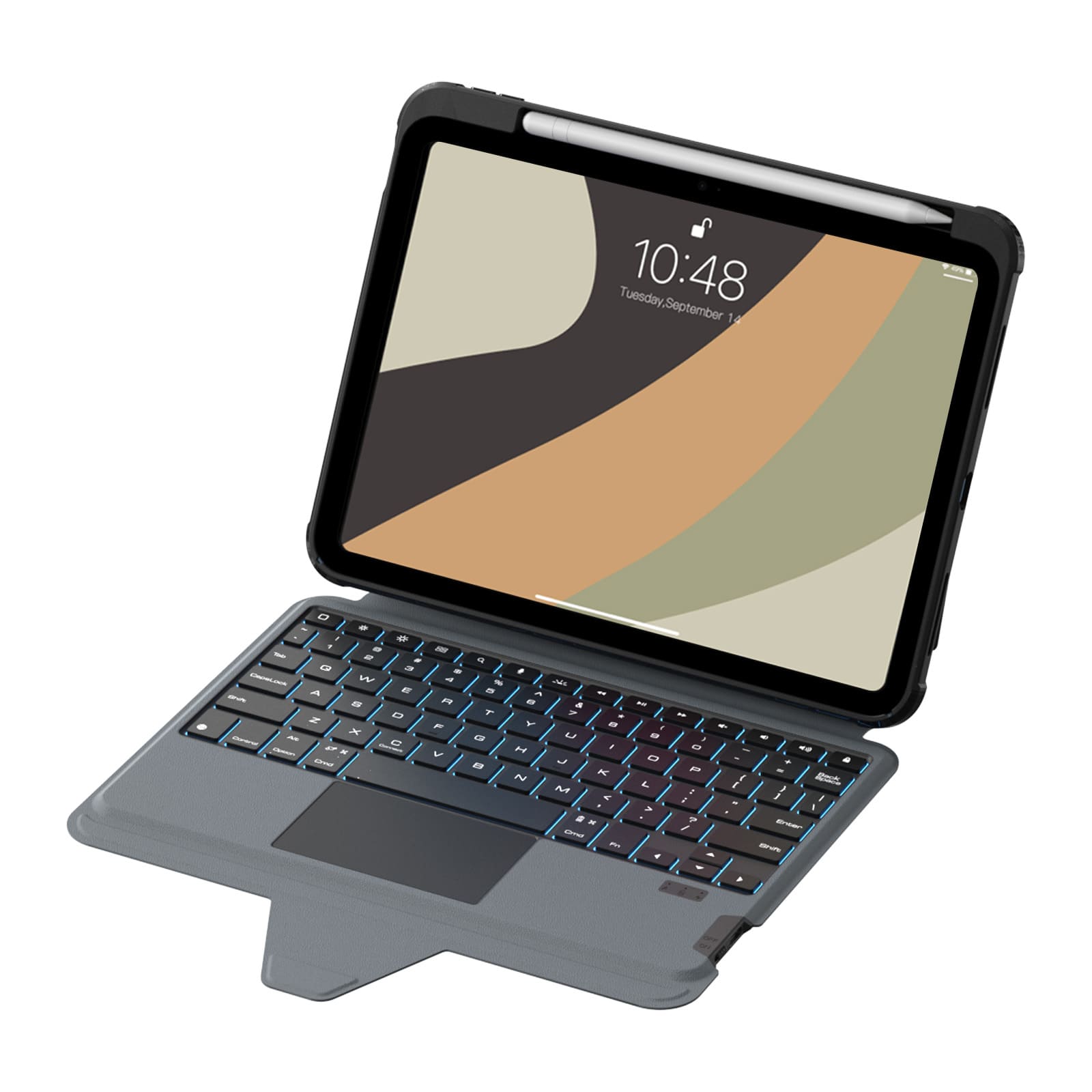
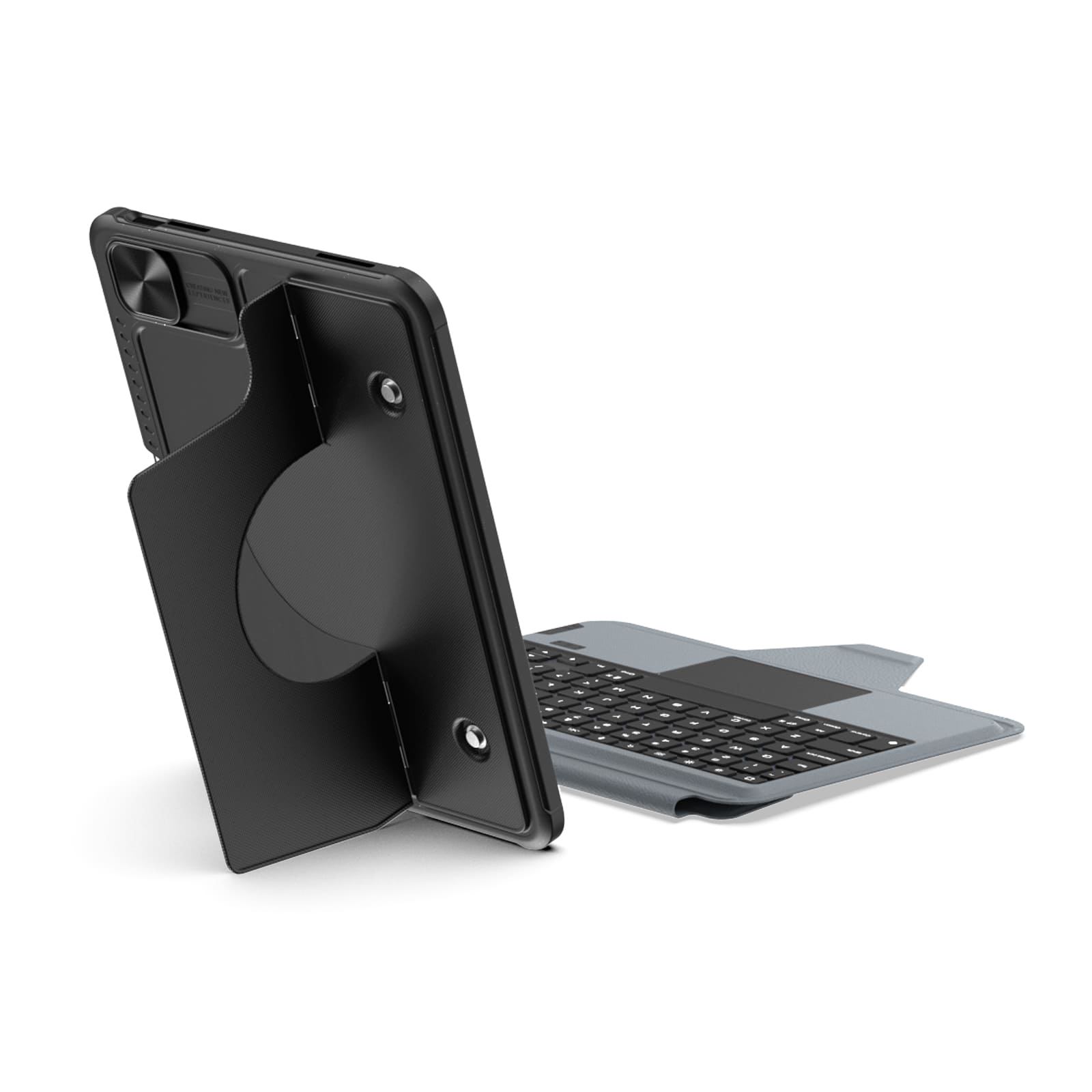
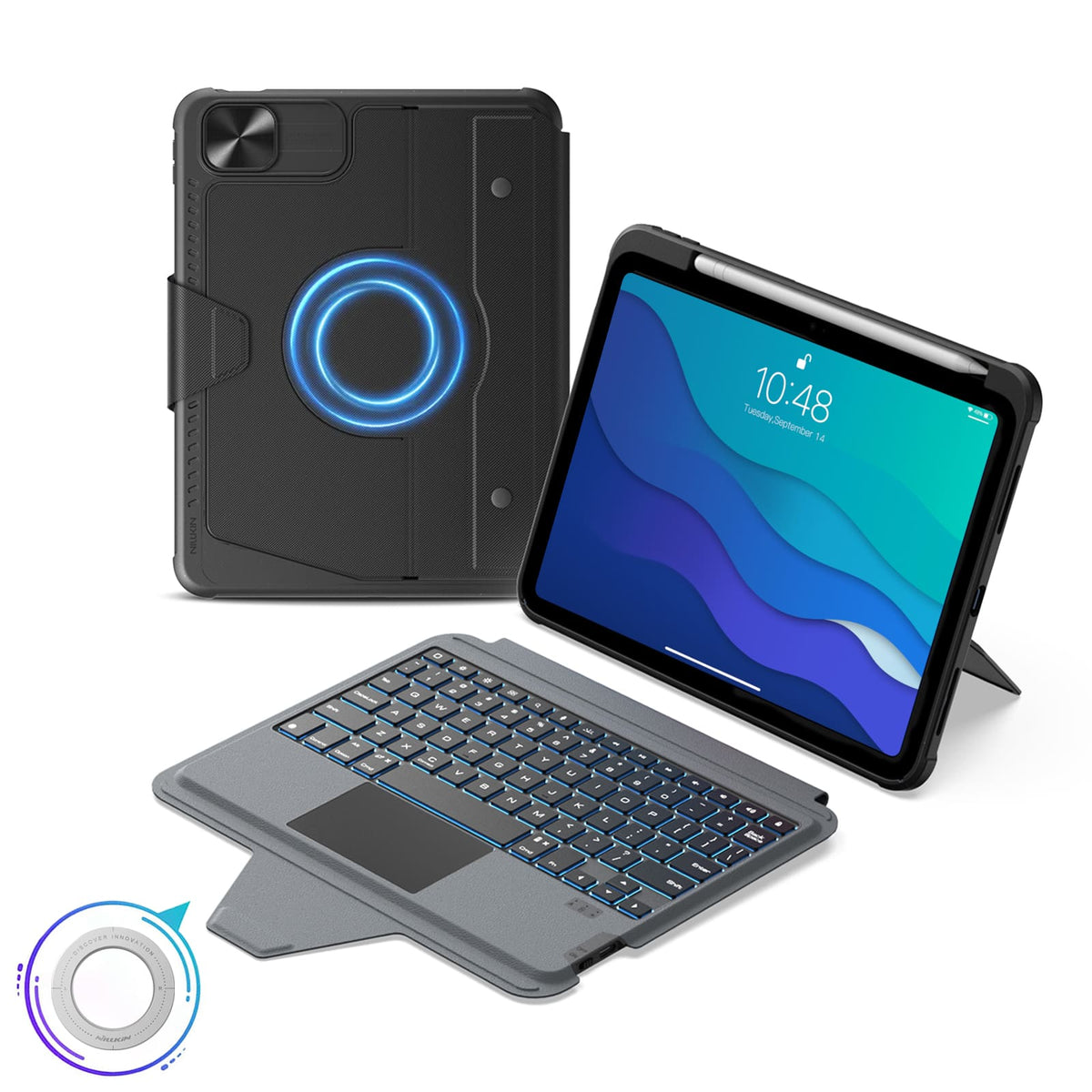


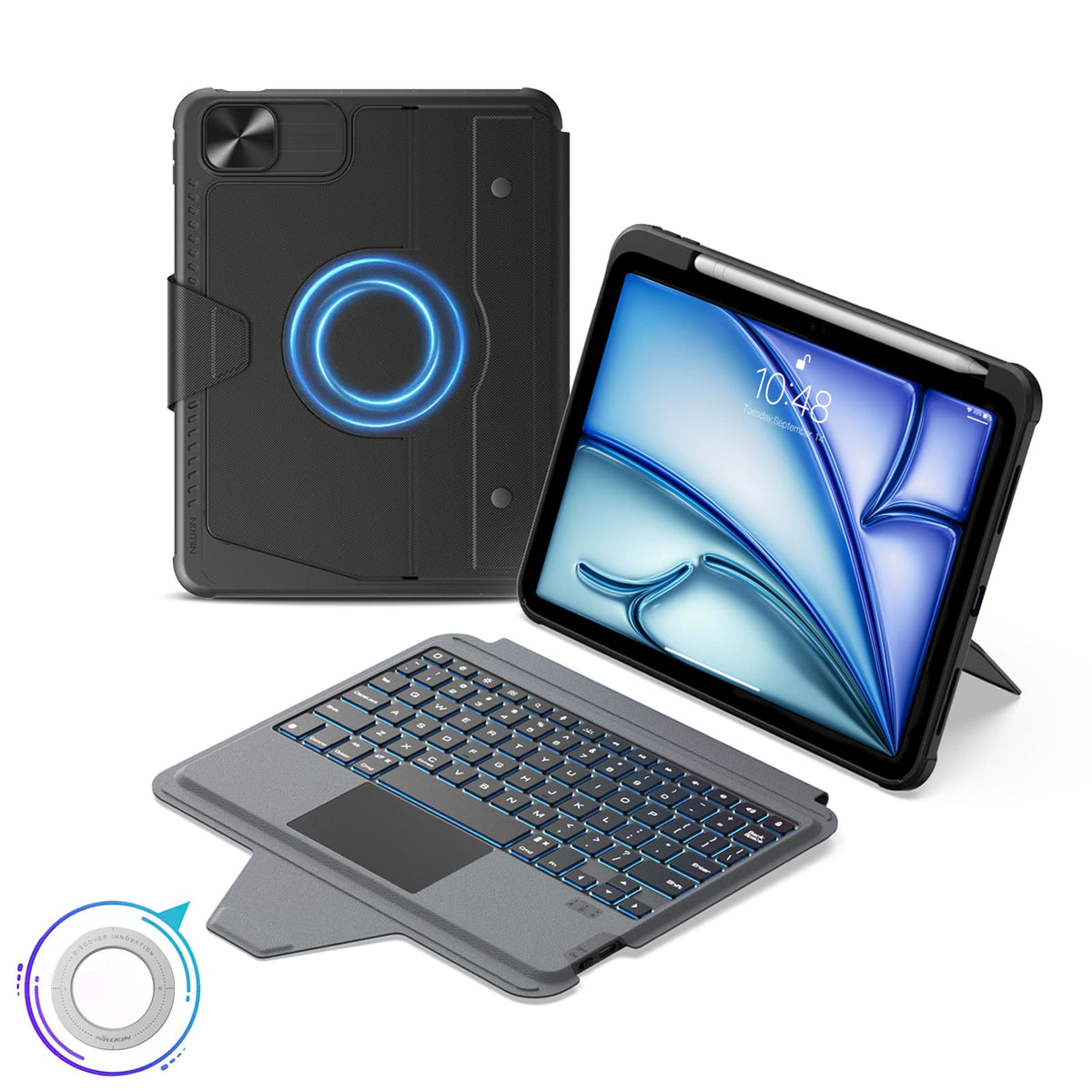


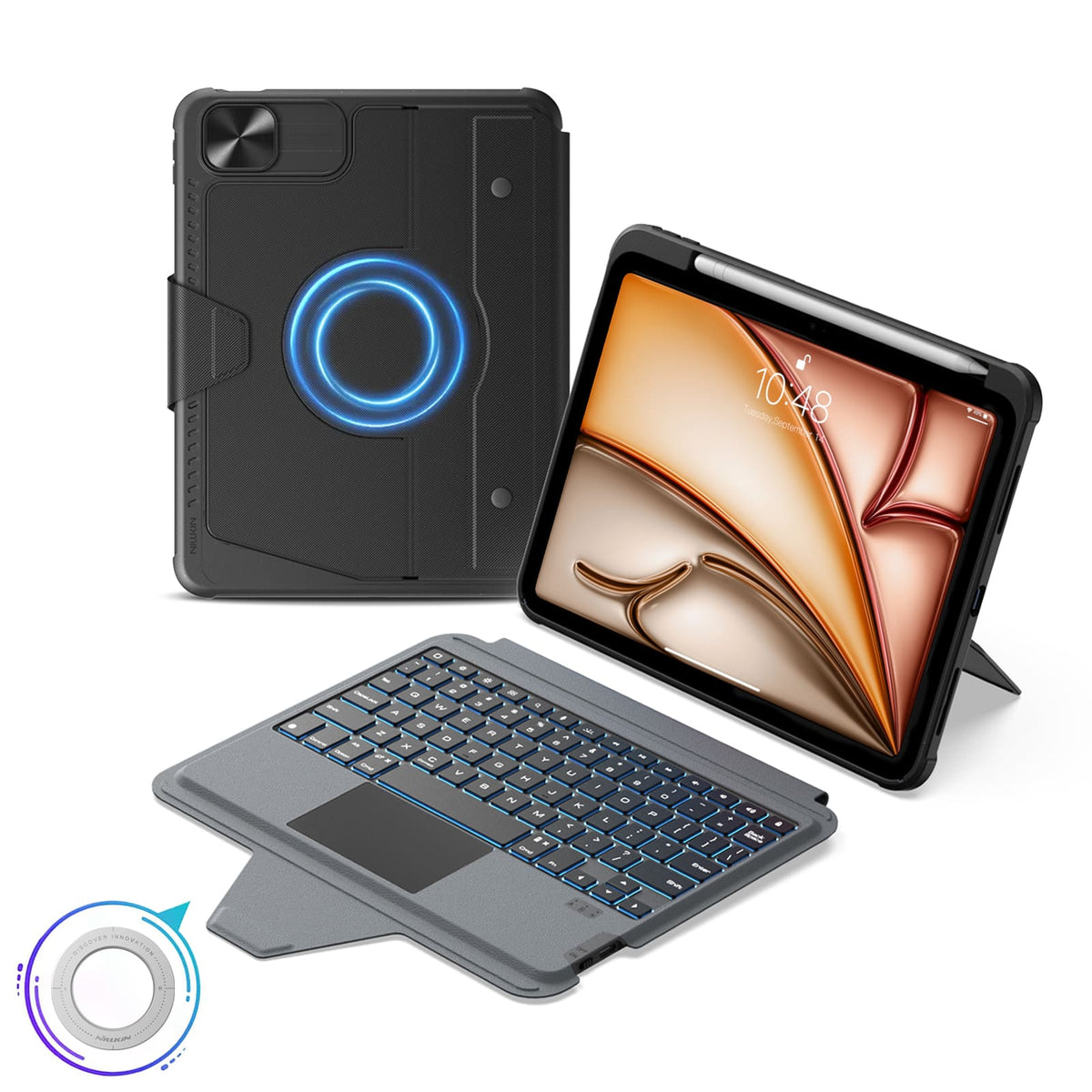


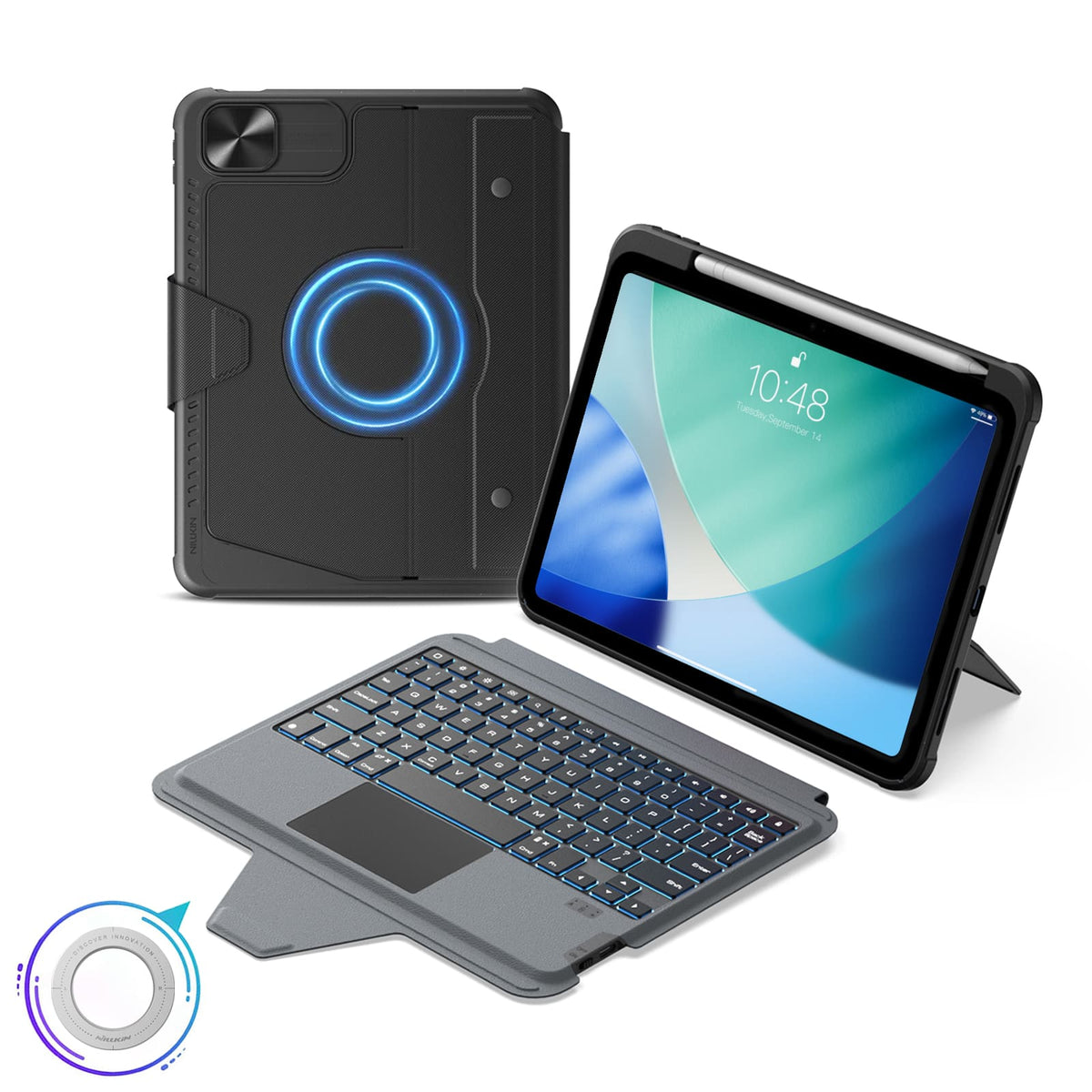


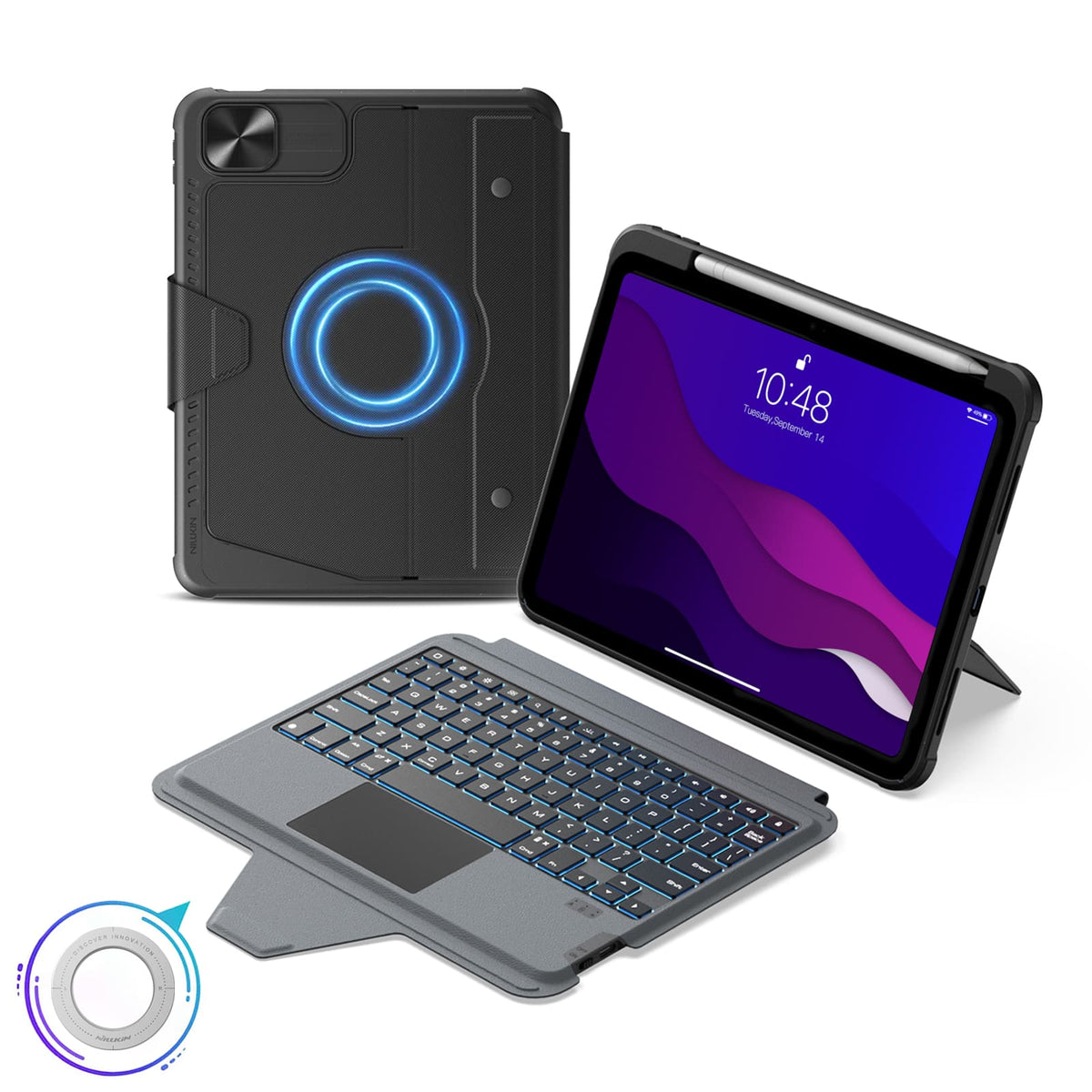


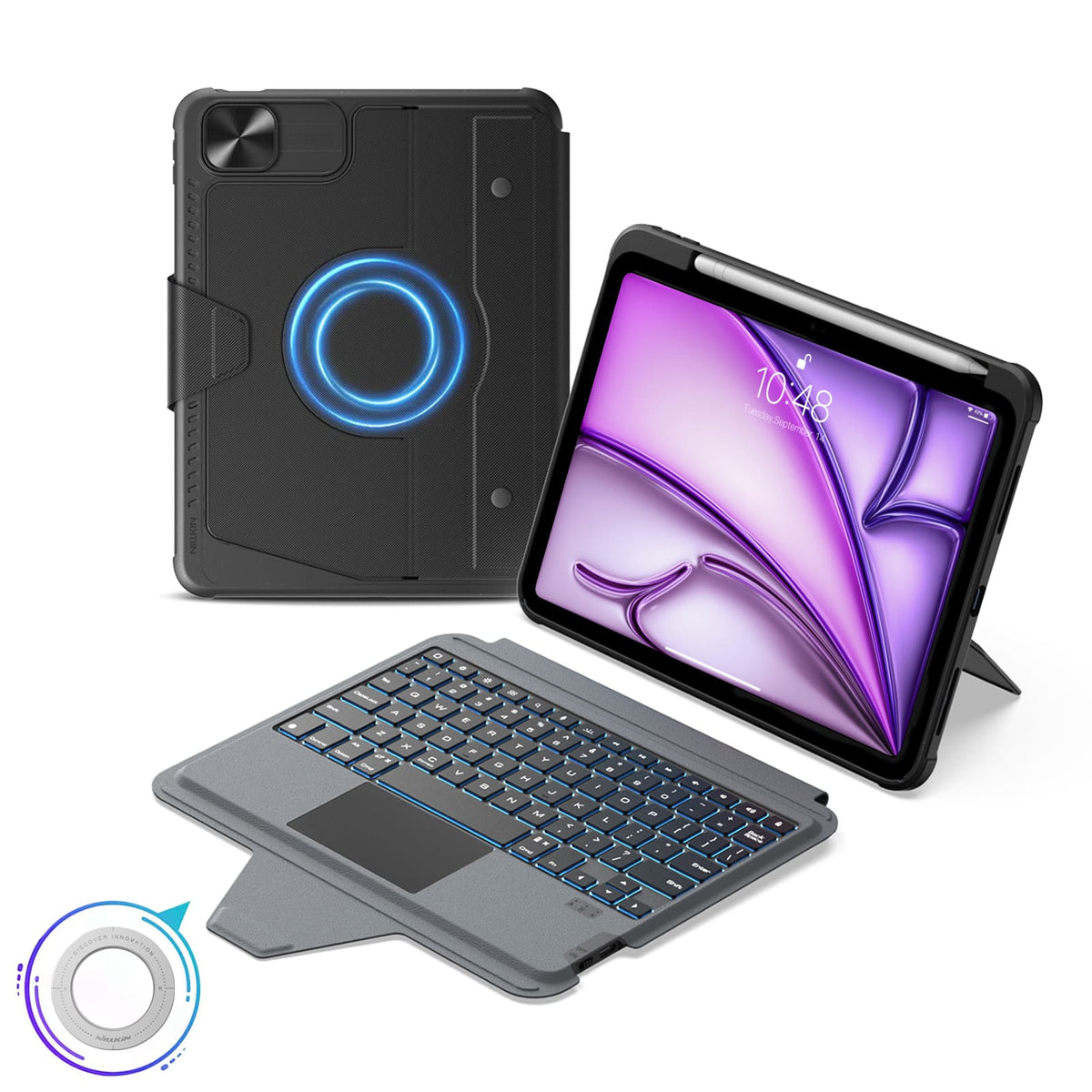


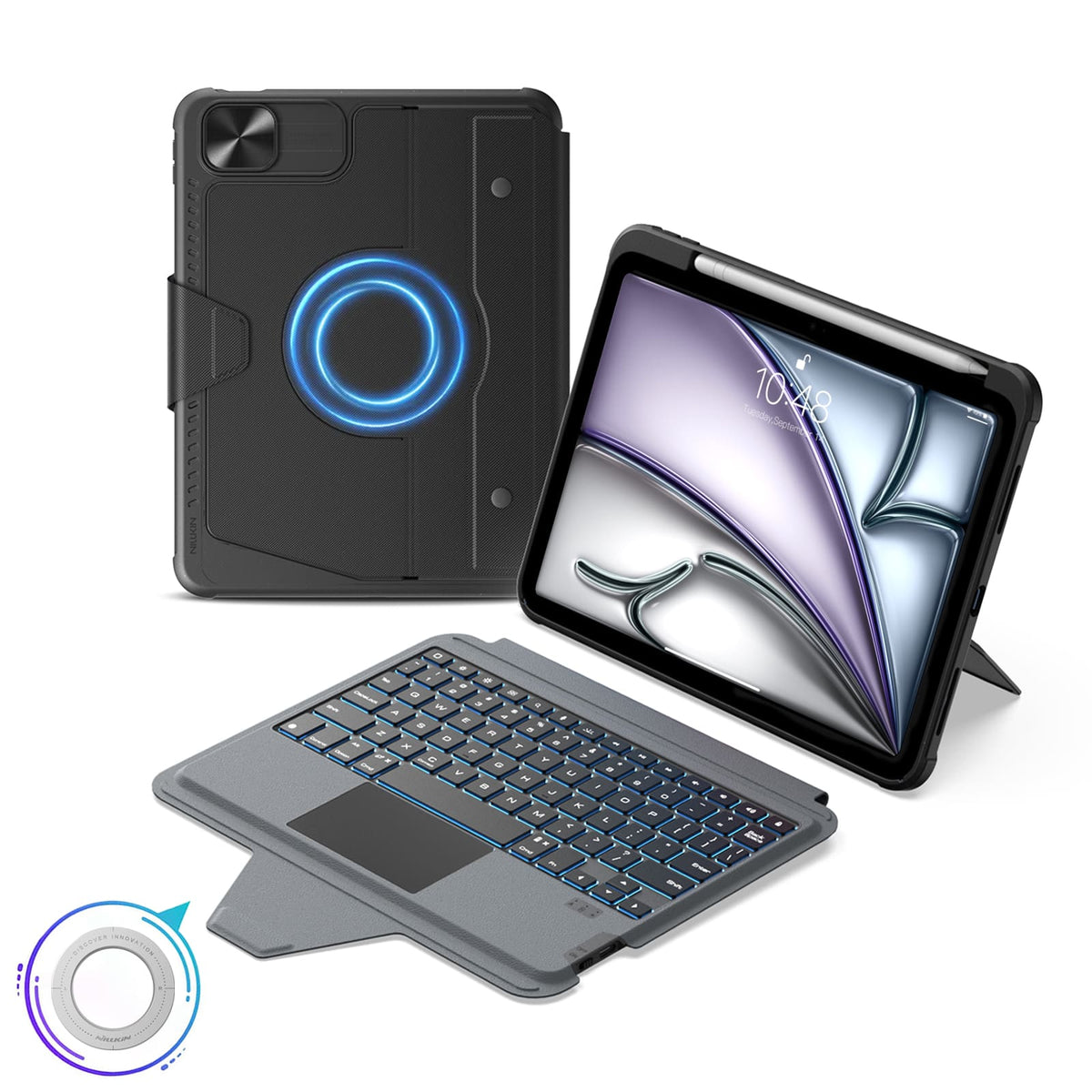


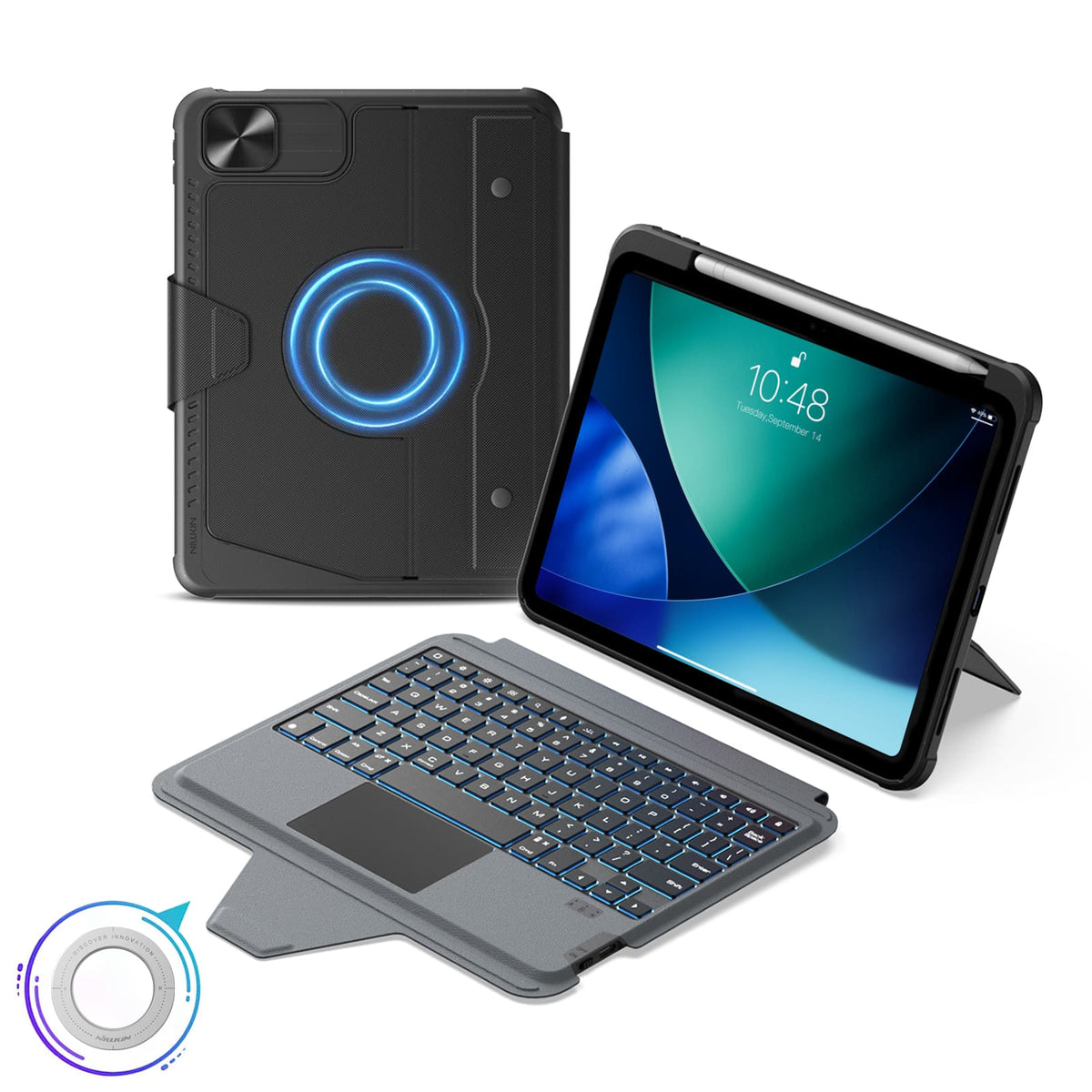


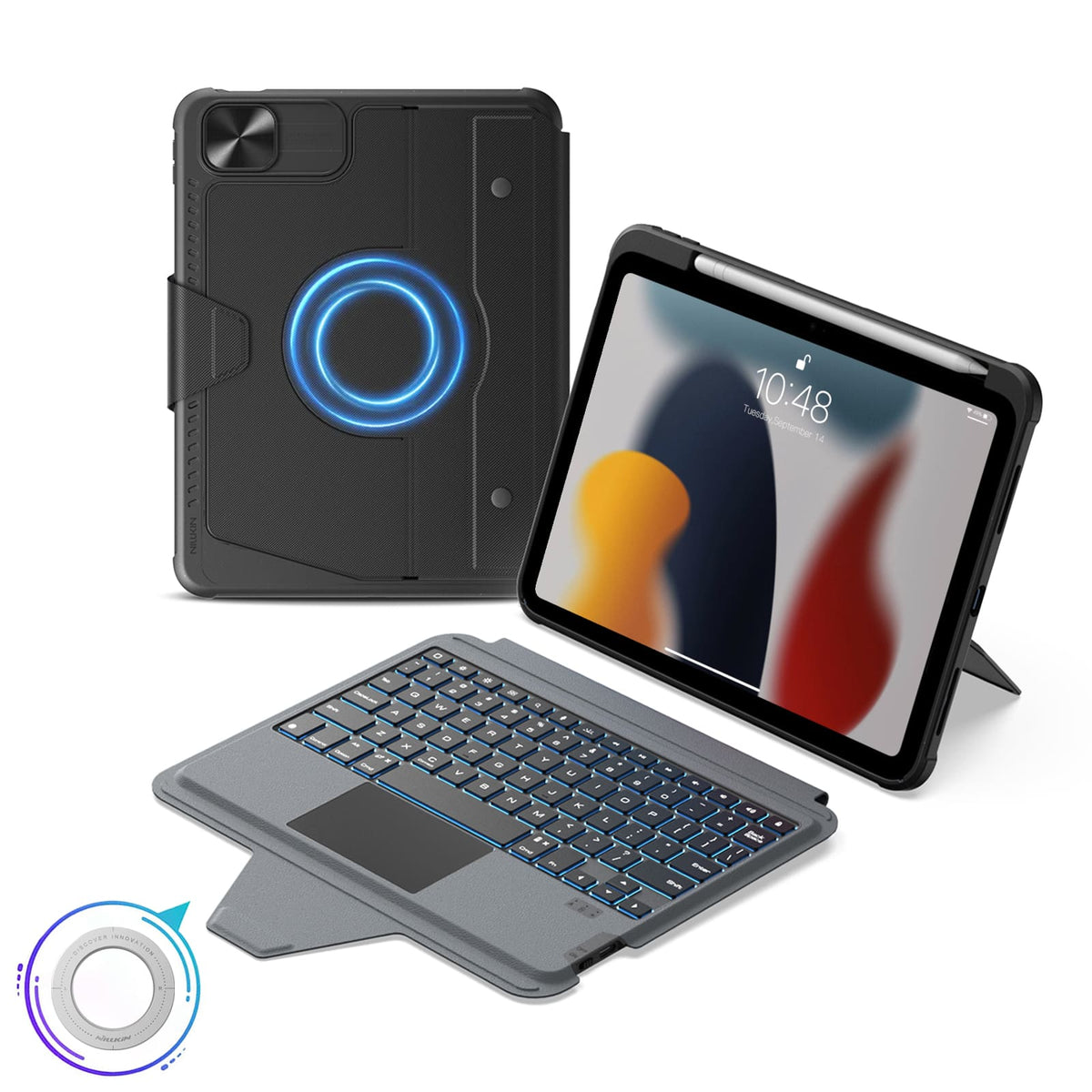


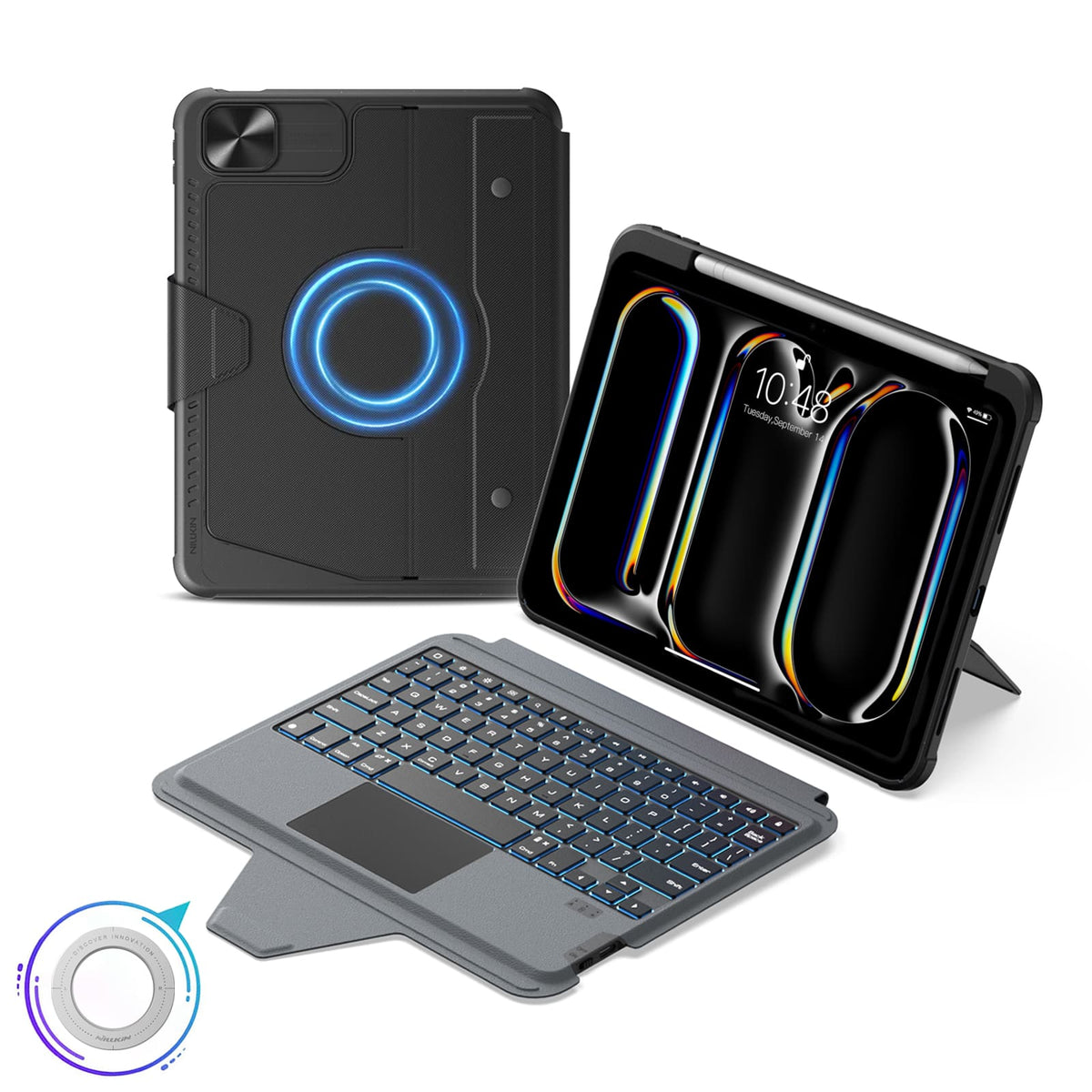
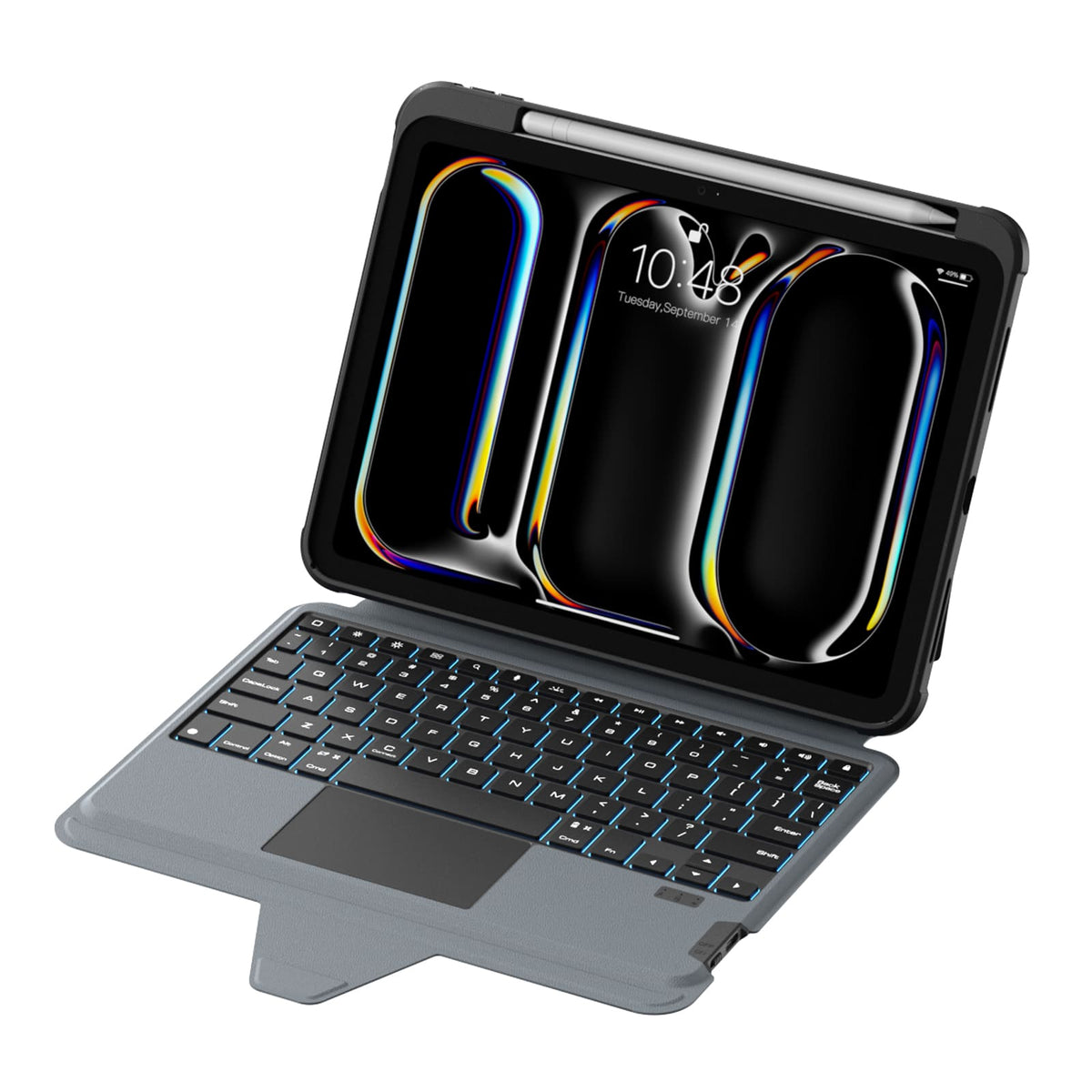
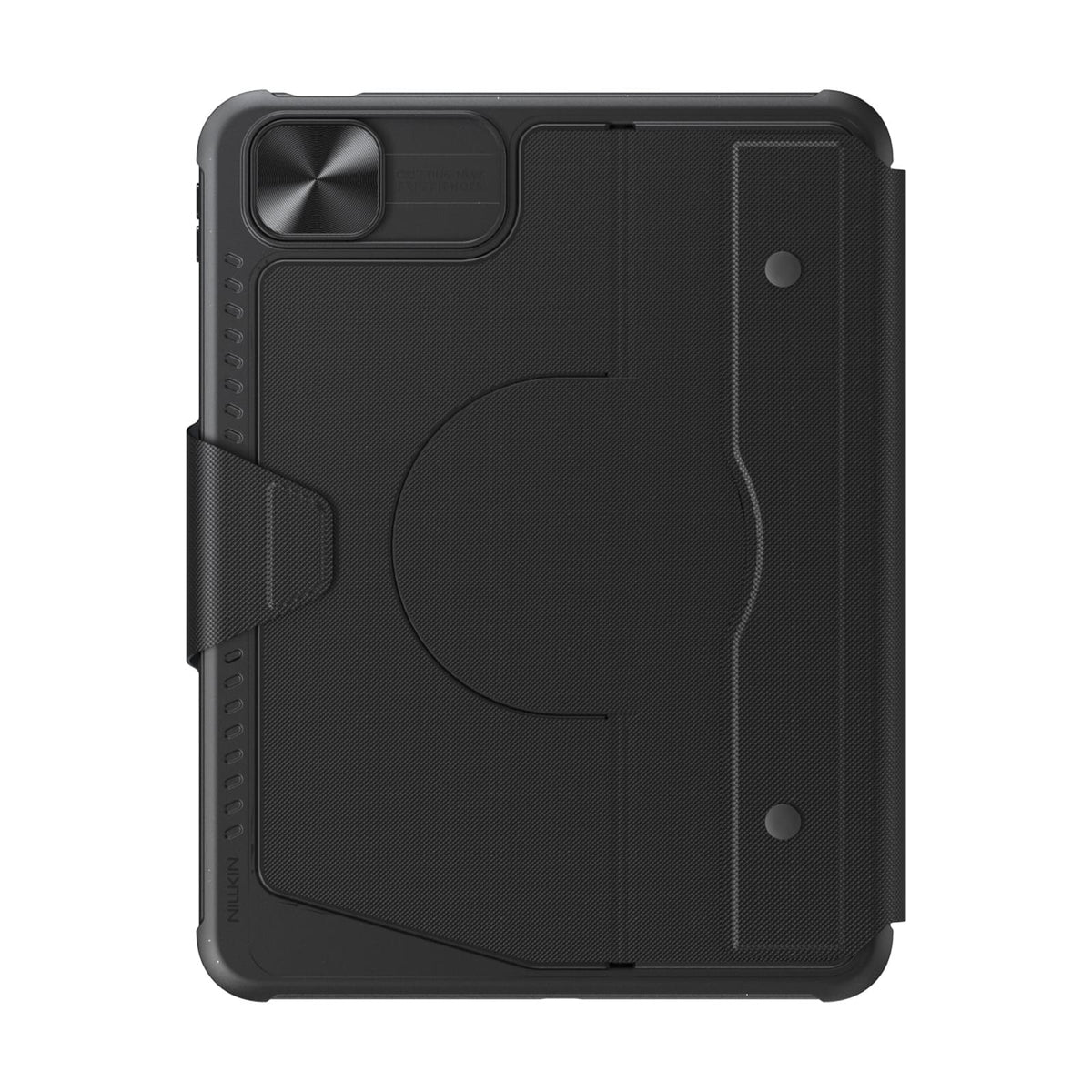
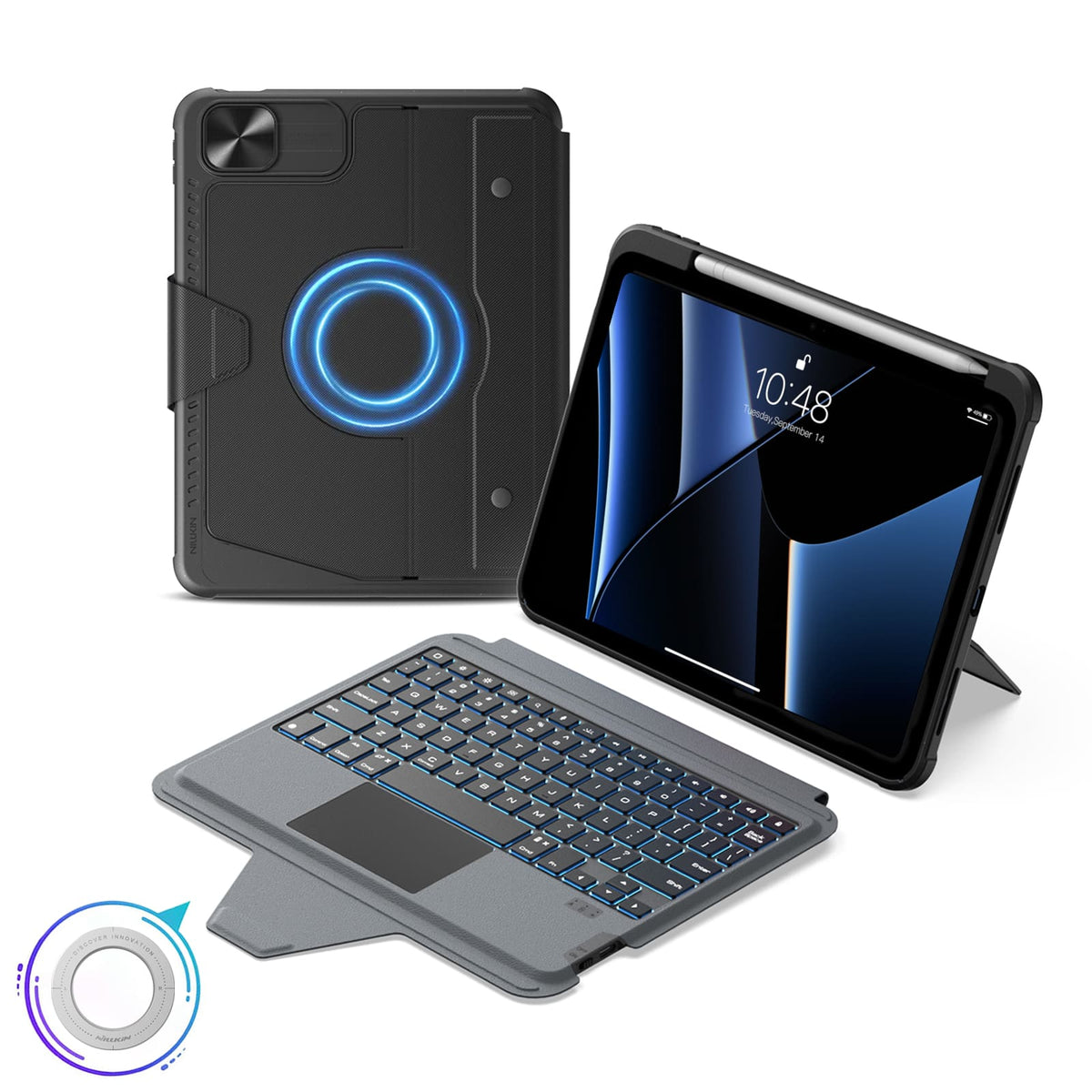

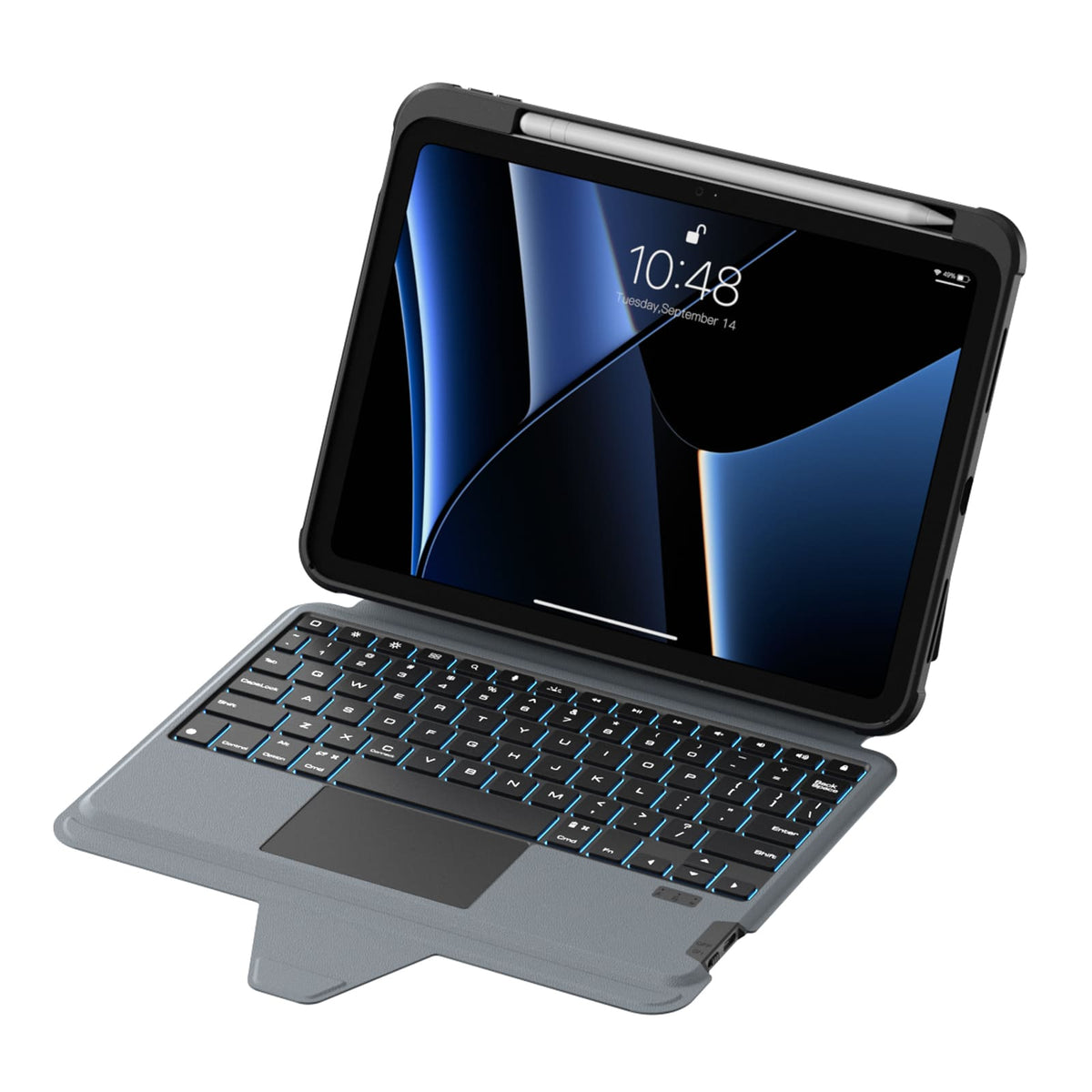
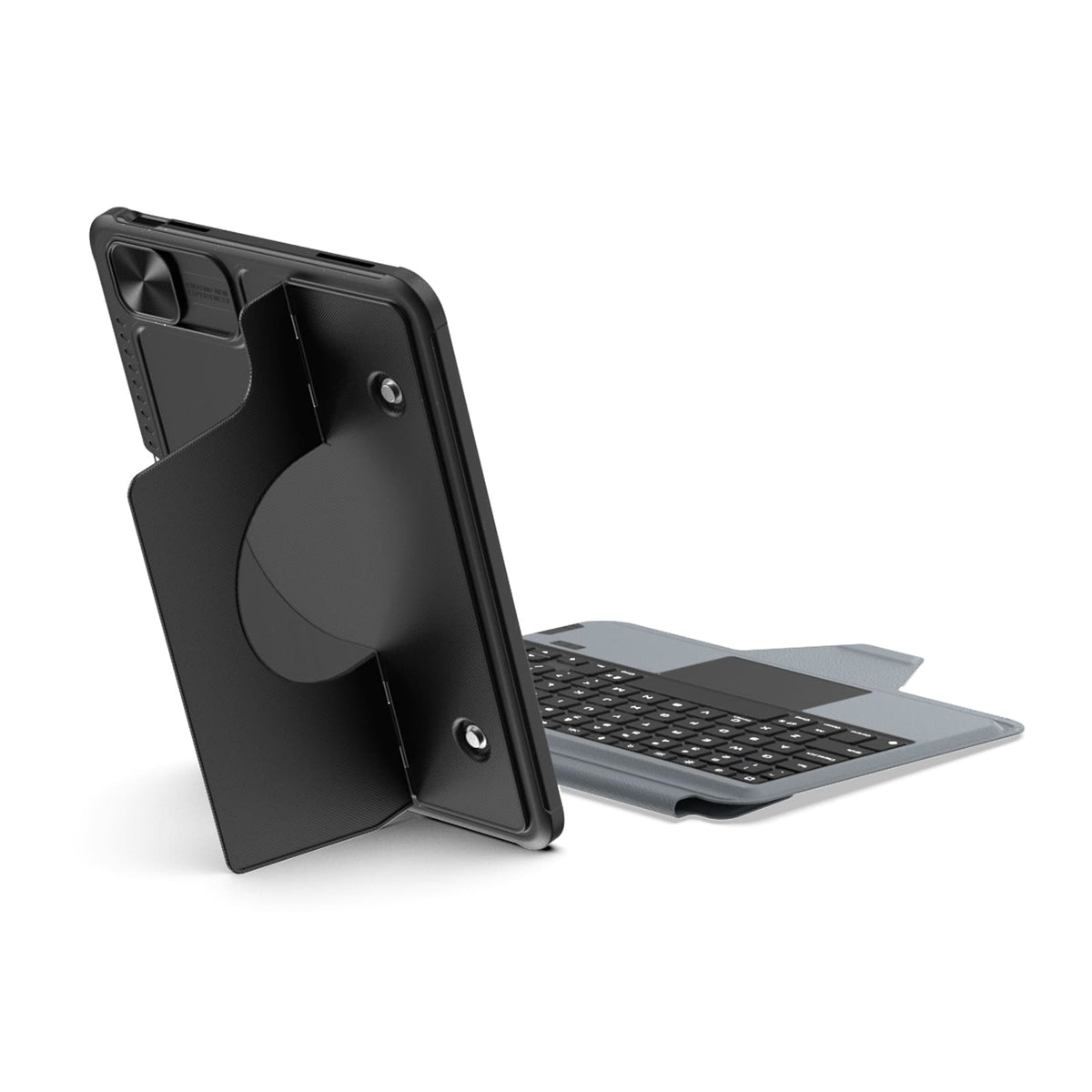
 1 Nachhaltigkeitsmerkmal
 Carbonfree Certified
 Carbonfree Certified

5 flexible Modi, magnetische Kompatibilität, Bluetooth 5.0.
Tastaturlayout: US-Englisch

5 flexible Modi, magnetische Kompatibilität, Bluetooth 5.0.
Tastaturlayout: US-Englisch

5 flexible Modi, magnetische Kompatibilität, Bluetooth 5.0.
Tastaturlayout: US-Englisch

5 flexible Modi, magnetische Kompatibilität, Bluetooth 5.0.
Tastaturlayout: US-Englisch

5 flexible Modi, magnetische Kompatibilität, Bluetooth 5.0.
Tastaturlayout: US-Englisch

5 flexible Modi, magnetische Kompatibilität, Bluetooth 5.0.
Tastaturlayout: US-Englisch

5 flexible Modi, magnetische Kompatibilität, Bluetooth 5.0.
Tastaturlayout: US-Englisch

5 flexible Modi, magnetische Kompatibilität, Bluetooth 5.0.
Tastaturlayout: US-Englisch

5 flexible Modi, magnetische Kompatibilität, Bluetooth 5.0.
Tastaturlayout: US-Englisch

5 flexible Modi, magnetische Kompatibilität, Bluetooth 5.0.
Tastaturlayout: US-Englisch

5 flexible Modi, magnetische Kompatibilität, Bluetooth 5.0.
Tastaturlayout: US-Englisch

5 flexible Modi, magnetische Kompatibilität, Bluetooth 5.0.
Tastaturlayout: US-Englisch

5 flexible Modi, magnetische Kompatibilität, Bluetooth 5.0.
Tastaturlayout: US-Englisch

5 flexible Modi, magnetische Kompatibilität, Bluetooth 5.0.
Tastaturlayout: US-Englisch

5 flexible Modi, magnetische Kompatibilität, Bluetooth 5.0.
Tastaturlayout: US-Englisch
Wir verstehen, dass unsere Produkte manchmal nicht ganz Ihren Erwartungen entsprechen, und entschuldigen uns aufrichtig dafür. Sollte dies der Fall sein, kontaktieren Sie uns bitte so schnell wie möglich unter support@nillkin.com und senden Sie uns innerhalb von 60 Tagen nach dem Kauf umfassende Bilder des Produkts und der Verpackung. Wir werden umgehend einen Kundendienst arrangieren.
Alle Artikel können innerhalb von 60 Tagen nach Lieferung zurückgegeben oder umgetauscht werden (Hinweis: Individuell gravierte Bestellungen mit spezifischen Namen, Initialen oder Logos können nicht zurückgegeben oder erstattet werden. Wir sind nicht verantwortlich für Tippfehler oder Fehler des Kunden bei Gravuren für kundenspezifische Produkte. Kundenspezifische Bestellungen sind nur abgedeckt, wenn ein Schaden auftritt; wir senden das Produkt dann kostenlos erneut zu). NILLKIN hat eine Genehmigung für die Rücksendung von Waren (RMA), die erfordert, dass Sie die Versand- und Versicherungskosten für die Rücksendung tragen.
Bitte beachten Sie, dass die Artikel bei Erhalt in ihrem ursprünglichen Zustand sein müssen, einschließlich aller Produktdokumentationen, und innerhalb von drei Tagen versendet werden müssen.
Für einen schnellen Umtausch empfehlen wir, eine Rückerstattung zu beantragen und eine neue Bestellung aufzugeben. Planen Sie etwa eine Woche für die Bearbeitung Ihrer Rückerstattung ein, nachdem wir Ihre Rücksendung erhalten haben.
Sollte ein Paket oder ein Artikel beschädigt ankommen, lehnen Sie bitte die Annahme der Sendung ab oder benachrichtigen Sie uns umgehend (support@nillkin.com). Bewahren Sie alle Verpackungsmaterialien auf, es sei denn, NILLKIN weist Sie anders an. Ansprüche für beschädigte oder fehlende Artikel müssen sofort oder innerhalb von drei Tagen nach Erhalt Ihrer Sendung geltend gemacht werden. NILLKIN haftet nicht für verlorene oder beschädigte Artikel bei Rücksendungen.

Bei NILLKIN garantieren wir die Qualität und Leistung unserer Produkte. Unser Engagement erstreckt sich auf die Erhaltung der Haltbarkeit Ihres Produkts und die Minimierung der Umweltauswirkungen.
Produkte, die in unserem Shop gekauft wurden, haben eine 1-jährige Garantie.
Eingeschränkte Garantie:
- Kaufen Sie auf nillkin.com für Deckung; andere Quellen sind nicht enthalten.
- Deckt Material-/Verarbeitungsfehler während der Garantiezeit ab. NILLKIN ersetzt defekte Produkte für ursprüngliche Käufer.
Hinweis:
- Garantie schließt Produkte aus, die nicht von nillkin.com stammen, kostenlose/Aktionsartikel, Nicht-NILLKIN-Produkte und eingestellte Artikel aus.
Anspruch einreichen:
Bei Garantie-/Schadensfällen kontaktieren Sie support@nillkin.com für kostenlose Ersatzlieferungen.
Erfahren Sie mehr über unsere Garantiezeiten, prüfen Sie Details.

Das Großeinkaufsrabattprogramm bietet Unternehmen, Organisationen, Regierungen und Einzelpersonen eine kostengünstige Lösung zum Kauf von NILLKIN-Produkten in großen Mengen (mindestens 10 Artikel insgesamt), einschließlich Handyhüllen, Tablet-Hüllen, Displayschutzfolien, kabellosen Ladegeräten, Kopfhörern und anderem Zubehör. Darüber hinaus eignen sich NILLKIN-Produkte hervorragend als Geschenke für Ihre Mitarbeiter und Geschäftspartner. Treten Sie dem Programm bei und sparen Sie jetzt!
Für Anregungen oder Fragen können Sie uns gerne per E-Mail kontaktieren.
E-Mail: support@nillkin.com
Erfahren Sie mehr über unseren Großeinkaufsrabatt, prüfen Sie die Details.
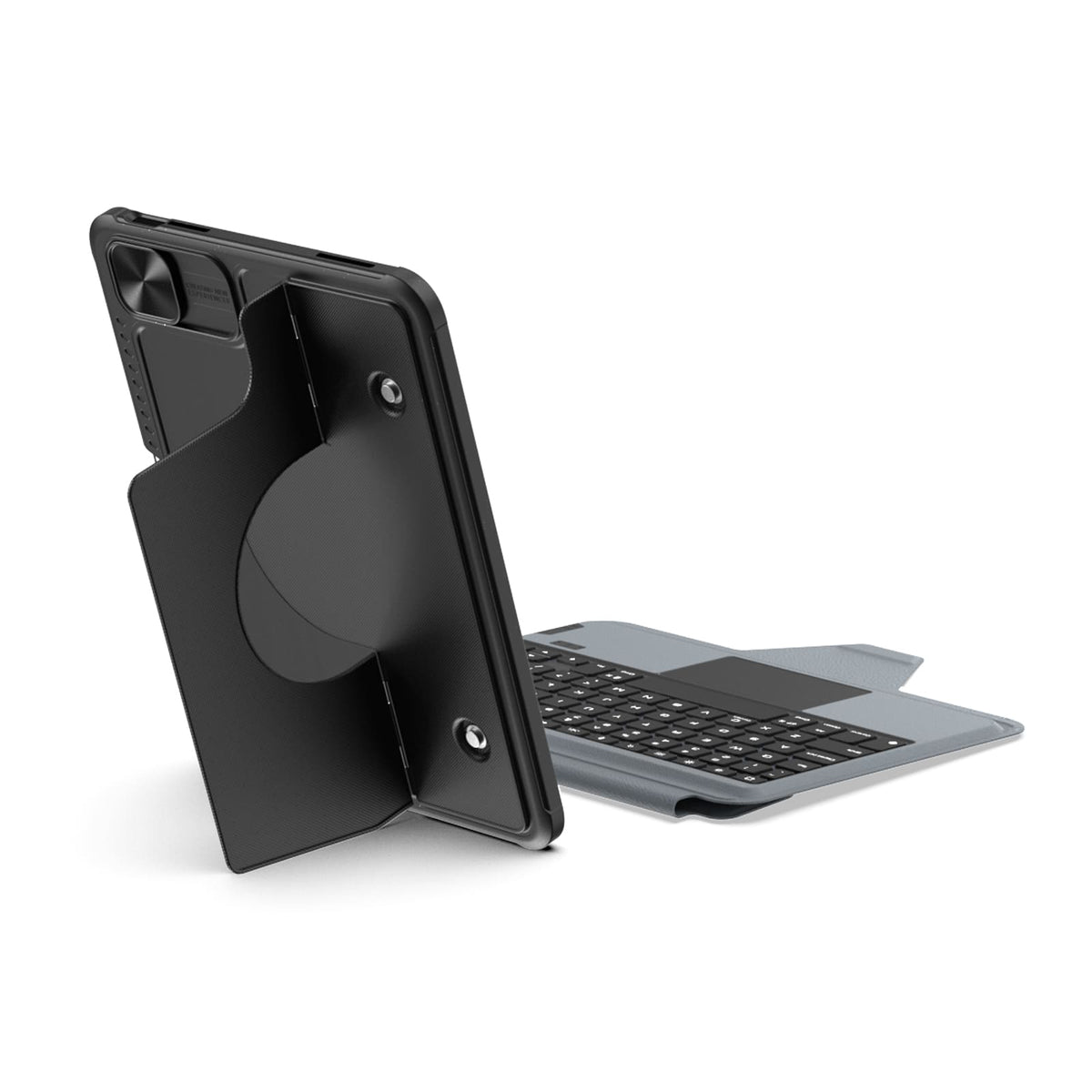
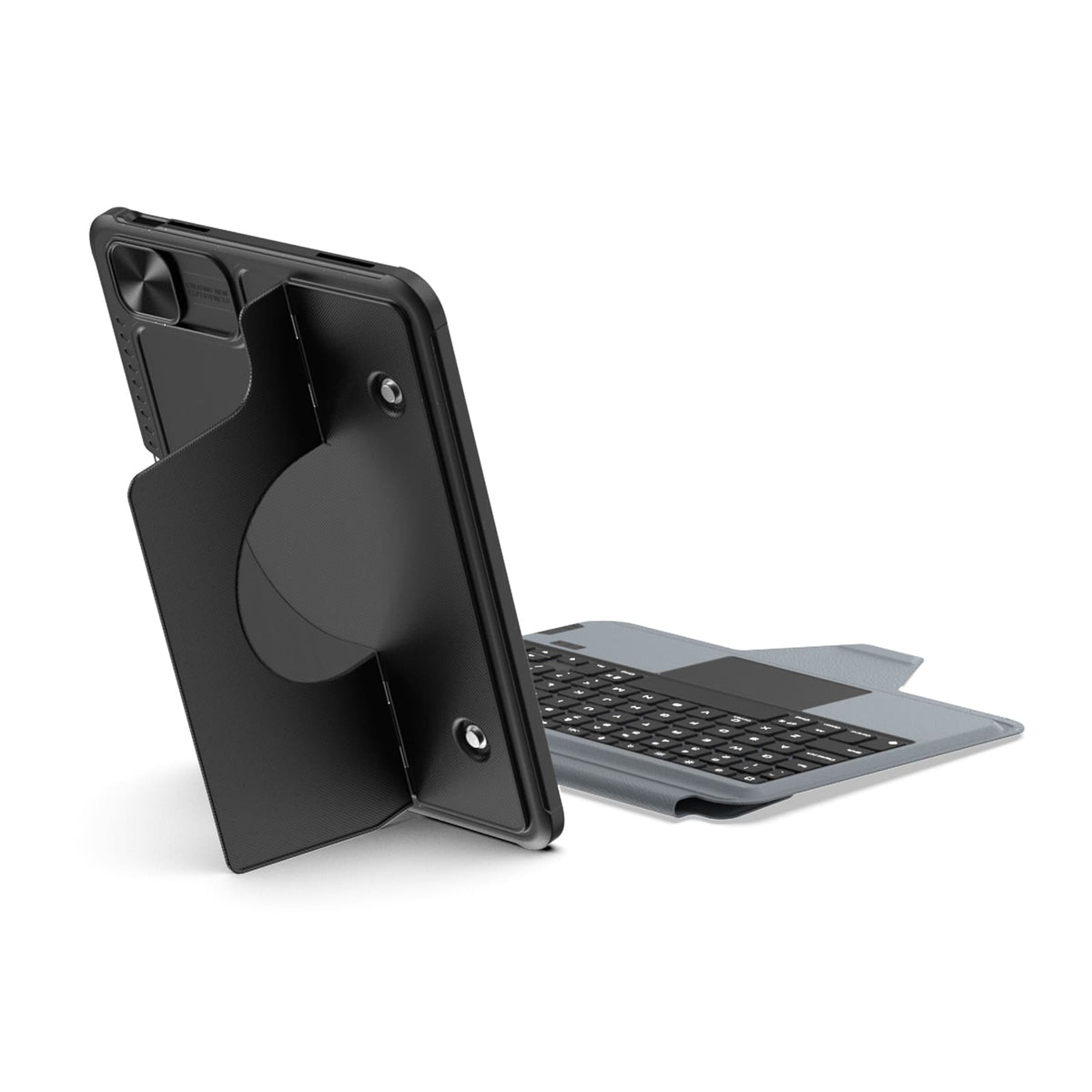
Built-in magnets unlock more ways to use your iPad with compatible metal surfaces and NILLKIN magnetic accessories.
Switch between typing, viewing, browsing, drawing, and hands-free setups with one case.
Quiet scissor-switch keys with 1.4mm key travel and a precision trackpad deliver responsive, comfortable control for everyday typing.
Sieben Hintergrundbeleuchtungsfarben, drei Helligkeitsstufen und eine Anti-Fehlbedienungs-Technologie sorgen für einen unterbrechungsfreien Arbeitsablauf.
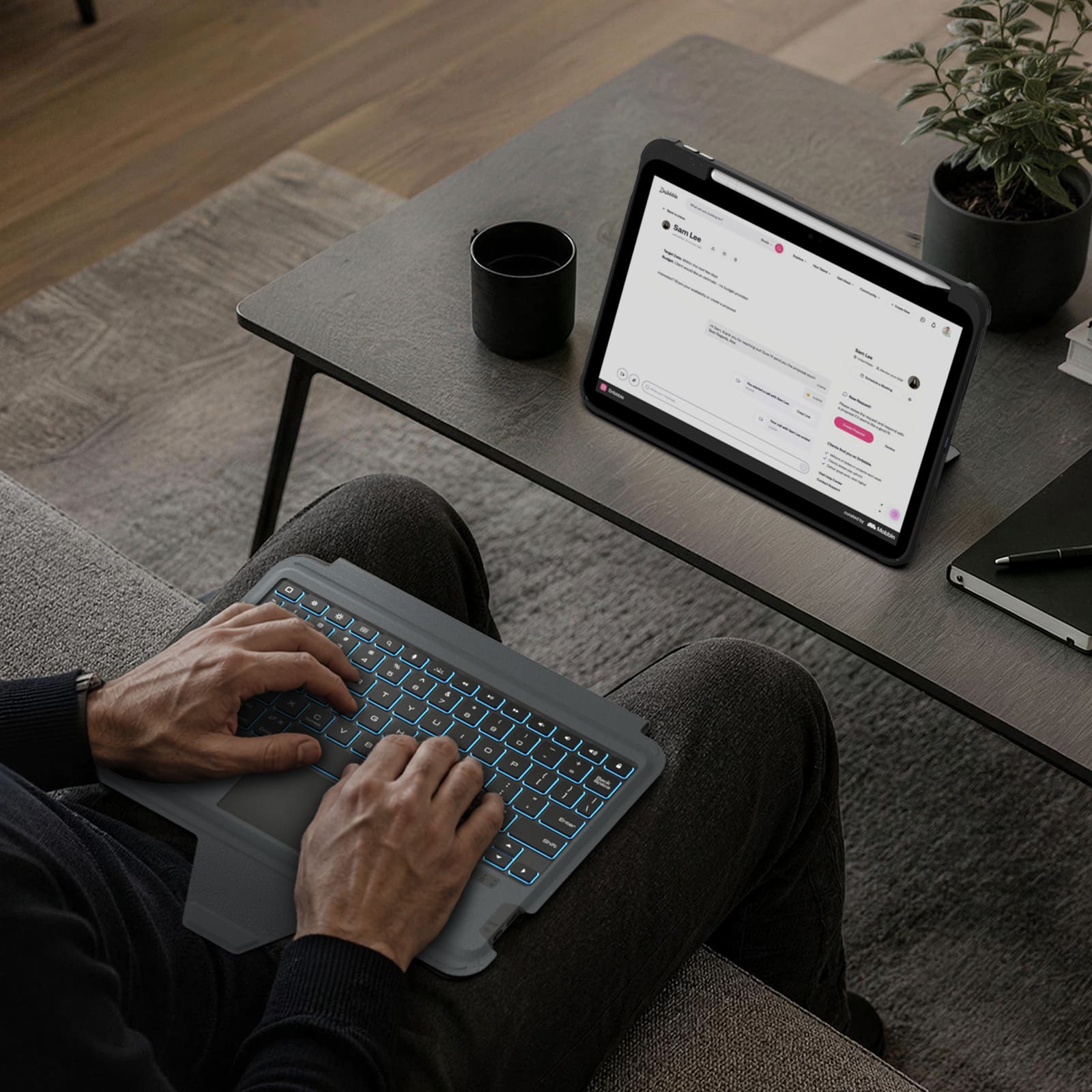
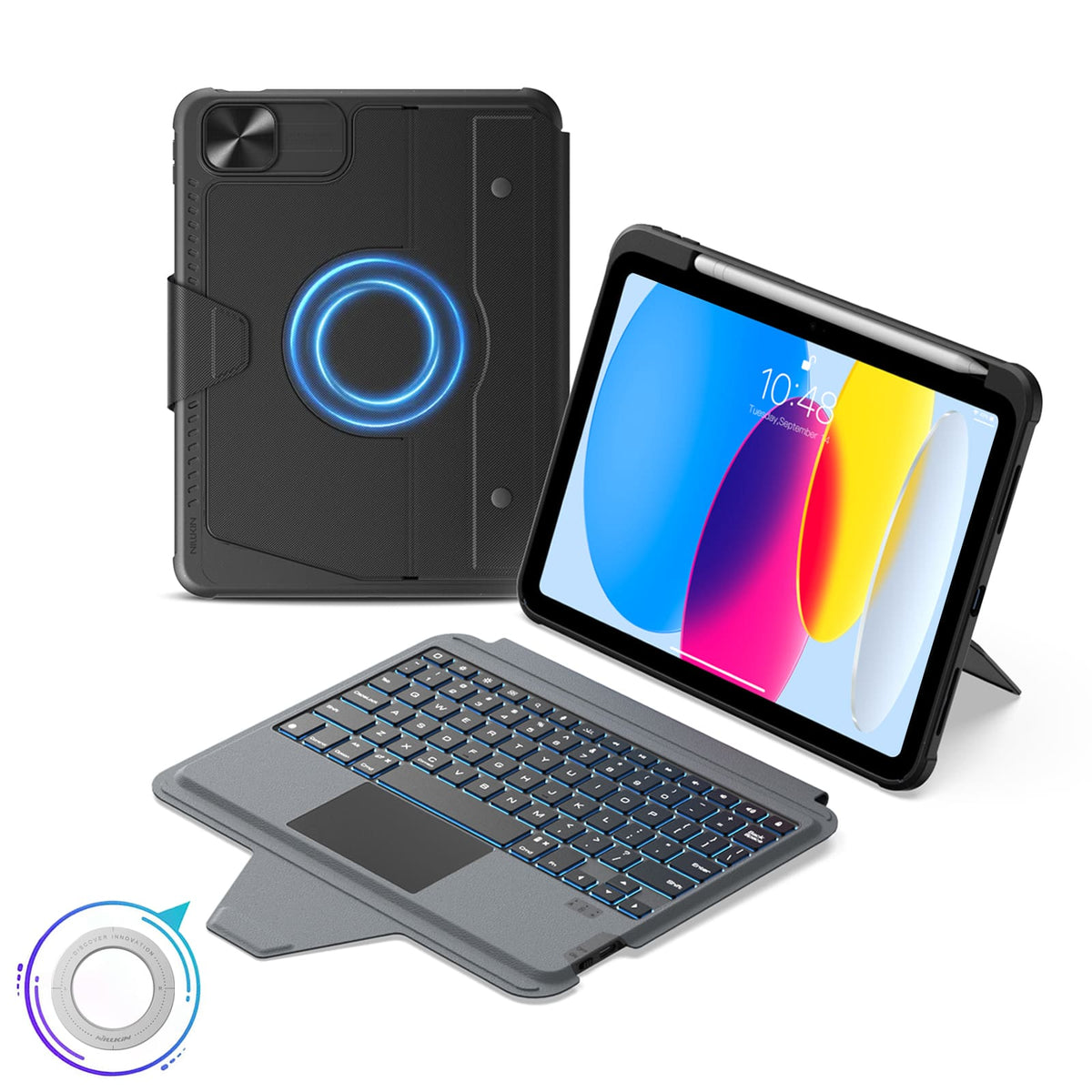
Detach the keyboard while keeping the protective case installed for everyday protection.
Bluetooth 5.0 keeps connections reliable, with up to 100 hours of battery life.
Verbindungstechnologie: Bluetooth 5.0
Tastaturtyp: Abnehmbare kabellose Tastatur
Betriebssystem: iPadOS
Anzahl der Tasten: 78 Tasten
Tastaturbeleuchtung: 7-Farben-Hintergrundbeleuchtung mit 3 Helligkeitsstufen
Farboptionen: Schwarz
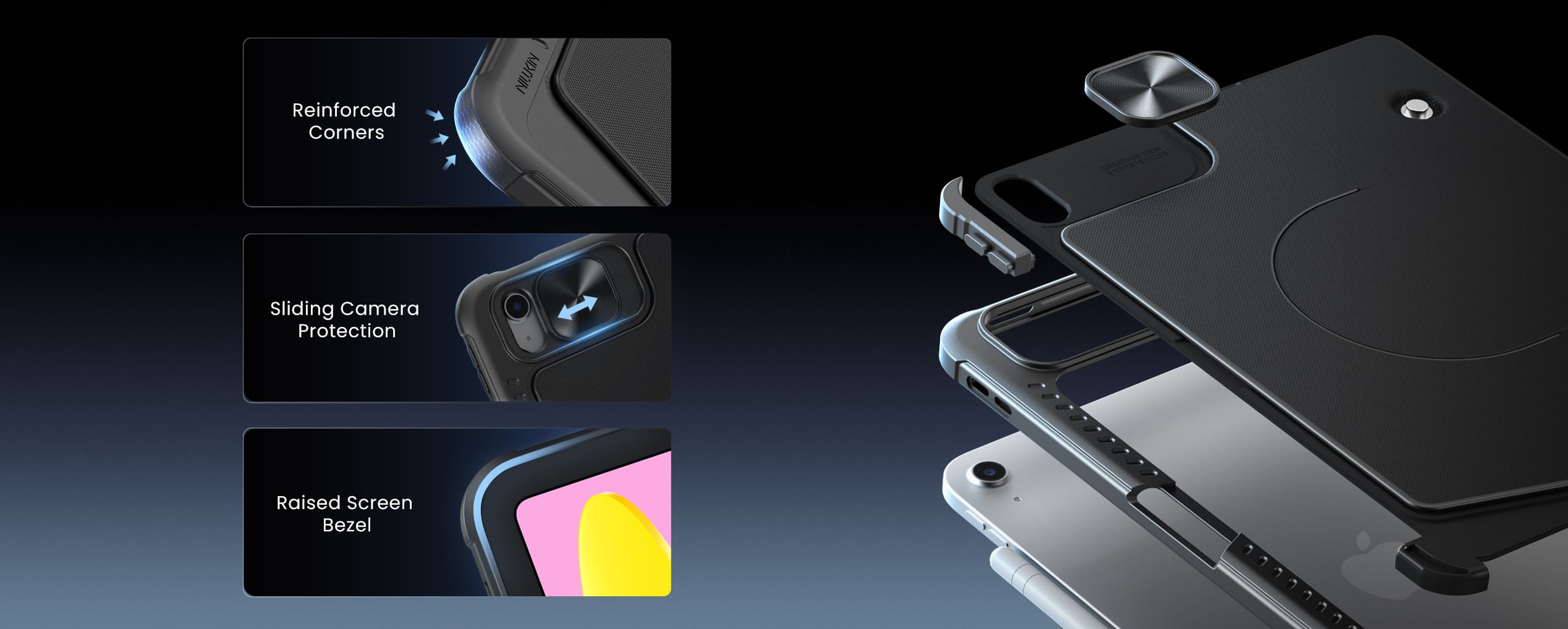
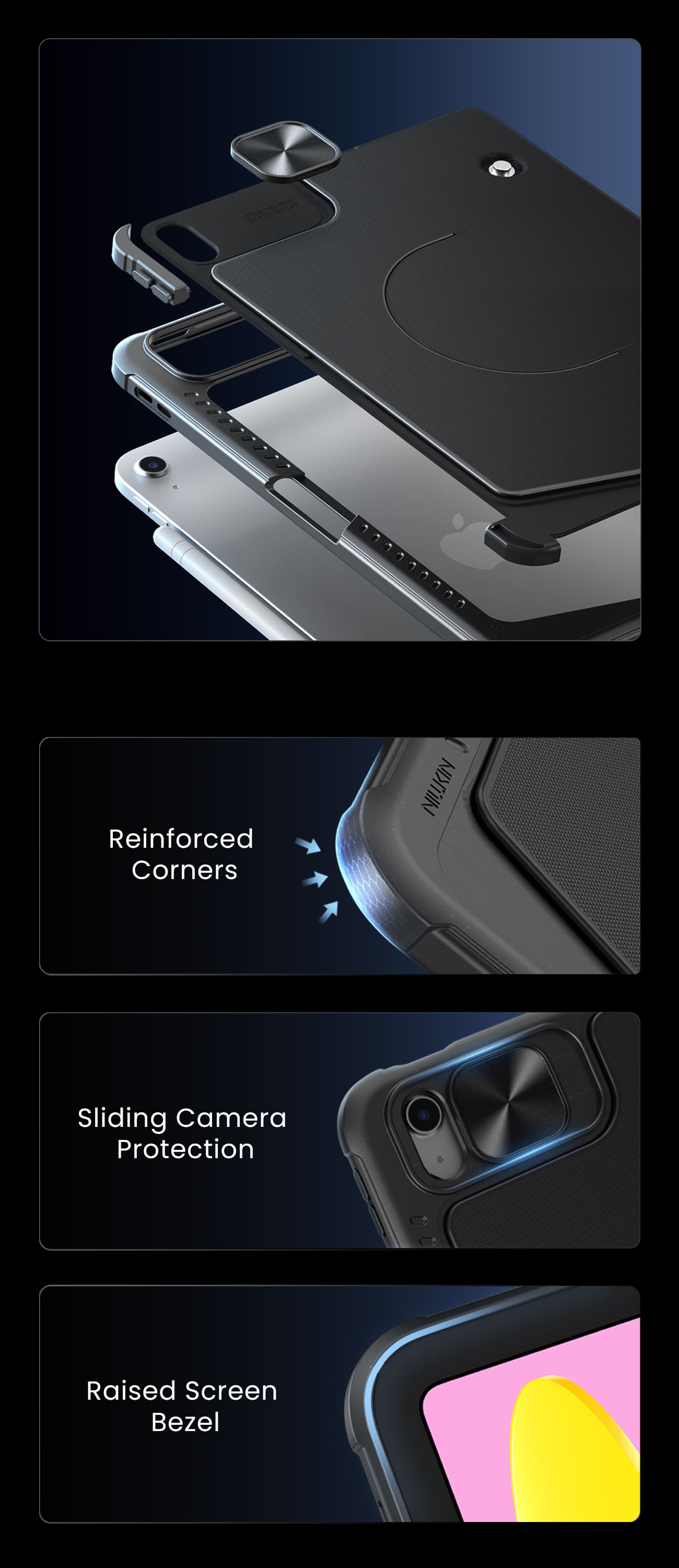
Besondere Merkmale: Abnehmbare Tastatur, integriertes Trackpad, magnetische Zubehörkompatibilität, verschiebbare Kameraabdeckung, beleuchtete Tasten, Hotkeys & Medientasten, OTA-Firmware-Updates
Empfohlene Verwendung: Arbeit, kreative Aufgaben, Tippen, Präsentationen, Unterhaltung, täglicher Gebrauch

2.5D Clear Glass Pro Displayschutzfolie für iPad-Serie

SnapBranch Pro Ladestationen
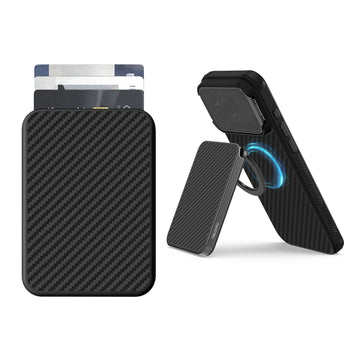
FiberMate Kevlar® Magnetische Handy-Kartenhalterung mit Ständer
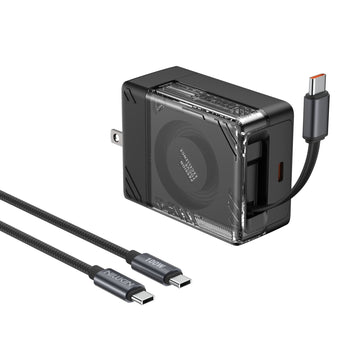
IceCore 65W GaN Einziehbares Ladegerät (0,7m USB-C-Kabel) mit 1,8m 100W C-zu-C-Kabel
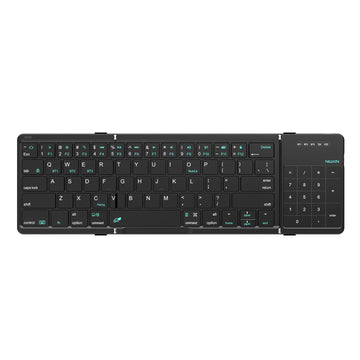
Cube Pocket faltbare Bluetooth-Tastatur mit Touchpad
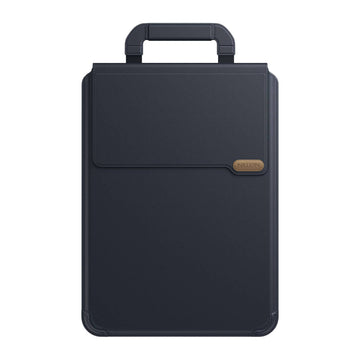
Versatile Pro Laptop-Hülle mit Ständer & Mauspad


Erleichtern Sie Ihr Leben und Ihre Arbeit mit einzigartigen und qualitativ hochwertigen Produkten. Wir sind davon überzeugt, dass hochwertige Accessoires das Benutzererlebnis verbessern, und unser Team ist bestrebt, unsere Produkte ständig weiterzuentwickeln und zu verbessern, um den sich ständig ändernden Marktbedürfnissen gerecht zu werden.
Da das Lebenstempo immer schneller wird und Produktivitätsgeräte sich ständig weiterentwickeln, ermöglicht die Multi-Screen-Kollaboration die nahtlose Übertragung von Inhalten zwischen Geräten, was verschiedene funktionale Operationen ermöglicht und den Menschen effizienteres Arbeiten erlaubt.
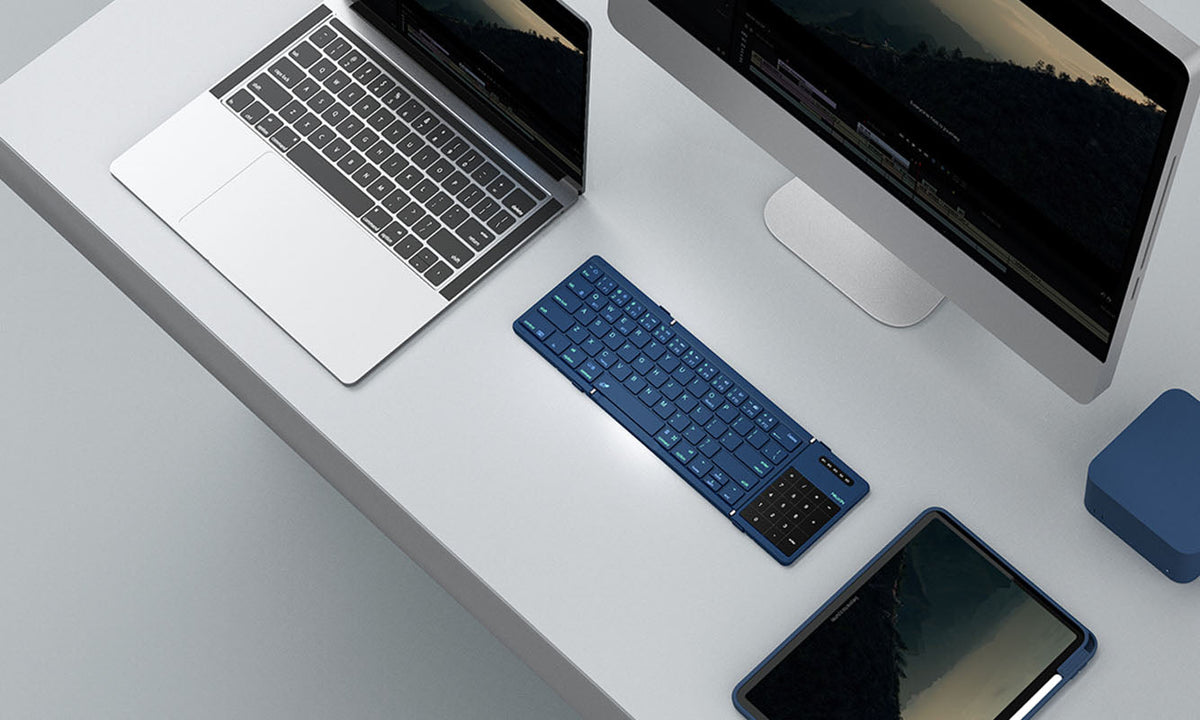
NILLKIN Cube Pocket Tastatur: So koppeln und wechseln Sie zwischen bis zu 3 Geräten
Ein vollständiger Leitfaden zum Koppeln, Umschalten und zur Fehlerbehebung der NILLKIN Cube Pocket Tastatur mit drei Bluetooth-Geräten. Behandelt die Ersteinrichtung, betriebssystemspezifische Schr...
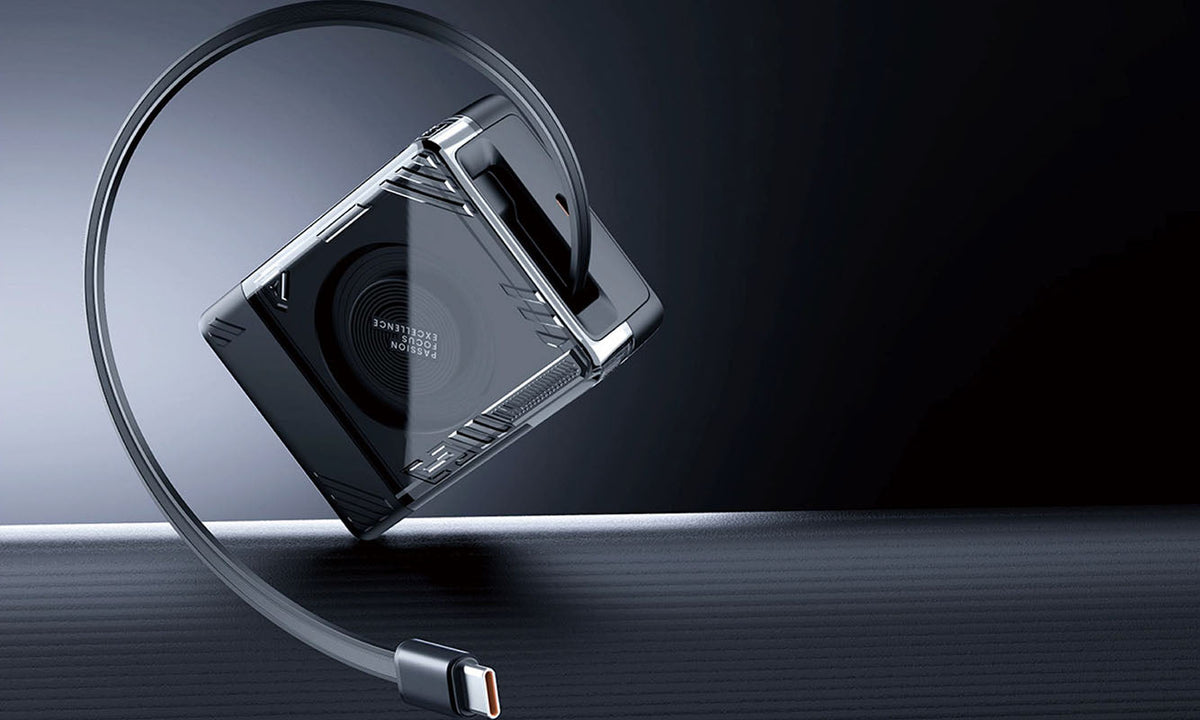
Reise-Ladegerät-Ratgeber: Weltweit sicher laden im Jahr 2026
Ein praktischer Leitfaden für 2026: So wählen Sie das richtige USB-C-GaN-Reiseladegerät für jedes Reiseziel. Erfahren Sie, wie austauschbare Stecker, länderspezifische Versionen und 65W-GaN-Technol...
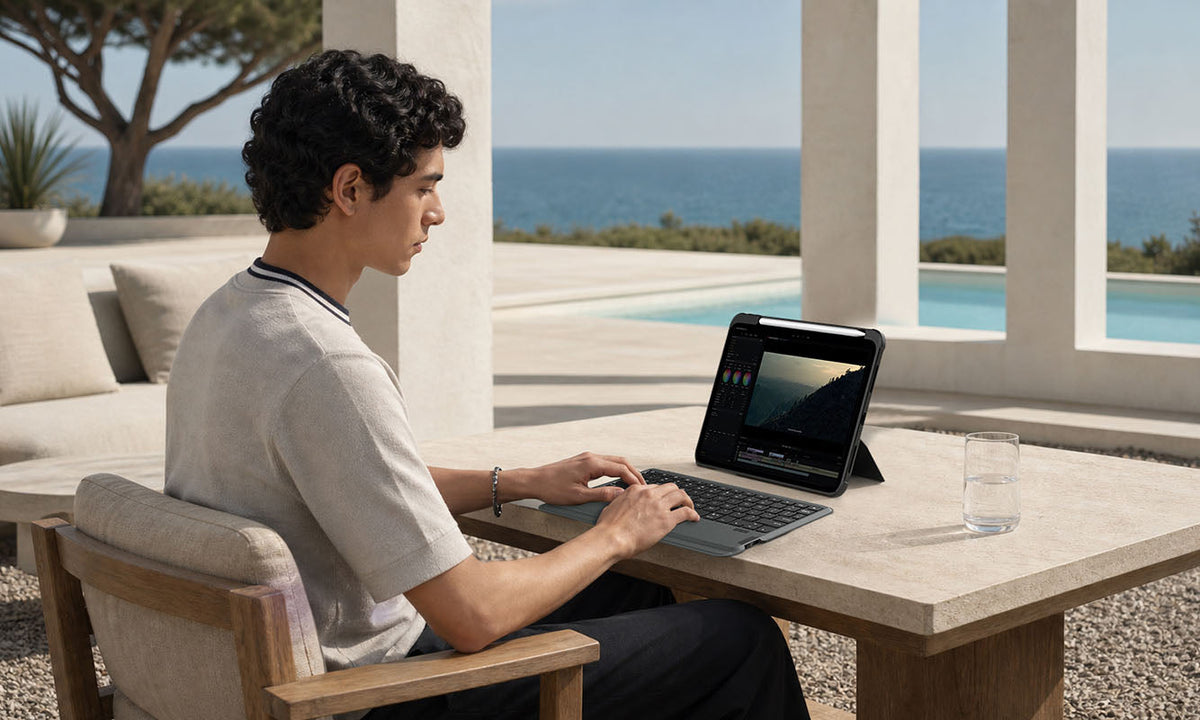
Lohnt sich eine iPad-Tastaturhülle? Was Sie vor dem Kauf beachten sollten
Ein praktischer Kaufratgeber, der beleuchtet, wer am meisten von einem iPad-Tastatur-Case profitiert, wann sich die Investition nicht lohnt und welche Funktionen im Jahr 2026 für die Produktivität ...