iPad Pro/Air Cases
 Galaxy Tab Cases
 Magnetic iPad Keyboard
 Xiaomi Pad Cases
 Tablet Accessories
 iPhone 18 Series
 iPhone 17 Series
 iPhone 16 Series
 iPhone 15 Series
 iPhone 14 Series
 iPhone 13 Series
 Galaxy Z Fold & Flip Series
 Galaxy S26 Series
 Galaxy S25 Series
 Galaxy S24 Series
 Galaxy S23 Series
 Google Pixel 11 Series
 Google Pixel 10 Series
 Google Pixel 9 Series
 Xiaomi Series
 OnePlus Series
 Oppo Series
 Vivo Series
 Huawei Honor Series
 Nothing Series
 iPhone Series
 Samsung Galaxy Series
 Google Series
 Xiaomi Series
 OPPO Series
 Foldable Keyboard
 Speakers
 Laptop
 Health
 Magnetic Wallet Stand
 RayDock Charging Dock
 Chargers & Cables
 Phone Stands & Mounts
 Car Charging
 Hot Deals 🔥

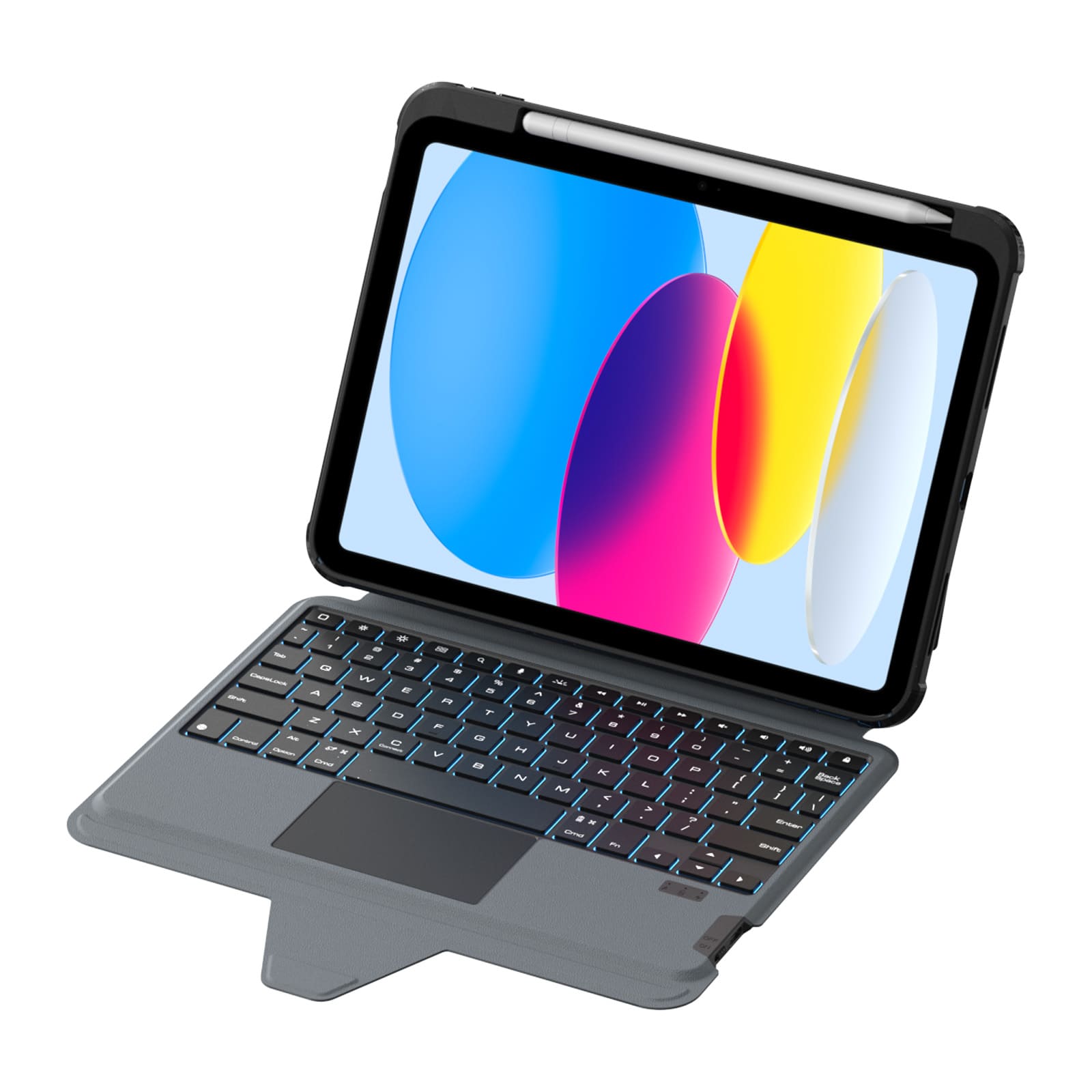
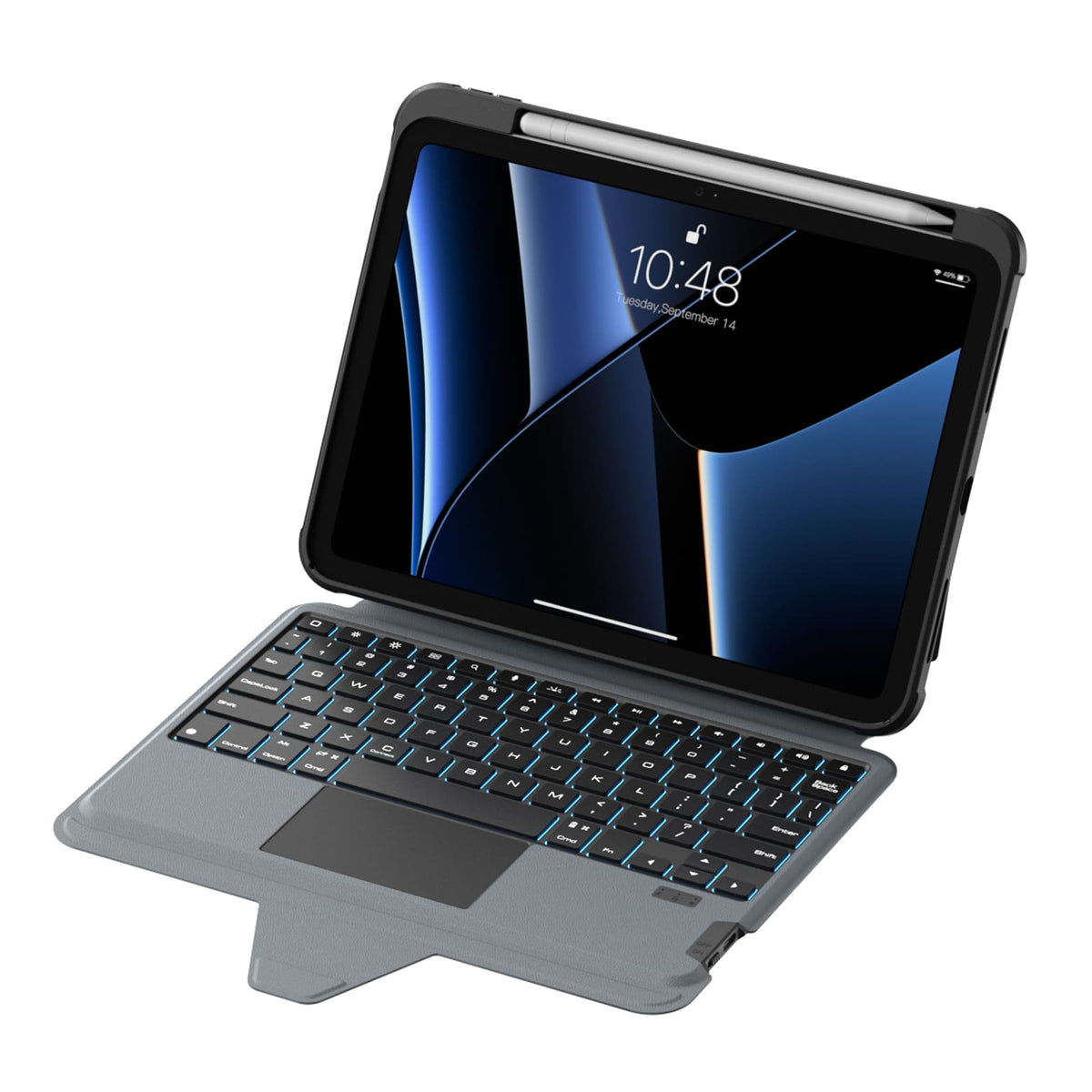
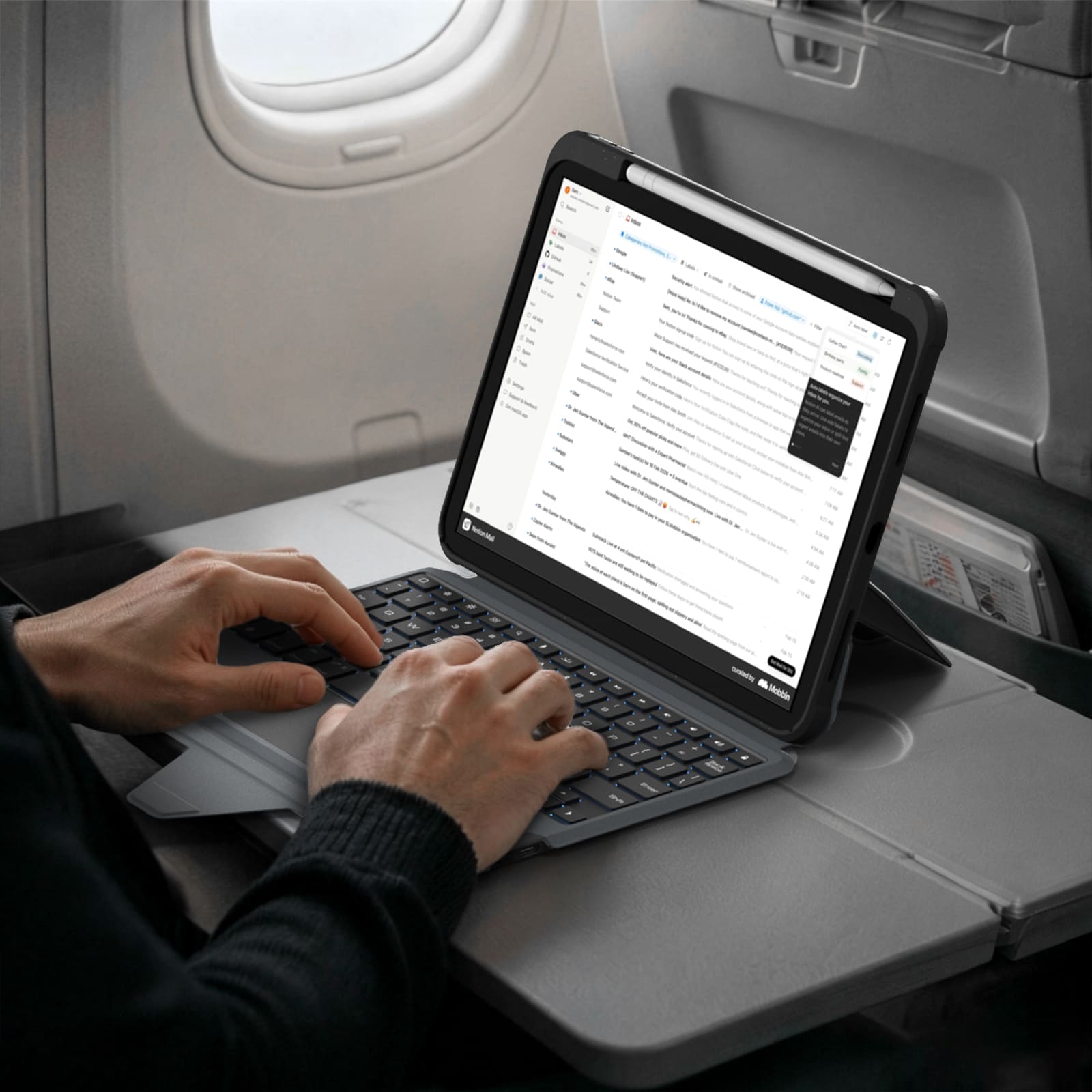
A full-size layout, responsive keys and a precision trackpad bring a more natural, effortless flow to everyday work.
More Than a Keyboard Case
More Than a Keyboard Case










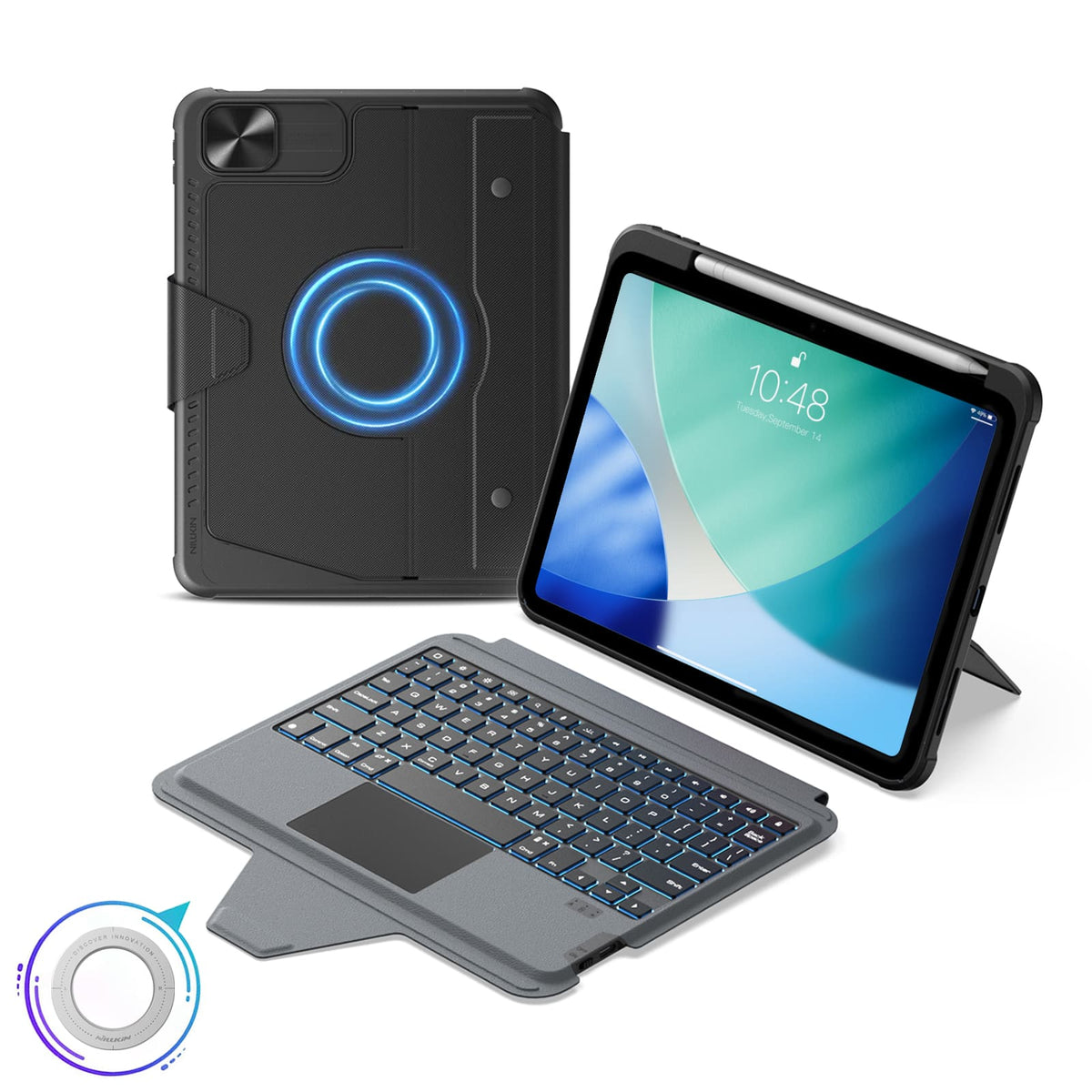


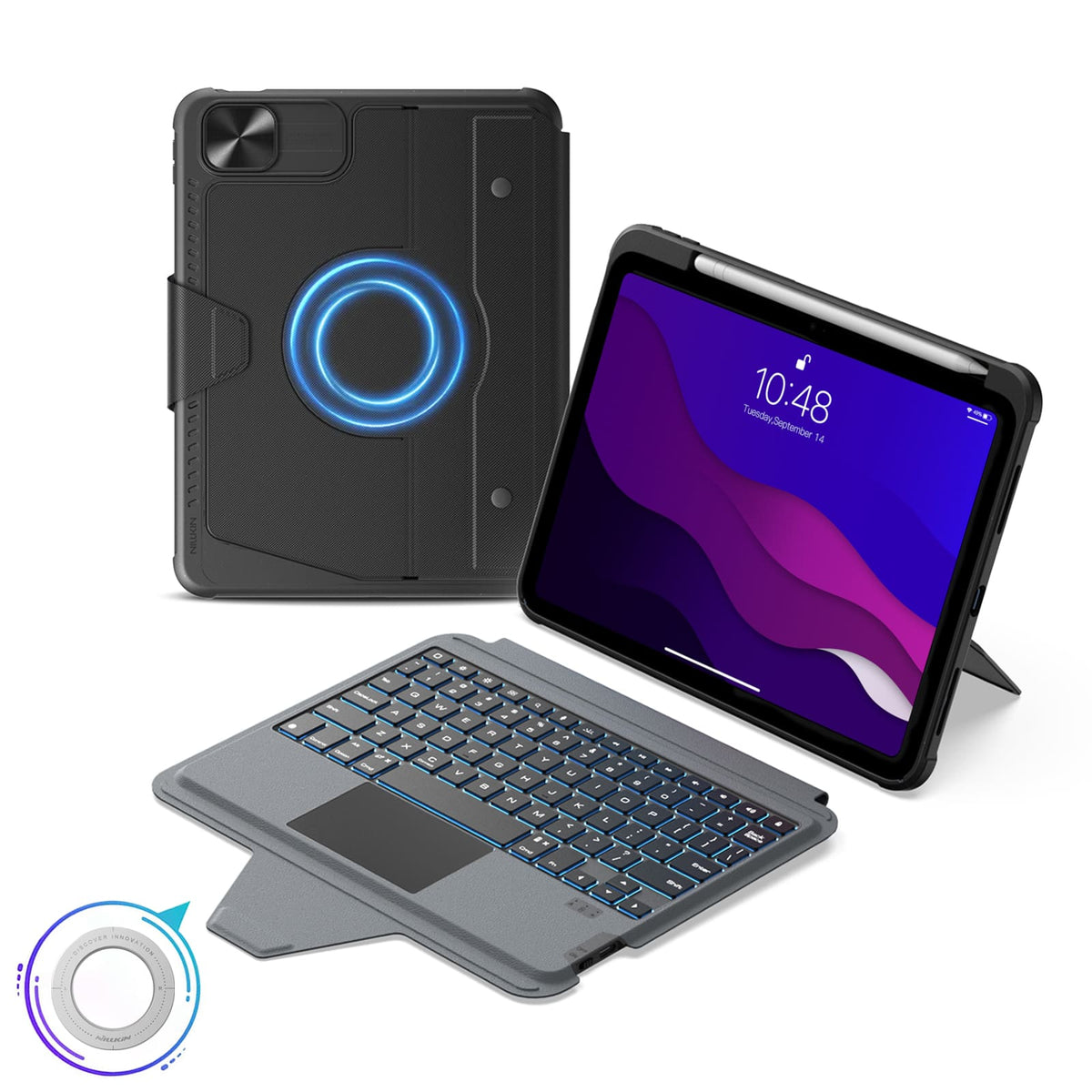


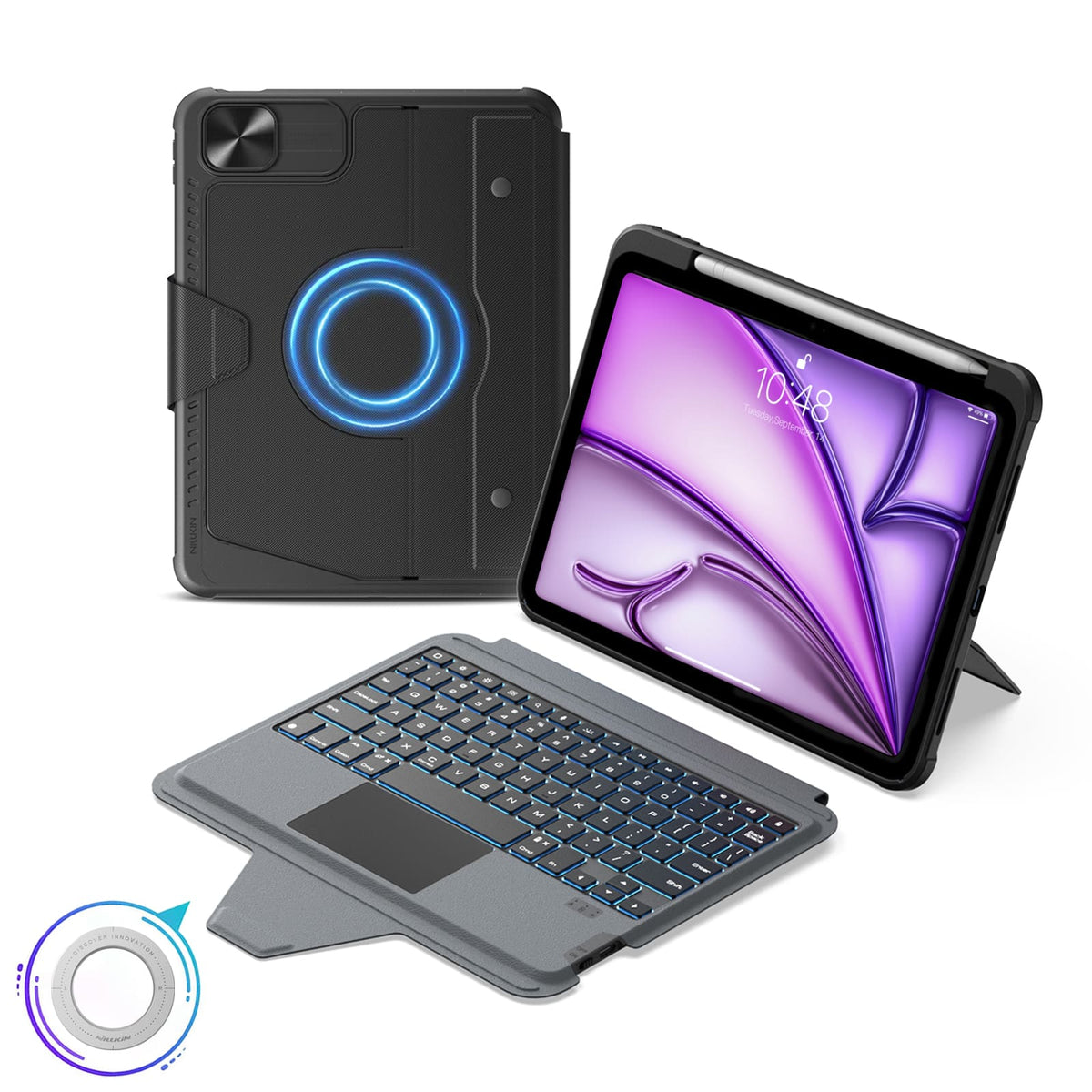


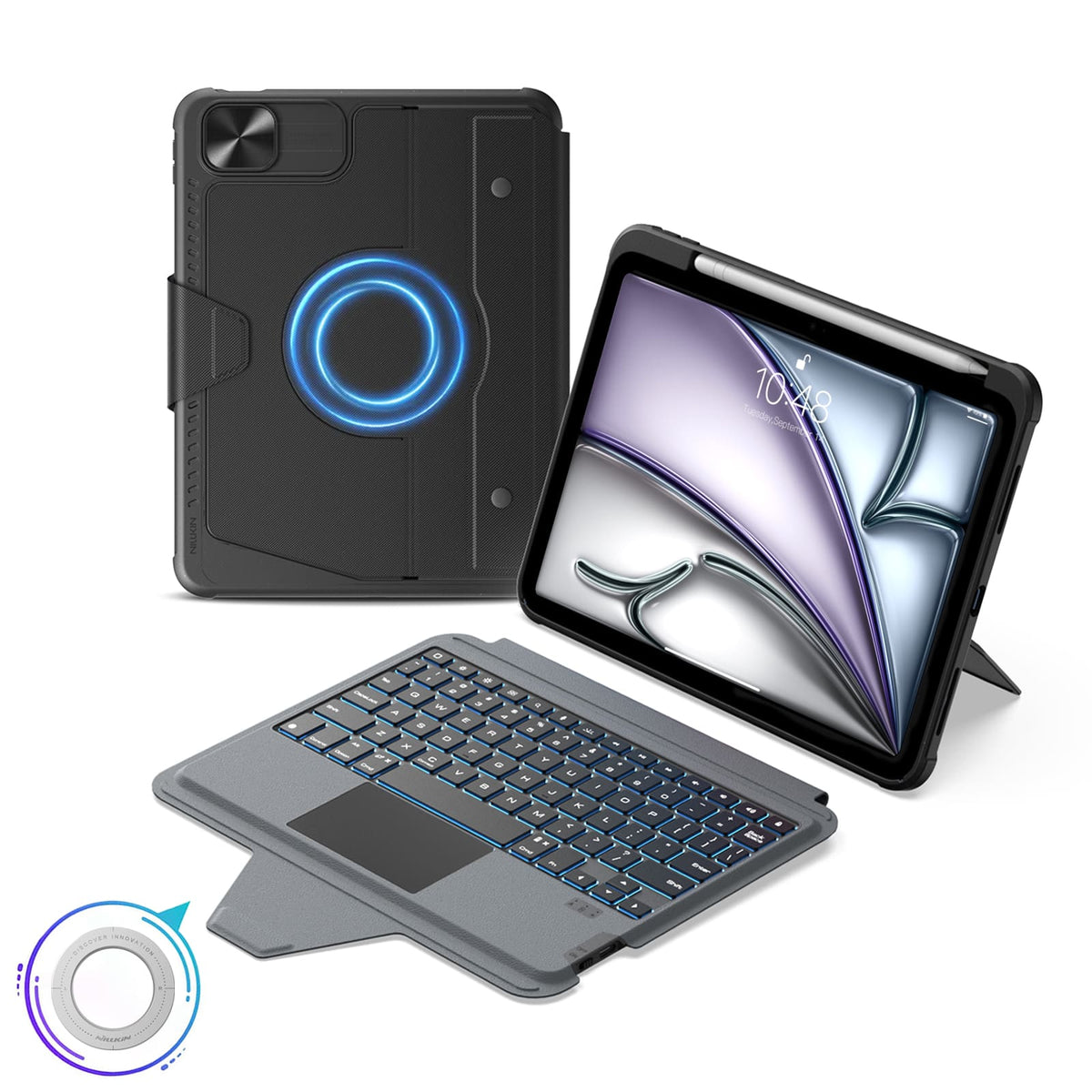







 1 sustainability feature
 Carbonfree Certified
 Carbonfree Certified

5 flexible modes, Magnetic compatibility, Bluetooth 5.0.
Keyboard Layout: US English

5 flexible modes, Magnetic compatibility, Bluetooth 5.0.
Keyboard Layout: US English

5 flexible modes, Magnetic compatibility, Bluetooth 5.0.
Keyboard Layout: US English

5 flexible modes, Magnetic compatibility, Bluetooth 5.0.
Keyboard Layout: US English

5 flexible modes, Magnetic compatibility, Bluetooth 5.0.
Keyboard Layout: US English

5 flexible modes, Magnetic compatibility, Bluetooth 5.0.
Keyboard Layout: US English

5 flexible modes, Magnetic compatibility, Bluetooth 5.0.
Keyboard Layout: US English

5 flexible modes, Magnetic compatibility, Bluetooth 5.0.
Keyboard Layout: US English

5 flexible modes, Magnetic compatibility, Bluetooth 5.0.
Keyboard Layout: US English

5 flexible modes, Magnetic compatibility, Bluetooth 5.0.
Keyboard Layout: US English

5 flexible modes, Magnetic compatibility, Bluetooth 5.0.
Keyboard Layout: US English

5 flexible modes, Magnetic compatibility, Bluetooth 5.0.
Keyboard Layout: US English

5 flexible modes, Magnetic compatibility, Bluetooth 5.0.
Keyboard Layout: US English

5 flexible modes, Magnetic compatibility, Bluetooth 5.0.
Keyboard Layout: US English

5 flexible modes, Magnetic compatibility, Bluetooth 5.0.
Keyboard Layout: US English
We understand that sometimes our products may not fully meet your expectations, and for this, we sincerely apologize. If this occurs, please contact support@nillkin.com as soon as possible and provide us with comprehensive images of the product and packaging within 60 days of purchase. We will promptly arrange after-sales service.
All items are eligible for return or exchange within 60 days from delivery(Note: Custom engraved orders with specific names, initials, logos can not be returned or refunded. We are not responsible for engravings that contains typos or errors made by the customer for custom products. Custom orders are only covered if damage occurs, we will send out the product again at no extra cost). NILLKIN holds a Return Merchandise Authorization, requiring you to cover return shipping and insurance fees.
Please be aware that items must be in their original condition upon receipt, inclusive of all product documentation, and shipped within three days.
For swift product exchanges, we recommend requesting a refund and placing a new order. Allow approximately one week for your refund to be processed after we receive your return.
In the event a package or item arrives damaged, please refuse the shipment or immediately notify us (support@nillkin.com). Retain all packaging materials unless otherwise instructed by NILLKIN. Claims for damaged or missing items must be made immediately or within three days of receiving your shipment. NILLKIN is not liable for lost or damaged items in returned shipments.

At NILLKIN, we guarantee the quality and performance of our products. Our commitment extends to preserving your product's durability and minimizing environmental impact.
Products purchased from our store come with a 1-year warranty.
Limited Warranty:
- Buy from nillkin.com for coverage; other sources not included.
- Covers material/workmanship defects during warranty. NILLKIN replaces defective products for original buyers.
Note:
- Warranty excludes non-nillkin.com products, free/promo items, non-NILLKIN products, and discontinued items.
File a Claim:
For warranty/damage issues, contact support@nillkin.com for free replacements.
Learn more about our warranty periods, check details.

The Bulk Purchasing Discount Program provides business, organizations, governments, and individuals with a cost-effective solution to buy NILLKIN products in bulk (min.10 items total), including phone cases, tablet cases, screen protectors, wireless chargers, earphones and other accessories. In addition, NILLKIN products make for great gifts for your staff and business partners.Join the program and save now!
For any suggestions or questions, please feel free to contact us by email.
Email: support@nillkin.com
Learn more about our Bulk Purchasing Discount, check details.
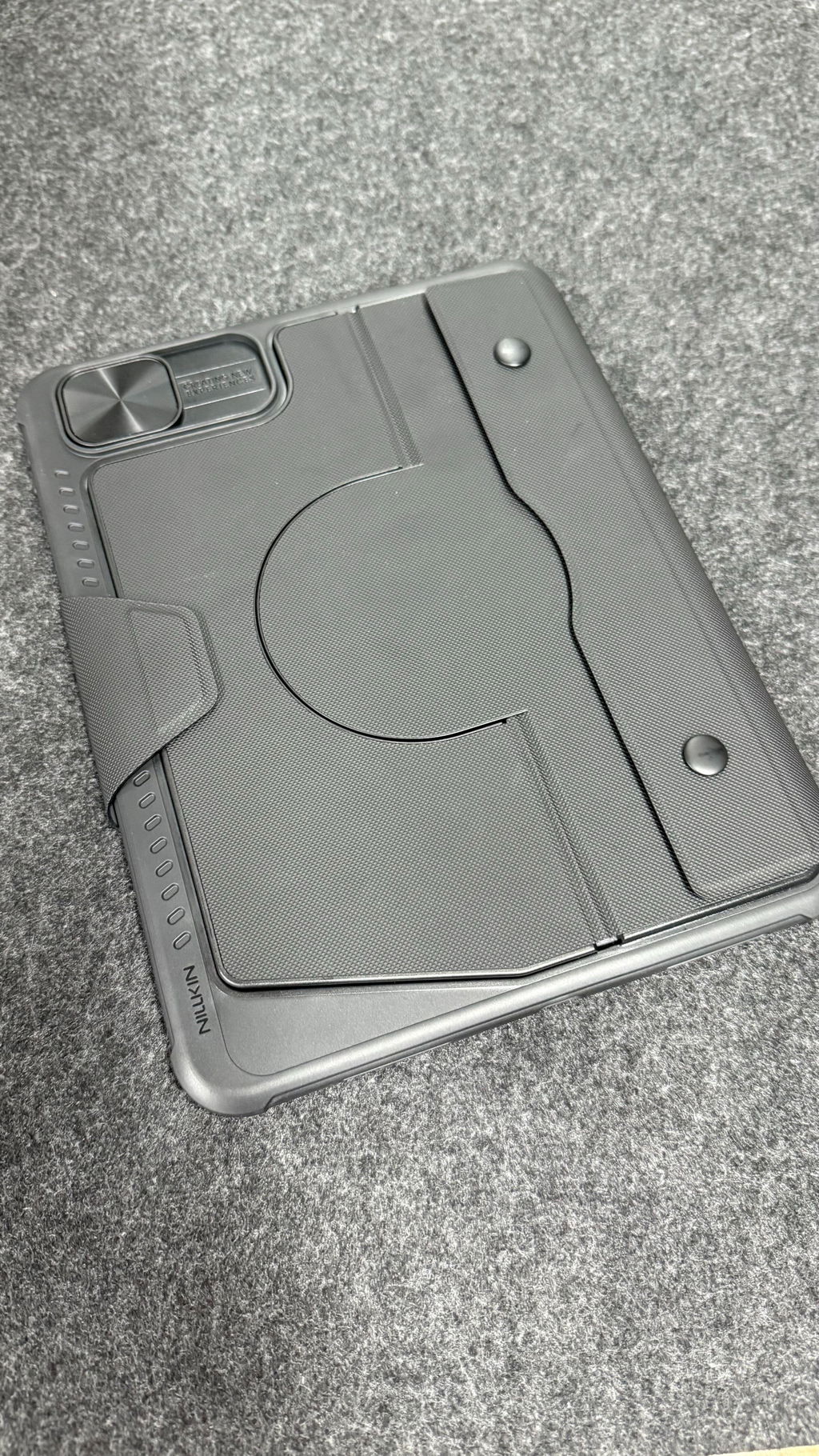
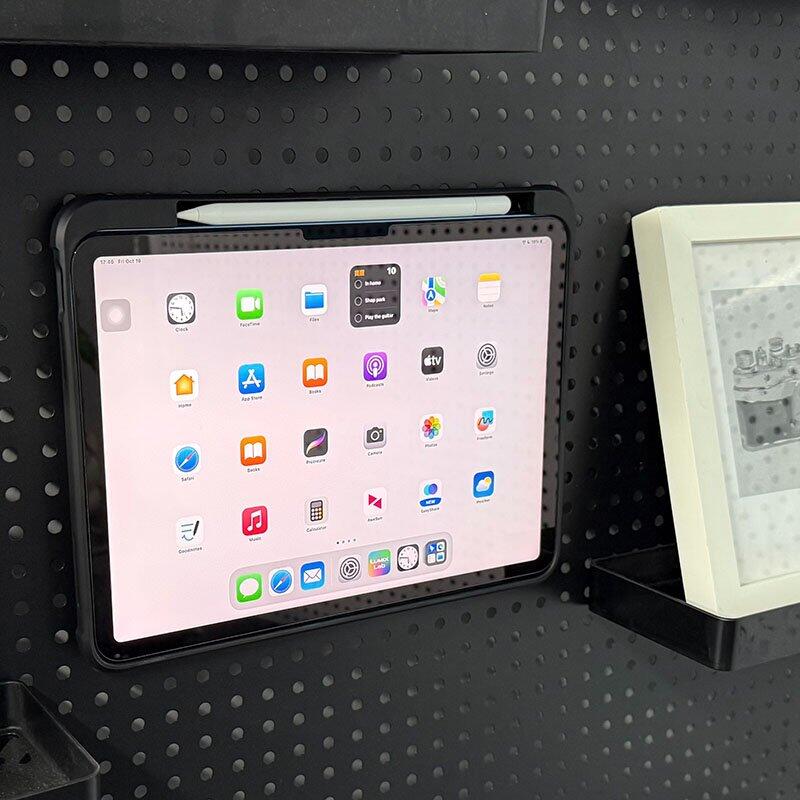
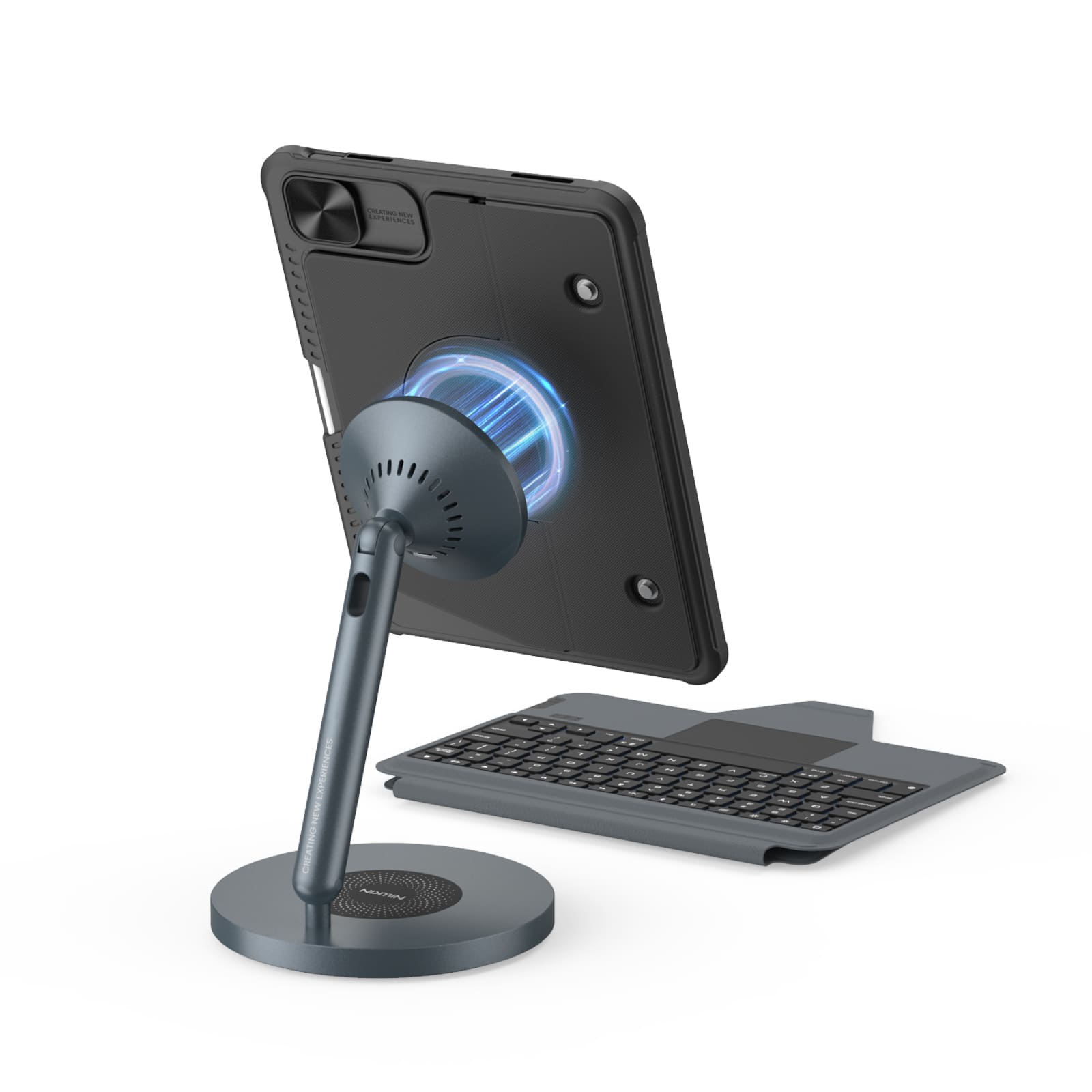
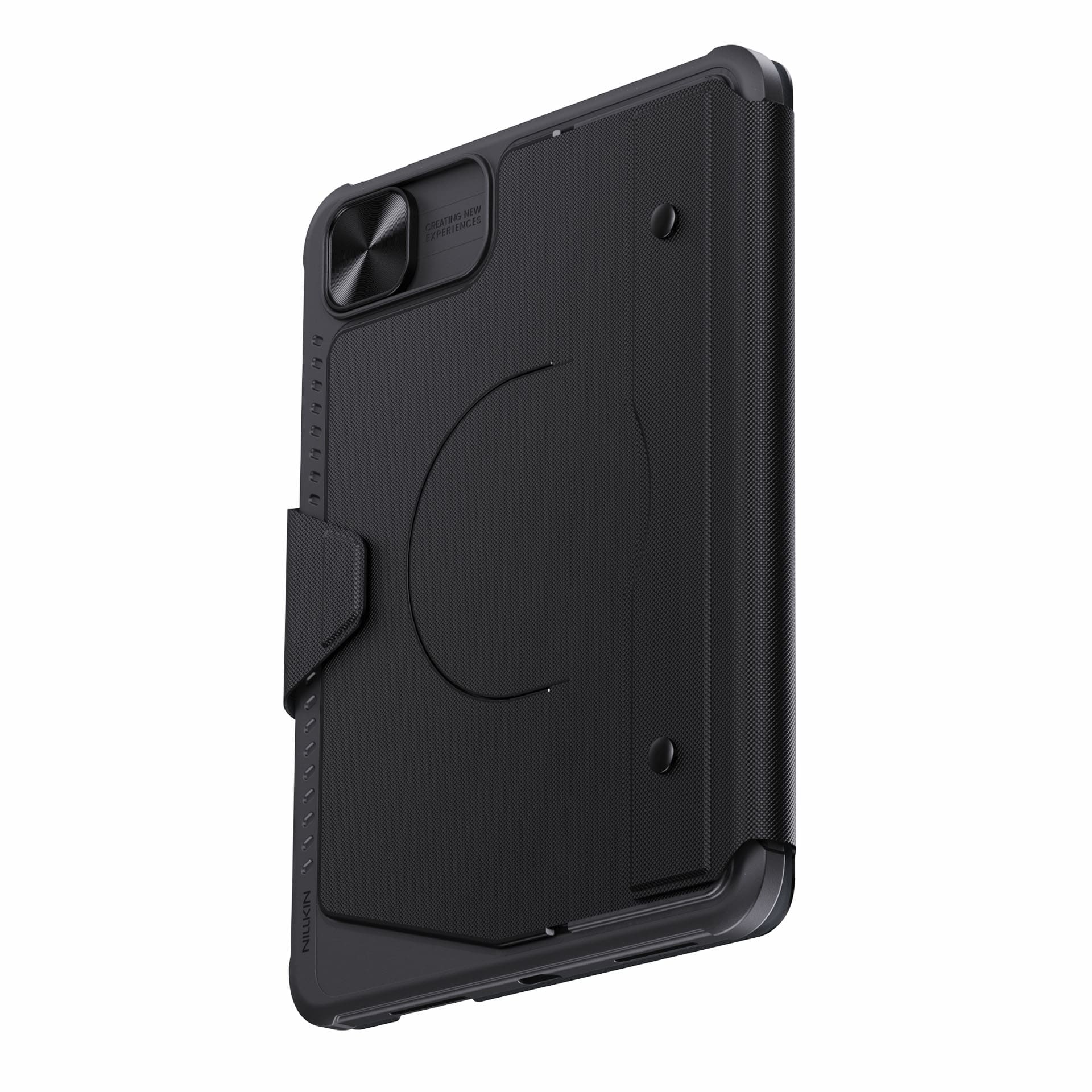
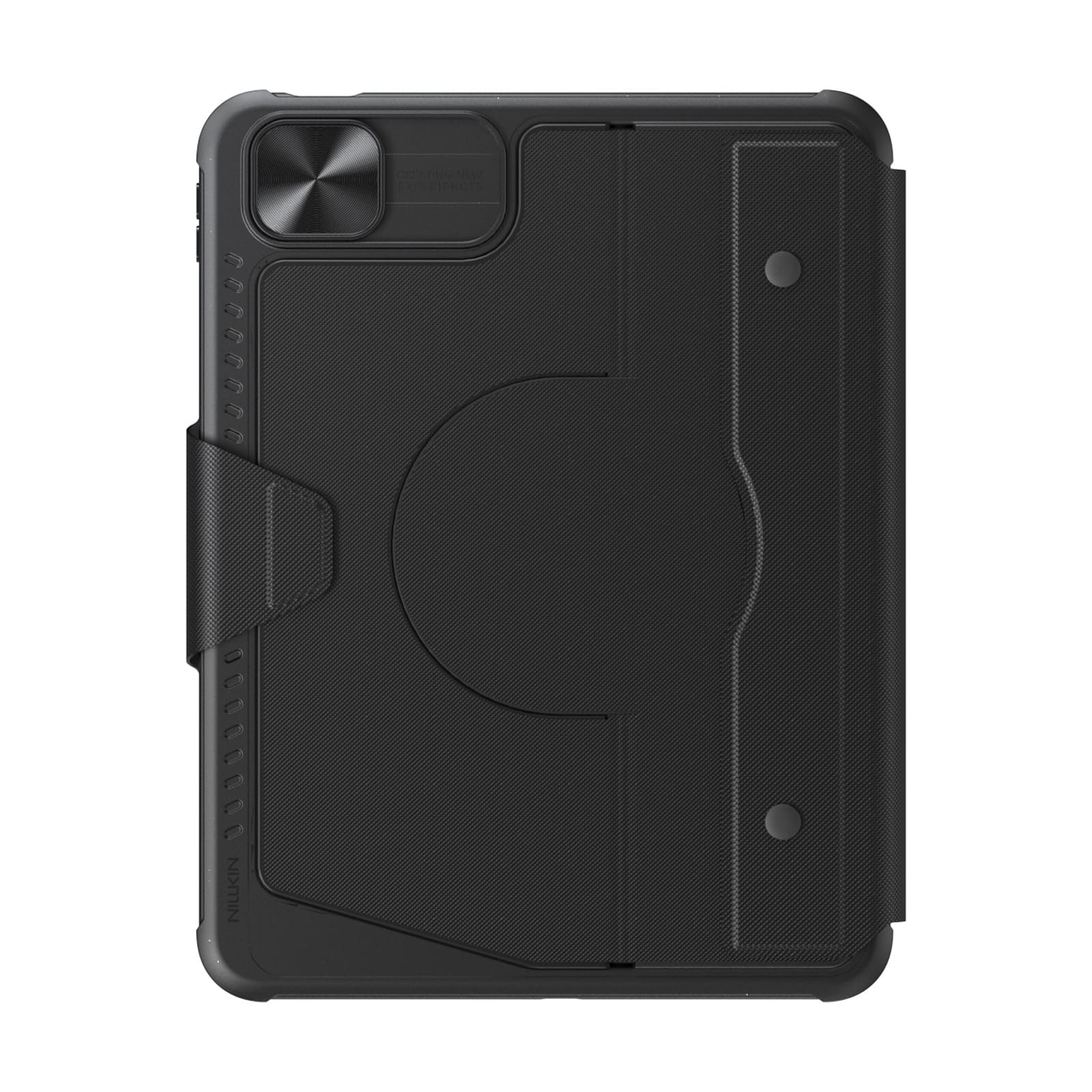
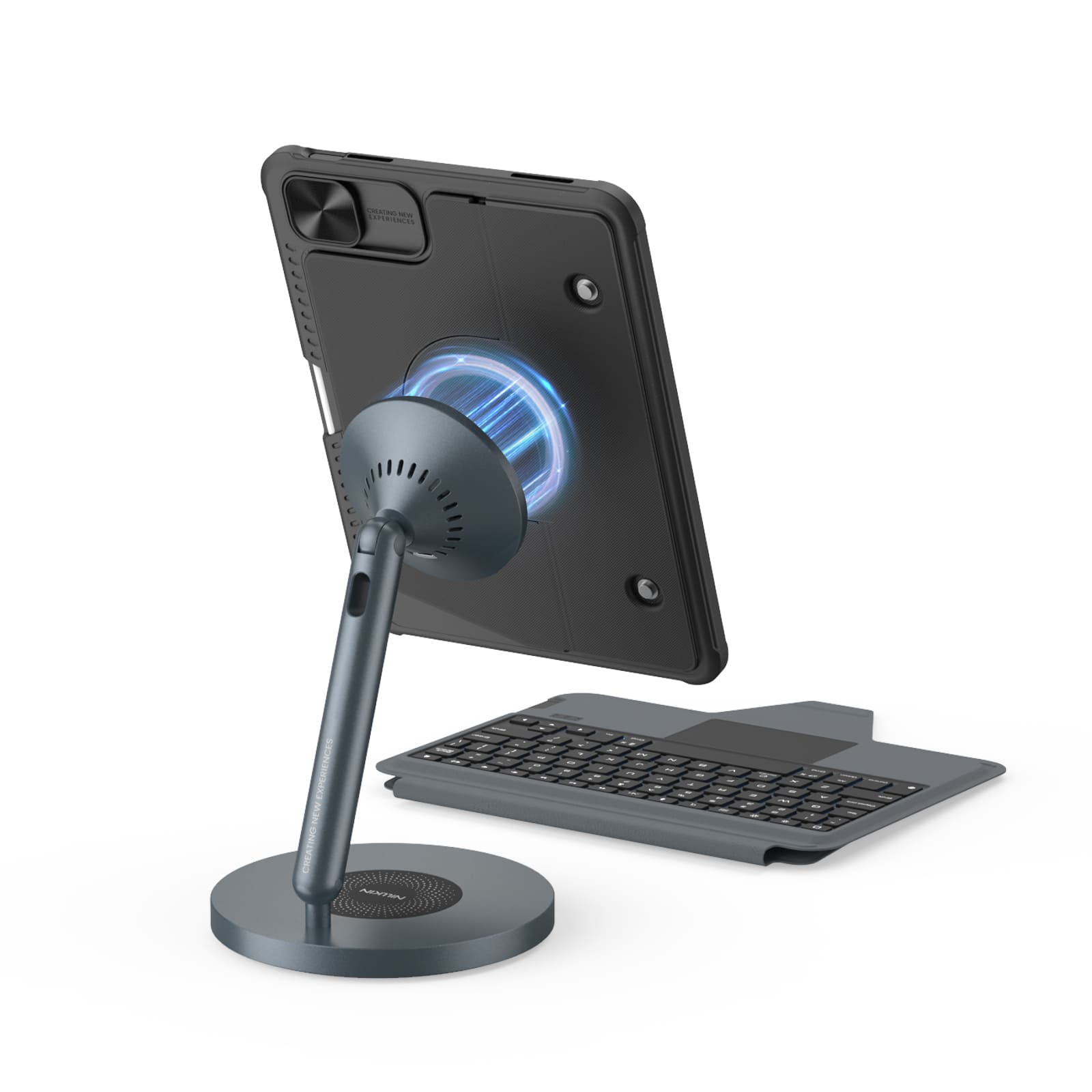
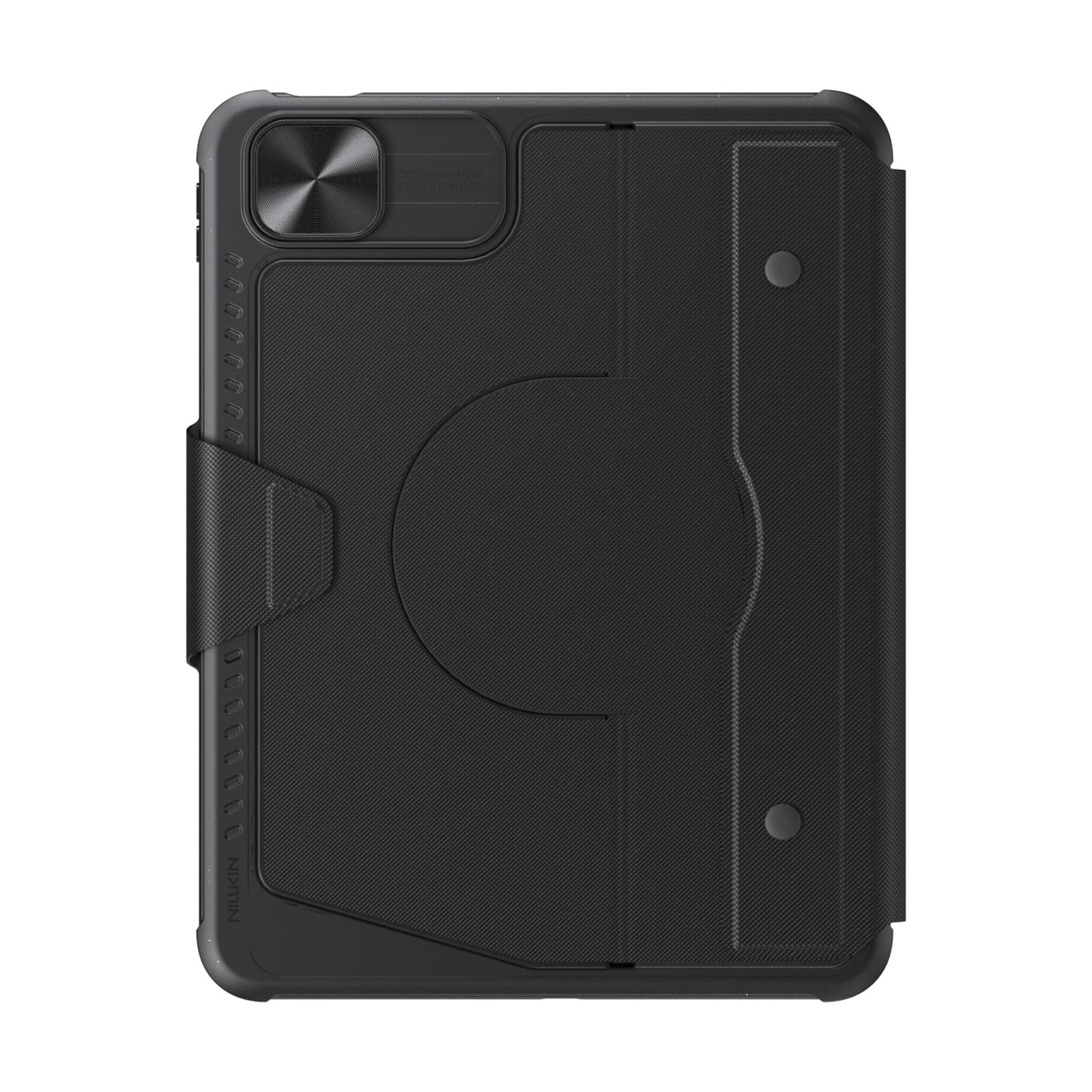
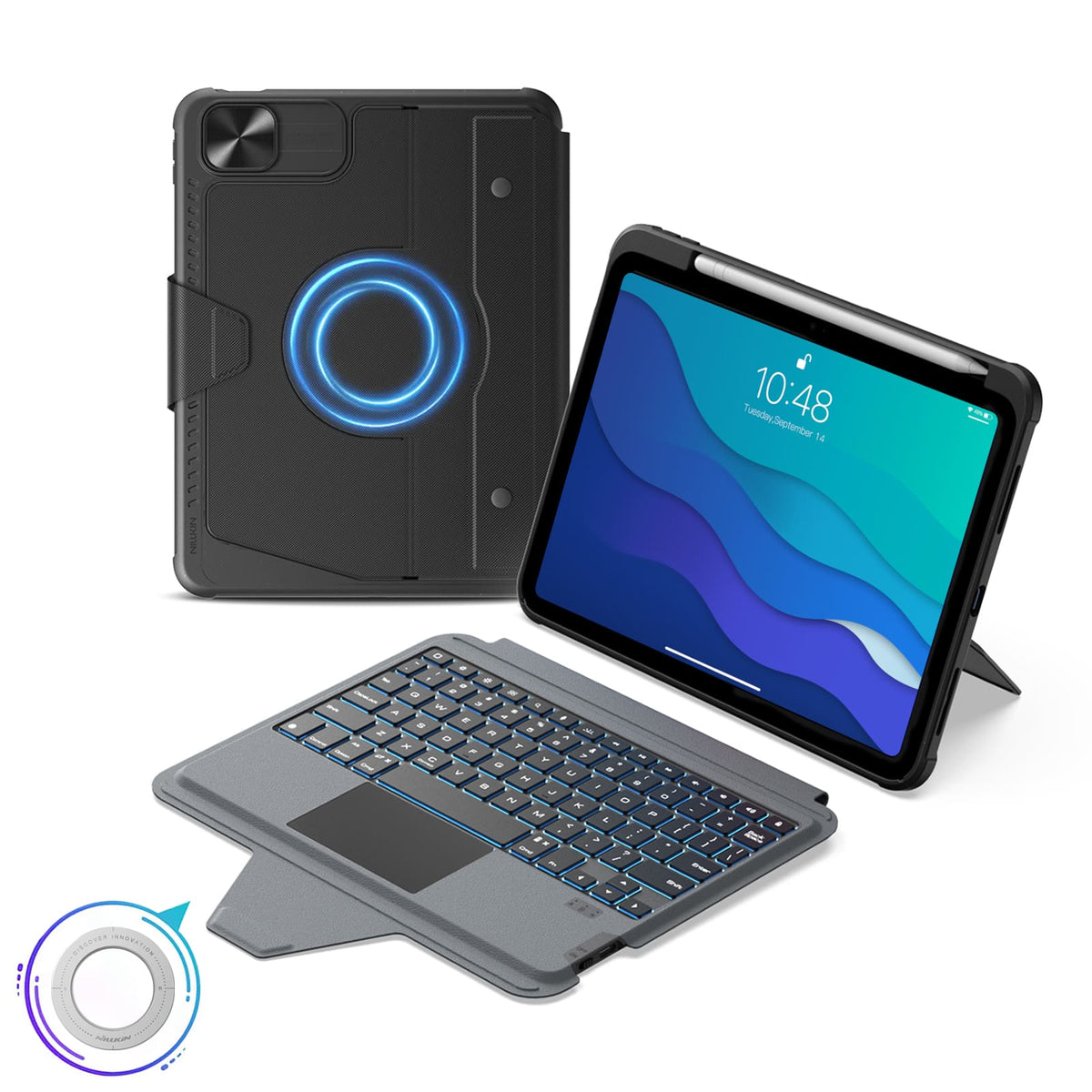
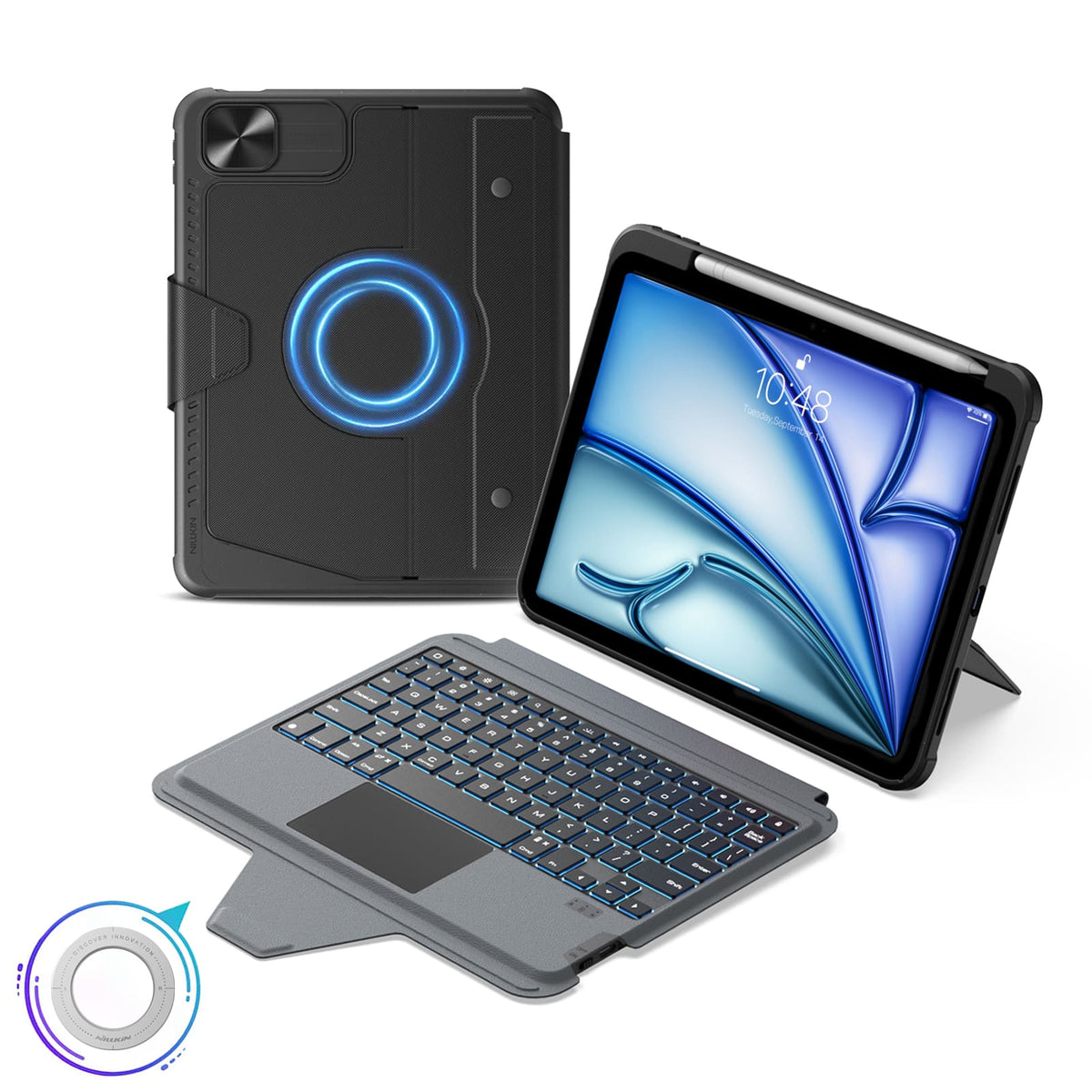
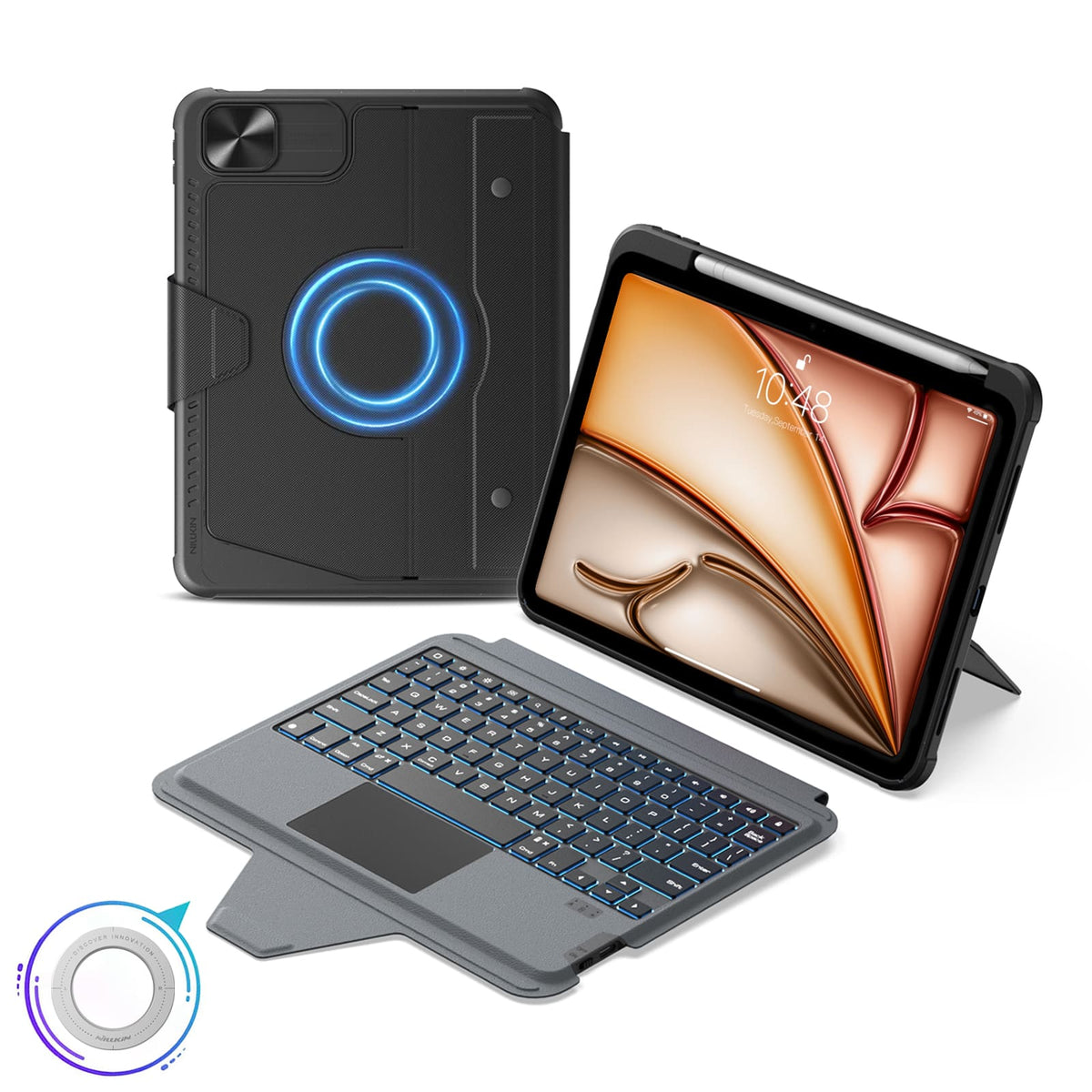
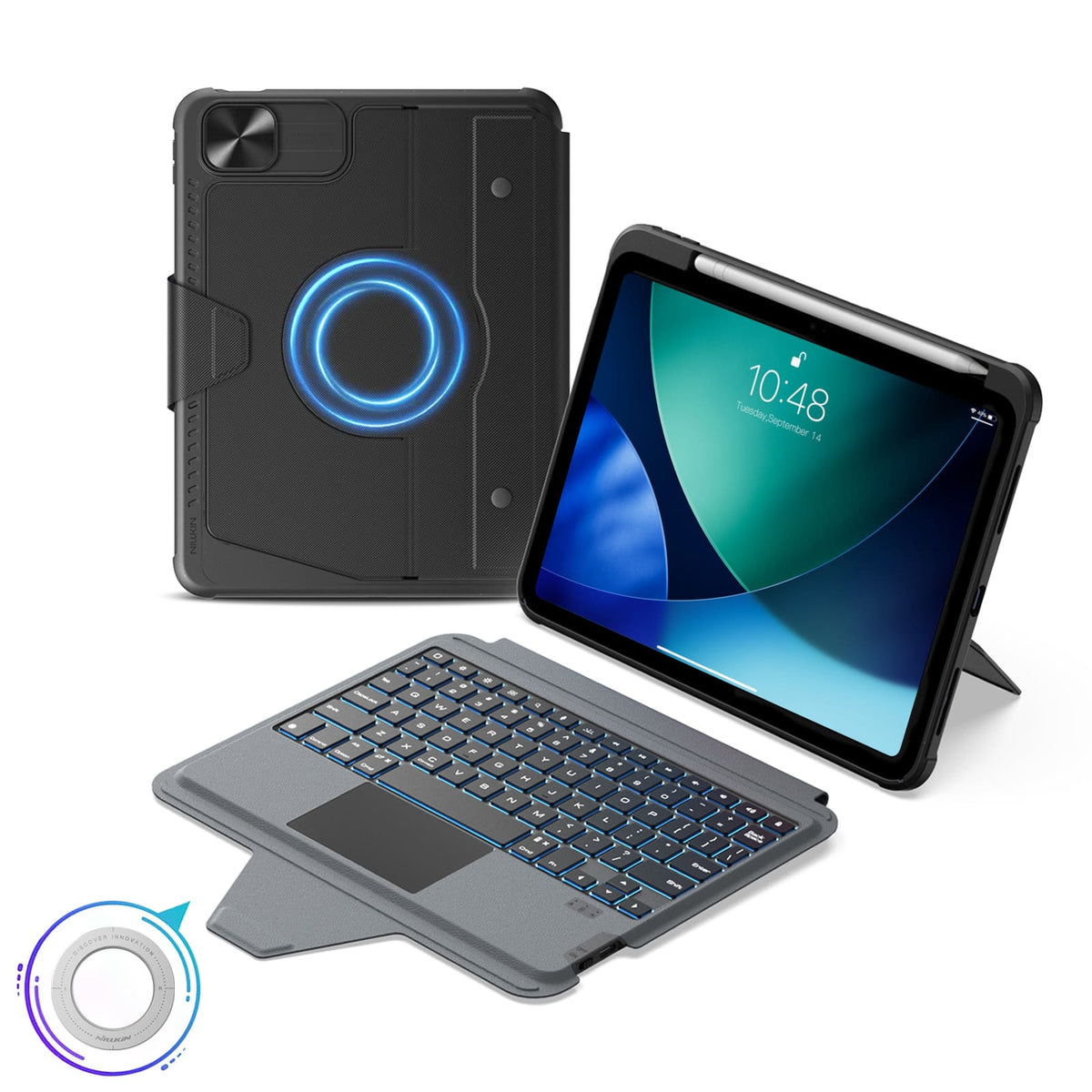
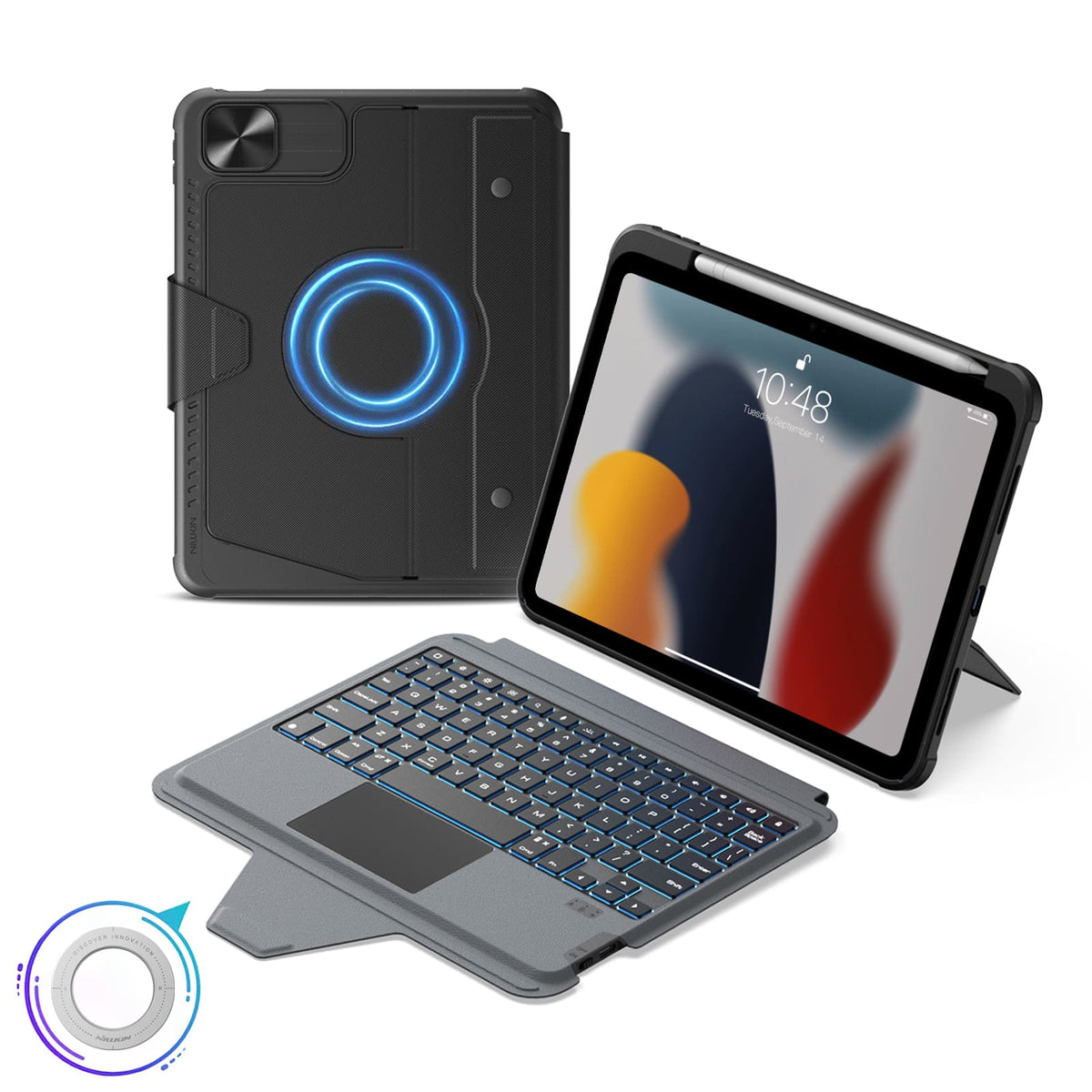
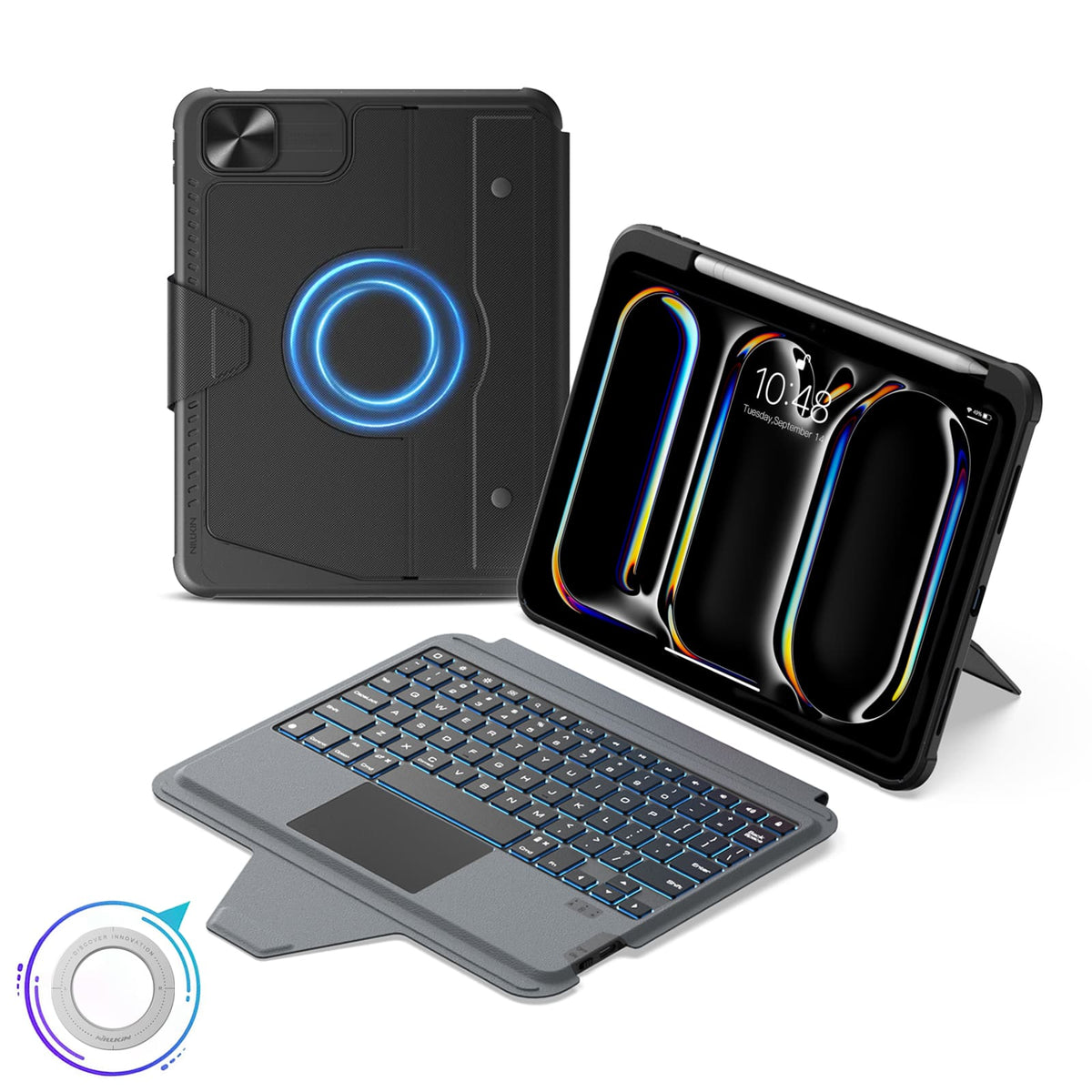
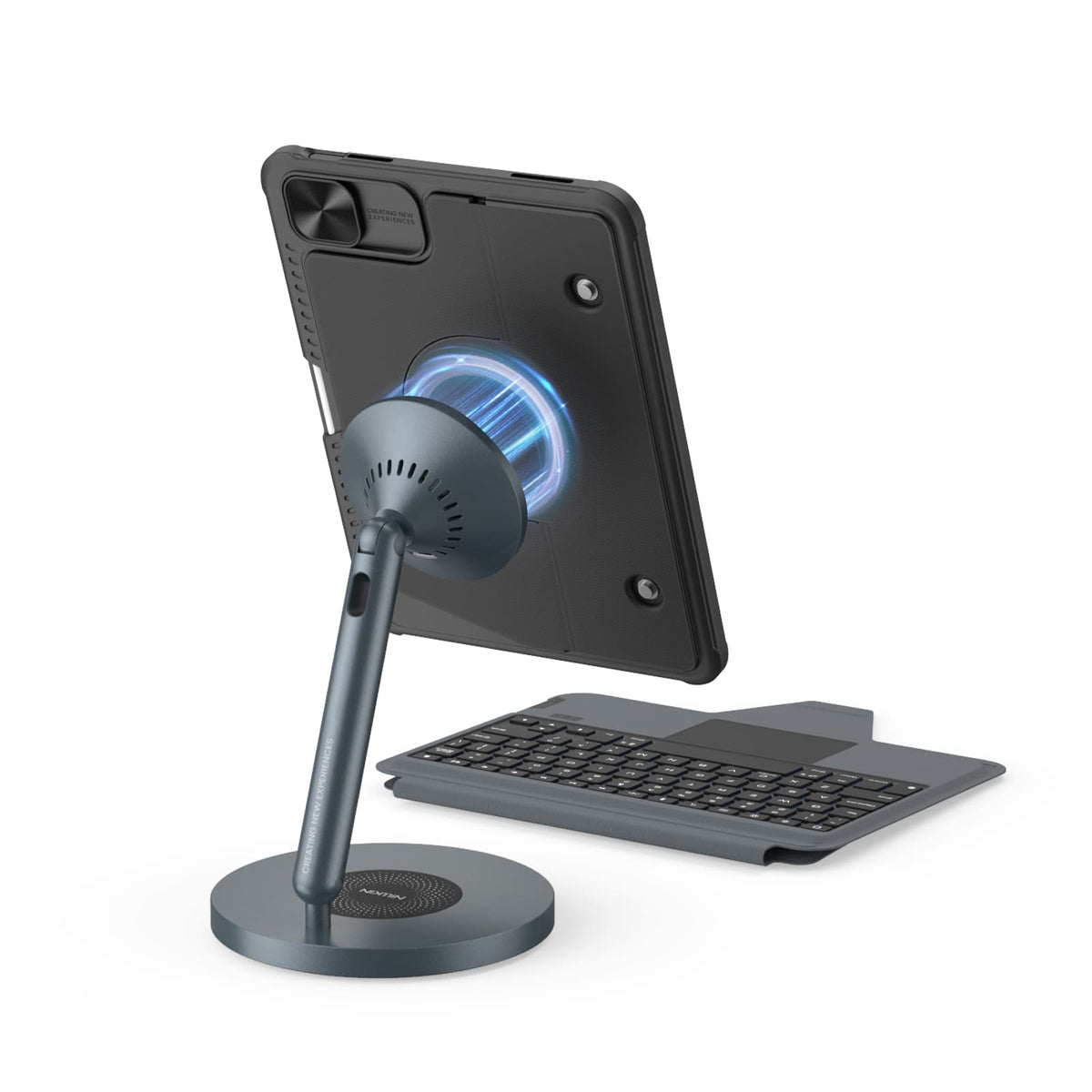
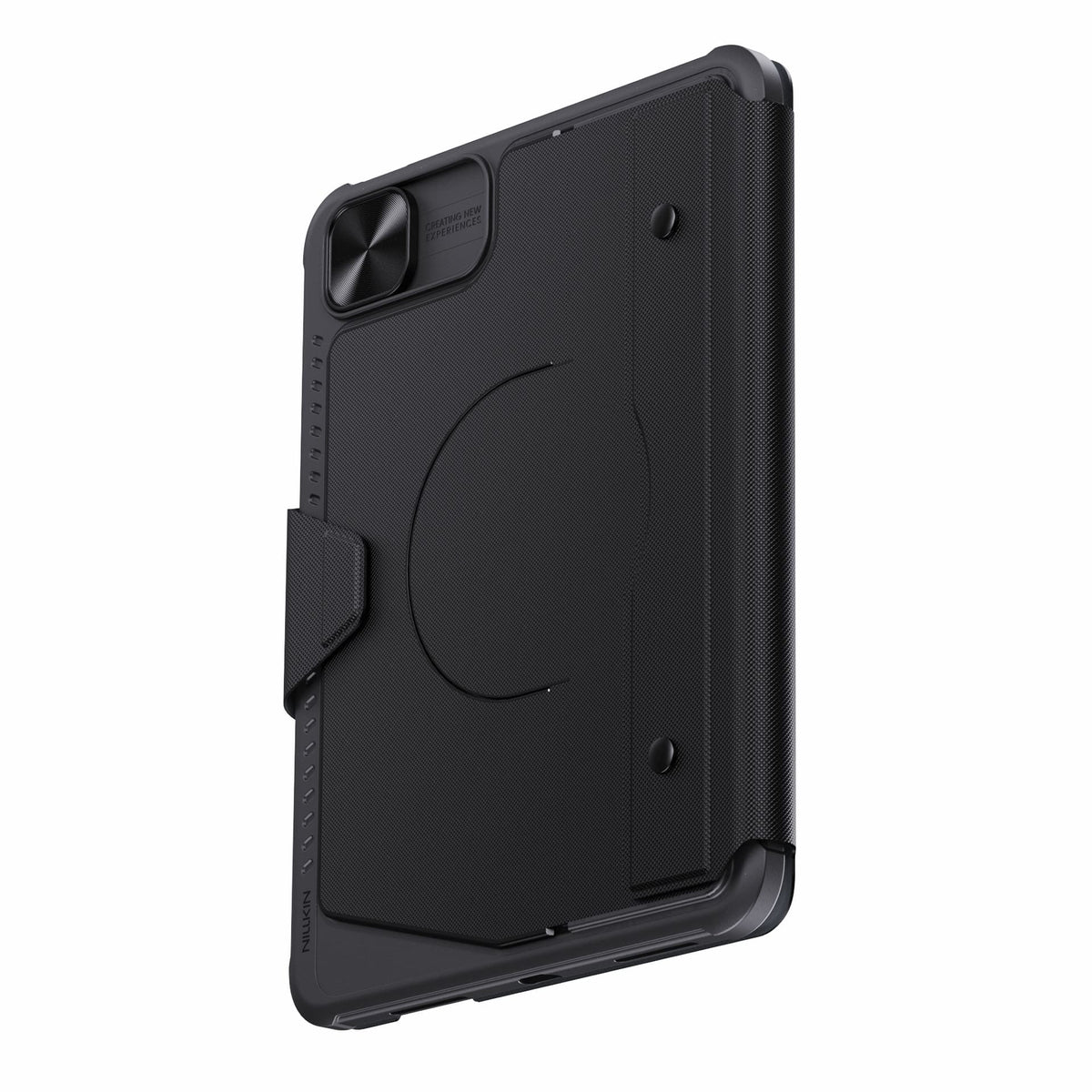
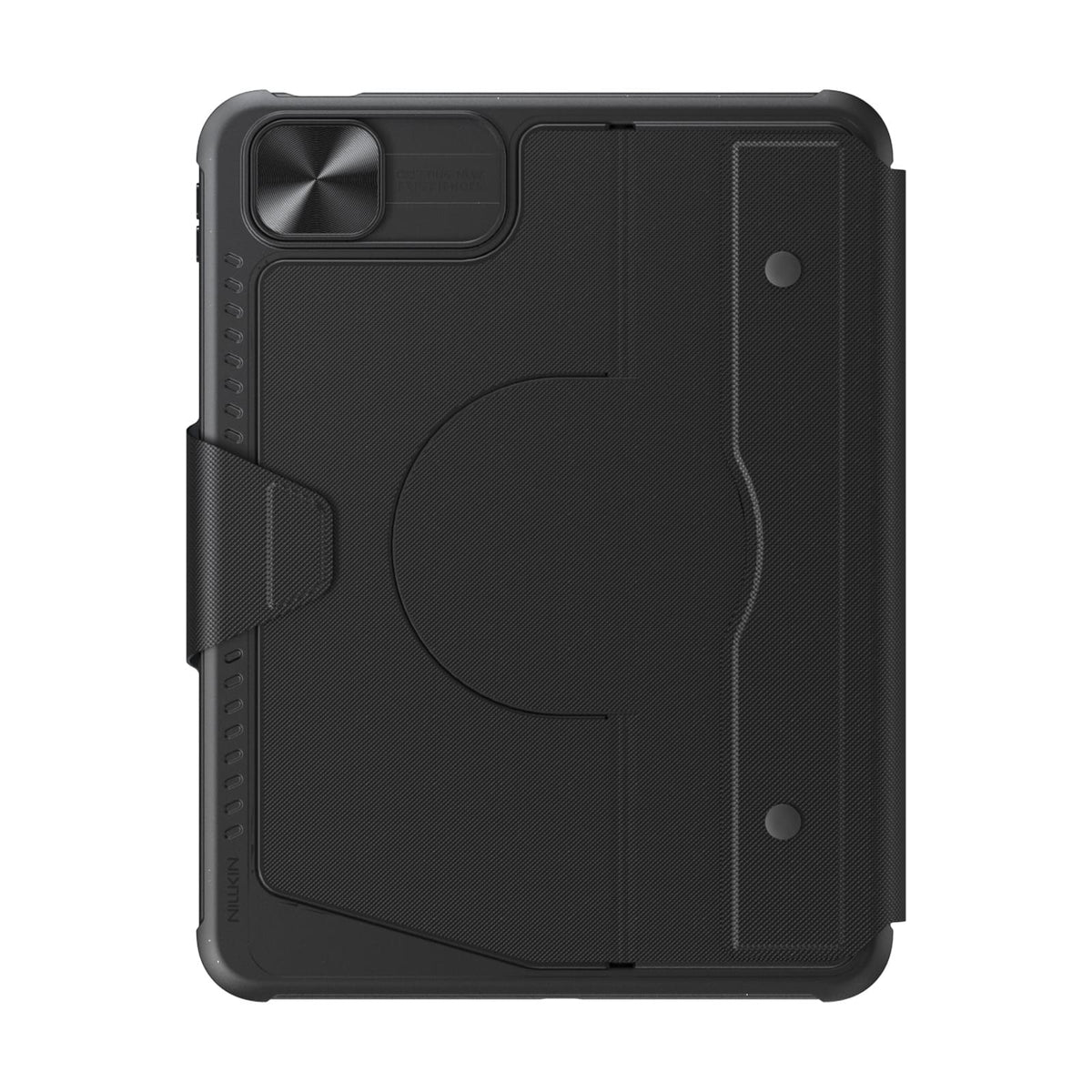
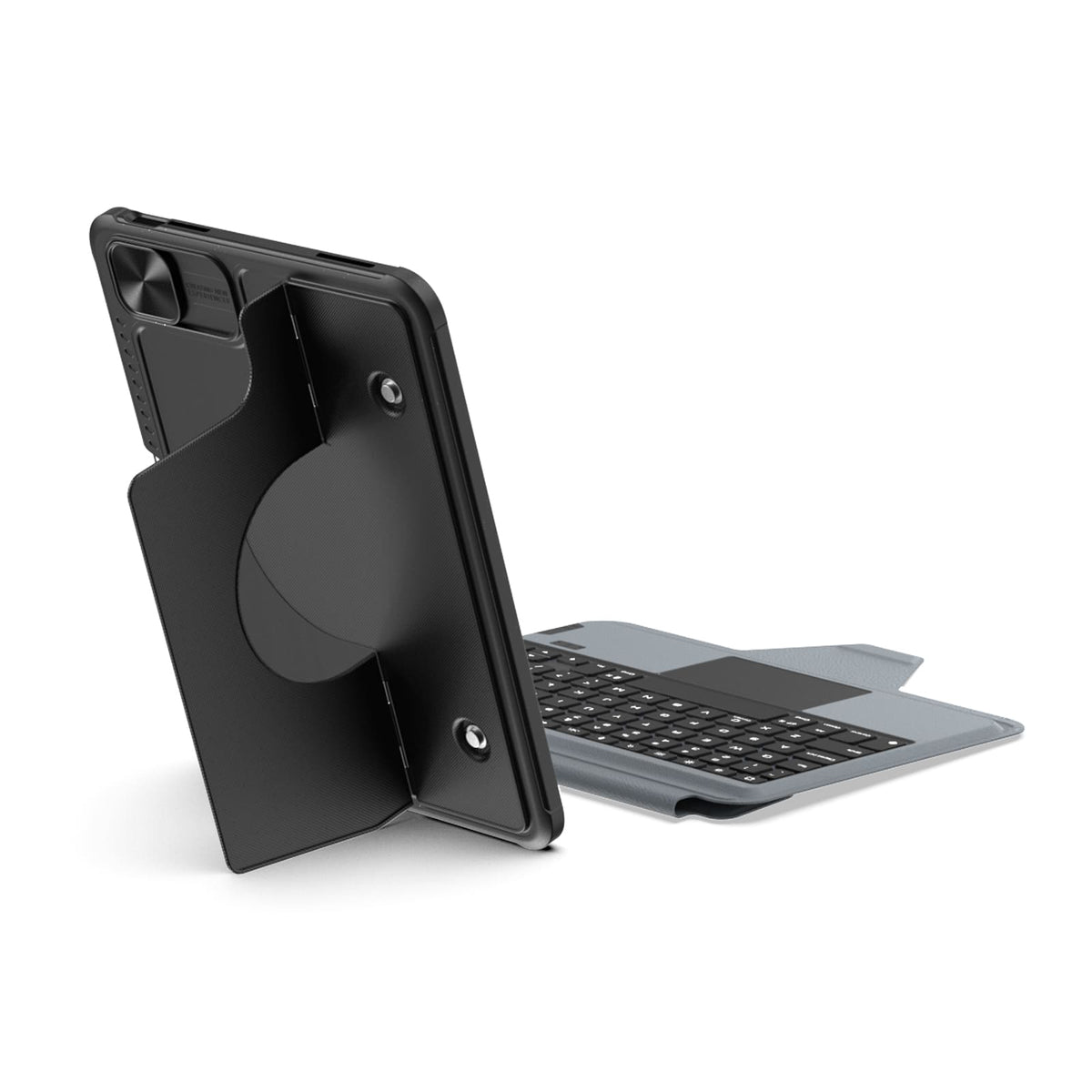
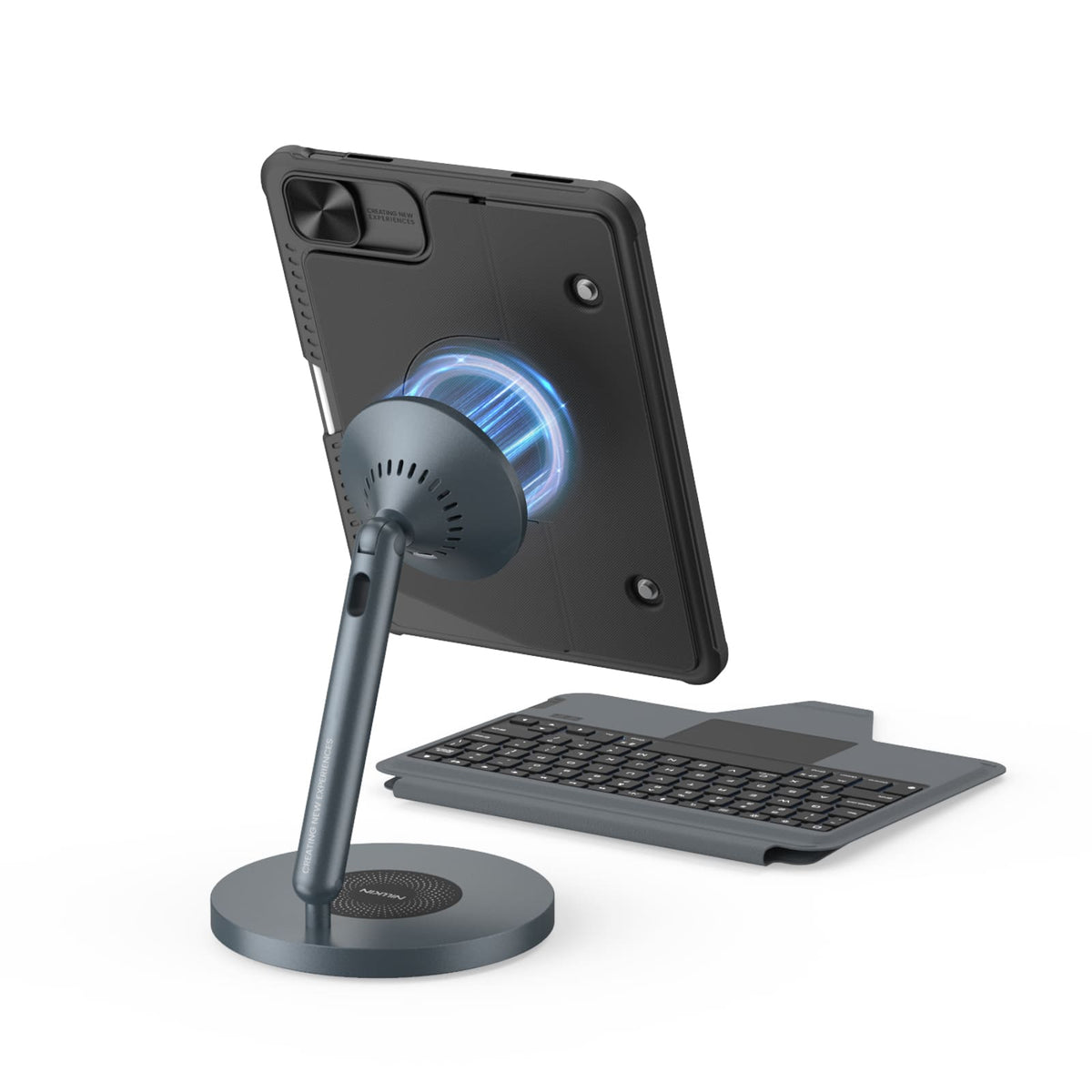
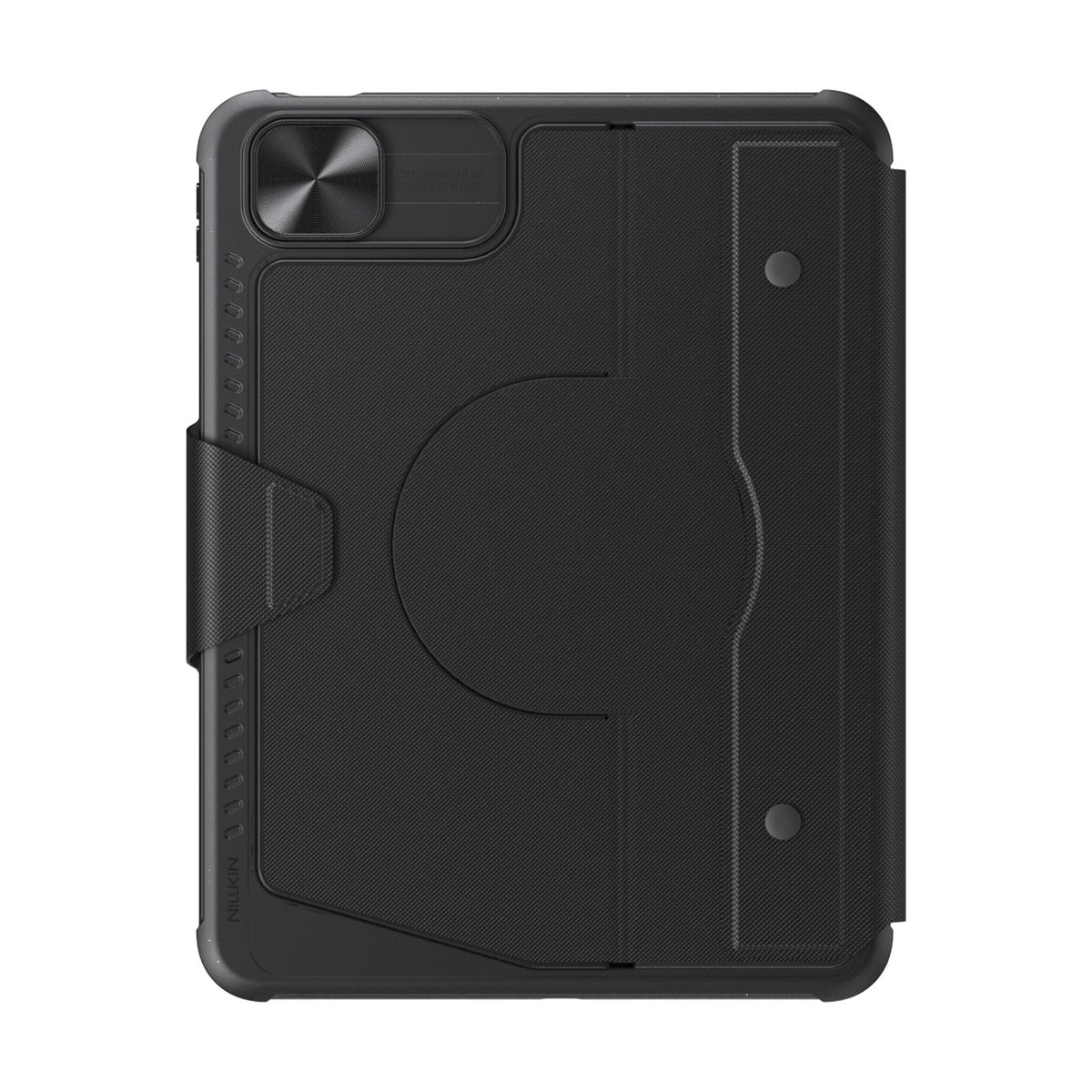
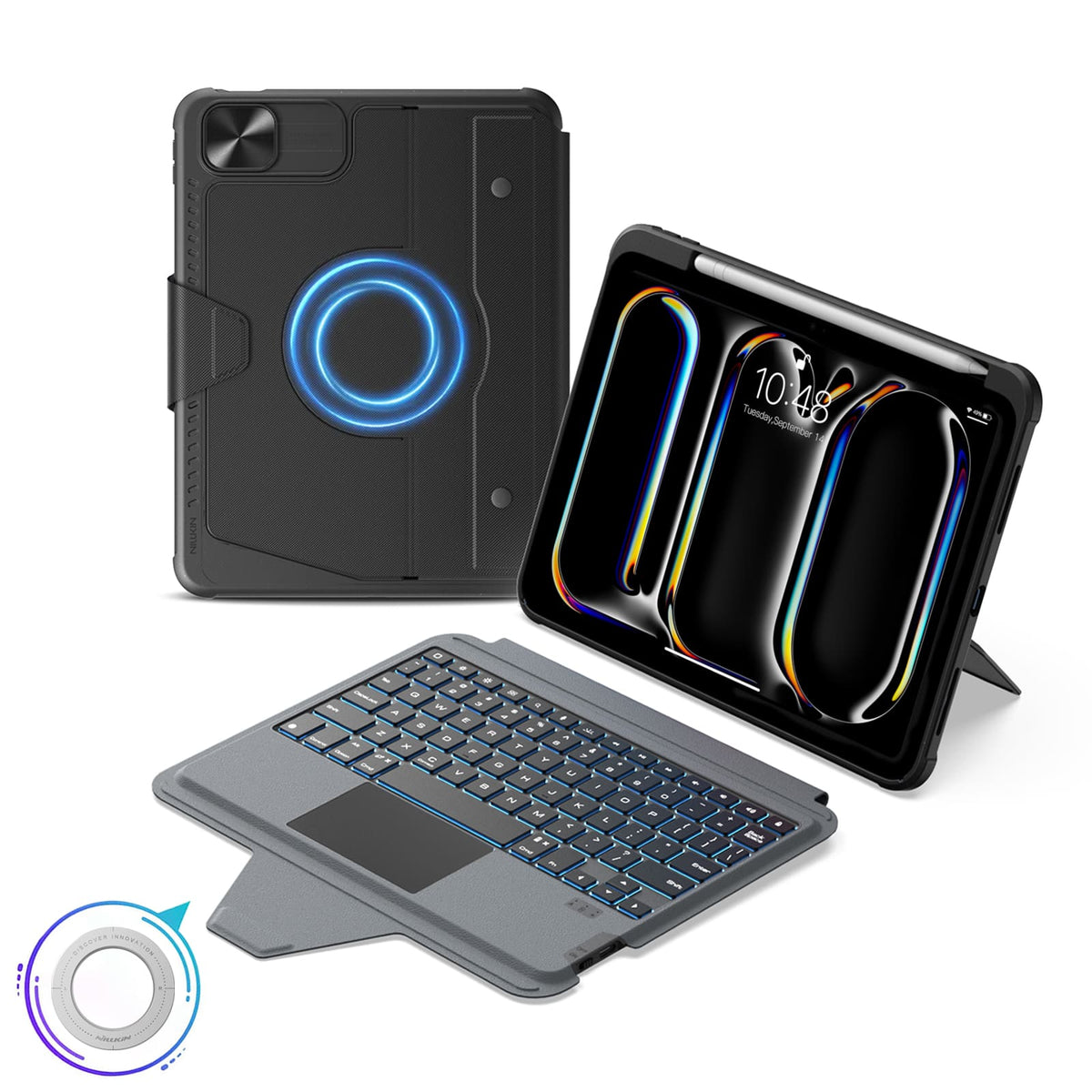
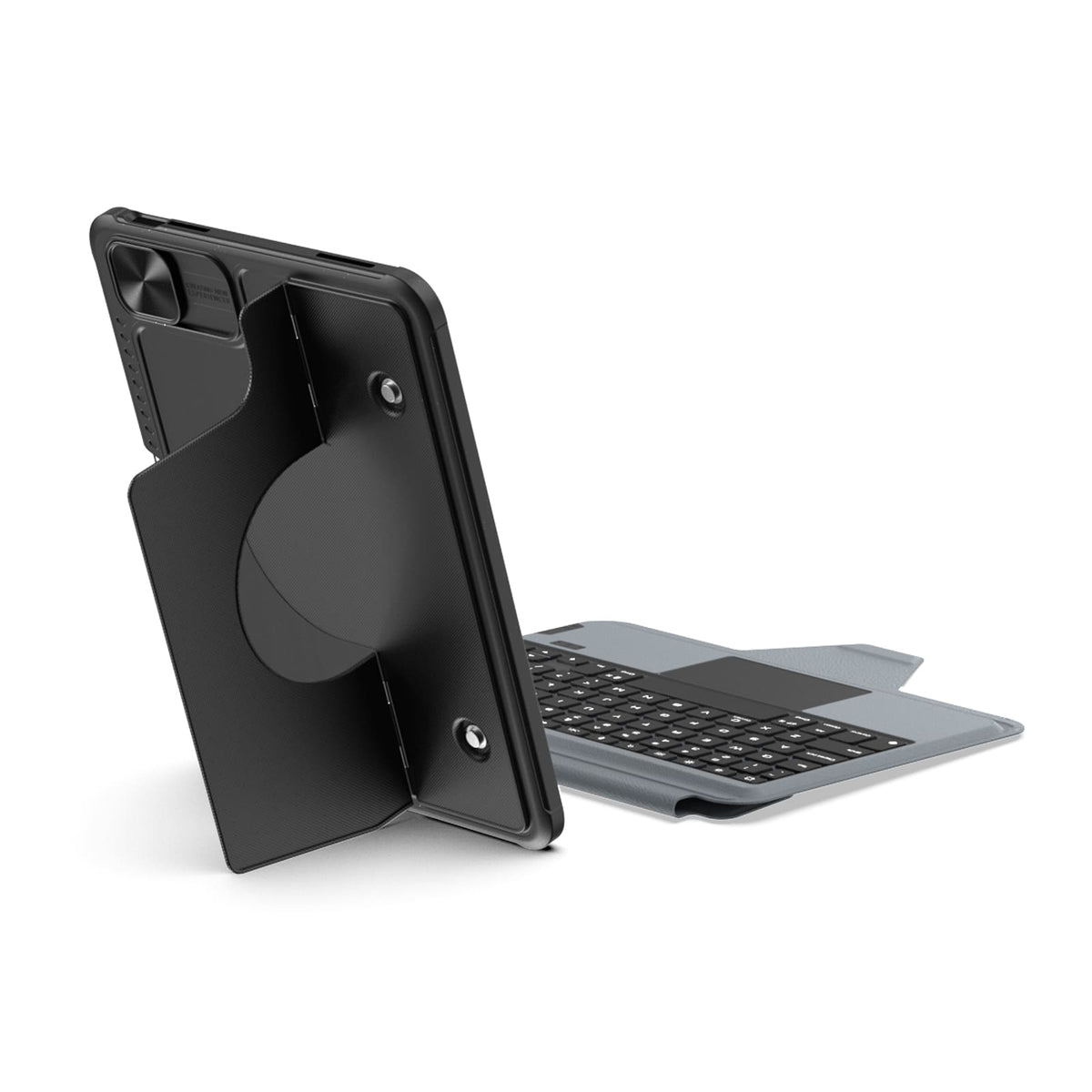
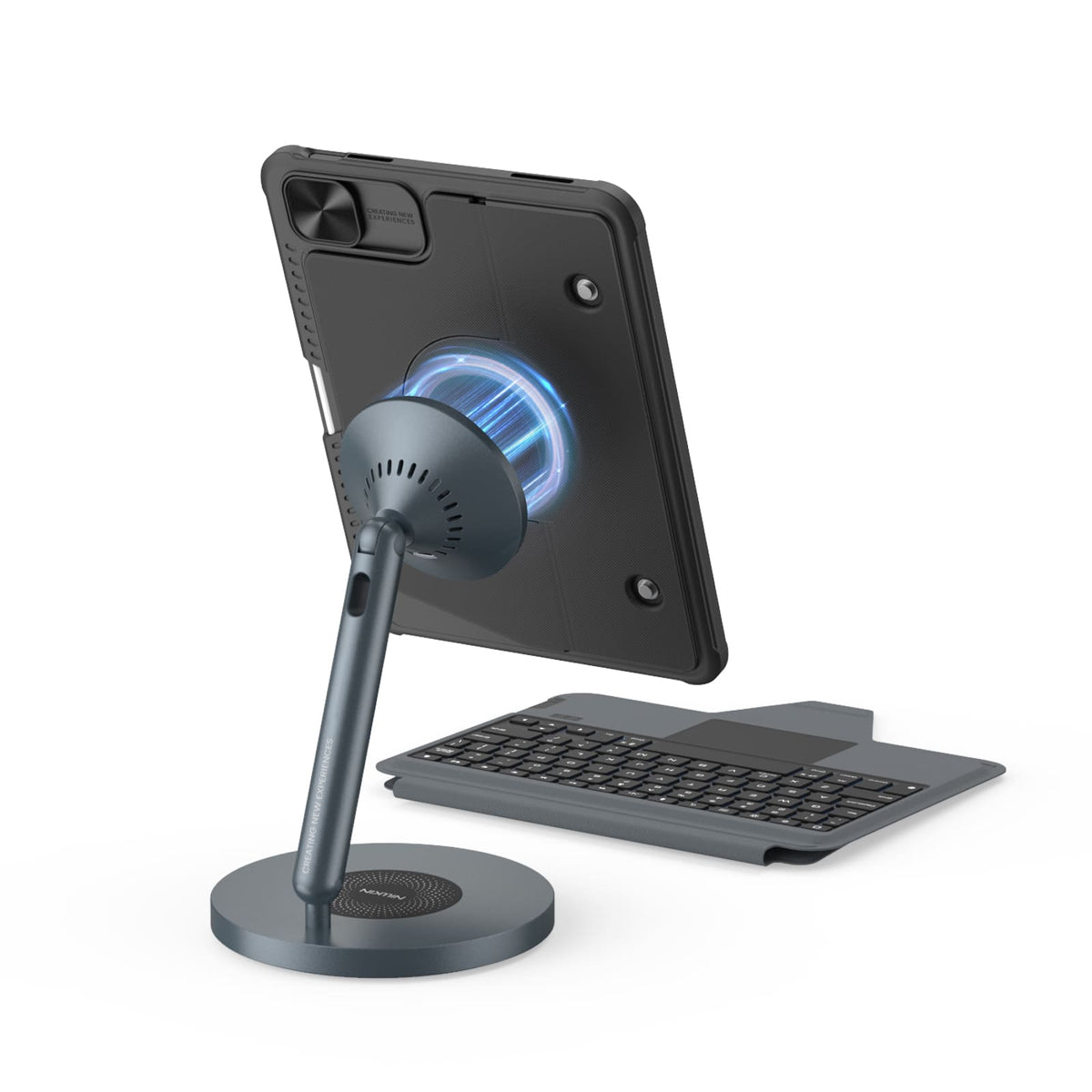
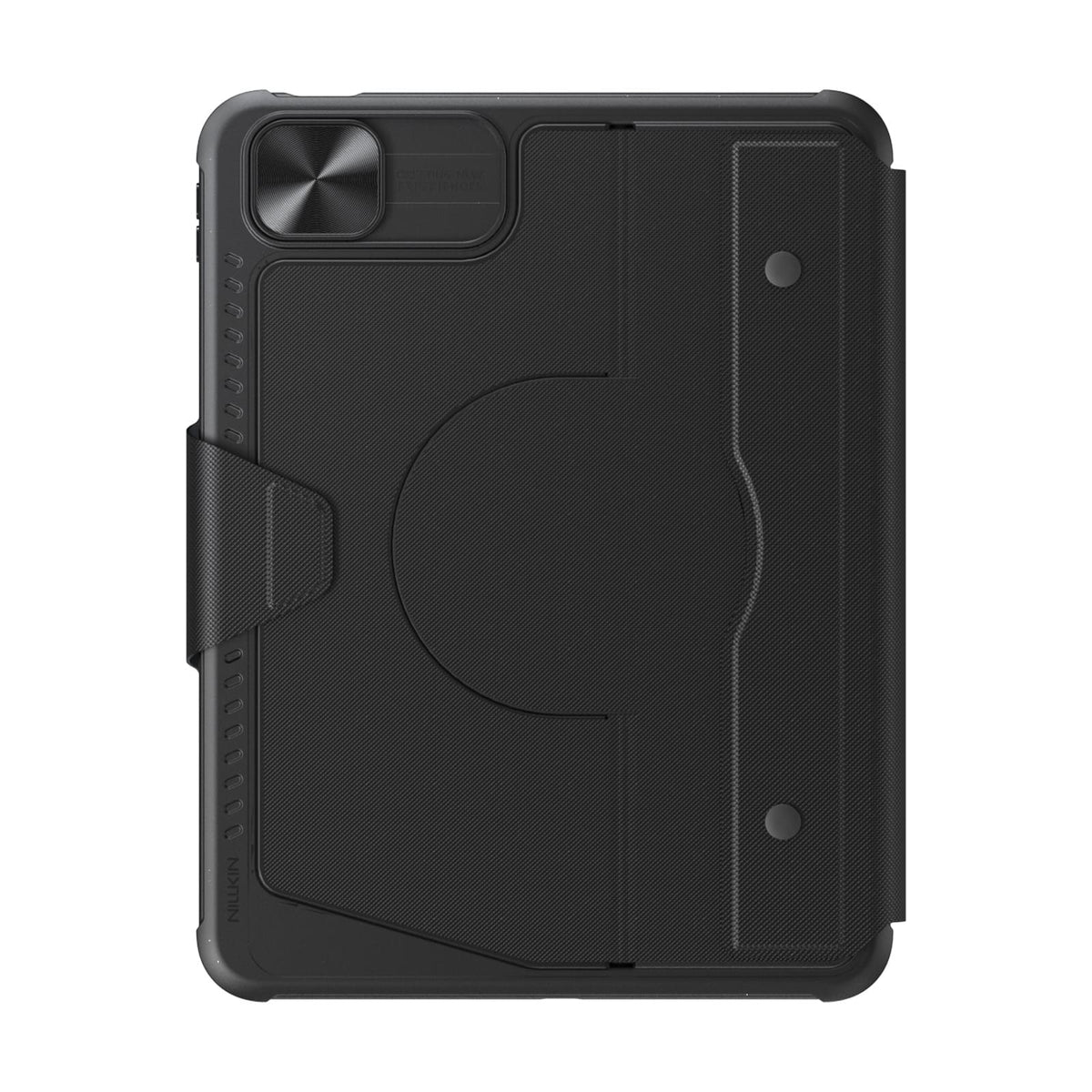
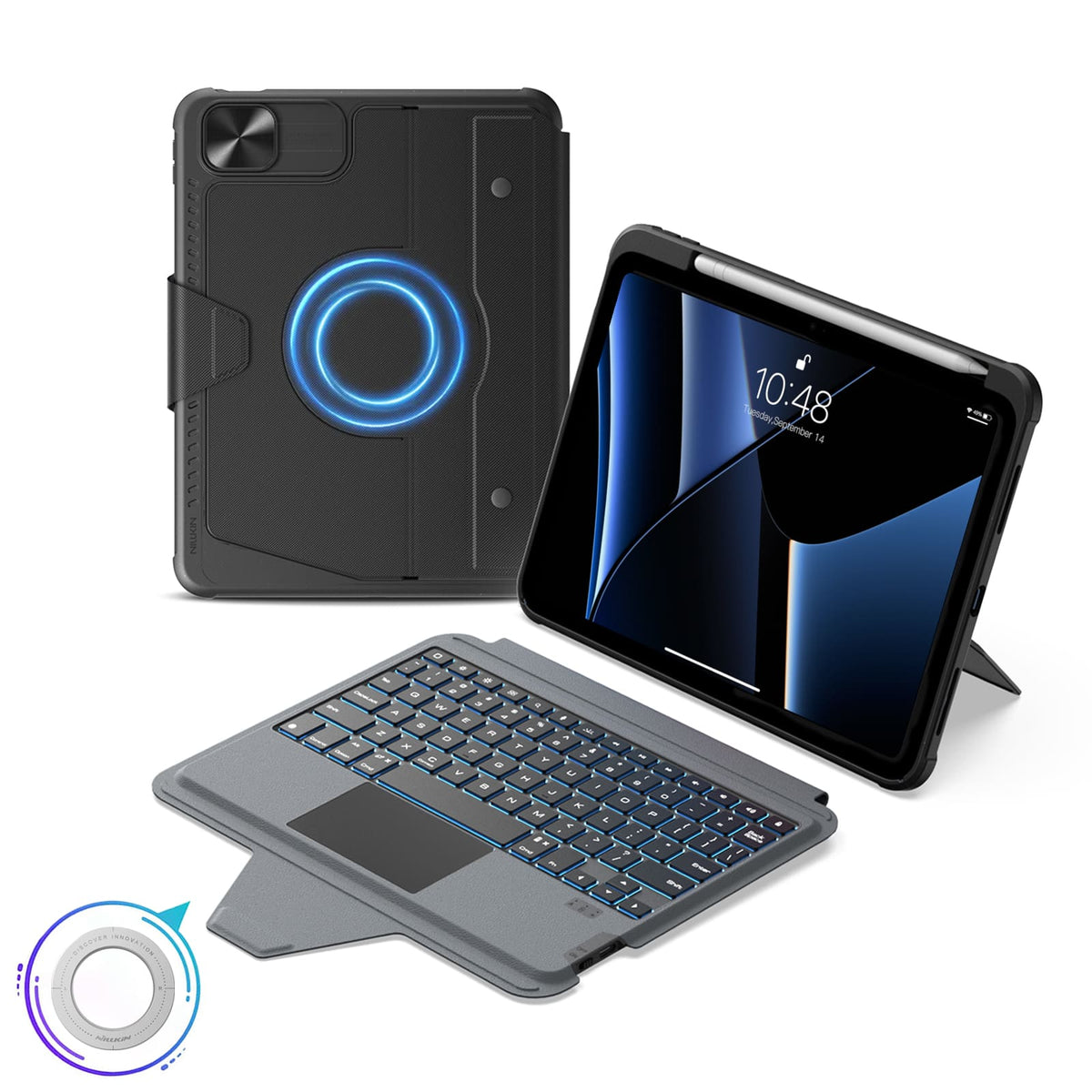
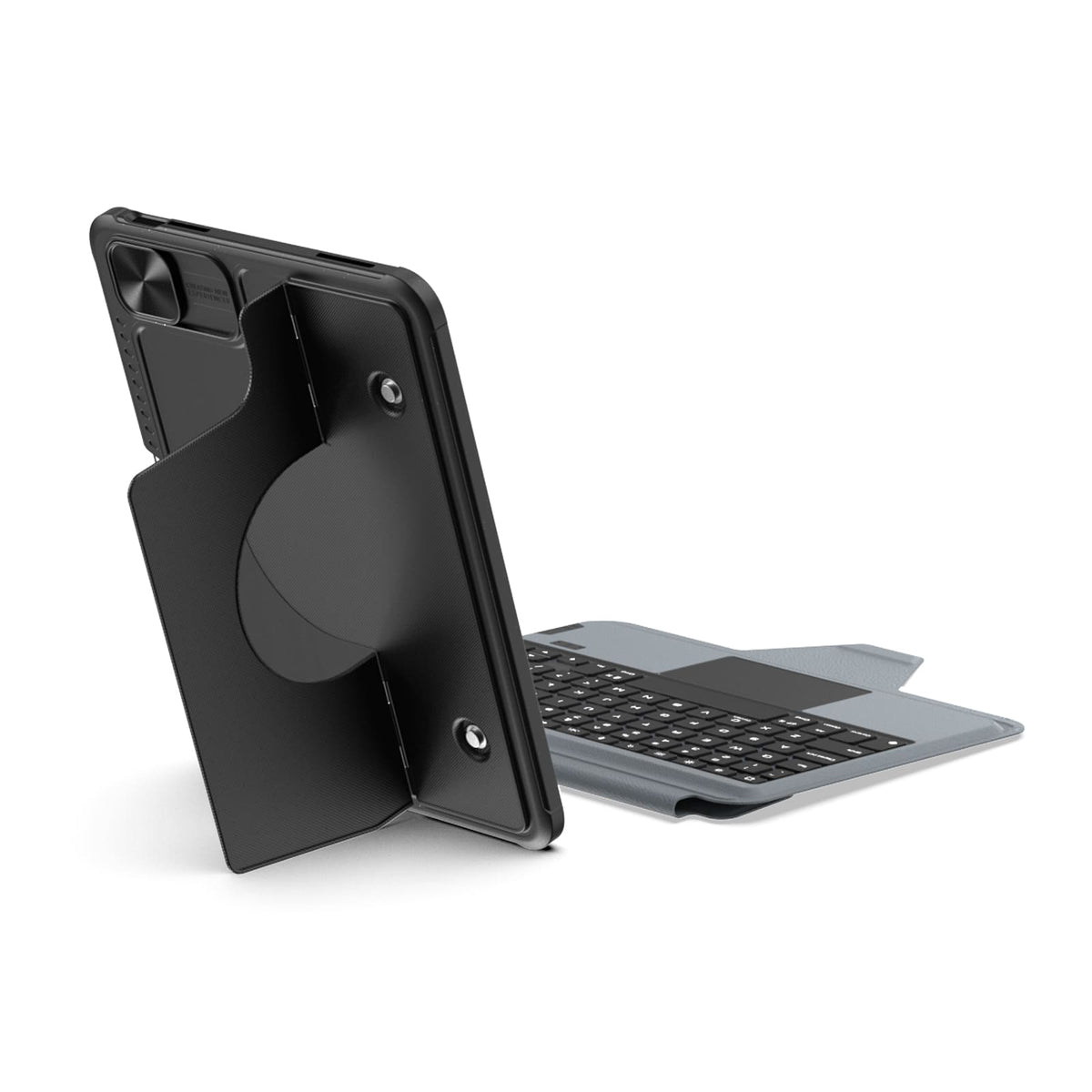
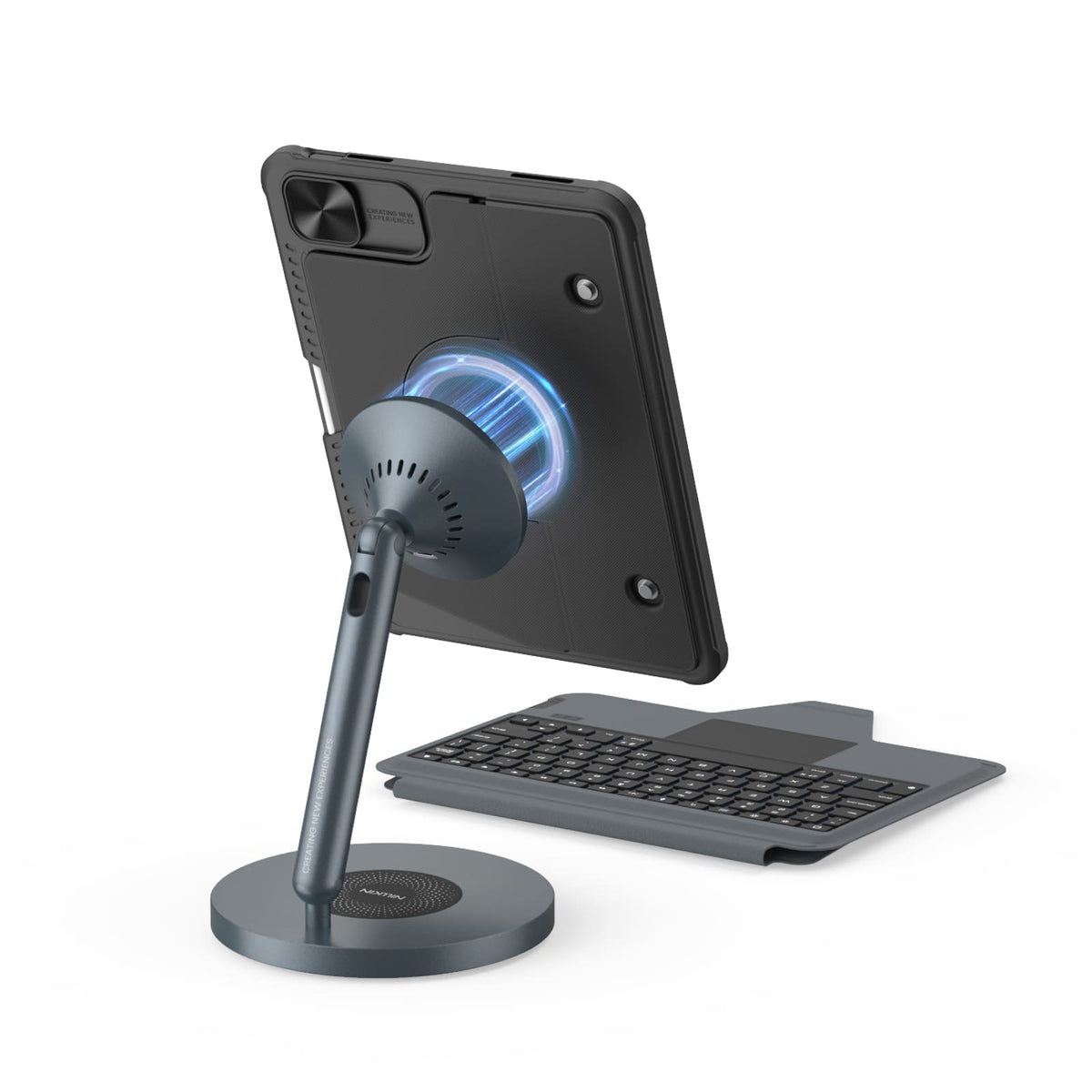
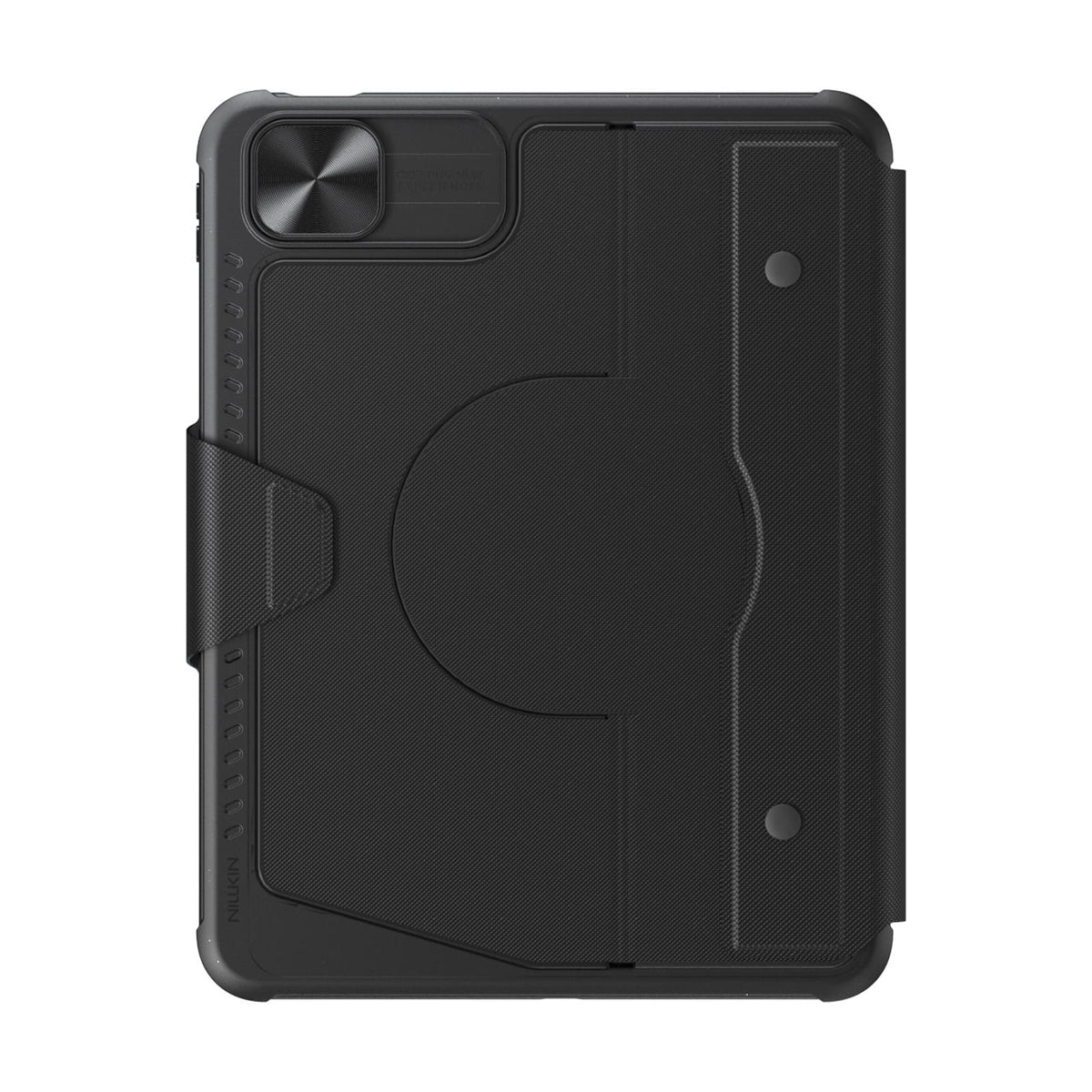
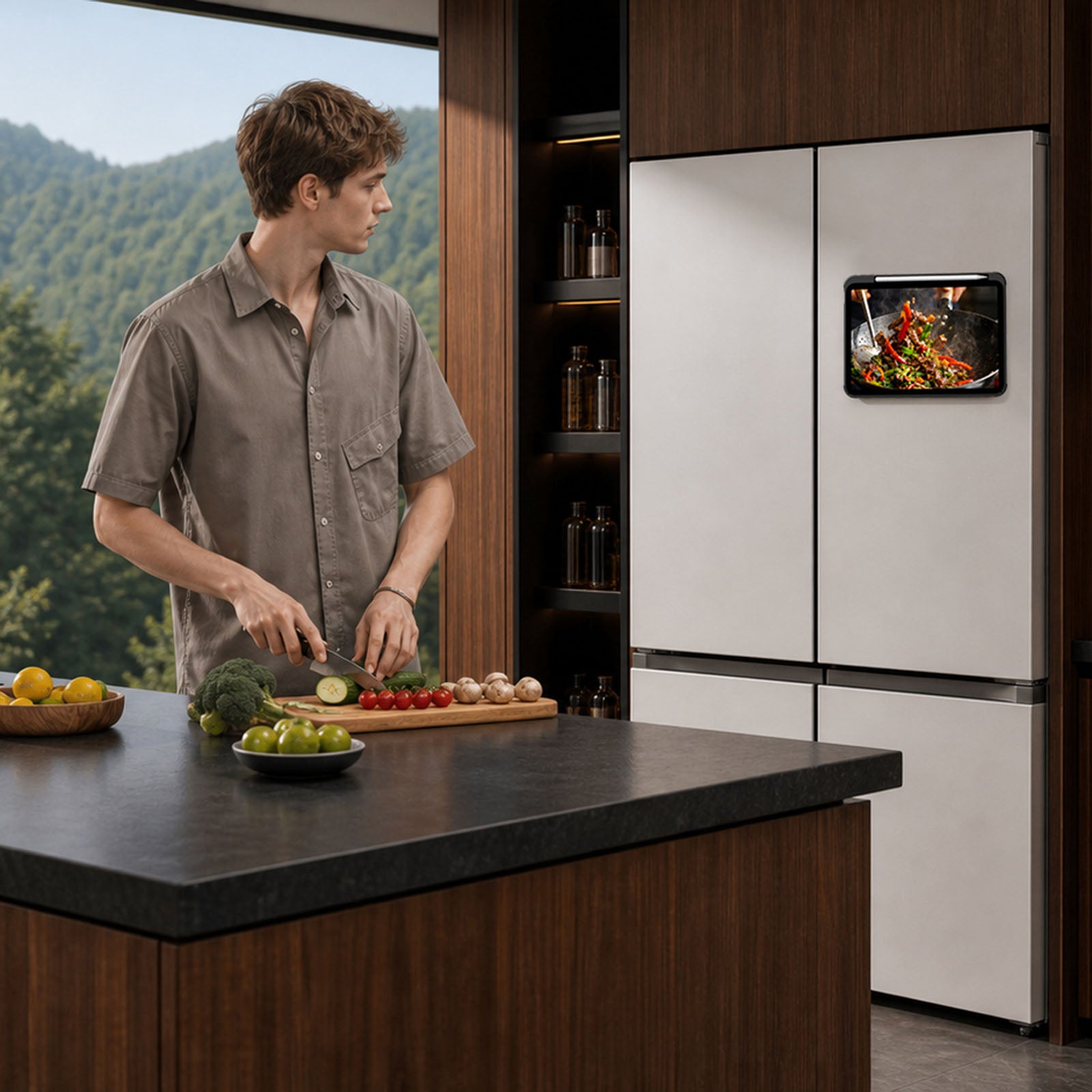
Built-in magnets unlock more ways to use your iPad with compatible metal surfaces and NILLKIN magnetic accessories.
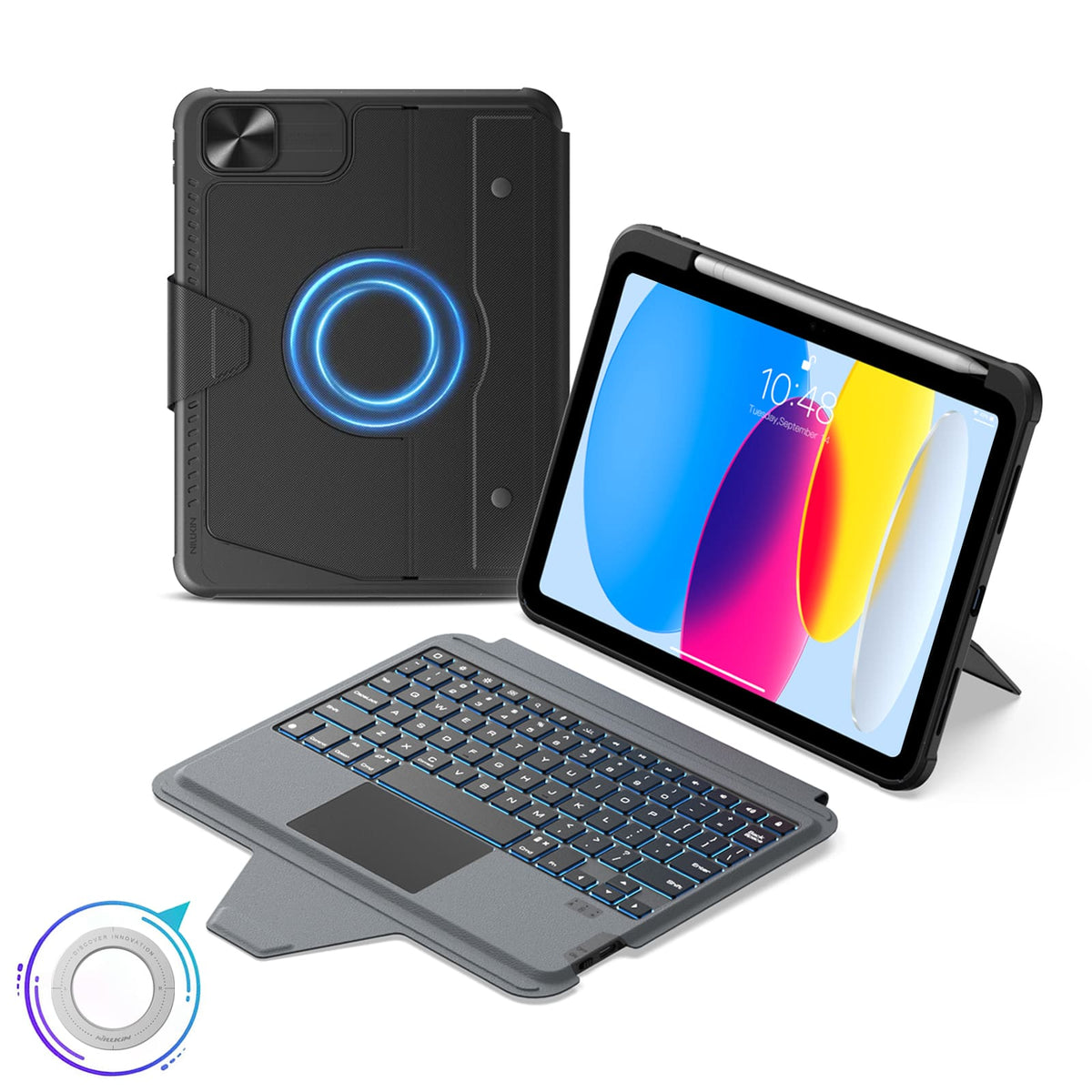
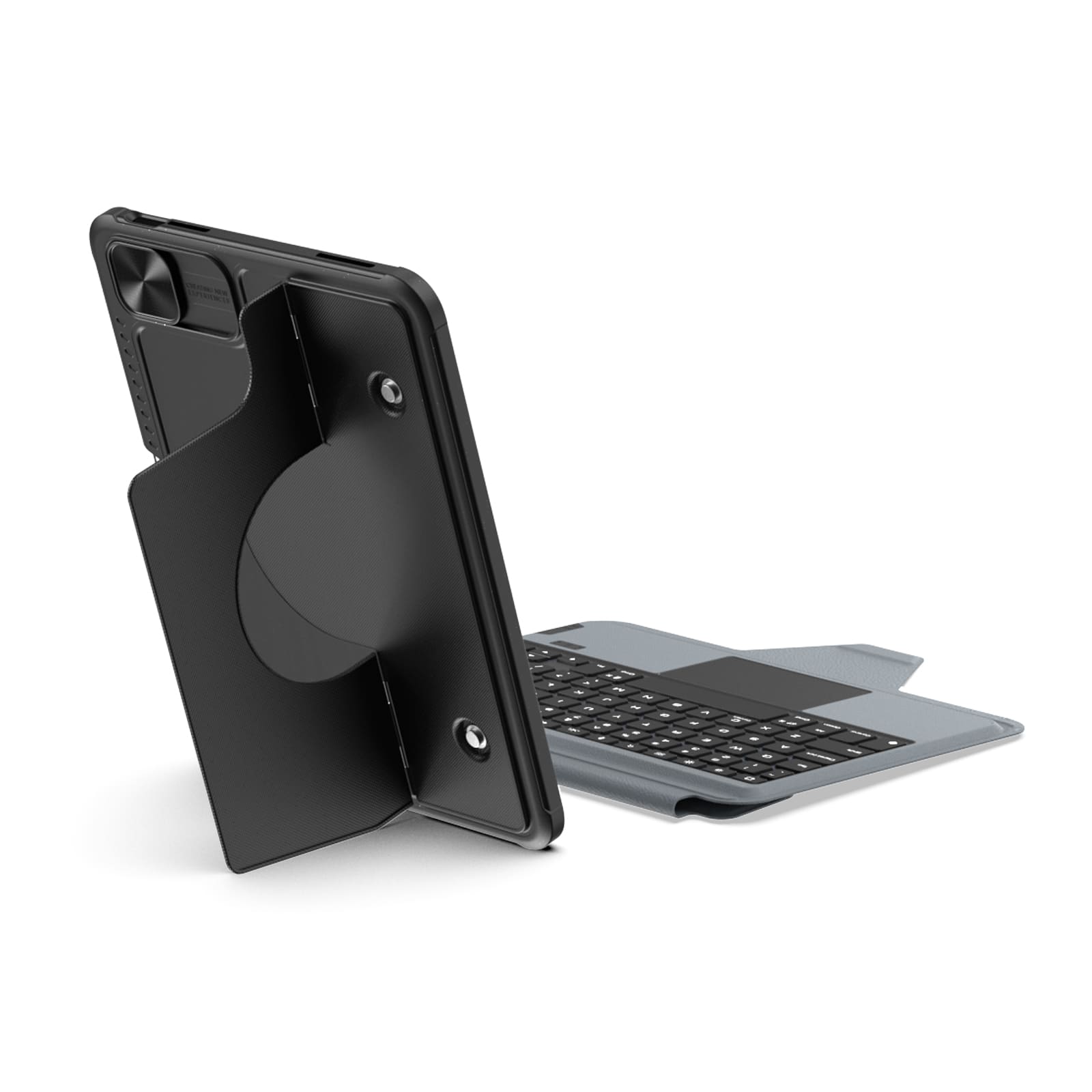
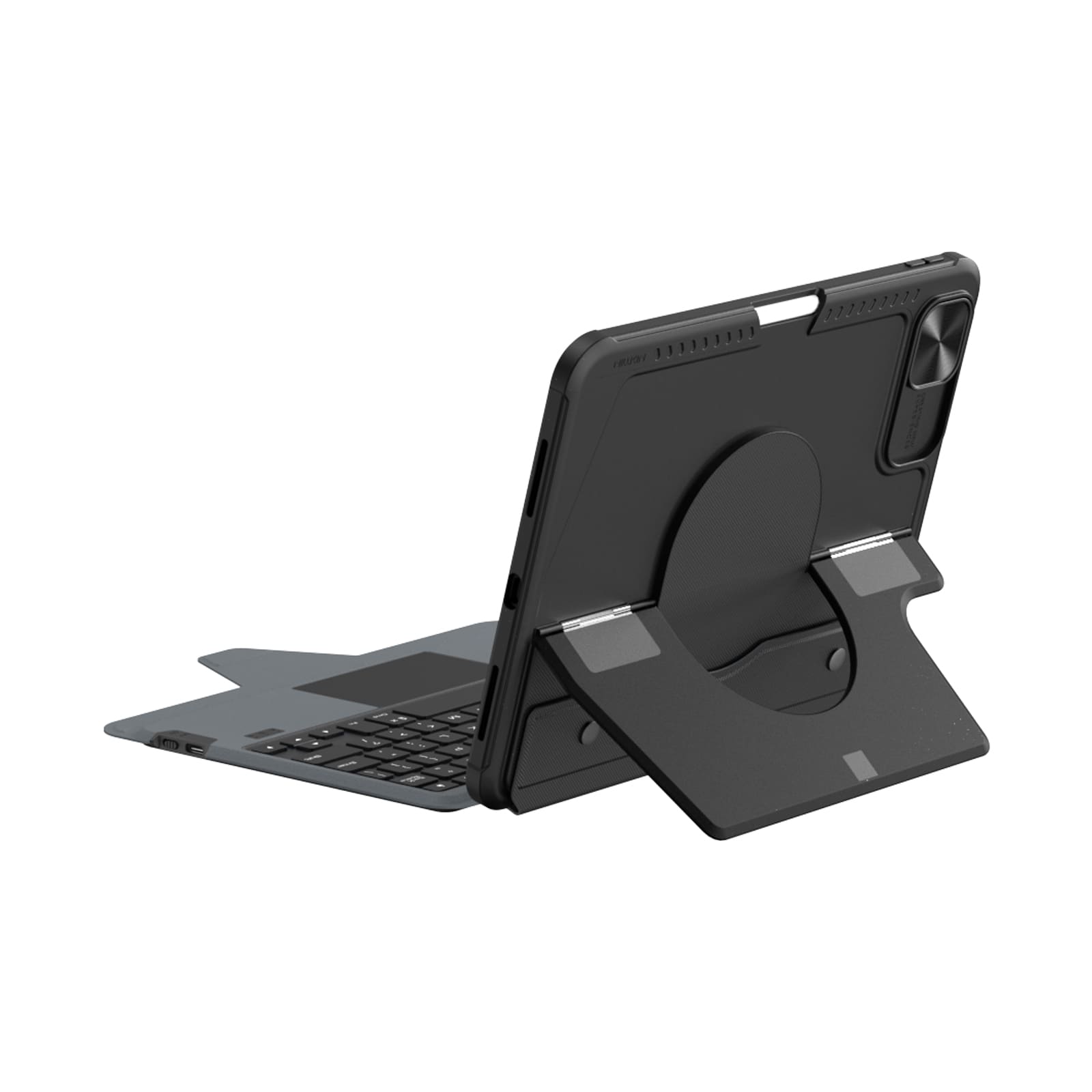
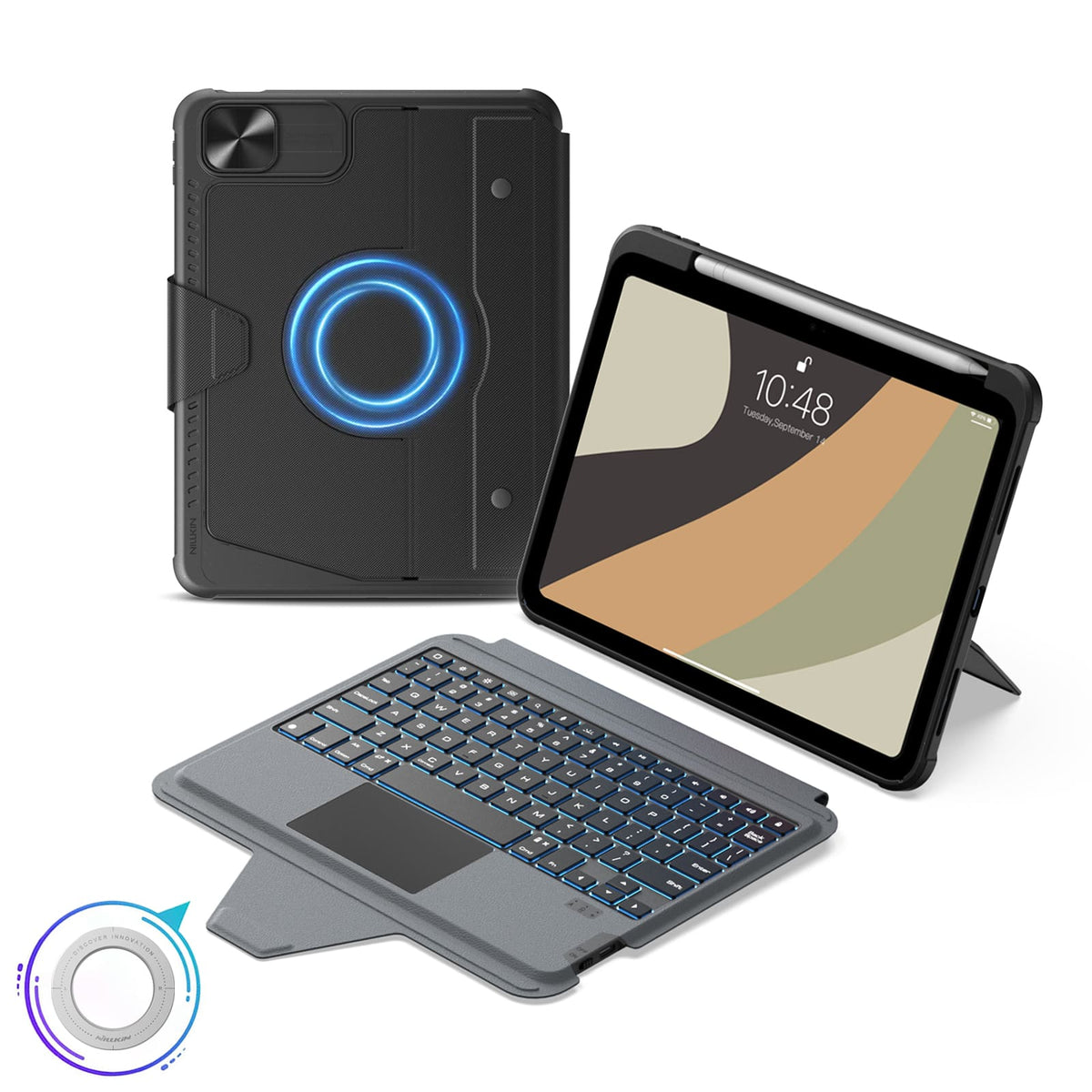
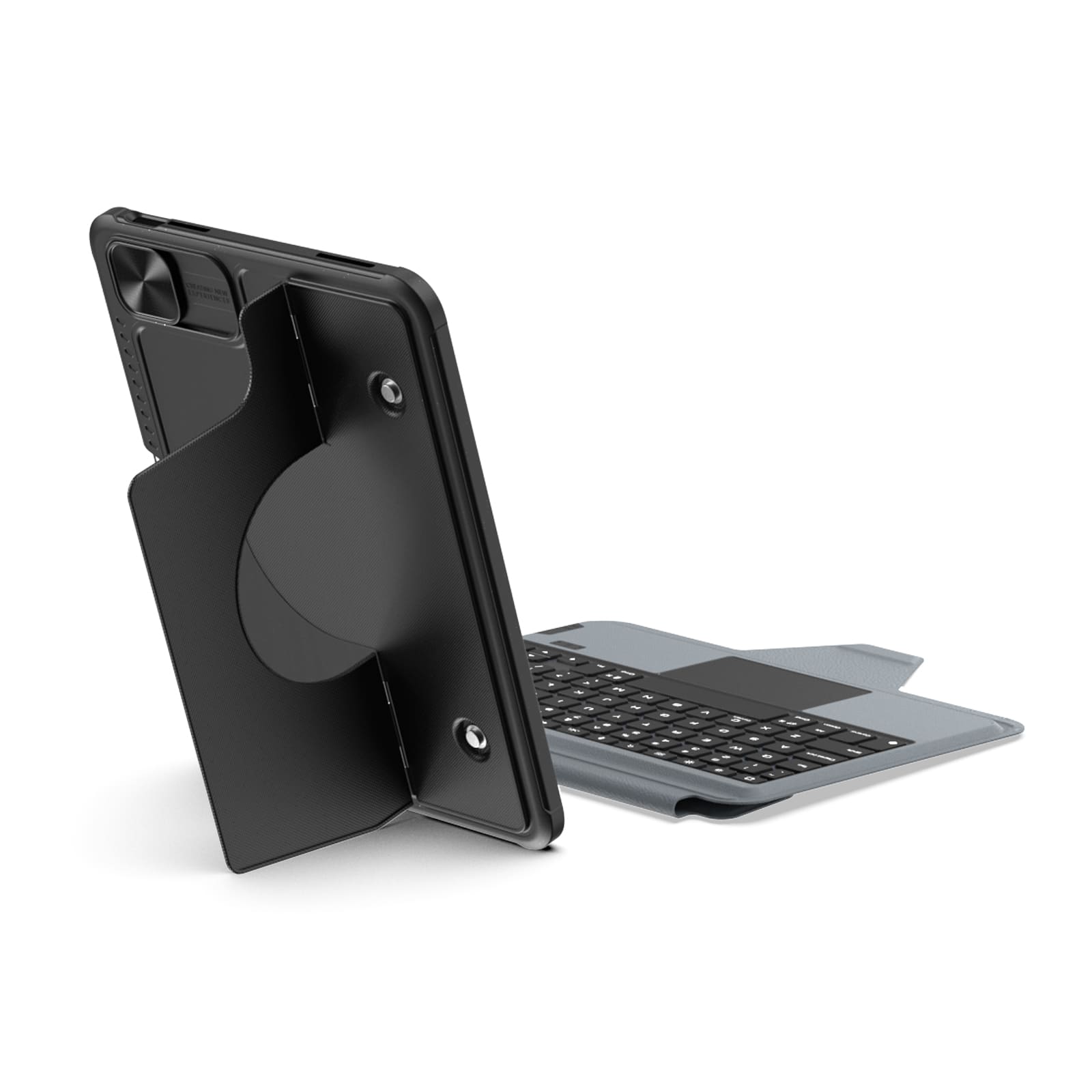
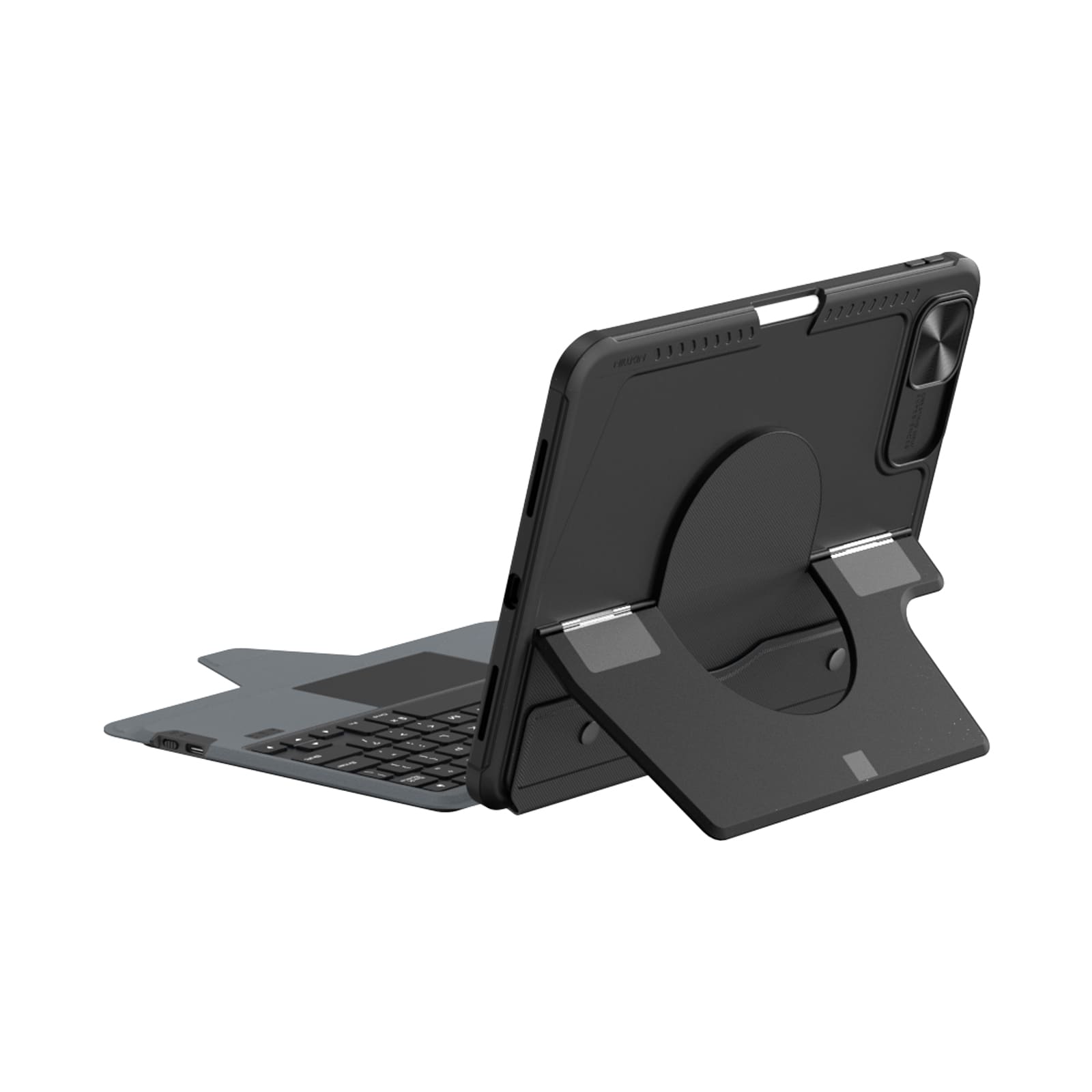
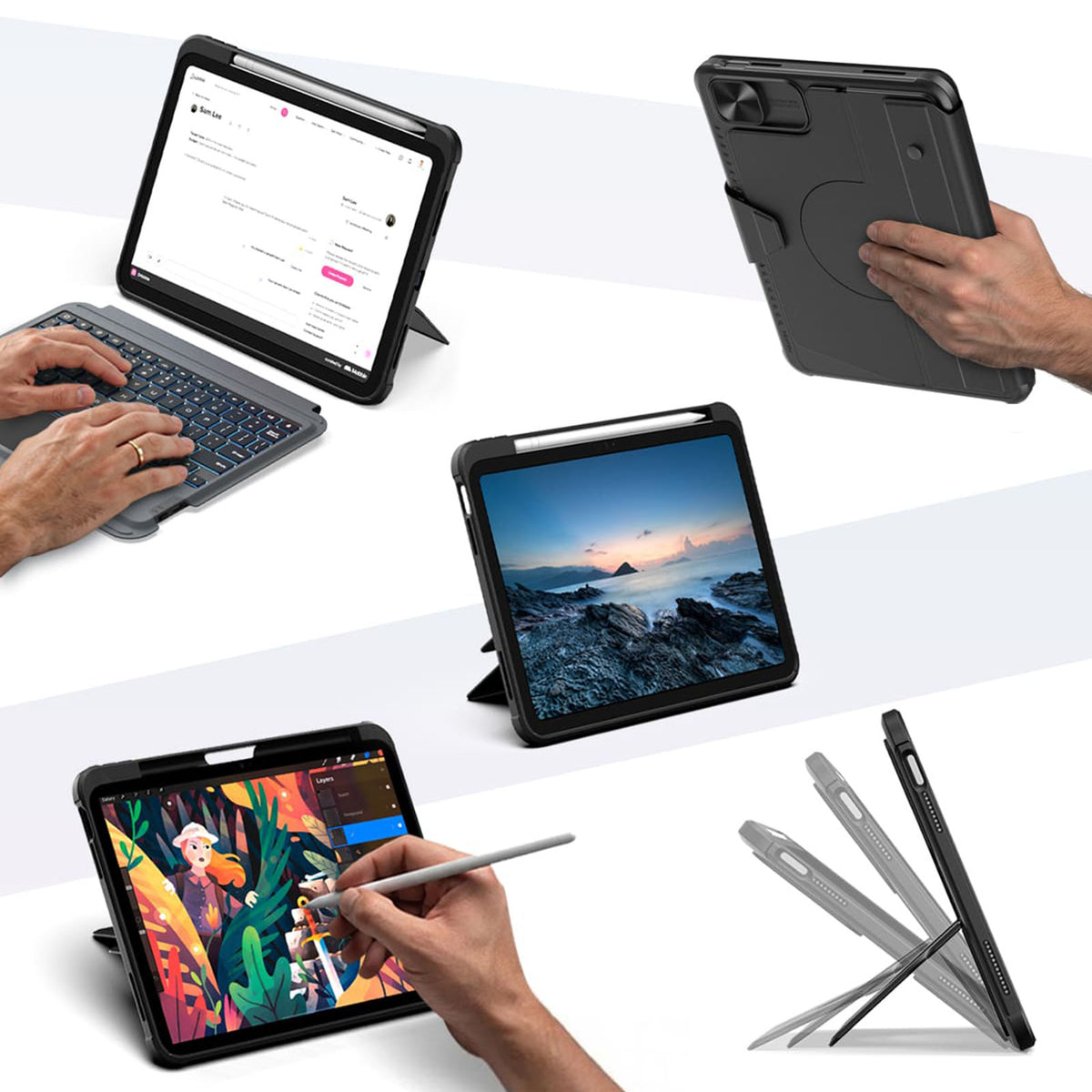
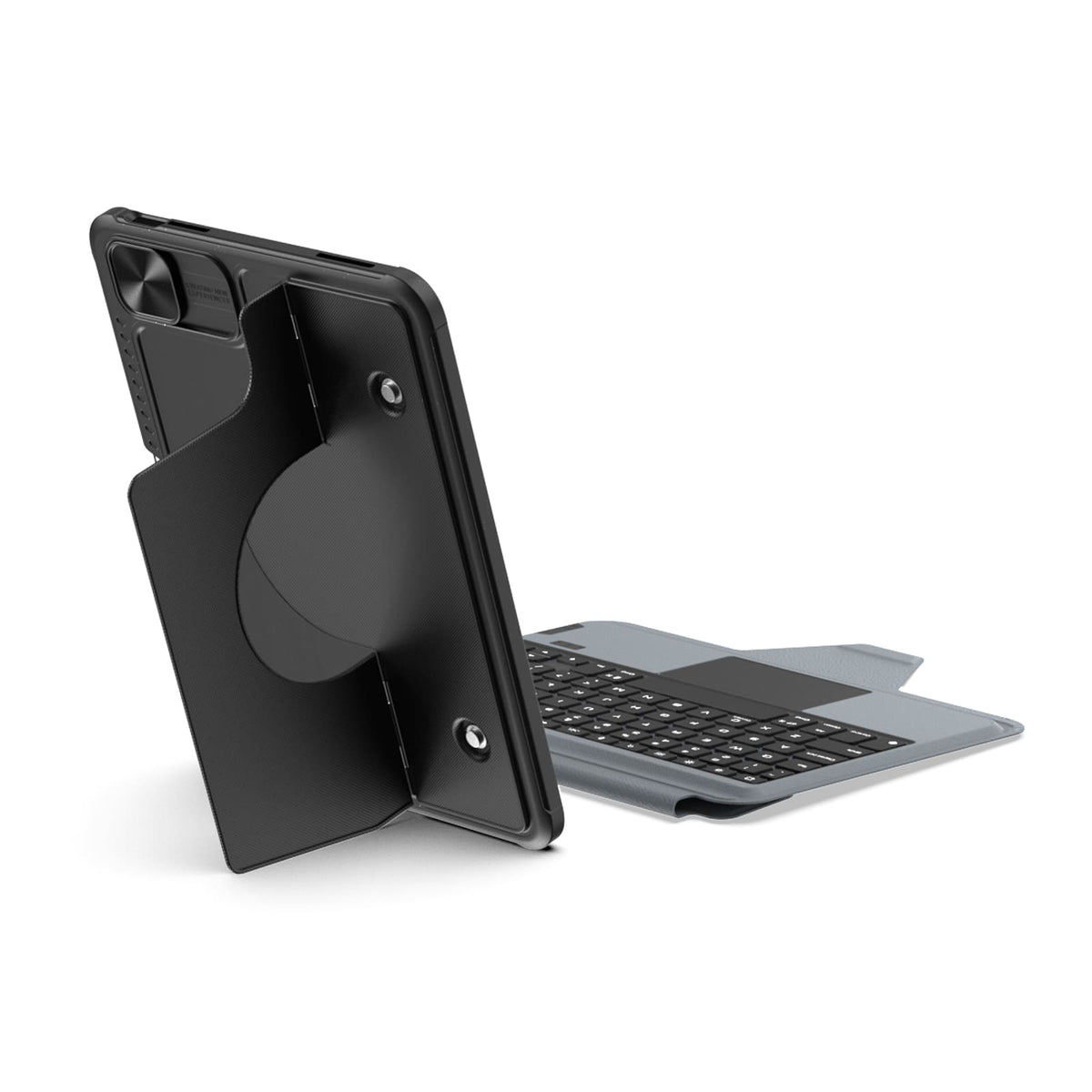
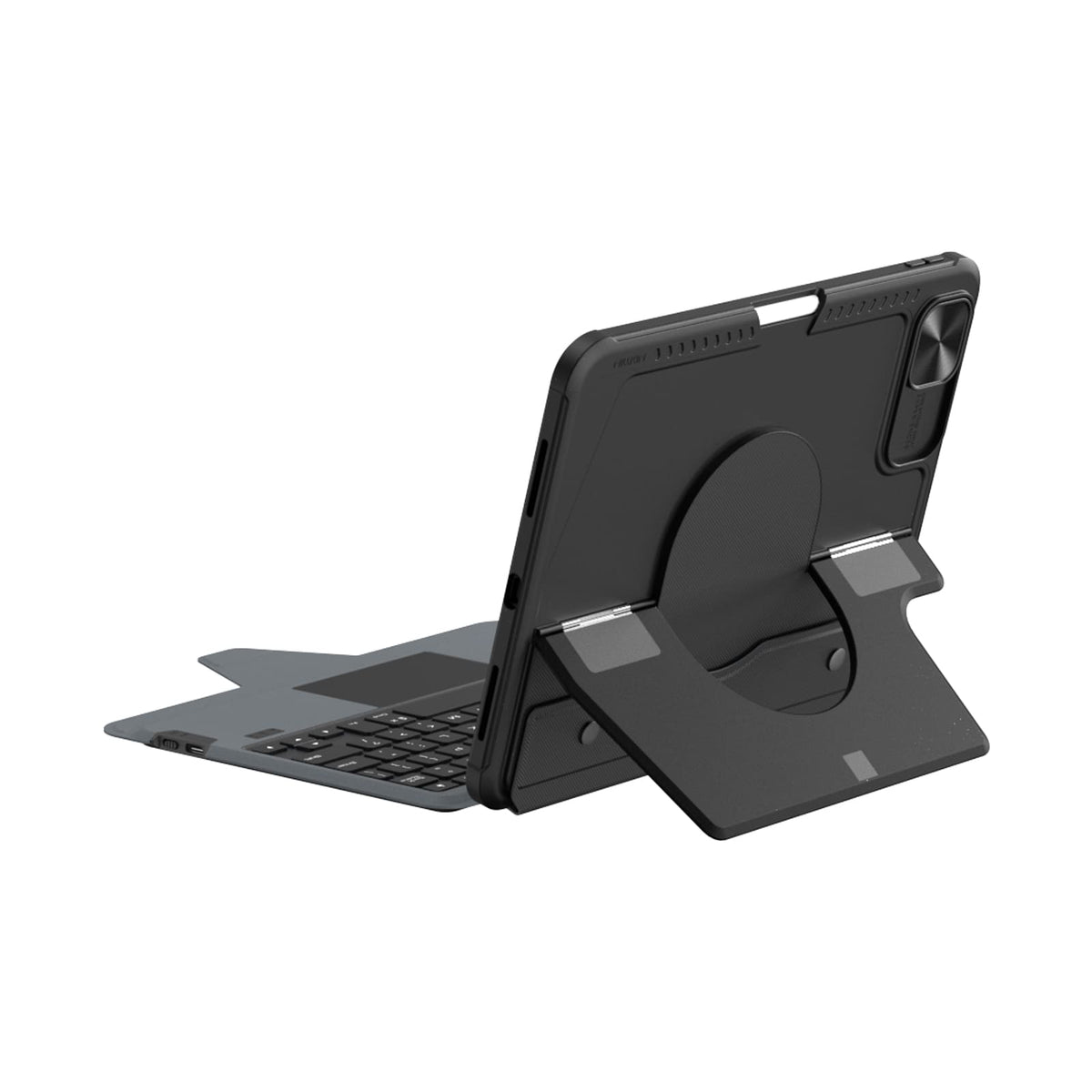
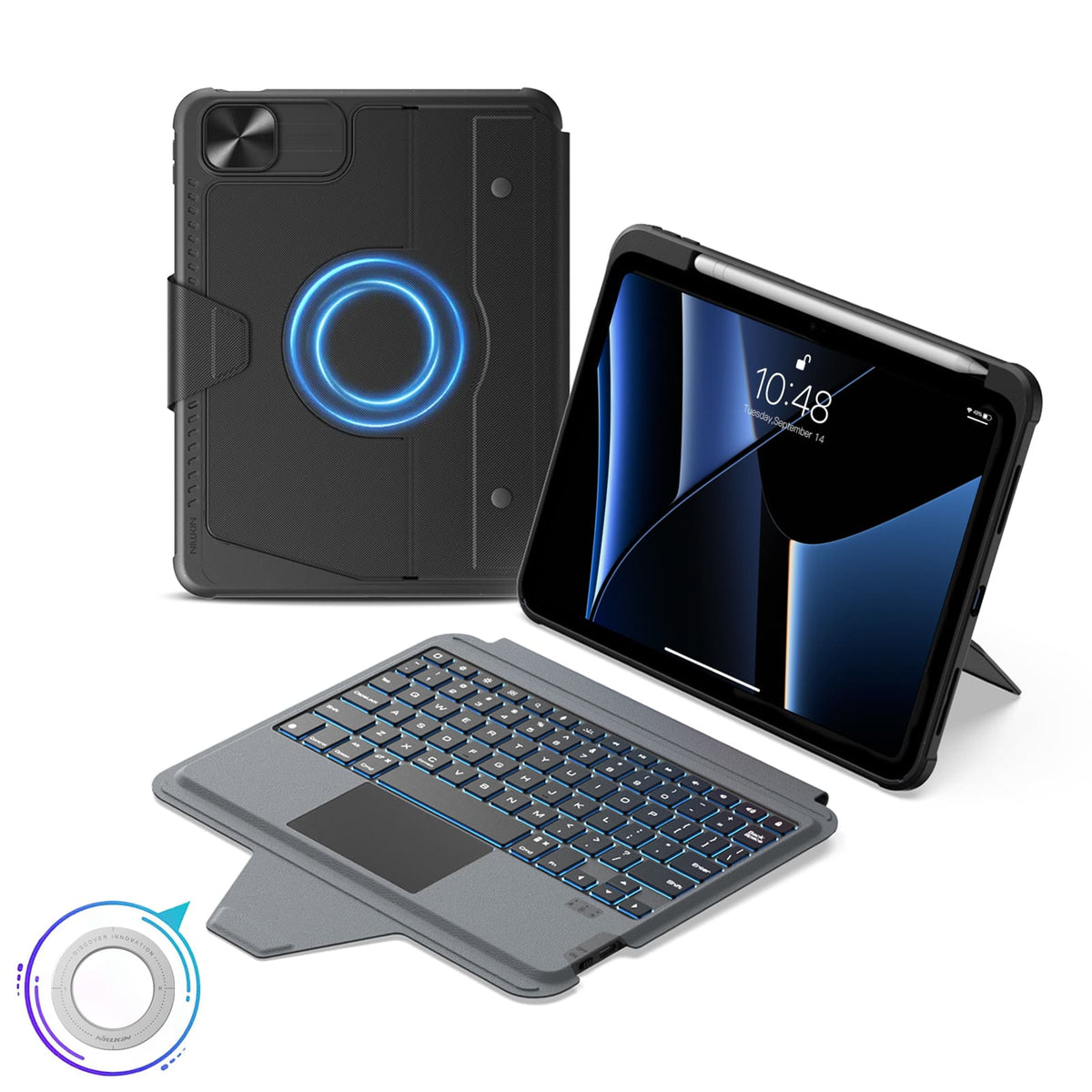
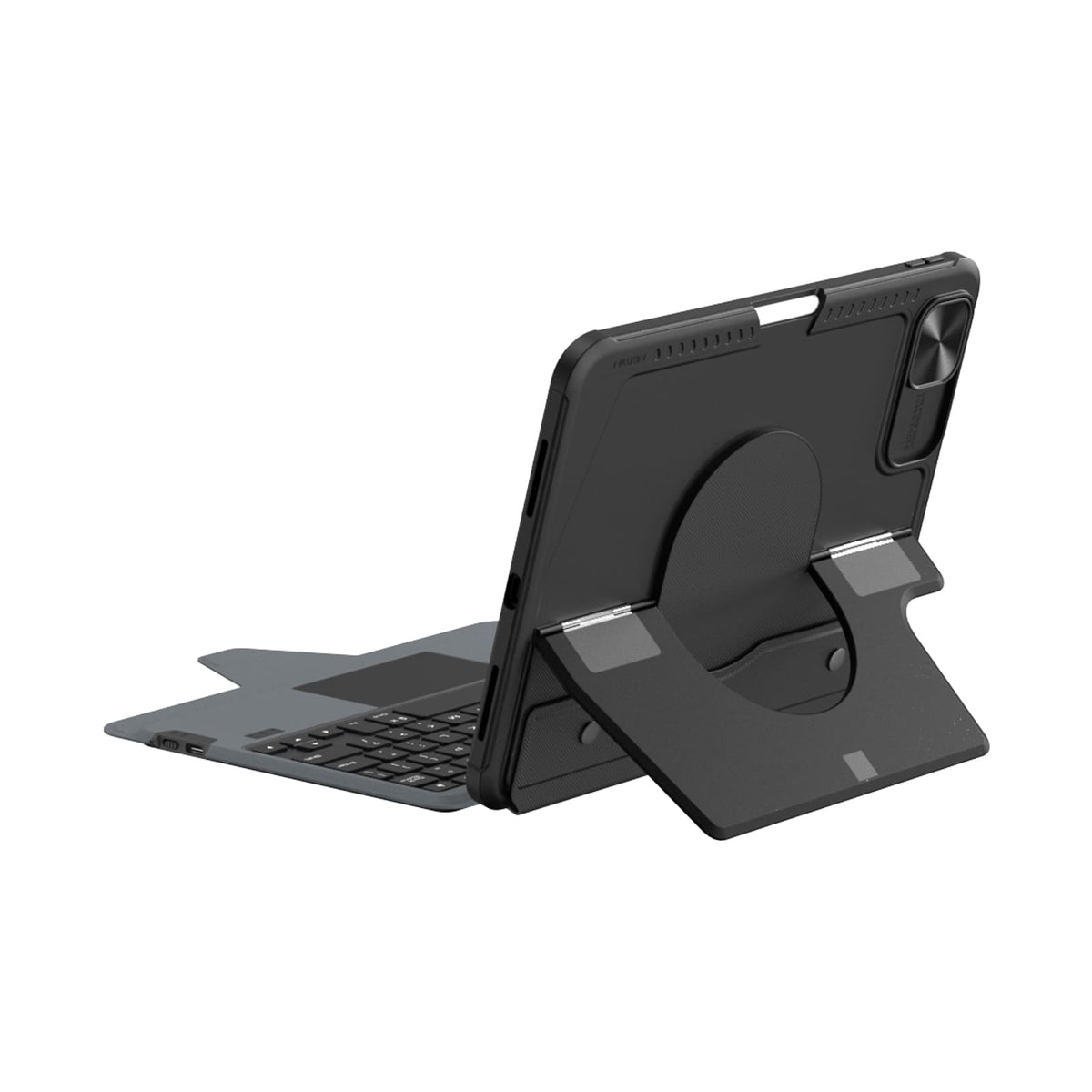
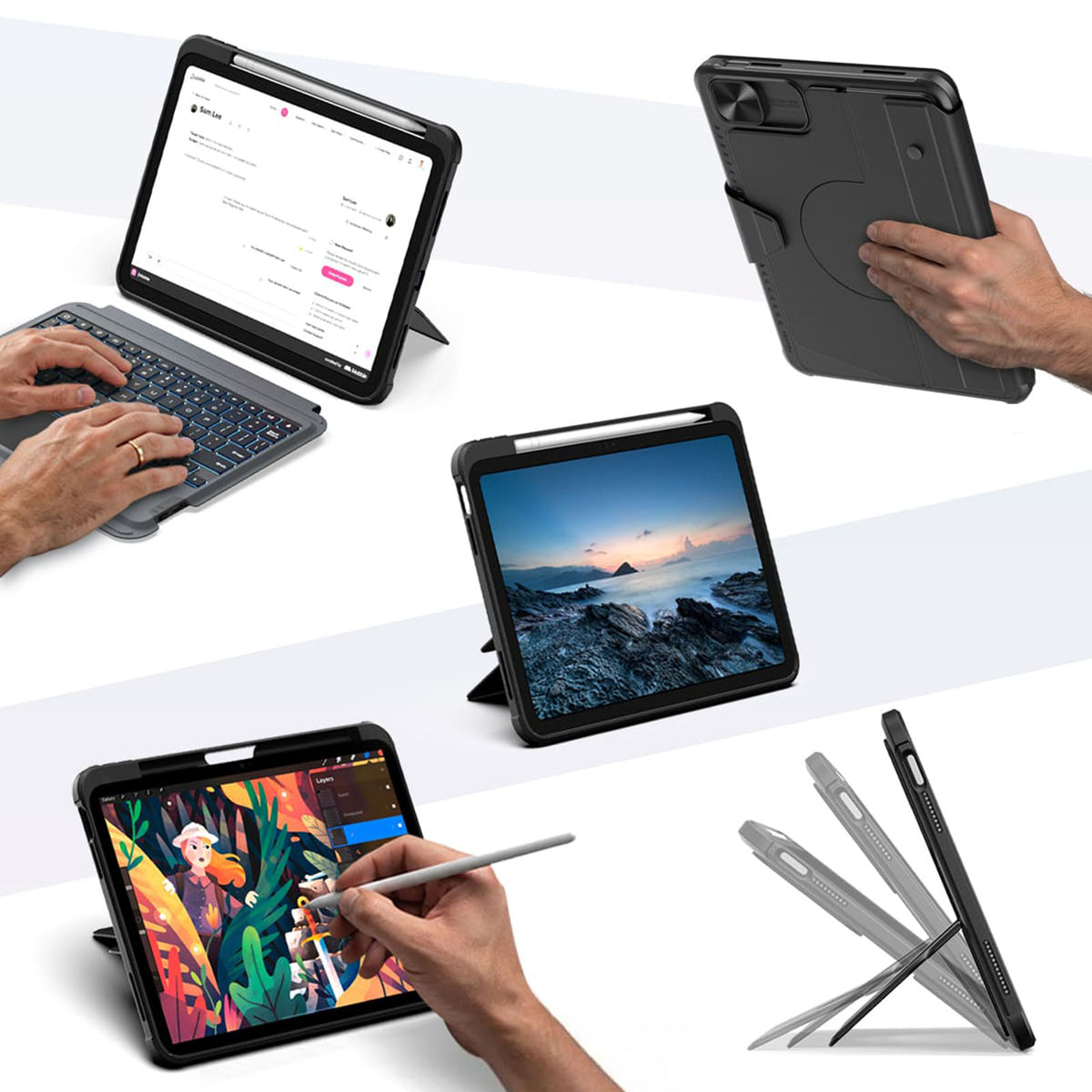
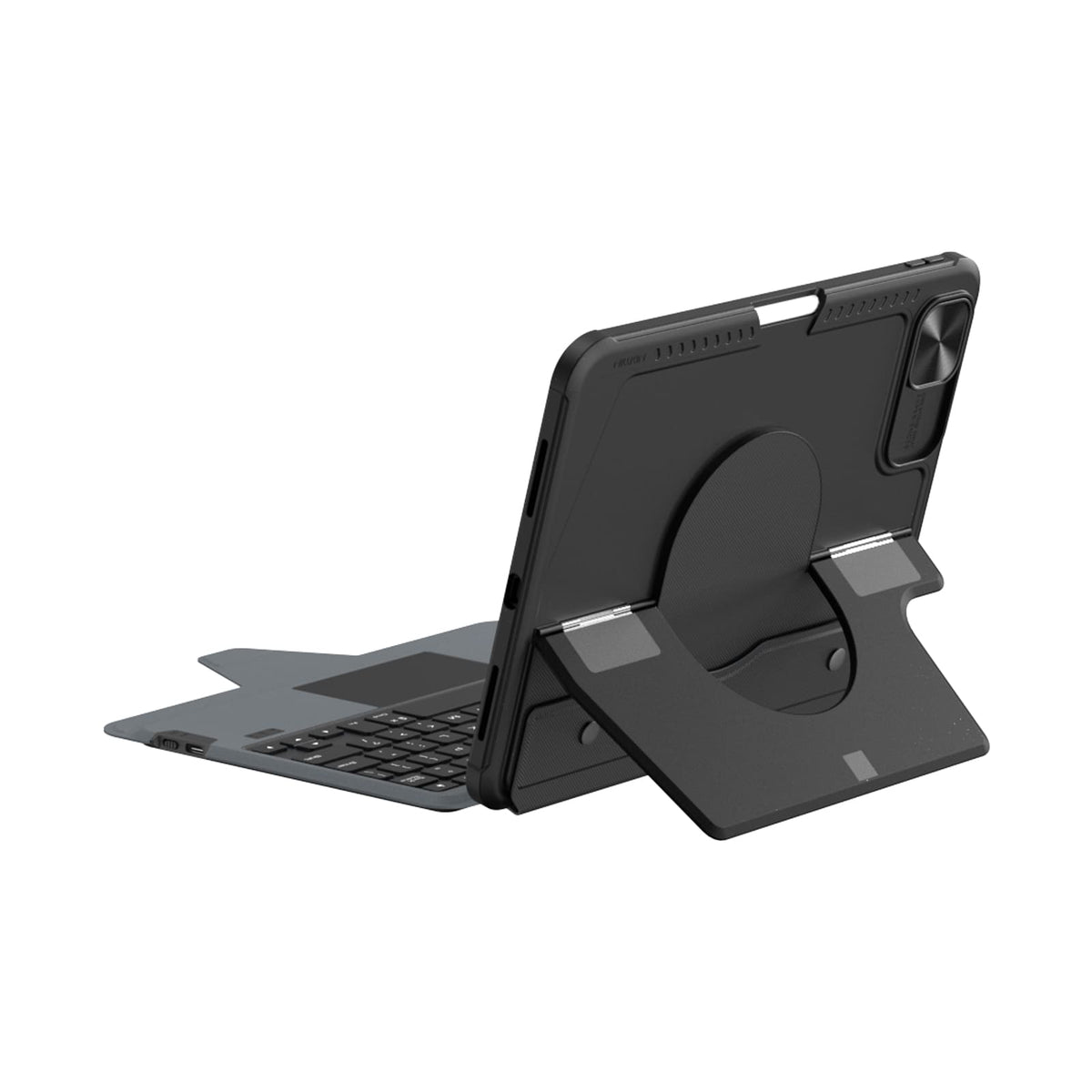
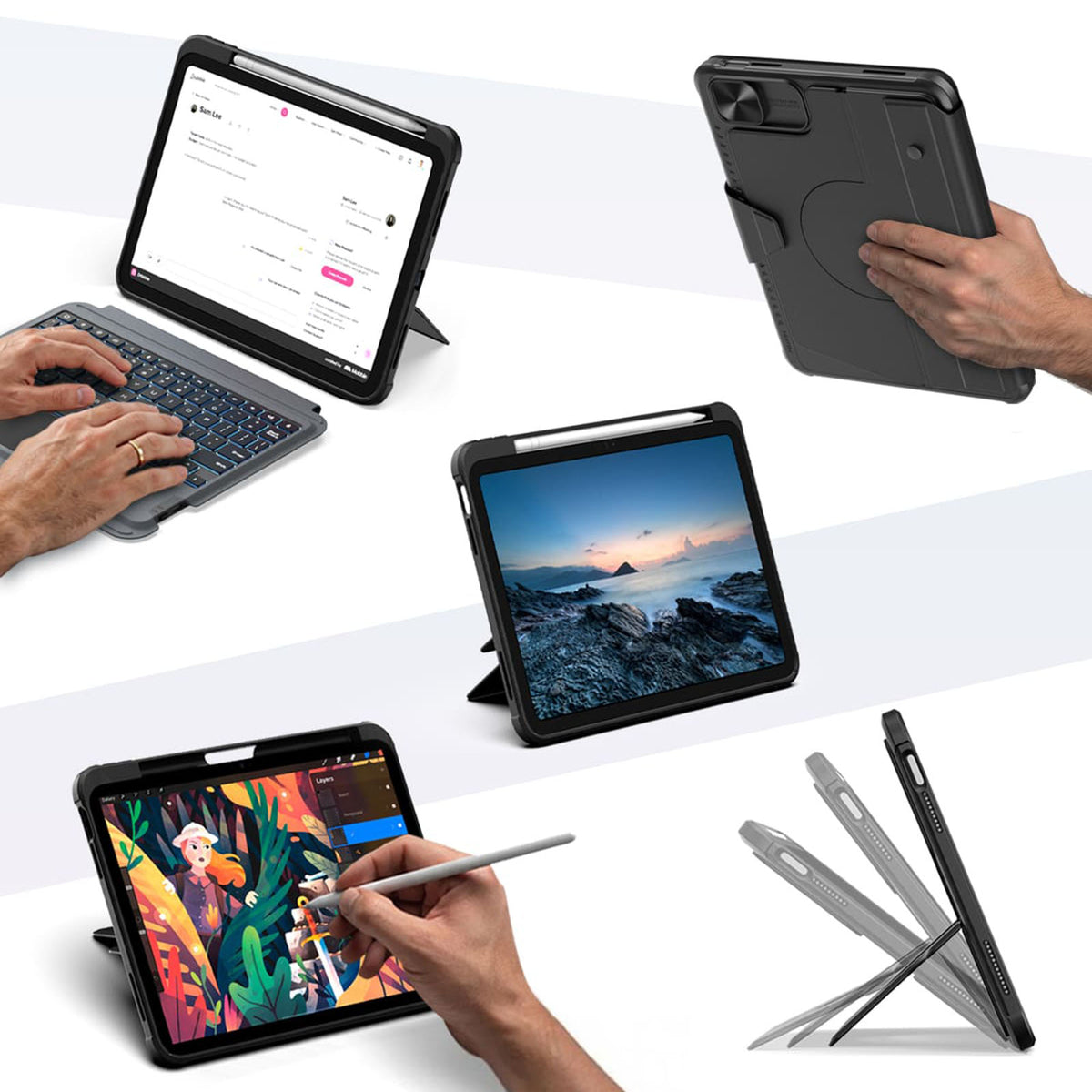
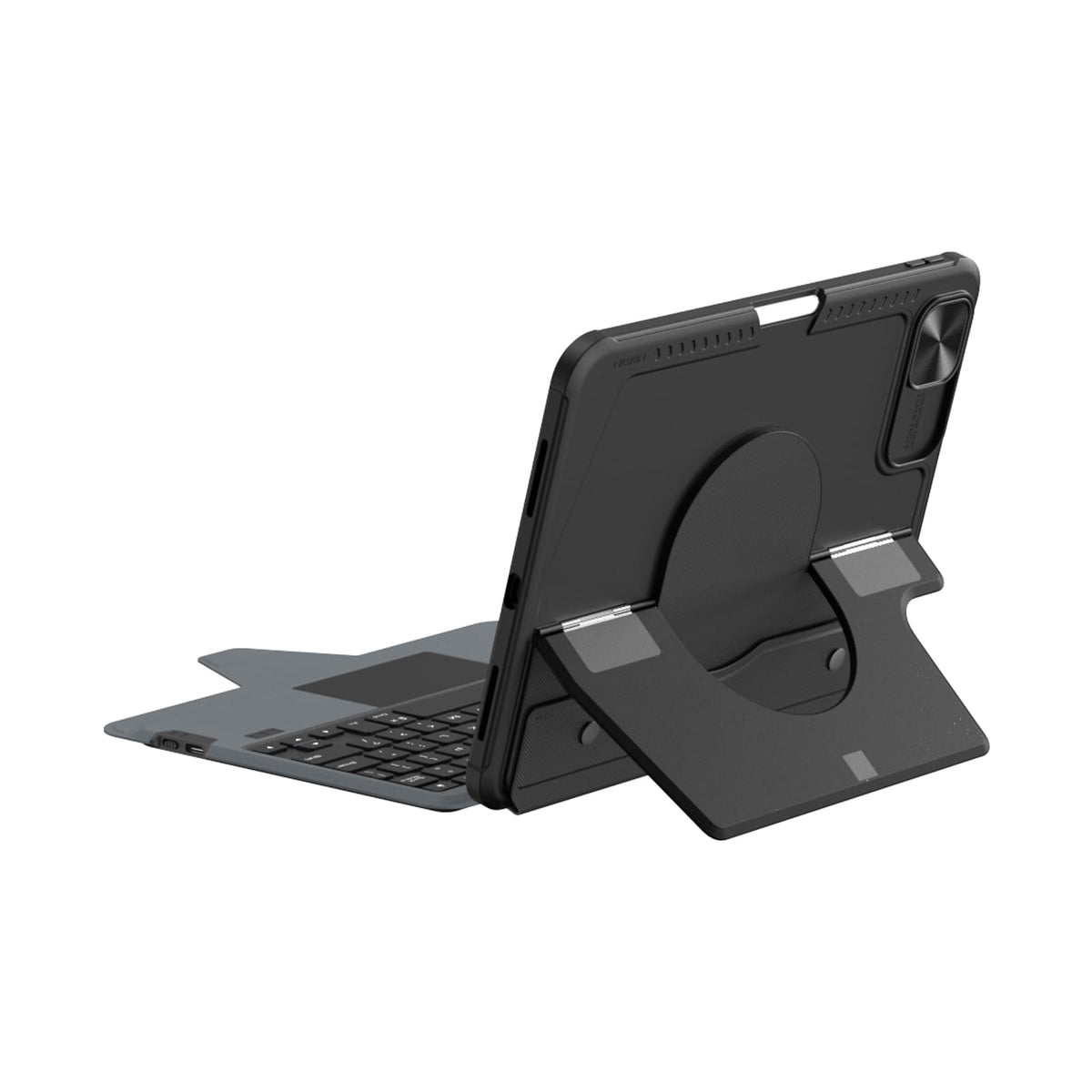
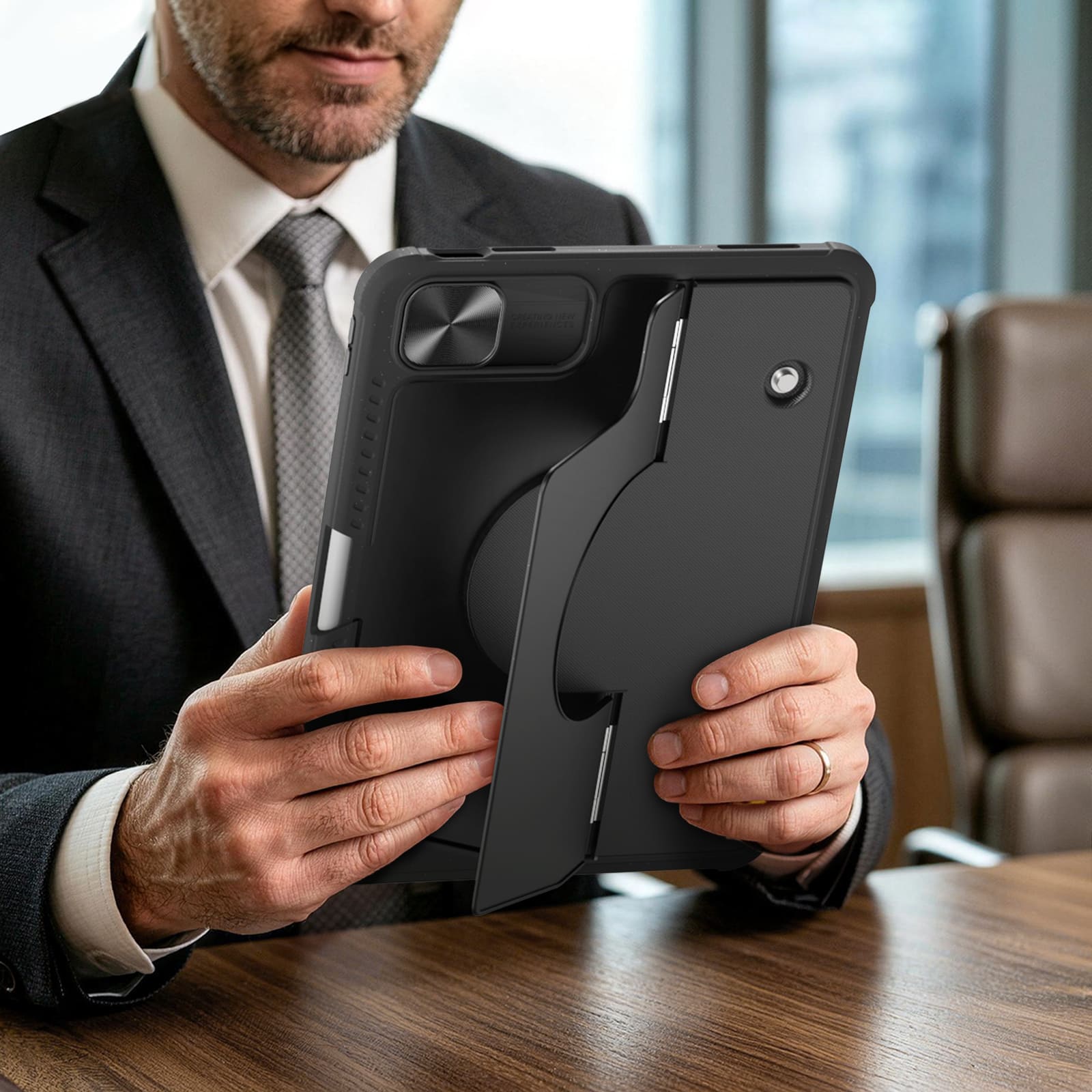
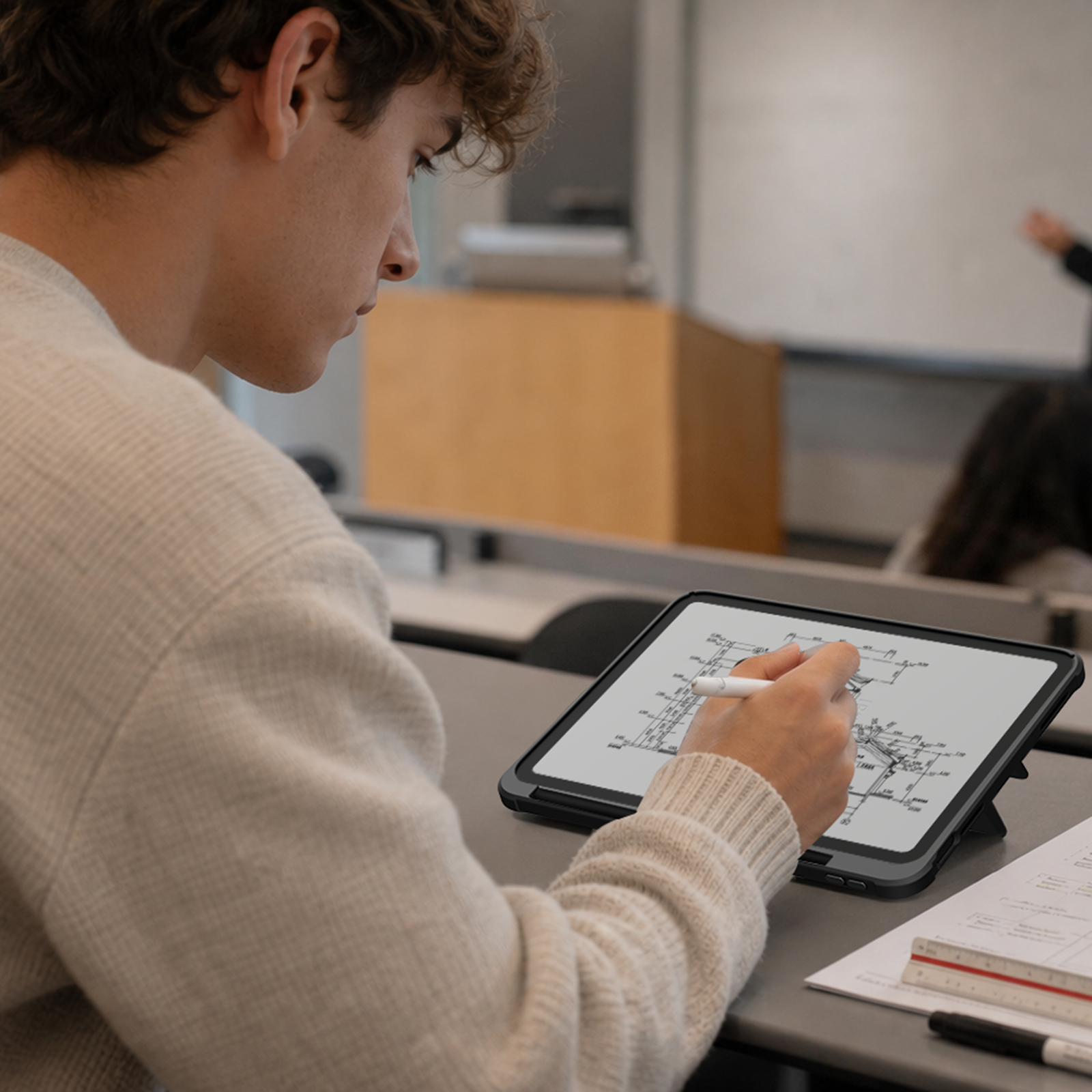
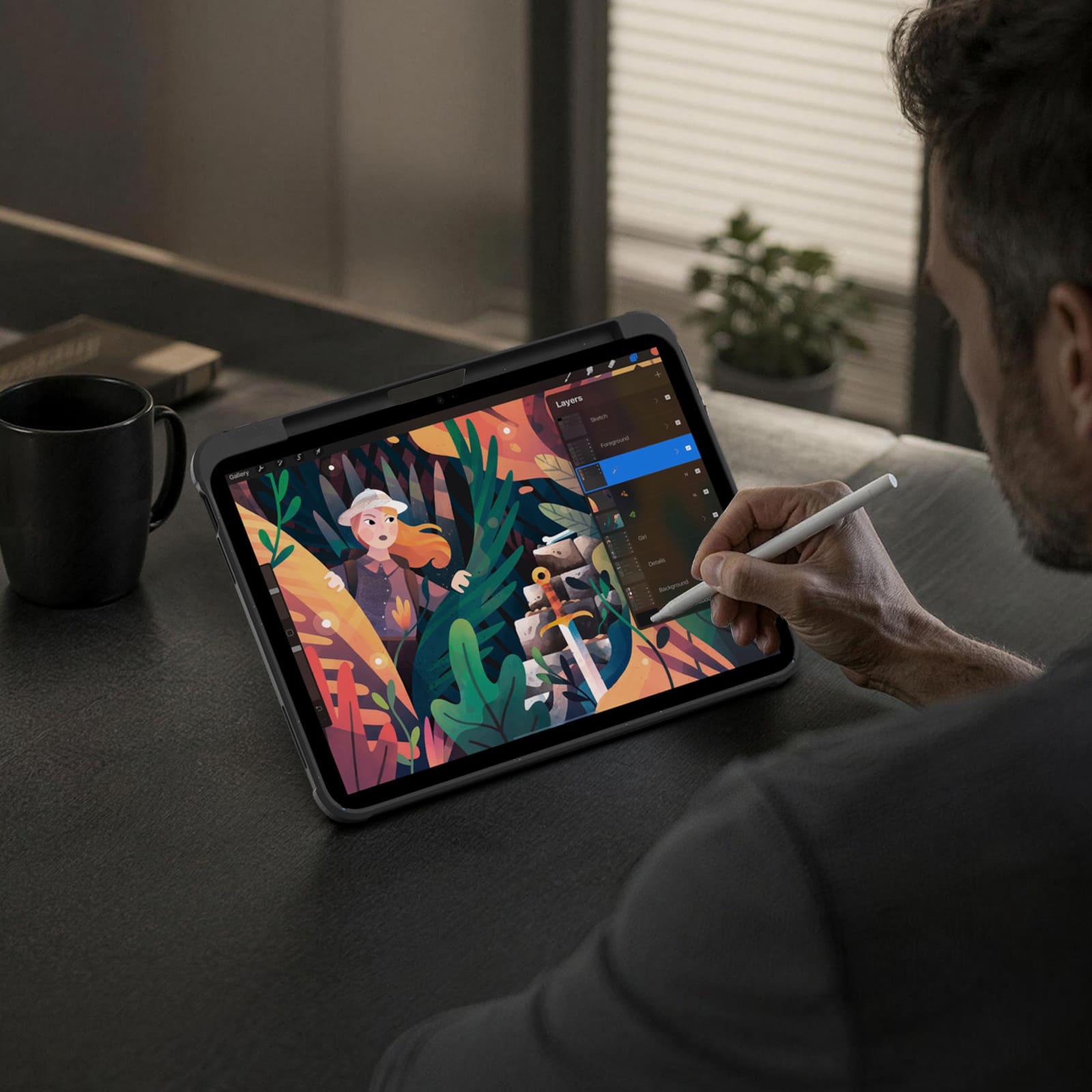
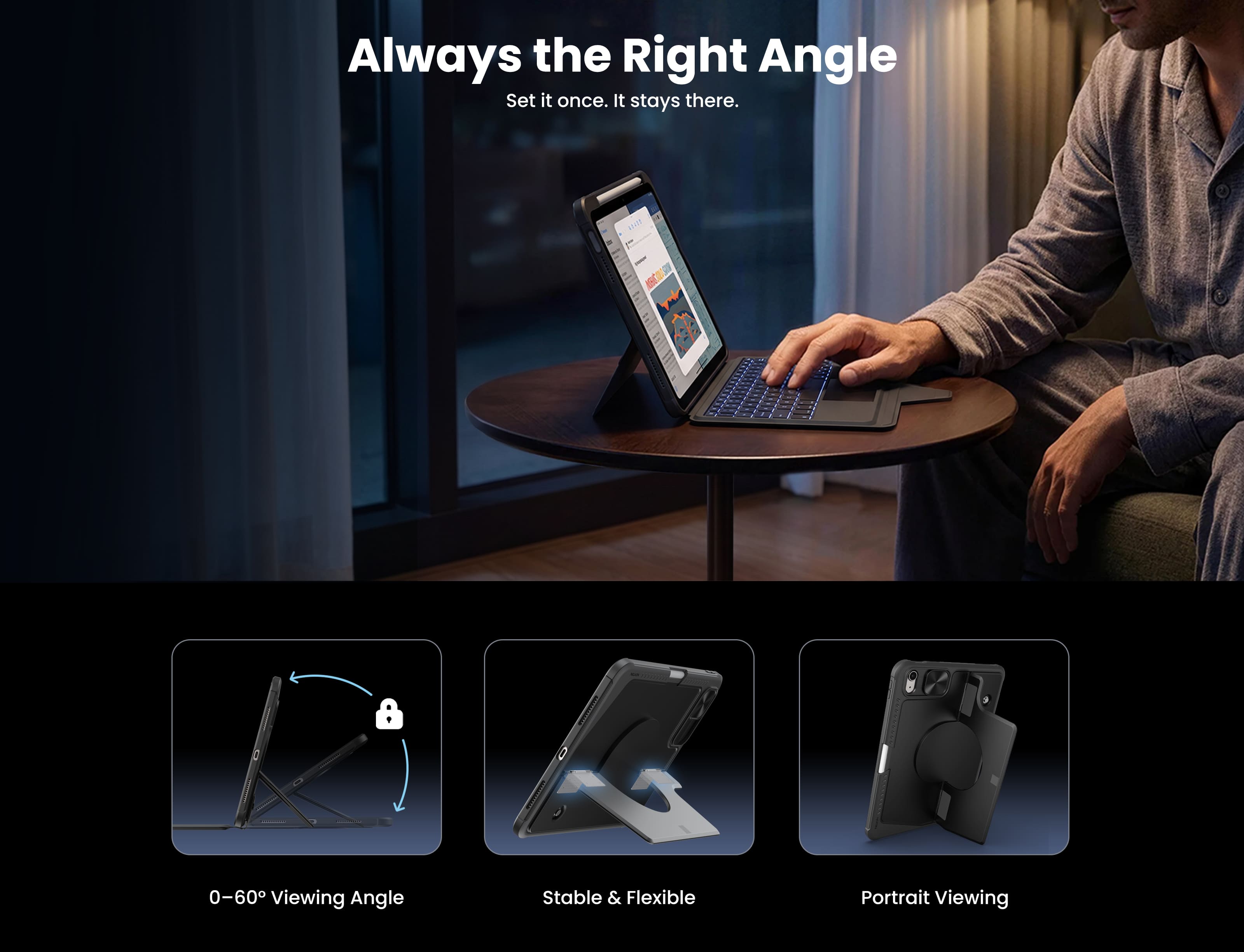
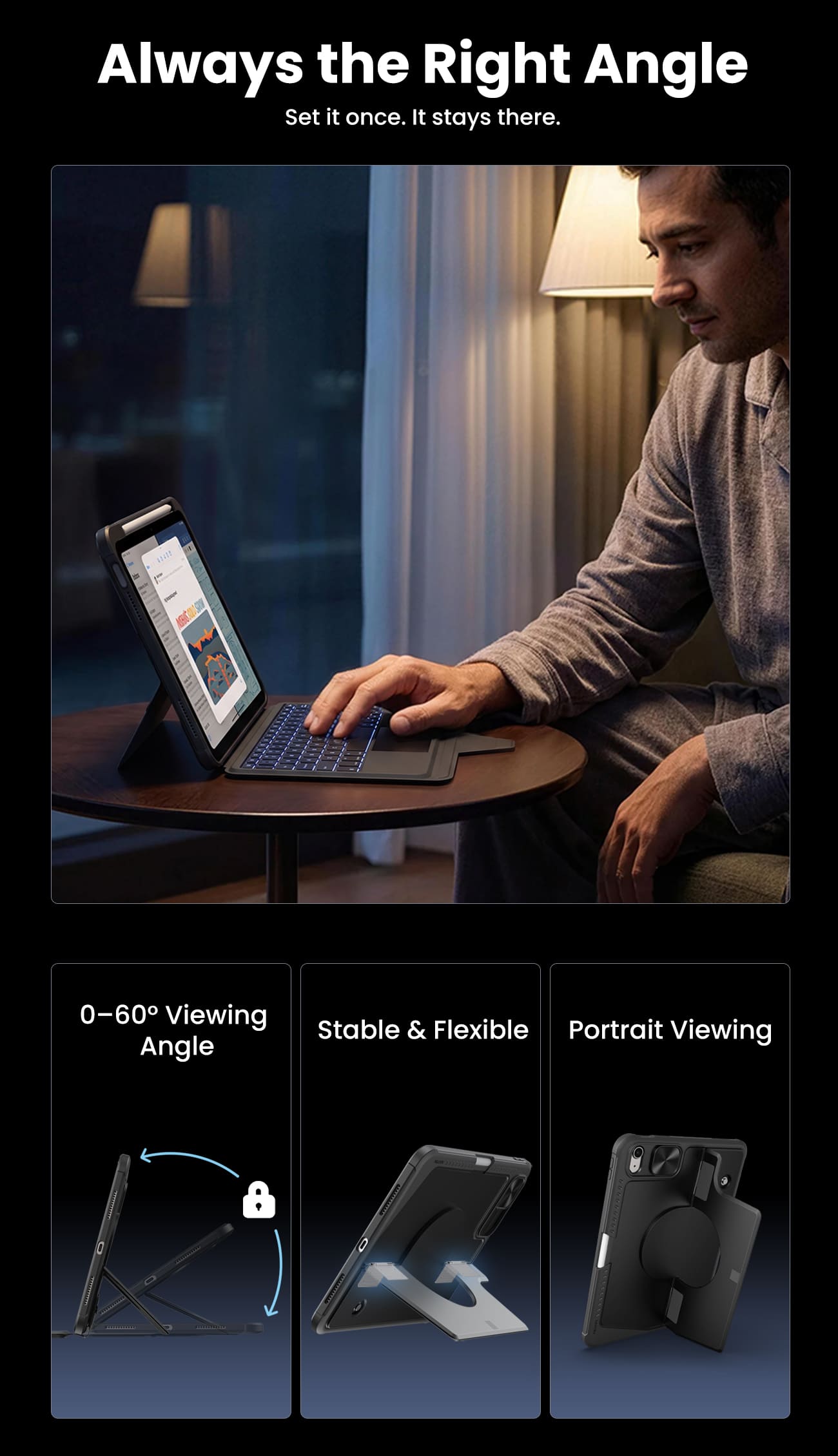
Switch between typing, viewing, browsing, drawing, and hands-free setups with one case.
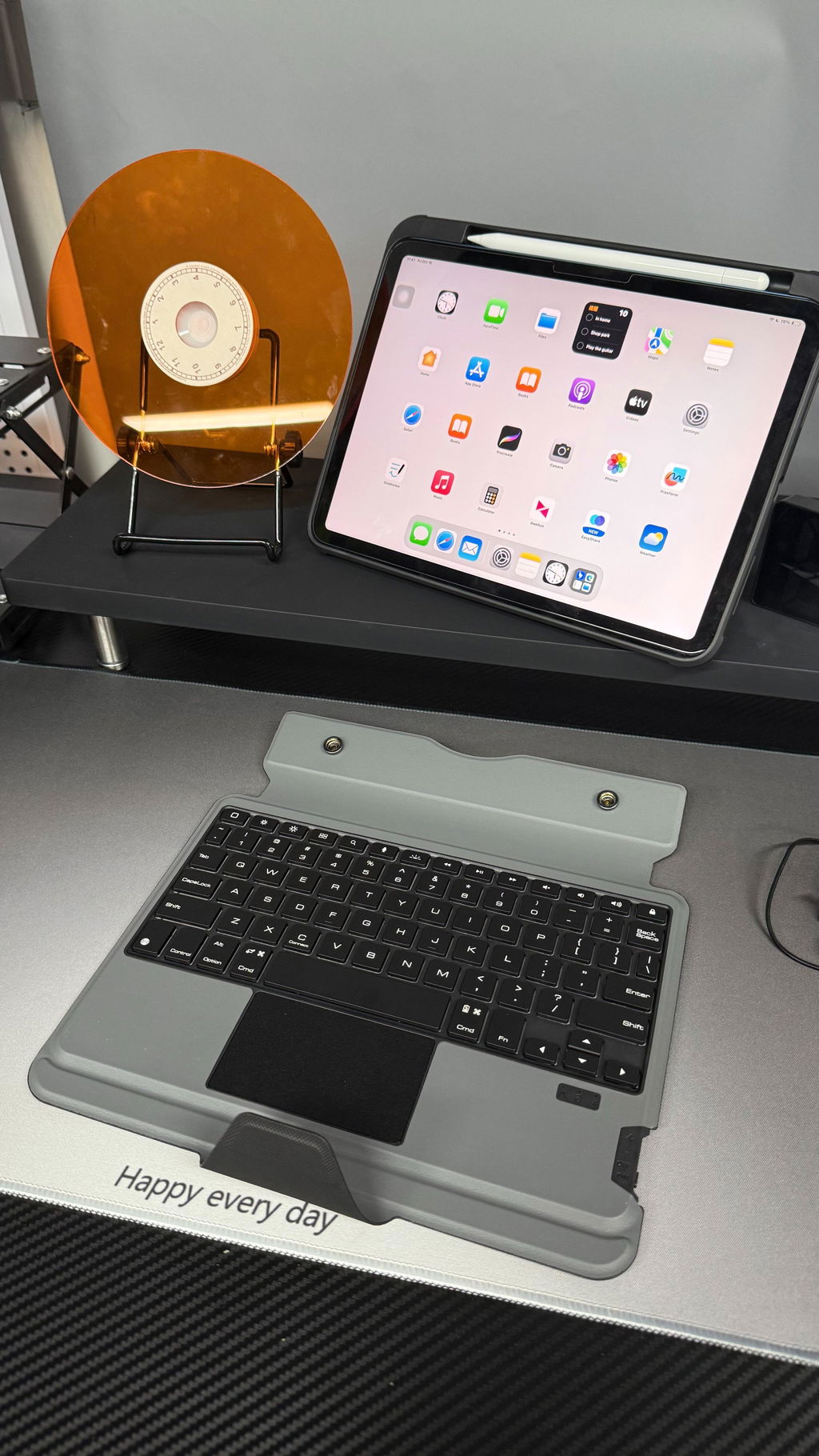
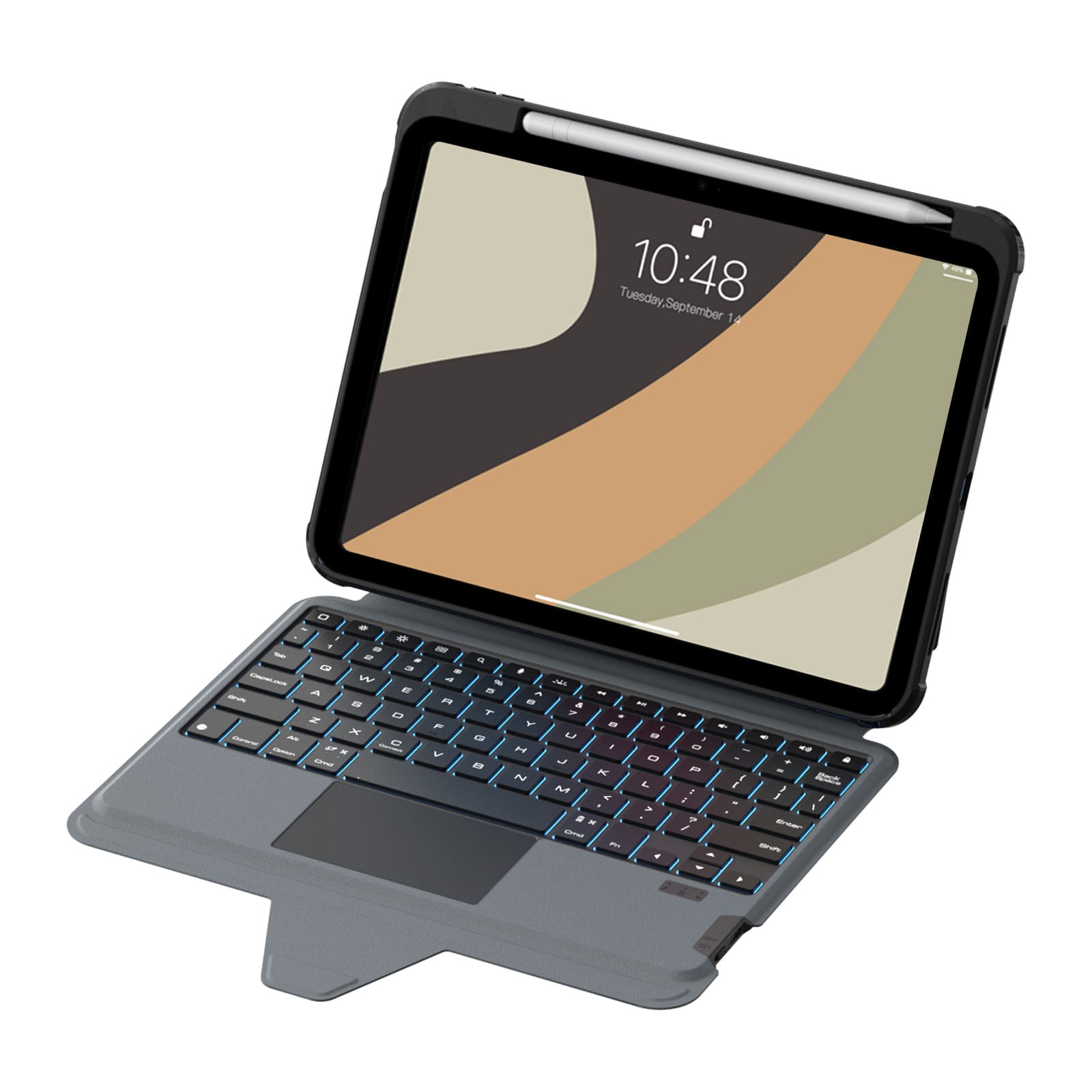
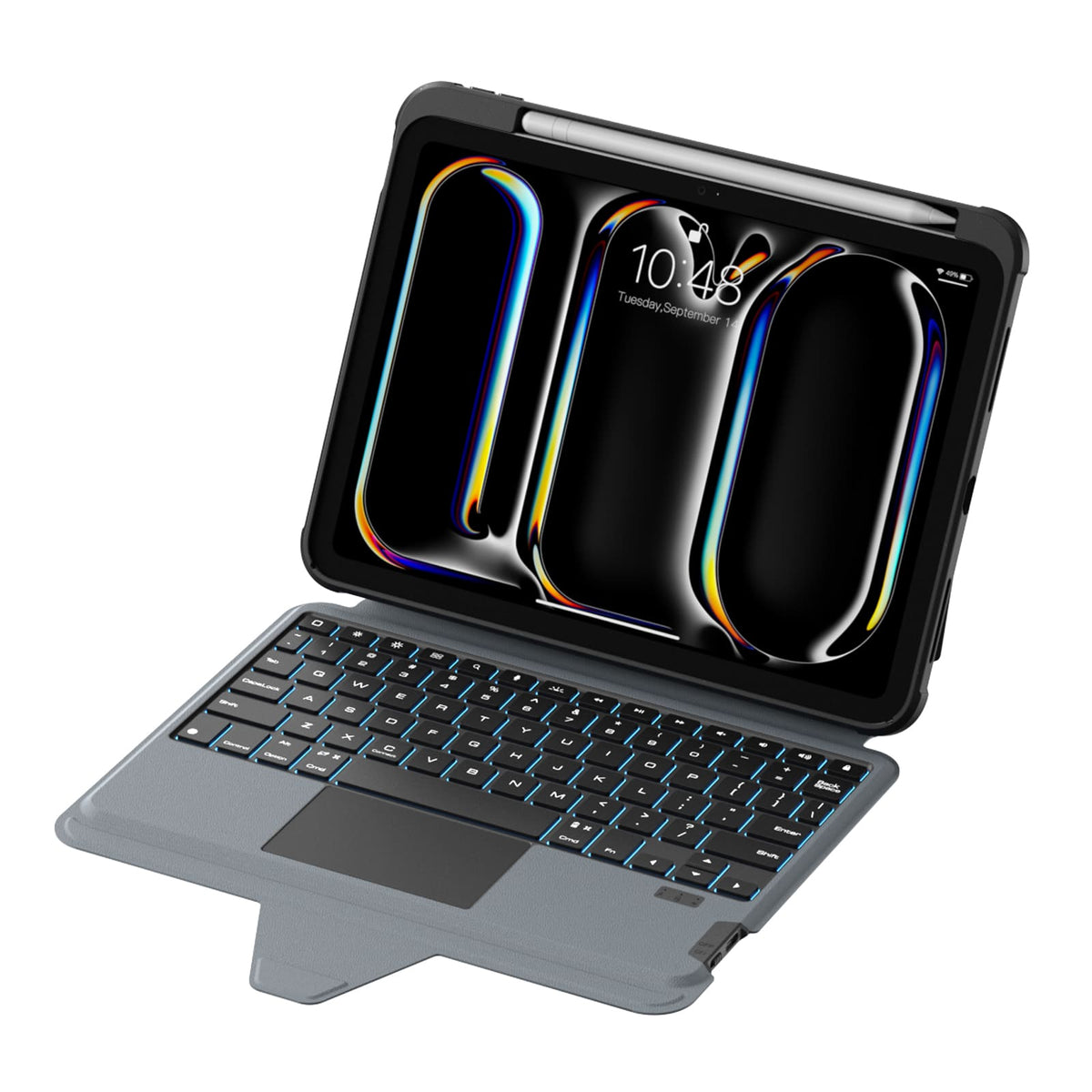
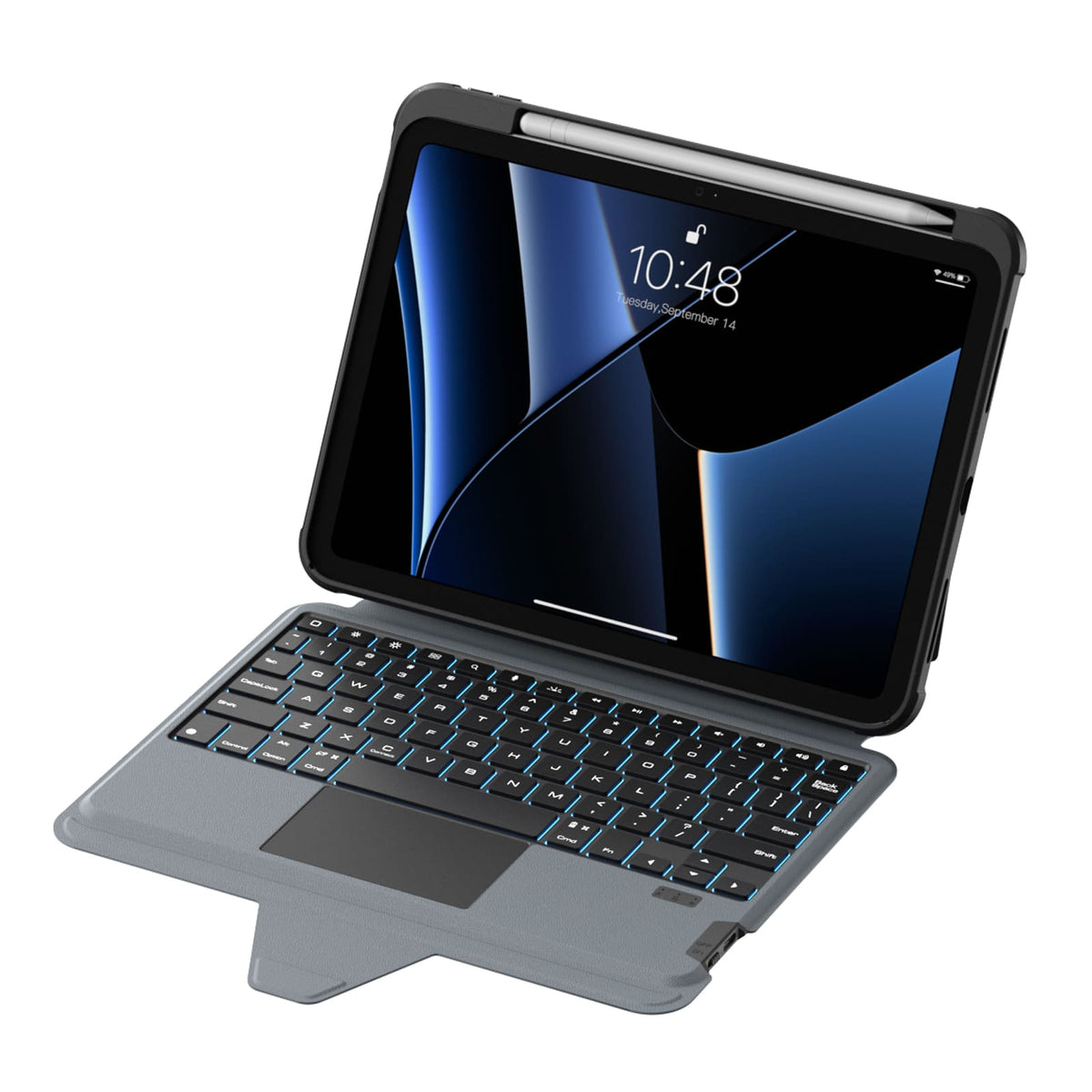
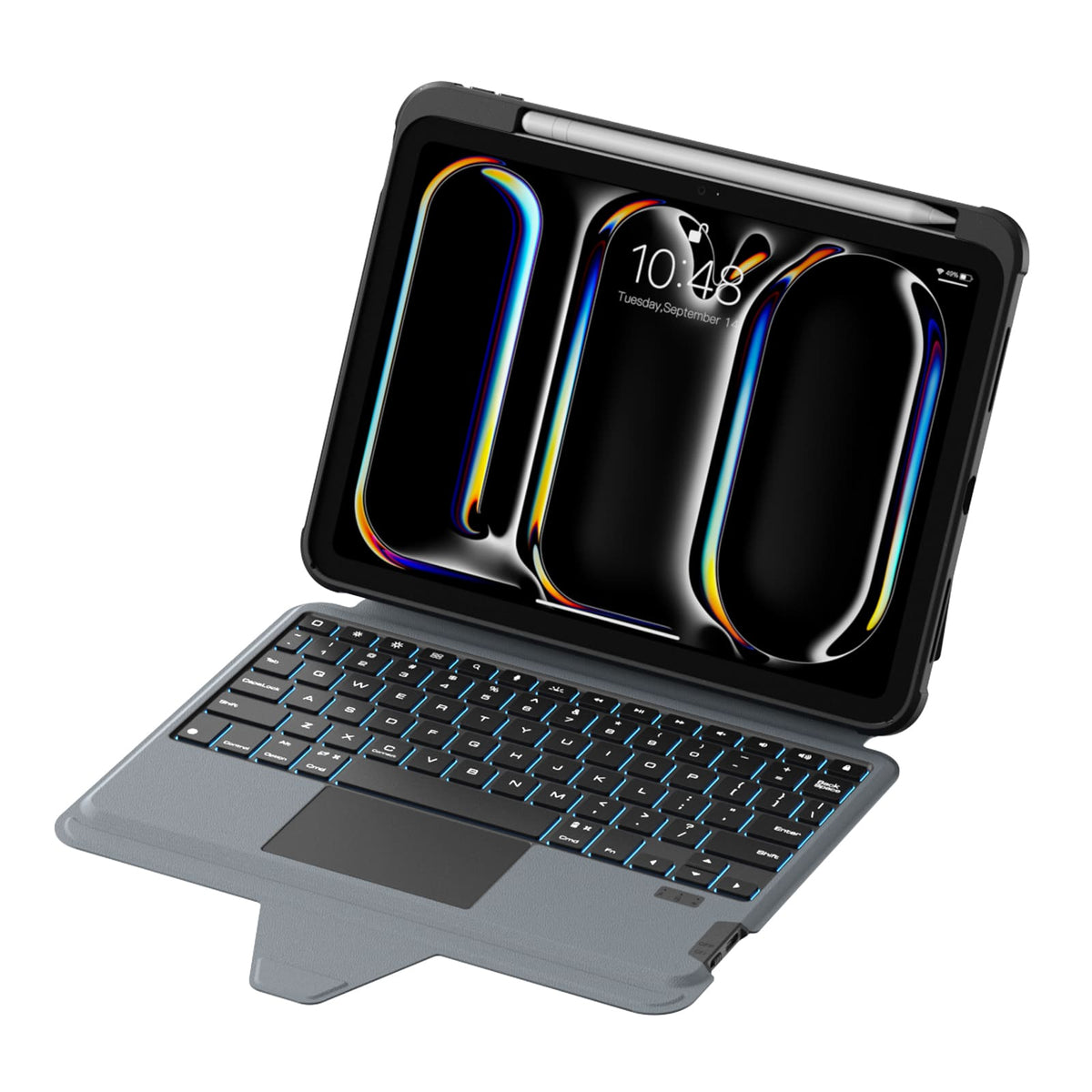
Quiet scissor-switch keys with 1.4mm key travel and a precision trackpad deliver responsive, comfortable control for everyday typing.
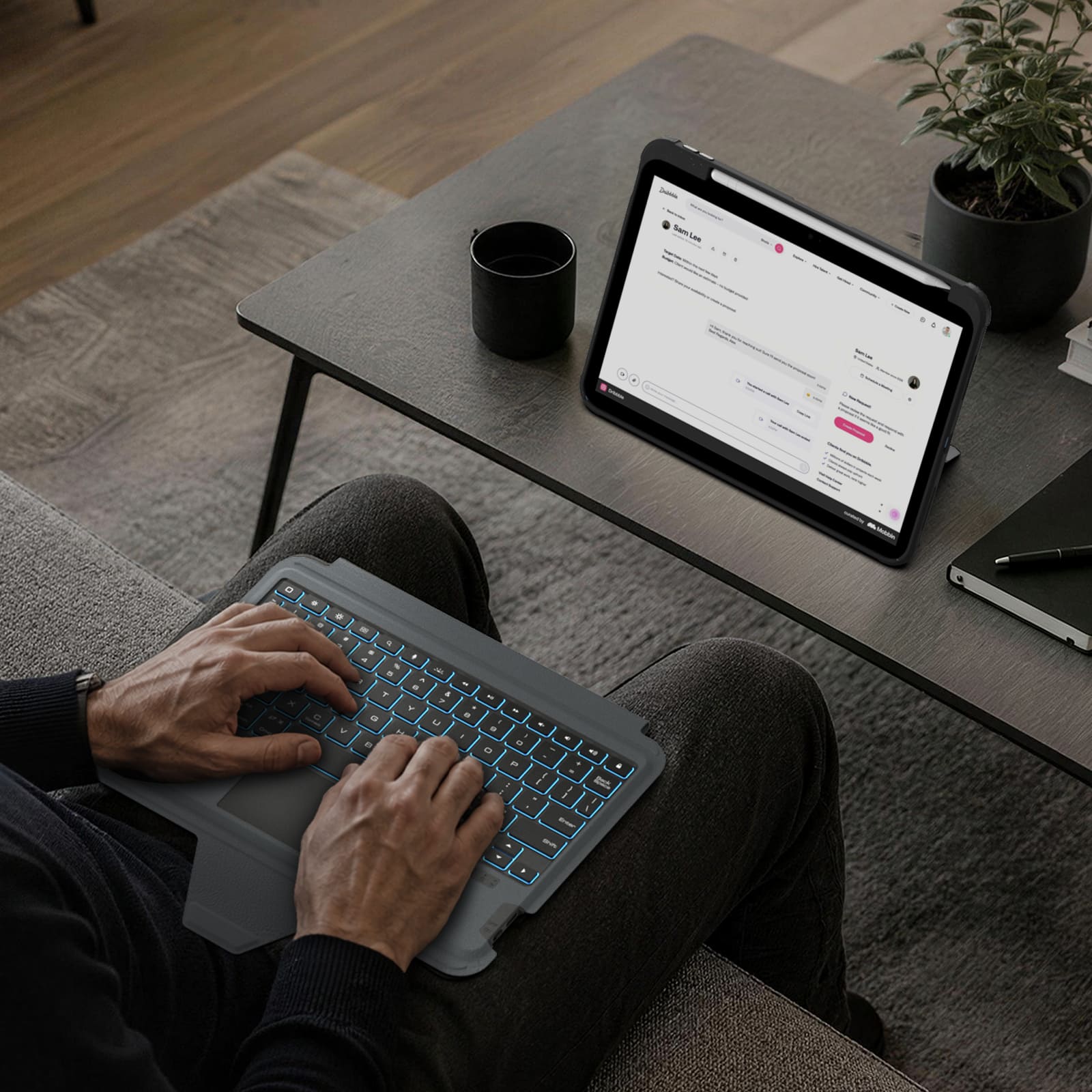
Seven backlight colors, three brightness levels, and anti-mistouch technology keep your workflow uninterrupted.
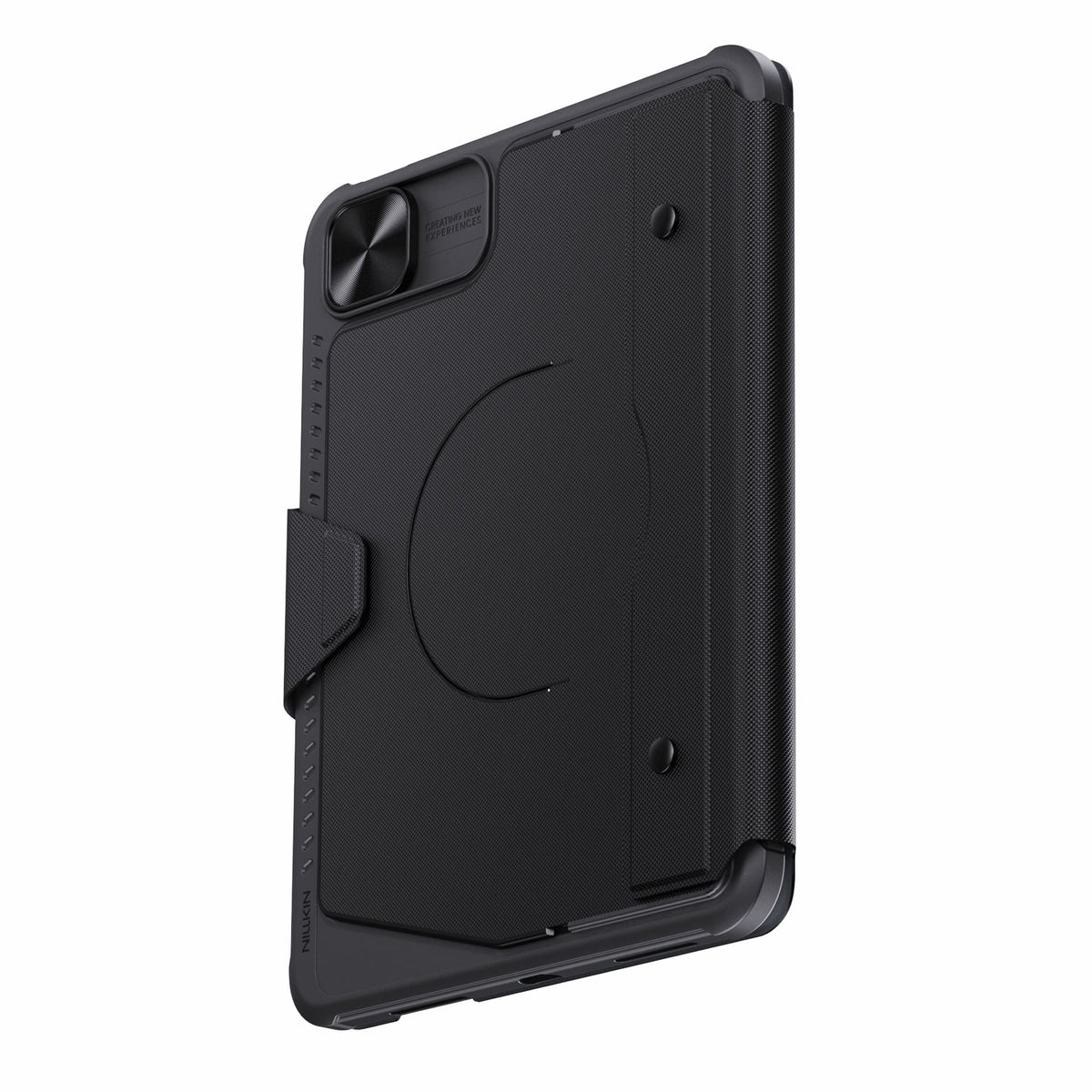
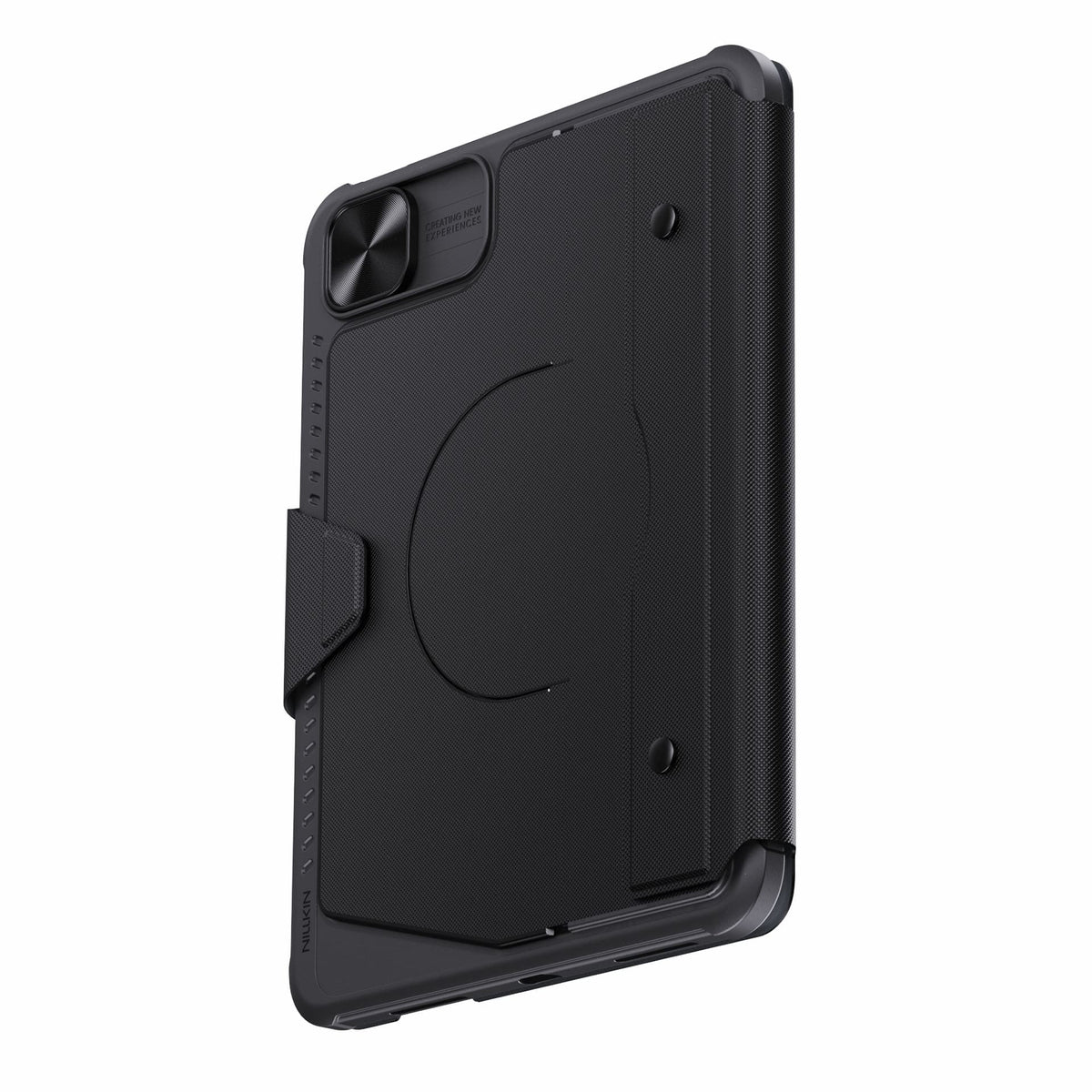
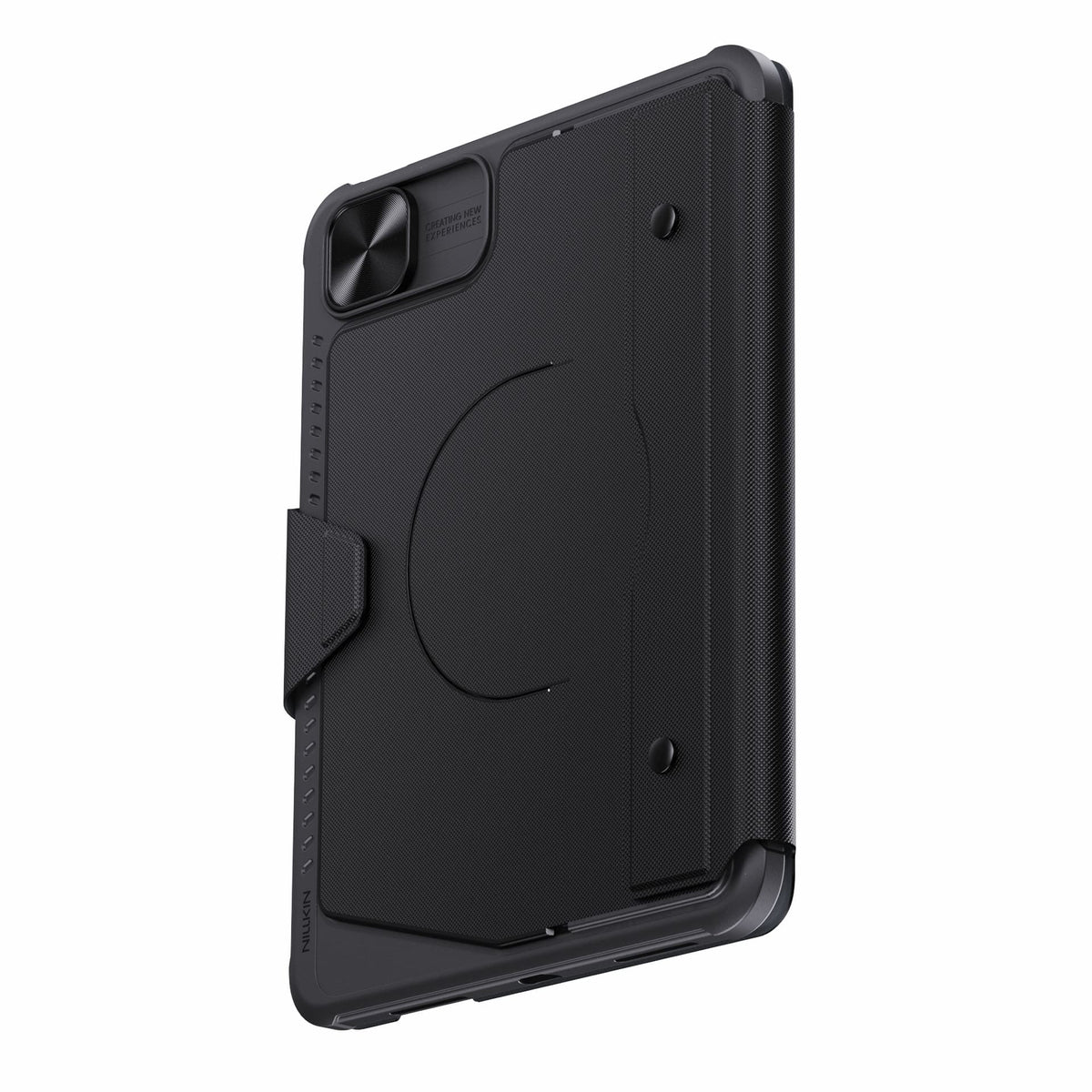
Detach the keyboard while keeping the protective case installed for everyday protection.
Bluetooth 5.0 keeps connections reliable, with up to 100 hours of battery life.
Connectivity Technology: Bluetooth 5.0
Keyboard Type: Detachable Wireless Keyboard
Operating System: iPadOS
Number of Keys: 78 Keys
Keyboard Backlighting: 7-Color Backlight with 3 Brightness Levels
Color Options: Black
Special Features: Detachable Keyboard, Built-in Trackpad, Magnetic Accessory Compatibility, Sliding Camera Cover, Backlit Keys, Hotkeys & Media Keys, OTA Firmware Updates
Recommended Uses: Work, Creative Tasks, Typing, Presentations, Entertainment, Everyday Use

2.5D Clear Glass Pro Screen Protector
for iPad Series

SnapBranch Pro Charging Stations
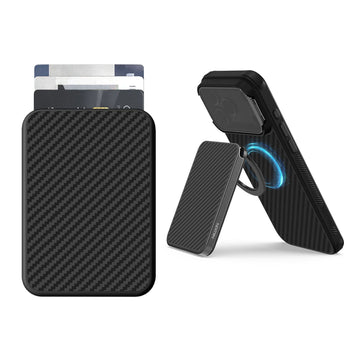
FiberMate Kevlar® Magnetic Phone Wallet Stand
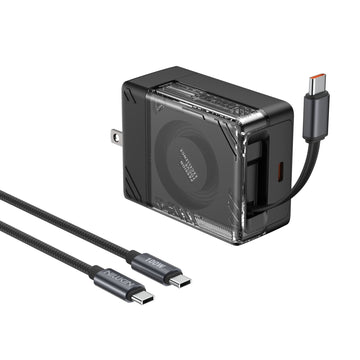
IceCore 65W GaN Retractable Charger (0.7m/2.4ft USB-C Cable) with 1.8m/6ft 100W C-to-C Cable
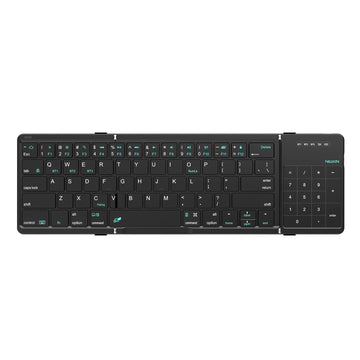
Cube Pocket Foldable Bluetooth Keyboard with Touchpad

Versatile Pro Laptop Sleeve with Stand & Mouse Pad
One Case. More Ways to Use Your iPad.
Type, sketch, view, present, or relax.Bumper Combo Pro adapts to every moment, giving your iPad the flexibility to do more.


Every improvement begins with real feedback.


Magnetic Ready
5 Flexible Use Modes
Bluetooth 5.0 Connection

Standard Keyboard Case
3 Everyday Use Modes
Bluetooth 3.0 Connection
Laptop Mode


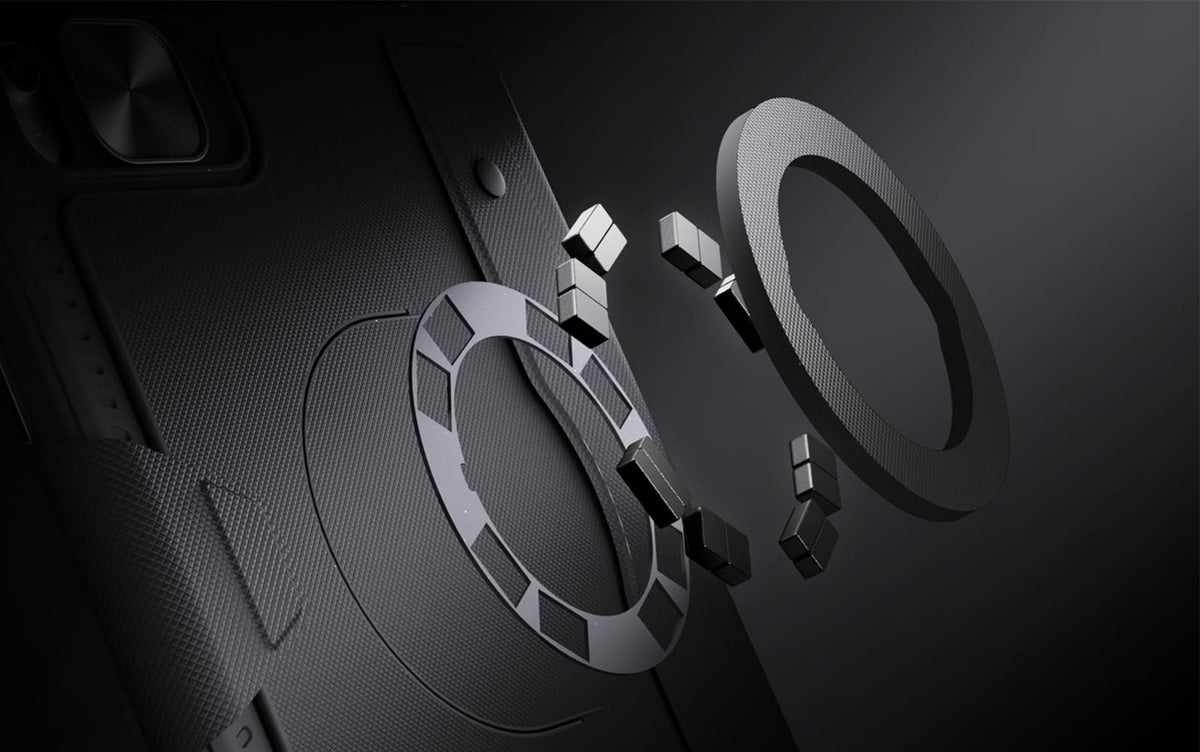
From the fridge to a metal shelf or gym rack, built-in magnets give your iPad more places to stay.

Raise your iPad for calls, notes, or editing, and leave the desk free for typing, sketching, or whatever comes next.
From the fridge to a metal shelf or gym rack, built-in magnets give your iPad more places to stay.
Raise your iPad for calls, notes, or editing, and leave the desk free for typing, sketching, or whatever comes next.


Magic Keyboard.

A full-size layout, responsive keys and a precision trackpad bring a more natural, effortless flow to everyday work.

Seven backlight colors with three brightness levels keep every key clear and easy to see, wherever you work.
Ready for Real Life.
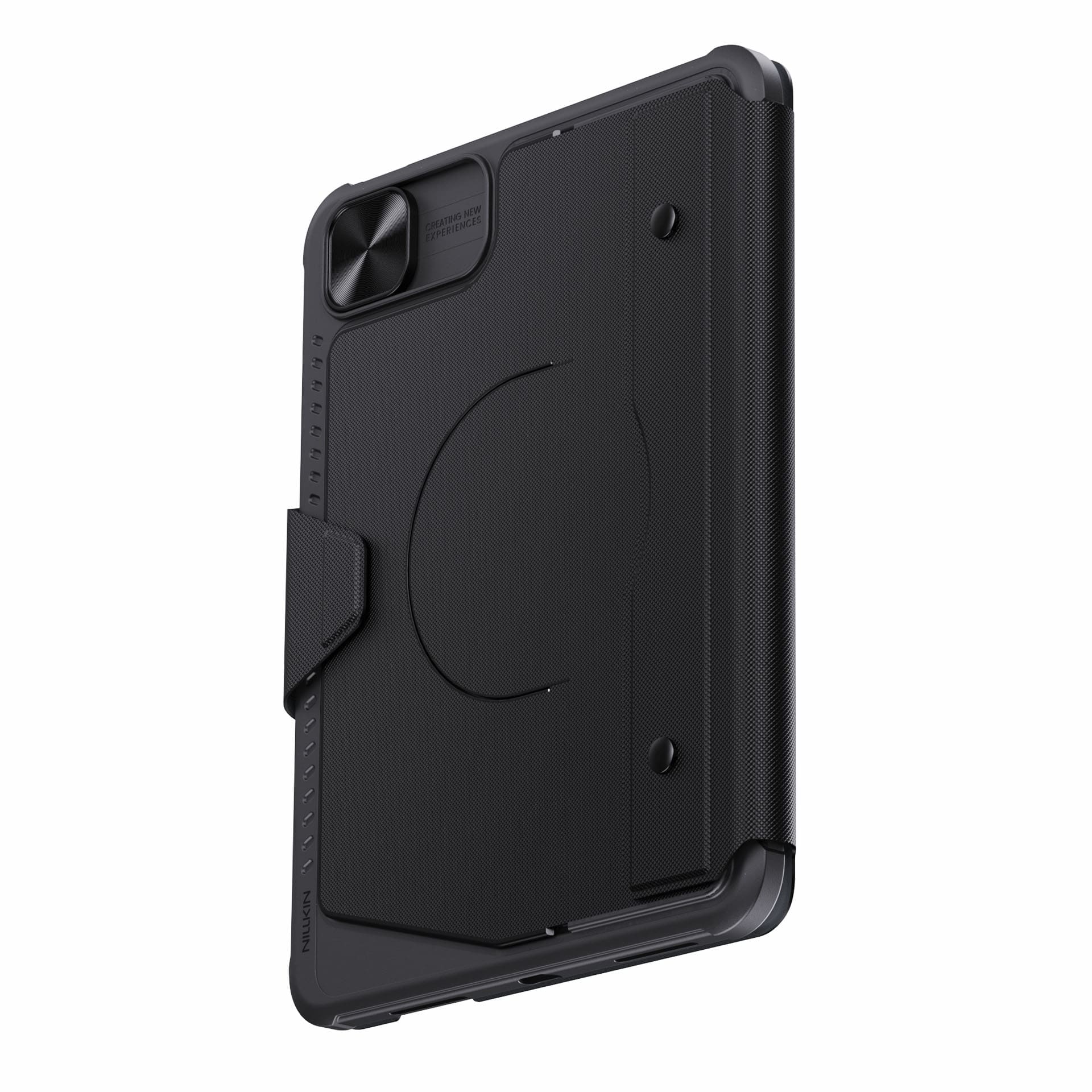
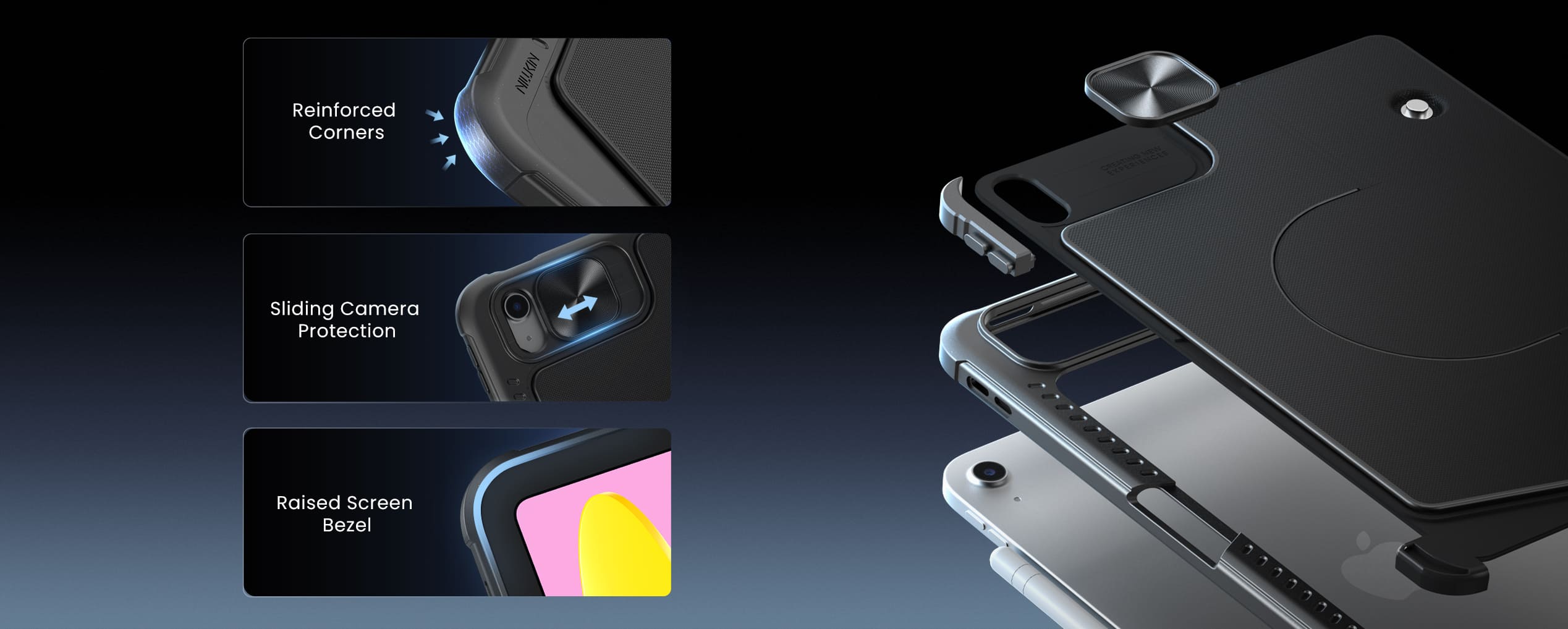
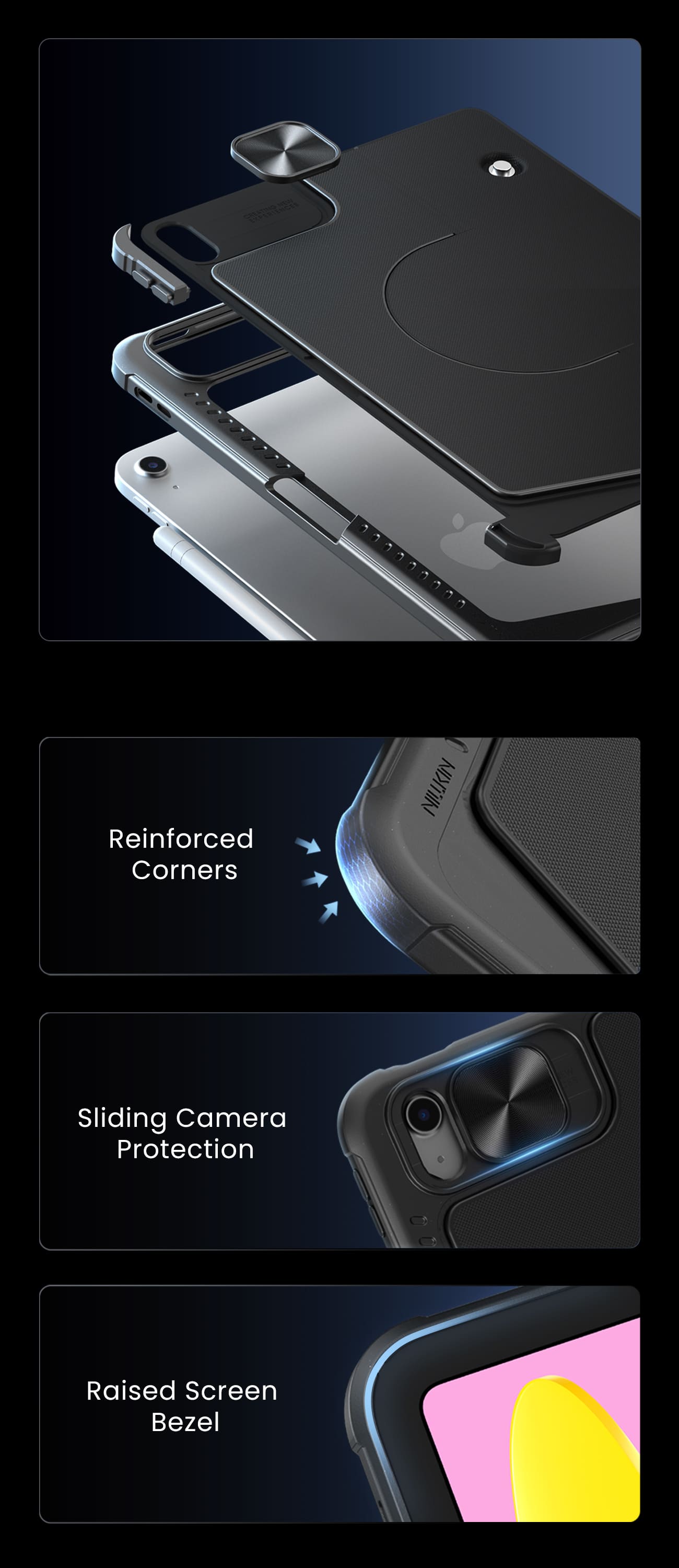
Protection that stays with you from desk to daily carry.
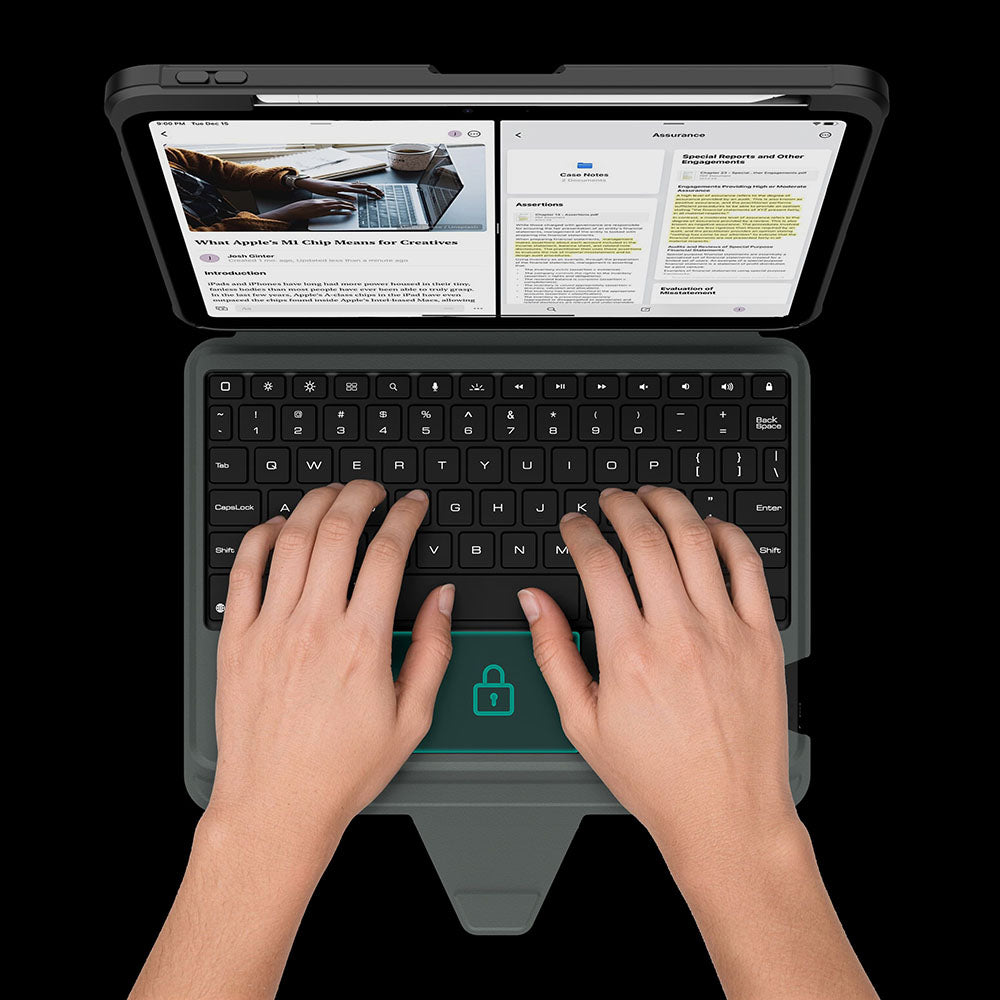
The touchpad automatically locks while you type, so every keystroke stays focused and interruption-free.
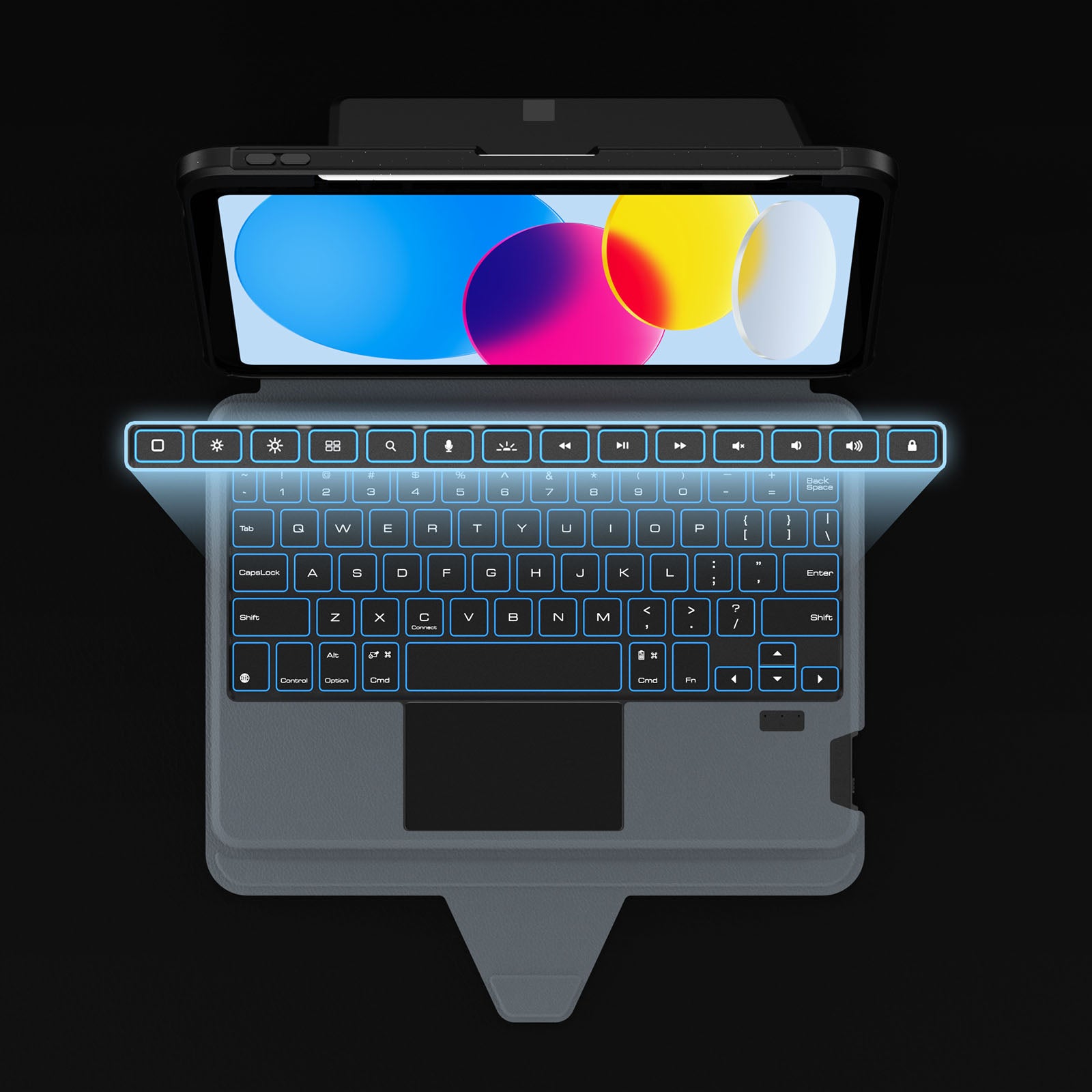
Dedicated shortcuts keep your most-used controls within easy reach, so every adjustment happens without breaking your flow.
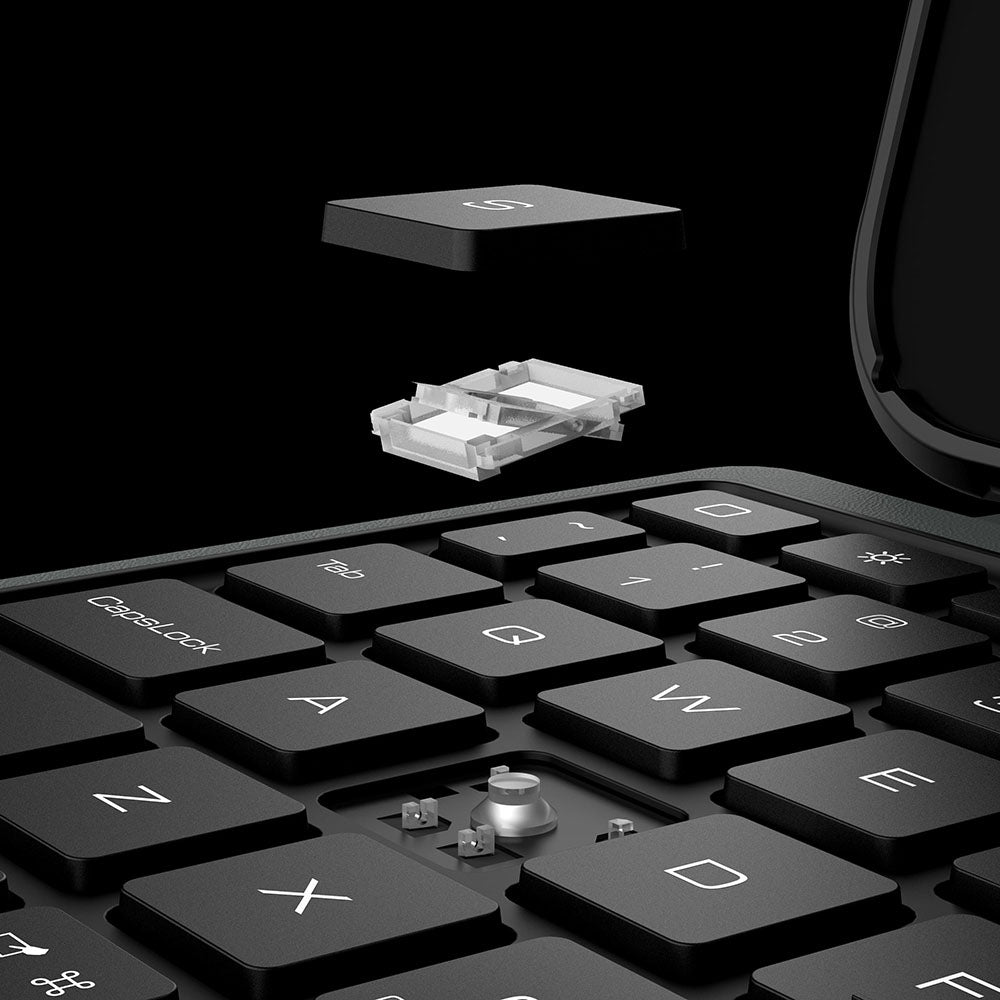
Responsive scissor-switch keys deliver quiet typing, crisp feedback, and lasting comfort through every keystroke.
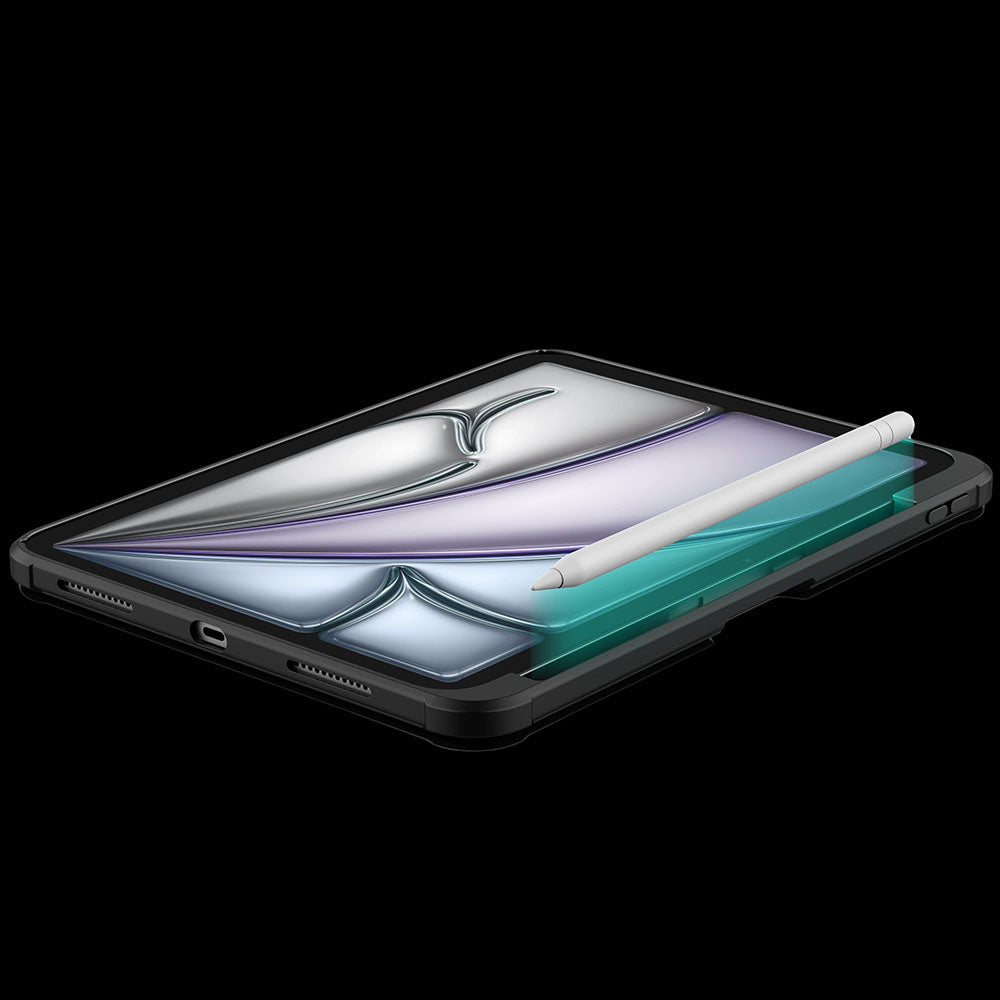
A dedicated holder keeps your Apple Pencil secure, protected, and always within easy reach.
The touchpad automatically locks while you type, so every keystroke stays focused and interruption-free.
Dedicated shortcuts keep your most-used controls within easy reach, so every adjustment happens without breaking your flow.
Responsive scissor-switch keys deliver quiet typing, crisp feedback, and lasting comfort through every keystroke.
A dedicated holder keeps your Apple Pencil secure, protected, and always within easy reach.


Turn the power switch to ON, then hold Fn + Connect until the blue indicator flashes. On your iPad, go to Settings > Bluetooth and select “BumperComboProKeyboard.”
The trackpad supports full iPadOS multi-touch gestures, including tapping, swiping, scrolling, zooming, dragging, and app switching. It also disables while typing to help prevent accidental touches.
Yes. It offers 7 backlight colors and 3 brightness levels. Use the brightness key to adjust brightness, and press Fn + Color to switch between colors.
The 500mAh battery provides up to around 100 hours of use with the backlight off and up to 180 days of standby time.
The kickstand supports stepless adjustment from 0° to 110° and can be used in both landscape and portrait orientations.
Yes, for Apple Pencil models that support magnetic attachment and wireless charging. You can keep the case on while charging.
Press Fn + Battery. The indicator will flash 1–4 times to show the approximate battery level. You can also check the battery level in your iPad’s Bluetooth settings.
The keyboard enters sleep mode after 10 minutes of inactivity. Press any key to wake it and reconnect automatically. If it still does not respond, check that the power is on and the battery has enough charge.
This product is rated 4.7 of 5.0 stars.
It has received 1135 reviews.


Make your life and work easier by providing unique and quality products. We believe that high quality accessories enhance the user experience and our team constantly strives to develop and improve our products to meet the ever-changing market needs.
As the pace of life accelerates and productivity devices continue to innovate, multi-screen collaboration allows content to be transmitted across devices without hindrance, enabling various functional operations and people to work more efficiently.

Retractable vs. Regular USB-C Cables: Which Is Better for You?
Retractable and regular USB-C cables each excel in different scenarios. This practical buying guide compares portability, durability, and charging performance to help you pick the right cable for t...

How to Build a Minimalist Workspace That Works for You
A practical guide to building a clean, productive home office with fewer, better-chosen accessories. Four distinct desk setups organized by real remote work workflows, backed by neuroscience resear...

iPhone 18 Pro & iPhone 18 Pro Max: Essential Accessories to Buy First
A practical priority guide to the first iPhone 18 Pro accessories worth buying, from protective cases and GaN chargers to MagSafe ecosystem starters and productivity tools, with honest advice on wh...